Hi there, today Xhorsevvdi is going to show you a simple way to read Benz EIS data. We’ll use Xhorse VVDI Prog and EZS adapter to read Benz W211 EIS. Of course, VVDI Prog is not the only choice, EZS adapter can also work with the VVDI Key tool plus (Xhorse multi-function XDKP30 adapter is needed) or MINI Prog (DB9 cable is needed).
Procedure:
Step 1
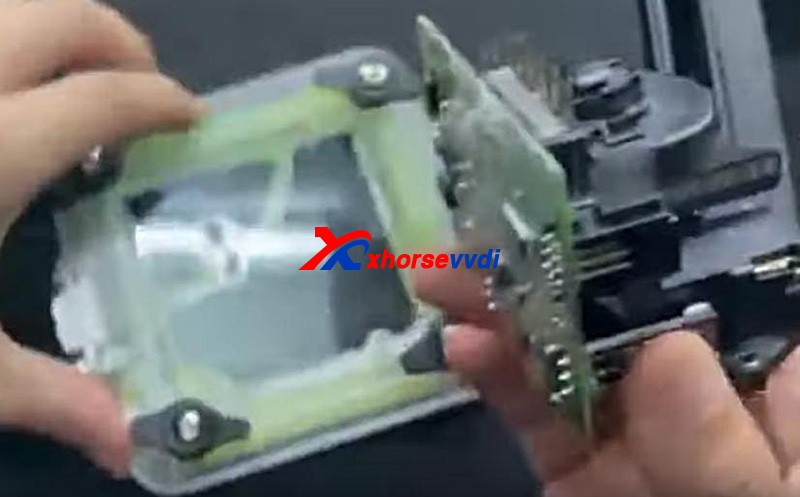
First we remove EIS cover.
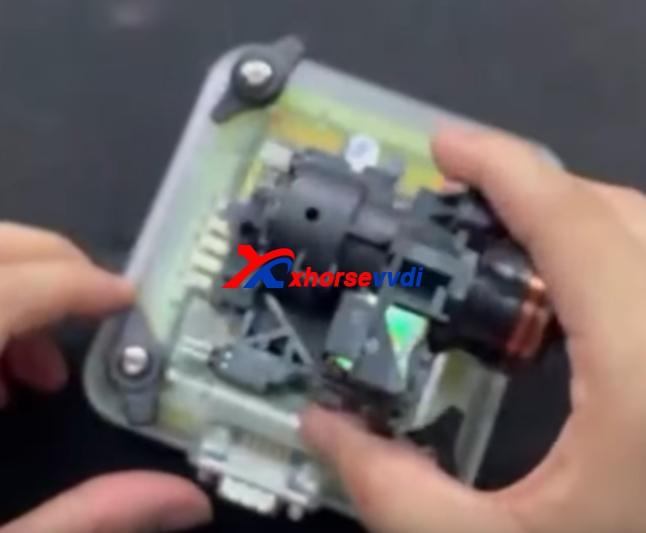
Then put it in W209/211(HC12) EZS adapter and fasten it.
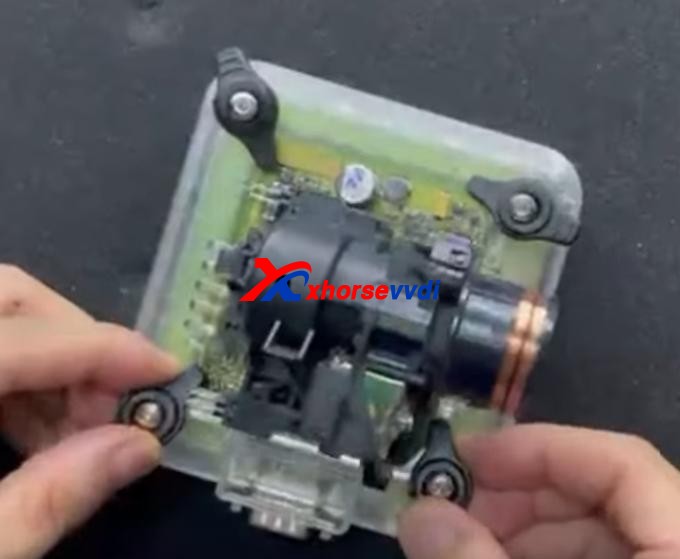
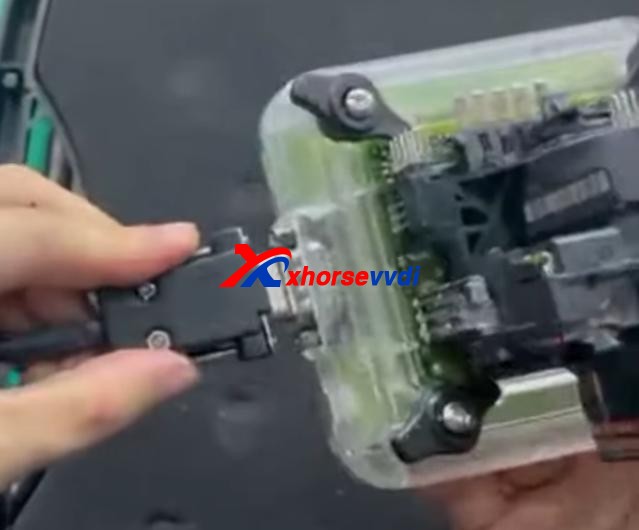
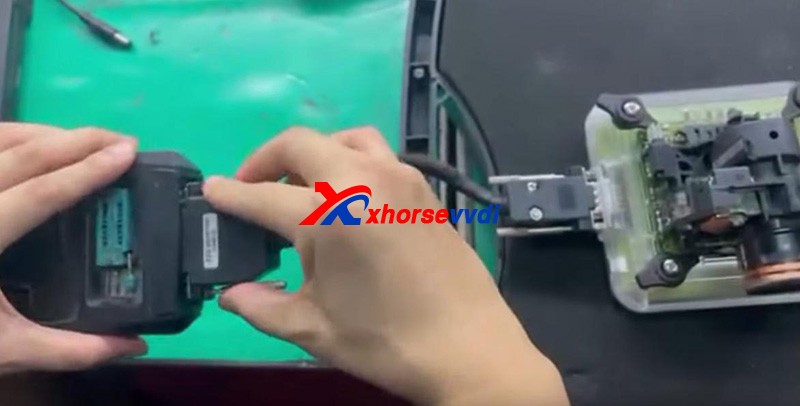
Connect the set to VVDI Prog by the cable supplied.
Supply power to VVDI Prog and connect it to PC.
Step 2
Open up VVDI Prog software.
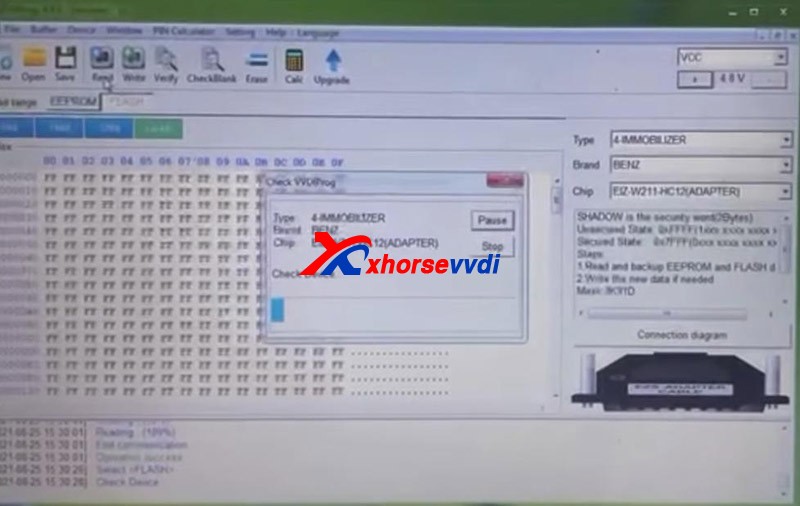
Select
Type>>“4-IMMOBILLIZER”
Brand>>“BENZ”
Chip>>“EIZ-W211-HC12(ADAPTER)”.
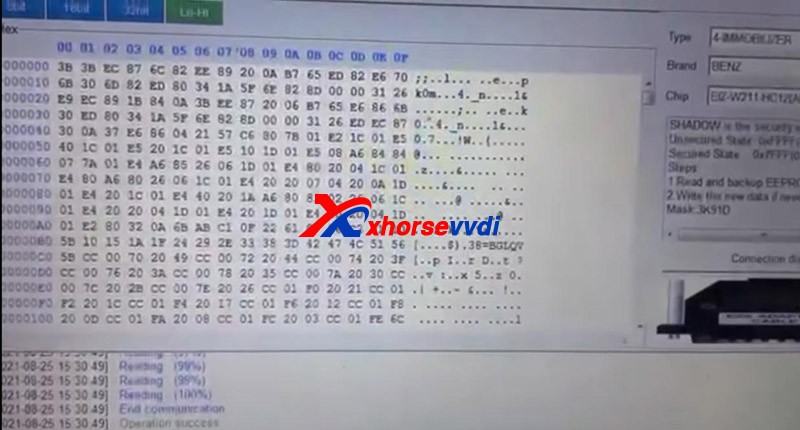
Select “EEPROM” and press “Read” to get EEPROM data.
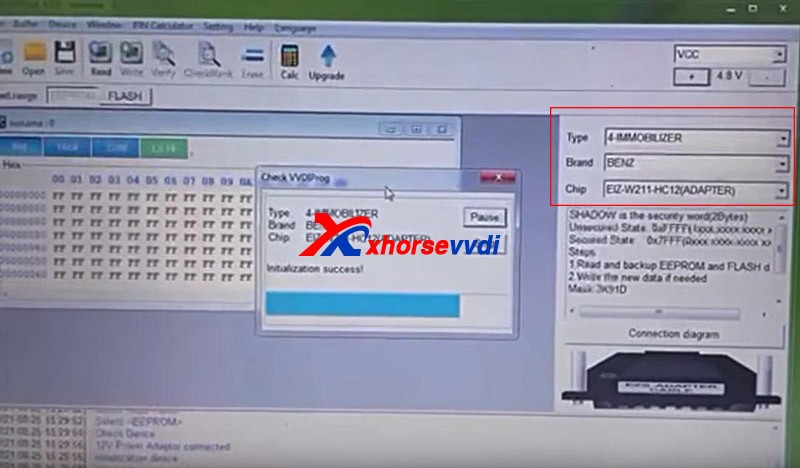
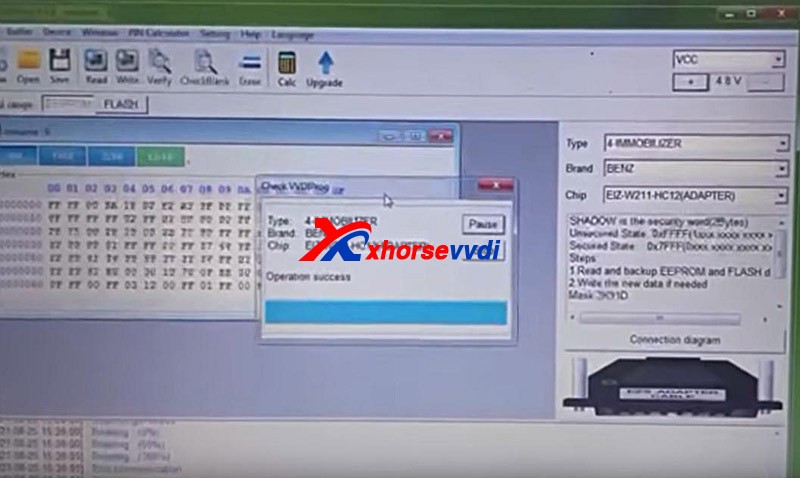
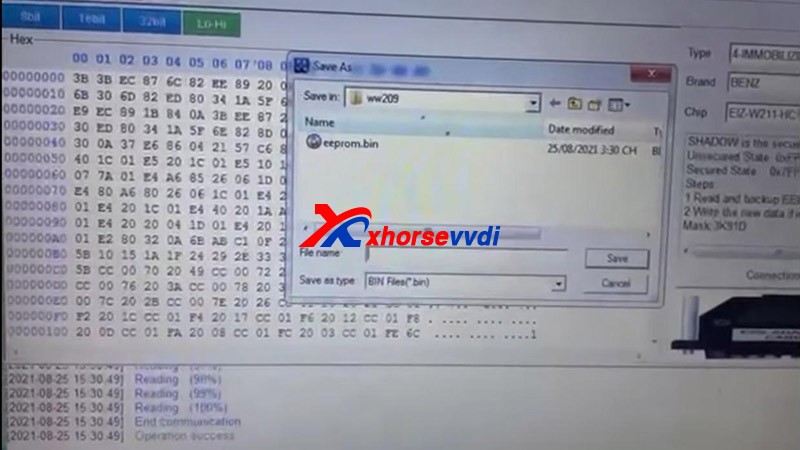
Click on “Save” to save EEPROM data.
Select “FLASH” and press “Read” to get FLASH data.
Also click on “Save” to save FLASH data.
Done!
It’s really easy for VVDI PROG to read Benz EIS data with EZS adapters.
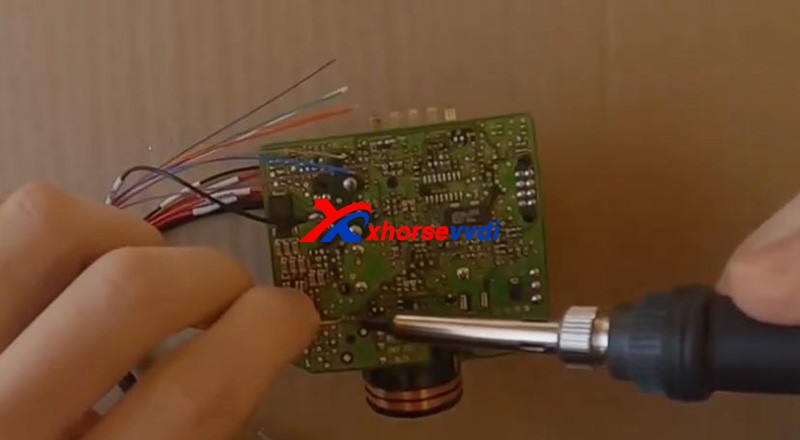
Without the adapter, you have to solder cables to EIS circuit board. That would be a tough job.
More things to simplify your job, please check
 xhorse vvdi key tool max