This is a quick demo to generate remote for Toyota Camry 2015
Tool option:Xhorse VVDI Key Tool Plus
Blank key Chip: XM-TOY00GL
The procedure:
Next is to check original Toyota Remote.
PS: we have the working key.
Path: transponder clone -> read transponder.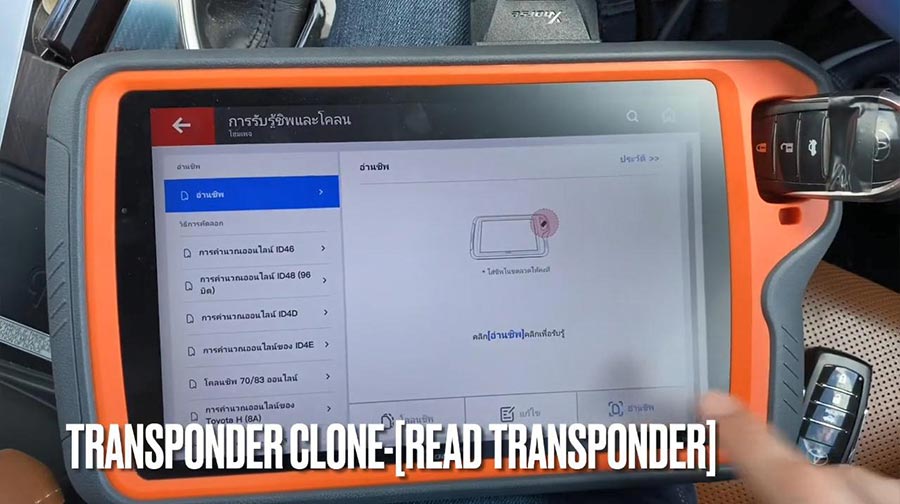
It is 8A Toyota Keyless Go learned.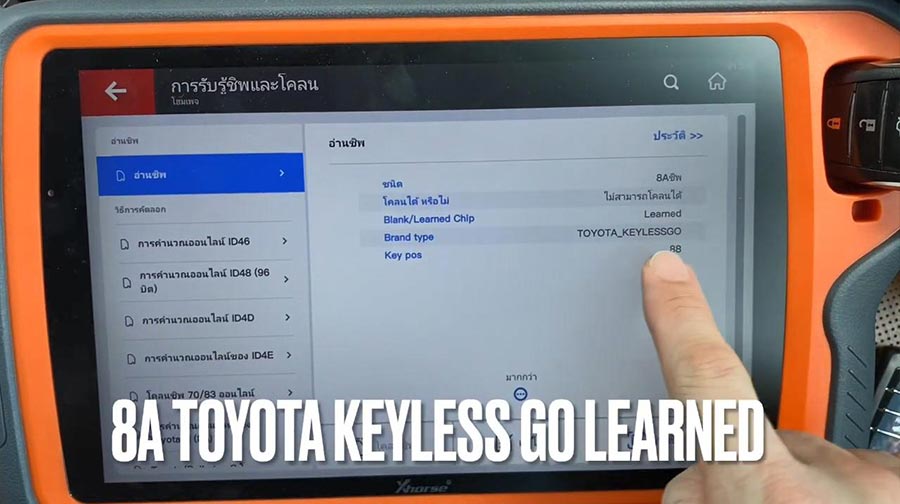
Check frequency.
It is FSK312.1MHZ/314.35 MHZ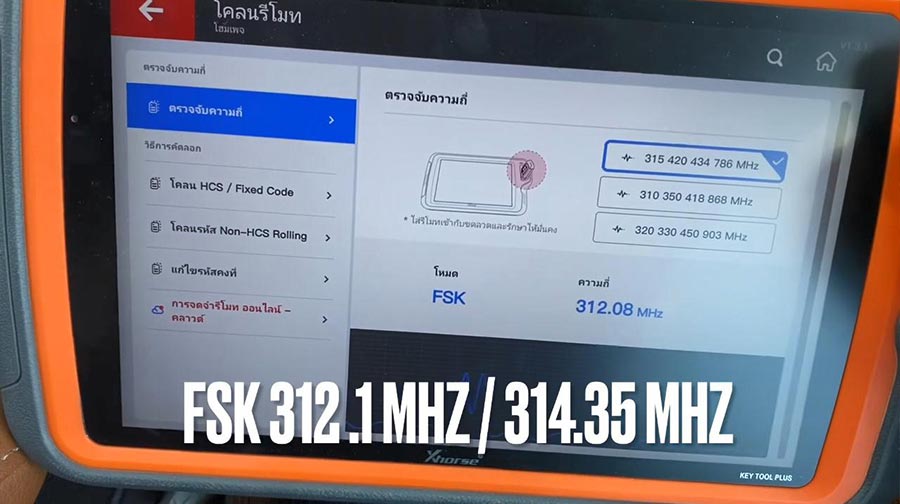
Next is remote program – Toyota -All remote – 0020 312.1MHZ/314.35 FSK.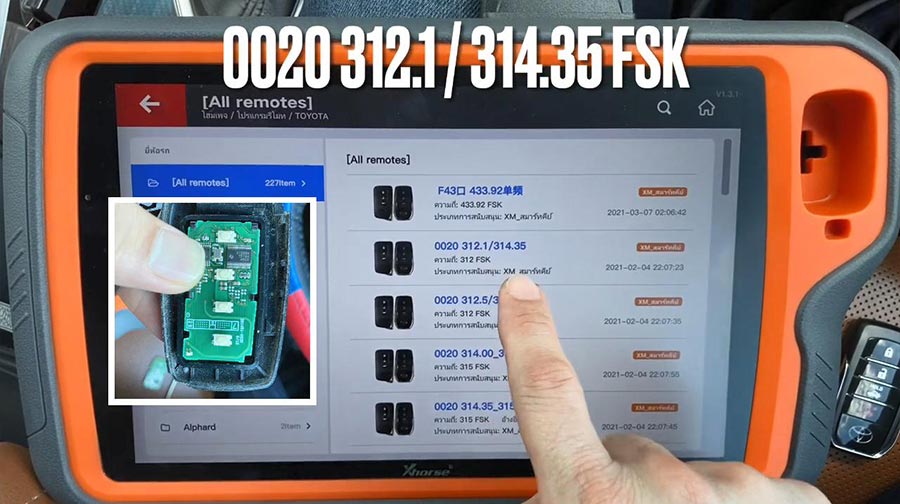
Put XM-Toy00GL PCB into coil antenna hole.
Remote information: PCB number 0020.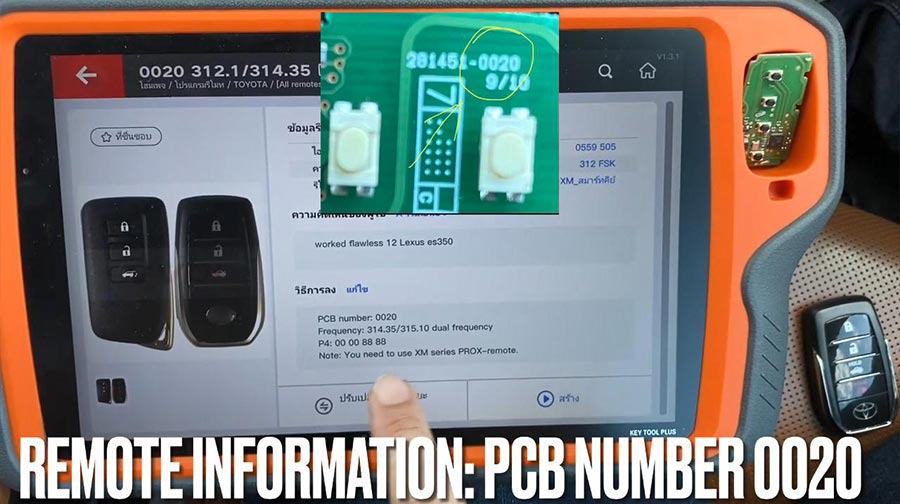
Press [Generate], meanwhile LED on XM PCB flashing.
Calculating required 5 seconds , query after 10 seconds.
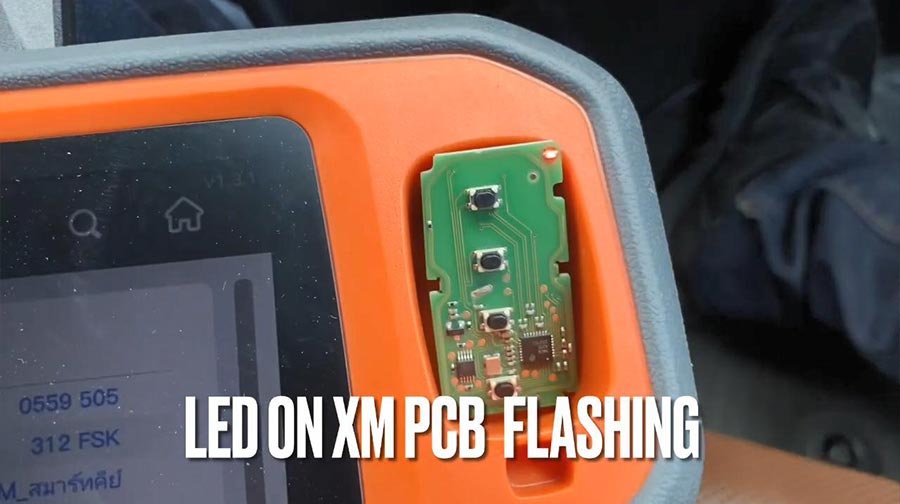
Writing data, please wait…
Process time around 1-2 minutes.
Burn success.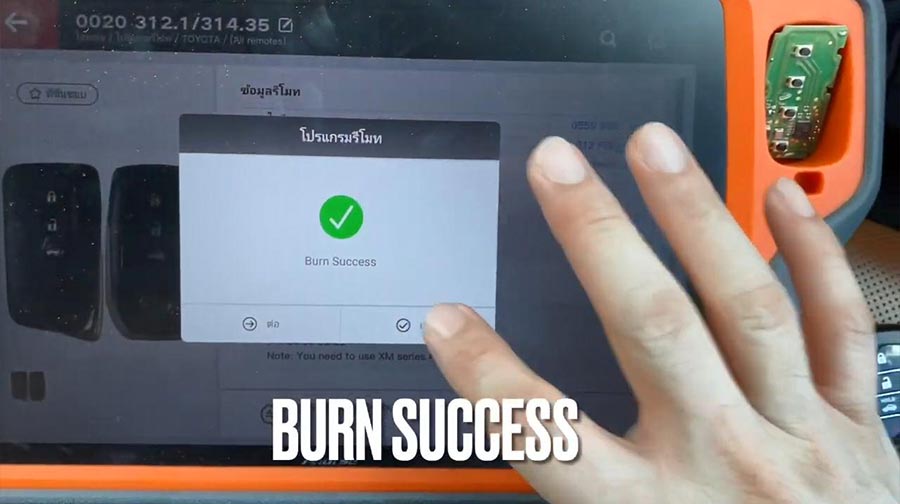
Put XM-TOY001 into Toyota smart shell.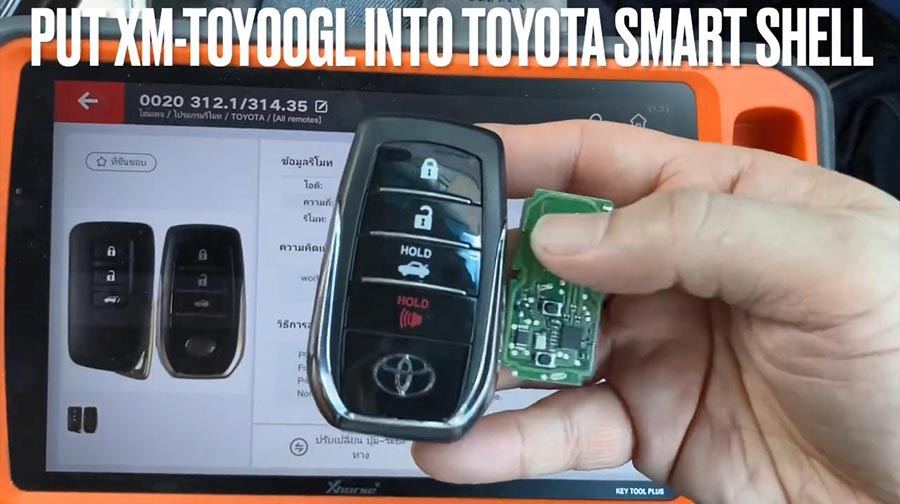
Go to program new smart remote.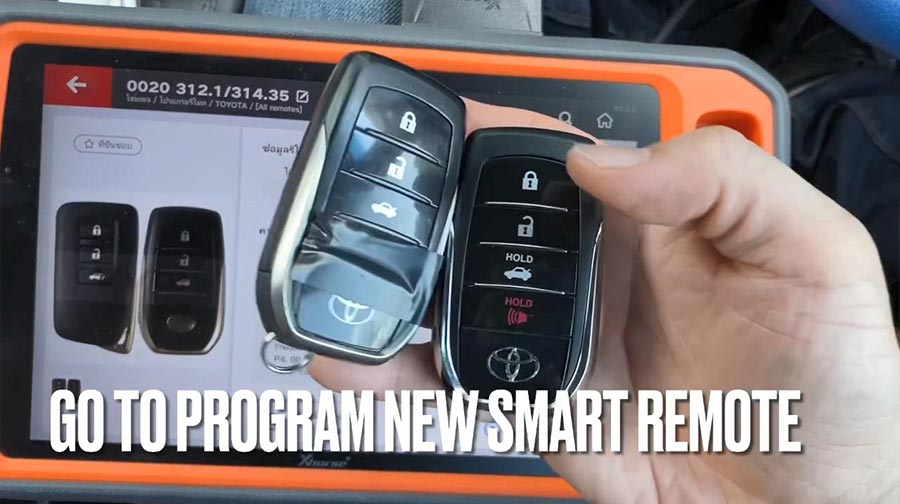
Firstly, test original remote and new remote.
Then go to: IMMO program -Toyota -select by model.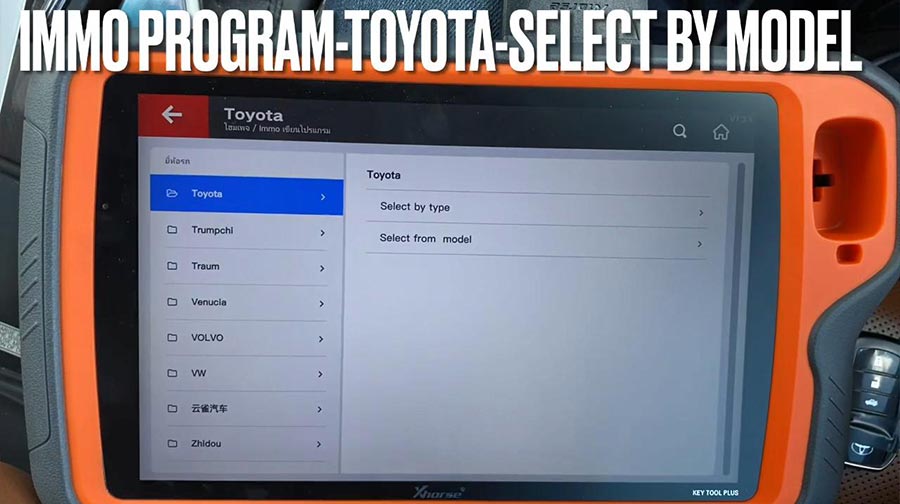
Camry – 2010 -Smart key system 8A /4D CAN.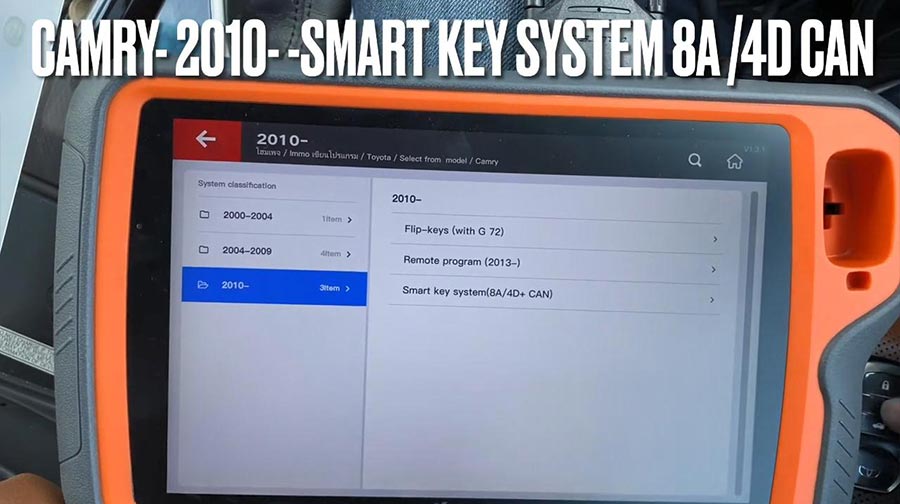
Press “Start program“.
Select “Read the number of keys“.
Please switch ignition on.
The number of registered key:1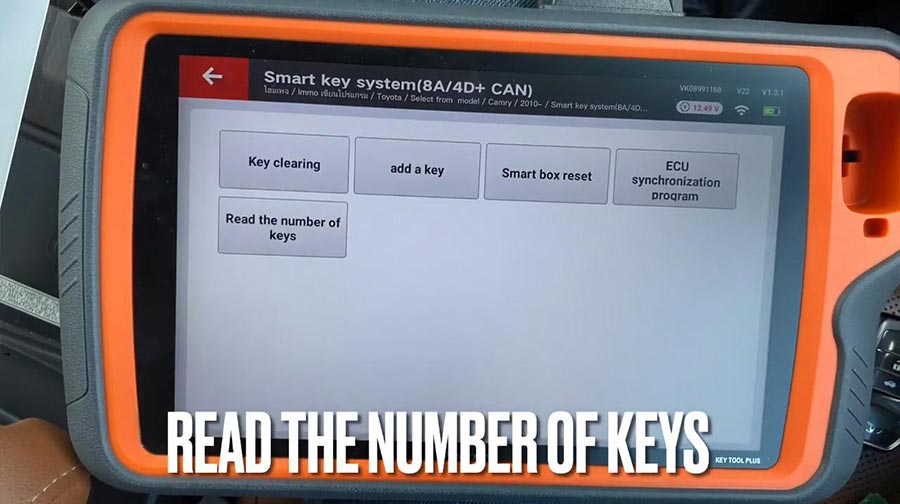
Add key.
Please switch ignition on.
The number of registered key:1 , the number of keys that can also registered: 6 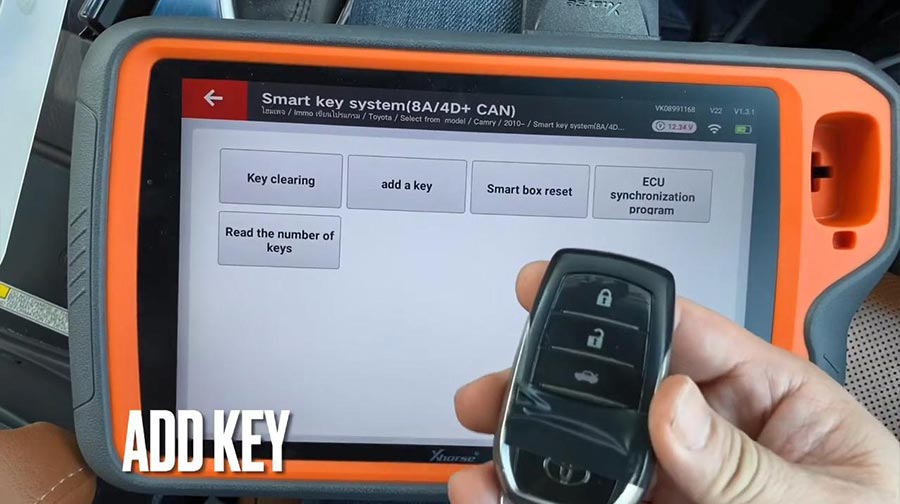
Keep touching the ignition switch with sign surface of a registered key, complete the operations within 30 seconds after clicking [OK].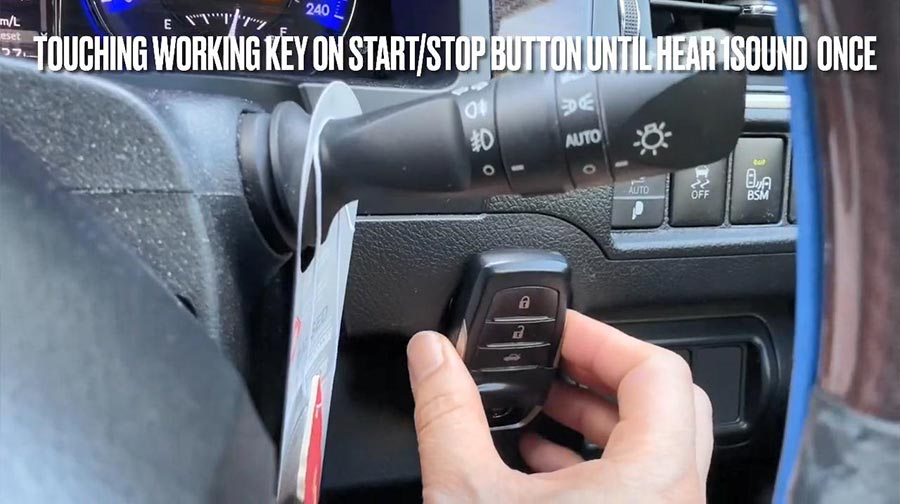
Click [OK] and keep touching the ignition switch with sign surface of a registered key within 30 seconds.
Note: if key sound once, take the key farther away. If key sound twice, it is programmed successfully.
Key registration succeeded!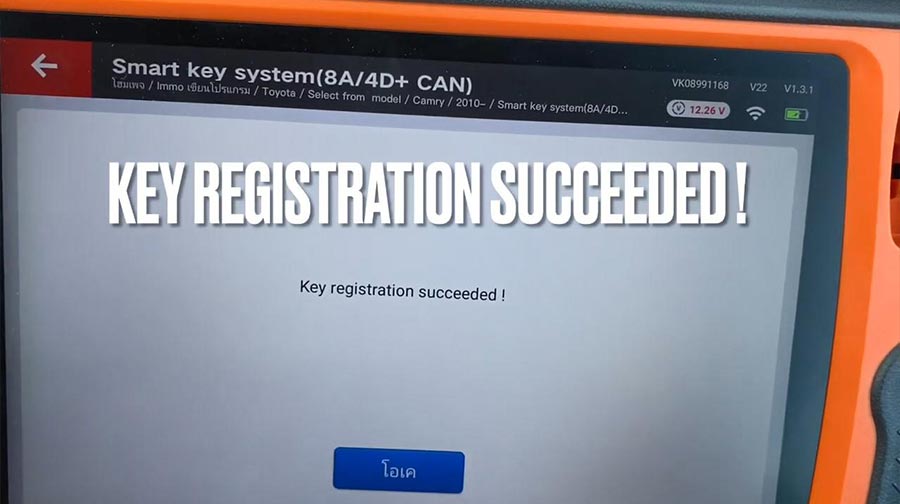
The number of registered key:2 , the number of keys that can also registered: 5.
Please check if function of remote normal.
Remote function is ok and can start.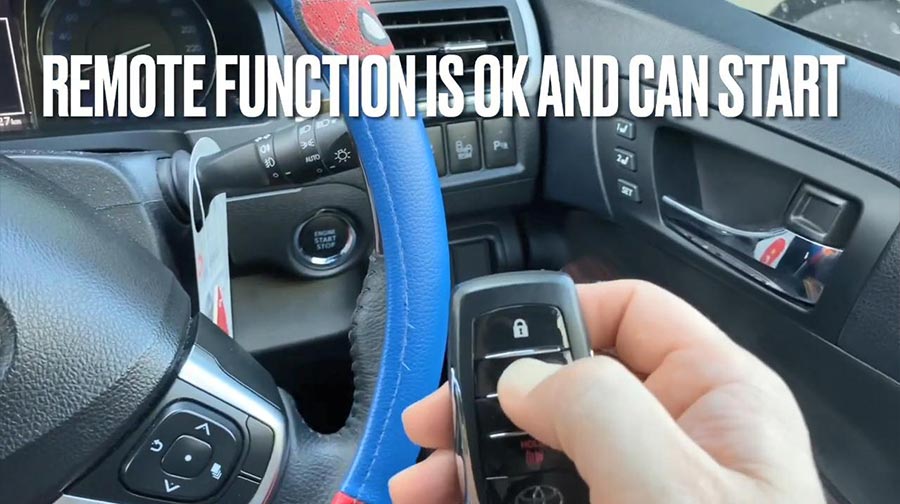
Job is done.
Category: Key Tool Plus
Range Rover sports 2016/2017 add key by Xhorse VVDI Key Tool Plus
Used Xhorse VVDI Key Tool Plus for Range Rover sports 2016/2017 add key successfully by OBD using together with Xhorse Smart Remote.
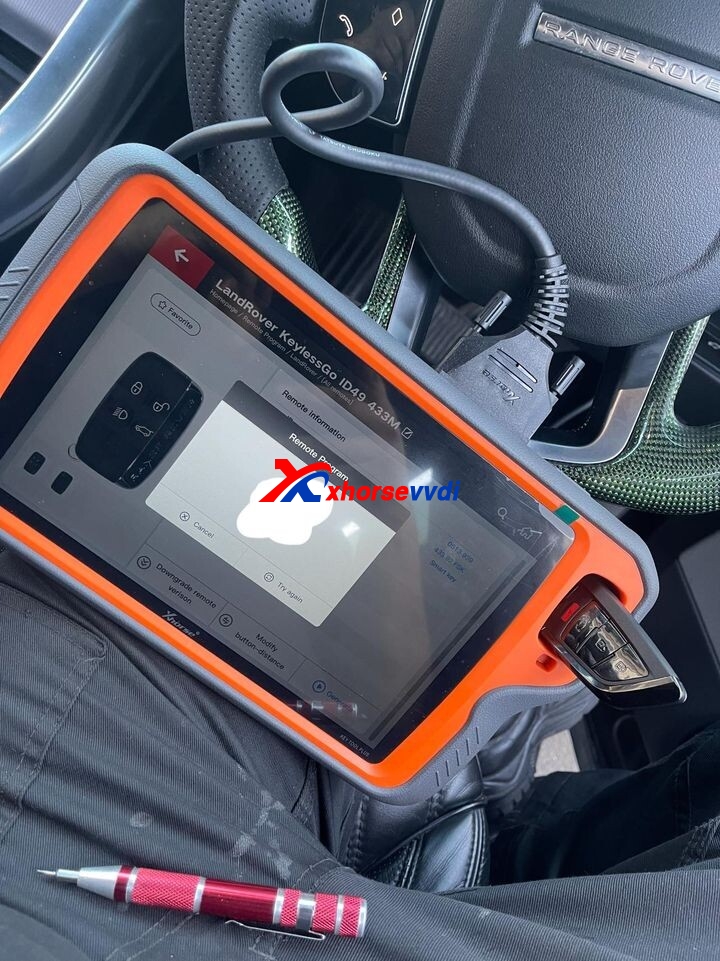
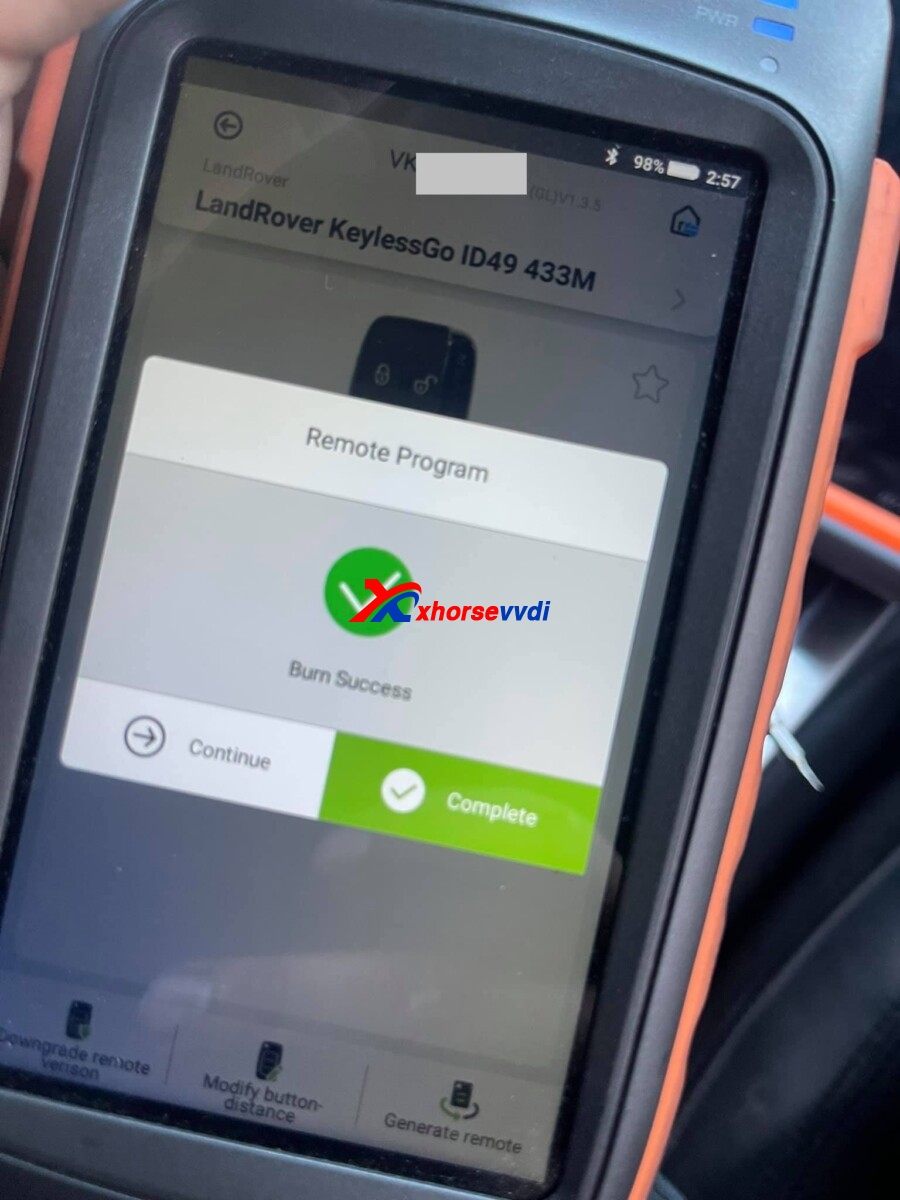
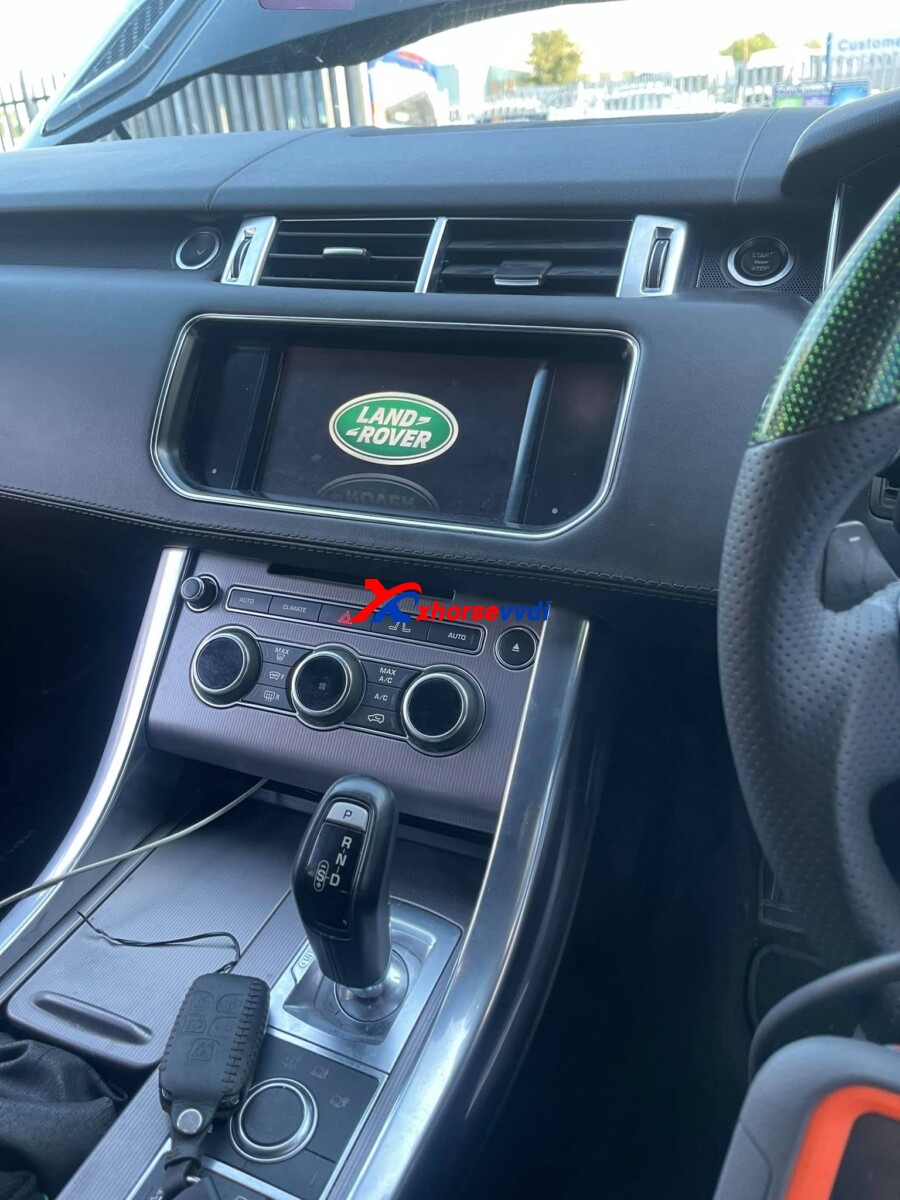
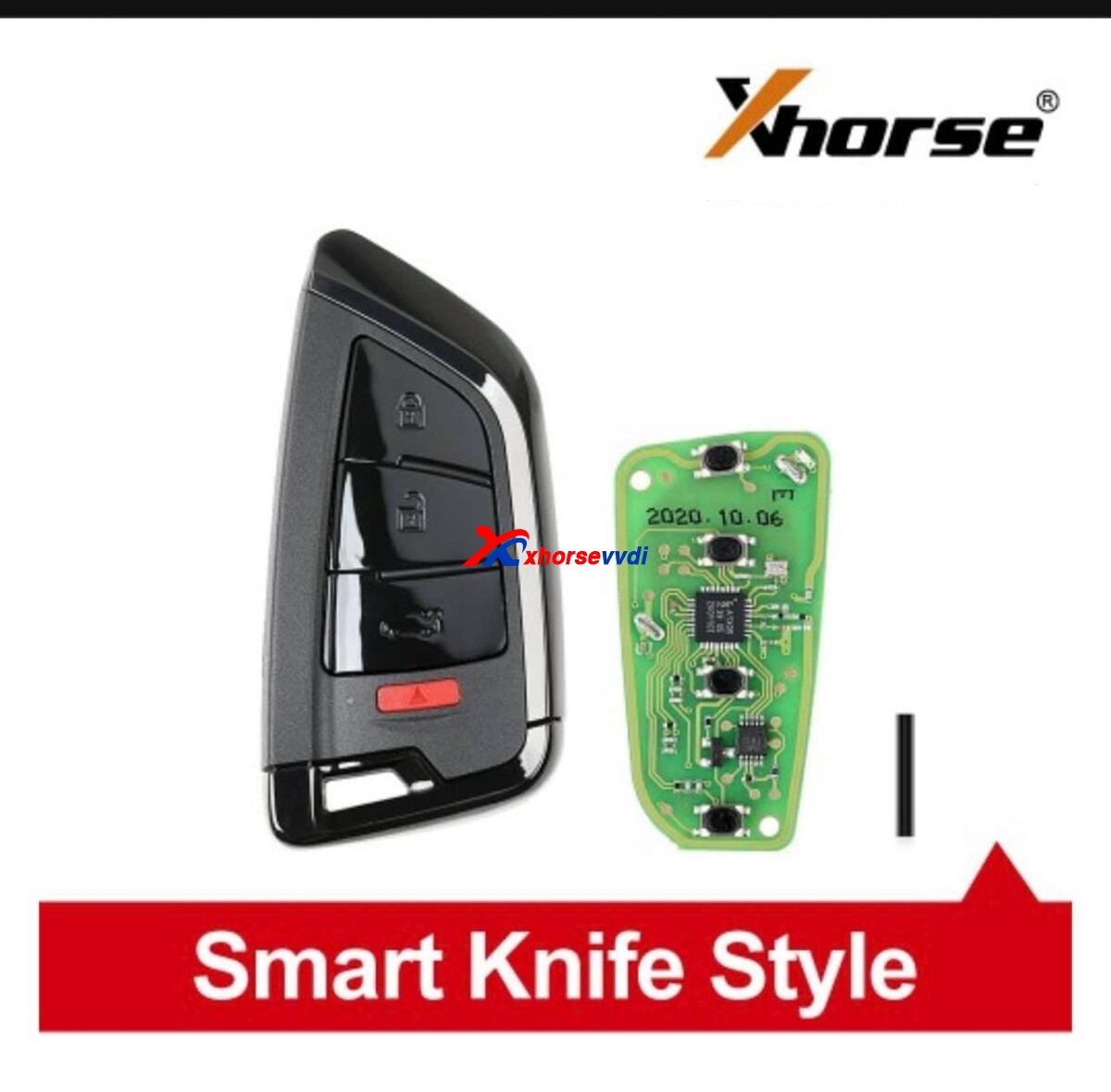
For Xhorse VVDI Key Tool Plus, Key Tool Max, Xhorse smart remote,
contact at Skype: xhorsevvdi.com
Whatsapp: +86-13983756354
http://blog.xhorsevvdi.com/vvdi-key-tool-plus-range-rover-sports-2016-2017-add-key/
Program 2011 Porsche Cayenne All Lost Key by VVDI Key Tool Plus
Used Xhorse VVDI Key Tool Plus to program 2011 Porsche Cayenne All Lost Key, take about 25 mins in total!
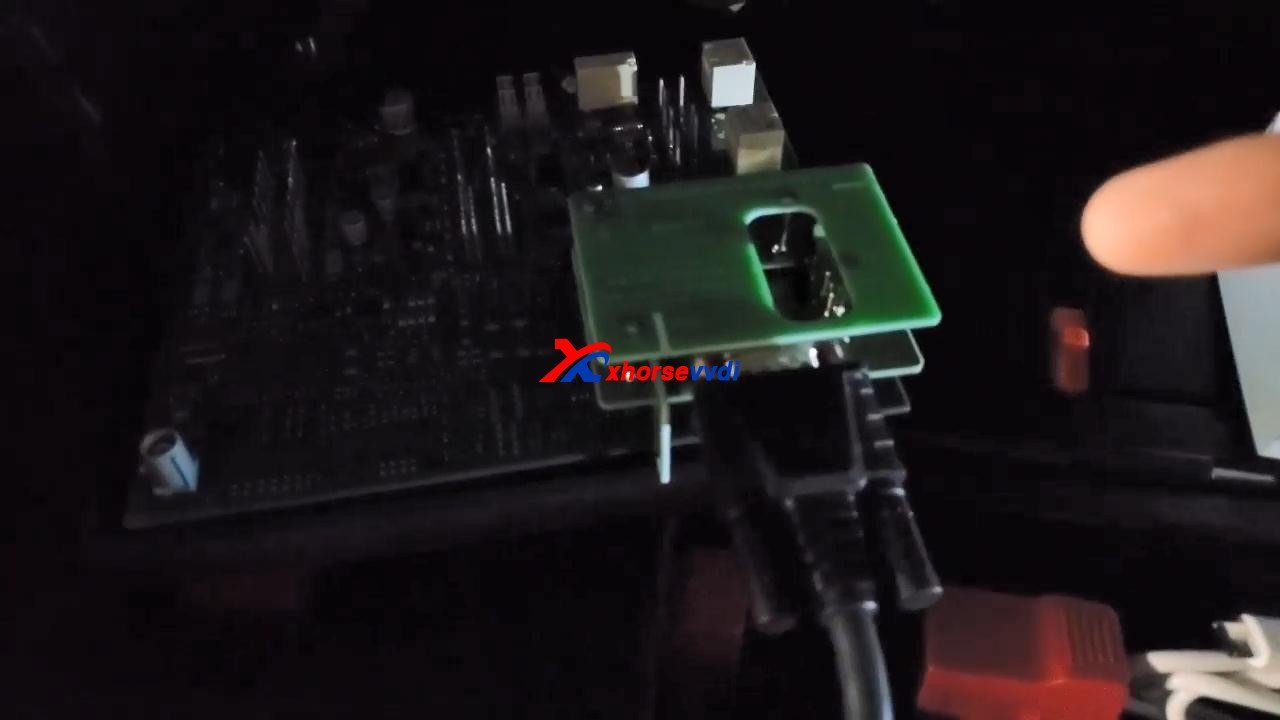
Prepare Porsche BCM adapter XDNP17, which I already put it on the board.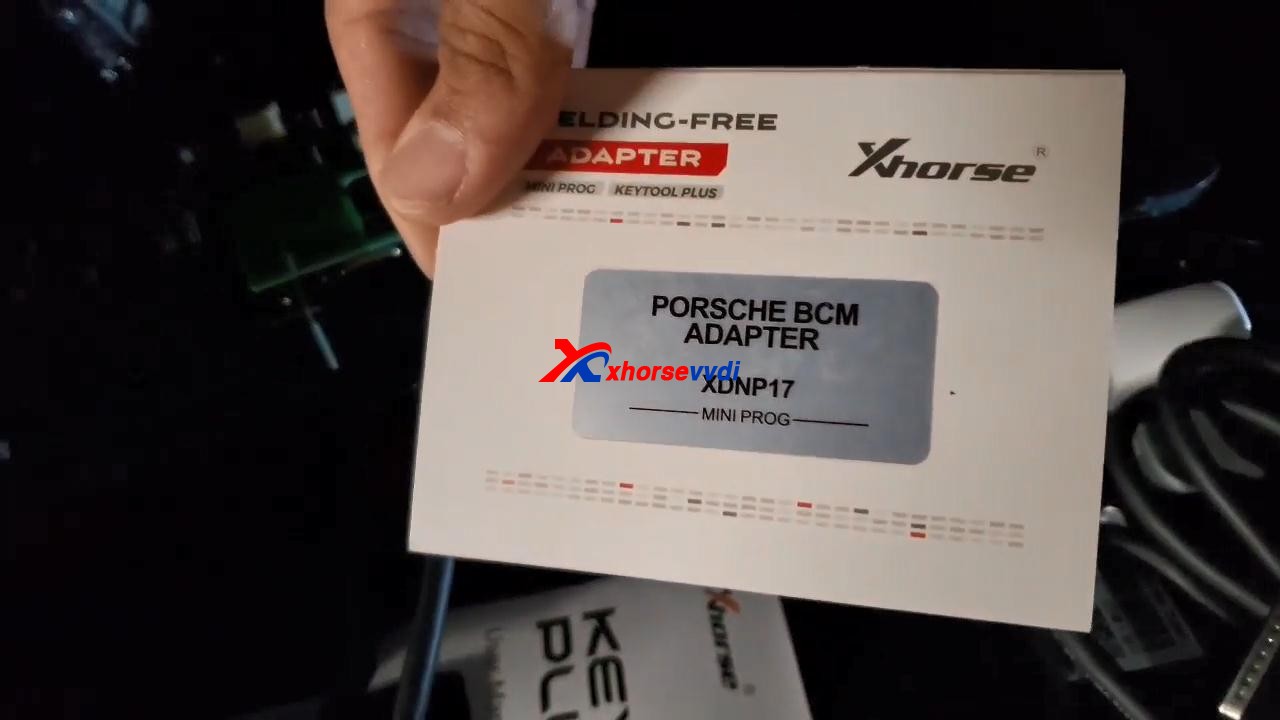
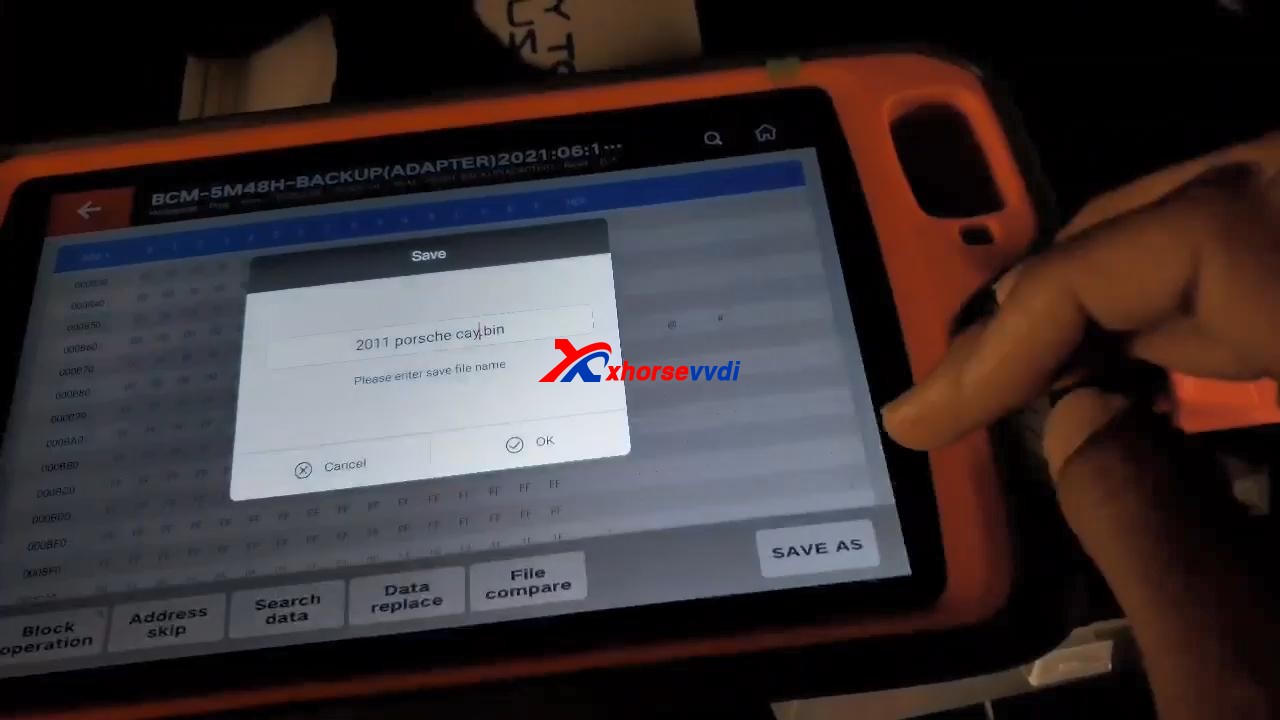
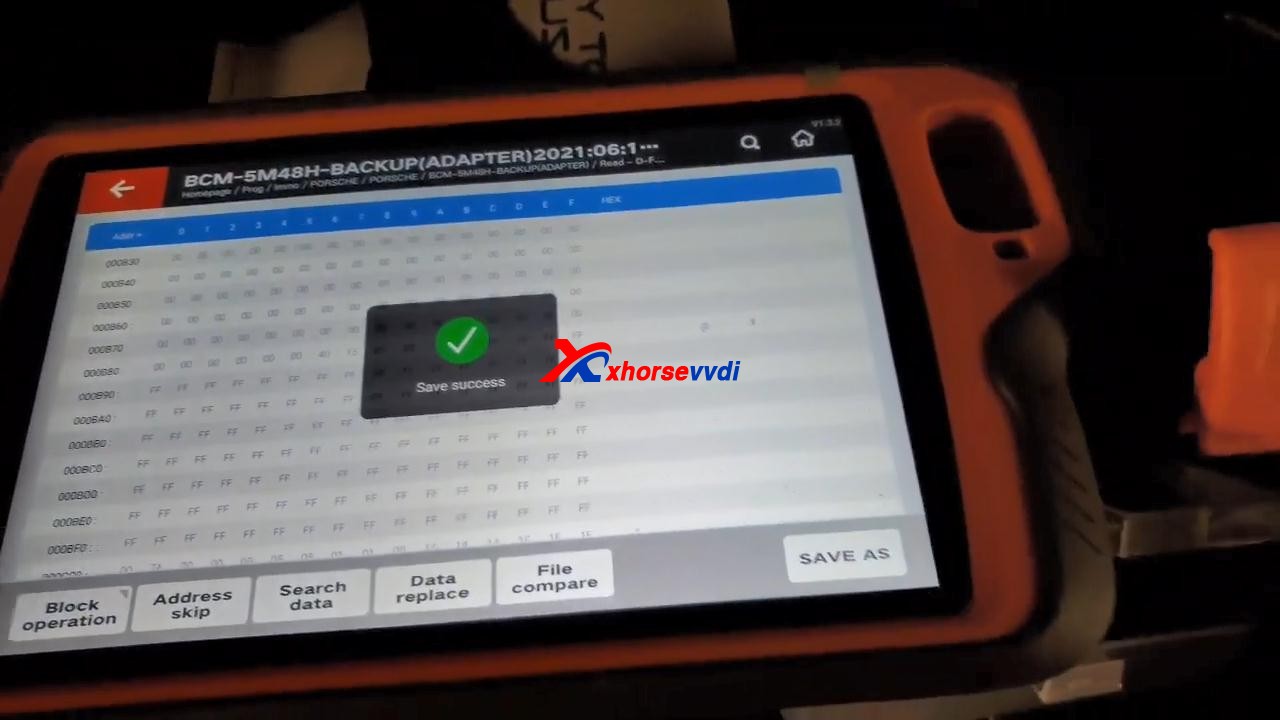
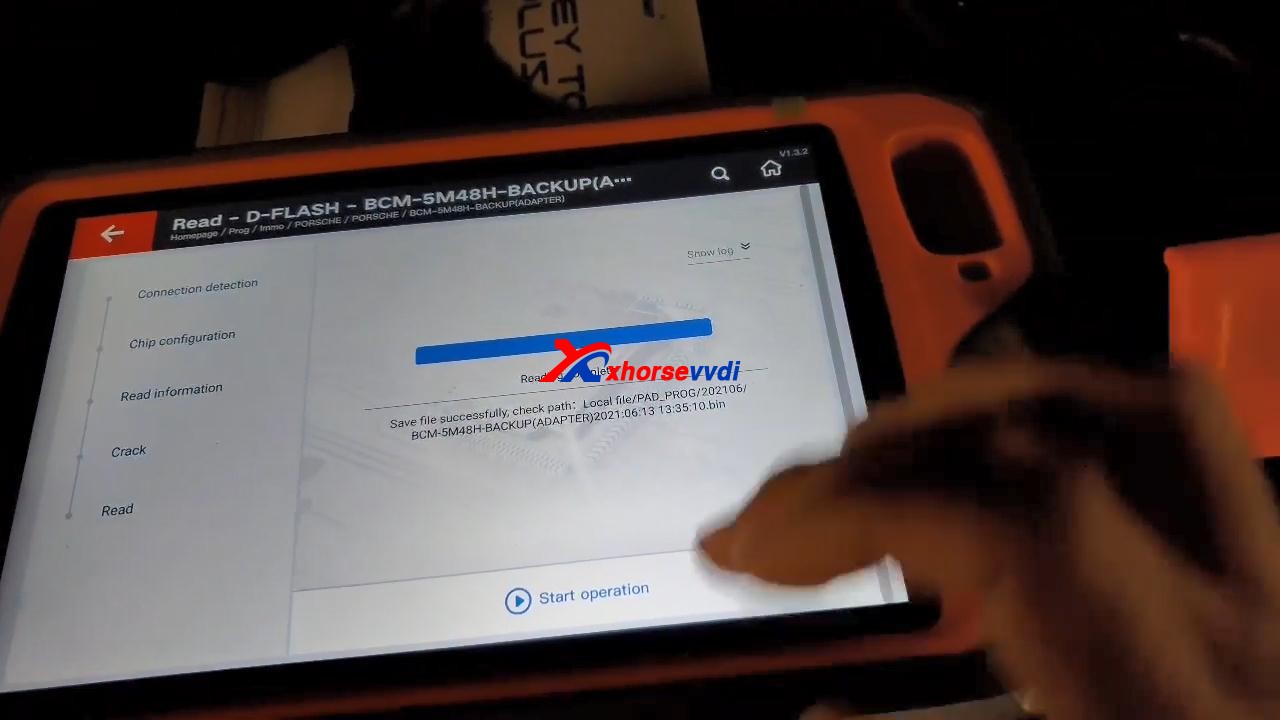
VVDI Key Tool Plus read D-FLASH successfully, and tick off “Save and edit” and then “OK”.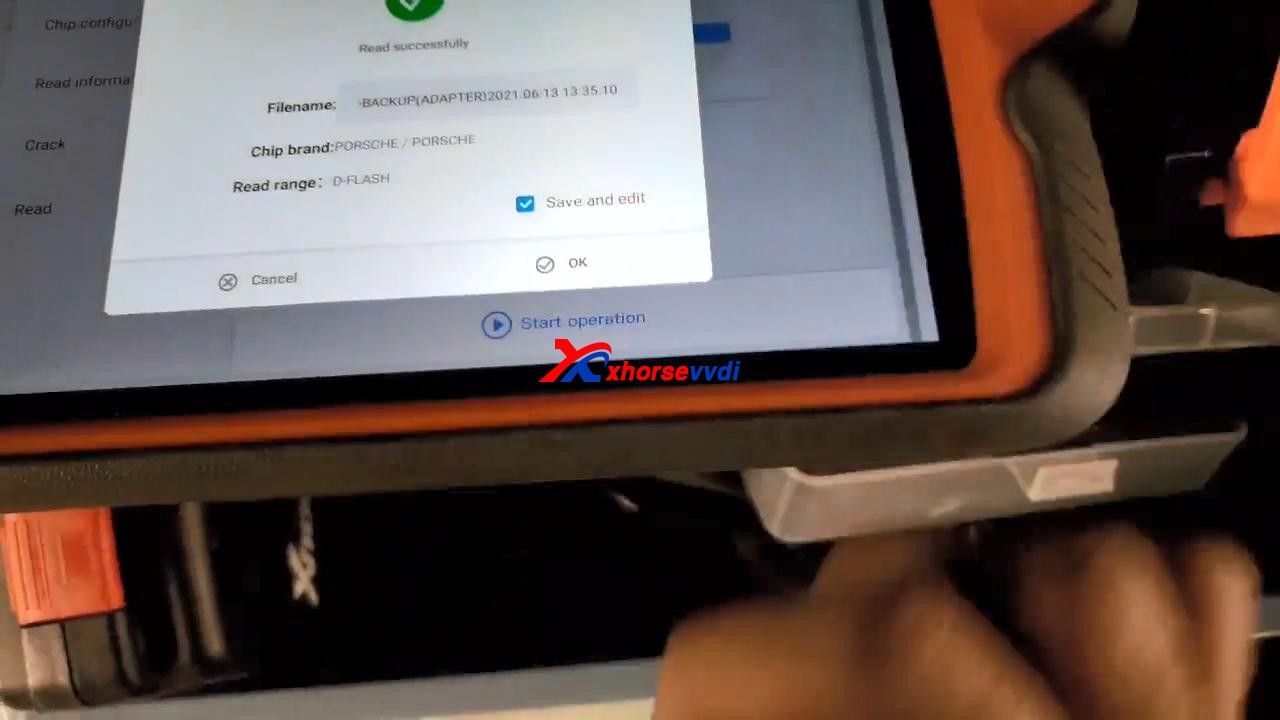
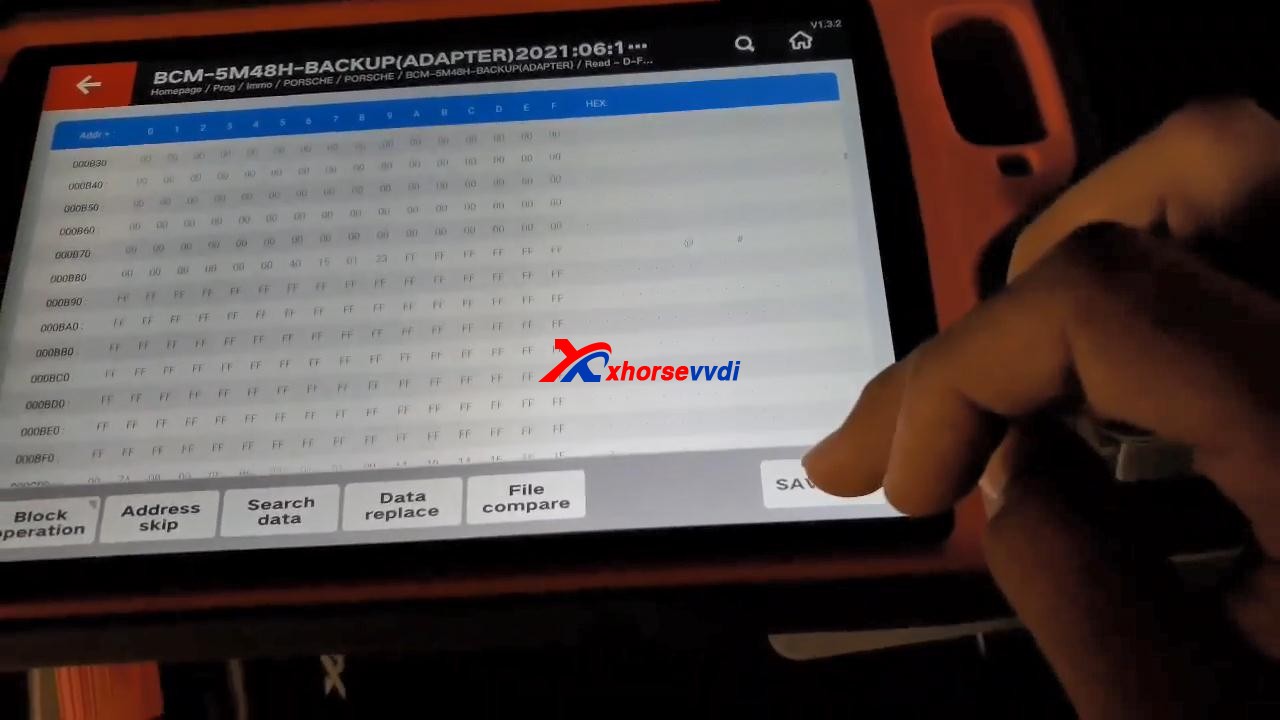
Back to tap “immo programming“, then select “Europe” and “Porsche“, then “New Porsche key-generate dealer key“, tap “Start Programming“.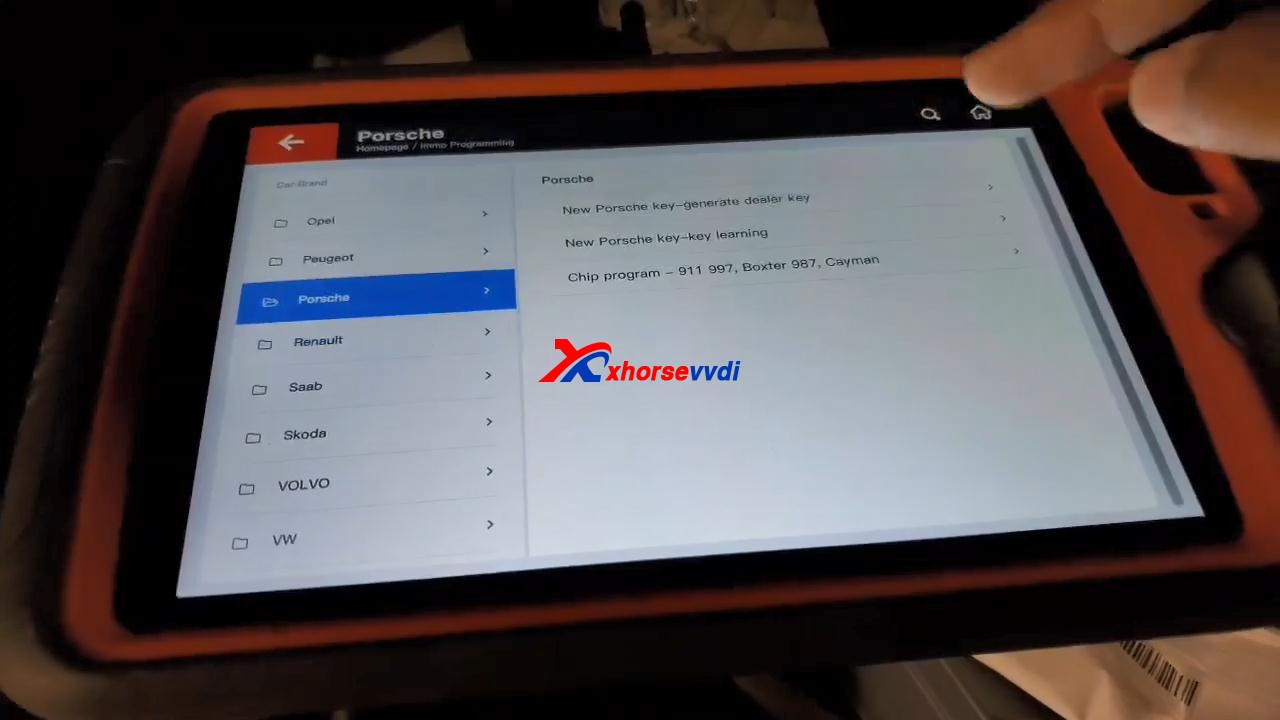
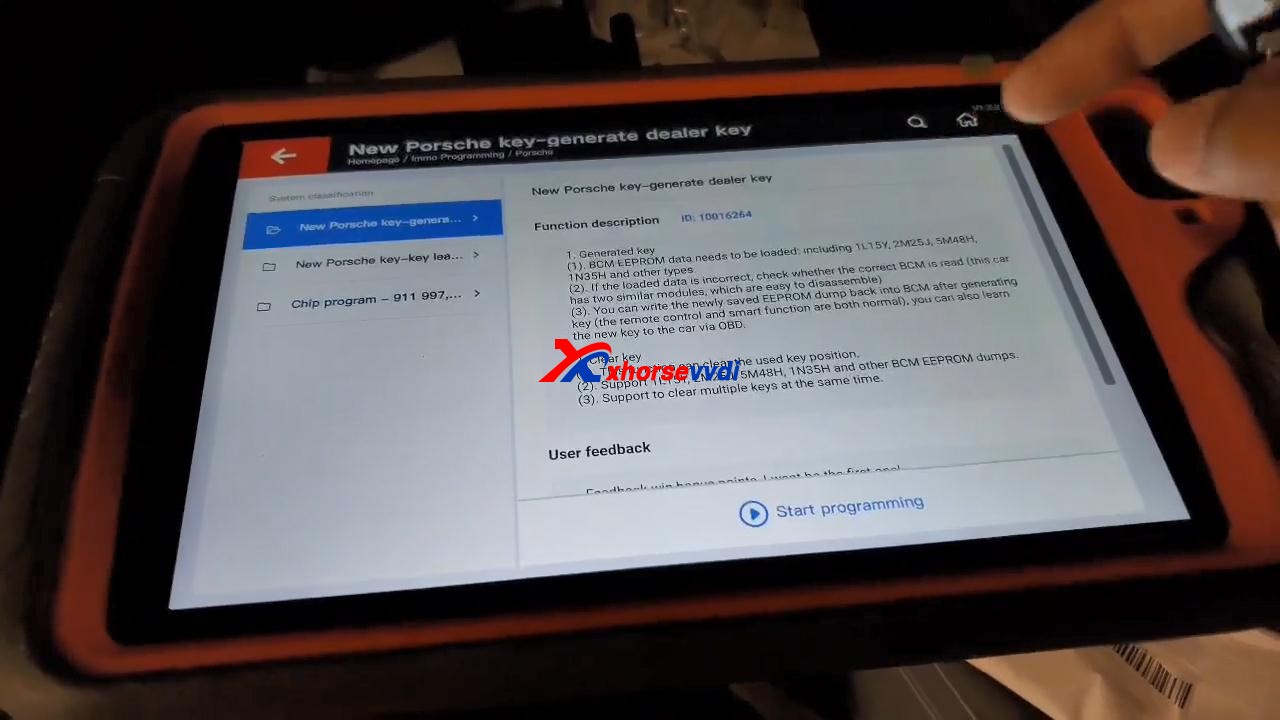
Tap “Generated key“, then “EEPROM (5M48H)“.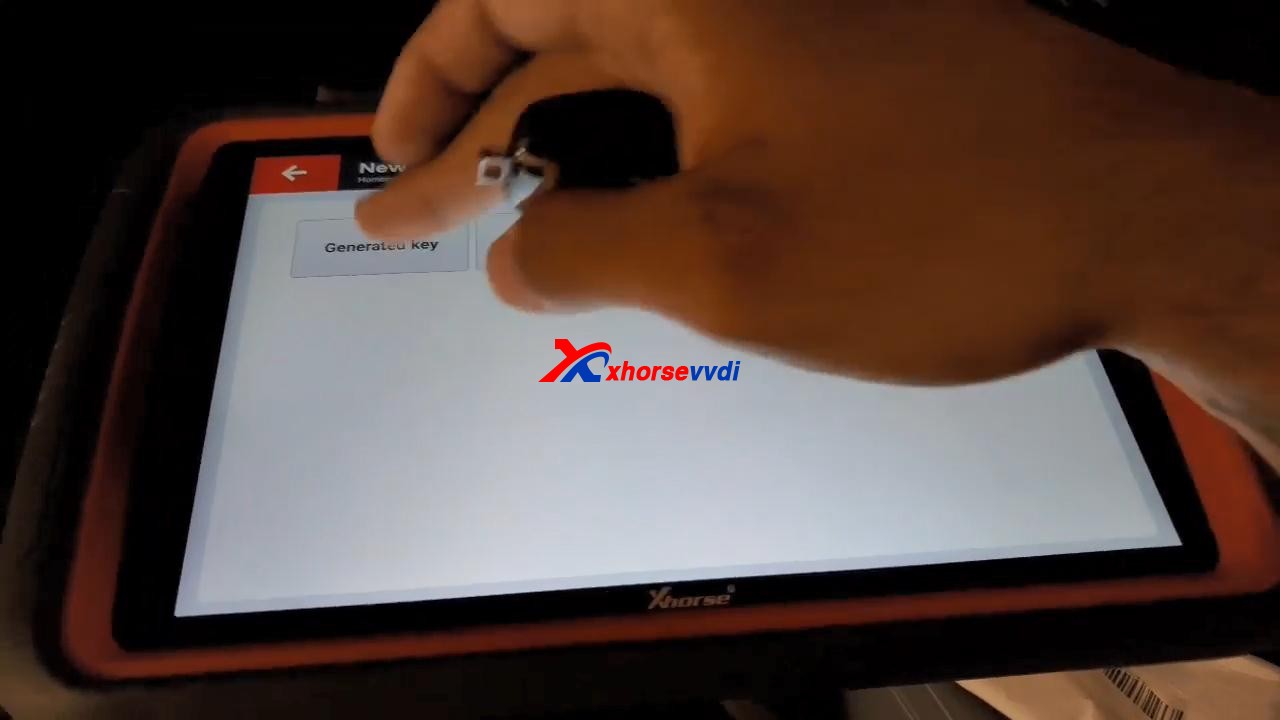
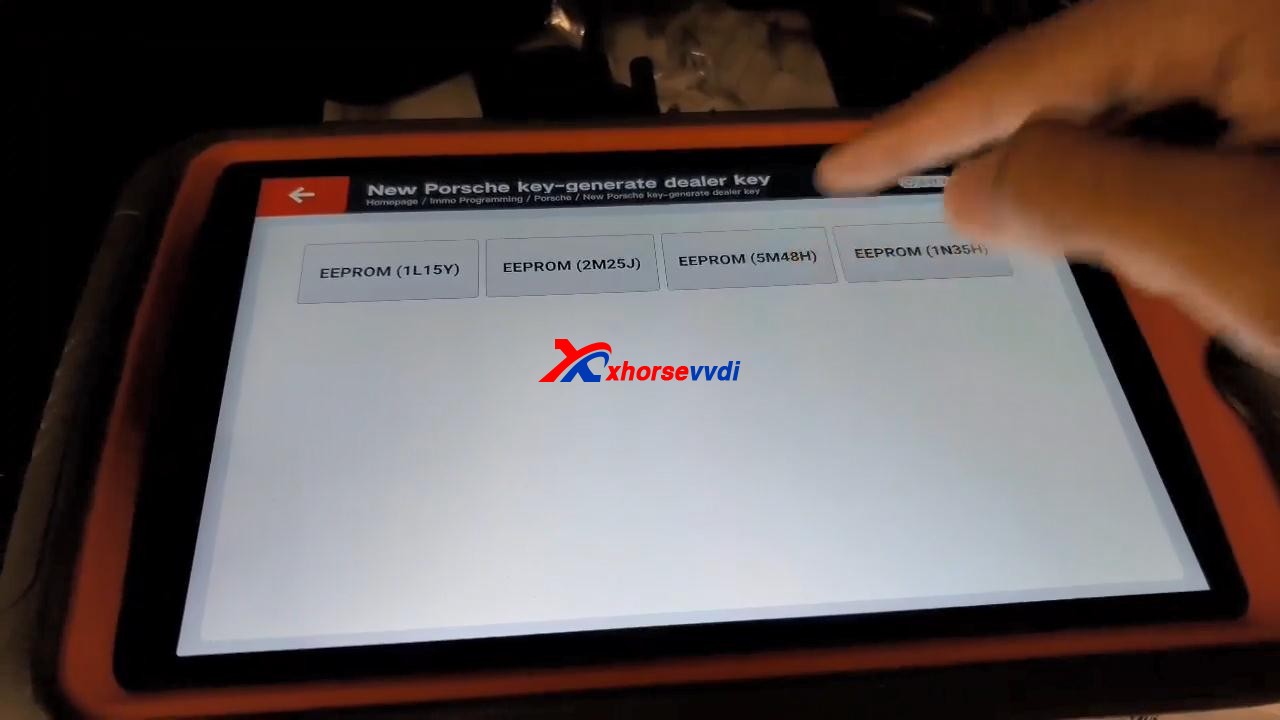
Tap “OK” to load the EEPROM data.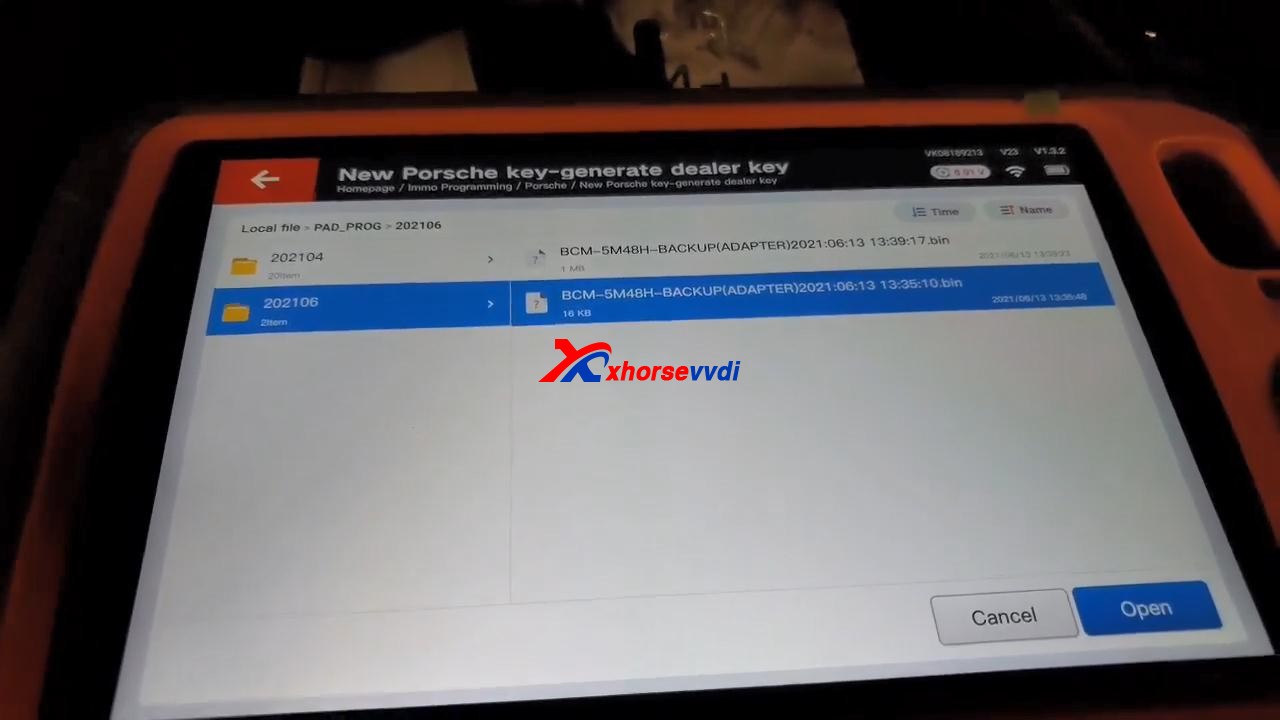
Select “Key 4“.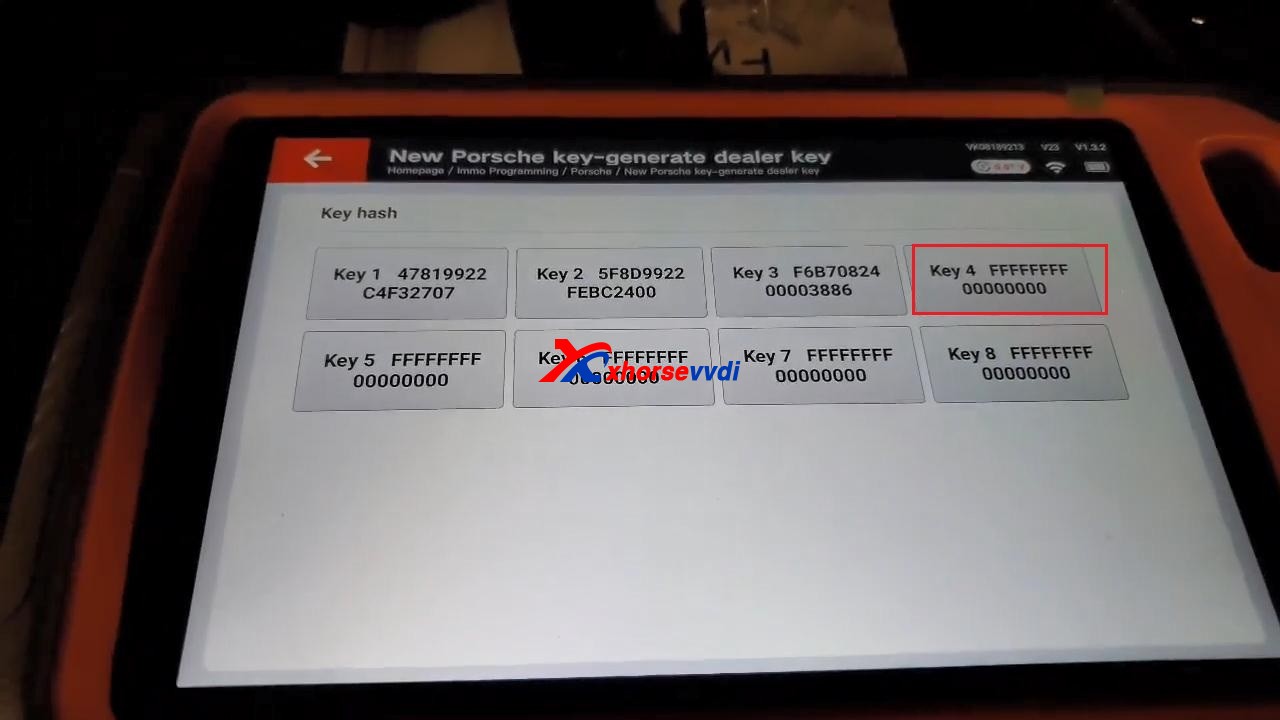
It prompts “Don’t detect transponder. Please input key first!”.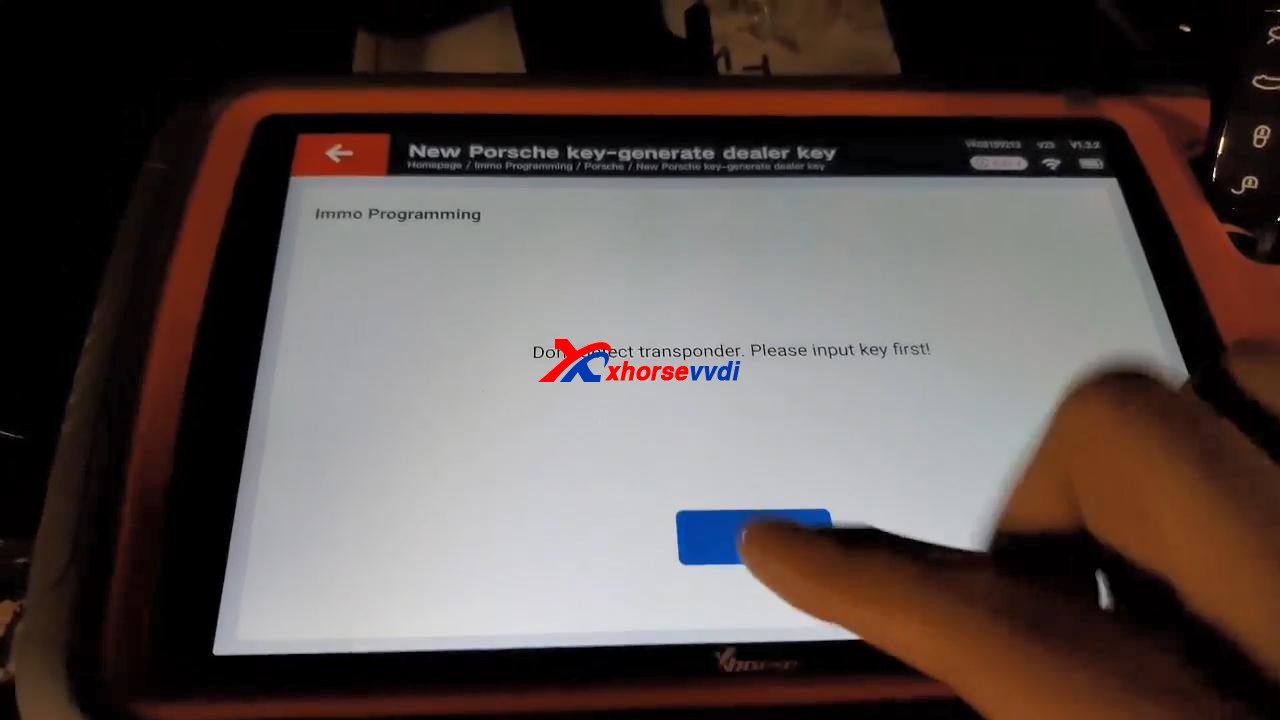
After putting key first, tap “Generated key“, then “EEPROM (5M48H)“, then tap “OK” to load the EEPROM data.
Select “Key 4” to make key.
Click “OK” to save new eeprom data.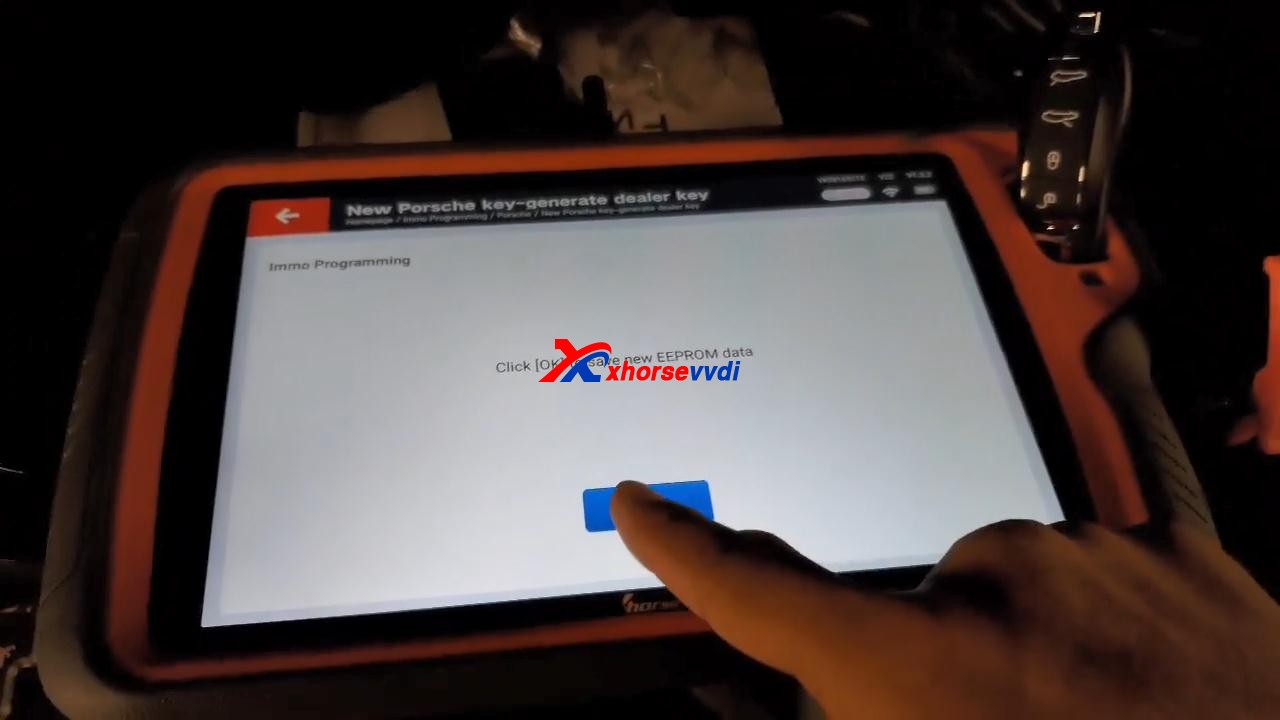
Generated key successfully. Just refresh the newly saved file to the car. You can also learn the new key to the car via OBD!
If you want to add new key, please use the newly saved file to generate.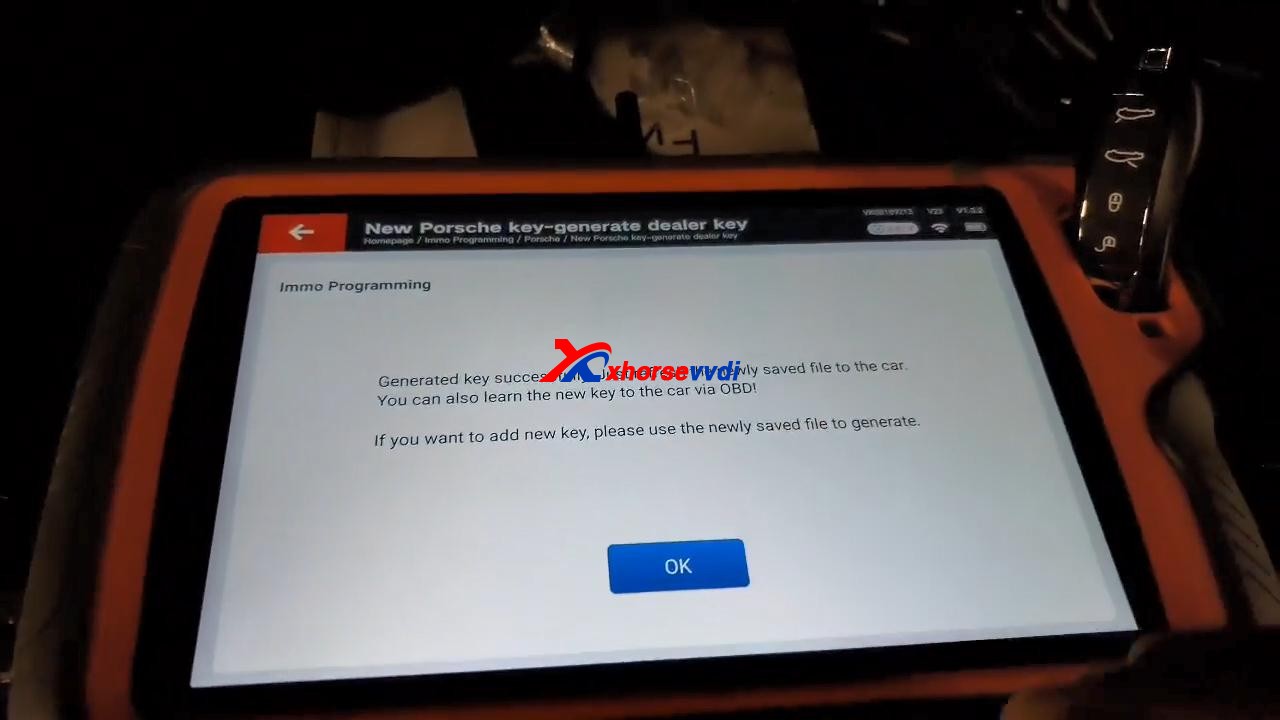
Job is done!
Source:https://www.xhorsevvdi.com/service/program-2011-cayenne-all-lost-key-by-vvdi-keytool-plus.html
Xhorse VVDI Key Tool Plus add Jeep Compass ID4A Smart Key
Purpose: Jeep Compass 2017- ID4A Smart Key Programming
Tools option:Xhorse VVDI Key Tool Plus Pad 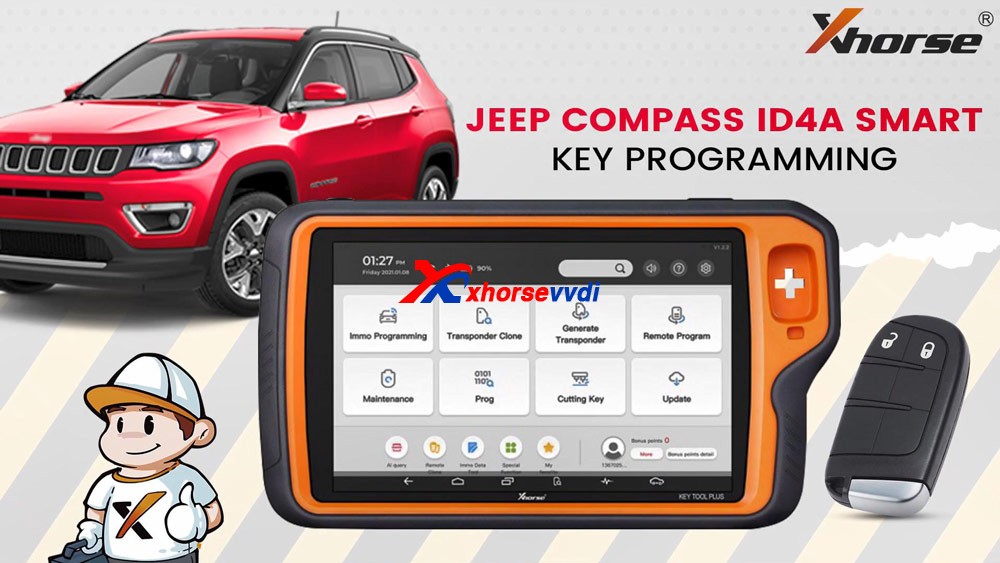
Plug VVDI Key Tool Plus to the car, press the Start /Stop button and you will see “Key Fob no detected” on the dashboard.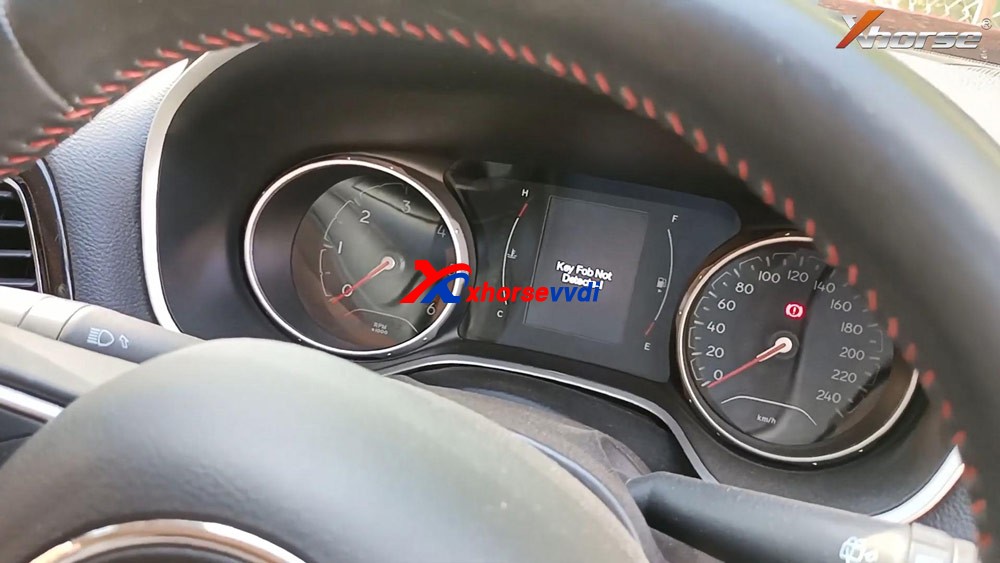
Insert the key into the keyhole of pad.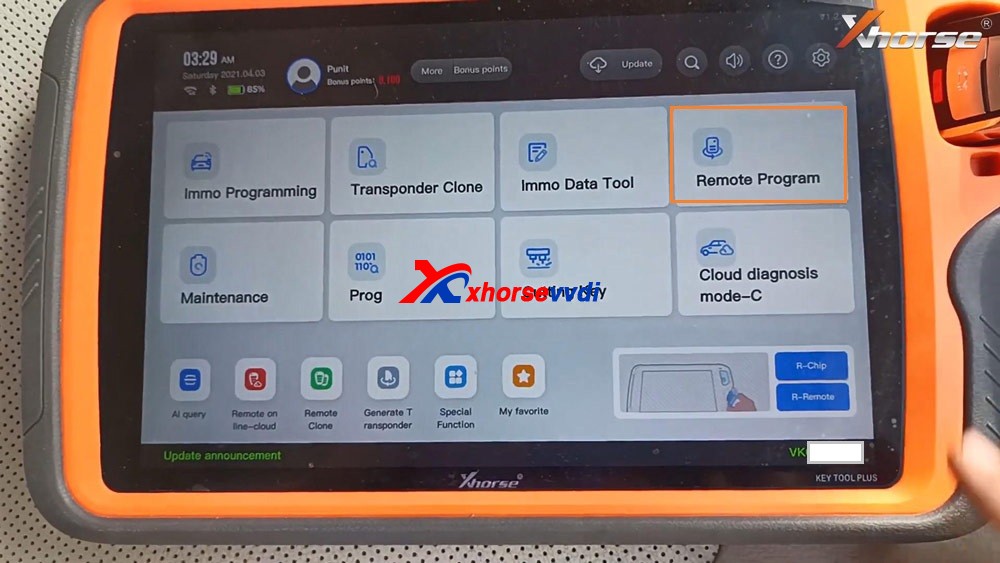
Tap “Remote Program”, select “Jeep” and then ” Compass”.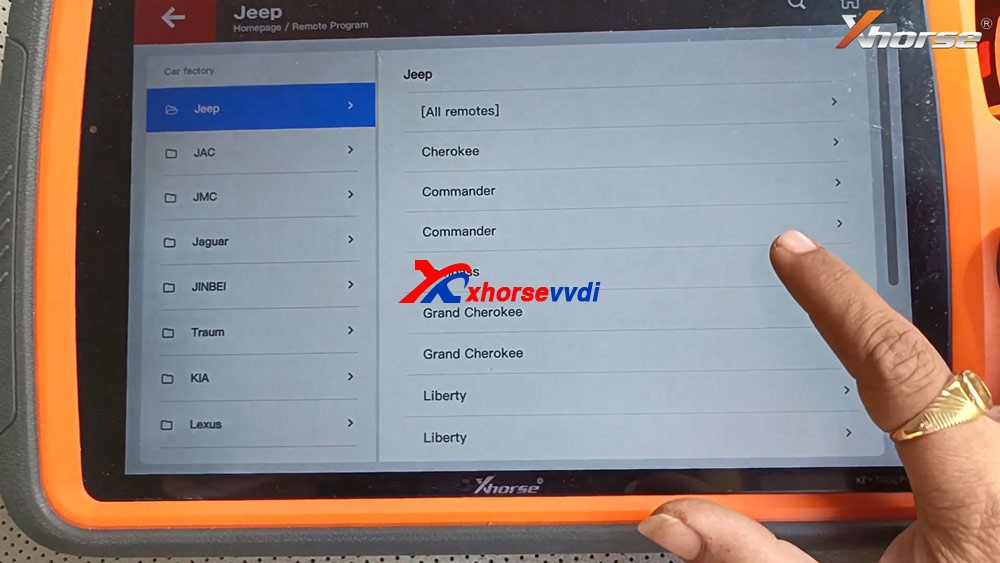
Select “Compass (2017+) KeylessGo ID4A”.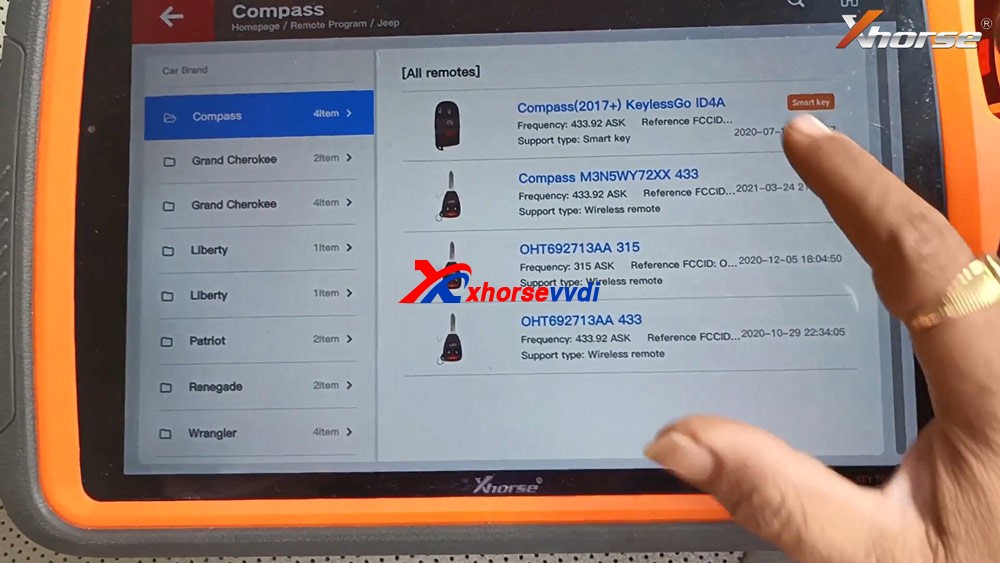
Tap “Generate”.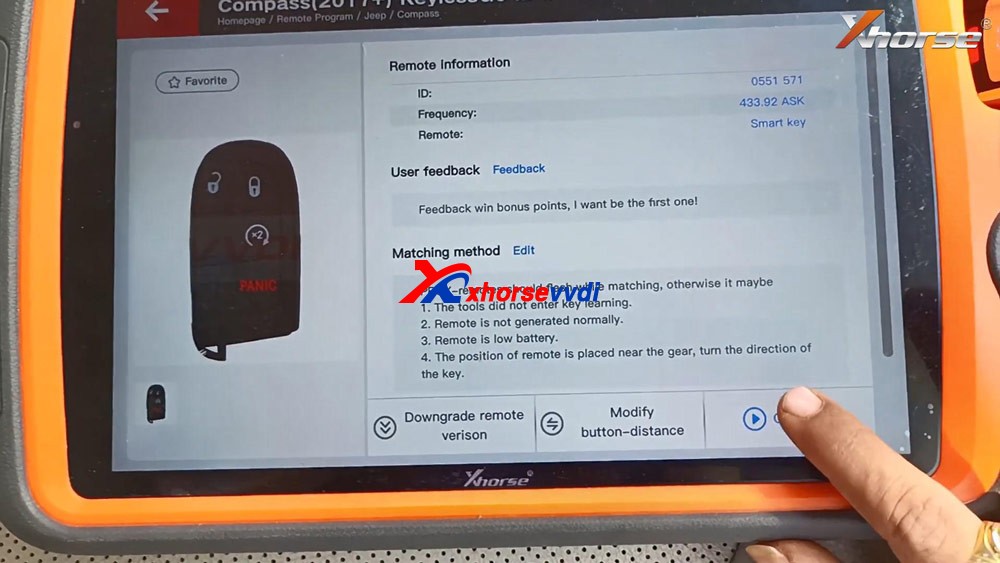
Detecting remote.
Writing data.
Burn success and tap “Complete”.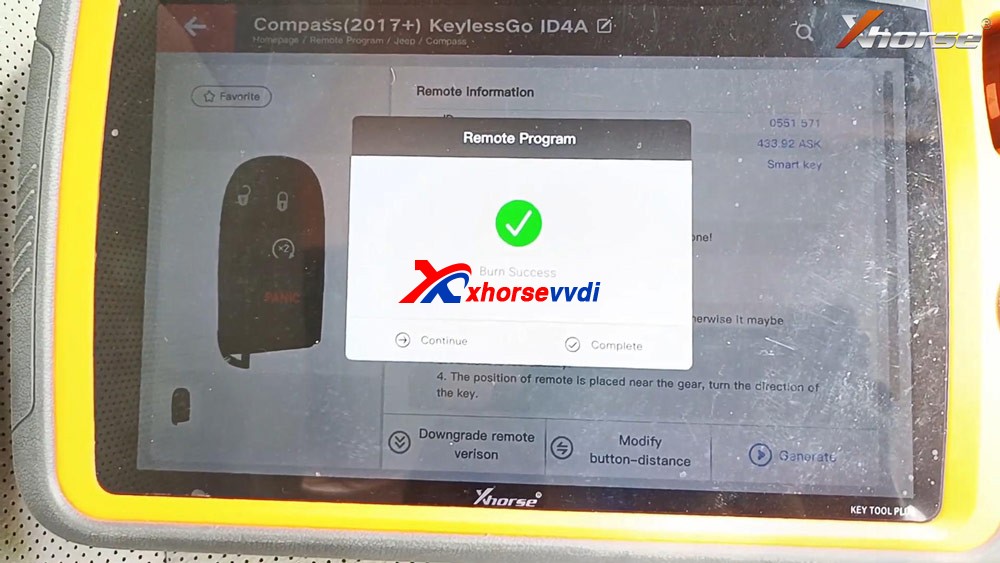
Back to select “Immo Programming”, select all brands and “Jeep” and “Select from model” and then “Asia”, then “Compass”, then “2017 -“, then “Keyless Go”.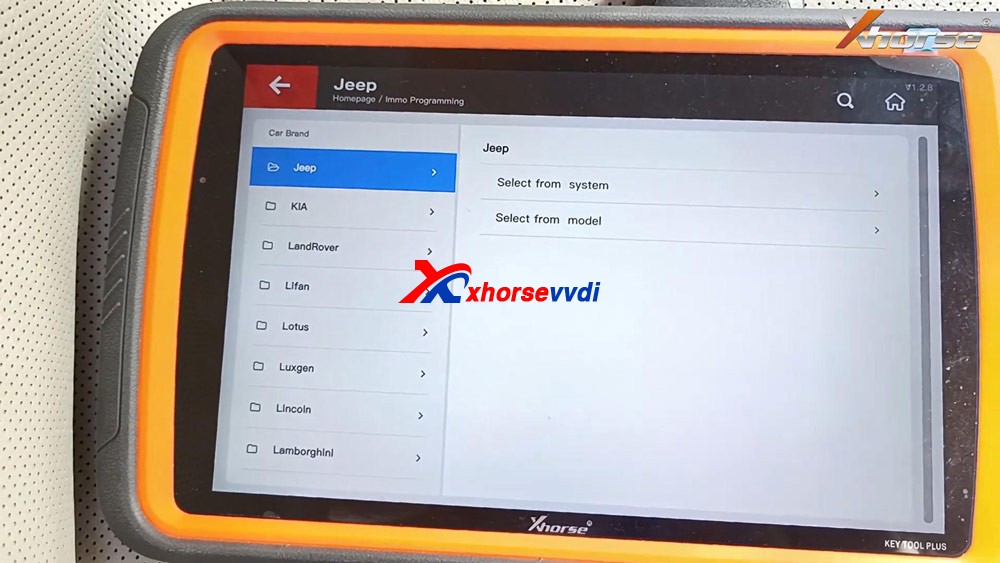
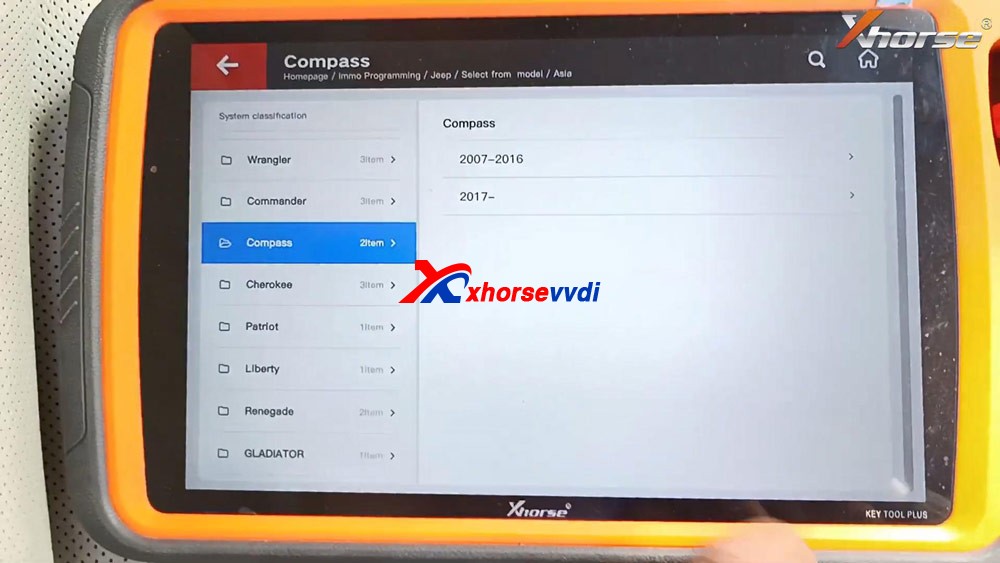
Select “Start programming”.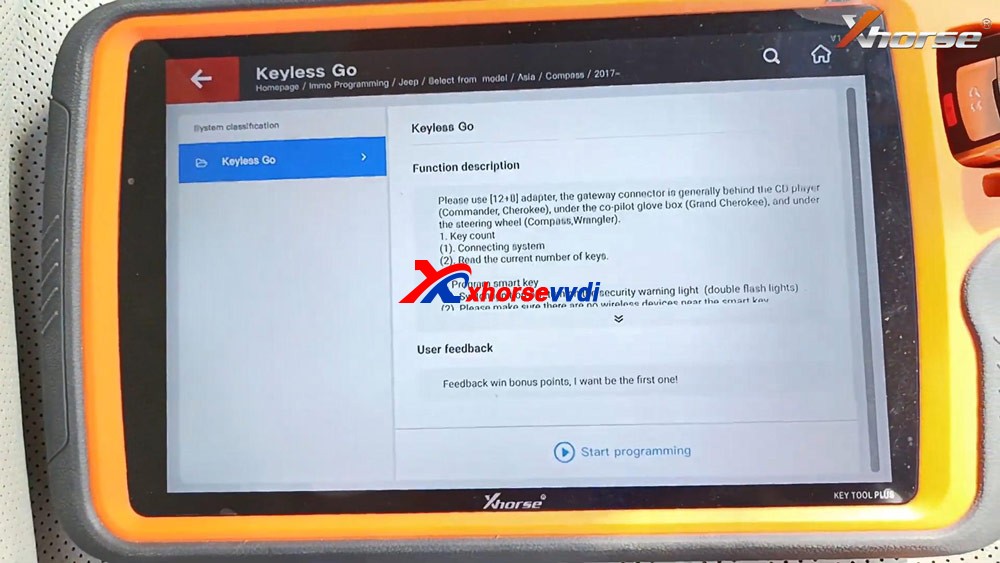
Please use [12+8] adapter, the gateway connector is generally behind the CD player (Commander, Cherokee), under the co-pilot glove box (Grand Cherokee), and under the steering wheel (Compass, Wrangler).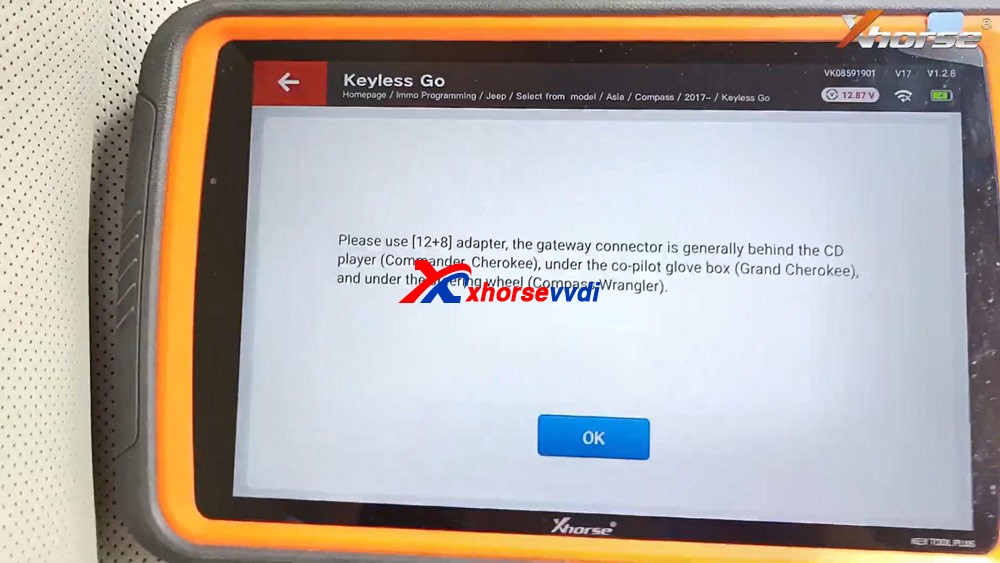
Tap “Program smart key”.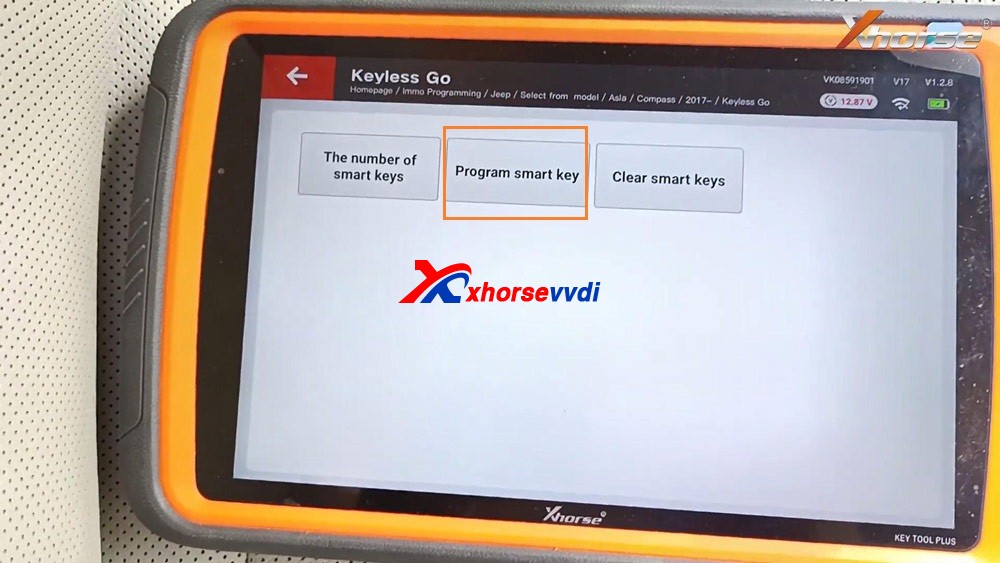
Switch ignition off, turn on the security warning light (double flash lights).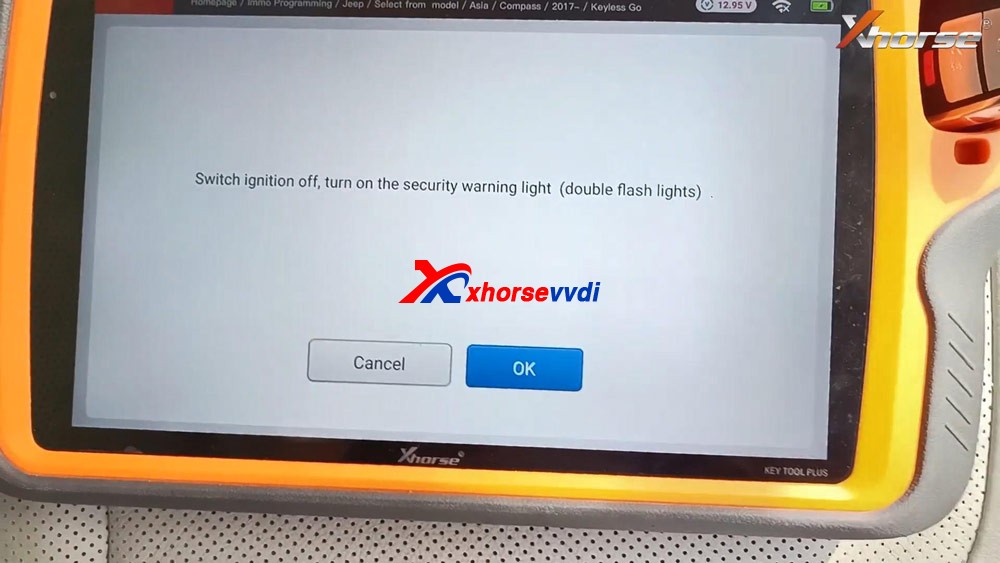
Please make sure there are no wireless devices near the smart key.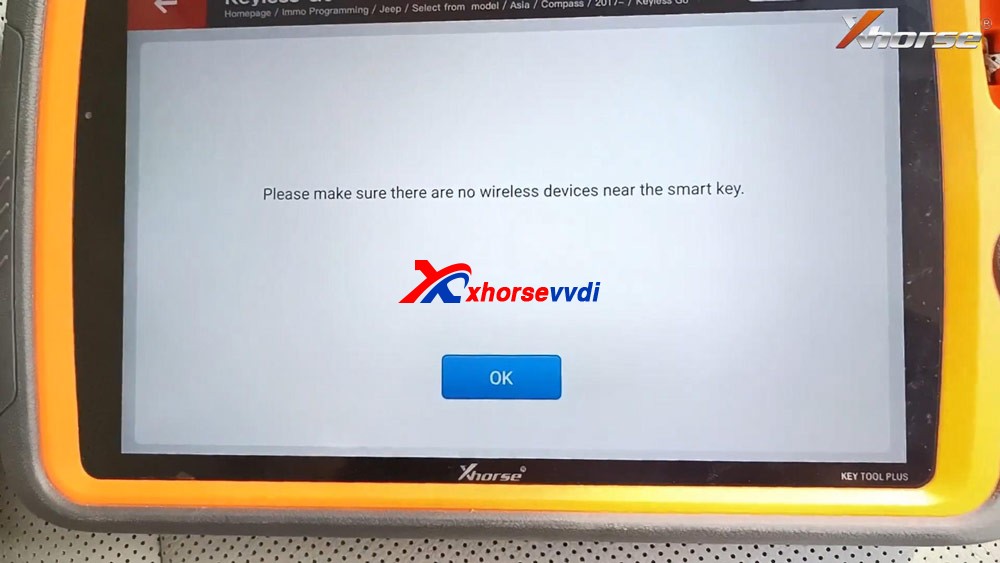
Keep the smart key to be programmed close to the central console (or start button), then press and release UNLOCK button on the remote once and wait for 5 seconds, do not press any button during this time.
Note: the new key must be the original key of the current model, otherwise the program may fail.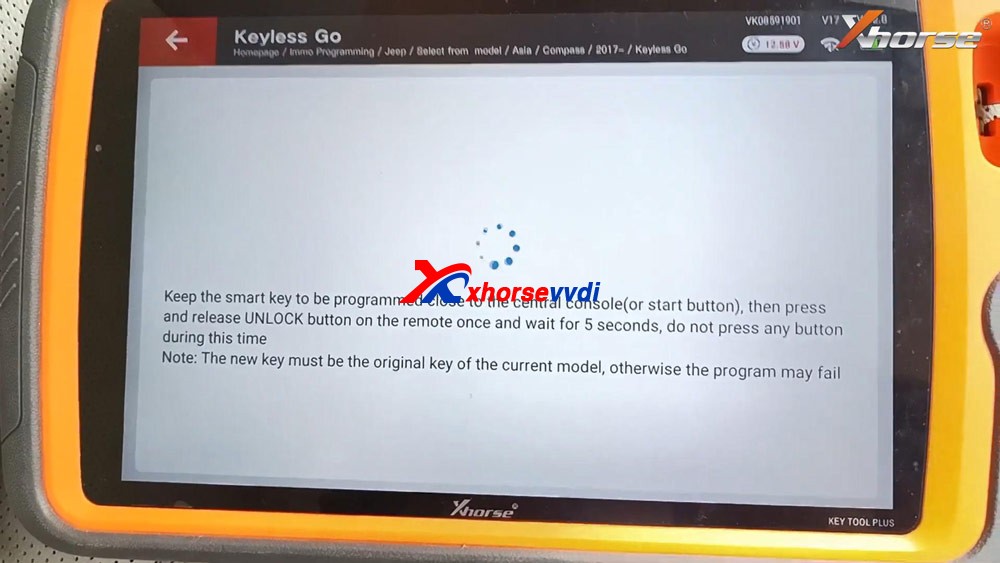
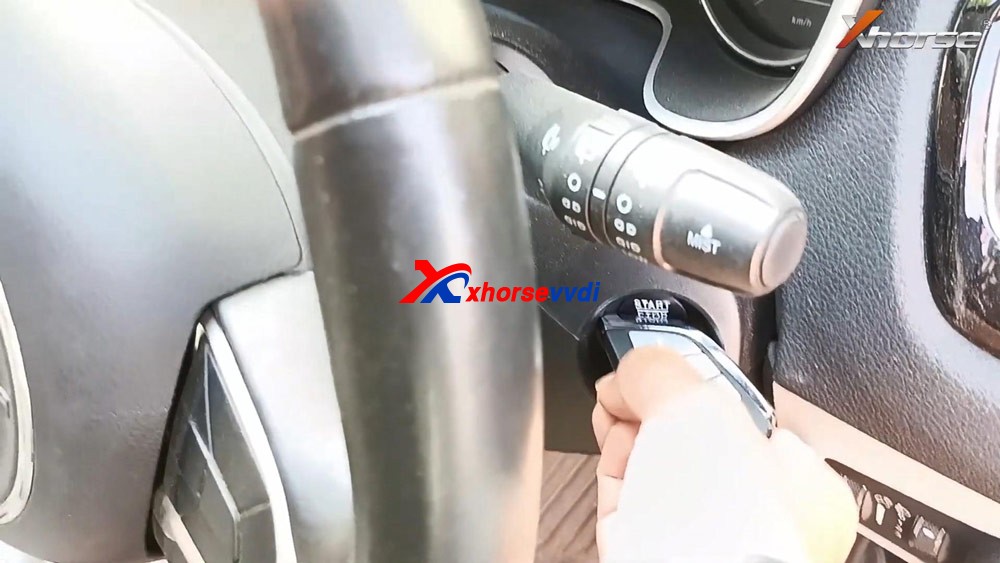
Match successfully. current key number: 2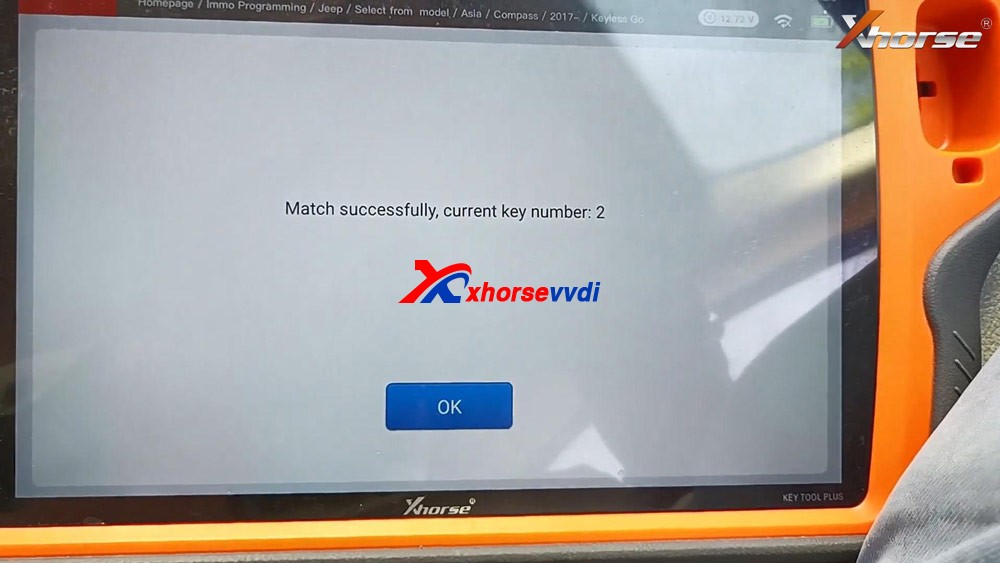
Test if the new key can start the car.
As you can see, the new Xhorse key is programmed successfully.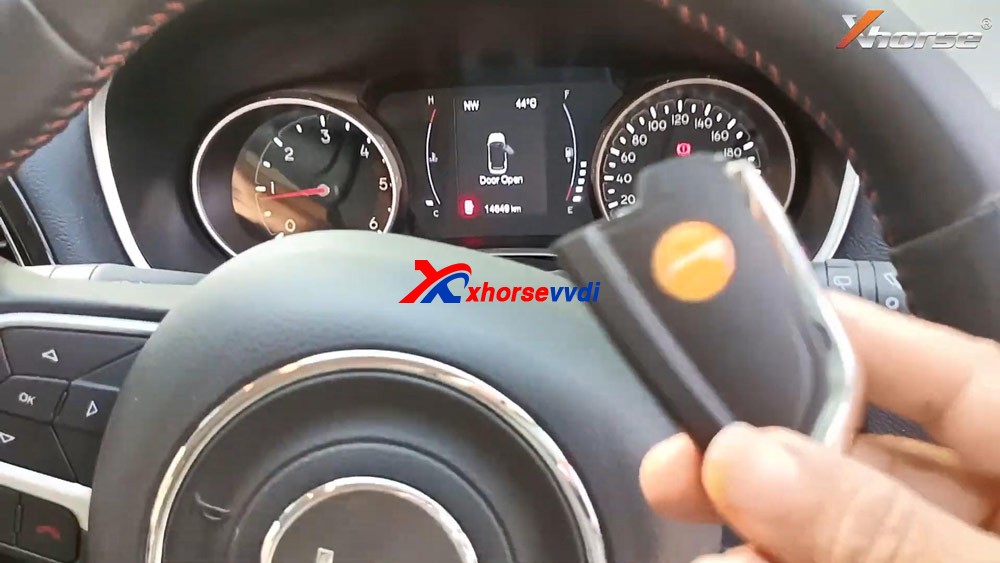
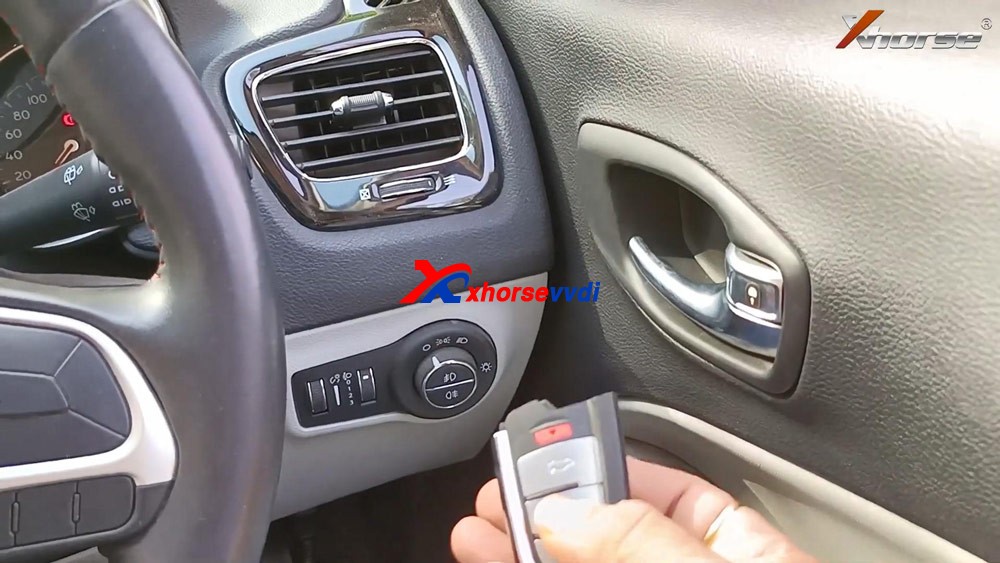
Job is done.
This is how to use VVDI Key Tool Plus to add one new smart key for Jeep Compass ID4A, please keep in mind, you will need 12+8 adapter, xhorse is not available with this adapter, you can try Autel 12+8 adapter for Jeep.https://www.xhorsevvdi.com/
http://blog.xhorsevvdi.com/xhorse-vvdi-key-tool-plus-jeep-compass-id4a-smart-key-programming/
How to add LEXUS smart key with Xhorse Key Tool Max and Mini OBD Tool
Tutorial on how to add smart key/add key lost for Lexus IS250 2009 – 2013 by using Xhorse VVDI KEY TOOL MAX and MINI OBD TOOL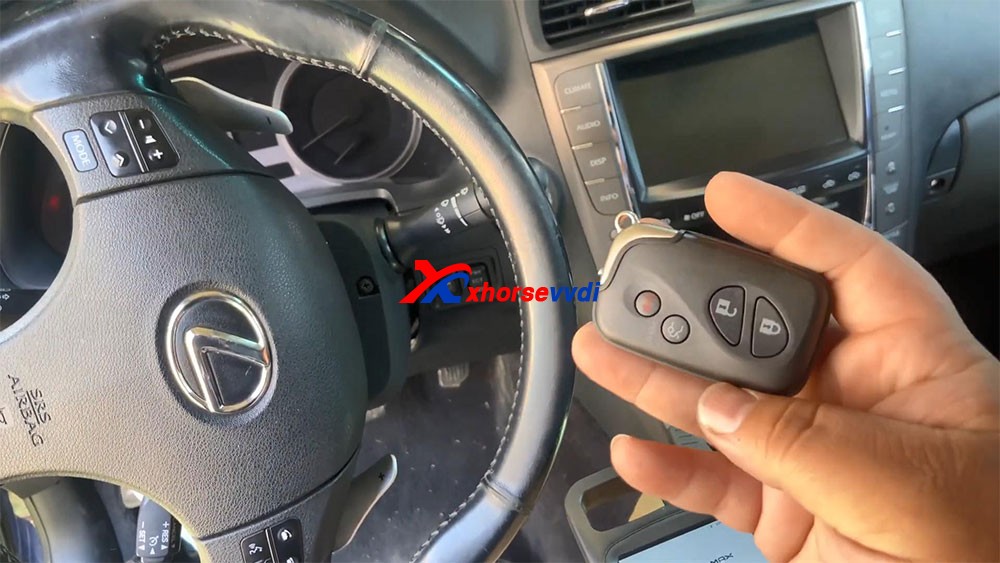
Here you are:Tool option: KEY TOOL MAX & MINI OBD TOOLAlright, already connected our mini OBD programmer to the car.
I’m kind of low on battery, so I hooked up the cable to provide for me.
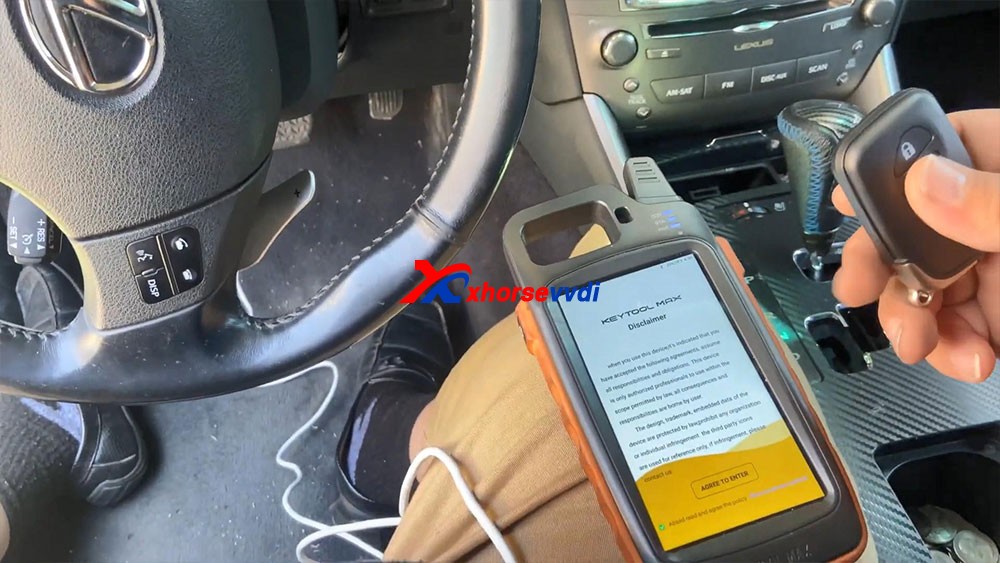
Let’s continue guys let’s go ahead and program this key that’s all smart keys lost.
Okay, so the first thing we’re gonna do: agree to enter.
We’re gonna go ahead and connect Bluetooth.
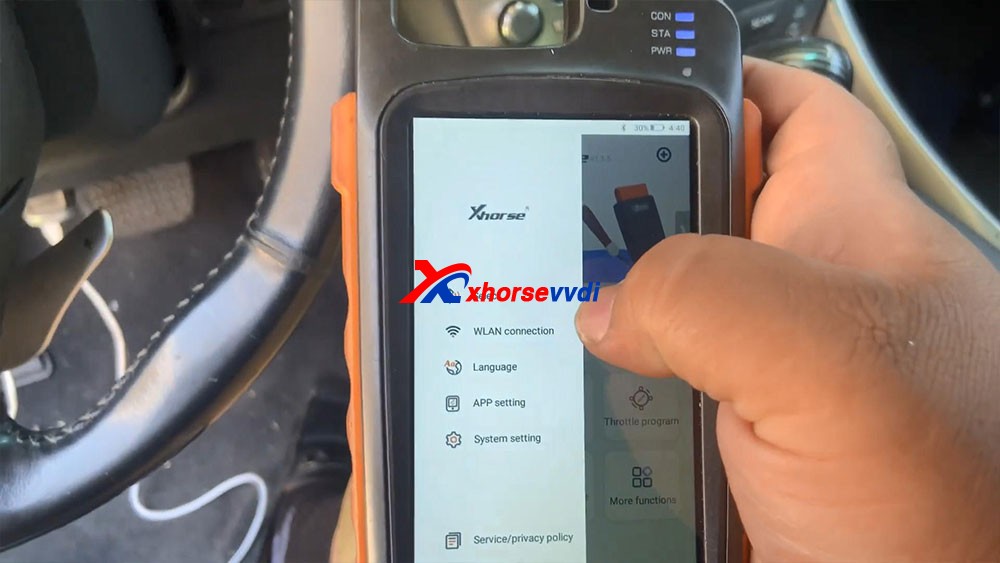
So I just go “Immo programming” -> “Lexus” -> model IS250 -> smart key system -> Start execution.
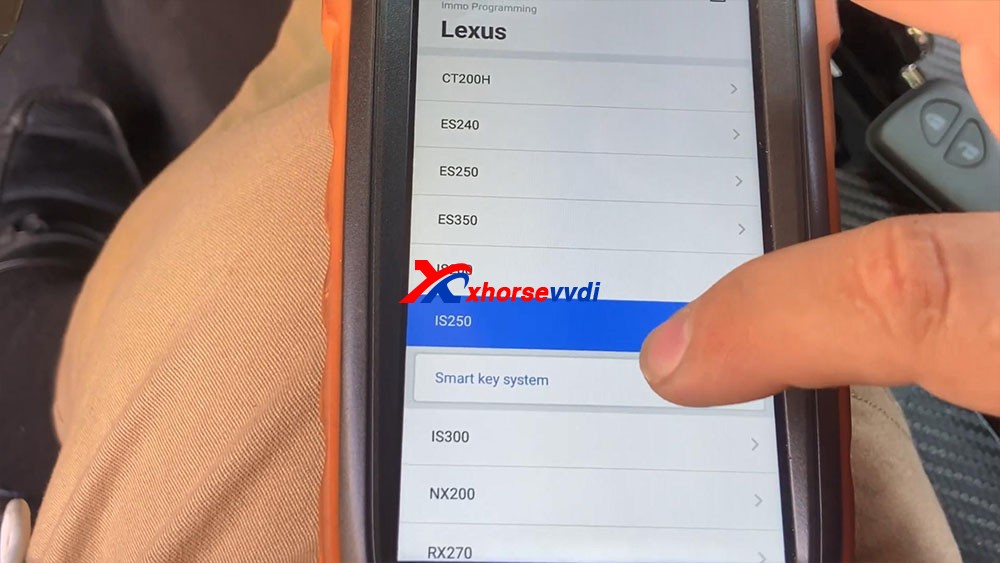
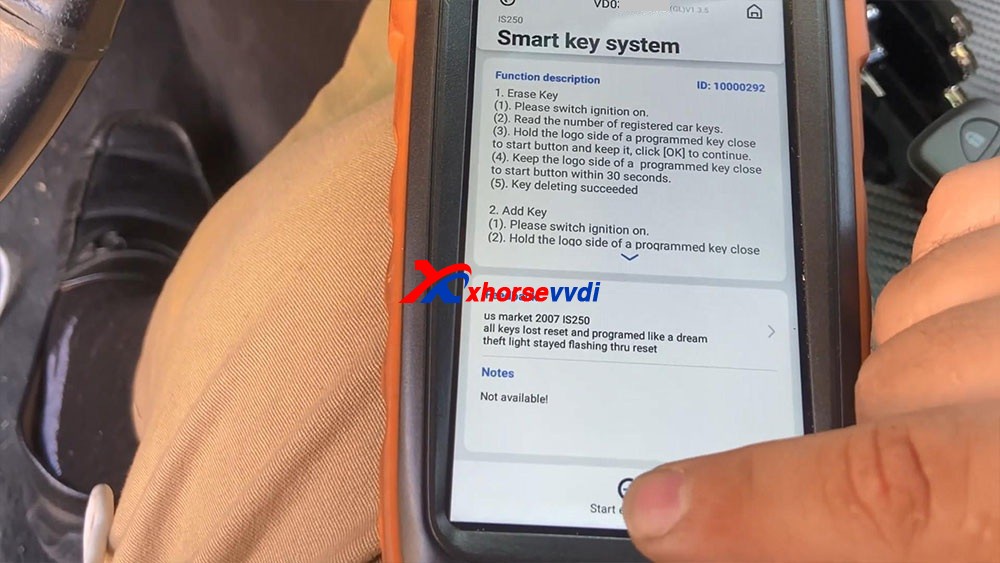
Have tips : The device disconnected, please connect device, just click on “connect”, let’s connect first, we select the device serial number and it shows connecting and let’s try to turn on the ignition, so let’s go ahead to select “Start execution”.
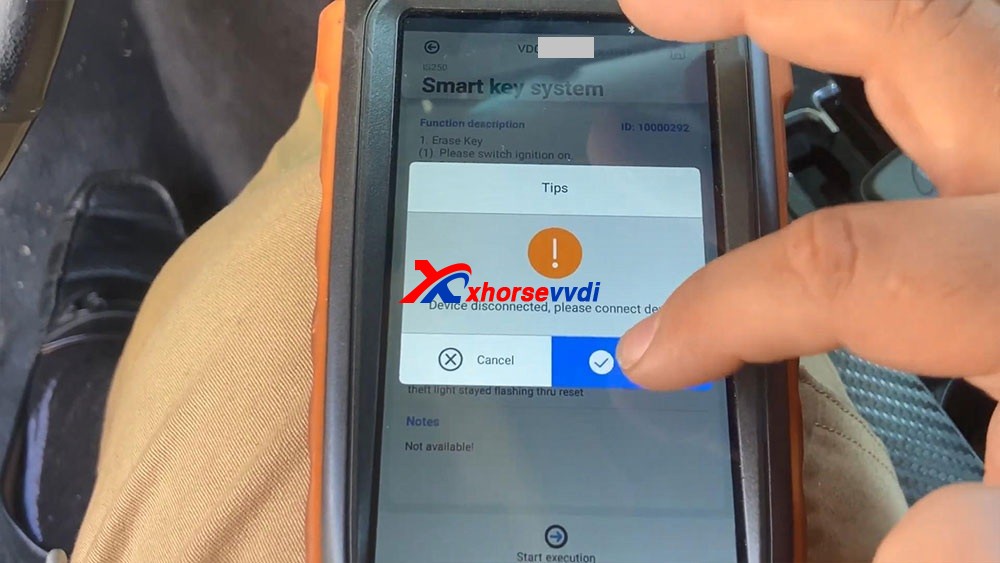
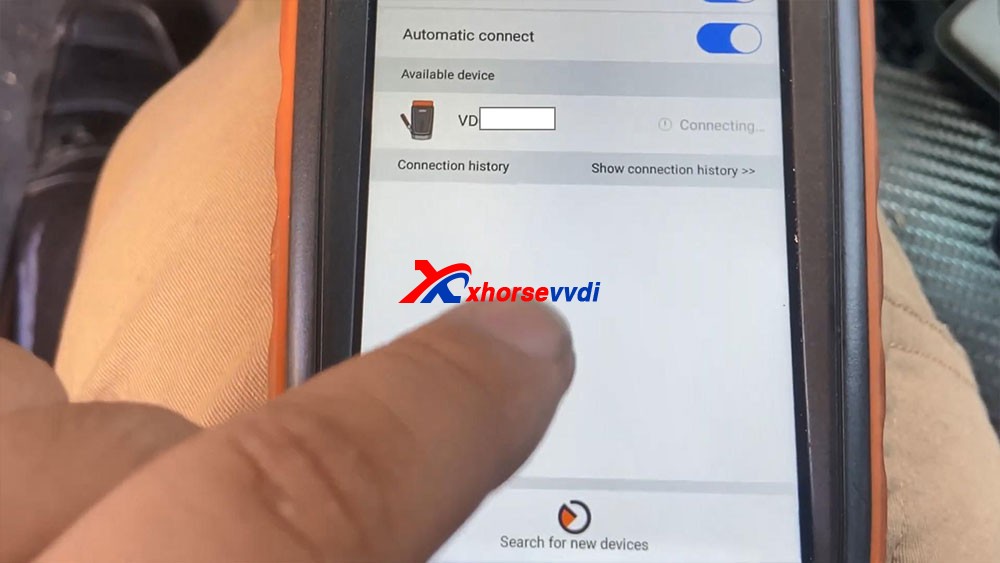
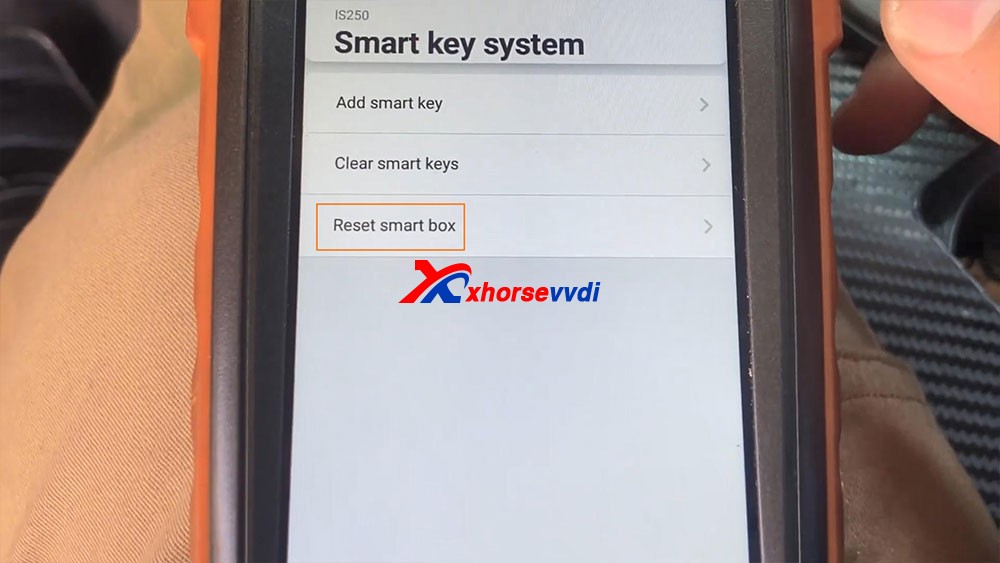
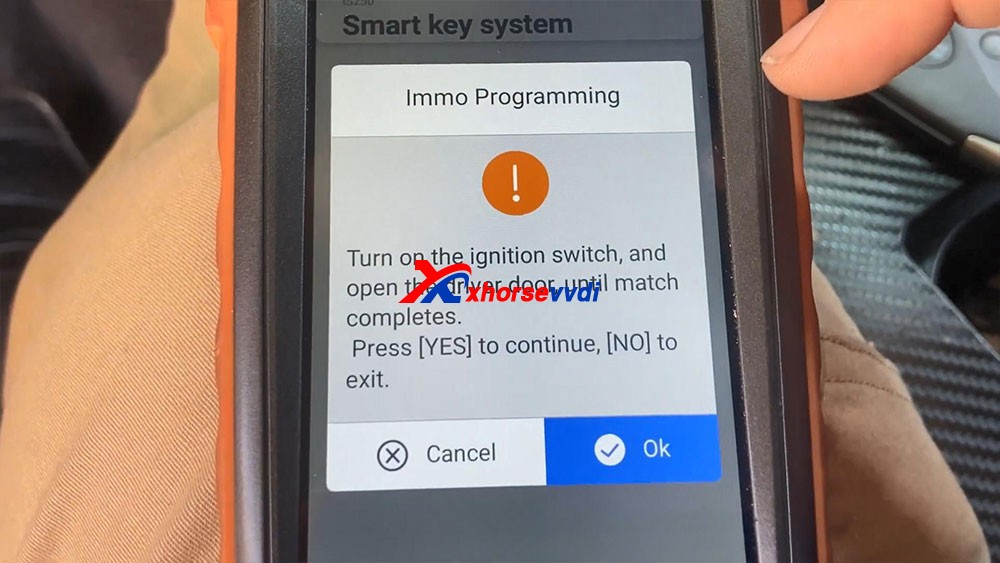
We select “Reset Smart Box” and it says “Turn on the ignition switch, and open the driver door, until match complete”, okay, click on “OK”.
- Connecting system…
- Secure access…
- Communicating…
- Connecting system…
- Communicating, please wait for about 16 minutes, the IMMO light (Security) will change from off to flashing. (the buzzer will beep at the same time for some vehicles.)
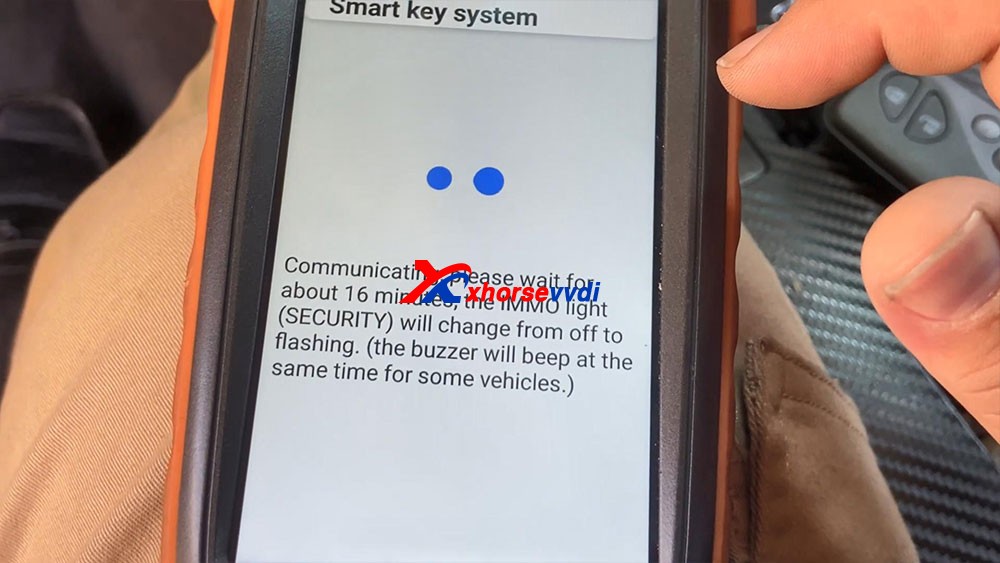
You guys remember waiting for this light to start flashing and last but not least body ad.
Okay so you guys can see the 16 minutes are up and the light and secure light begins to flash.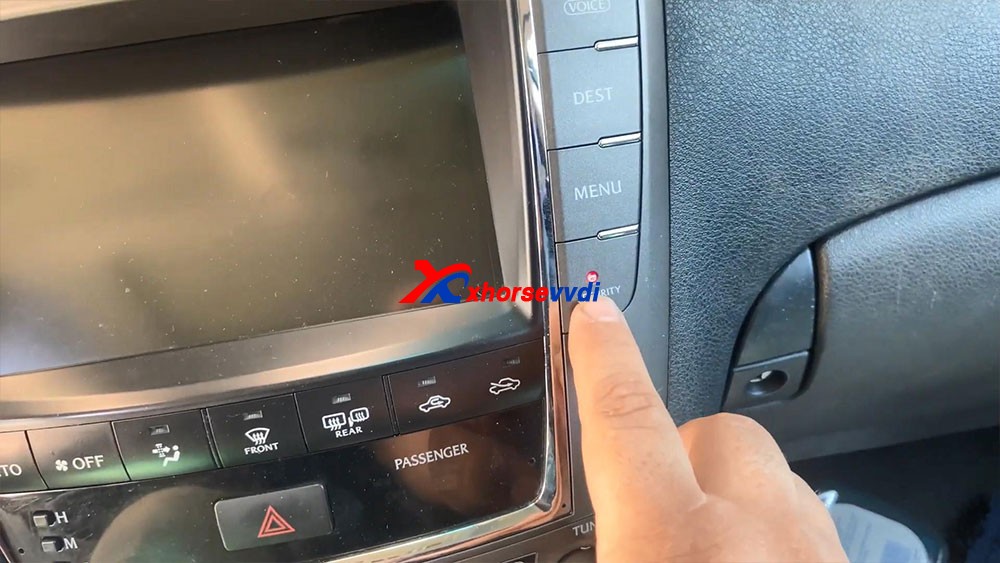
Reset successfully! Please turn to main menu to perform <Add Smart Keys> to program smart keys.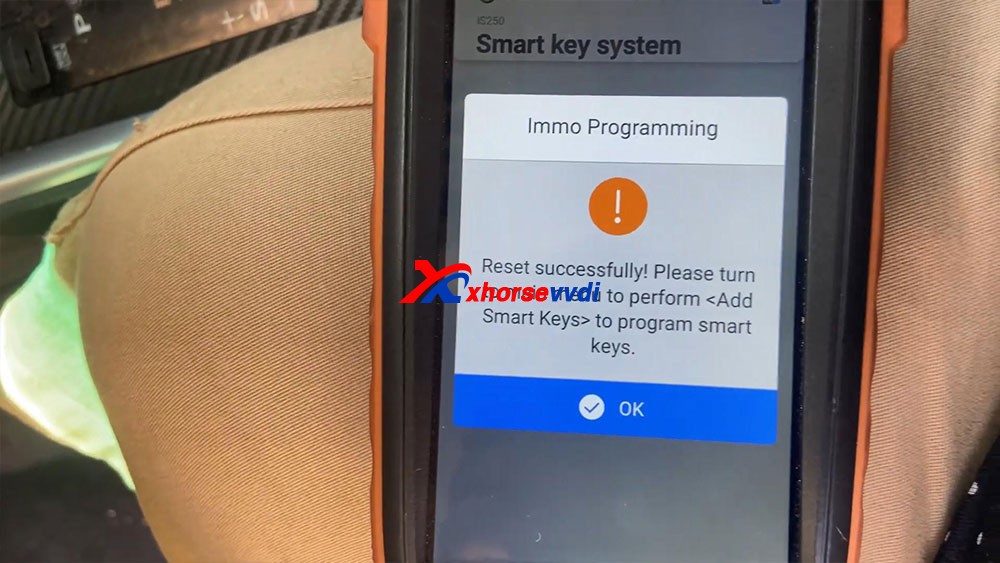
Okay, we’re gonna go back to a key.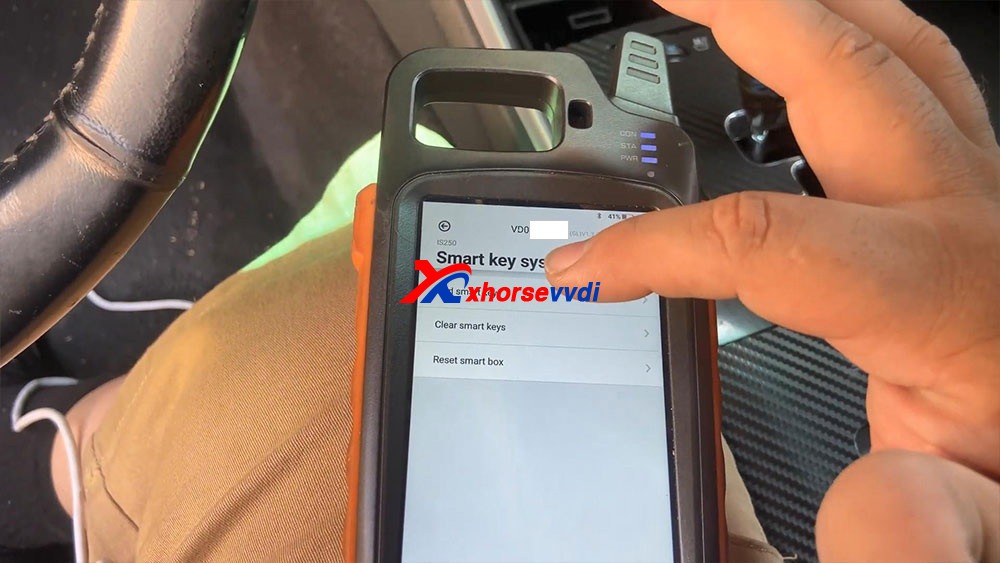
It says “Turn on the ignition switch”, to open the switch
It says “The number of keys registered 0” click on “OK” to continue, yes it tells us there’s no keys registered.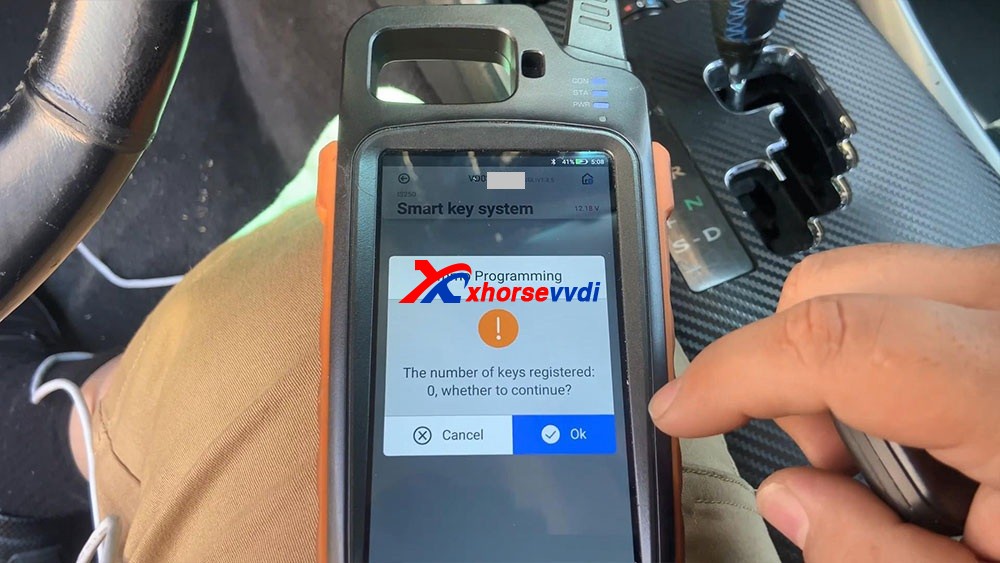
Hold he logo side of a programmed key close to start button and keep it, click [OK] to continue. And you will hear beeps after putting the key close to the start button.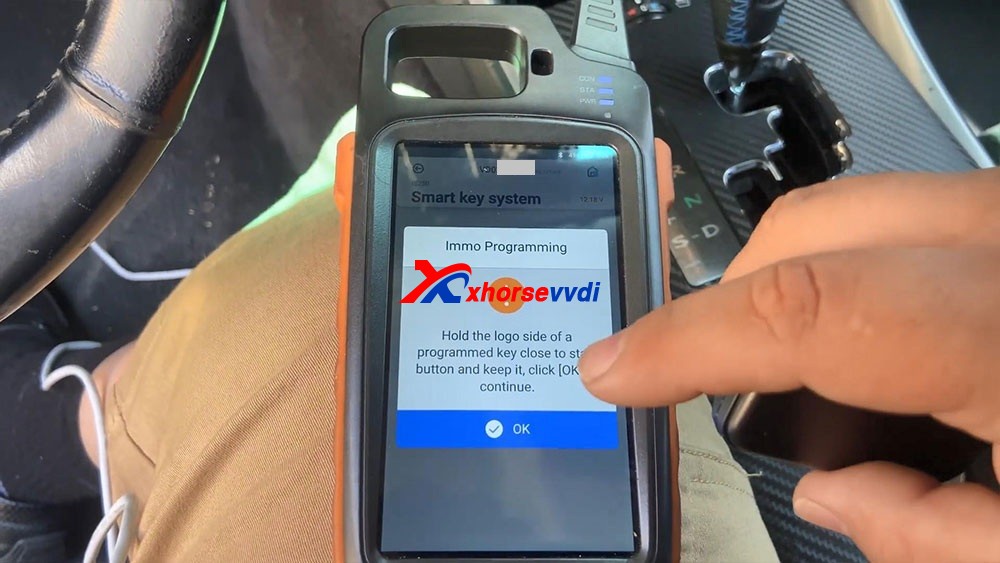
What you see as key programming complete, so we press okay a few times until it actually got the key, and then we press OK.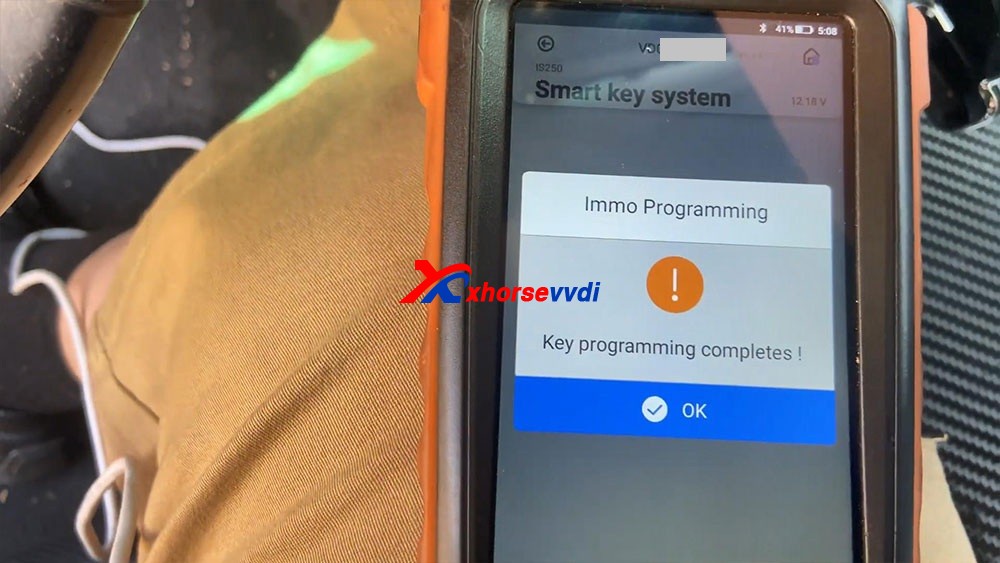
So let’s go ahead and try to test our key, let’s disconnect all this stuff right here, turn off the ignition , we’re gonna close the upper left icon, then it says “Don’t forget your Mini OBD Tool”.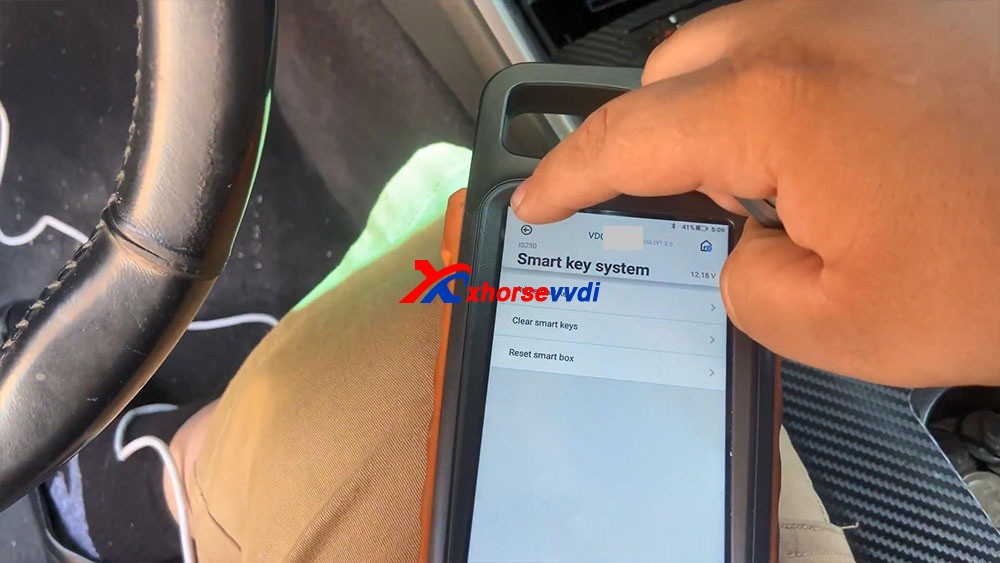
Let’s go ahead and try the key. Are you guys going to see that the key successfully turned on the vehicle.
Let’s go ahead and try a remote, it shows that works really good, perfect.
Okay, so that’s how we program a key with Xhorse Key Tool Max and Mini OBD Tool programmer.
http://blog.xhorsevvdi.com/vvdi-key-tool-max-mini-obd-lexus-smart-key-all-keys-lost/
Xhorse VVDI Key Tool Plus add key for 2014 w246
Yes!Add key 2014 w246 with VVDI Key Tool Plus Successfully, the whole procedure was done by obd2.
It takes about 8 minutes to calculate the password. It’s a great key programmer, I’m very happy with it.
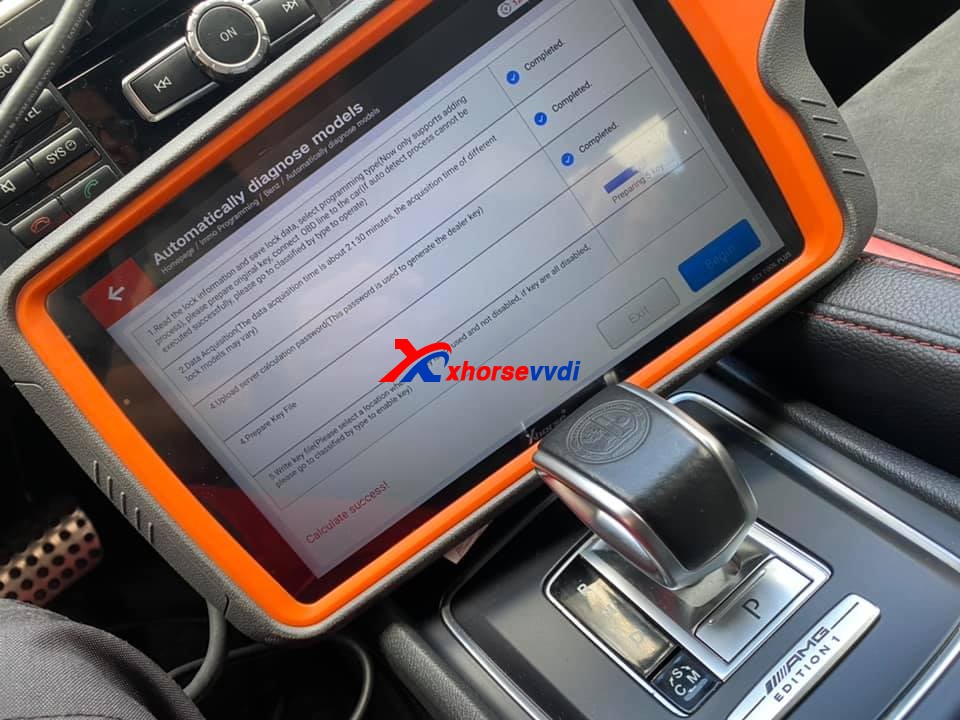
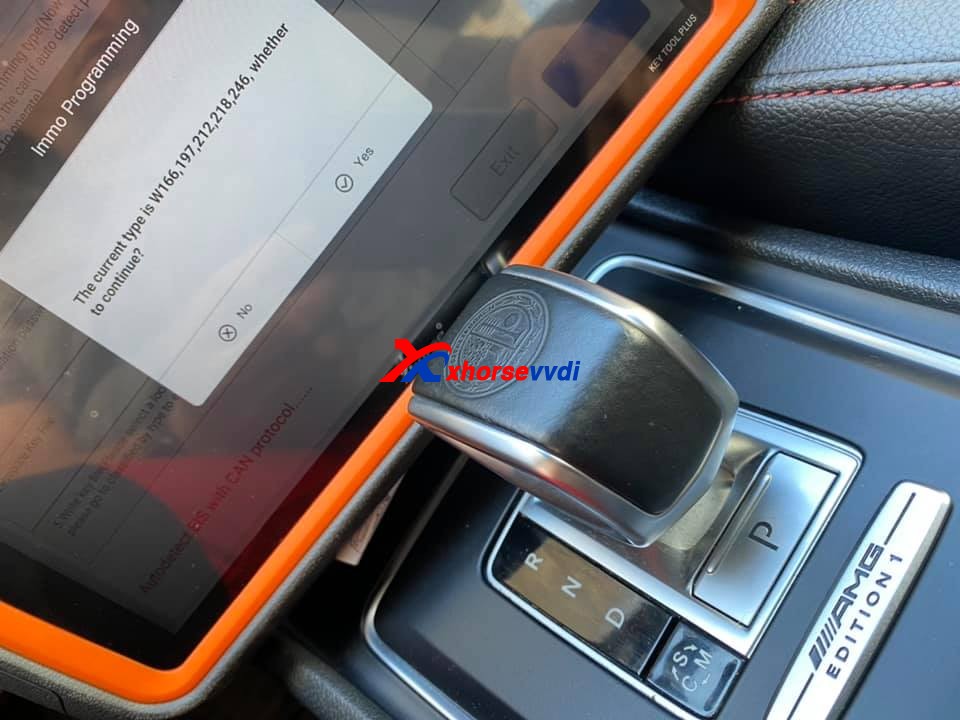
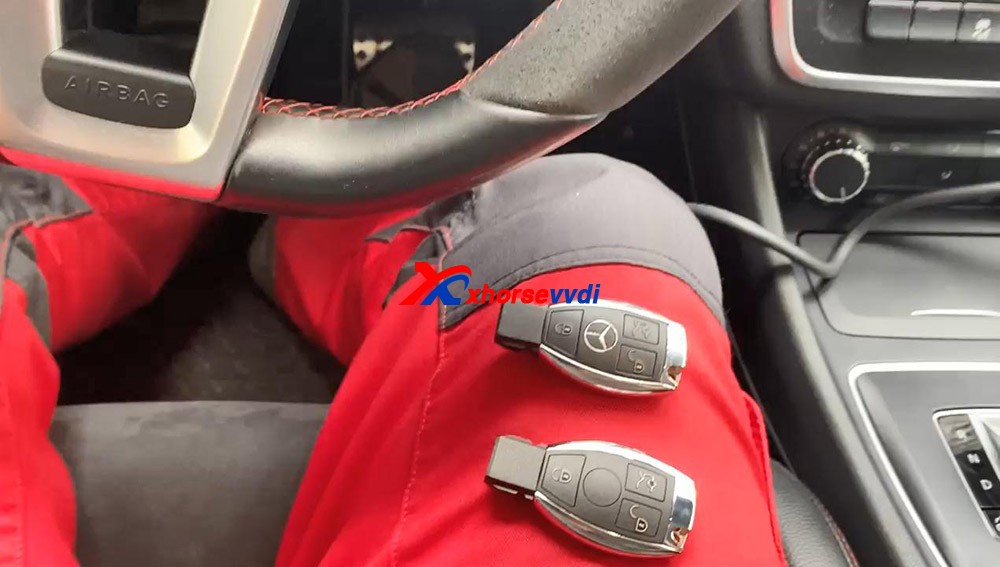
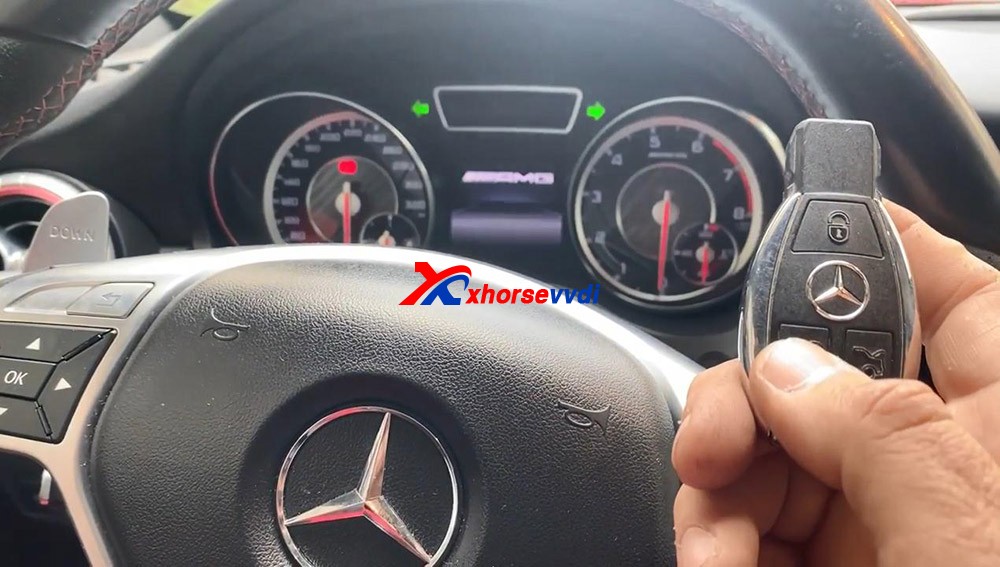
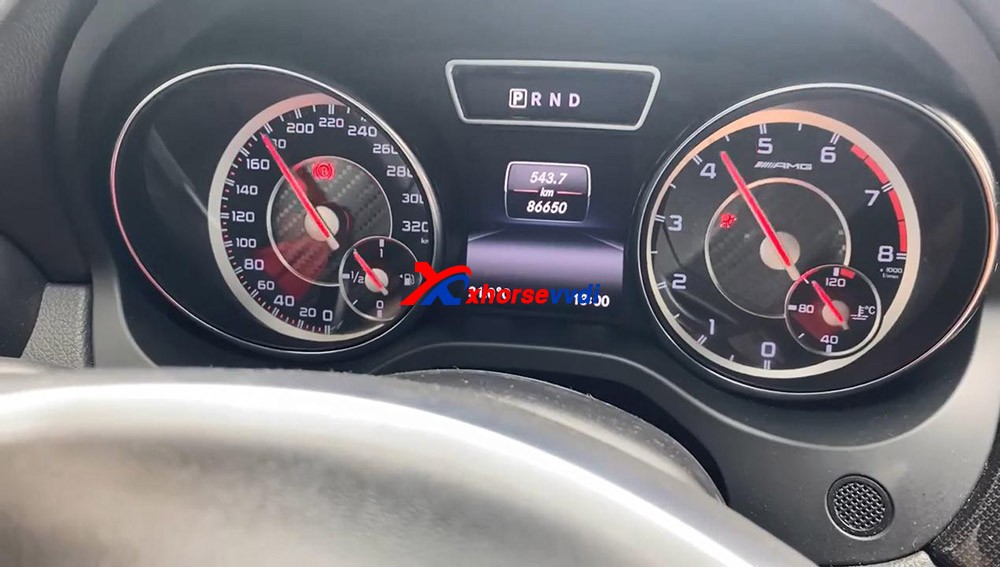
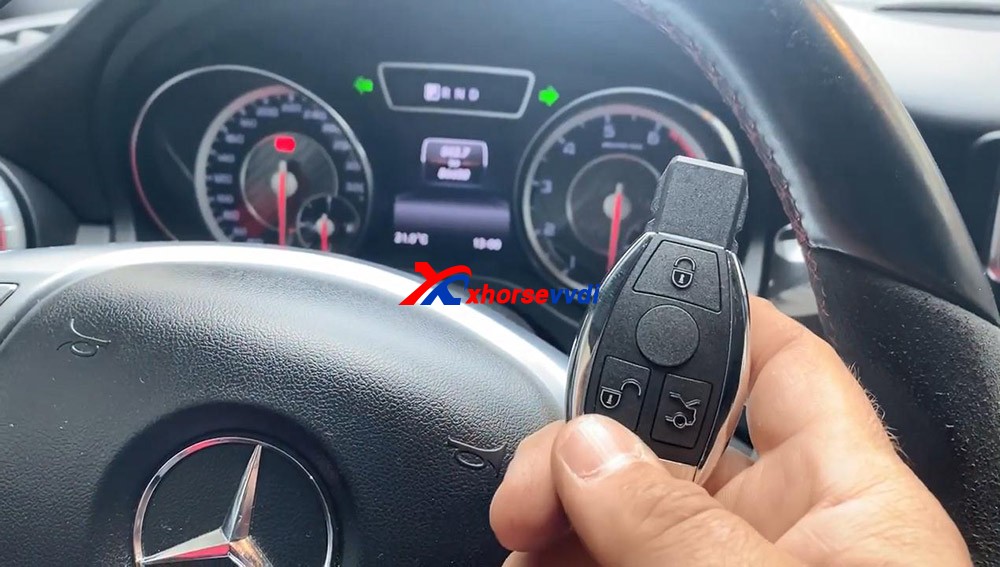
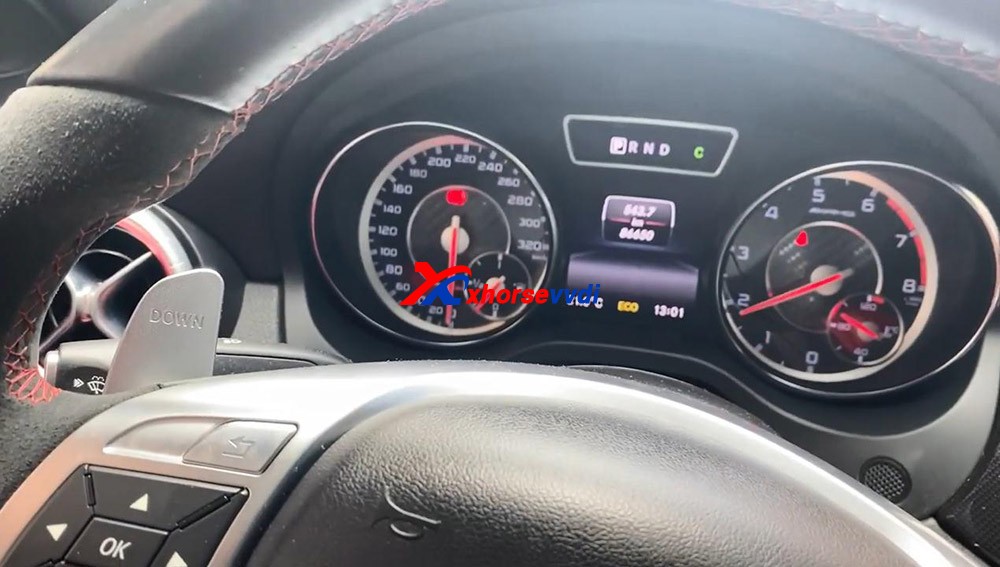
Enjoy!
How does Xhorse Solder-free Adapter work on VVDI Key Tool Plus?
Xhorse Solder-free Adapters will help key tool plus / mini prog to read BMW CAS, Porsche BCM, Landrover KVM, Volvo KVM/CEM, etc IMMO data reading without soldering.
Today, Xhorsevvdi will share you how to use it on VVDI keytool Plus Pad, Take the LANDROVER FOR KVM-ADAPTER as exmaple
Have Jaguar / Land Rover KVM 2015-2018 with all keys lost, don’t worry, Xhorse VVDI Key Tool Plus is the decent solution with one extra XDNP16 Land Rover KVM adapter. This article demonstrate how to program a new key in step by step
Look at the KVM module removed from Jaguar / Land Rover.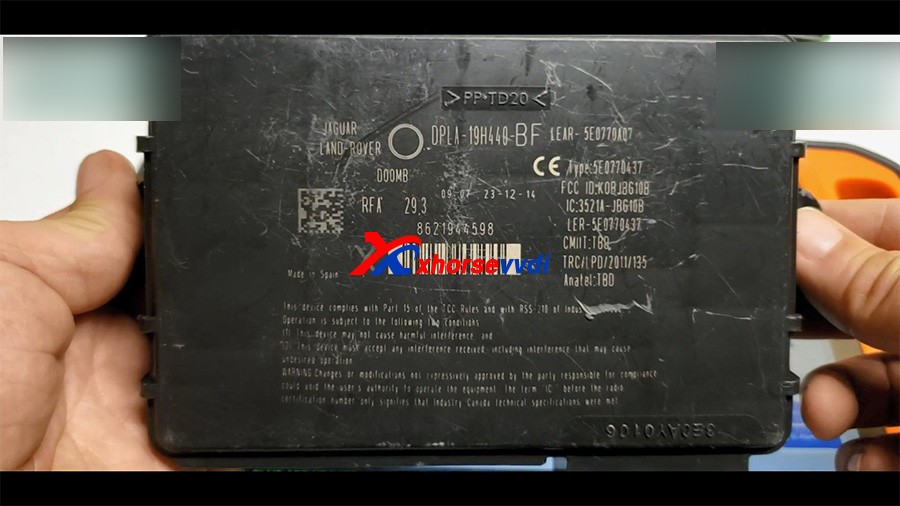
Look at the Xhorse XDNP16 Land Rover KVM adapter (Additional purchase)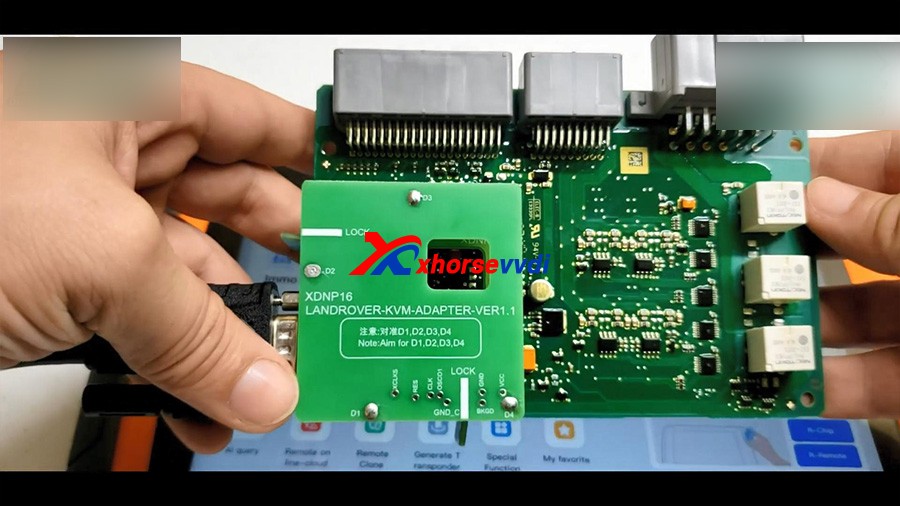
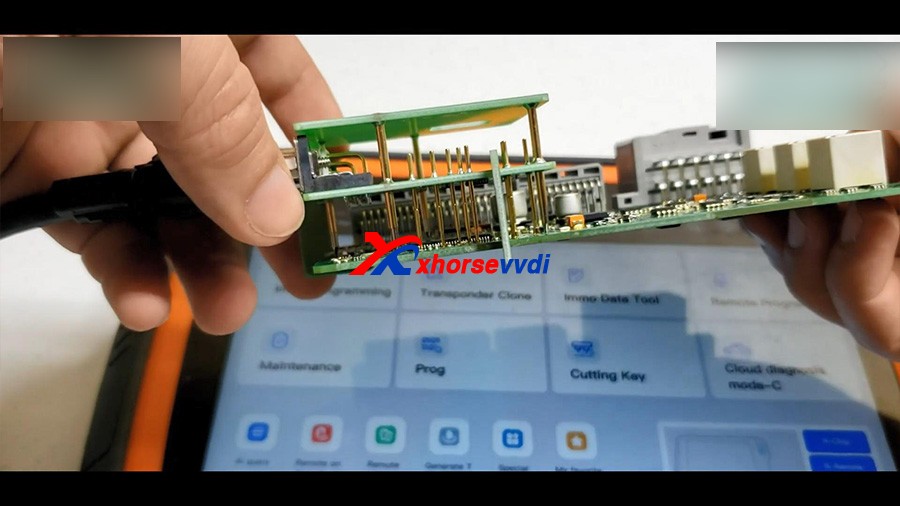
Plug the adapter to Xhore VVDI Key Tool Plus.
Tap “Prog” -> IMMO -> Land Rover -> RFA -Secured (MC9S12XET256) (Adapter)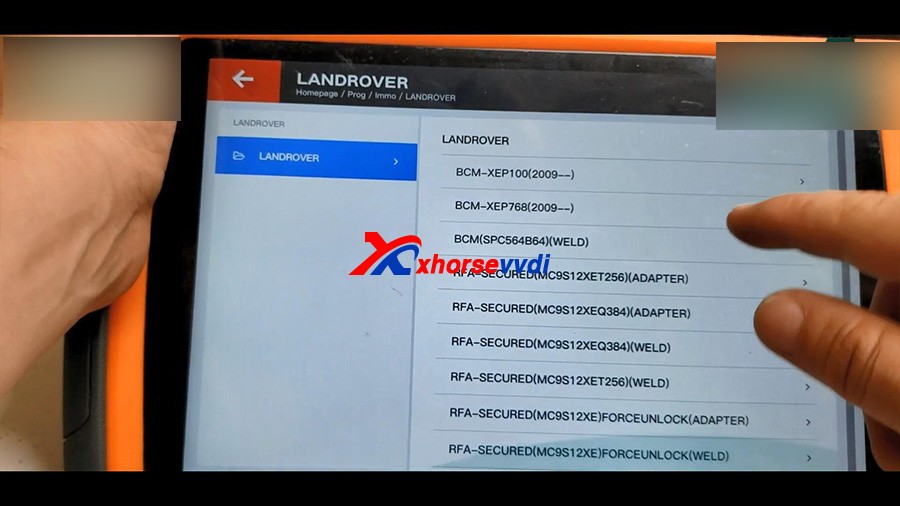
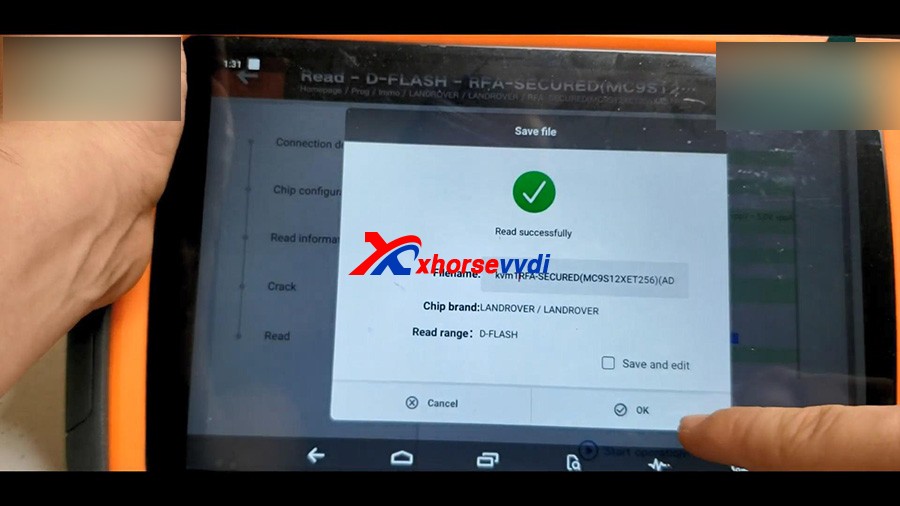
1. Read D-FLASH
Read -> select “D-FLASH” -> Begin -> Read successfully and save file.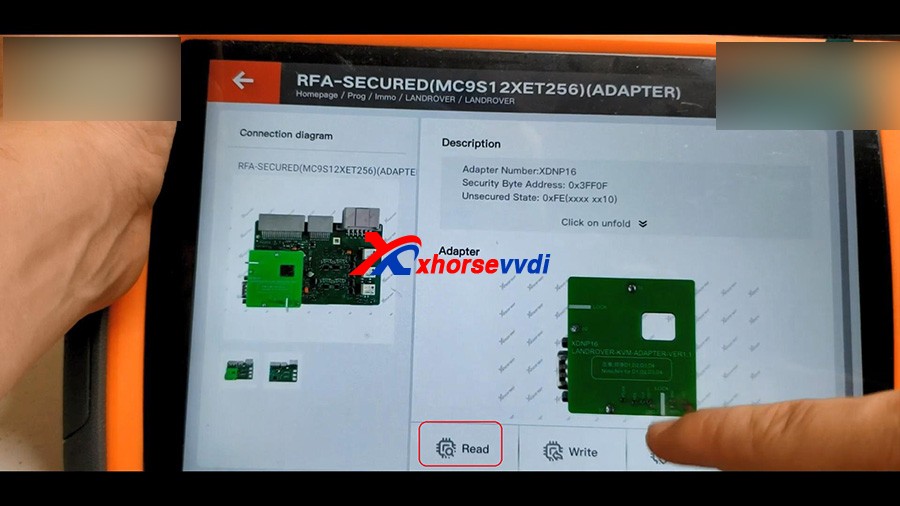
2. Read EEE
Select “EEE” -> Begin -> Read successfully and save file.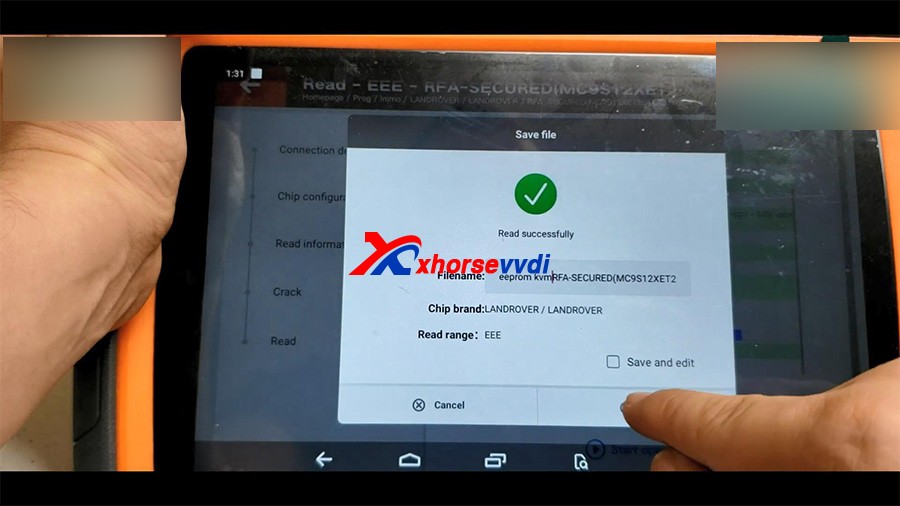
Back to the home menu of key tool plus, click on “Immo Data Tool” -> Europe -> Land Rover -> Rover / Jaguar 2015 – MC9S12XET256 / MC9S12XEQ384 – Begin.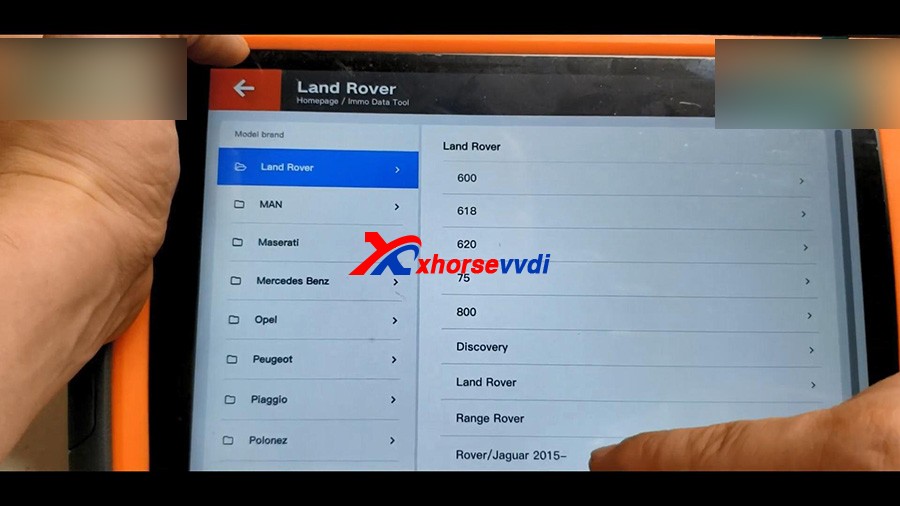
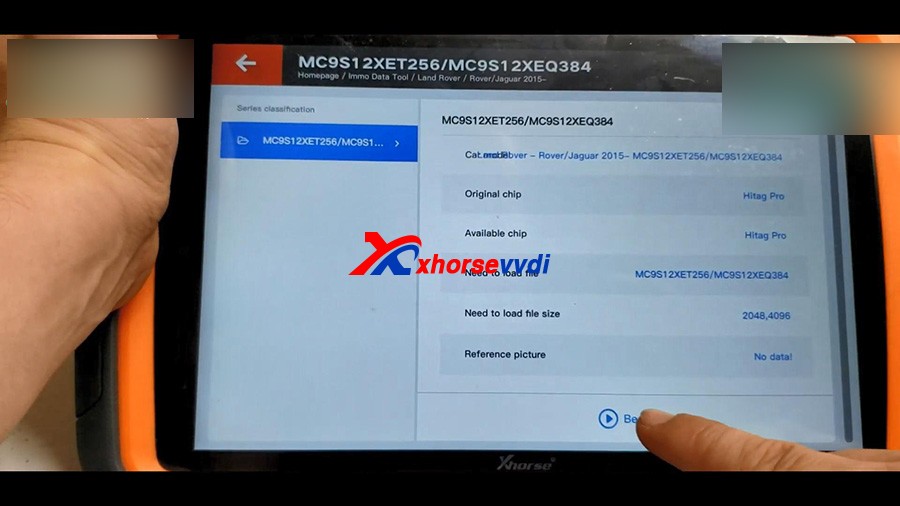
Please load FRA DFLASH, click OK to continue.
Select the D-FLASH data that is read above and load it. 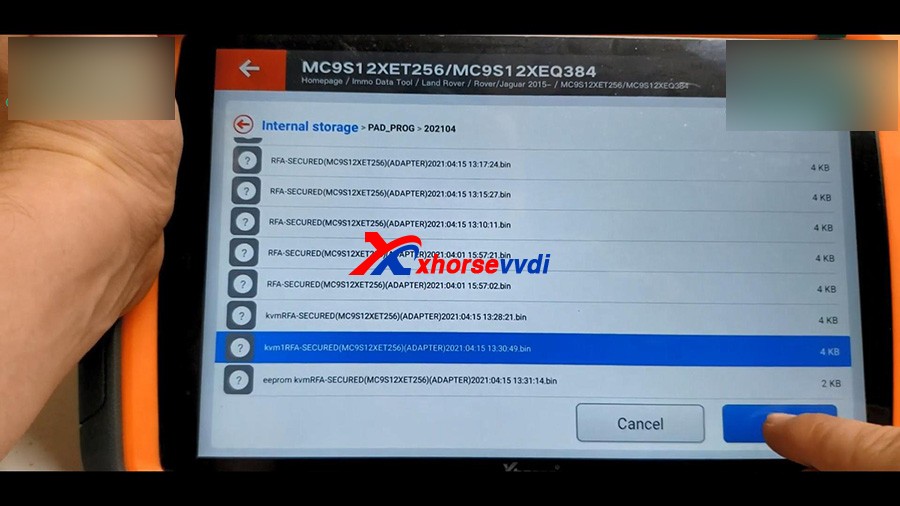
Next is to load RFA EEPROM.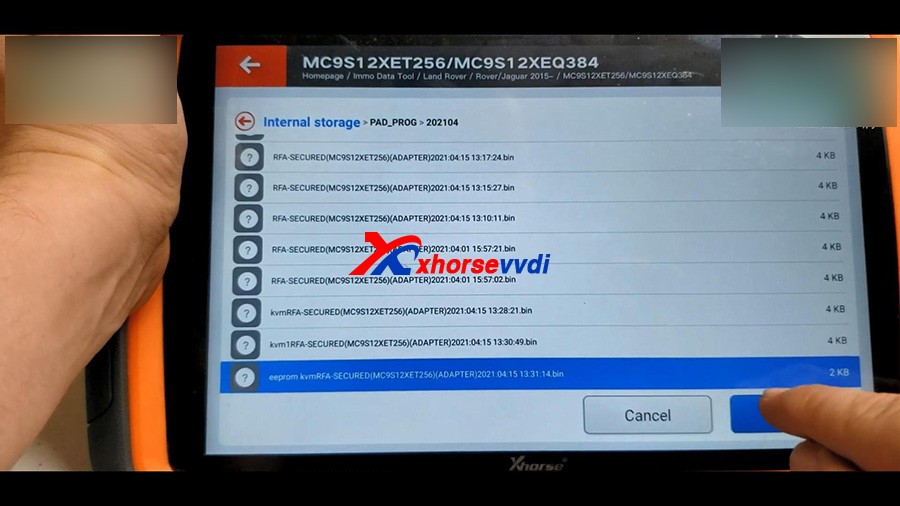
It prompts : Do you want to load BCM DFLASH?
If not update this file, the emergence start in CJB/BCM will not work when new key without battery, we click on “No” .
Next is to Make dealer key.
Tap “Make dealer key”.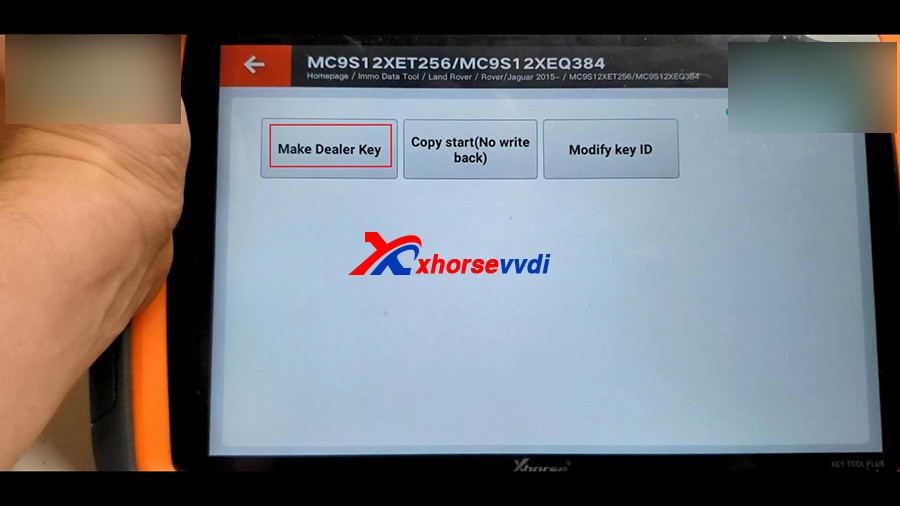
Tick off “Key 3” and put the new key into the keyhole of Key Tool Plus.
Start to make key…
Then select “Save here”.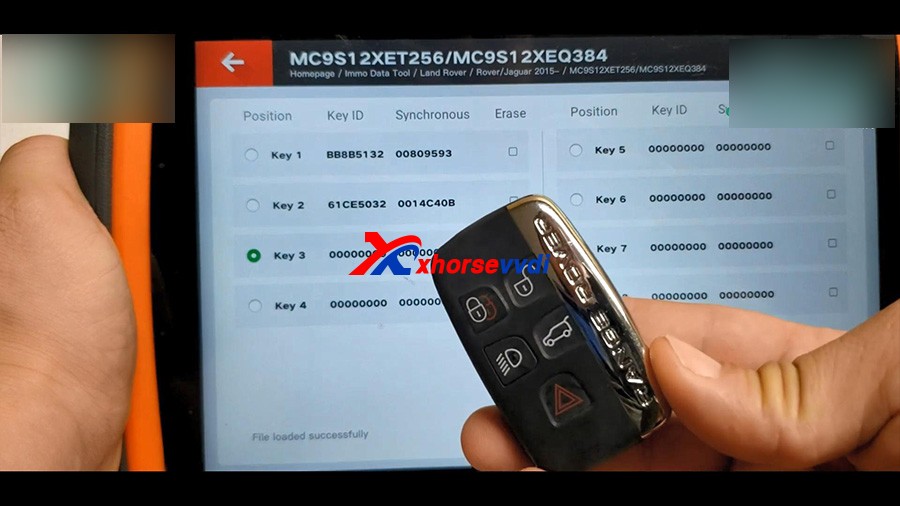
Prepare dealer key success.
Use programmer to reverse write the newly saved data to RFA mode or BCM mode.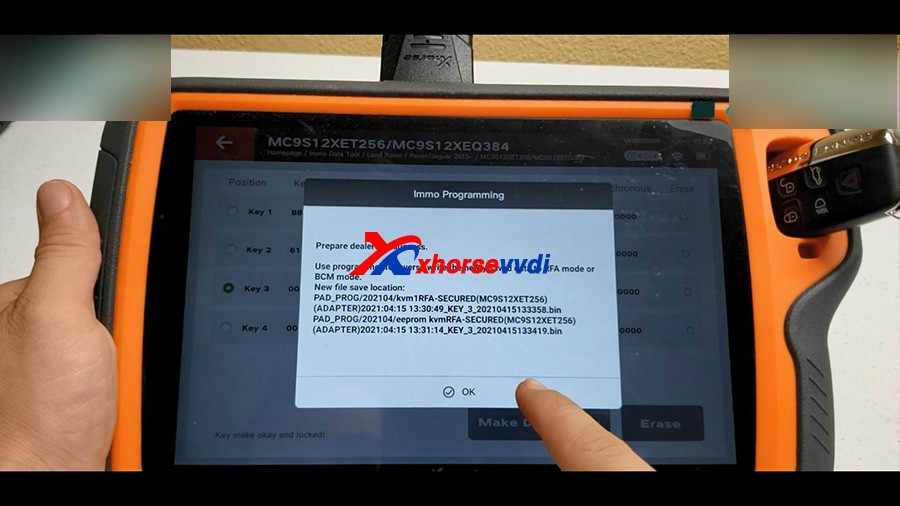
Back to the home menu of the pad, click on “Prog” -> Immo -> Land Rover -> RFA -Secured (MC9S12XET256) (Adapter) ->Write ->D-FLASH -> Begin -> select and write -> Write complete. 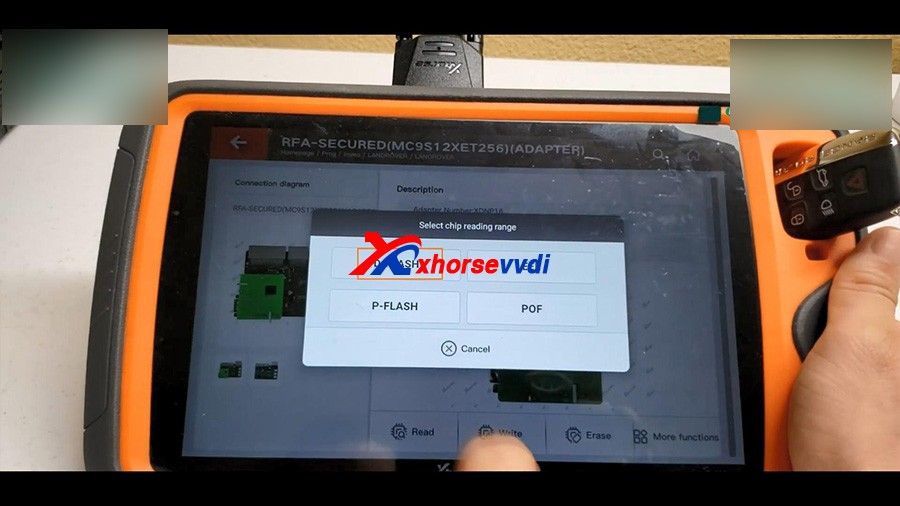
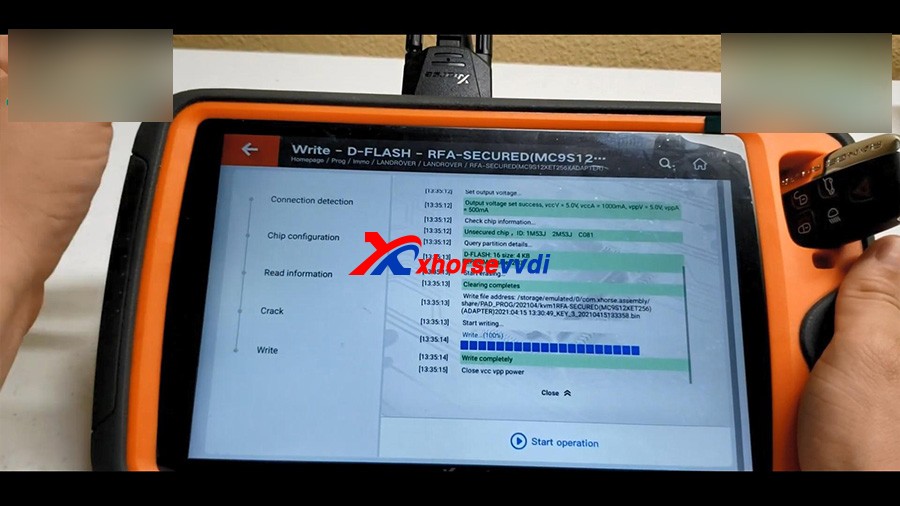
In the same method, to write EEE.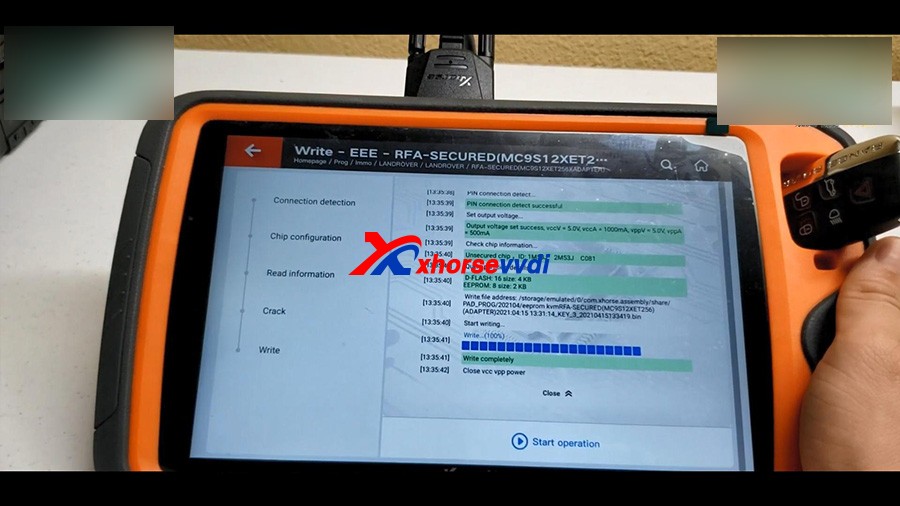
Alright, the job is done!
We have a new working key.
Mazda CX5 Smart Key program via Xhorse VVDI KEY TOOL PLUS -No Issue
Used VVDI KEY TOOL PLUS and Xhorse universal smart key to add Mazda CX5 Smart Key successfully, firstly “remote program” and then “Immo programming”, finally test whether the key can start the car, the whole process is simple, easy and pleasant.
Prepare:
Plug VVDI KEYTOOL PLUS into the OBD2 port of Mazda CX5, and then turn on igniton.
Login the personal account.
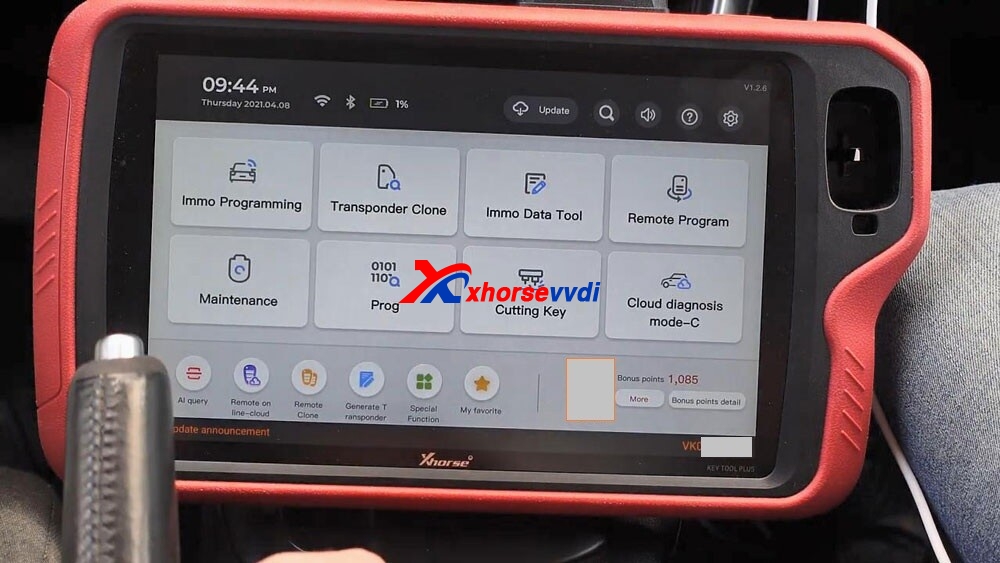
Step 1. remote program
Select ” Remote Program” -> Asia -> Mazda -> All remotes -> Mazda 2button ID49 2380
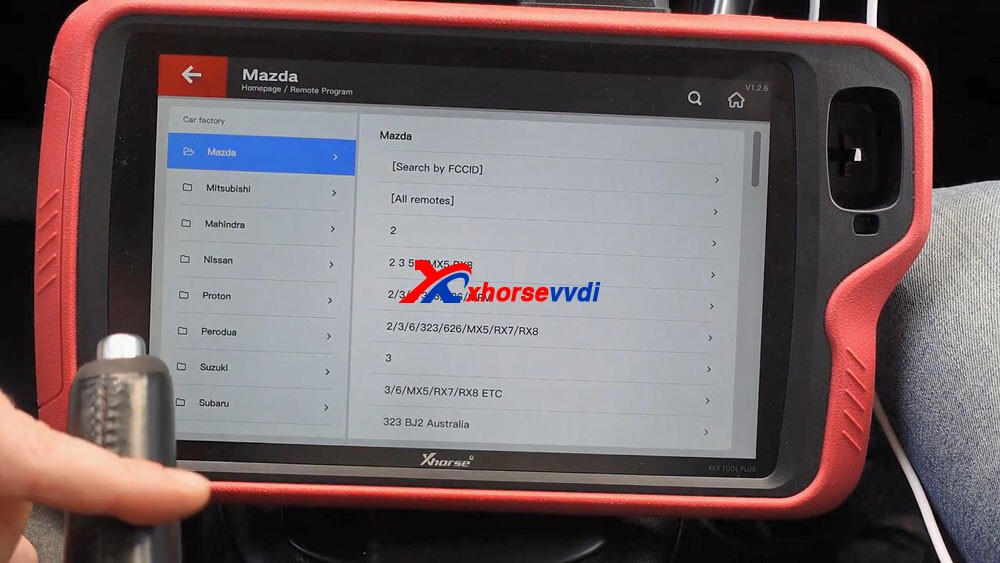
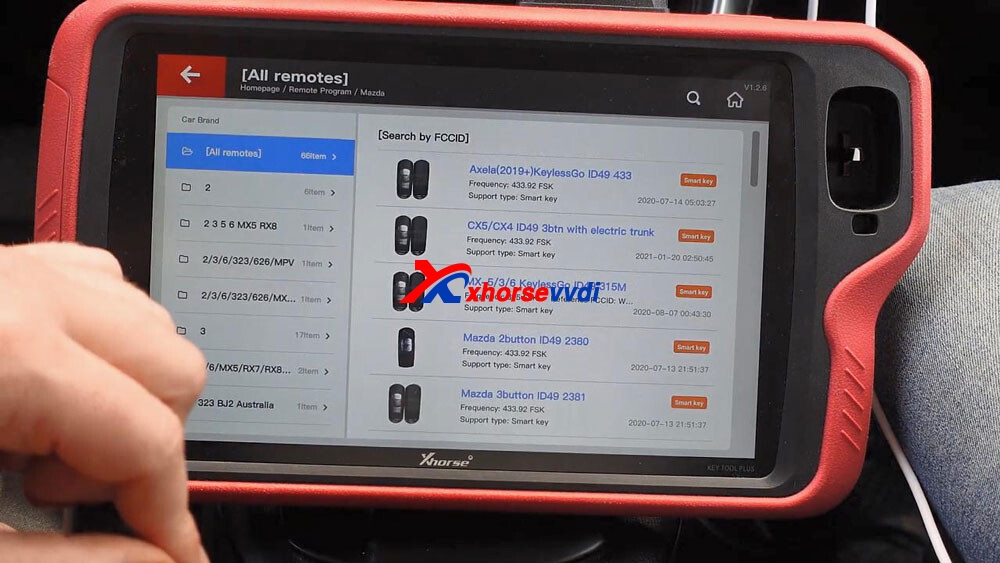
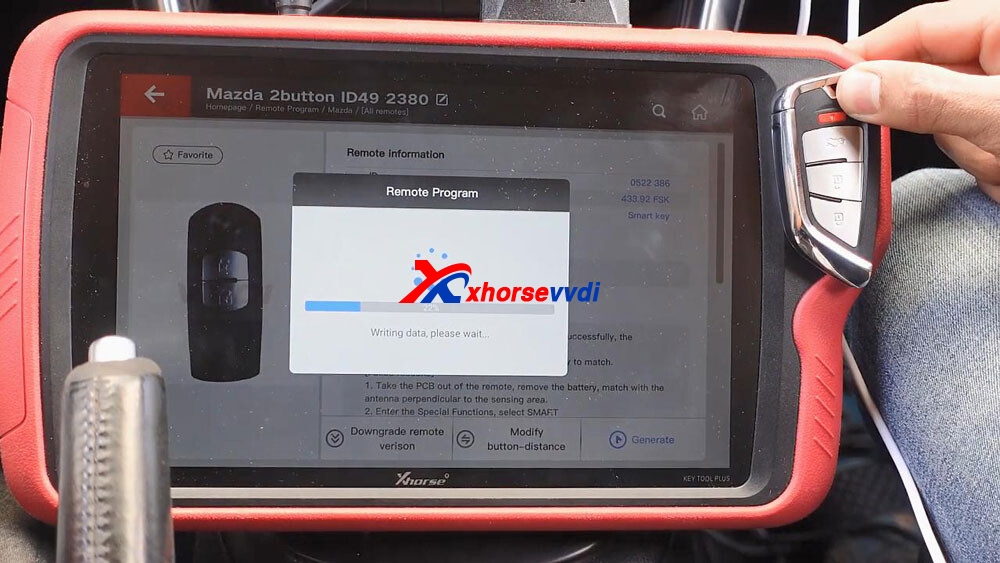
Have remote information (ID: 0522 386, Frequency: 433.92 FSK, Remote: smart key), and then it tells the matching method: Please take out the PCB and remove the battery to match.
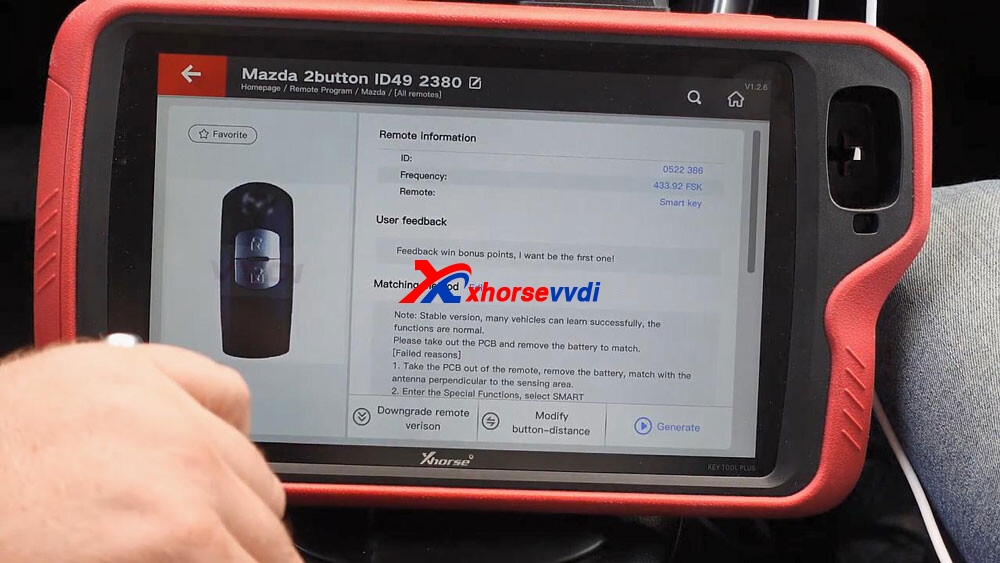
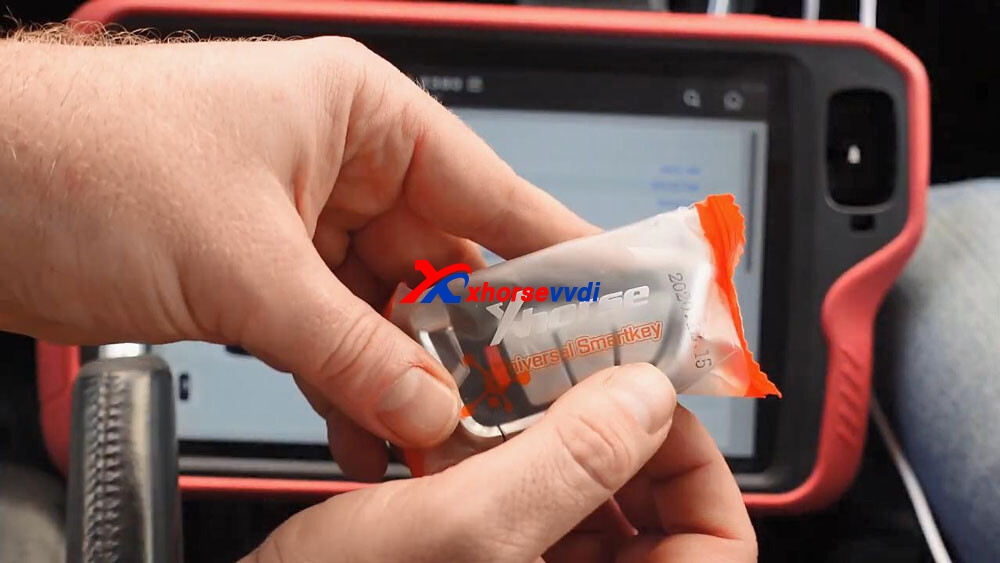
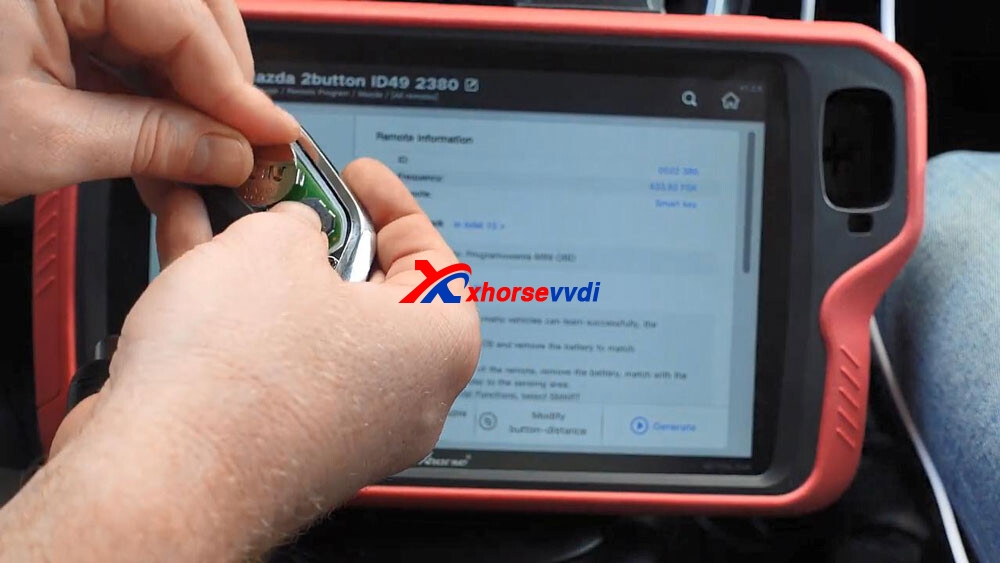
Keep Xhorse universal smart key close to the coil of key tool plus and it will write the data, wait until it reads 100% and burn success.
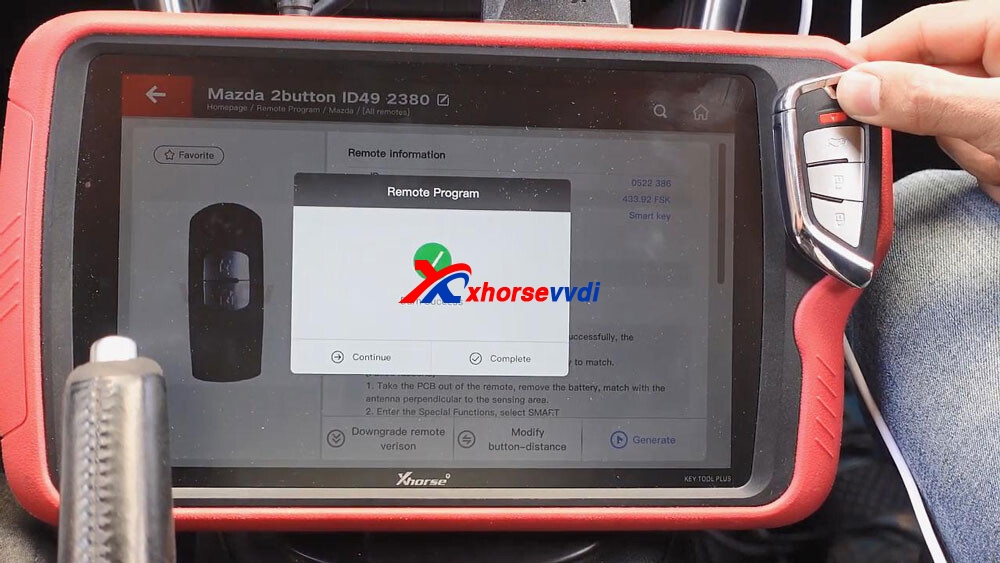
Step 2. Immo programming
Back to the home menu and select “ Immo programming“.
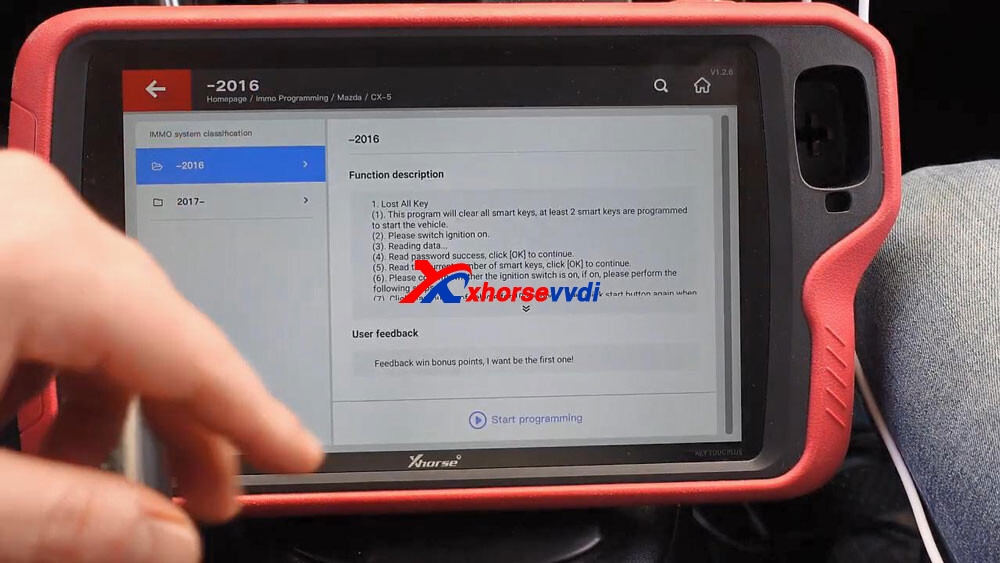
Select Asia -> Mazda -> CX5 -> -2016 -> Start programming -> add a key.
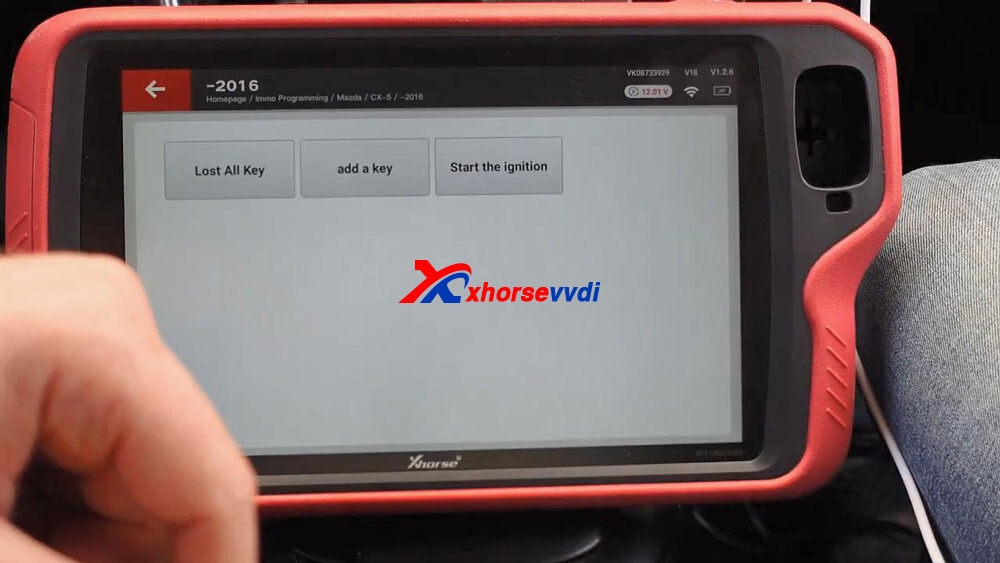
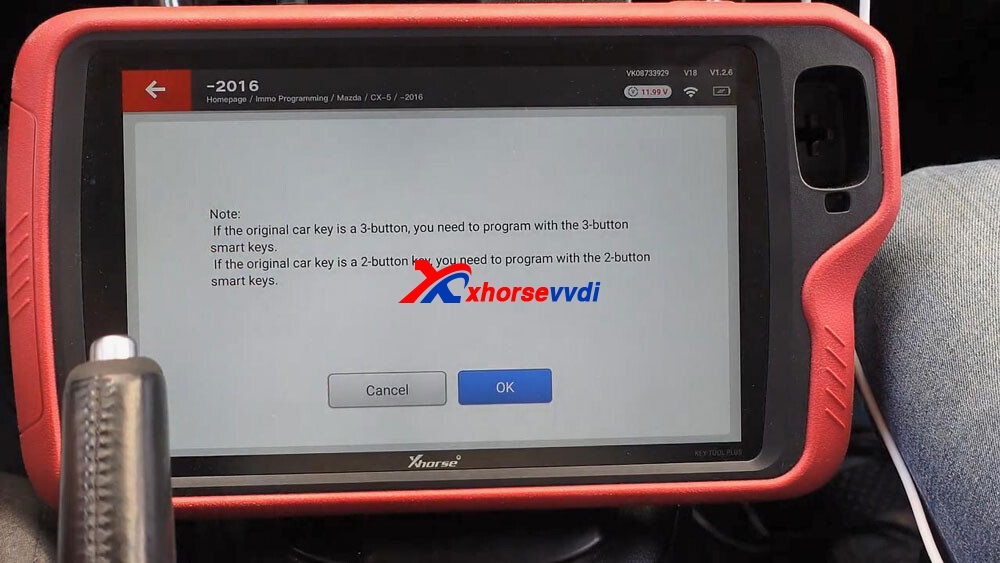
Click on “OK” to confirm the original car key is a 2-button key and you need to program with the 2-button smart key.
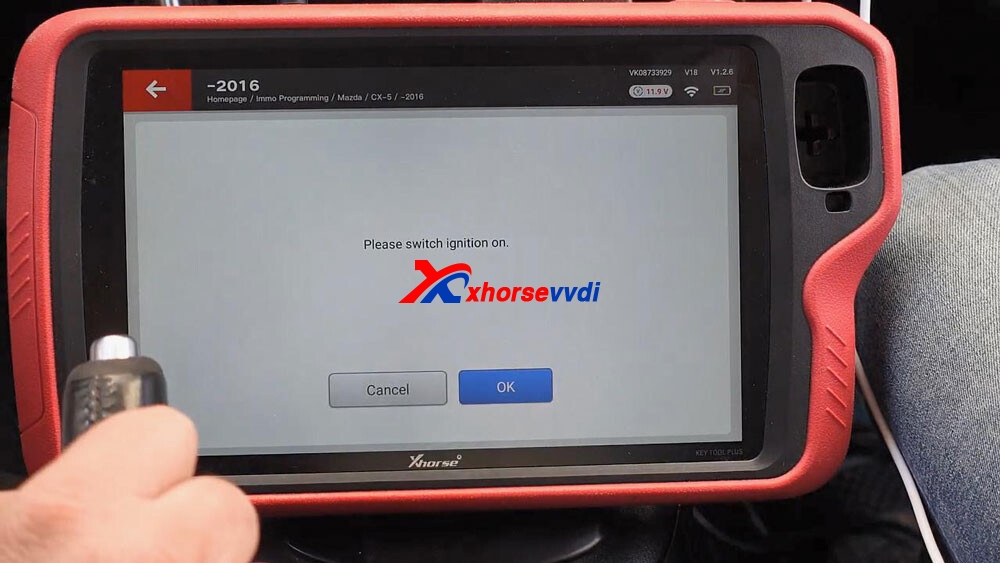
Please switch ignition on.
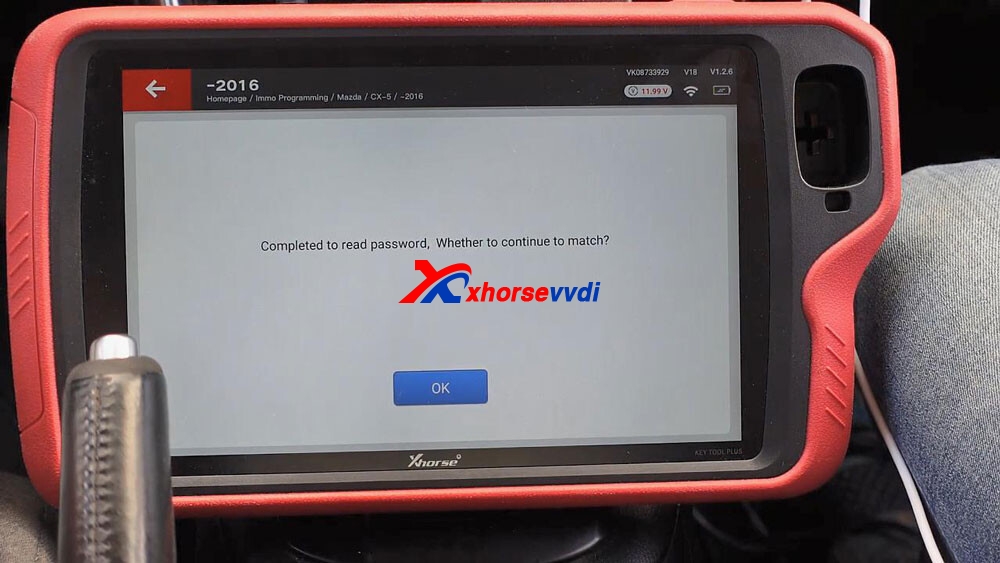
Reading data… wait a few seconds and you can see “Completed to read password…”, tap “OK” to continue.
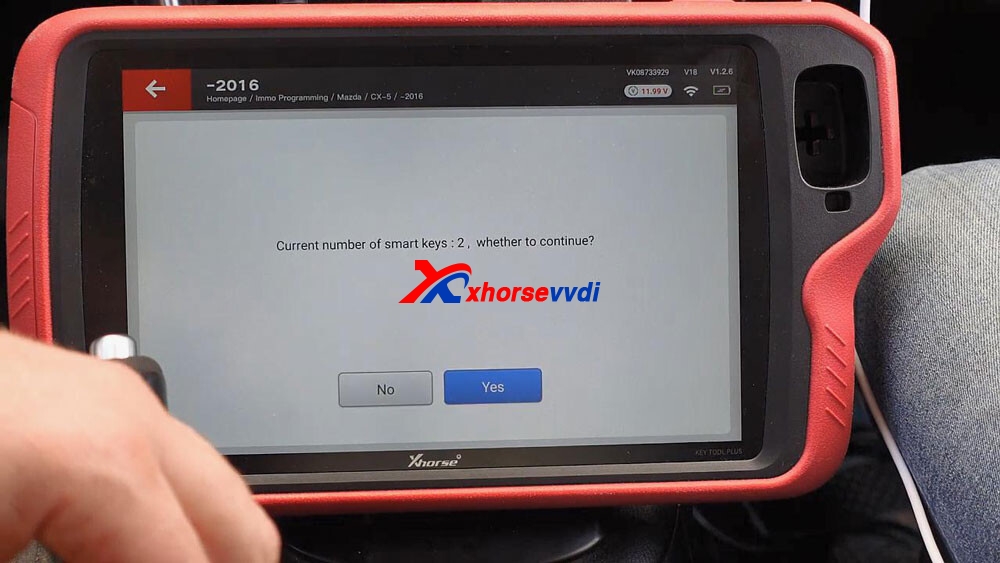
Current number of smart keys:2, tap “Yes” to continue.
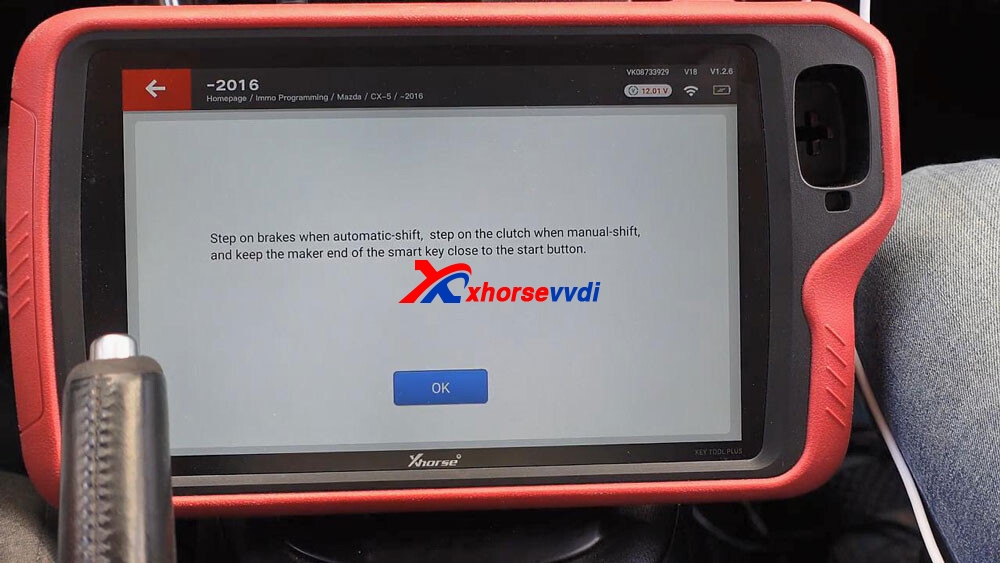
Step on brakes when automatic-shift, step on the clutch when manual-shift, and keep the maker end of the smart key close to the start button.
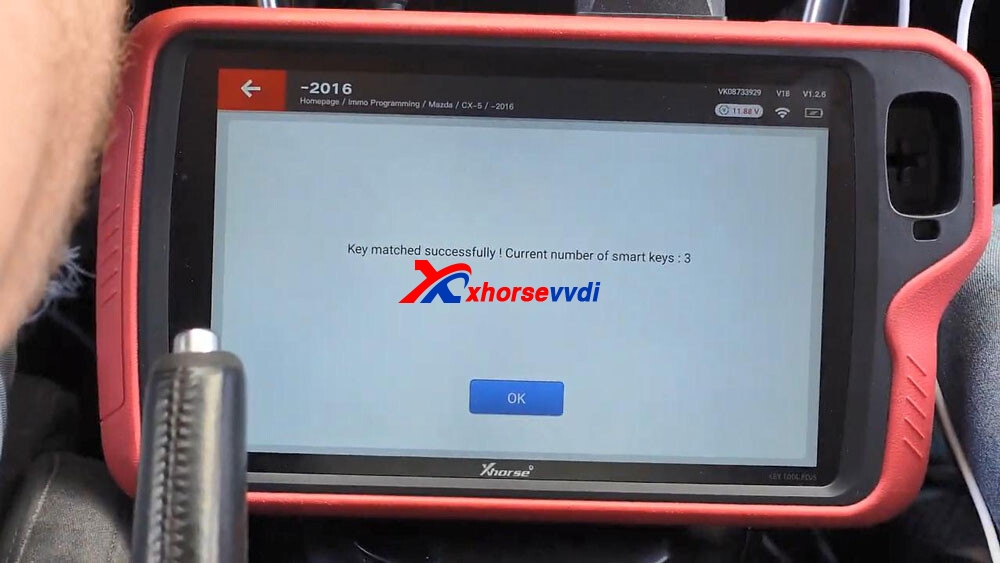
Alright, key matched successfully, current number of smart keys: 3, click “Ok” to confirm.
Complete the following steps after program is successfully:
Switch ignition off, then step on brakes, click the start button by the smart key to be added to start the engine for 3 seconds, then switch ignition off.
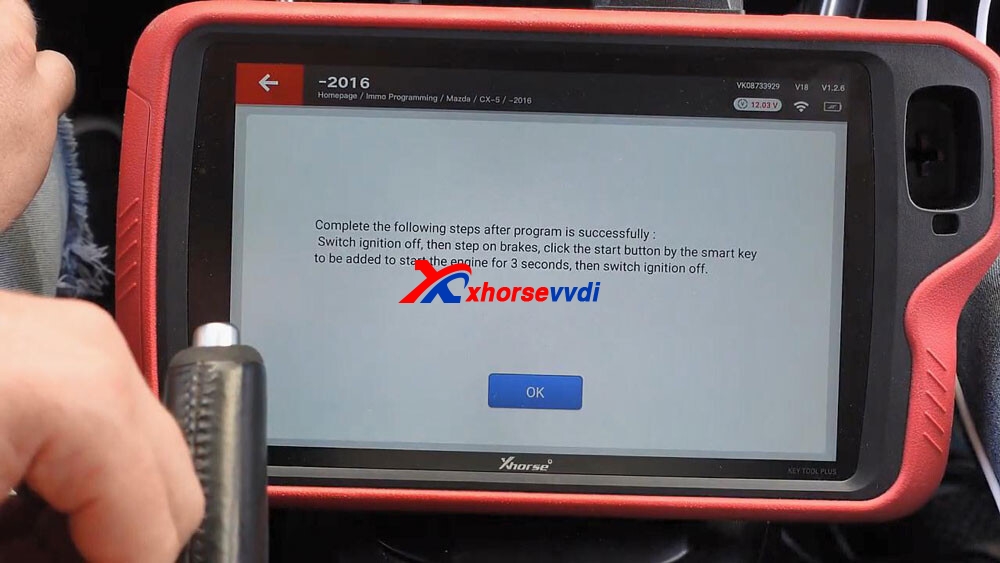
Step 3. Test whether the new key can start the car.

Alright, the job is done.
Thumb up VVDI KEY TOOL PLUS and Xhorse universal smart key.
Source:http://blog.xhorsevvdi.com/xhorse-vvdi-keytool-plus-add-mazda-cx5-smart-key/
Xhorse VVDI Key Tool Plus BGA Password Calculation Token
Good news! Xhorsevvdi provide BGA Password Calculation Tokens for Xhorse VVDI Key Tool Plus PAD
Source:https://www.xhorsevvdi.com/wholesale/key-tool-plus-bga-token.html
Kindly notice:
*No real shipping
*After payment, pls offer us your SERIAL NUMBER of VVDI MB BAG Tool or Key Tool Plus. If your VVDI bound to condor, pls note us
*We will add the tokens to your machine soon within 24 hours. (except the weekends and holiday)1. OverviewPassword calculation can get key password through EIS and working key (online)CAN protocol EIS all support password calculationSupport BGA keys and other NEC keysSupport calculate the password for NEC v51, v57 keys. No soldering, safe method.Data acquisition time depends on the key version. It needs about 3.5 – 13 minutesBGA version need about 5 minutes, some versions only need 3.5 minutes
Calculate time in server: 30 seconds – 1 minute
2.Support typeW164W164 2009-W166, 197, 212, 218, 246W169, 209, 211W172, 204, 207W216W221W639 2009- 3. FunctionsMode: OBD and IR adaptor, mode use for communicate with EISChassis: Select chassis number, you can detect it with auto detect in EIS ToolsData Acquisition:Press“Data Acquisition”, it will continue with following steps automatically1) Insert working key to ignition, waiting 15 seconds2) Insert working key to device IR reader, verify key and car3) Data acquisition4) Insert working key to ignition, waiting 30 seconds5) Insert working key to device IR reader, wait end…6) Save acquisition dataUpload Data: Upload saved acquisition data to server for calculate password.
Attention:Once success calculate password for one SSID, the server will not accept calculate the acquisition data with same SSID in 2 hours. After 2 hours, acquisition data with same SSID upload to server will start with a new taskQuery result: Query server calculation result. The password will fill in key password area automatically after success calculation. Use “Copy” copy password to clipboard
Auto reflash: Program will auto re-flash server result until there’s no task for this device.You can start data acquisition once more while auto reflash startingStop acquisite after success: If you are run data acquisition while auto reflash running,program will stop the acquisition progress when find correct password 4. About query result statusQuery result support query calculation result in 24 hours, others don’t support Query result will display Time, SSID, Status, Filename (name when upload to server)Status has the following types:1) Queuing: number x, require about y minutes, means your task need y minutes2) Processing: requires 1 minutes, means your task need 1 minute to finish3) Password: xxxxxxxxxxxxxxxx (Free), means success find password, “Free” show this task is calculated for free or this task already success calculated before4) Discard: Once you success calculate the password, in 2 hours, the upload acquisition data with same SSID will discard5) Already upload: means the server already have this file in queuing6) Pay for password calculation before upload: means your device doesn’t have authorize for calculation. Contact your dealer and pay for password calculation7) Failed: means this task failed to get password, you can run data acquisition again.Failed task is always free
How to see the BGA Password Calculation Tokens?
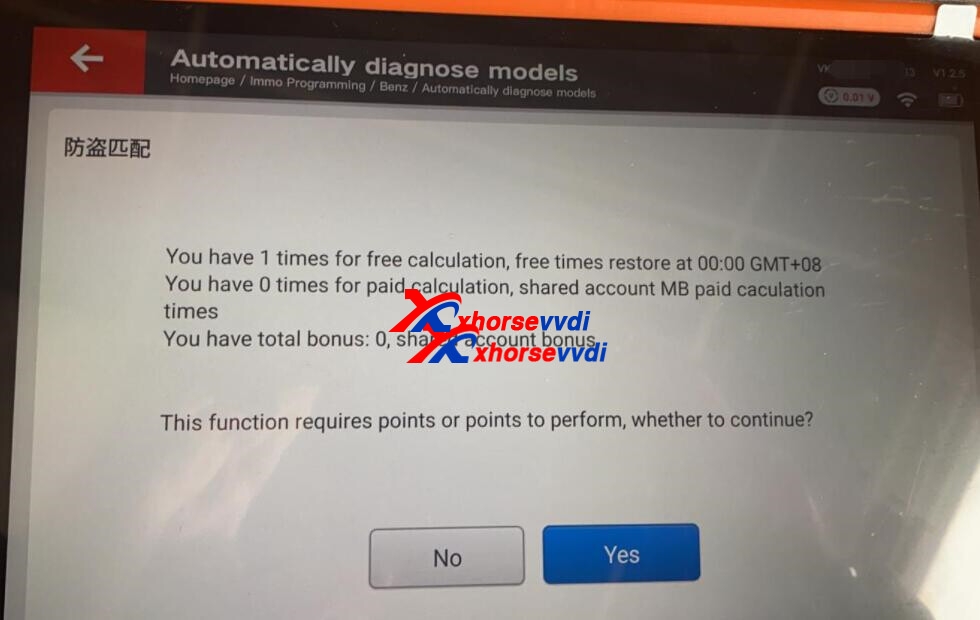
If you have any problem, please feel free to contact us.Skype: xhorsevvdi.com
Whatsapp: +86-13983756354
Live Support: Chat with us online
Email: sales@xhorsevvdi.com https://www.xhorsevvdi.com/
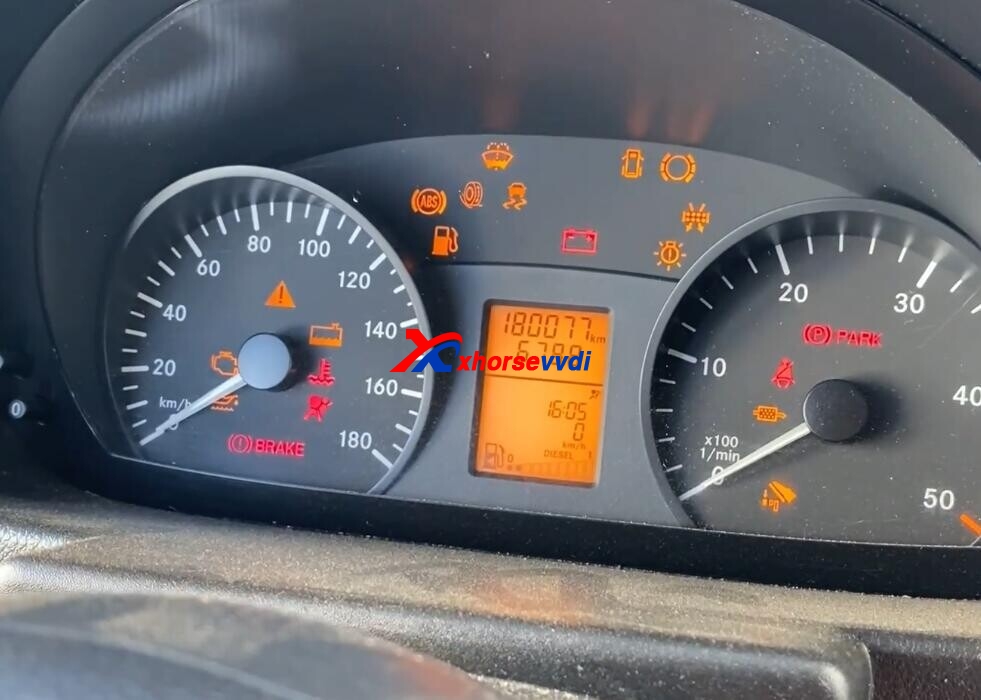
How to Program W906 Sprinter 2016 With Xhorse VVDI Key Tool Plus
How-to: Xhorse VVDI Key Tool Plus Program W906 Sprinter 2016 Step-by-step:
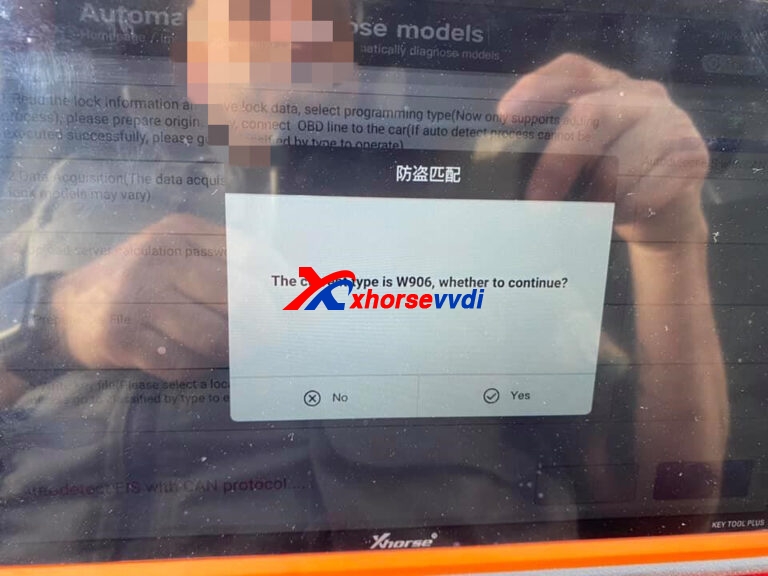
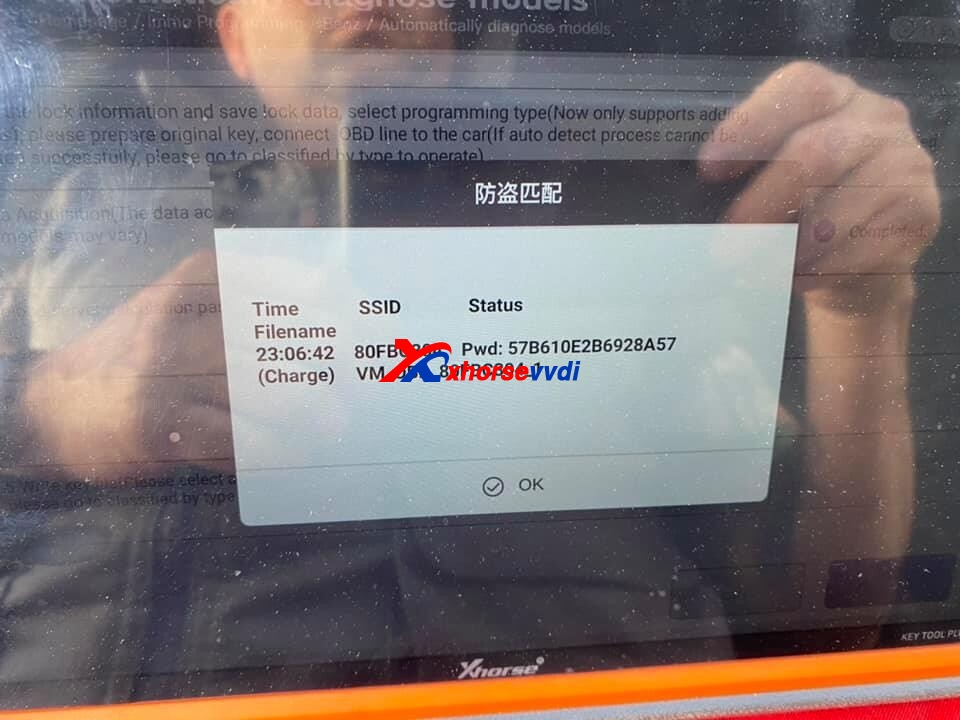
Read key password online.
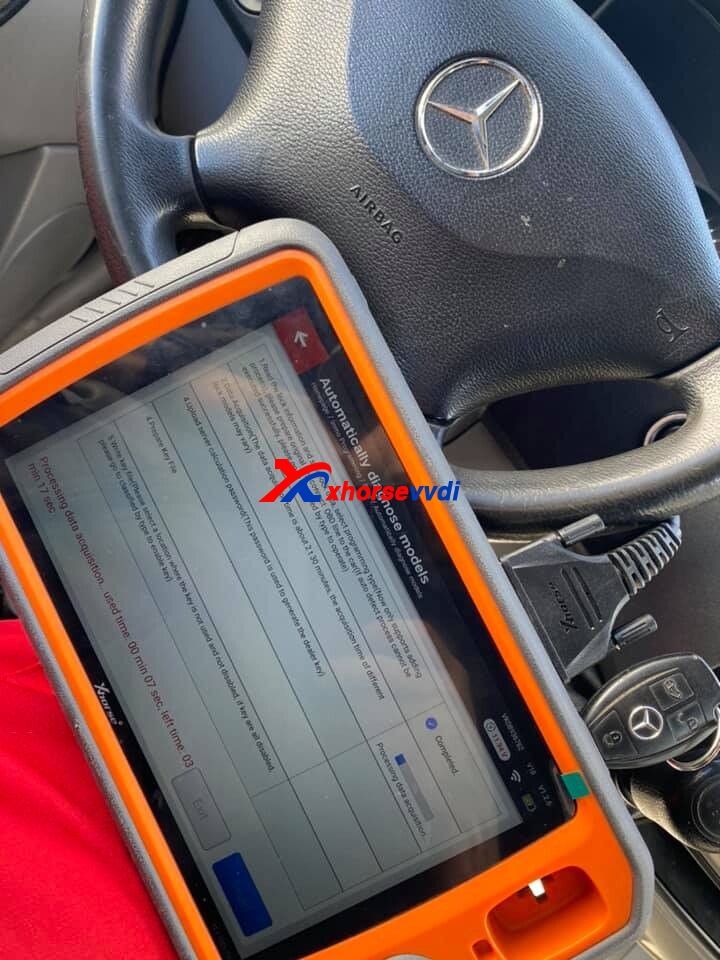
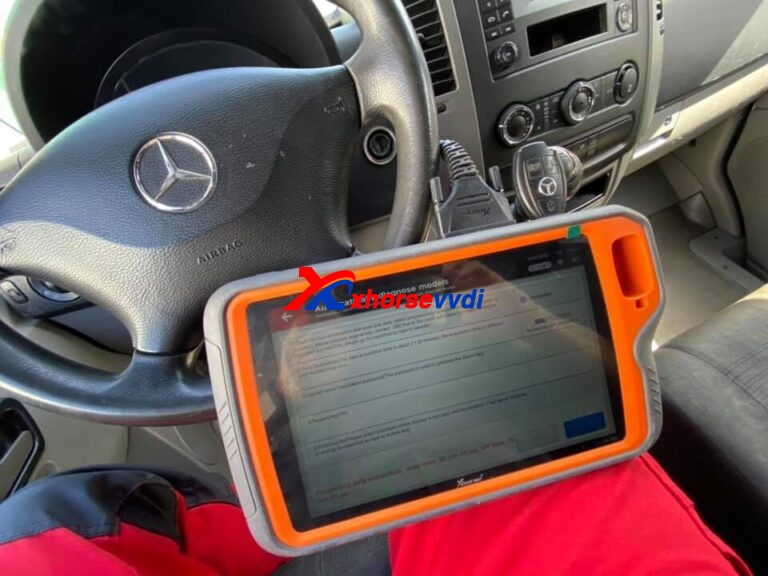
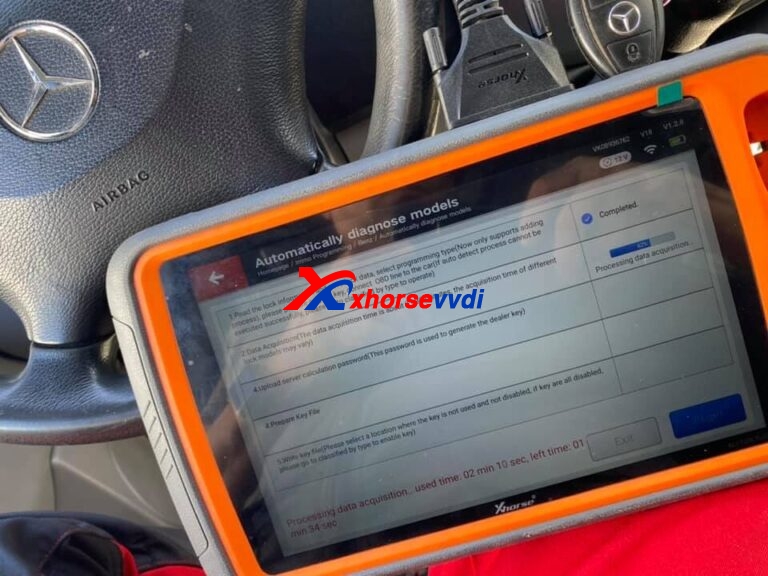
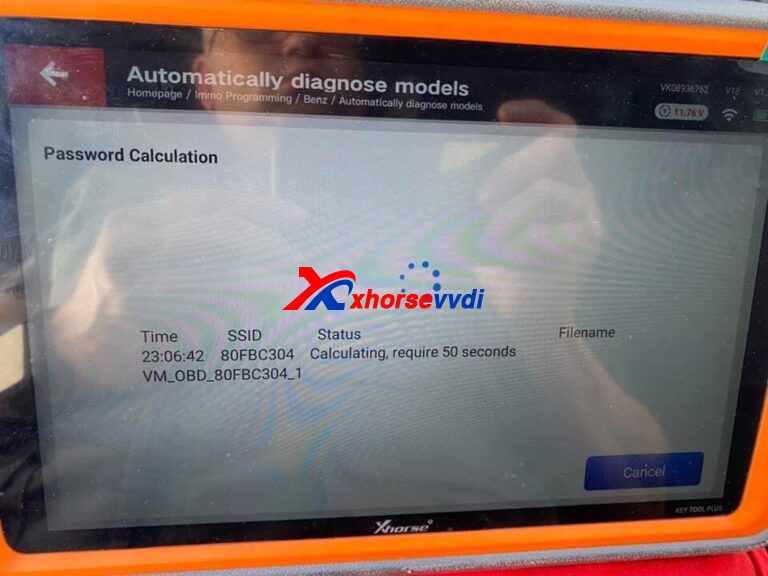
Key Tool plus read key password OK.
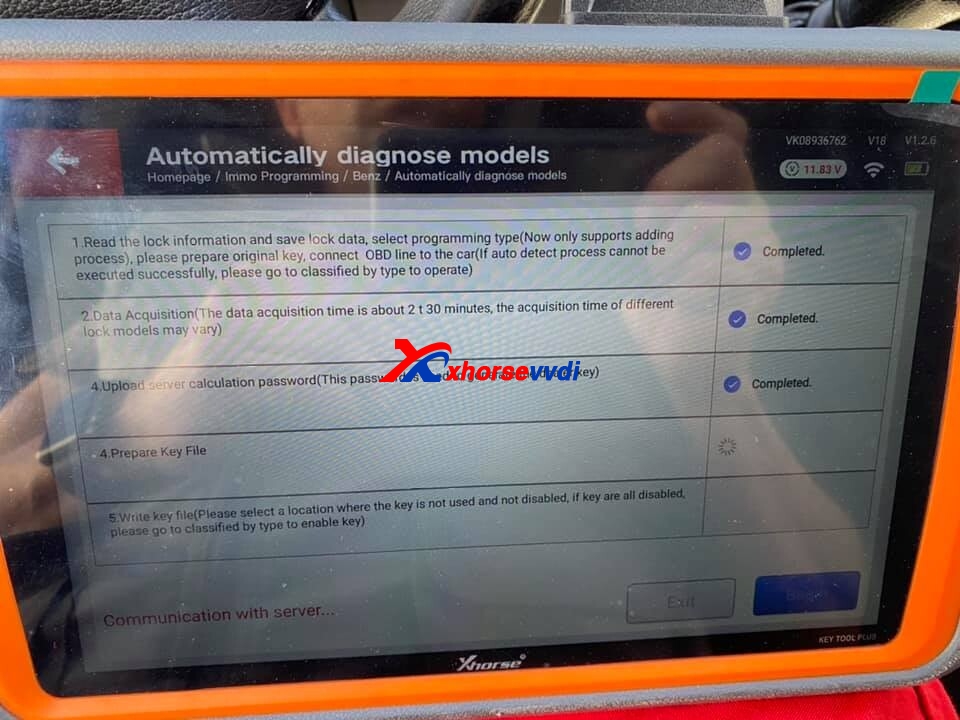
Prepare key file
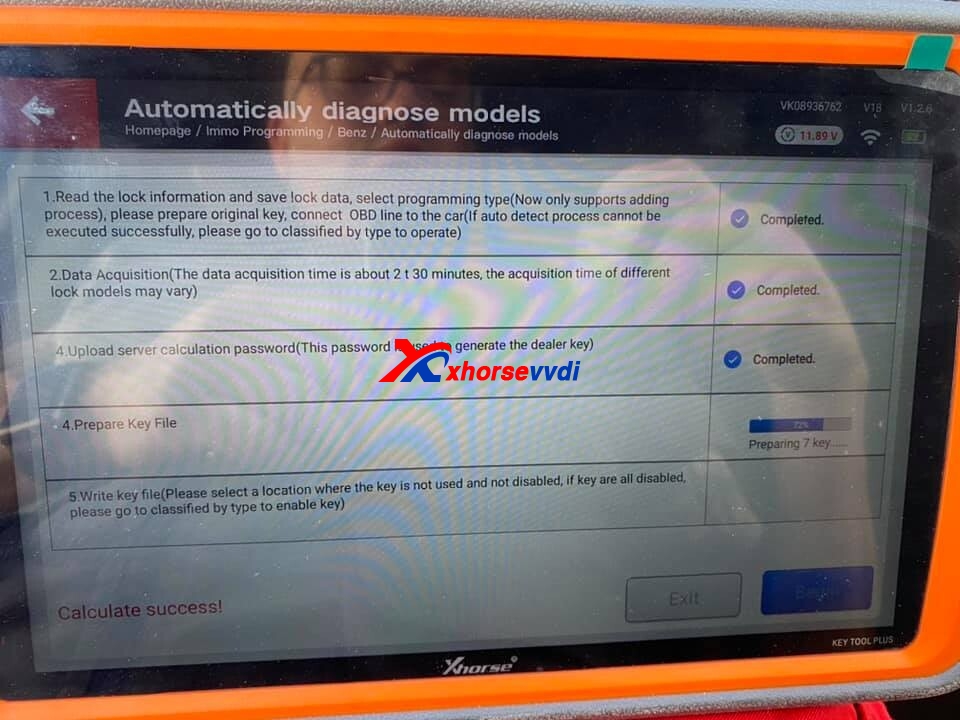
After prepare file OK, write new key.
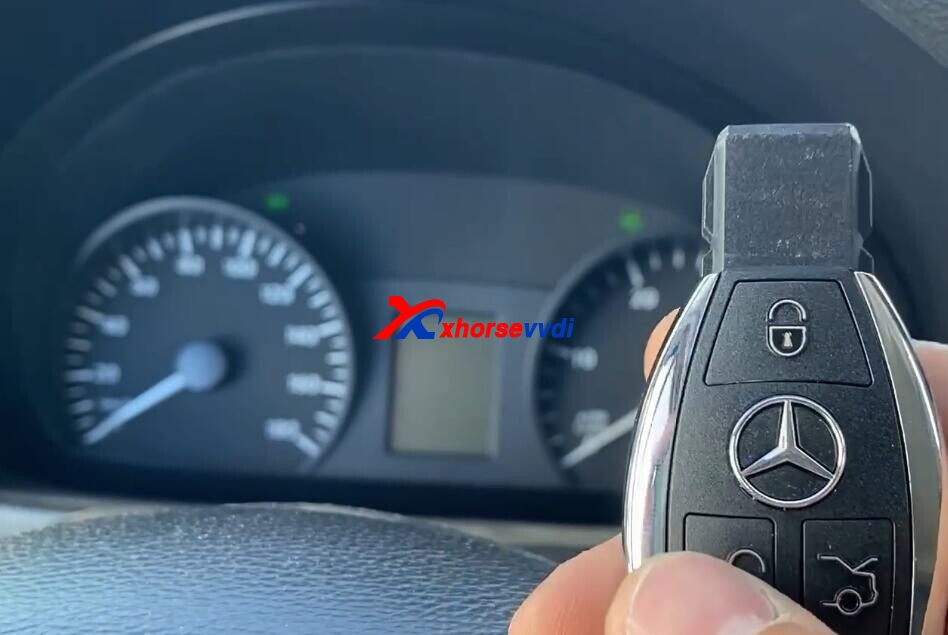
Test new key OK.
http://blog.xhorsevvdi.com/xhorse-vvdi-key-tool-plus-program-w906-sprinter-2016-ok/
 xhorse vvdi key tool max