Program BMW 520D CAS4 All Key lost with Xhorse VVDI Key Tool Plus

Look here, Tutorial of 2011 BMW 520D CAS4 All Keys Lost- OBD programming with Xhorse VVDI Key Tool Plus Pad


Main steps:

1. Enter Key Tool Plus to select BMW 520D 2011 CAS4 information

2. Read key information

3. Unlock CAS4 / CAS4+

4. Make dealer key Via OBD

5. Learn key

6. Read key information

7. Check if the key works


In details…

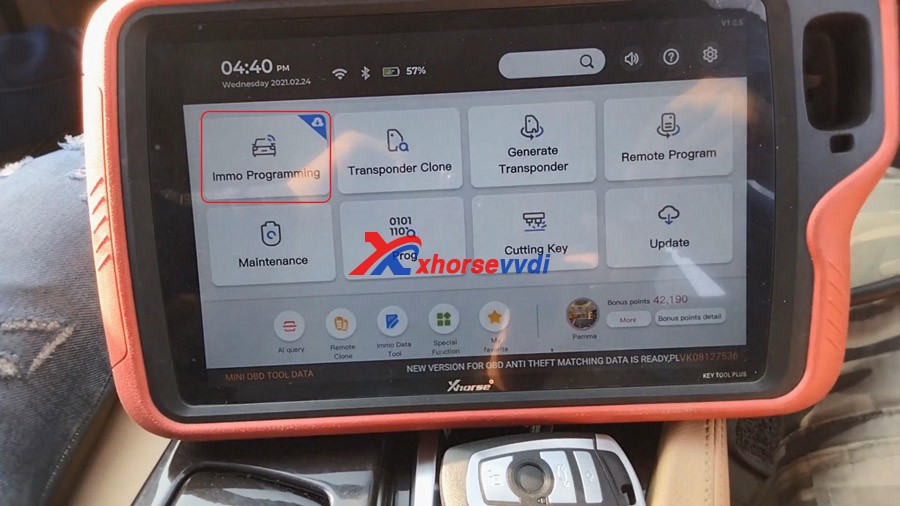
Hook VVDI Key Tool Plus tablet up the vehicle, turn on the ignition.

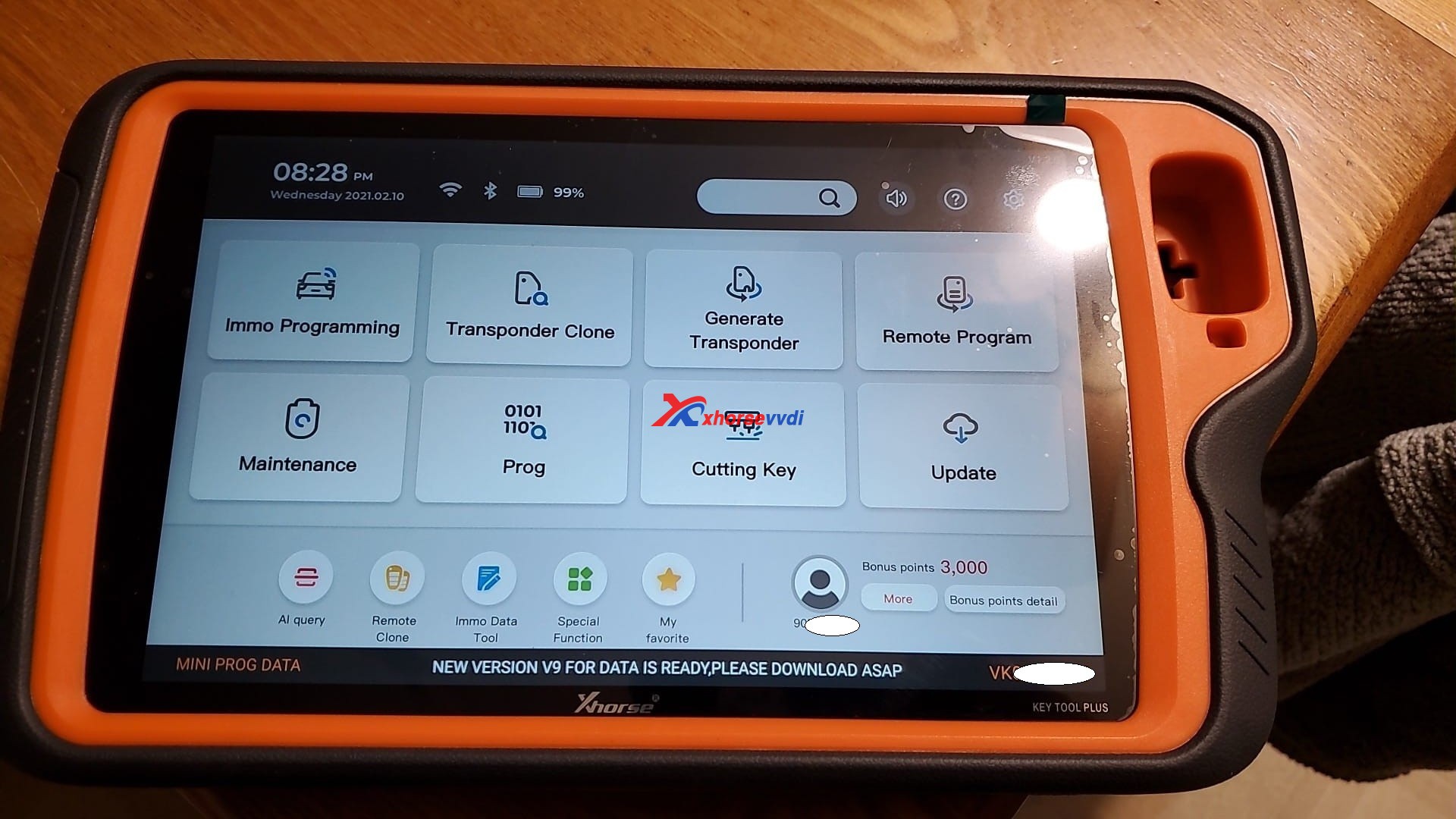
On the tablet, tap “Immo programming”.


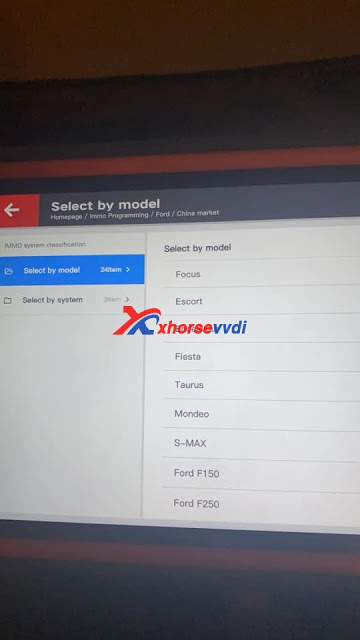
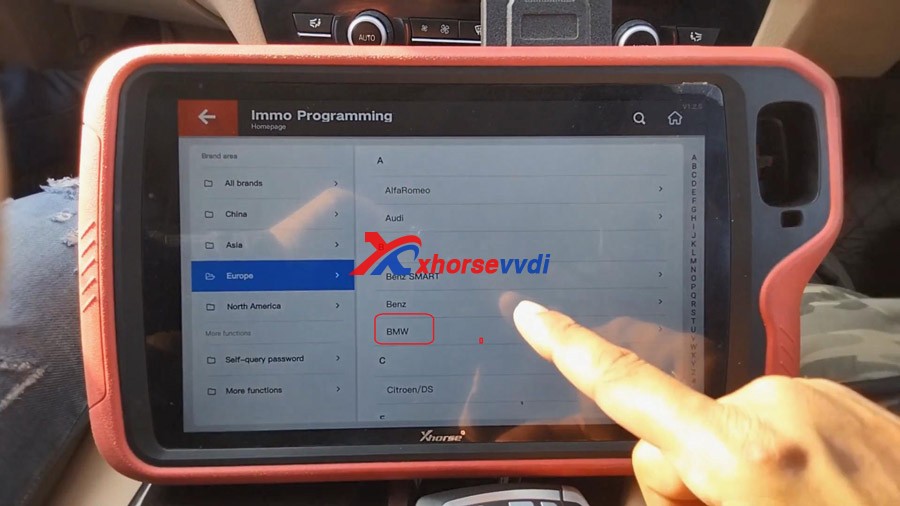
Tap “Europe” and then “BMW”


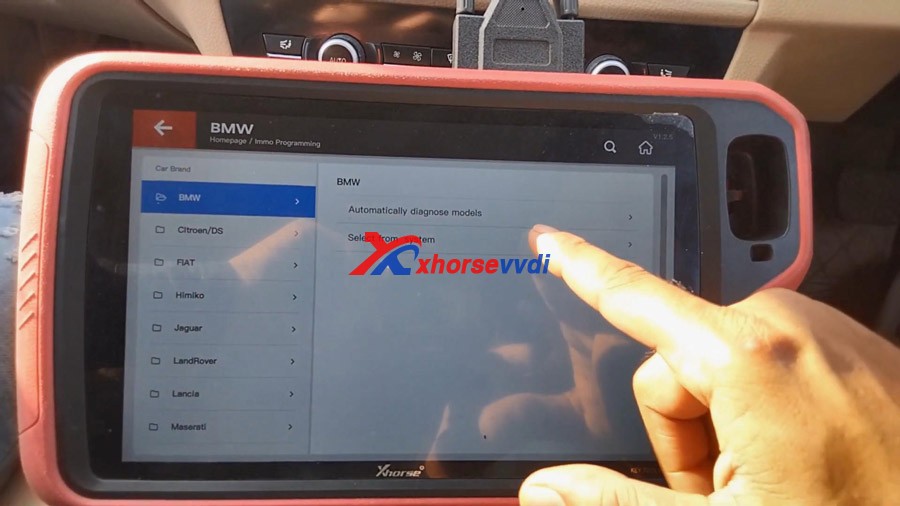
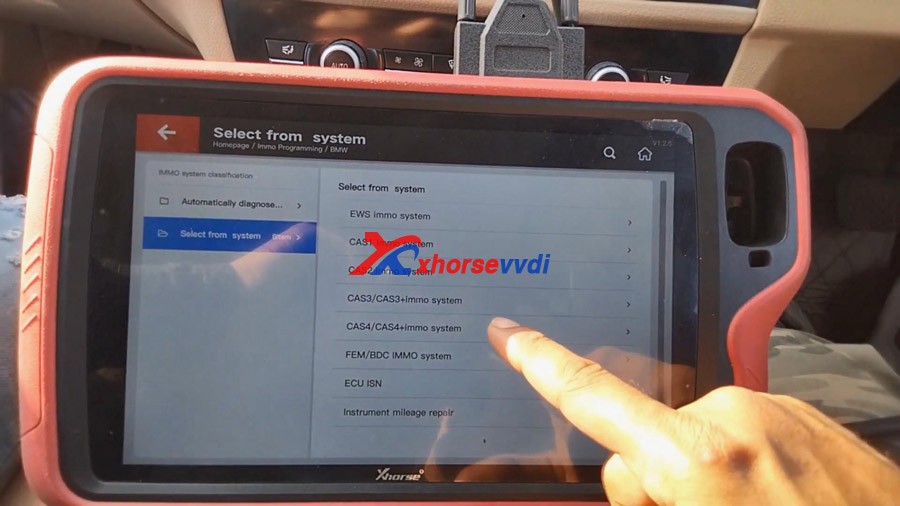
Tap “Select from system”


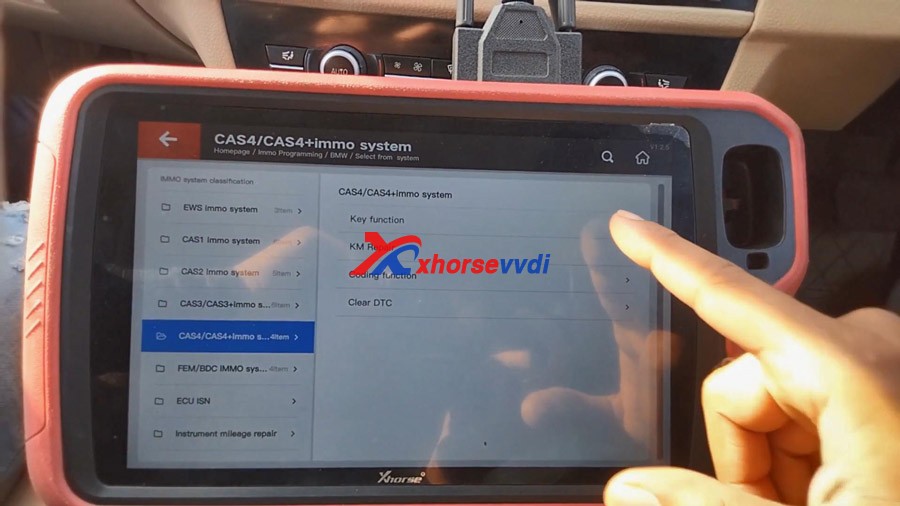
Tap “CAS4 / CAS4+ immo system”


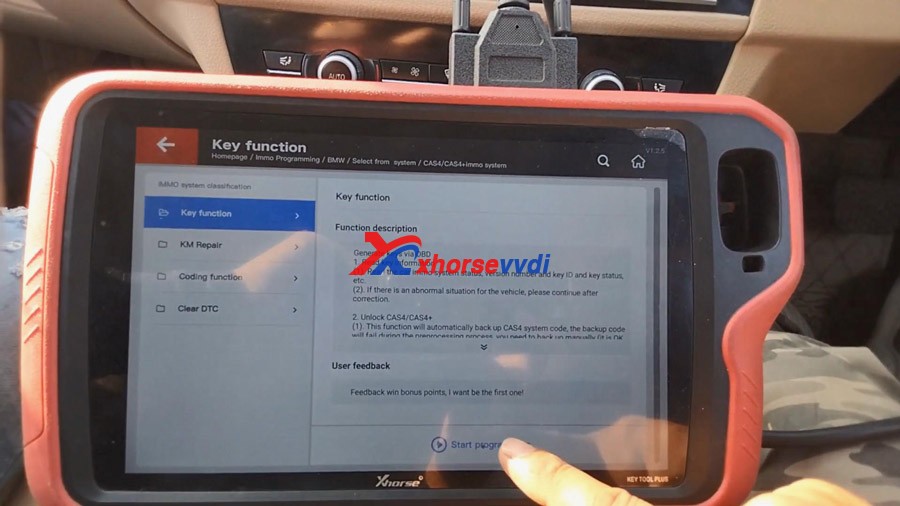
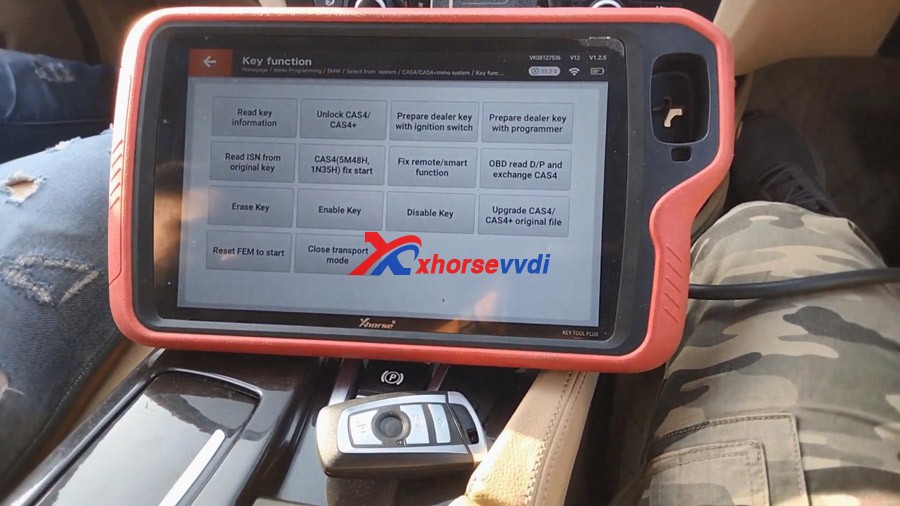
Tap “Key function”.


Tap “Start Programming”.


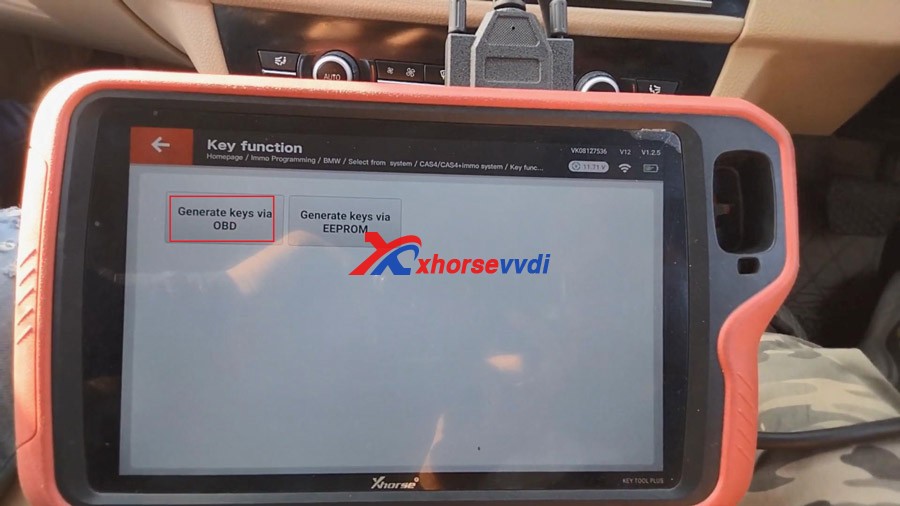
Generate key via OBD.


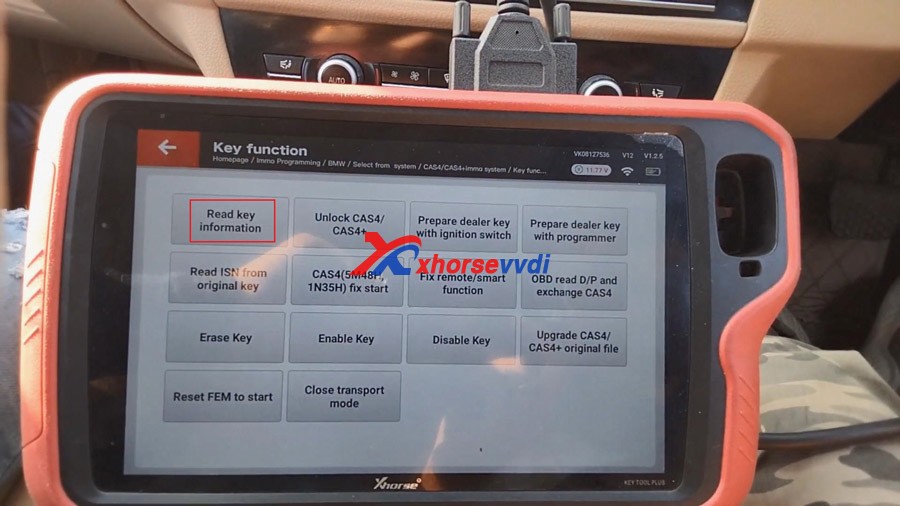
Tap “Read key information”.

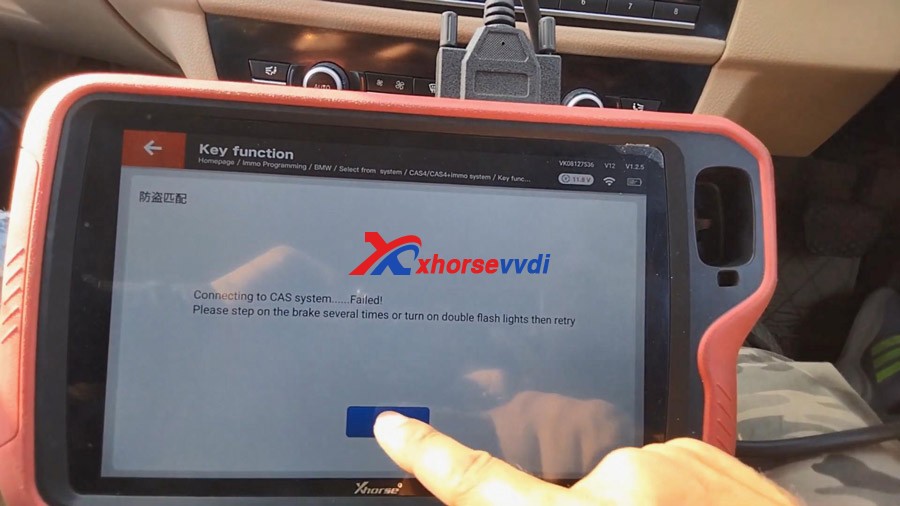
Connecting to CAS system… if it failed, please step on the brake several times or turn on double flash lights then retry. 


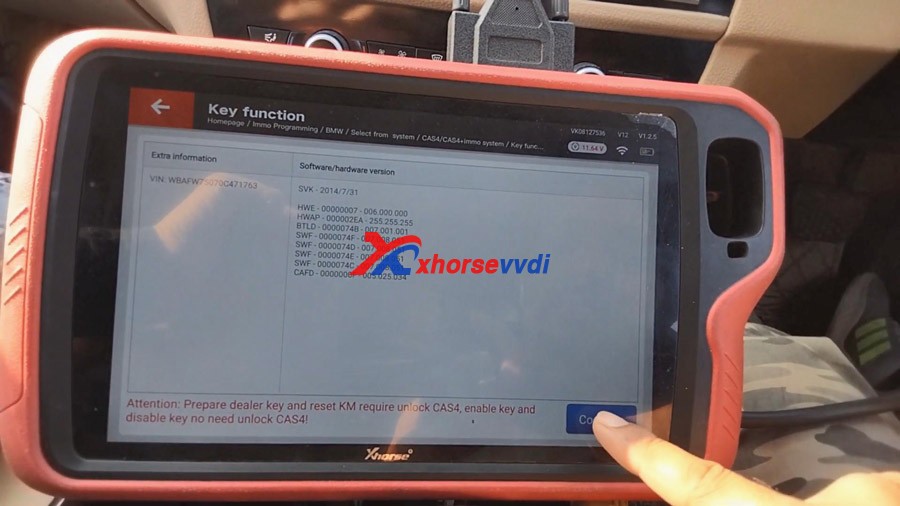
After doing that, we can read key information successfully.

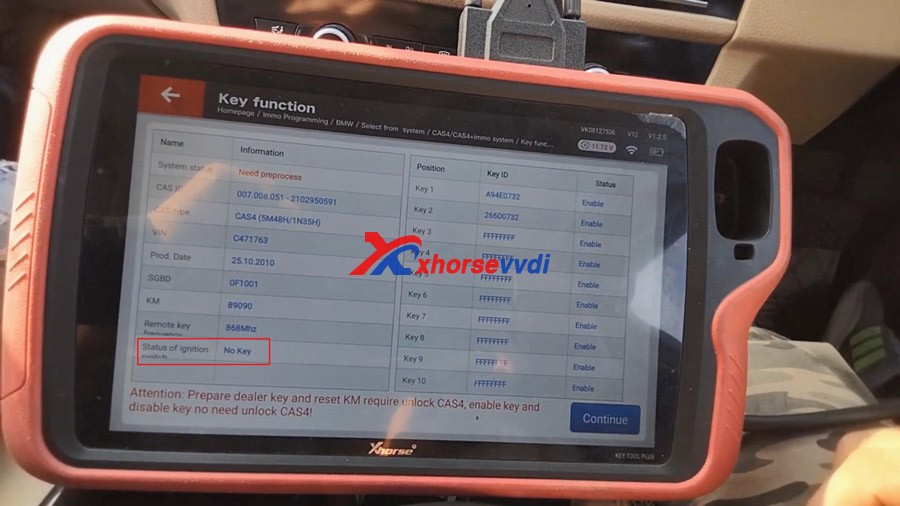
Attention: Prepare dealer key and reset KM required unlock CAS4, enable key and disable key no need unlock CAS4!


Status of ignition switch: No Key

Tap “Continue”.


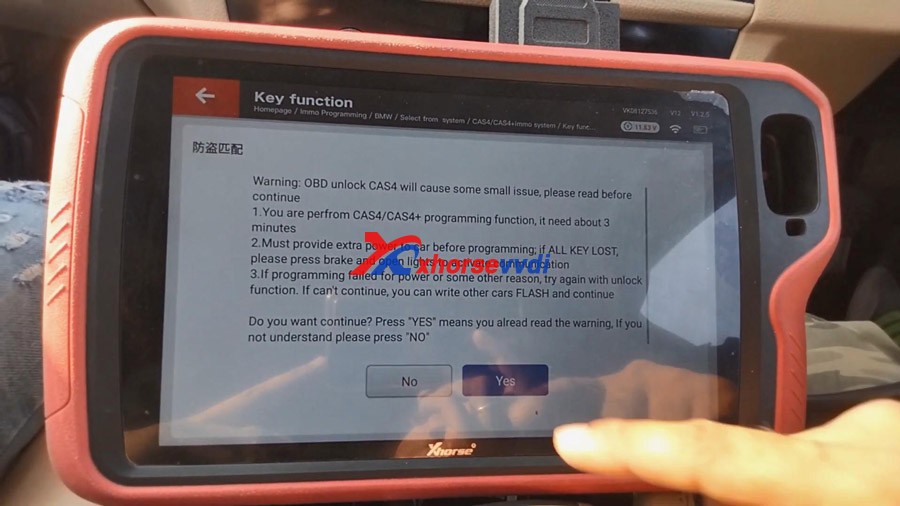
Tap “Unlock CAS4 / CAS4+”.

And after that, we get warning, just read it carefully.


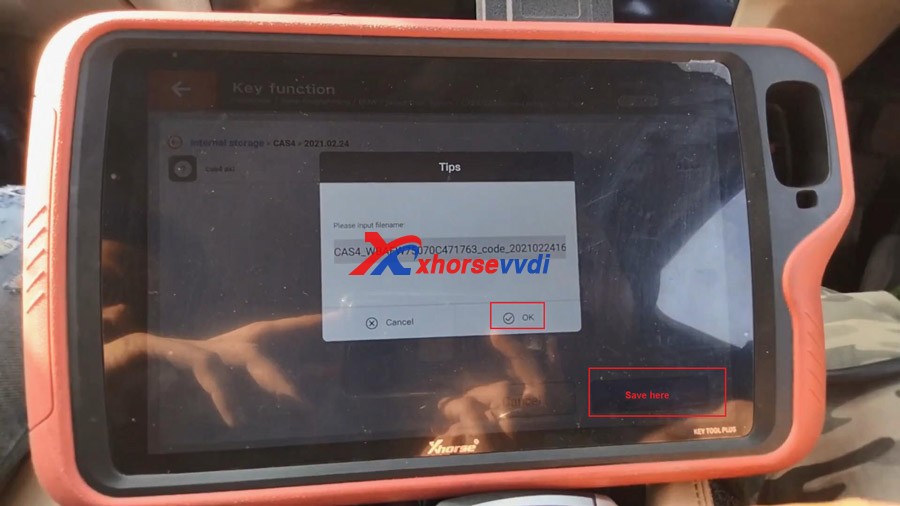
Tap “Save here” and then “Yes” to input filename.

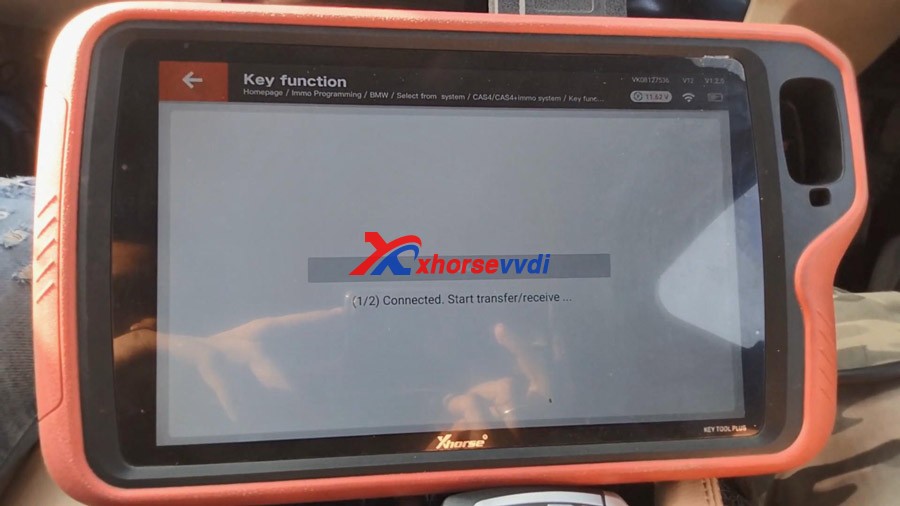
Connected. Start transfer /receive…

Start security login…

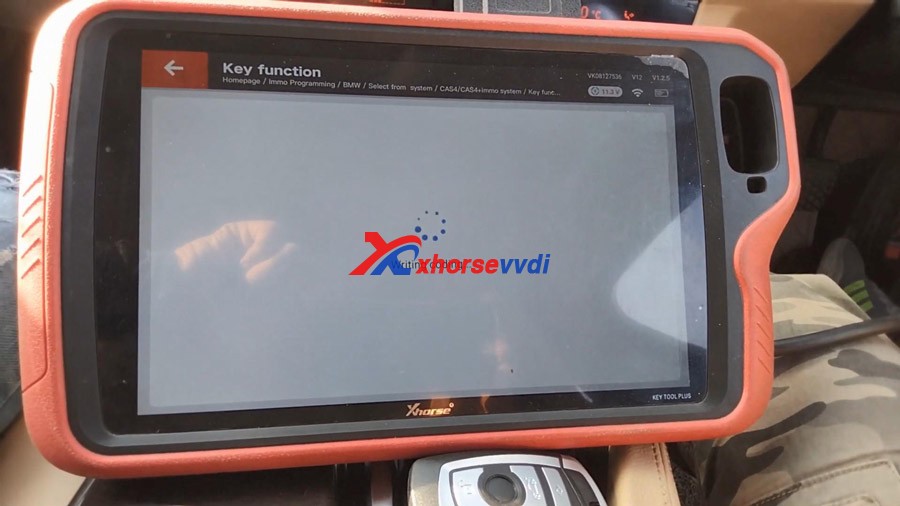
Updating flash…(Please don’t touch any button on the car!)

Connected. Start transfer /receive…

Start security login…

Enter programming session…

Updating flash…(Please don’t touch any button on the car!)

Connected. Start transfer /receive…

***All of the above action will be done automatically, you do not need do anything. 


Writing coding…


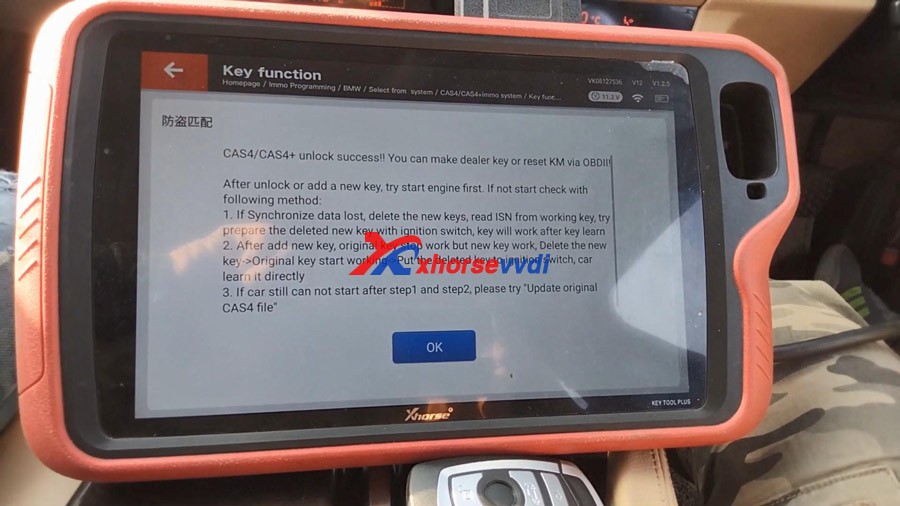
Alright, CAS4/CAS4+ unlock success! you can make dealer key or reset KM via OBD!


After unlocking or adding a new key, try start engine first. If not start check with following method:

1.If Synchronize data lost, delete the new keys, read ISN from working key, try prepare the deleted new key with ignition switch, key will work after key learn

2.After the new key is added, original key stop working but new key will work, Delete the new key -> Original key start working->Put the deleted key to ignition switch, car learn it directly.

3. If car still cannot start after step 1 and step 2, please try “Update original CAS4 file”.


Tap “Prepare dealer key with ignition switch”.

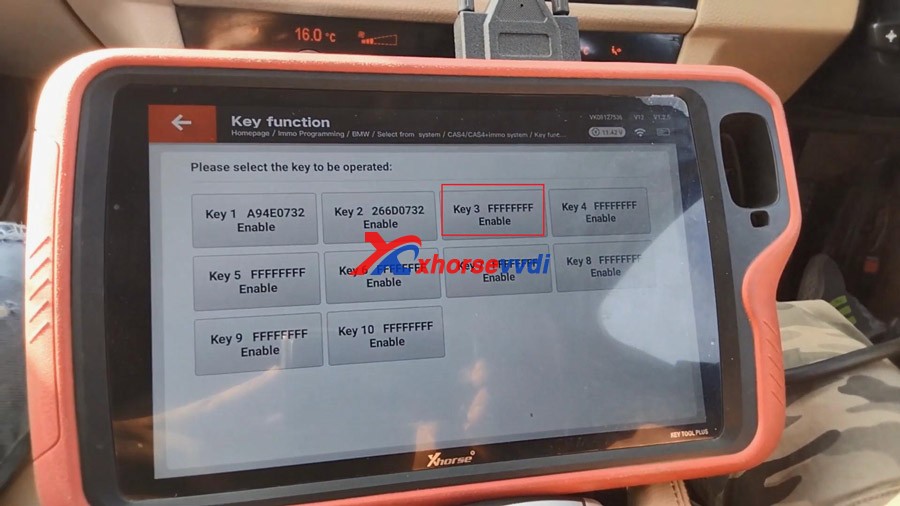
Please select the key to be operated, here select “Key 3 FFFFFFFF Enable”.


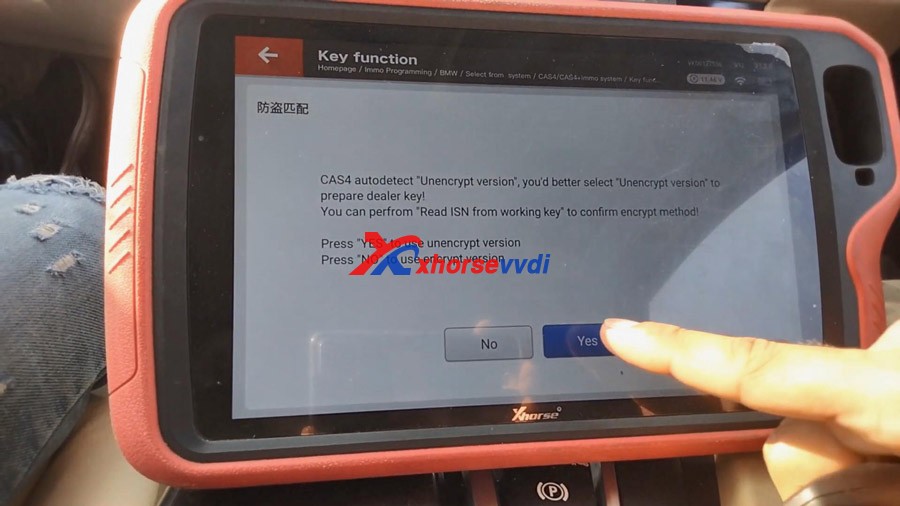
Press “Yes” to use unencrypted version to prepare dealer key.


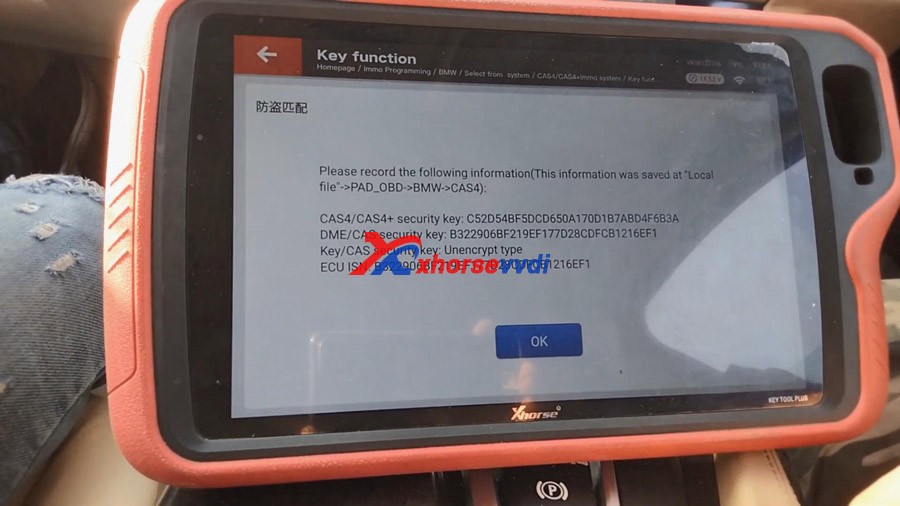
Please record the following information including CAS4/CAS4+ security key, DME/CAS security key, Key/CAS security key, ECU ISN etc.


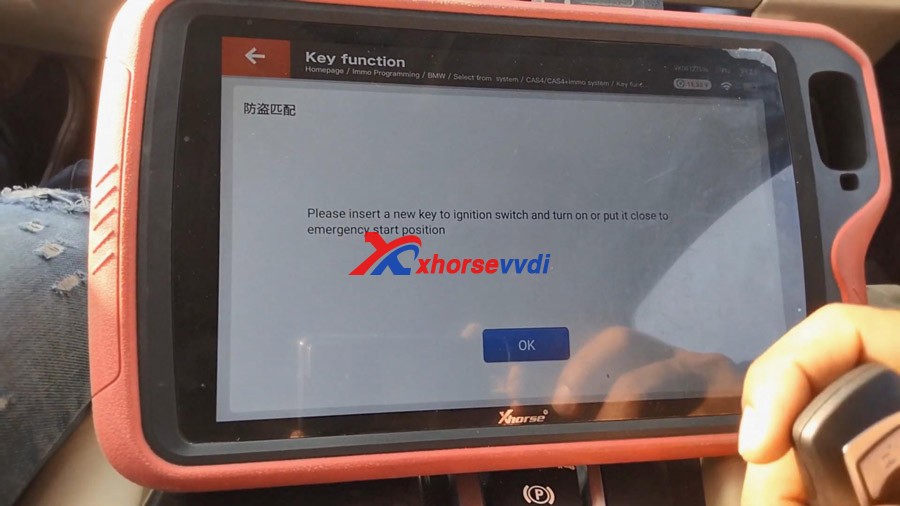
Learn key.

Please insert a new key to ignition switch and turn on or put it close to emergency start position.


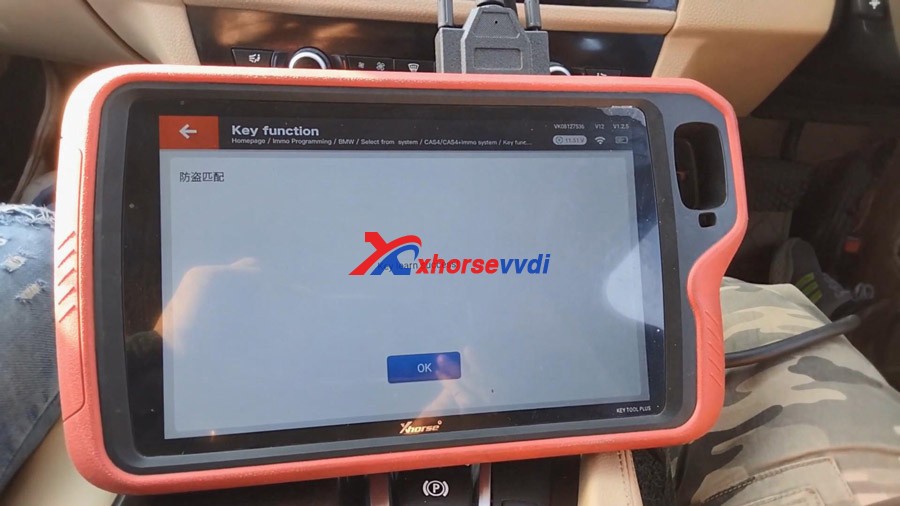
Okay, learning key now…

Soon, Key learn success.


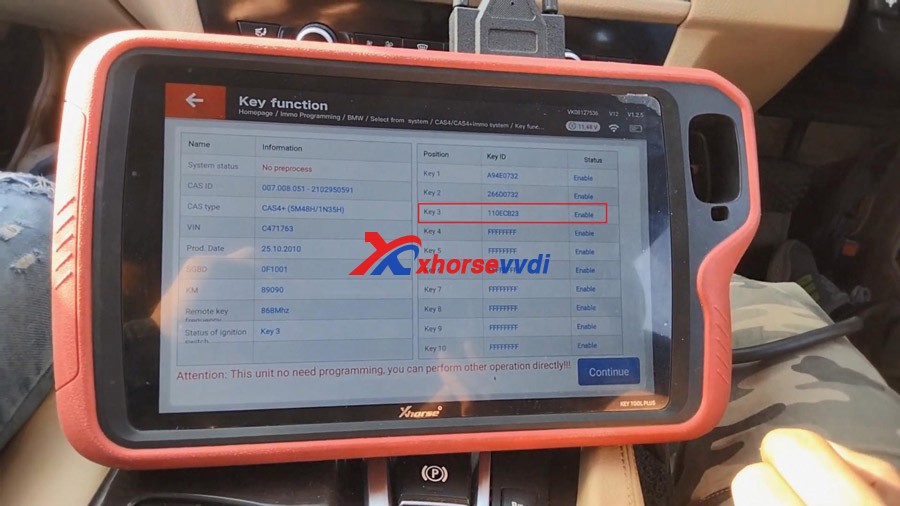
Tap “Read key information” to ensure if the new key is learned successfully.

As you can see, Key3 is Enable, and status of ignition switch: key 3


Back to the BMW car, press the Start /Stop button for 3 times.

Then press the BMW lock / unlock key to check if it work, perfect, the new key works.


Job is done!


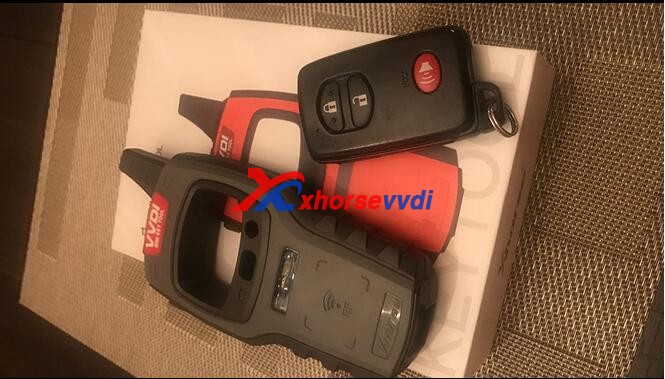
Look at my new toy VVDI key tool plus and the new key. Life is amazing.


Enjoy! Related:
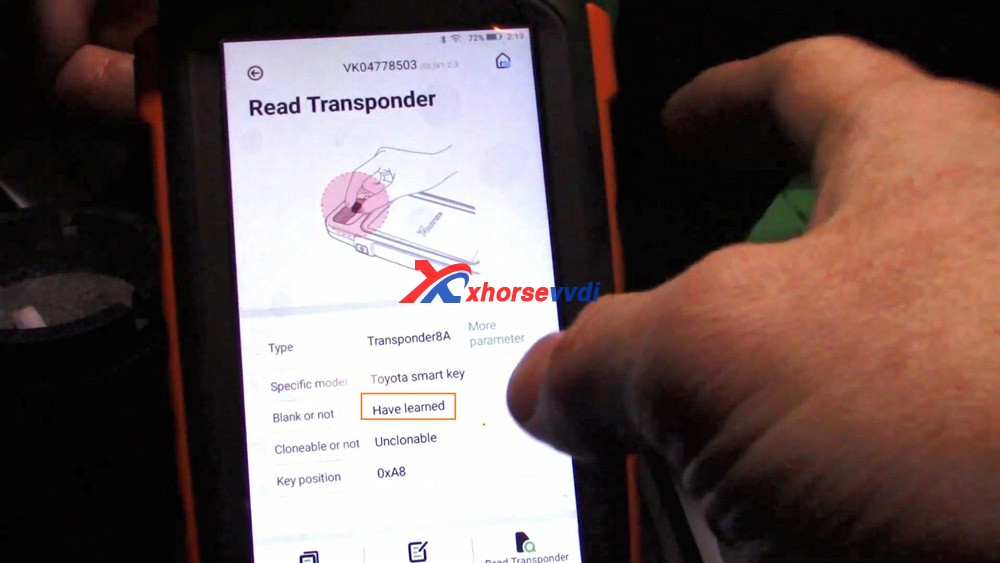
  1. VVDI Key Tool Plus Toyota 8A Smart Key OBD programming 
  2. Where are Xhorse VVDI Key Tool Plus bonus points gone? 
  3. Xhorse VVDI Key Tool Plus Range Rove Evoque 2018 AKL Success 
  4. VVDI Key Tool Plus Program MB W169 Class A OK 
  5. Xhorse VVDI Key Tool Plus: In stock, ship from Czech Warehouse 

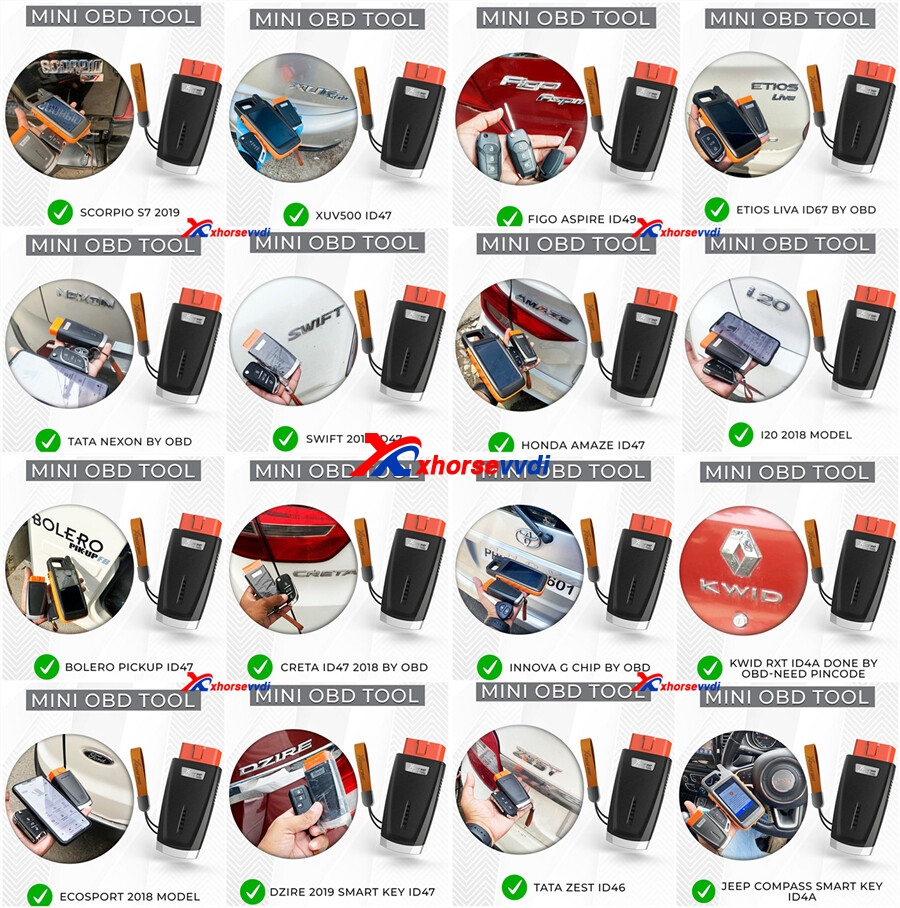
Xhorse VVDI Key Tool Max + MINI OBD Test Report

Here is the Xhorse VVDI Key Tool Max review, test reports and even with step by step procedure with Mini OBD tool.

  1. VVDI Key Tool Max has excellent functions generating remotes but at the time of renewing memory of some remotes to reuse them it does not flash them .. although to clone genar chip, and the rest is perfect.
  1. Key Tool Max works great bought this just to clone VW and Audi keys and it does the job better than expected. Would recommend this product 100%.
  1. Able to unlock used smart key for Toyota like the 2010 Prius this is the tool to get you need to keep trying until the light at the smart key flashed I was able to read frequency for Honda keys and from the remote on a 2007 Cadillac Escalade good quality will recommend.
Xhorse VVDI Key Tool Max  + MINI OBD Real Reviews 01

4.Love this VVDI Key Tool Max. Super handy and has lots of features. Worth the money for sure i recommend obd2 mini with this

  1. VVDI Key Tool Max has allowed me to start a side business providing keys and programming them for people looking to save some money. It’s worked pretty well for the most part, but it’s definitely no replacement for a professional key programmer like the Autels and Xtools. The cloning feature is pretty sweet so you can copy transponders from immobilizer keys. Definitely had some failures on some cars where this tool just doesn’t communicate with the vehicle.
  1. GM Support looks great and full – but missing holes and doesn’t look to go back very far.
    Chrysler – Asia models only but also mixed results under Dodge, Jeep, etc
    Ford – Asia models only but mixed results under Lincoln, Mercury, etc
    It just seems inconsistent and still in development.

but I’ll keep it and hope for updates to make it better.

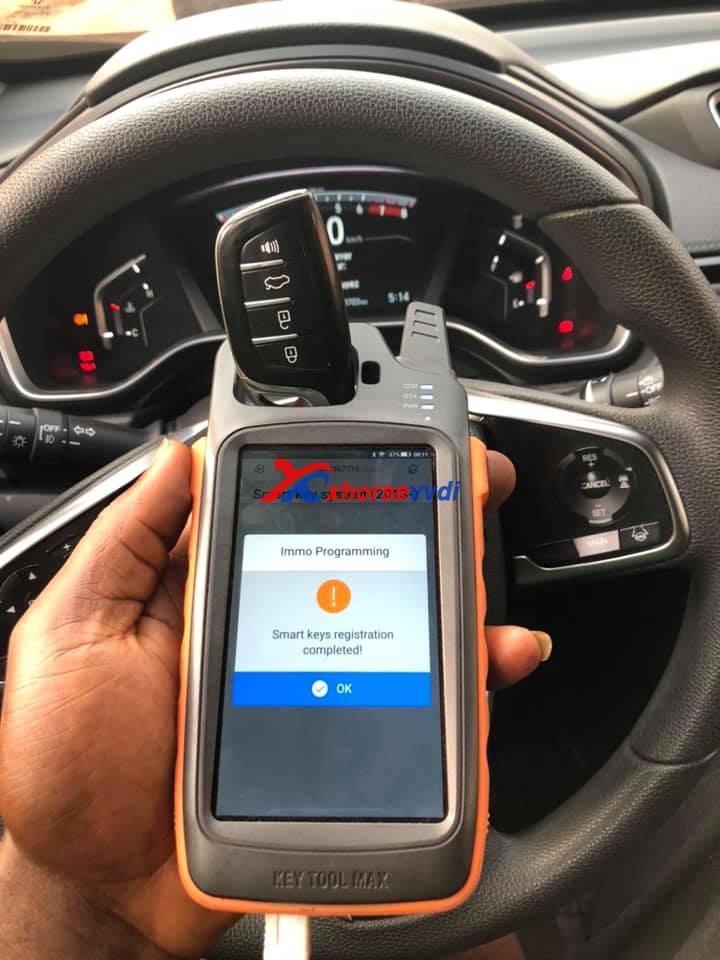
  1. Key Tool Max + Mini OBD Tool generate 2020 HONDA CR-V universal remote + program key all keys lost in 20 minutes, no pin code required.
Xhorse VVDI Key Tool Max  + MINI OBD Real Reviews 02
Xhorse VVDI Key Tool Max  + MINI OBD Real Reviews 03
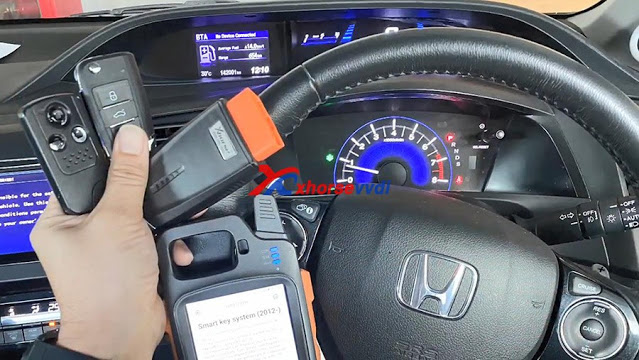
  1. VVDI Key Tool Max + Mini OBD generate Honda Civic EL Nav 2.0 FB 2014 and program smart remote perfectly.
Xhorse VVDI Key Tool Max  + MINI OBD Real Reviews 04
Xhorse VVDI Key Tool Max  + MINI OBD Real Reviews 05
Xhorse VVDI Key Tool Max  + MINI OBD Real Reviews 06
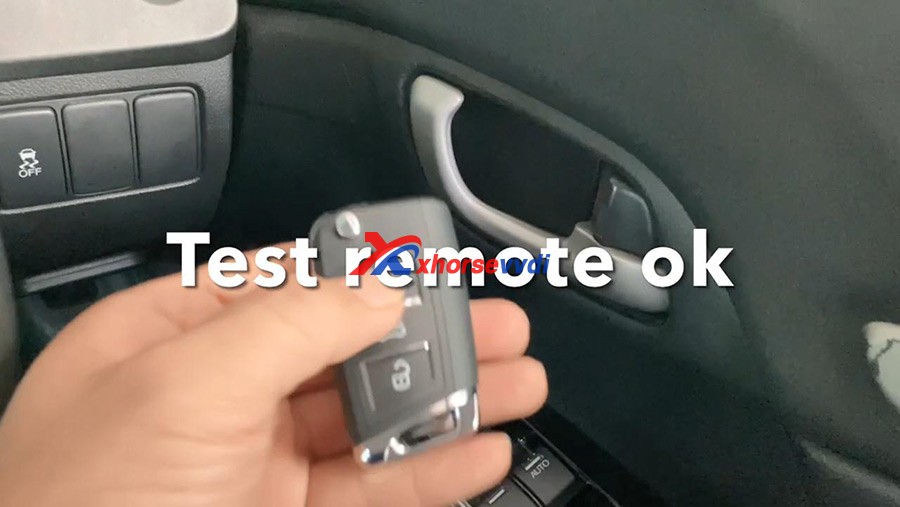
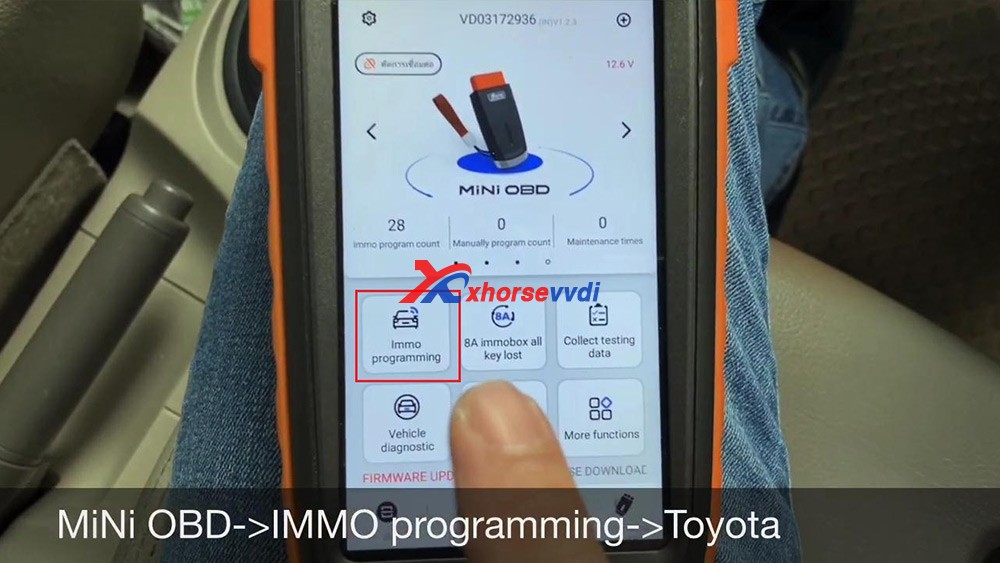
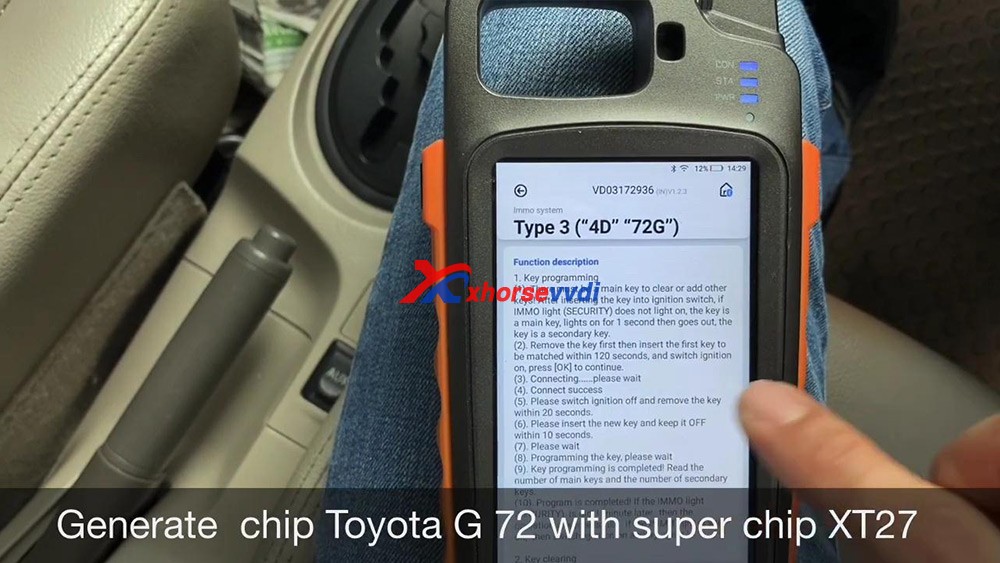
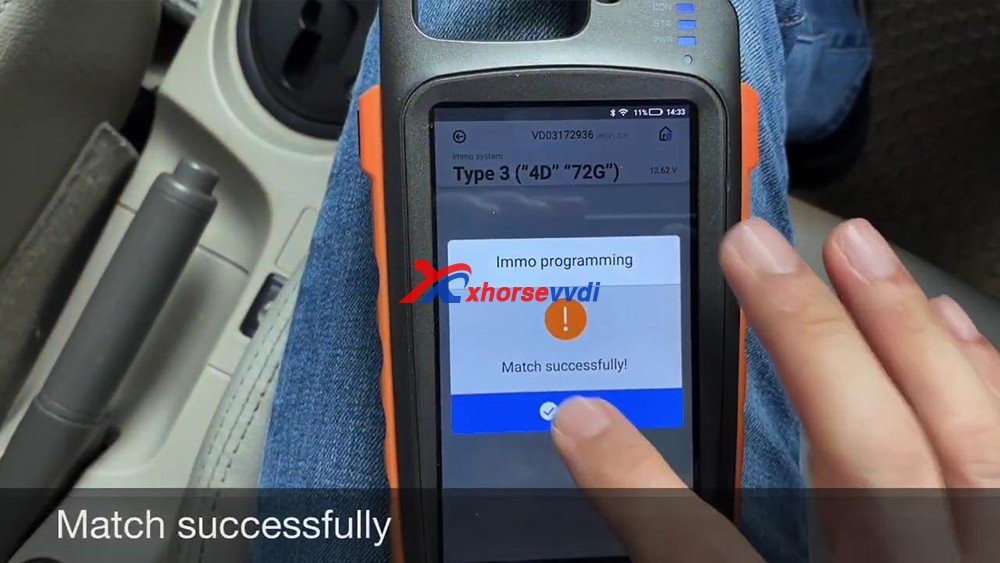
  1. Confirmed: program Toyota Vios Chip G (72) all keys lost using VVDI Key Tool Max + Mini OBD Tool by OBD
Xhorse VVDI Key Tool Max  + MINI OBD Real Reviews 05
Xhorse VVDI Key Tool Max  + MINI OBD Real Reviews 06
Xhorse VVDI Key Tool Max  + MINI OBD Real Reviews 07
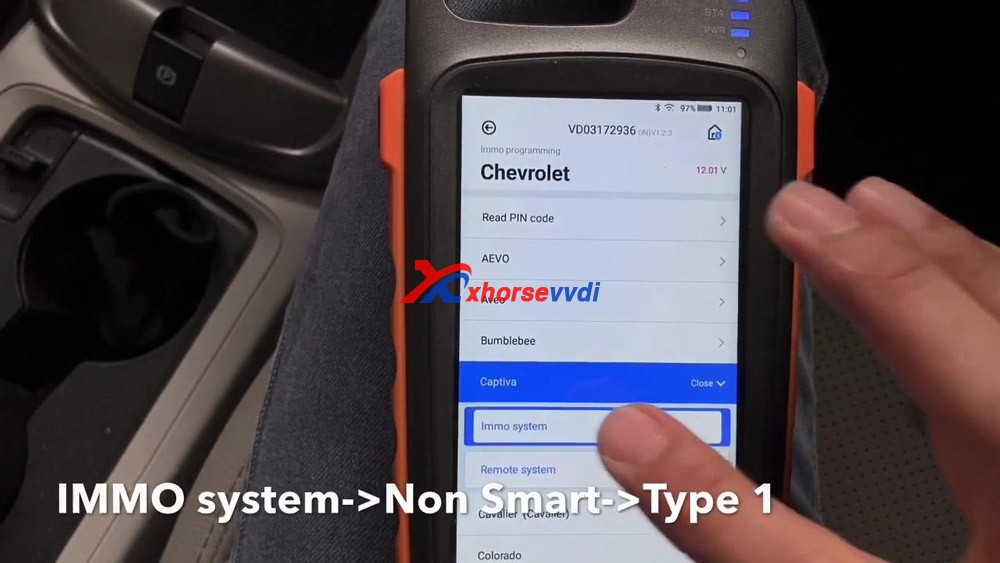
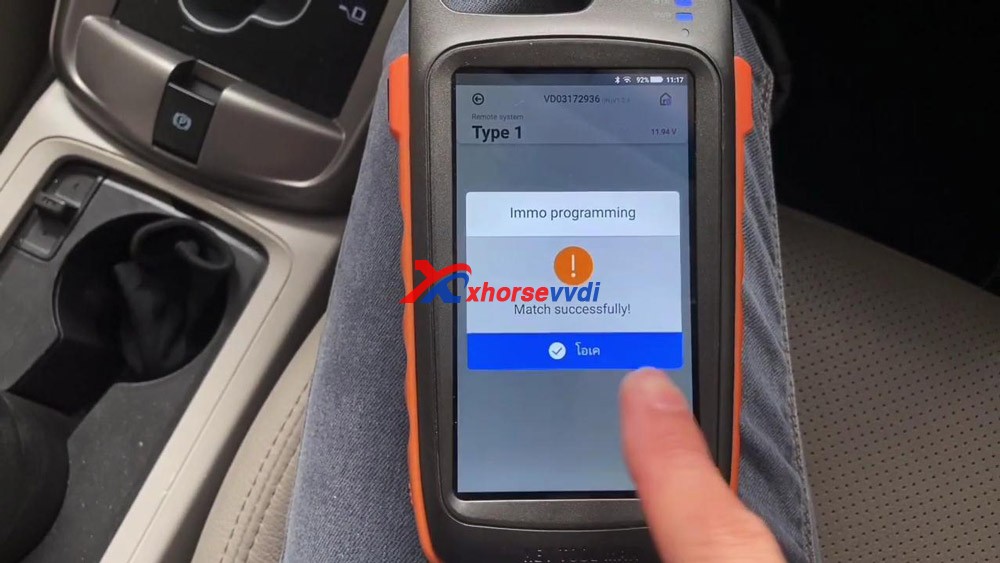
  1. VVDI Key Tool Max + Mini OBD program Chevrolet Captiva 2011 chip and remote via OBD.
Xhorse VVDI Key Tool Max  + MINI OBD Real Reviews 08
Xhorse VVDI Key Tool Max  + MINI OBD Real Reviews 09
  1. VVDI Key Tool Max + Mini OBD program VW Jetta 2010 key.
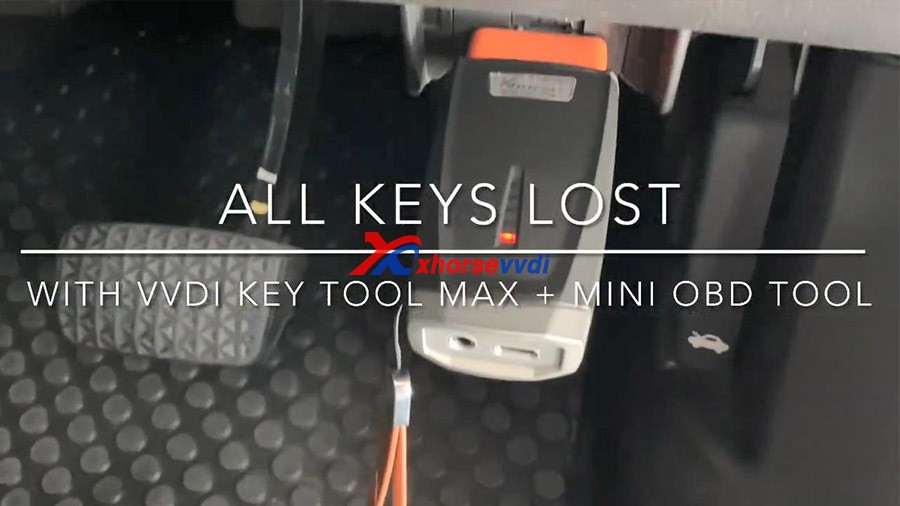
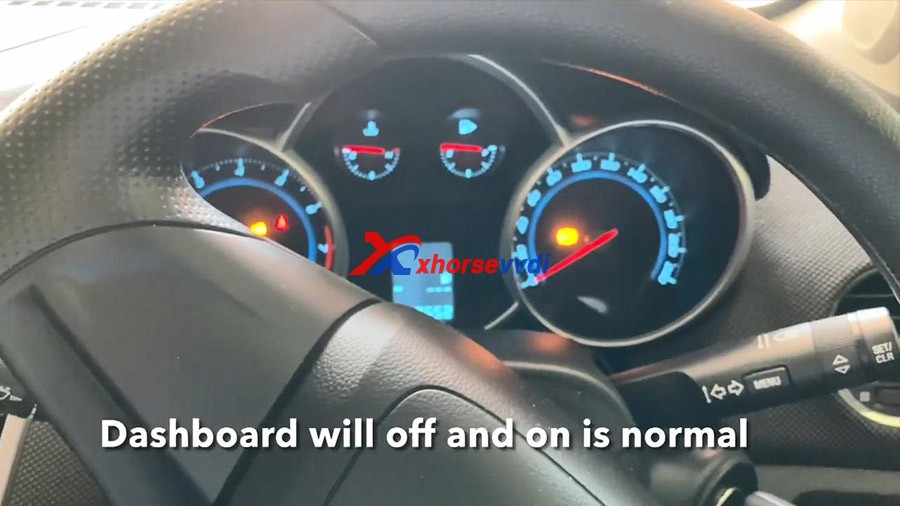
  1. VVDI Key Tool Max+ Mini OBD program one Chevrolet Cruze LS 2012 with all keys lost.

Firstly generate VVDI remote XN, secondly program new remote, then Read Pincode, then program flip key, then match one more key, finally test whether the two keys can start the car.

Step-by-step guide:

http://blog.xhorsevvdi.com/vvdi-key-tool-max-mini-obd-program-chevrolet-cruze-ls-2012-akl/

Xhorse VVDI Key Tool Max  + MINI OBD Real Reviews 20
Xhorse VVDI Key Tool Max  + MINI OBD Real Reviews 21
Xhorse VVDI Key Tool Max  + MINI OBD Real Reviews 22
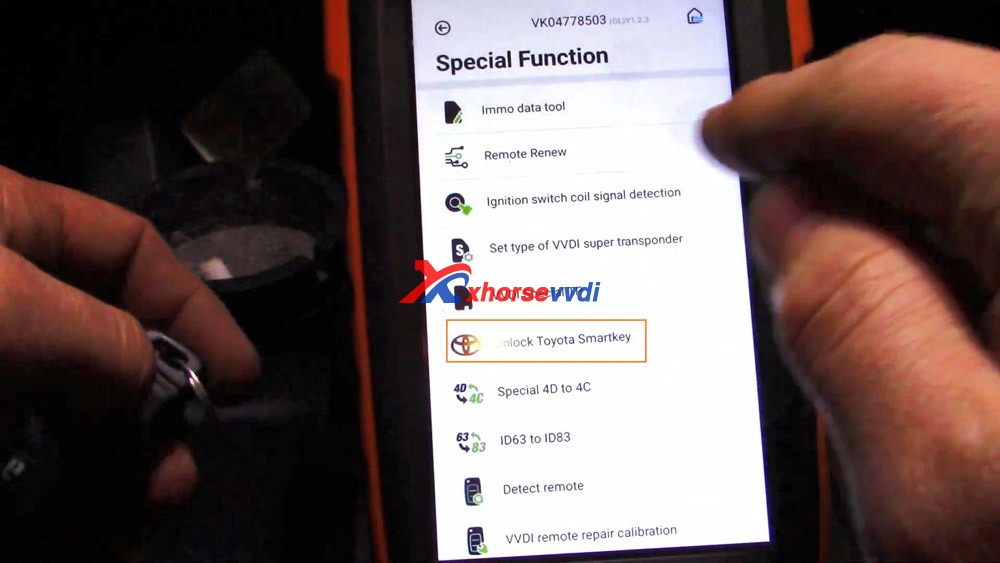
  1. VVDI Key Tool Max Unlock & Program Toyota Smart Key

Step-by-step guide:

http://blog.xhorsevvdi.com/xhorse-vvdi-key-tool-max-unlock-program-toyota-smart-key/

Xhorse VVDI Key Tool Max  + MINI OBD Real Reviews 23
Xhorse VVDI Key Tool Max  + MINI OBD Real Reviews 24
Xhorse VVDI Key Tool Max  + MINI OBD Real Reviews 25

Other  reporting usability test results :

vvdi-max-vvdi-mini-tool-reviews

To be updating…

Alright, if you are considering to invest one VVDI Key Tool Max or VVDI Key Tool Max + Mini OBD Tool for key cloning, remote generate, copy

transponder.etc. Don’t hesitate, it is worth the money. It will keep update not only what it can do so far.

Information from https://xhorsesupport.blogspot.com

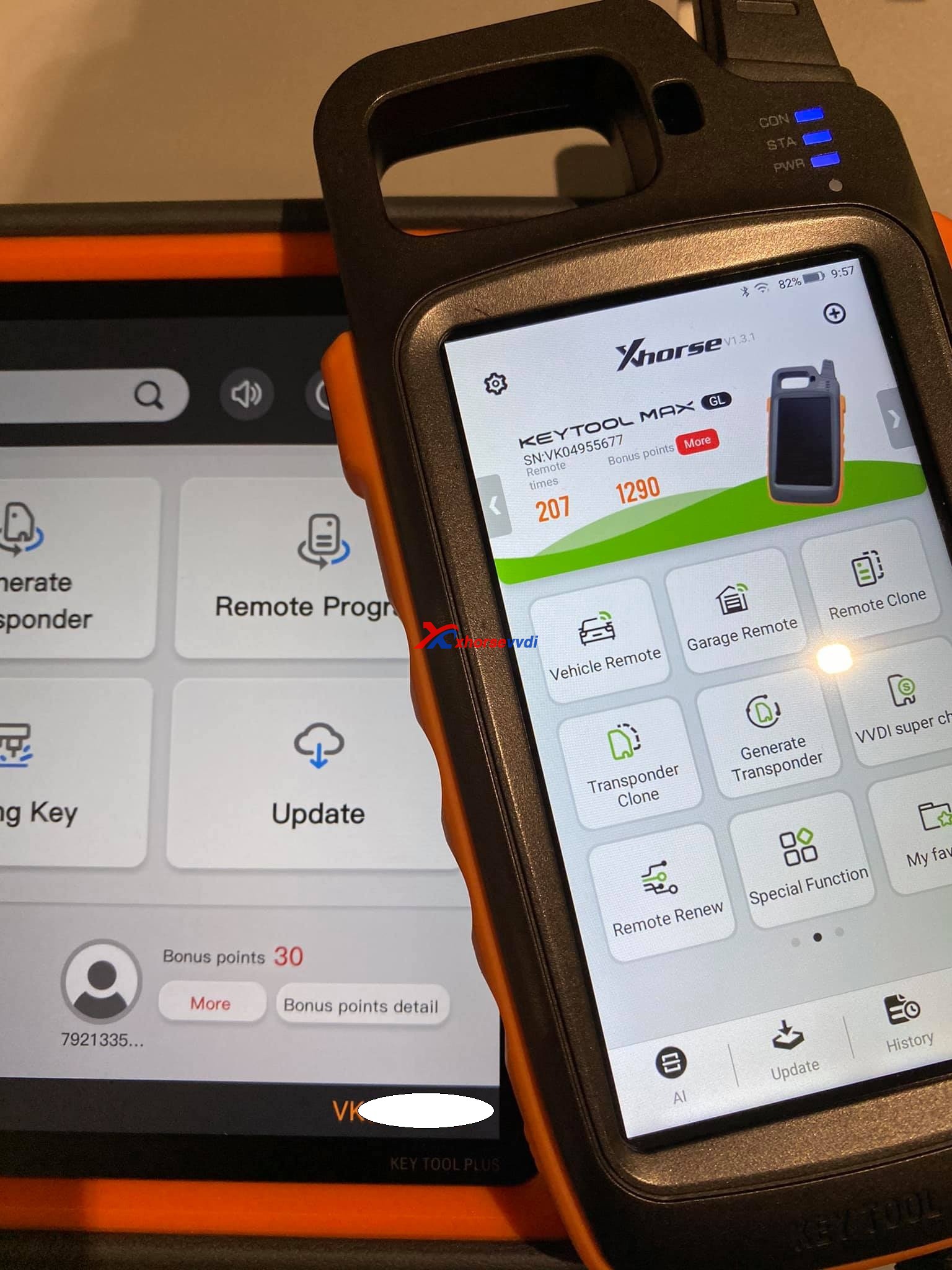
Where is Xhorse VVDI Key Tool Plus bonus points gone?

Just got mine XhorseVVDI Key Tool Plus and setting up. I’ve got my first problem. where is my bonus points gone. I did not even have my first keytool combined to my account.

Xhorse VVDI Key Tool Plus Bonus Points  01

Answer:

Synchronize , if you register with your account, but first update all

Look at the following image, the 3K points are from syncing my other xhorse tools on my account.

Xhorse VVDI Key Tool Plus Bonus Points  02

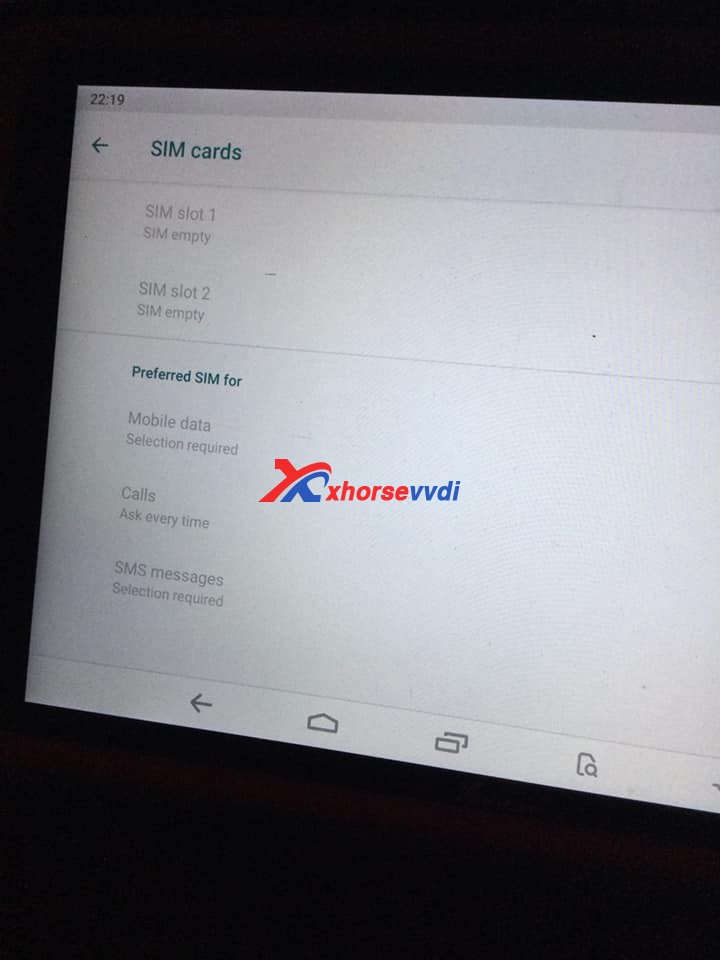
Another question: Also, where are the SIM slots? It lists SIM slots 1+2 but I can’t find any? I think they have blocked it from downloading too. Tried to down load google play store for InstaCode, won’t do it?

Xhorse VVDI Key Tool Plus Bonus Points  03
Xhorse VVDI Key Tool Plus Bonus Points  04

It is a good way to find Xhorse technical support on Xhorse APP. How to? please watch this tutorial.

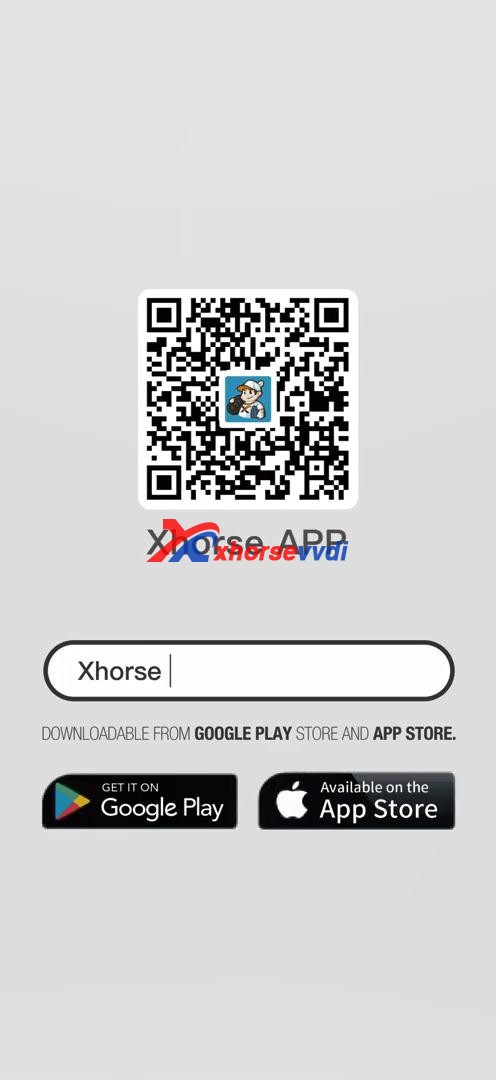
1. Download Xhorse APP from Google Play store and APP store by searching “Xhorse”.

Xhorse VVDI Key Tool Plus Bonus Points  06

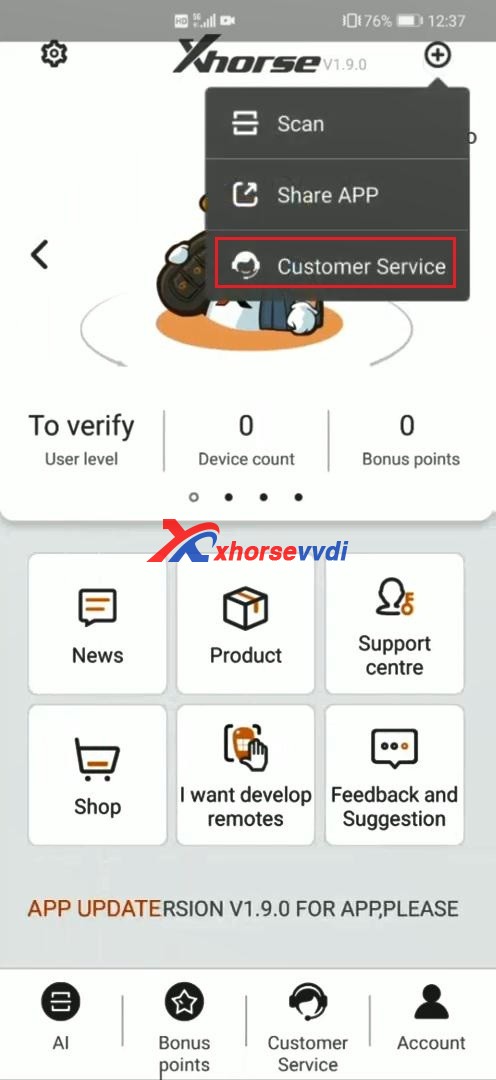
2. At the upper right corner of Xhorse APP, select “Customer Service”.

Xhorse VVDI Key Tool Plus Bonus Points  07

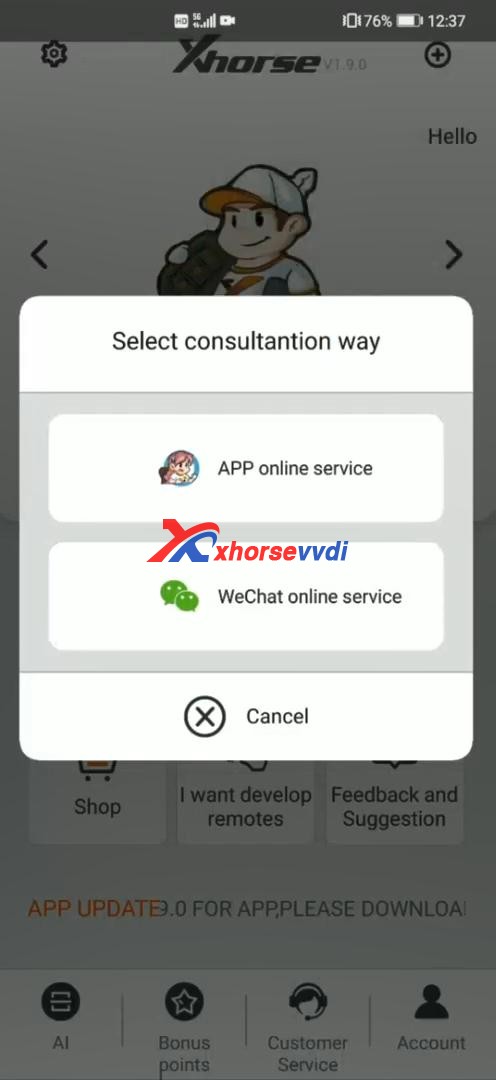
3. Select consultation way.

Xhorse VVDI Key Tool Plus Bonus Points  08

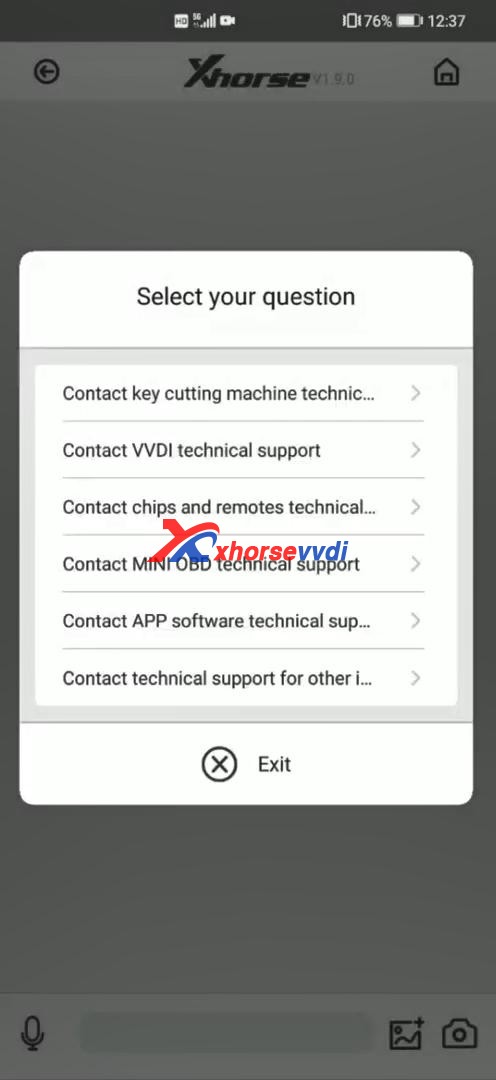
4. Select your question.

Xhorse VVDI Key Tool Plus Bonus Points  09

 Information from Xhorsevvdi.com official blog

Xhorse VVDI Key Tool Plus Read W204 W207 EIS data with Godiag GT100

We will now introduce to you how to use the Godiag GT100 Breakout box to simulate the Mercedes-Benz cables to communicate with W204 W207 (read EIS data). As known, for the W204 W207 EIS, if you lose all the keys, you need to remove the EIS from the car for data collection and communication, we now use Godiag GT100 to communicate with this EIS.

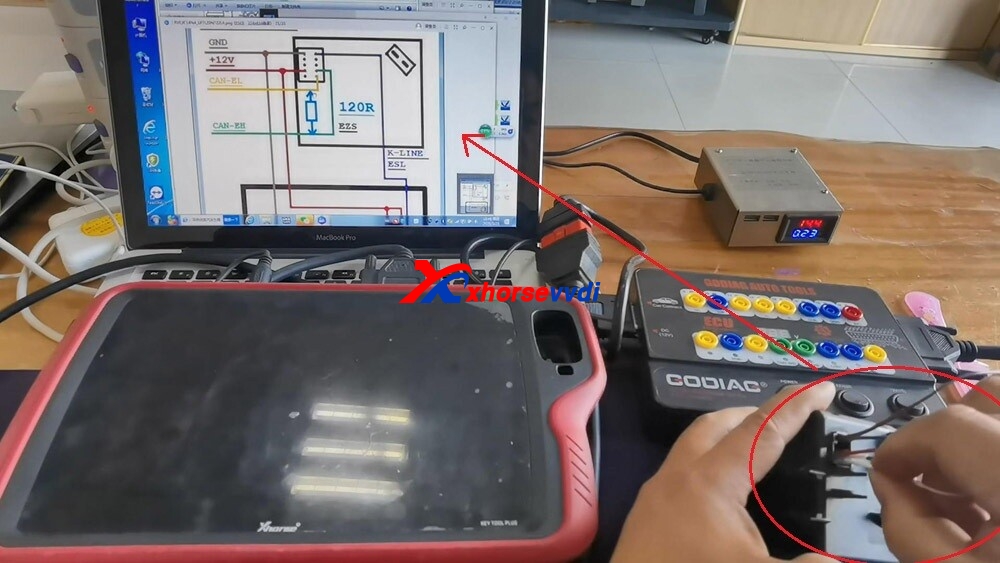
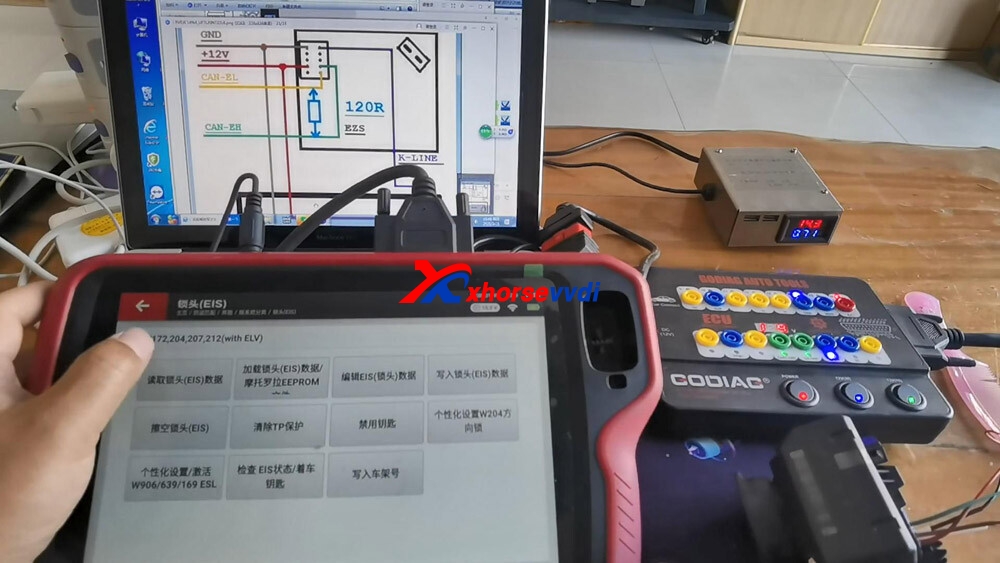
First of all, we need to understand the port definition diagram on the W204 W207 EIS. What each port represents and how many wires need to be connected. As shown in the wiring diagram, there are 5 wires to be connected, and there are corresponding marks on it.

For example, the brown GND wire is connected to the first port on the left, and then the red one is the 12-volt wire, it is connected to the fourth port. The K-line is green and connected to the top. Then there are CAN-H and CAN-L wires, the black one is CAN-H and the white one is CAN-L. A total of five wires are inserted.

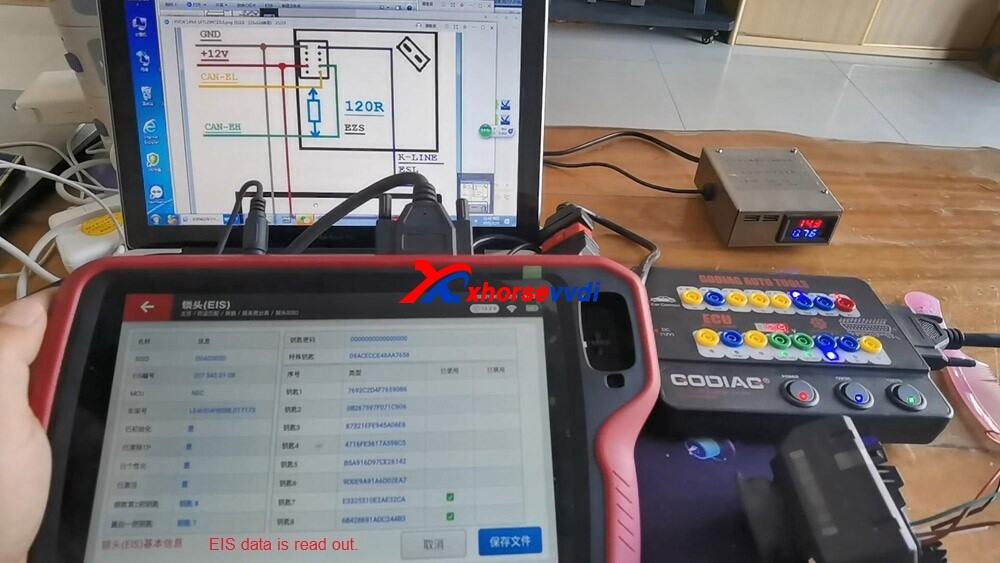
If all the keys are lost and there is no test platform, we plug in these five wires and see if we can communicate with our Key Tool Plus and the EIS.

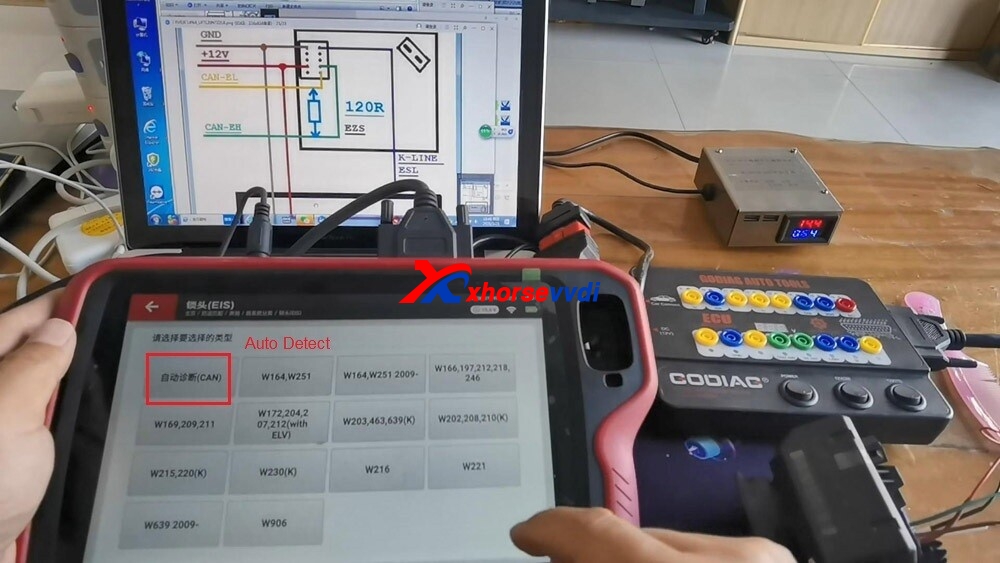
After the wiring harness is connected, we come to the Key Tool Plus device, enter the EIS, click on “Start”, and then “automatic identification”.

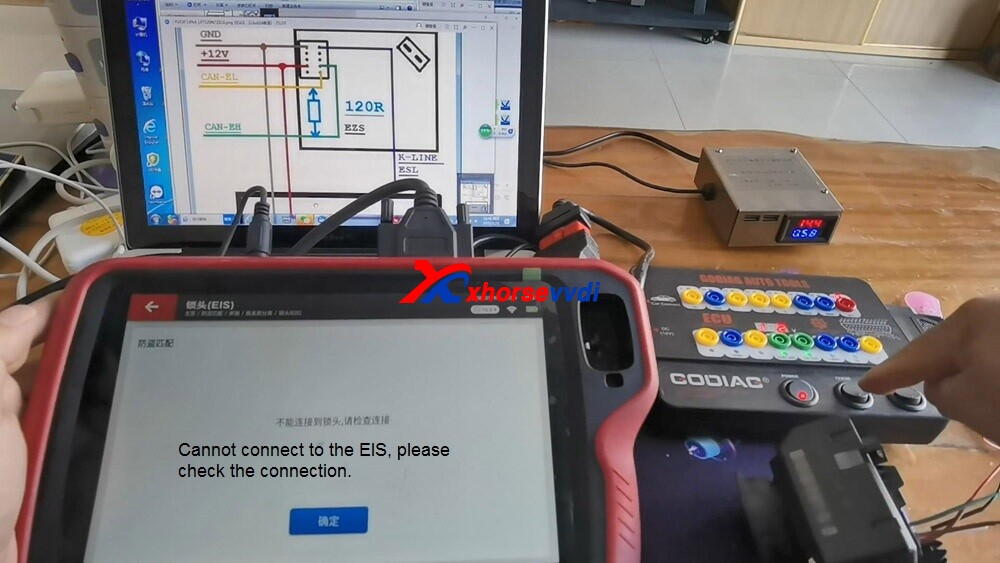
If it shows “Cannot connect to the EIS, please check the connection”, because the GT100 power switch is not turned on, so turn it on now.

Then, let’s do the “automatic identification” again, and it is Okay. It is W204 W207 EIS. Choose “OBD”, and the EIS data has now been read out.

w204-w207-eis-data-vvdi-key-tool-plus-godiag-gt100-01
w204-w207-eis-data-vvdi-key-tool-plus-godiag-gt100-02
w204-w207-eis-data-vvdi-key-tool-plus-godiag-gt100-03
w204-w207-eis-data-vvdi-key-tool-plus-godiag-gt100-04
w204-w207-eis-data-vvdi-key-tool-plus-godiag-gt100-05

To sum up:

When all keys lost for W204 W207 and without Mercedes-Benz special wiring harness, don’t worry, using Godiag GT100 instead, plugin five wires by following the wiring diagram for data acquisition and data processing.

Related:Godiag GT100 Connect 164 EIS and gateway using Xhorse Key Tool Plus 

Tutorial Video:

Tip: Xhorse Key Tool Plus and GT100 connect EIS 204 207 https://www.youtube.com/embed/lQ3qrK0IQoc

Tip: Xhorse Key Tool Plus and GT100 connect EIS W164 and gatewharehttps://www.youtube.com/embed/bRfZ2xLl4OQ

Information by :Xhorsevvdi.com official blog

How to use Key Tool Plus Remote Online-cloud recognition

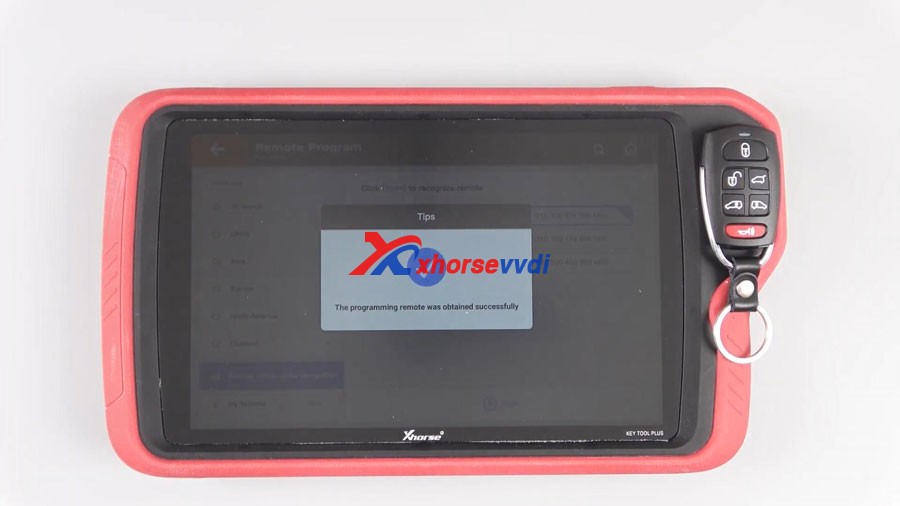
Good news!Xhorse VVDI Key Tool Plus Pad added a new function “Remote Online-cloud Recognition”, which can help you quickly and accurately to recognize your remote.


How to use this function?
Main step:
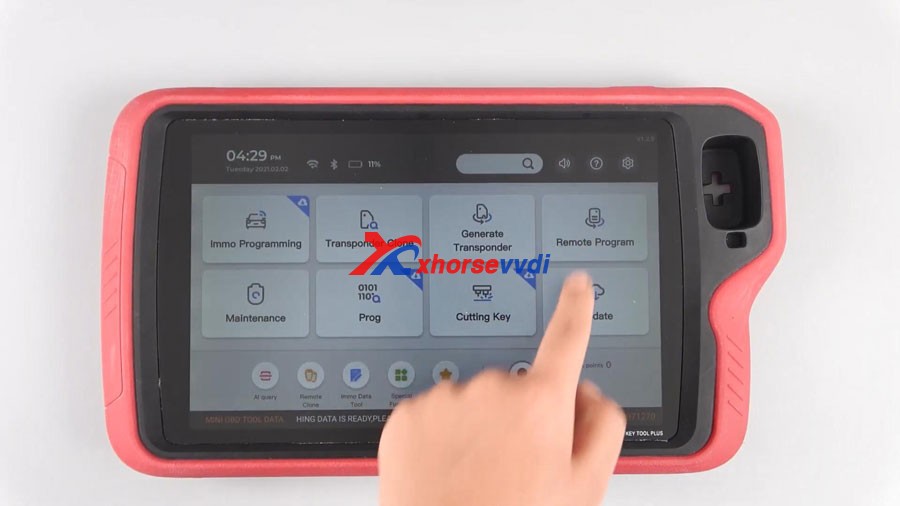
Click Remote Program or Remote Clone
Click Start, your remote can be easily recognized.
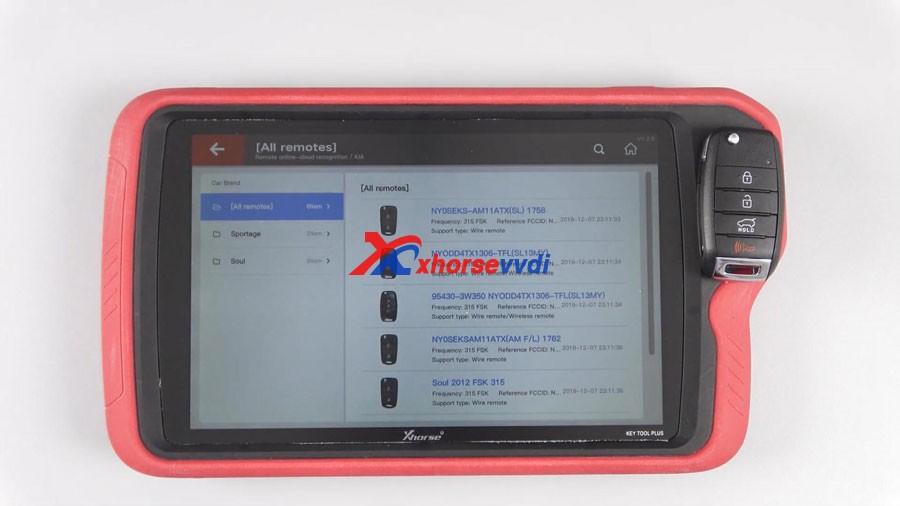
Sometimes, users need to choose the appropriate remote when multiple possible remotes are recognized.
Step-by-step:

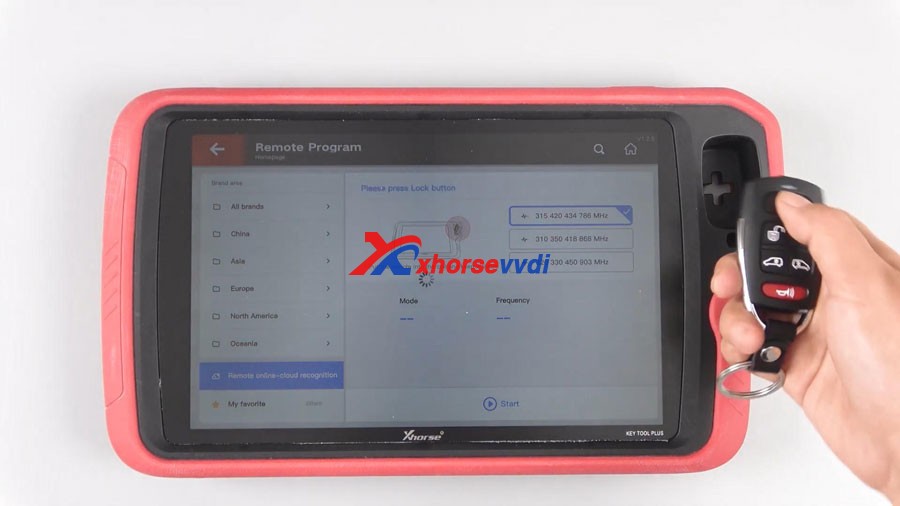
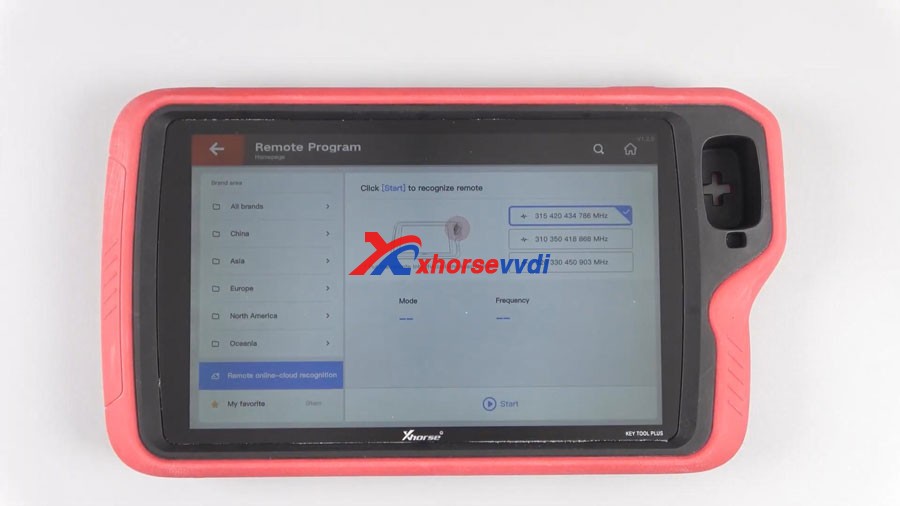
Tap “Remote Program” and then “Remote online-cloud recognition”.


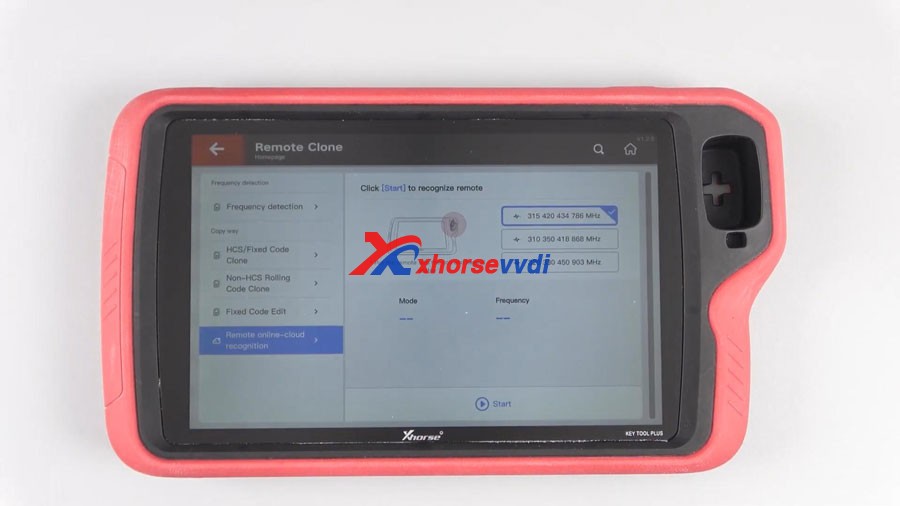
Tap “Remote Clone” and then “Remote online-cloud recognition”.


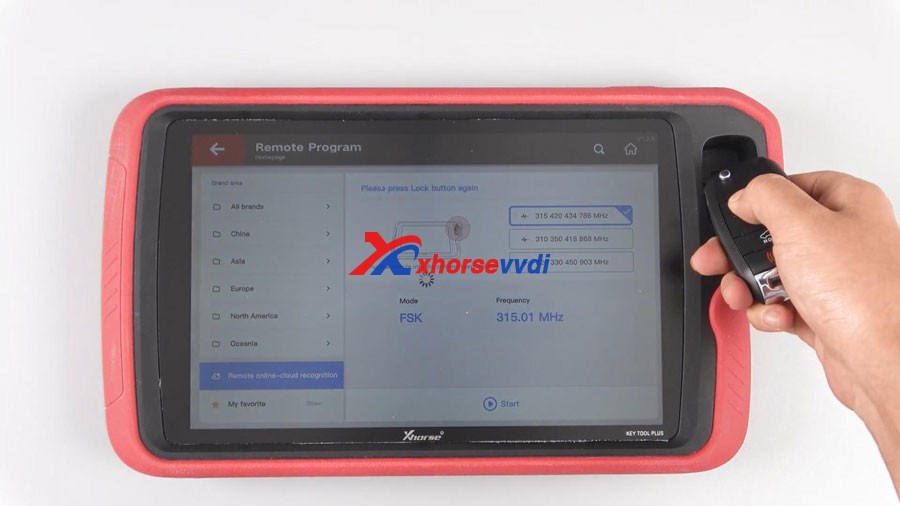
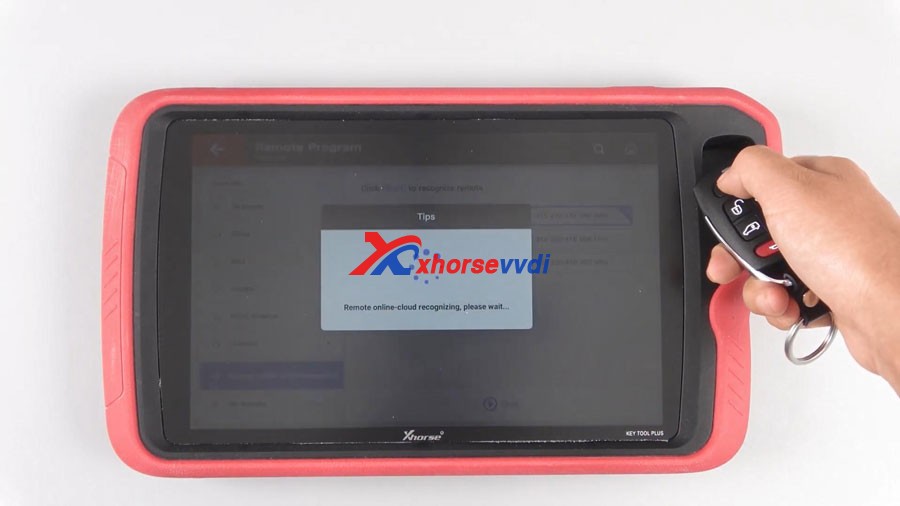
Click “Start” and your remote can be easily recognized. 

KEY TOOL PLUS Remote Online-cloud Recognition 04


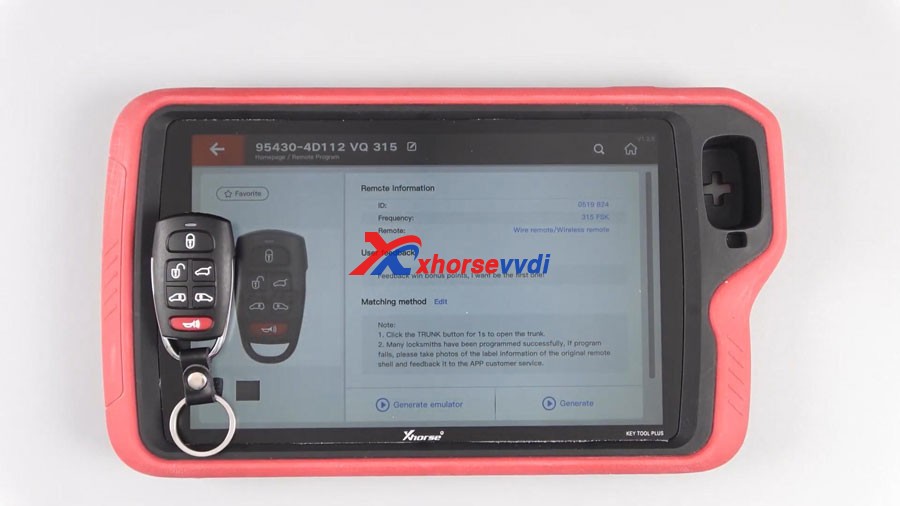
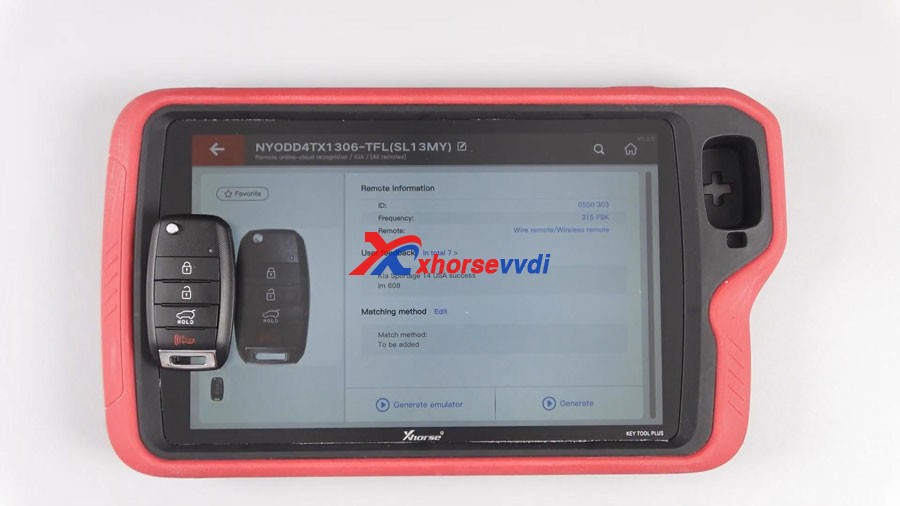
Finally, have remote information including ID, frequency, remote type, matching method etc.


Sometimes, users need to choose the appropriate remote when recognizing multiple possible remotes. 

KEY TOOL PLUS Remote Online-cloud Recognition 08
KEY TOOL PLUS Remote Online-cloud Recognition 09


Enjoy!

video :

https://www.youtube.com/embed/XnoNRVi6S3I

Order Xhorse VVDI Key Tool Plus here:

https://www.xhorsevvdi.com/wholesale/xhorse-vvdi-key-tool-plus.html

xhorse OBD2 tools tech support: chttps://xhorsesupport.blogspot.com

Design a site like this with WordPress.com
Get started