Xhorse VVDI BIMTool Cas3+ ISTAP Downgrade Over OBD OK

Here we’re trying to downgrade CAS3+ ISTAP. Because it’s encrypted since ISTAP upgrade and it doesn’t allow VVDI BIMTool or any software to write a key to it.

What we want to do is:

Write back the original FLASH data that was doing a key before.

Try to crank CAS3+ module by BIMTool and bench test platform.

Step 1

So, first we write the original FLASH into CAS3 by VVDI Prog Programmer.
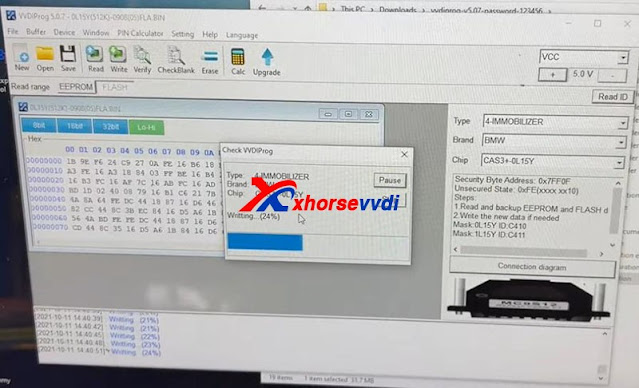
How to downgrade ISTAP with Xhorse VVDI Prog +BIMTool 01
How to downgrade ISTAP with Xhorse VVDI Prog +BIMTool 02

Step 2

Set up bench test platform:

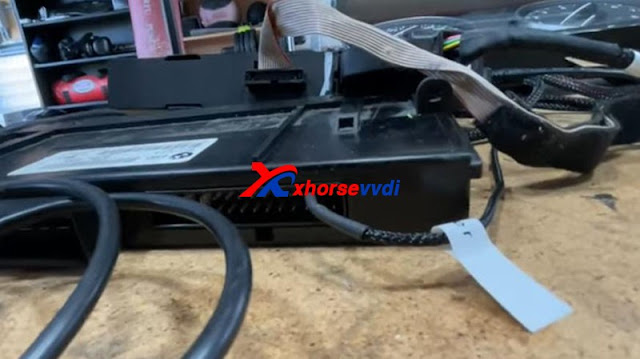
Connect the cable to all hardware (BIMTool, JBE, CAS3, key slot, switch…)

Notice the PIN on JBE module.

How to downgrade ISTAP with Xhorse VVDI Prog +BIMTool 03
How to downgrade ISTAP with Xhorse VVDI Prog +BIMTool 04

Insert the key and light on the cluster.

We see there is a steering lock but we can bring up the mileage. (The temper dot comes from the mismatch of the kilometer between CAS and cluster)
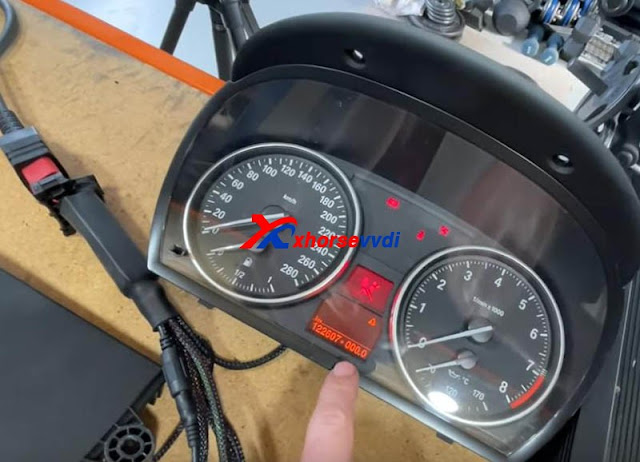
How to downgrade ISTAP with Xhorse VVDI Prog +BIMTool 04

Step 3

We hook up BIMTool.

Turn to “CAS key learn” page and connect.

Click on “Get Key Info” and “Add key”.

If it’s encrypted, here it’ll prompt.

But, it asks if we’re going to update firmware, which means FLASH writing by VVDI Prog worked.

How to downgrade ISTAP with Xhorse VVDI Prog +BIMTool 05

Now disconnect PC from the Internet.

Press “No” to update firmware.

Then press “Yes” to flash CAS firmware.
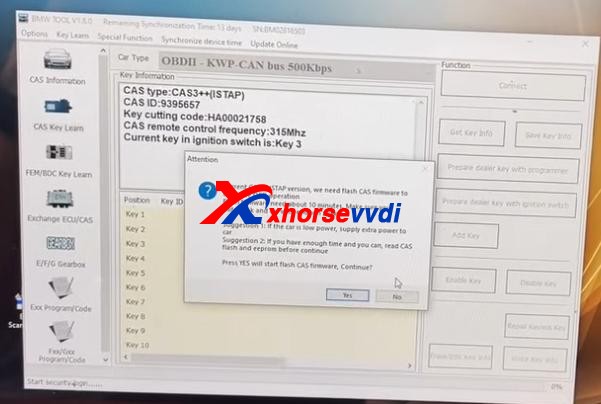
How to downgrade ISTAP with Xhorse VVDI Prog +BIMTool 06

Follow the instruction and it gives us key info.
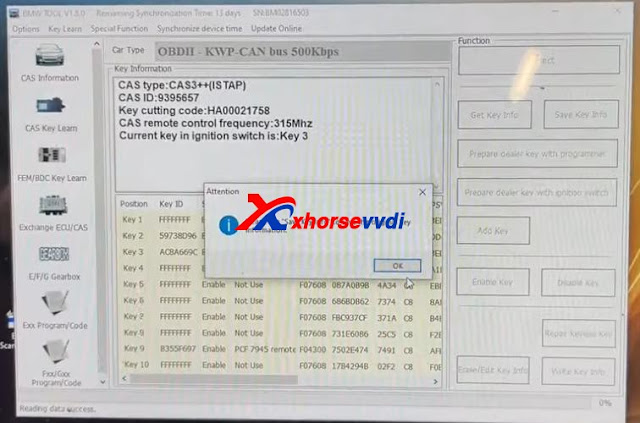
How to downgrade ISTAP with Xhorse VVDI Prog +BIMTool 07

Finally we manage to crack and downgrade CAS3+ ISTAP on bench.

Try if it can give us ISN.

Exchange ECU/CAS>>CAS – CAS3+ OBDII>>Read ECU ISN

No.

Try it via EEPROM dump file that we got from VVDI Prog, and a working key.
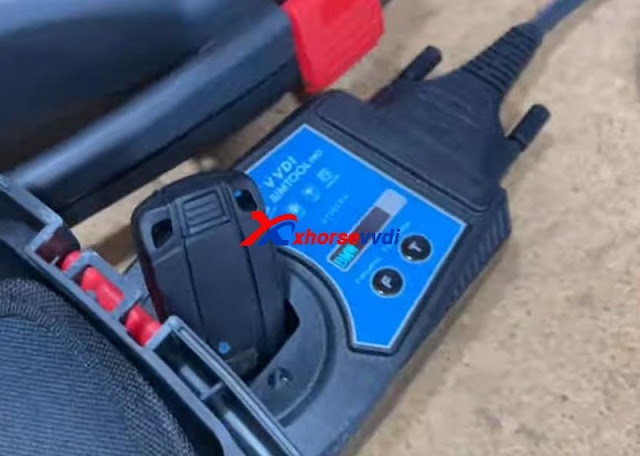
How to downgrade ISTAP with Xhorse VVDI Prog +BIMTool 09

Yes.

How to downgrade ISTAP with Xhorse VVDI Prog +BIMTool 10

Done!

More functions to be explored!

http://blog.xhorsevvdi.com/vvdi-prog-bimtool-and-cas3-bench-test-platform-downgrade-istap-success/
How to test if CAS4 CAS4+ IMMO box and the key are synchronized?

Customer real feeback: 
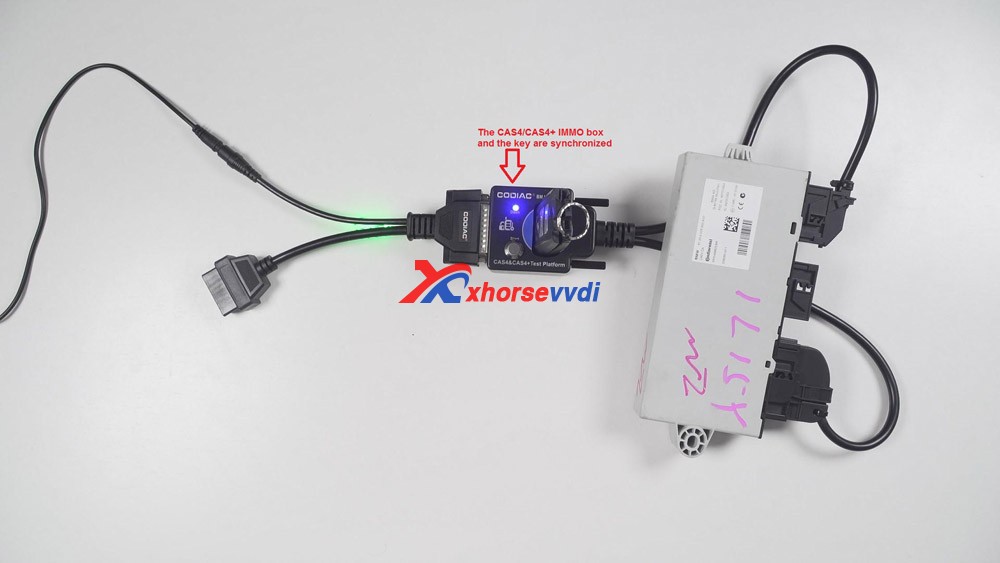
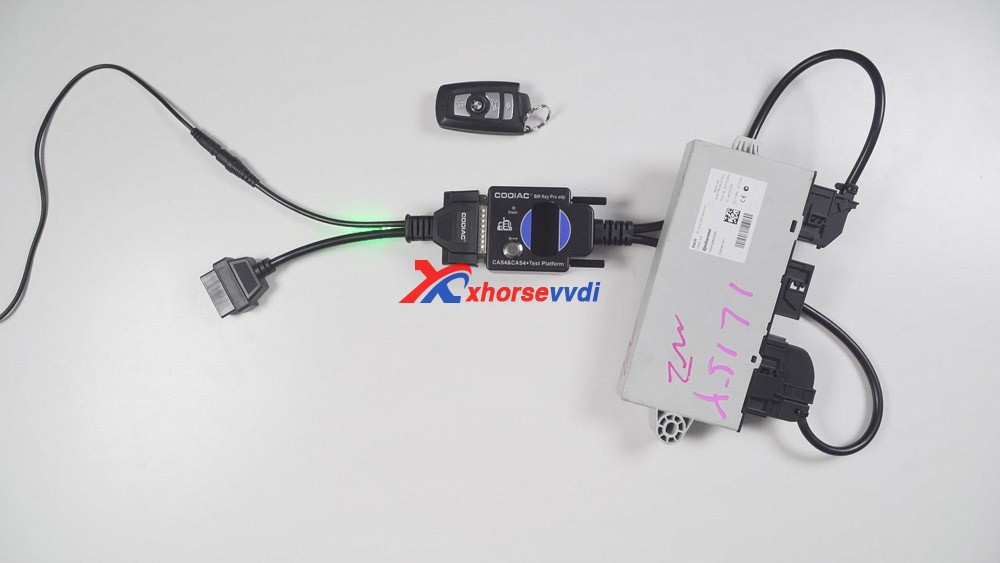
We test whether the CAS4/CAS4+ IMMO box and the key are synchronized. What we prepared is one Godiag CAS4 / CAS4+ Test platform, one programmed key, one 1L15Y IMMO box (look at the following image).
Godiag cas4 /cas4+ test platform  reviews 01

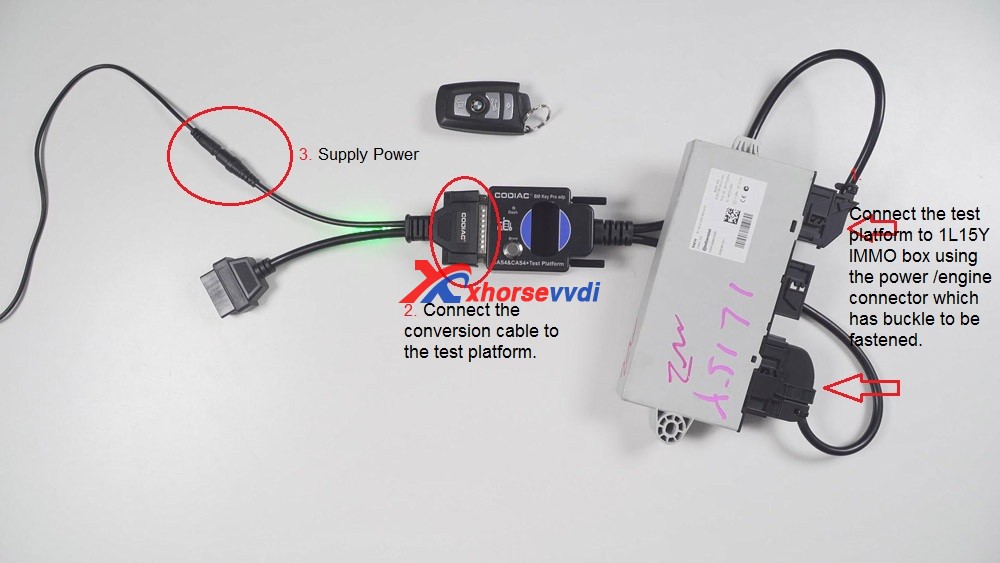
1. Firstly, connect the test platform to 1L15Y IMMO box using the power connector and engine connector which has buckle to be fastened.

2. Then connect the Godiag convert cable to the test platform.

3. Lock the screws of Test platform.

4. Plug to the power adapter. And the power indicator and immo indicator will flash.
 Godiag cas4 /cas4+ test platform  reviews 02

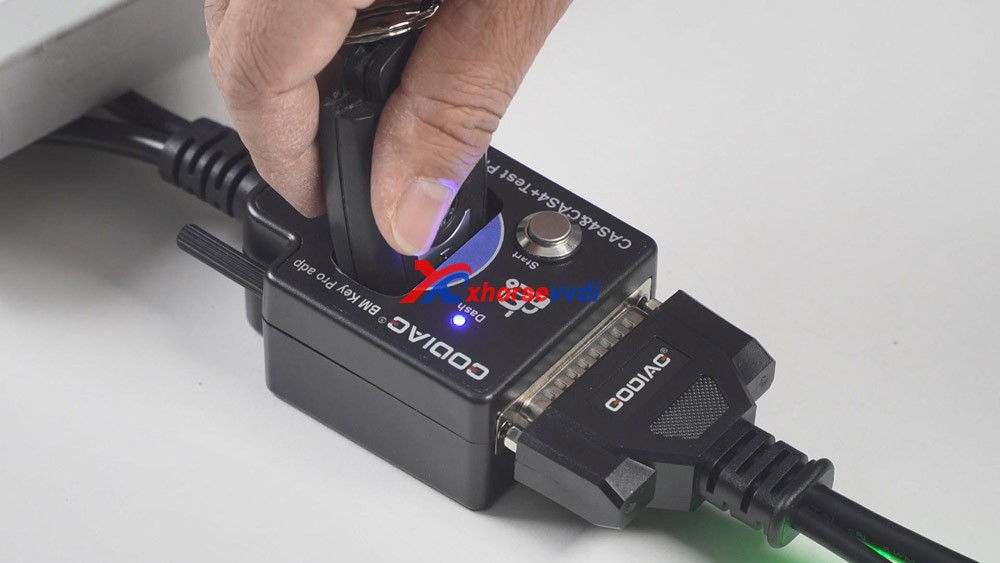
5. Put the CAS4 key into the coil of Godiag test platform. And soon the Dash indicator will flash.
Godiag cas4 /cas4+ test platform  reviews 03

6. 1st time to press the power button on the test platform, it means to start the adapter. If the key is synchronized with the immo box, the indicator will always be on.
2nd time to press the power button again, it means we turn off the test platform.
3rd time to press the button, the CAS4 box is not communicating with the test platform.
4th time to press the button, the test platform is turn on.
Okay, this is on how to test the synchronized key.
 Godiag cas4 /cas4+ test platform  reviews 04

Next we have a look at the unsynchronized key.
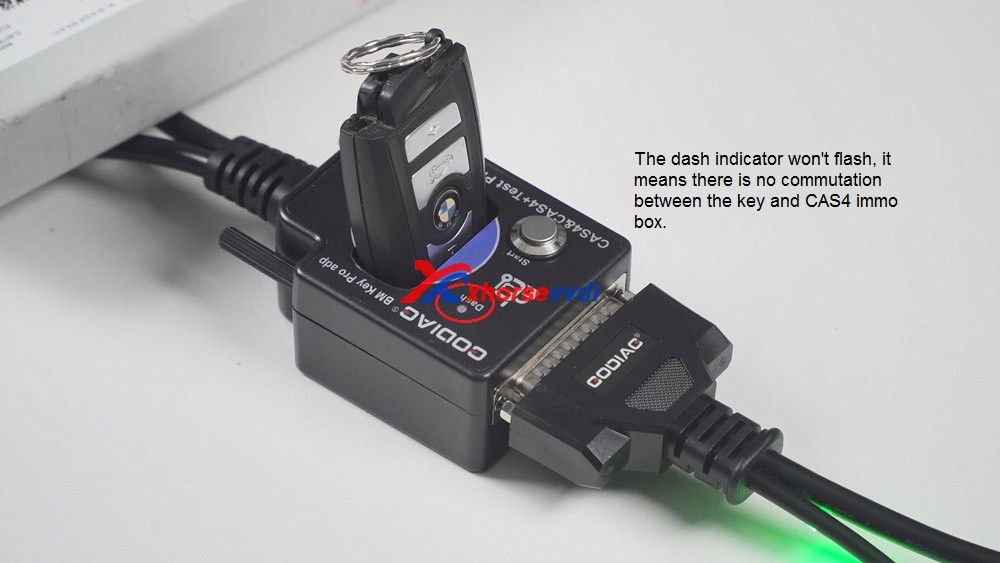
After putting the key into the coil of the test platform, the dash indicator won’t flash.
And after pressing the power button, the “Dash” indicator will soon turn off.
It means there is no commutation between the key and CAS4 immo box.
 Godiag cas4 /cas4+ test platform  reviews 05

Alright. I am very happy with Godiag cas4 /cas4+ test platform, it will be a great helper in my daily key programming job. 

http://blog.xhorsevvdi.com/

Use Xhorse VVDI2 to Program BMW CAS2-3 remote key via OBD

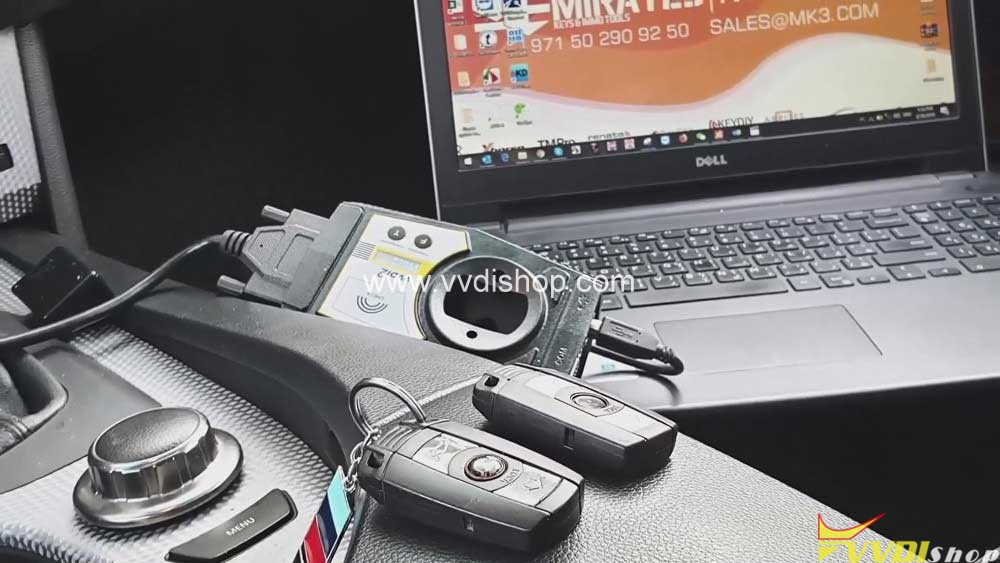
Here, VVDISHOP will share with you all how to use Xhorse VVDI2 to program remote key BMW CAS 2-3 through OBD-port

 Here you are:

Car vehicle: BMW car

What you need:

Xhorse VVDI2 Full

BMW CAS3 Remote

Xhorse VVDI2 to Program BMW CAS2-3 remote key via OBD

Steps:

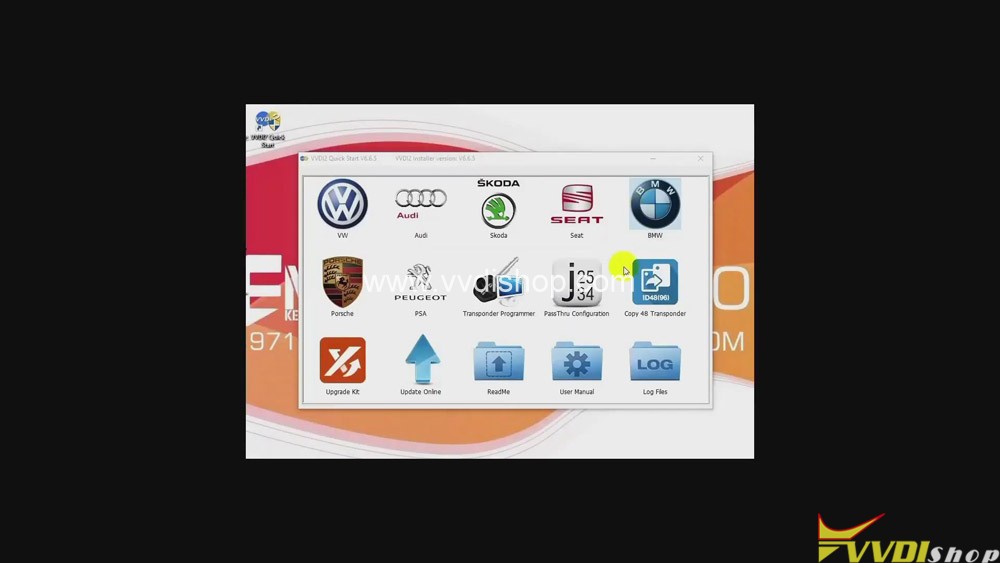
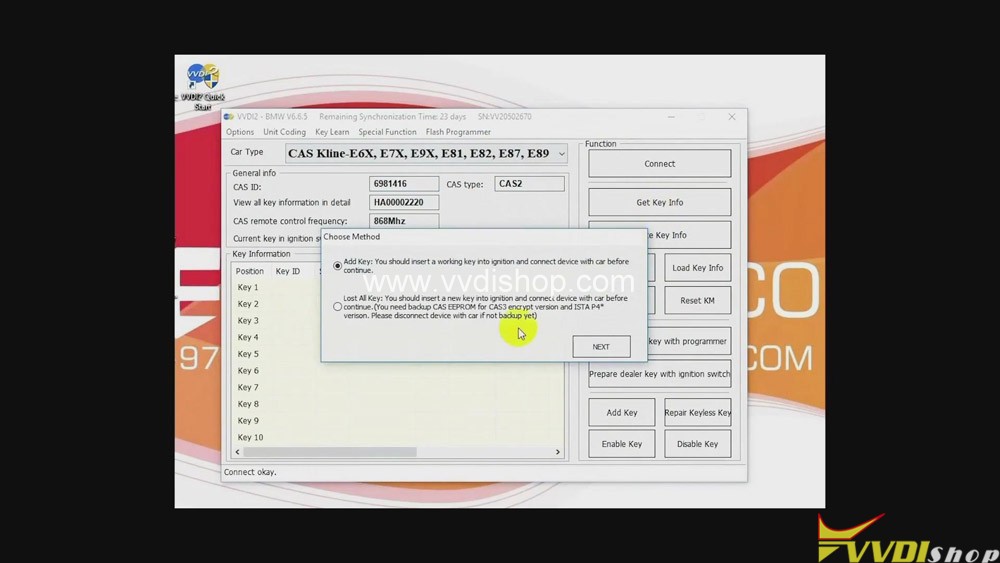
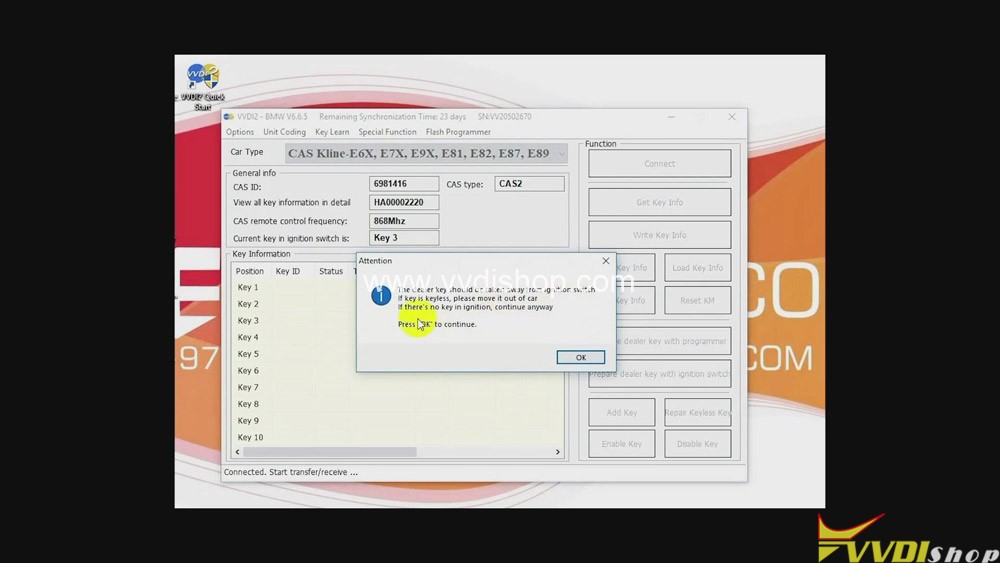
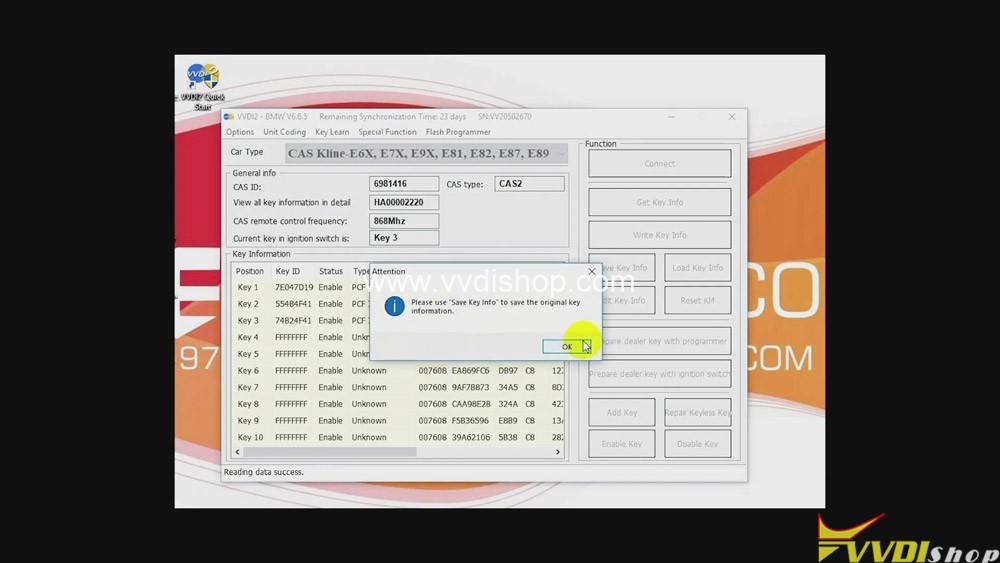
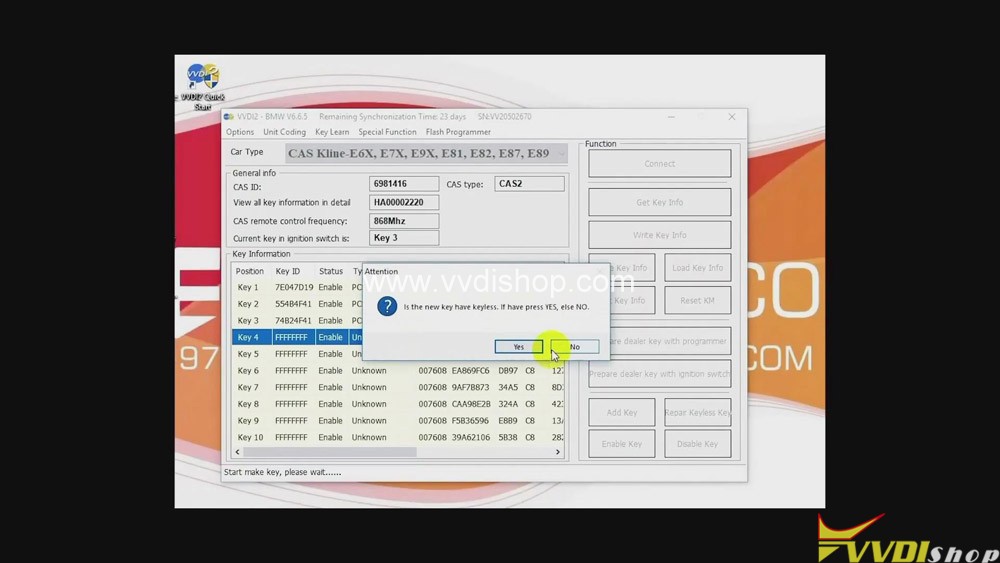
  1. Click “BMW” button>>“Connect”>>“Get key info”>>“Next”>>“OK”.
Xhorse VVDI2 to Program BMW CAS2-3 remote key by OBD
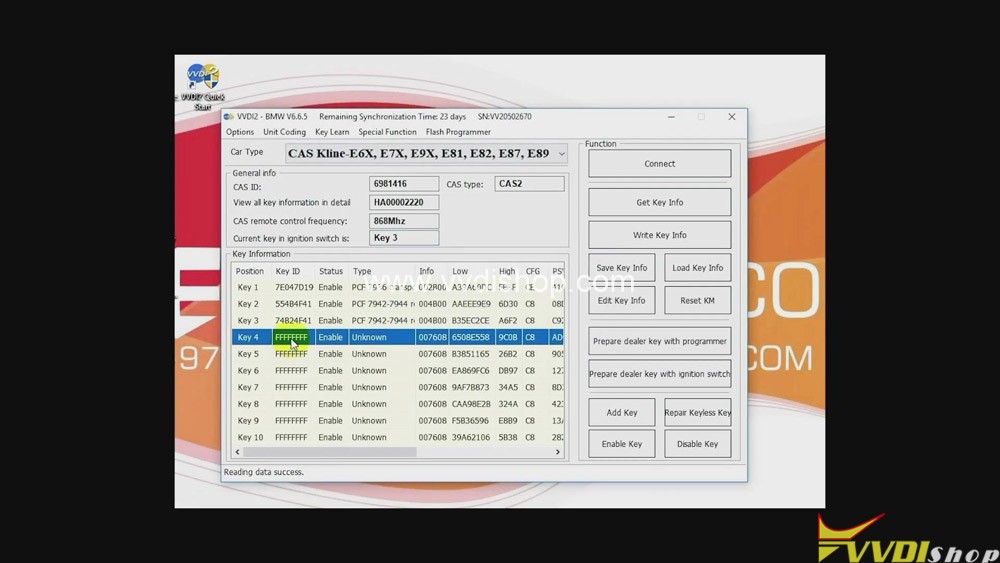
  • Click “OK” again>>“Key 4”>>“Prepare dealer key with programmer”>>“OK”.
Xhorse VVDI2 to Program BMW CAS2-3 remote key by OBD

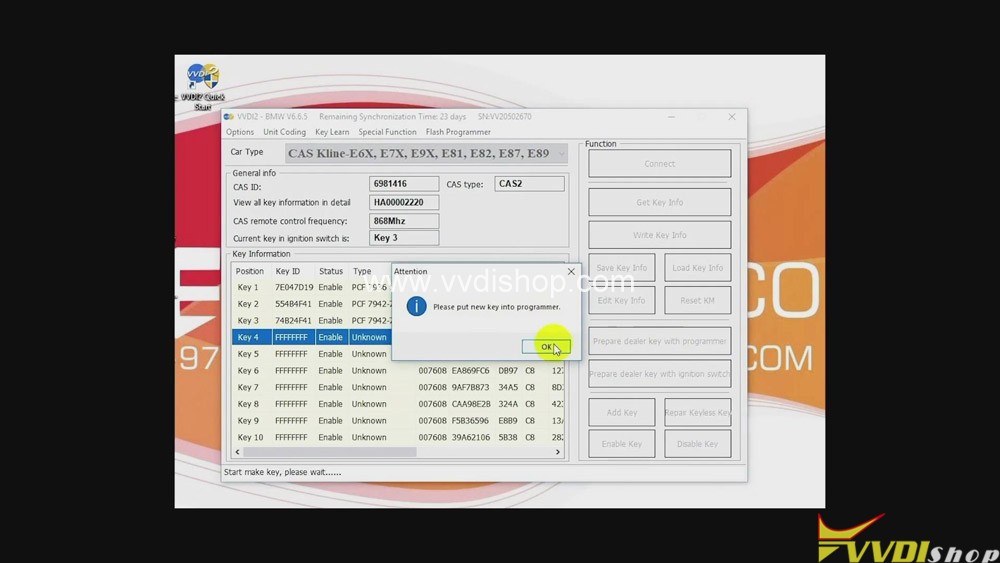
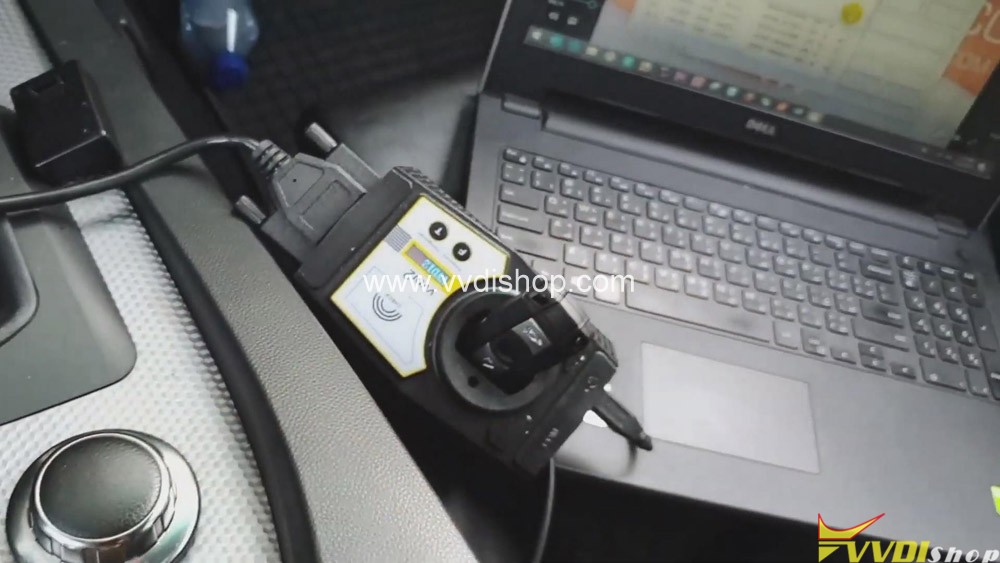
3.Put the new key into VVDI2.

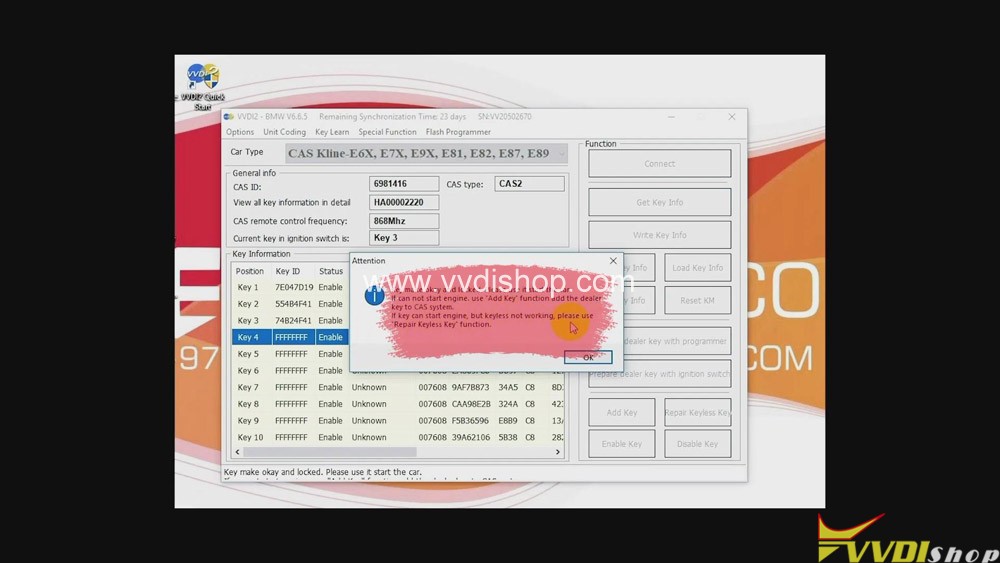
  • Click “No”>>“OK”.
Xhorse VVDI2 to Program BMW CAS2-3 remote key by OBD

Job on programming remote key BMW CAS 2-3 with Xhorse VVDI2 Full is done.

Read related article:VVDI2 Program BMW CAS4 CAS4+ Key via OBDII Step by Step

Design a site like this with WordPress.com
Get started