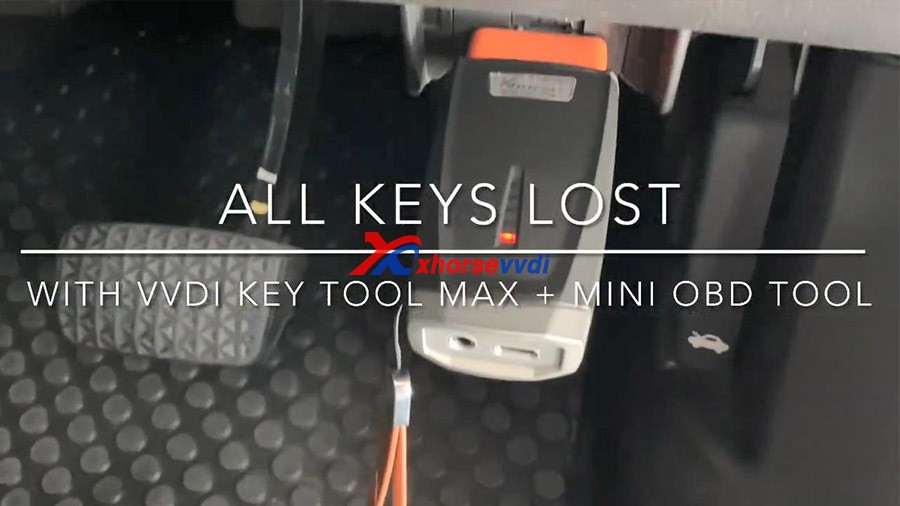
How to add LEXUS smart key with Xhorse Key Tool Max and Mini OBD Tool

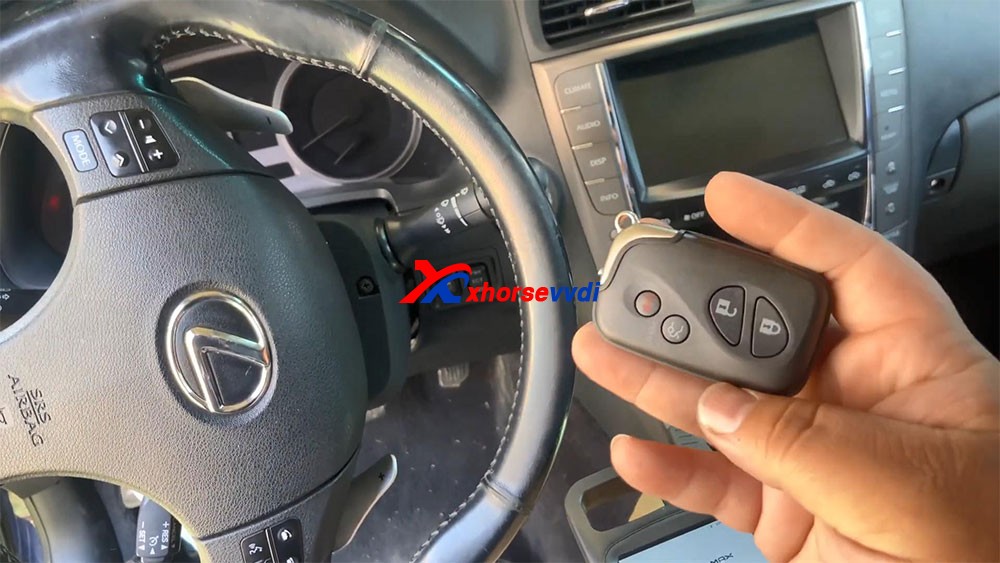
Tutorial on how to add smart key/add key lost for Lexus IS250 2009 – 2013 by using Xhorse VVDI KEY TOOL MAX and MINI OBD TOOL
xhorse-vvdi-key-tool-max-add-smart-key-for-lexus-with-mini-obd-00
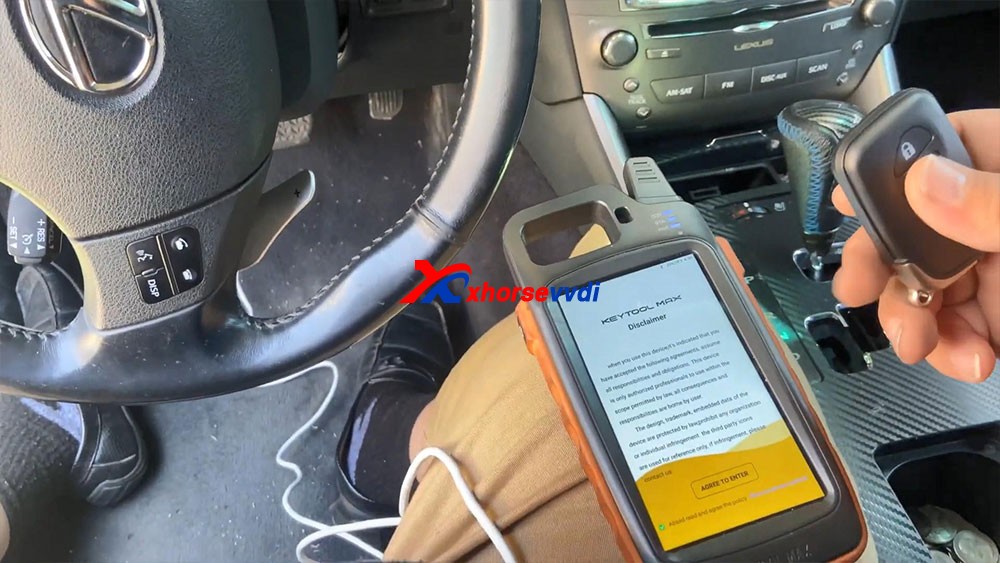
Here you are:Tool option: KEY TOOL MAX & MINI OBD TOOLAlright, already connected our mini OBD programmer to the car.  
I’m kind of low on battery, so I hooked up the cable to provide for me.
xhorse-vvdi-key-tool-max-add-smart-key-for-lexus-with-mini-obd-01

Let’s continue guys let’s go ahead and program this key that’s all smart keys lost.

Okay, so the first thing we’re gonna do: agree to enter.

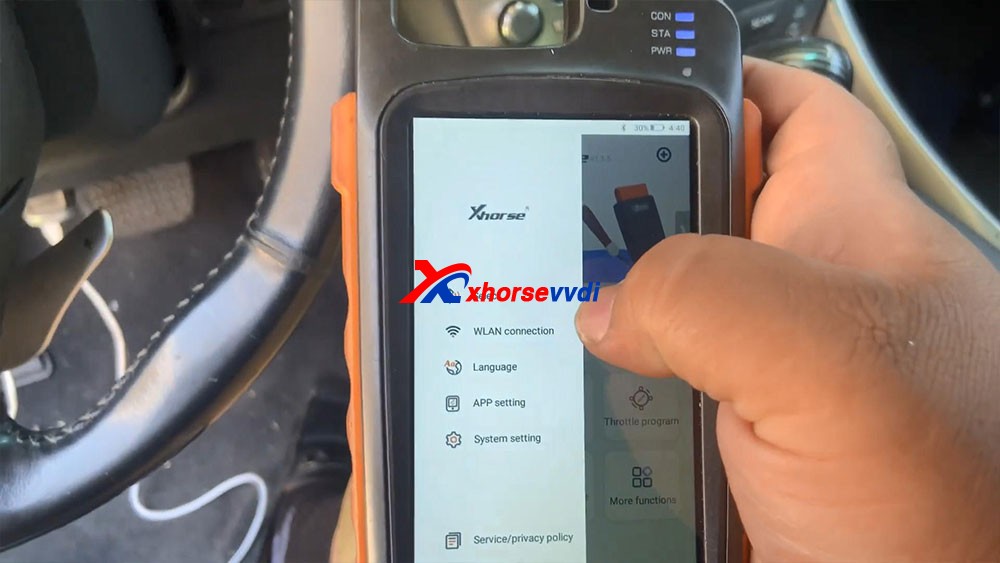
We’re gonna go ahead and connect Bluetooth.
xhorse-vvdi-key-tool-max-add-smart-key-for-lexus-with-mini-obd-02

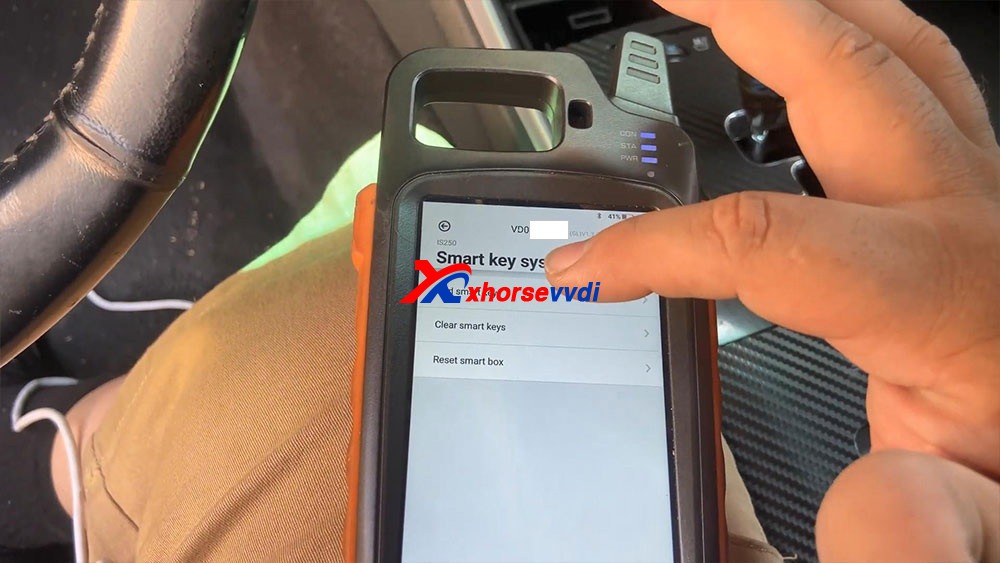
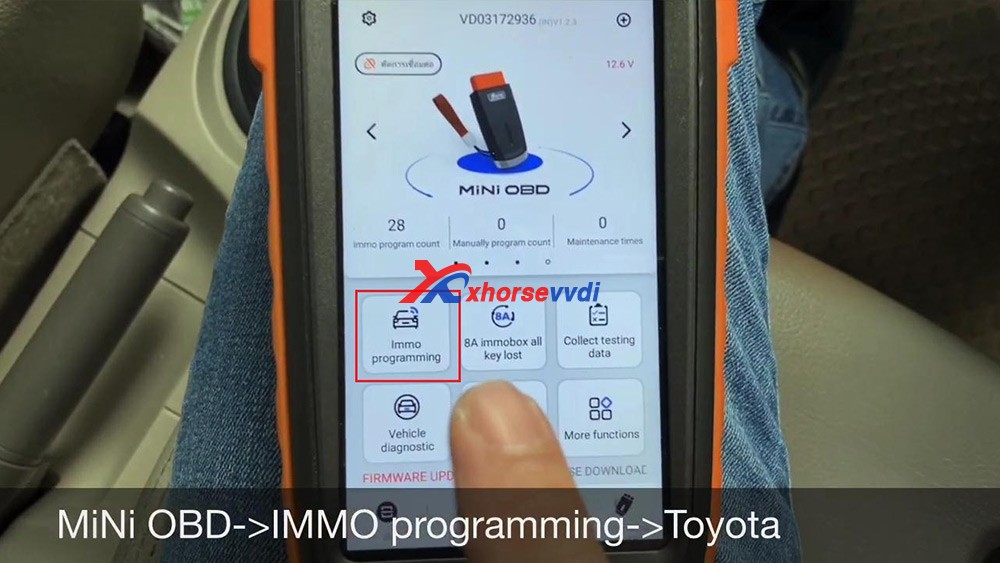
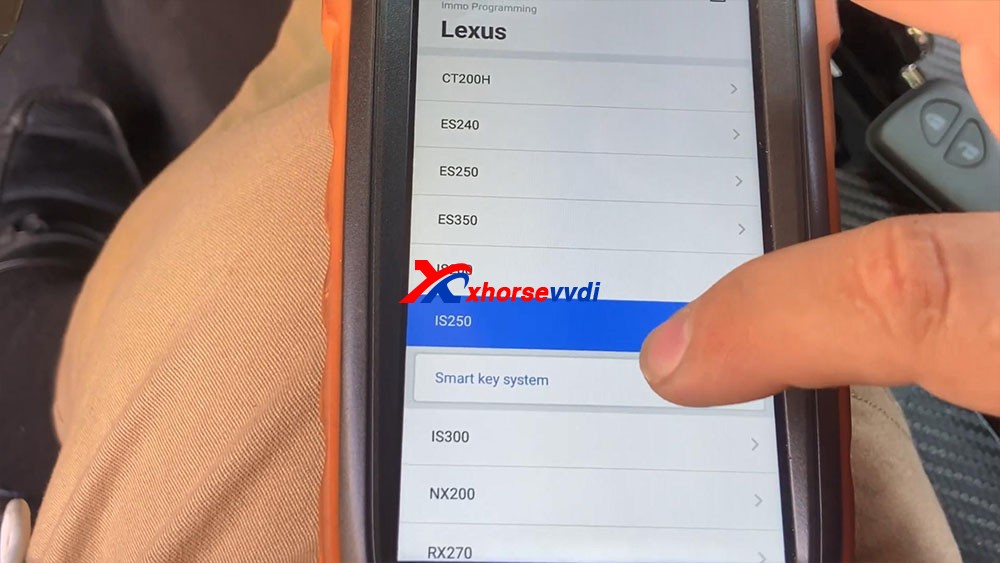
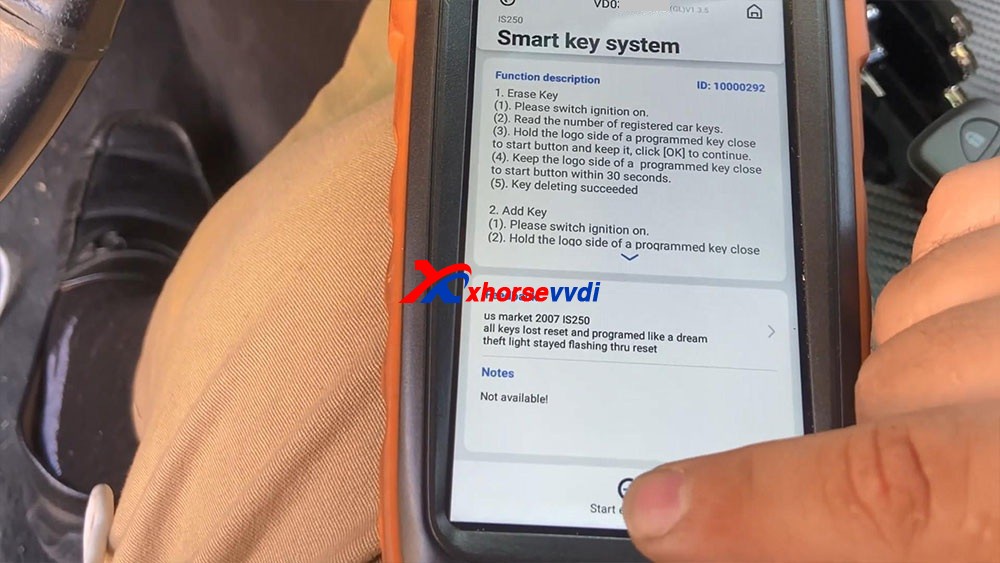
So I just go “Immo programming” -> “Lexus” -> model IS250 -> smart key system -> Start execution.
xhorse-vvdi-key-tool-max-add-smart-key-for-lexus-with-mini-obd-03
xhorse-vvdi-key-tool-max-add-smart-key-for-lexus-with-mini-obd-04

Have tips : The device disconnected, please connect device, just click on “connect”, let’s connect first, we select the device serial number and it shows connecting and let’s try to turn on the ignition, so let’s go ahead to select “Start execution”.
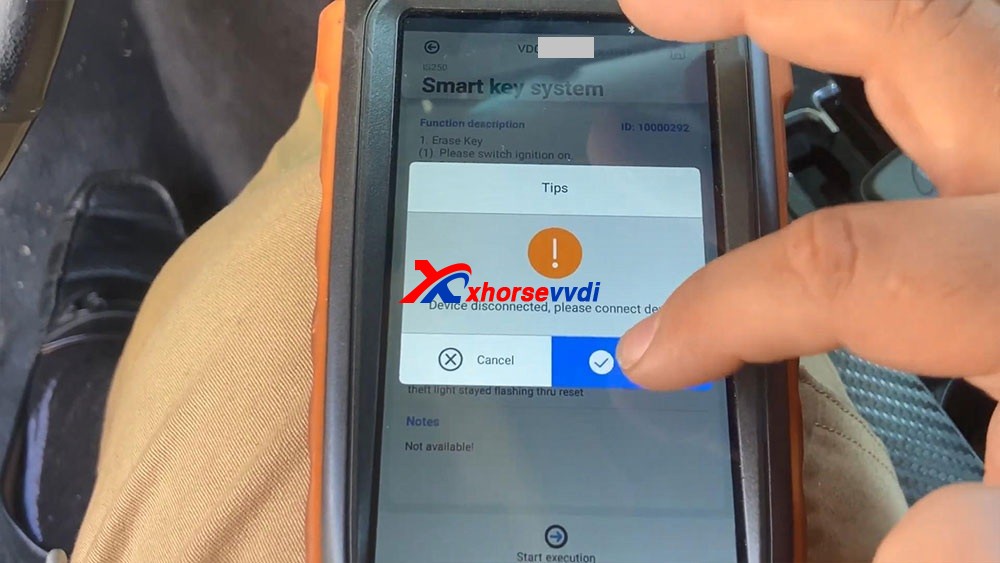
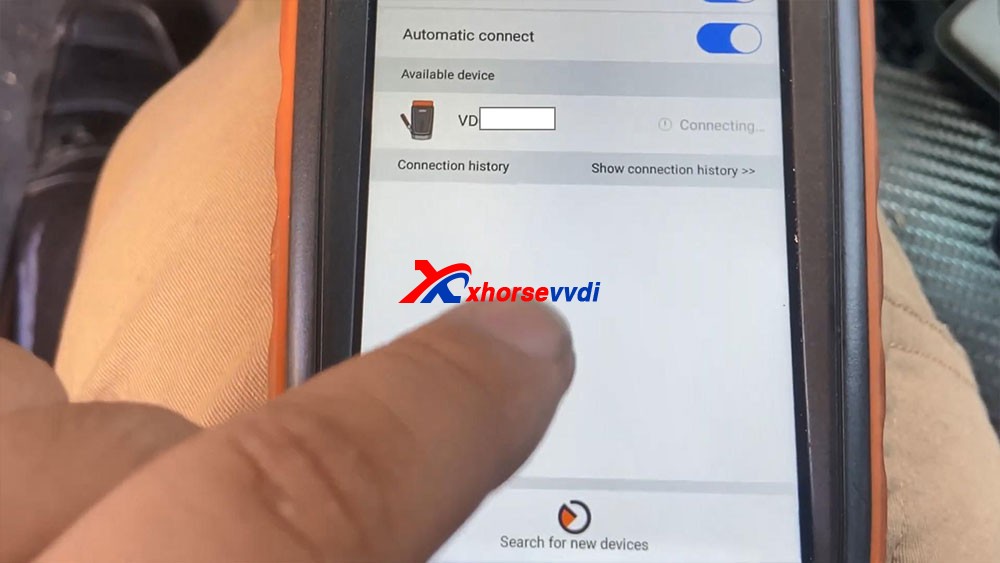
xhorse-vvdi-key-tool-max-add-smart-key-for-lexus-with-mini-obd-05
xhorse-vvdi-key-tool-max-add-smart-key-for-lexus-with-mini-obd-06

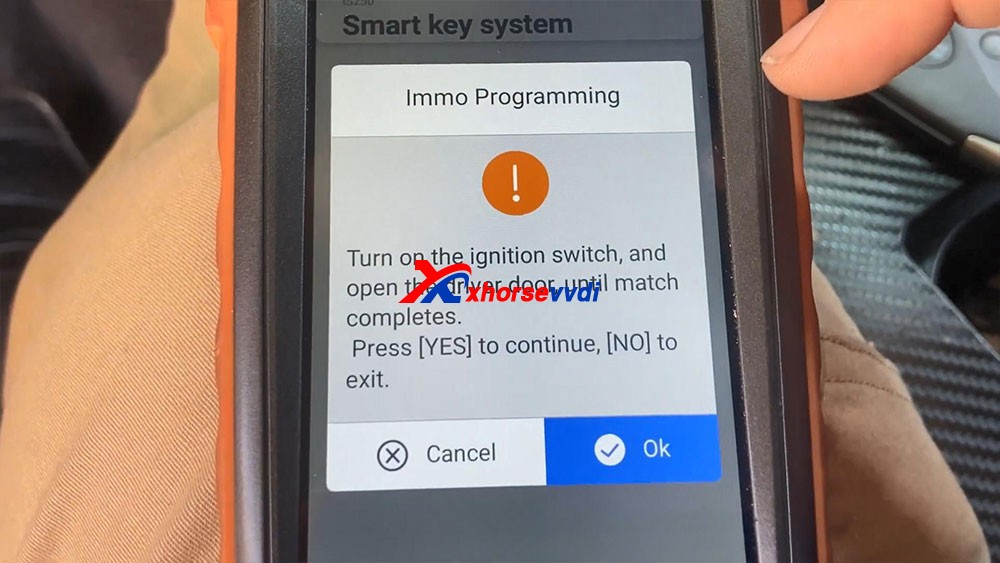
We select “Reset Smart Box” and it says “Turn on the ignition switch, and open the driver door, until match complete”, okay, click on “OK”.
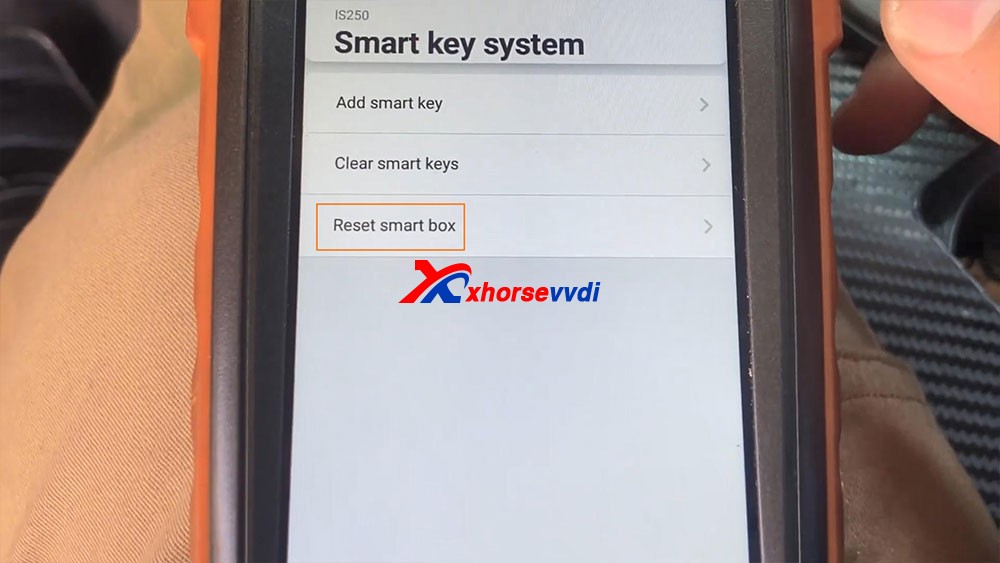
xhorse-vvdi-key-tool-max-add-smart-key-for-lexus-with-mini-obd-07
xhorse-vvdi-key-tool-max-add-smart-key-for-lexus-with-mini-obd-08
  • Connecting system…
  • Secure access…
  • Communicating…
  • Connecting system…
  • Communicating, please wait for about 16 minutes, the IMMO light (Security) will change from off to flashing. (the buzzer will beep at the same time for some vehicles.)
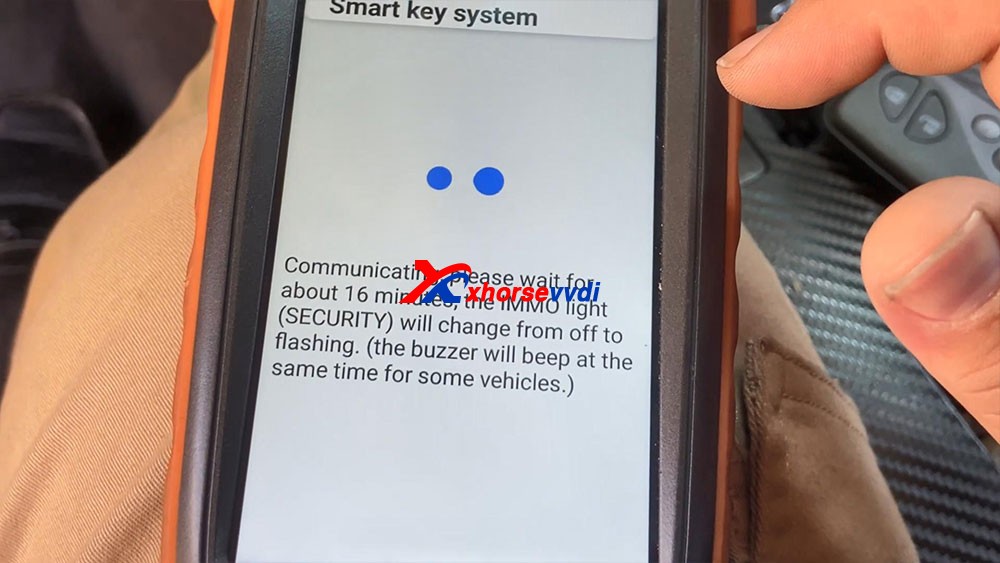
xhorse-vvdi-key-tool-max-add-smart-key-for-lexus-with-mini-obd-09


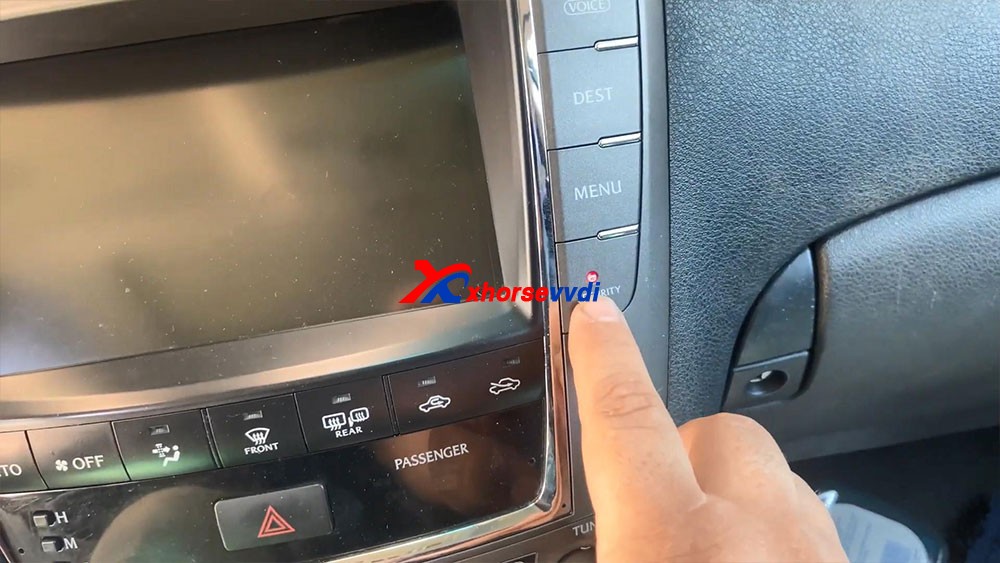
You guys remember waiting for this light to start flashing and last but not least body ad.
Okay so you guys can see the 16 minutes are up and the light and secure light begins to flash.
xhorse-vvdi-key-tool-max-add-smart-key-for-lexus-with-mini-obd-10

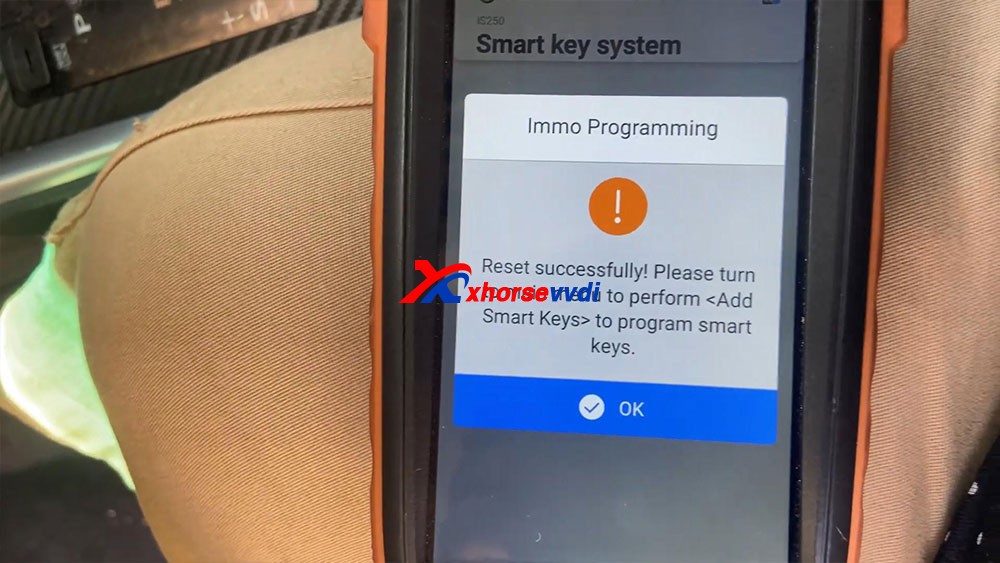
Reset successfully! Please turn to main menu to perform <Add Smart Keys> to program smart keys.
xhorse-vvdi-key-tool-max-add-smart-key-for-lexus-with-mini-obd-11

Okay, we’re gonna go back to a key.
xhorse-vvdi-key-tool-max-add-smart-key-for-lexus-with-mini-obd-12

It says “Turn on the ignition switch”, to open the switch

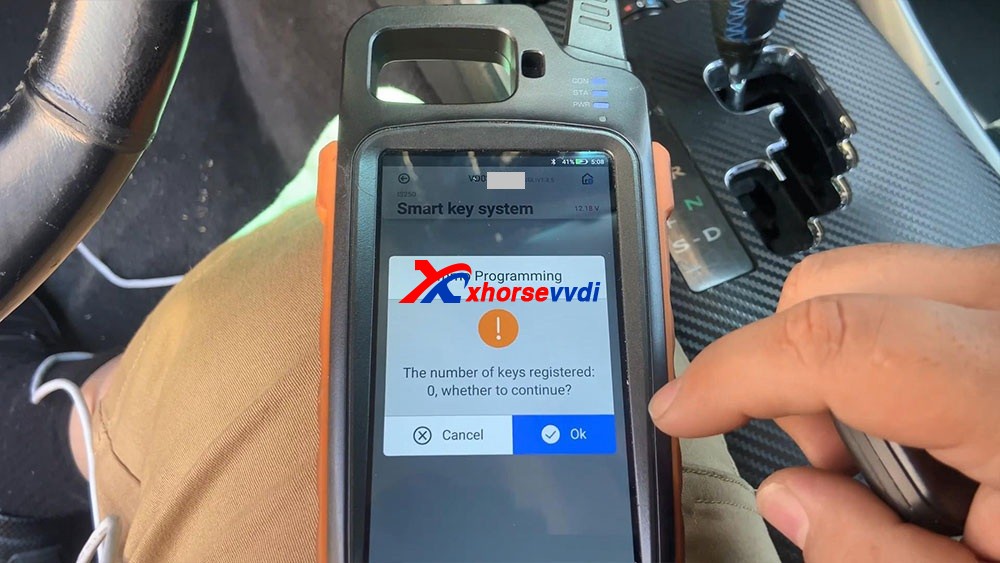
It says “The number of keys registered 0” click on “OK” to continue, yes it tells us there’s no keys registered.
xhorse-vvdi-key-tool-max-add-smart-key-for-lexus-with-mini-obd-13
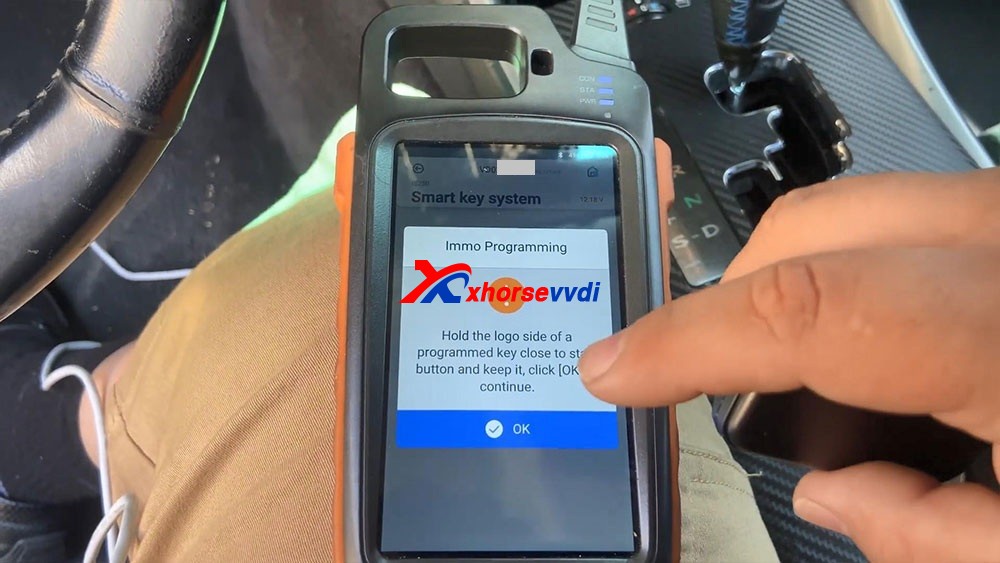
Hold he logo side of a programmed key close to start button and keep it, click [OK] to continue. And you will hear beeps after putting the key close to the start button.
xhorse-vvdi-key-tool-max-add-smart-key-for-lexus-with-mini-obd-14
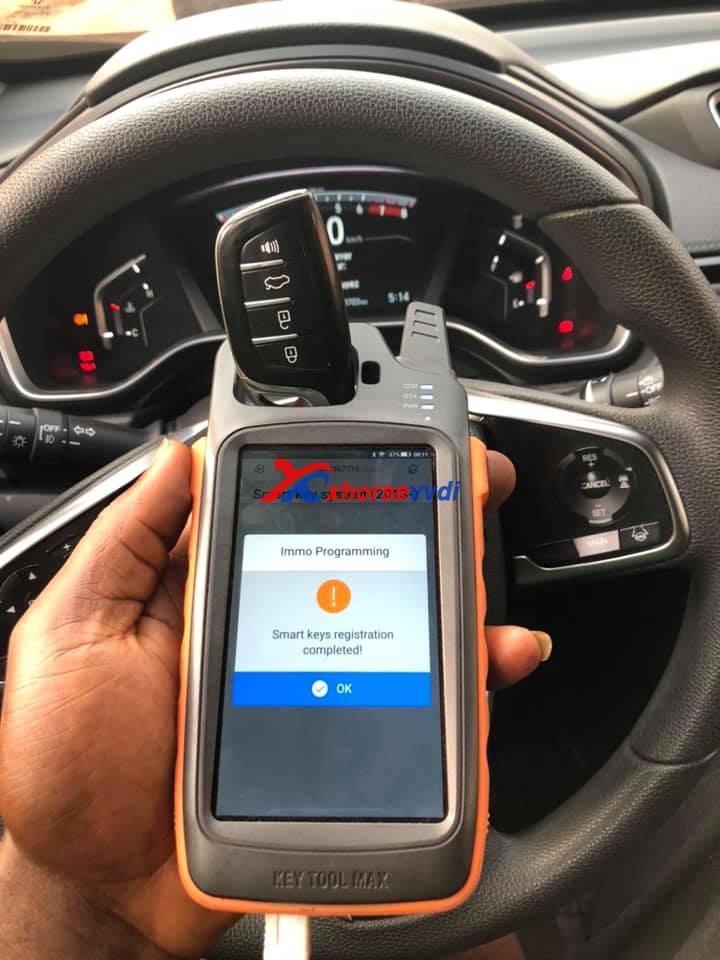
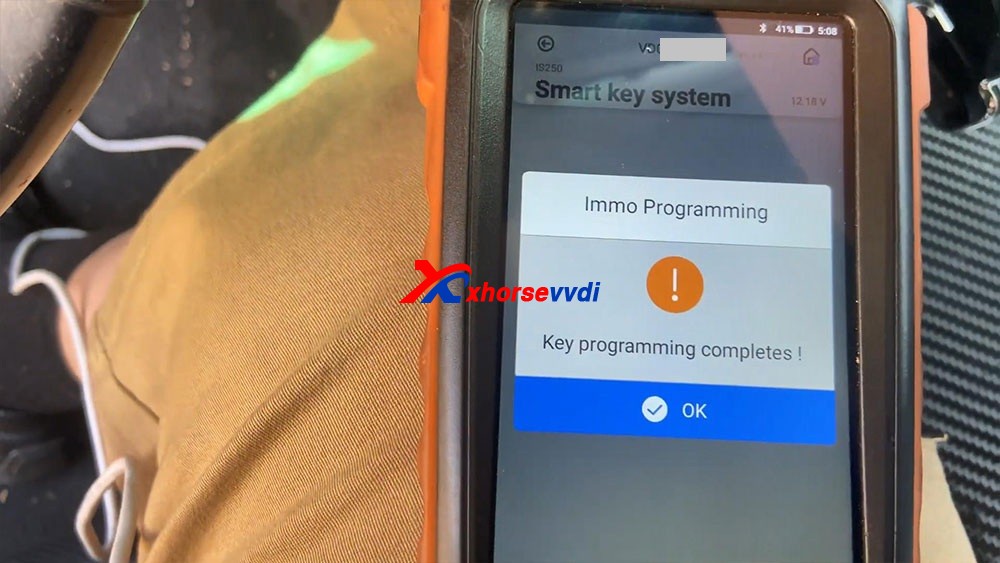
What you see as key programming complete, so we press okay a few times until it actually got the key, and then we press OK.
xhorse-vvdi-key-tool-max-add-smart-key-for-lexus-with-mini-obd-15
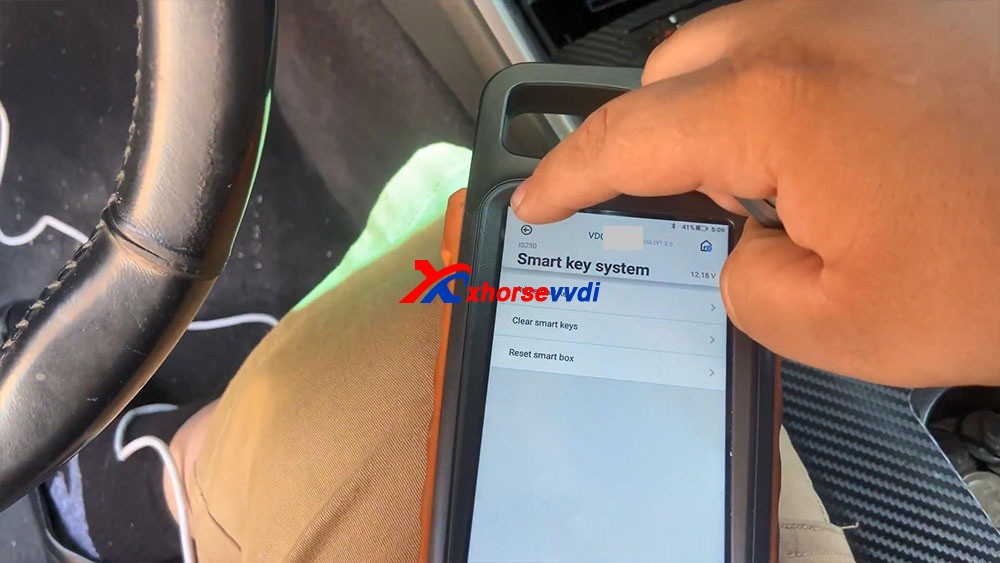
So let’s go ahead and try to test our key, let’s disconnect all this stuff right here, turn off the ignition , we’re gonna close the upper left icon, then it says “Don’t forget your Mini OBD Tool”.
xhorse-vvdi-key-tool-max-add-smart-key-for-lexus-with-mini-obd-16xhorse-vvdi-key-tool-max-add-smart-key-for-lexus-with-mini-obd-17
Let’s go ahead and try the key. Are you guys going to see that the key successfully turned on the vehicle.

Let’s go ahead and try a remote, it shows that works really good, perfect.

Okay, so that’s how we program a key with Xhorse Key Tool Max and Mini OBD Tool programmer.

http://blog.xhorsevvdi.com/vvdi-key-tool-max-mini-obd-lexus-smart-key-all-keys-lost/
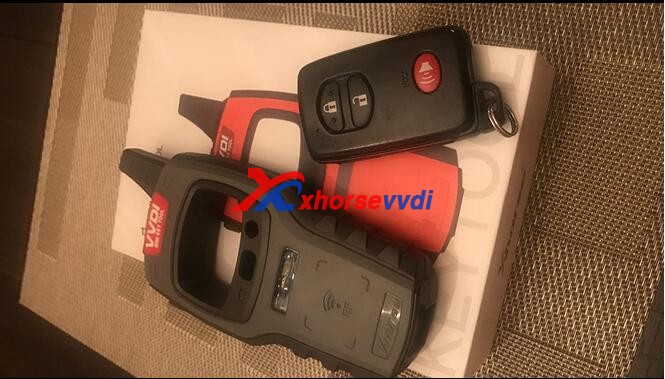
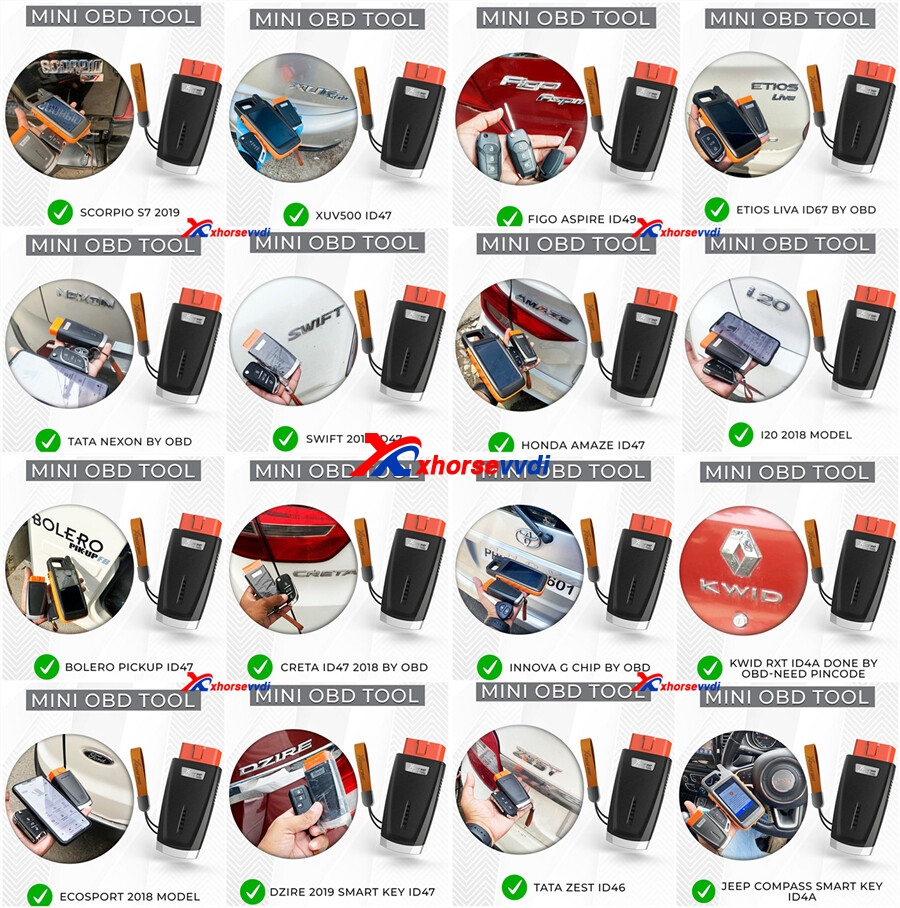
Xhorse VVDI Key Tool Max + MINI OBD Test Report

Here is the Xhorse VVDI Key Tool Max review, test reports and even with step by step procedure with Mini OBD tool.

  1. VVDI Key Tool Max has excellent functions generating remotes but at the time of renewing memory of some remotes to reuse them it does not flash them .. although to clone genar chip, and the rest is perfect.
  1. Key Tool Max works great bought this just to clone VW and Audi keys and it does the job better than expected. Would recommend this product 100%.
  1. Able to unlock used smart key for Toyota like the 2010 Prius this is the tool to get you need to keep trying until the light at the smart key flashed I was able to read frequency for Honda keys and from the remote on a 2007 Cadillac Escalade good quality will recommend.
Xhorse VVDI Key Tool Max  + MINI OBD Real Reviews 01

4.Love this VVDI Key Tool Max. Super handy and has lots of features. Worth the money for sure i recommend obd2 mini with this

  1. VVDI Key Tool Max has allowed me to start a side business providing keys and programming them for people looking to save some money. It’s worked pretty well for the most part, but it’s definitely no replacement for a professional key programmer like the Autels and Xtools. The cloning feature is pretty sweet so you can copy transponders from immobilizer keys. Definitely had some failures on some cars where this tool just doesn’t communicate with the vehicle.
  1. GM Support looks great and full – but missing holes and doesn’t look to go back very far.
    Chrysler – Asia models only but also mixed results under Dodge, Jeep, etc
    Ford – Asia models only but mixed results under Lincoln, Mercury, etc
    It just seems inconsistent and still in development.

but I’ll keep it and hope for updates to make it better.

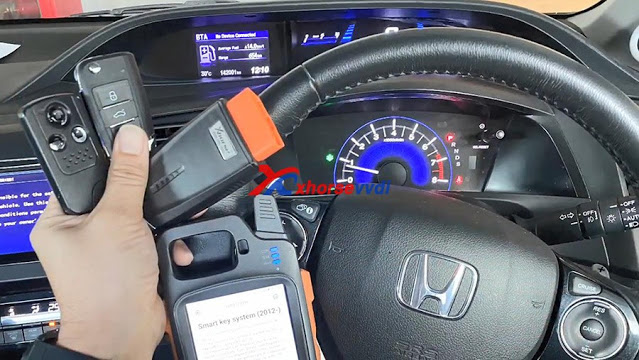
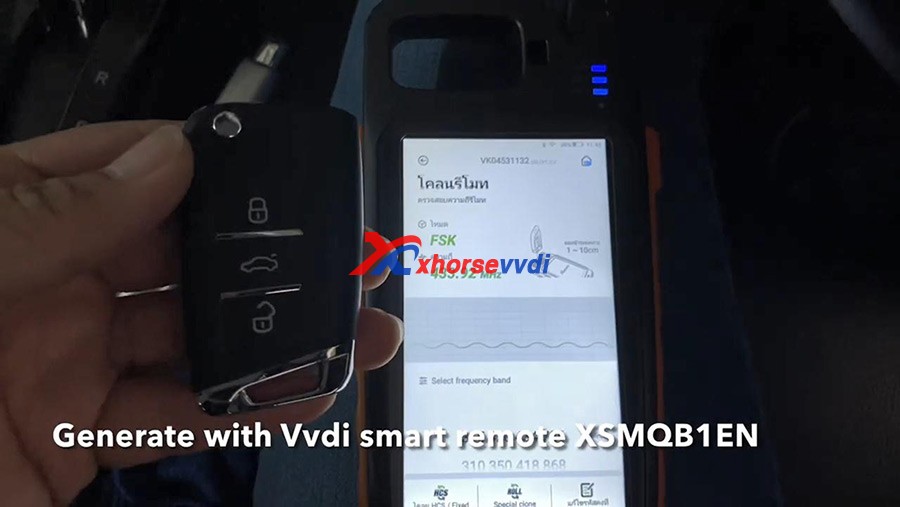
  1. Key Tool Max + Mini OBD Tool generate 2020 HONDA CR-V universal remote + program key all keys lost in 20 minutes, no pin code required.
Xhorse VVDI Key Tool Max  + MINI OBD Real Reviews 02
Xhorse VVDI Key Tool Max  + MINI OBD Real Reviews 03
  1. VVDI Key Tool Max + Mini OBD generate Honda Civic EL Nav 2.0 FB 2014 and program smart remote perfectly.
Xhorse VVDI Key Tool Max  + MINI OBD Real Reviews 04
Xhorse VVDI Key Tool Max  + MINI OBD Real Reviews 05
Xhorse VVDI Key Tool Max  + MINI OBD Real Reviews 06
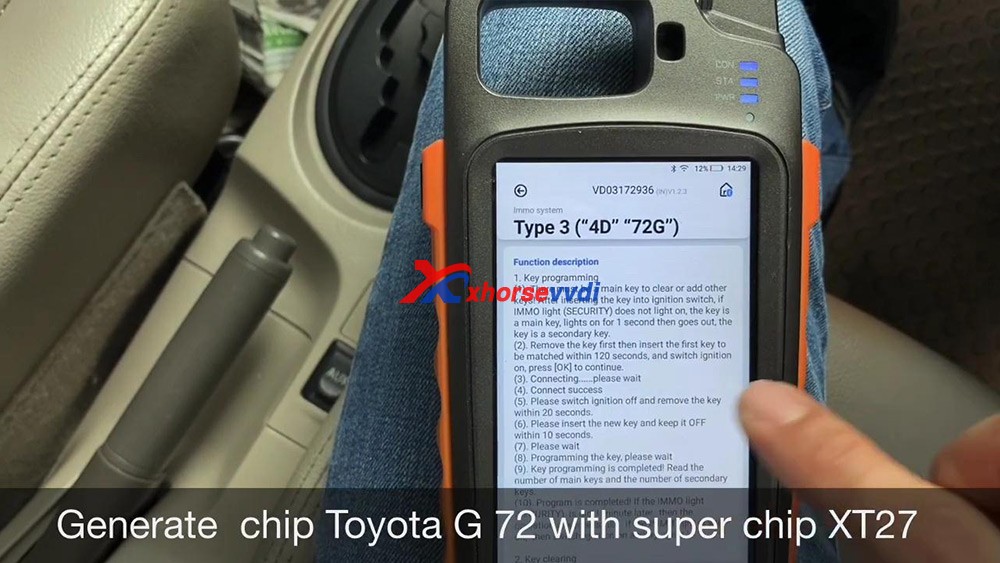
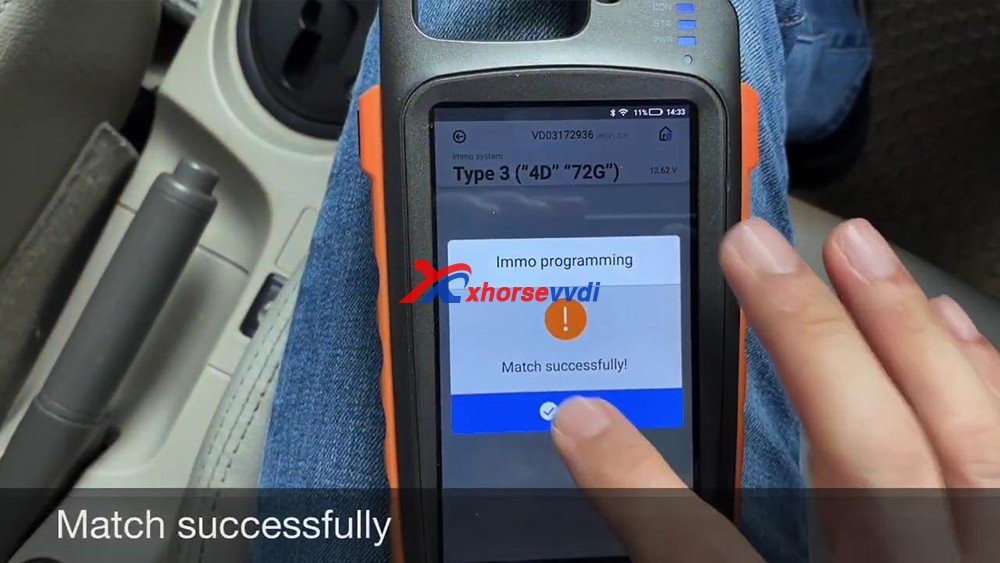
  1. Confirmed: program Toyota Vios Chip G (72) all keys lost using VVDI Key Tool Max + Mini OBD Tool by OBD
Xhorse VVDI Key Tool Max  + MINI OBD Real Reviews 05
Xhorse VVDI Key Tool Max  + MINI OBD Real Reviews 06
Xhorse VVDI Key Tool Max  + MINI OBD Real Reviews 07
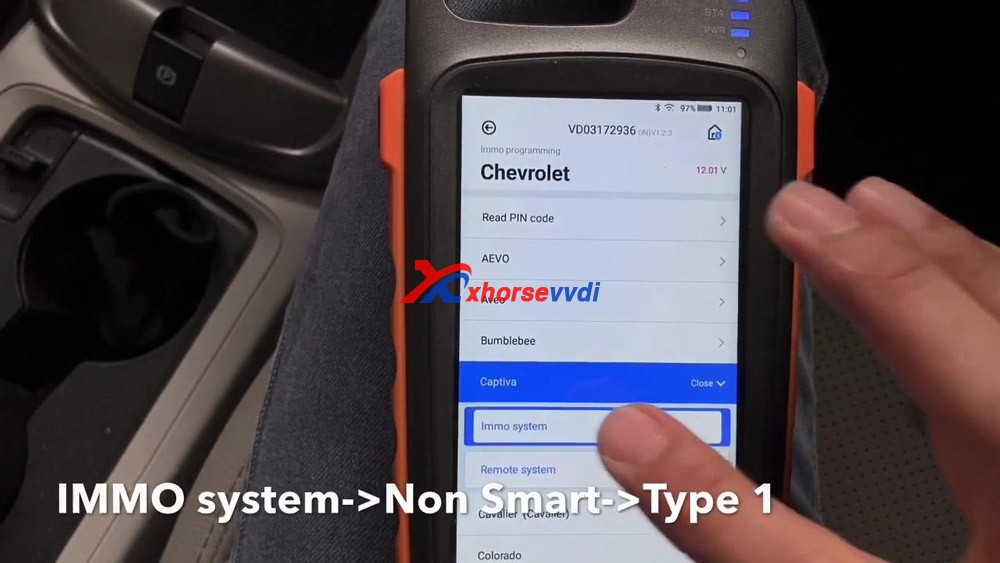
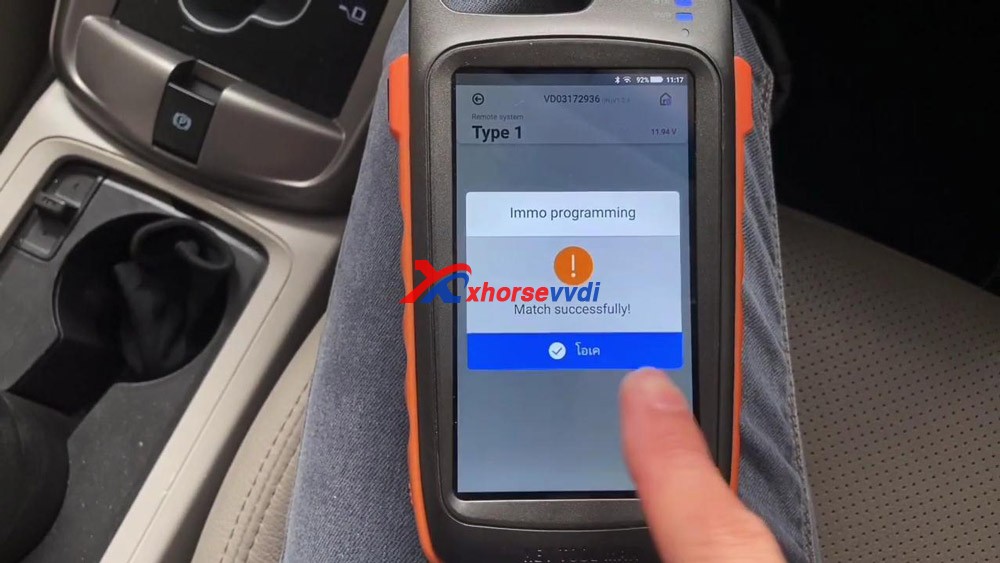
  1. VVDI Key Tool Max + Mini OBD program Chevrolet Captiva 2011 chip and remote via OBD.
Xhorse VVDI Key Tool Max  + MINI OBD Real Reviews 08
Xhorse VVDI Key Tool Max  + MINI OBD Real Reviews 09
  1. VVDI Key Tool Max + Mini OBD program VW Jetta 2010 key.
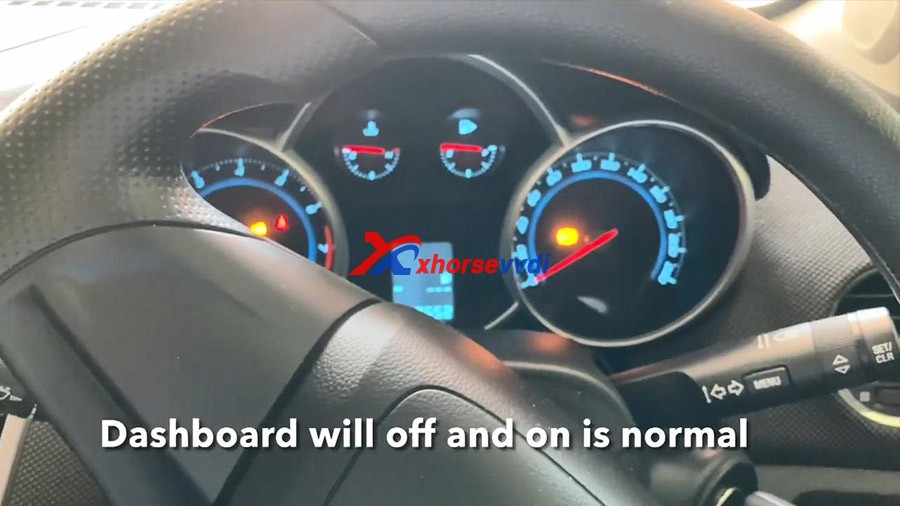
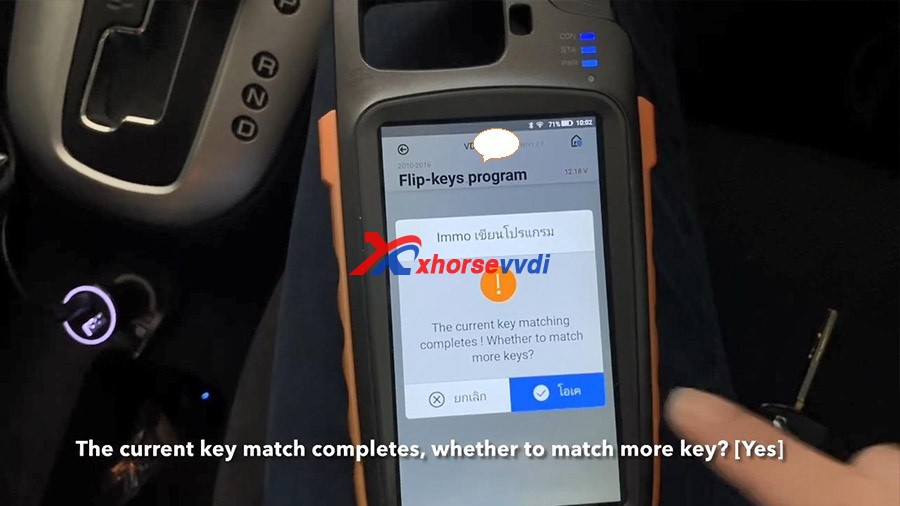
  1. VVDI Key Tool Max+ Mini OBD program one Chevrolet Cruze LS 2012 with all keys lost.

Firstly generate VVDI remote XN, secondly program new remote, then Read Pincode, then program flip key, then match one more key, finally test whether the two keys can start the car.

Step-by-step guide:

http://blog.xhorsevvdi.com/vvdi-key-tool-max-mini-obd-program-chevrolet-cruze-ls-2012-akl/

Xhorse VVDI Key Tool Max  + MINI OBD Real Reviews 20
Xhorse VVDI Key Tool Max  + MINI OBD Real Reviews 21
Xhorse VVDI Key Tool Max  + MINI OBD Real Reviews 22
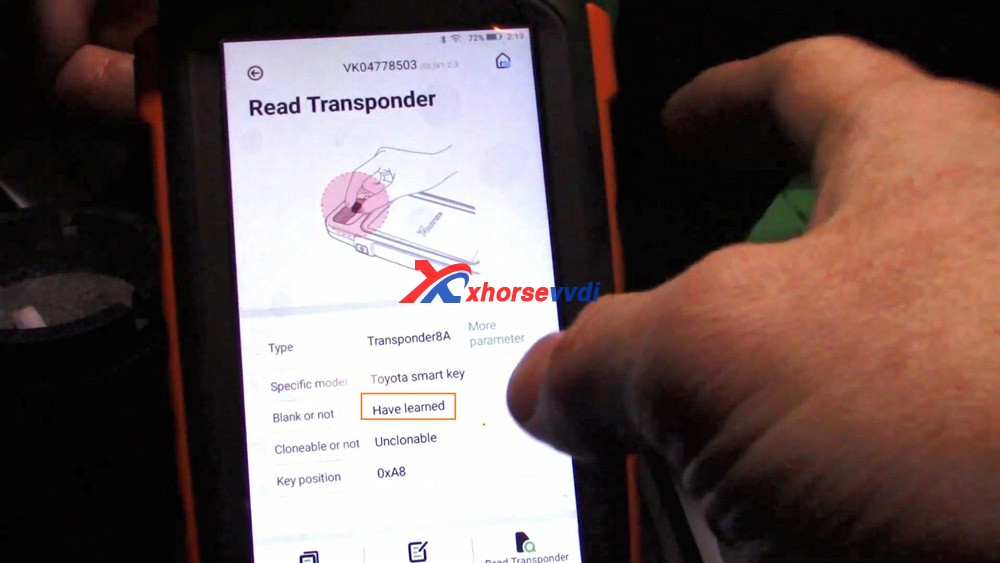
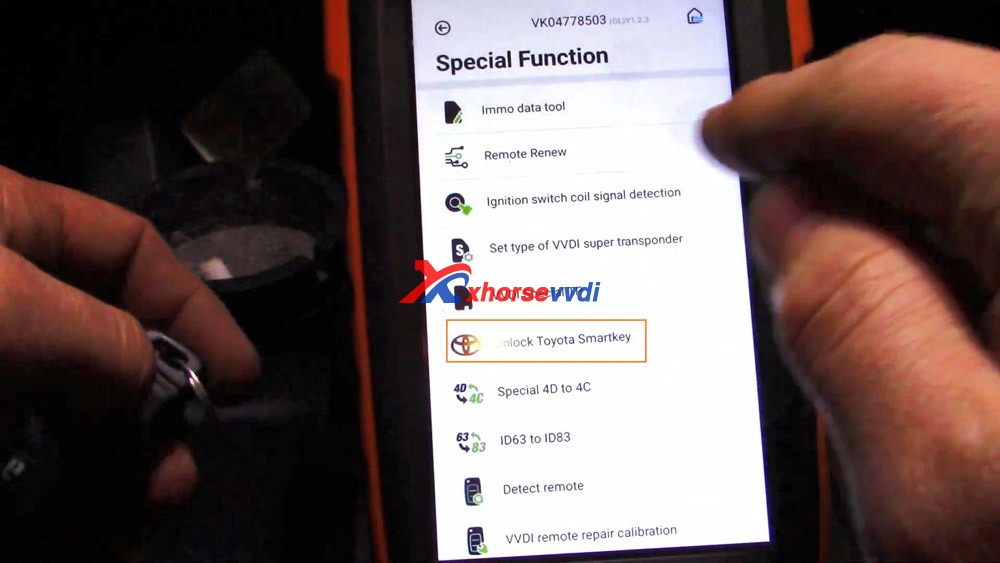
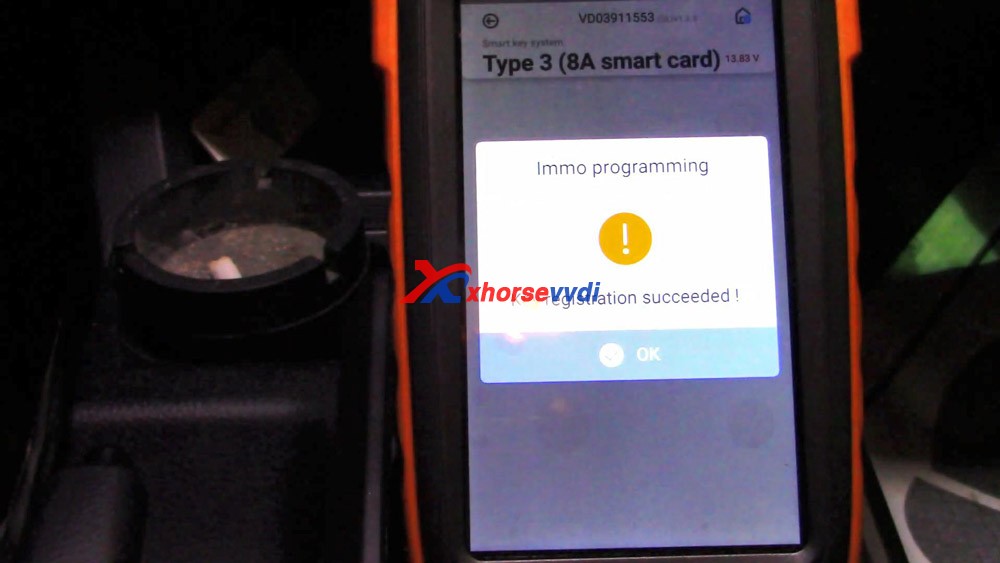
  1. VVDI Key Tool Max Unlock & Program Toyota Smart Key

Step-by-step guide:

http://blog.xhorsevvdi.com/xhorse-vvdi-key-tool-max-unlock-program-toyota-smart-key/

Xhorse VVDI Key Tool Max  + MINI OBD Real Reviews 23
Xhorse VVDI Key Tool Max  + MINI OBD Real Reviews 24
Xhorse VVDI Key Tool Max  + MINI OBD Real Reviews 25

Other  reporting usability test results :

vvdi-max-vvdi-mini-tool-reviews

To be updating…

Alright, if you are considering to invest one VVDI Key Tool Max or VVDI Key Tool Max + Mini OBD Tool for key cloning, remote generate, copy

transponder.etc. Don’t hesitate, it is worth the money. It will keep update not only what it can do so far.

Information from https://xhorsesupport.blogspot.com

Design a site like this with WordPress.com
Get started