How to use Xhorse VVDI2 Read Audi BCM encryption info

Recently released Xhorse BCM2 Solder-free Adapter allows users to read encrypted Audi BCM2 module, but how to know if it’s a locked version? In this article we’ll raise two ways:

  1. Judge by the number on BCM2 module
  2. Read BCM2 info by VVDI2/Key Tool Plus

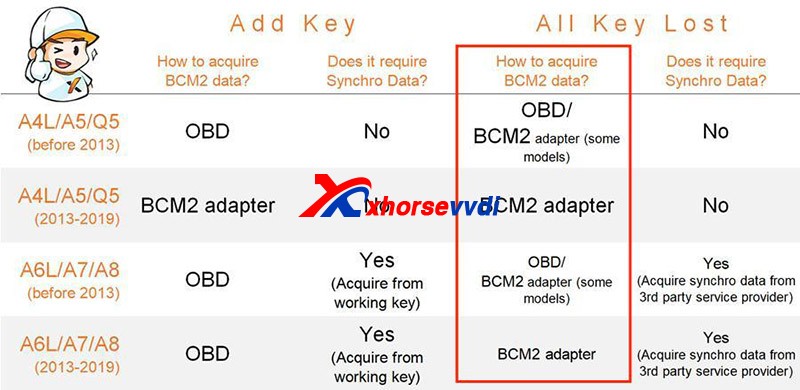
Generally, BCM2 modules before 2013 are unencrypted while those after 2013 are encrypted.
How To Identify An Encrypted Audi Bcm By Xhorse Programmers 1

However, there are exceptions after 2013 and it’s hard to judge 2013 versions.

Then we have

Method 1. Judge by the number on the BCM2 module

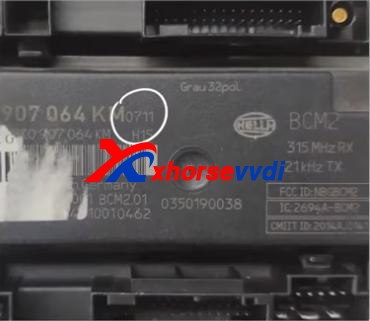
After we remove a BCM2 module, check the number on the box. (Here we have “0711”)
How To Identify An Encrypted Audi Bcm By Xhorse Programmers 2

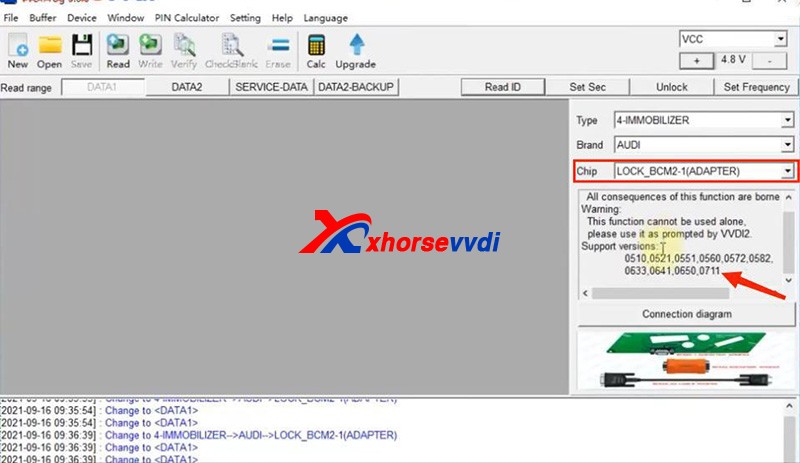
On the chip selection page of VVDI PROG or VVDI Key Tool Plus, supported numbers are listed on the below.
How To Identify An Encrypted Audi Bcm By Xhorse Programmers 3
How To Identify An Encrypted Audi Bcm By Xhorse Programmers 4

If our BCM2 number is on the list, we need to read it by an encrypted BCM2 Adapter.

Notes:

1)VVDI PROG has “LOCK_BCM2-1(ADAPTER)” and “LOCK_BCM2-2(ADAPTER)”

2)For our “0711”, we should select “(all versions)” on Key Tool Plus.

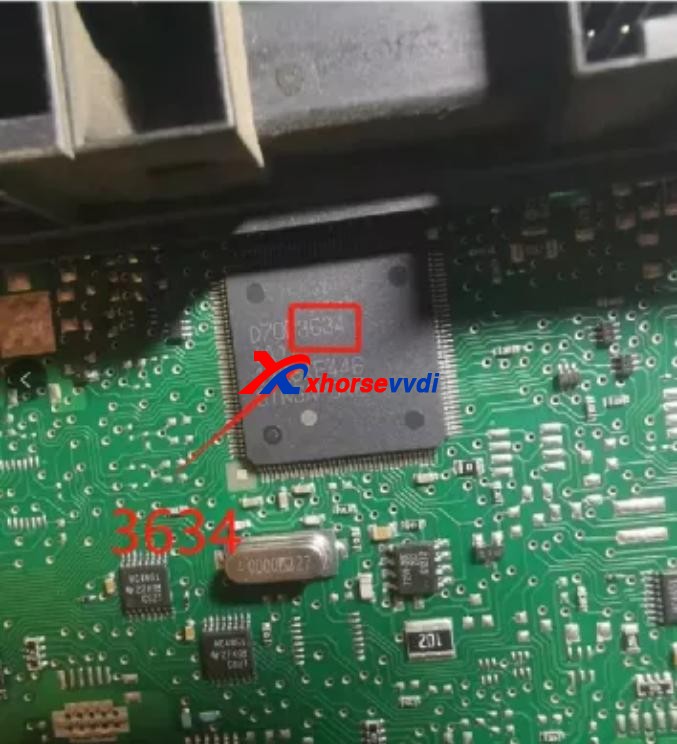
If we cannot find a number on our BCM2 modules, remove the cover to check the number on the chip of the circuit board.
How To Identify An Encrypted Audi Bcm By Xhorse Programmers 5

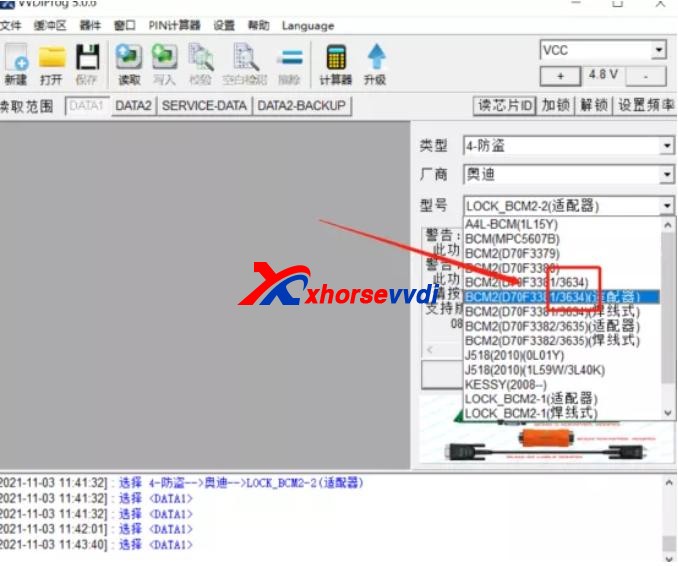
Then see if our number is listed on unencrypted versions.
How To Identify An Encrypted Audi Bcm By Xhorse Programmers 6

If so, read it by the selection prompt (our “3634” is unencrypted and it can be read in a soldering/solder-free way);

If not, Do Not Try to read a unknown-version BCM2 and contact your dealer to confirm.

Method 2. Read BCM2 info by VVDI2/Key Tool Plus

Sometimes we find part of BCM2 modules on the encrypted list are unencrypted, so we have the second way – OBD identify/read.

Before We Remove A BCM2 From A Vehicle, connect VVDI2/Key Tool Plus to your vehicle via OBD to check.

Path 1 (on VVDI2):

  • Key Learn>>Fifth Immobilizer-Locked BCM2 version
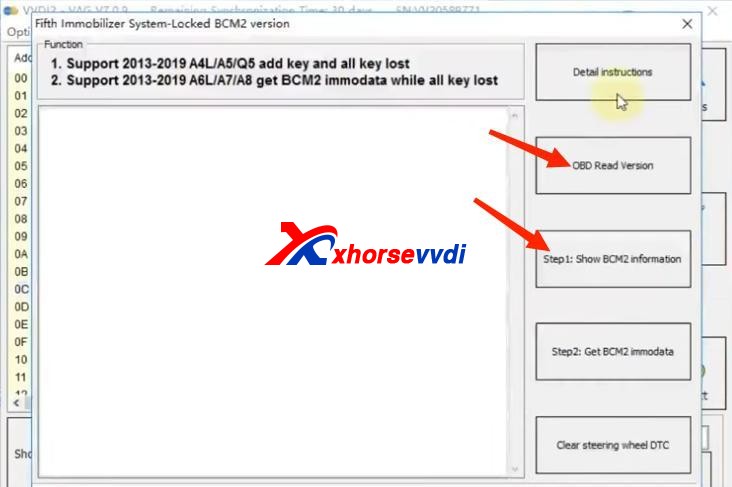
How To Identify An Encrypted Audi Bcm By Xhorse Programmers 7

Path 2 (on Key Tool Plus):

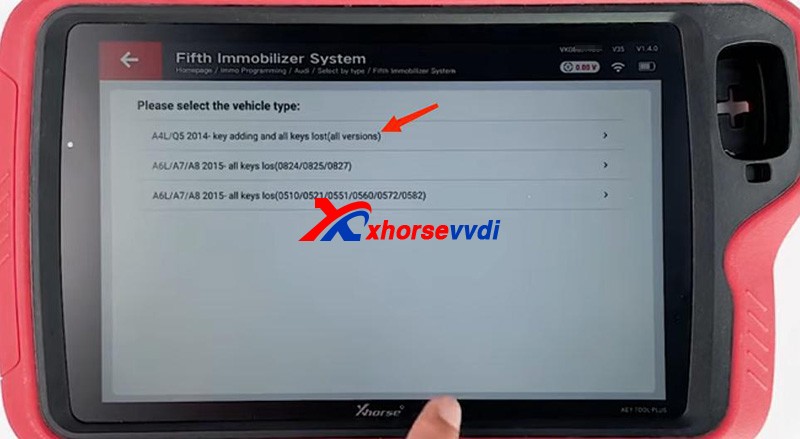
  • Immo Programming>>Audi>>Select by type>>Fifth Immobilizer System>>Start Programming>>Read BCM2 Data>>OBD identify BCM2 type
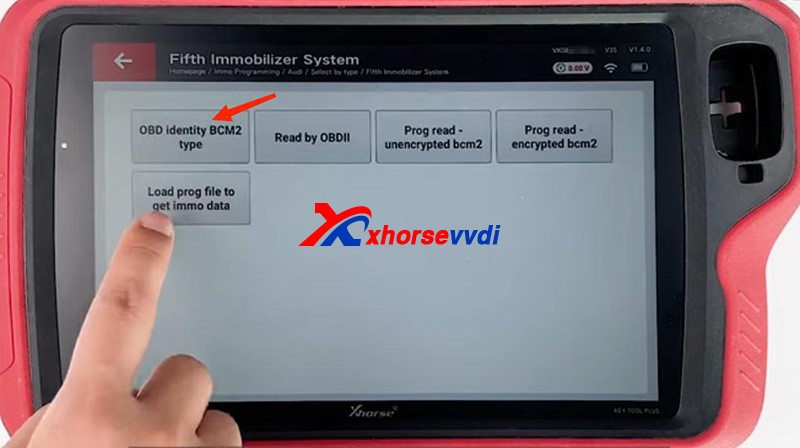
How To Identify An Encrypted Audi Bcm By Xhorse Programmers 8

It’s accurate to read BCM info via OBD, and then follow the instruction:

For unencrypted versions, read D-FLASH and P-FLASH without encrypted BCM2 adapters.

For encrypted versions, Do use encrypted BCM2 adapters.
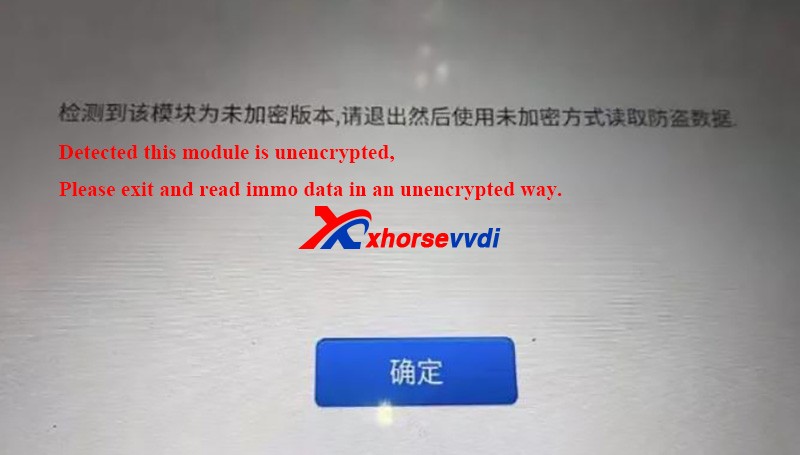
How To Identify An Encrypted Audi Bcm By Xhorse Programmers 9

Other tips

  1. When we read an encrypted BCM2 with VVDI AUDI BCM2 adapters, Do Not click on “Unlock”, or the module will be erased and no way to restore.
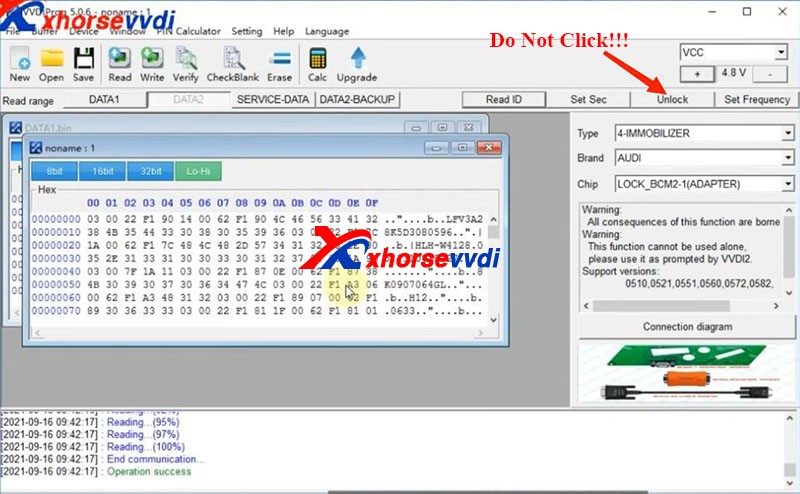
How To Identify An Encrypted Audi Bcm By Xhorse Programmers 10
  1. During removing BCM modules or soldering cables to BCM circuit boards (Particularly in winter), Do care static electricity, which may cause damages to chips or data loss.

Alright, that’s how we identify BCM2 status and some tips during operation.Thanks to xhorsevvdi for making this article: http://blog.xhorsevvdi.com/how-to-identify-an-encrypted-audi-bcm-by-xhorse-programmers/
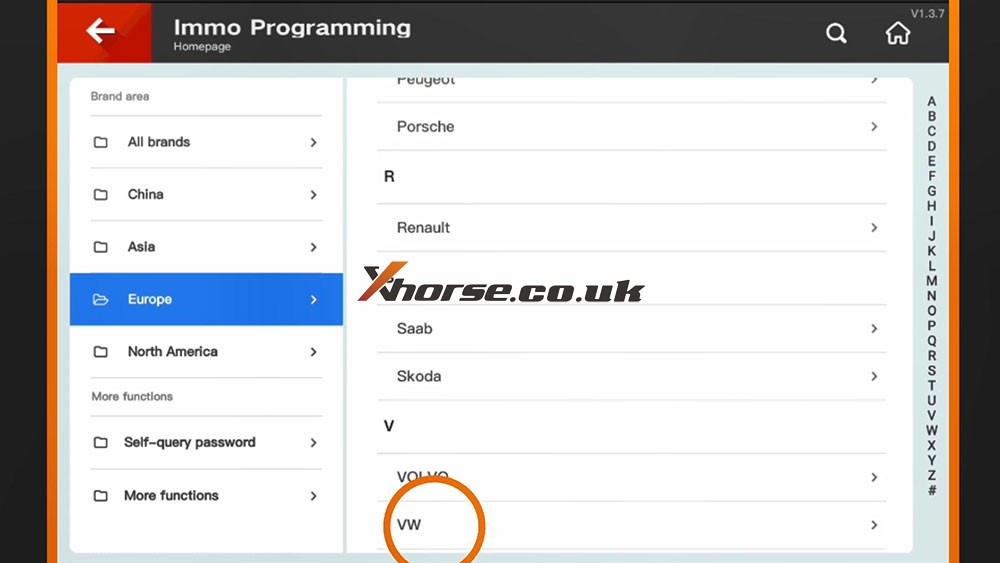
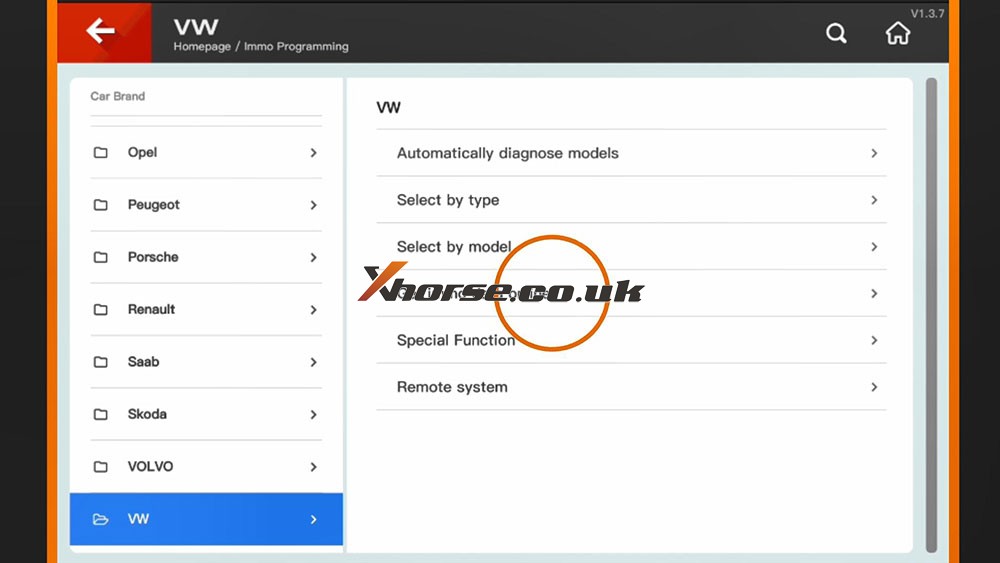
How to Check Xhorse Key Tool Plus Mercedes Benz / VW Tokens?
How to view the tokens for Mercedes Benz and VW MQB with Xhorse VVDI Key Tool Plus in step by step.

Part 1. How to View MQB Online Tokens with VVDI Key Tool Plus

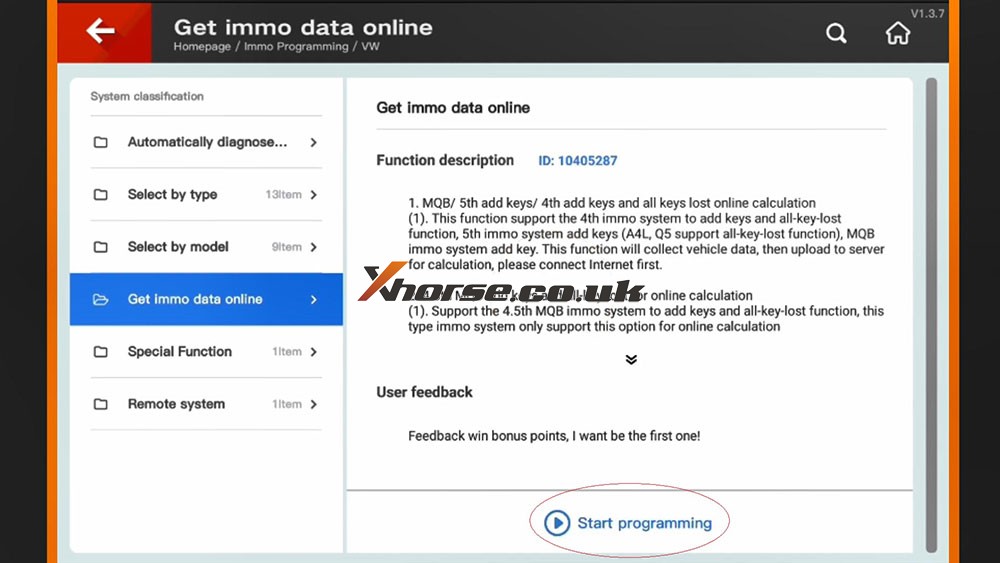
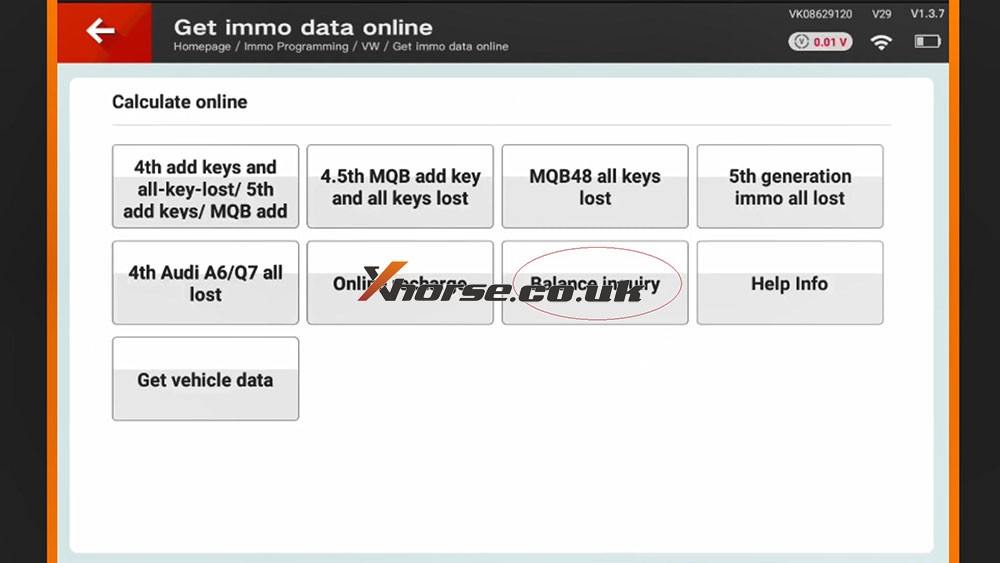
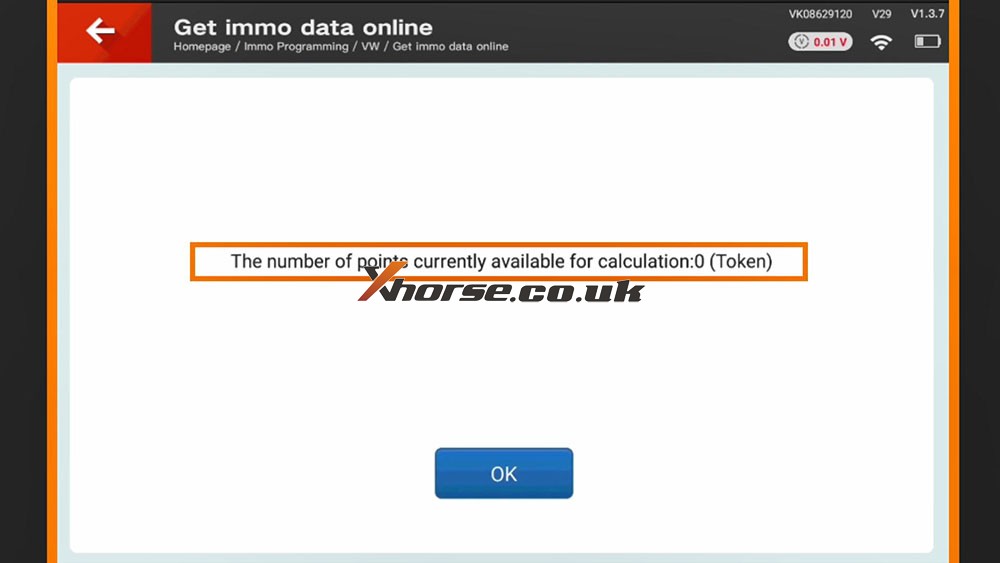
Immo programming -> VW -> Get immo data online -> Start programming -> Balance inquiry

How to check MQB Online Tokens with VVDI Key Tool Plus 01
How to check MQB Online Tokens with VVDI Key Tool Plus 02
How to check MQB Online Tokens with VVDI Key Tool Plus 03
How to check MQB Online Tokens with VVDI Key Tool Plus 04
How to check MQB Online Tokens with VVDI Key Tool Plus 05

Part 2. How to View MMercedes Benz Tokens with VVDI Key Tool Plus

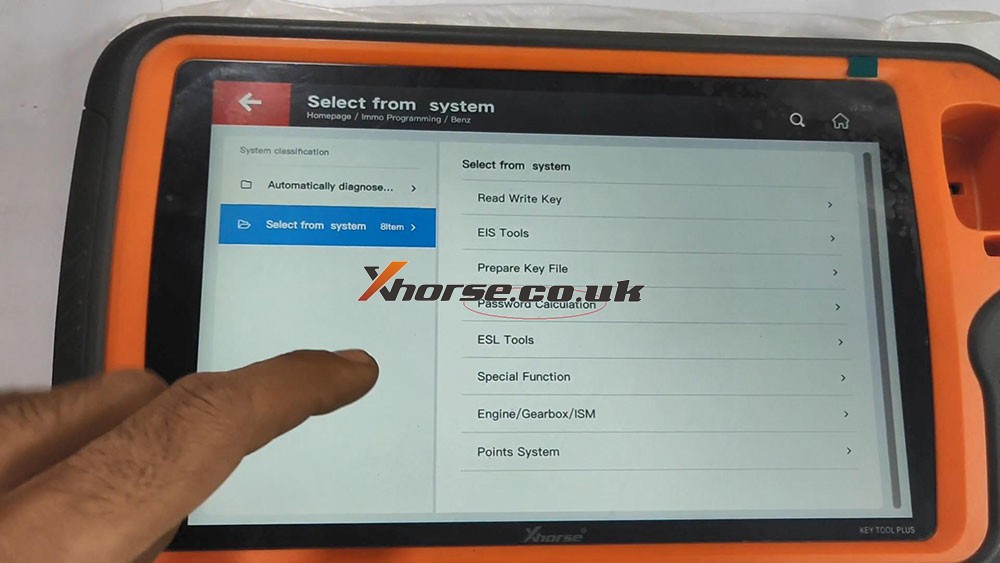
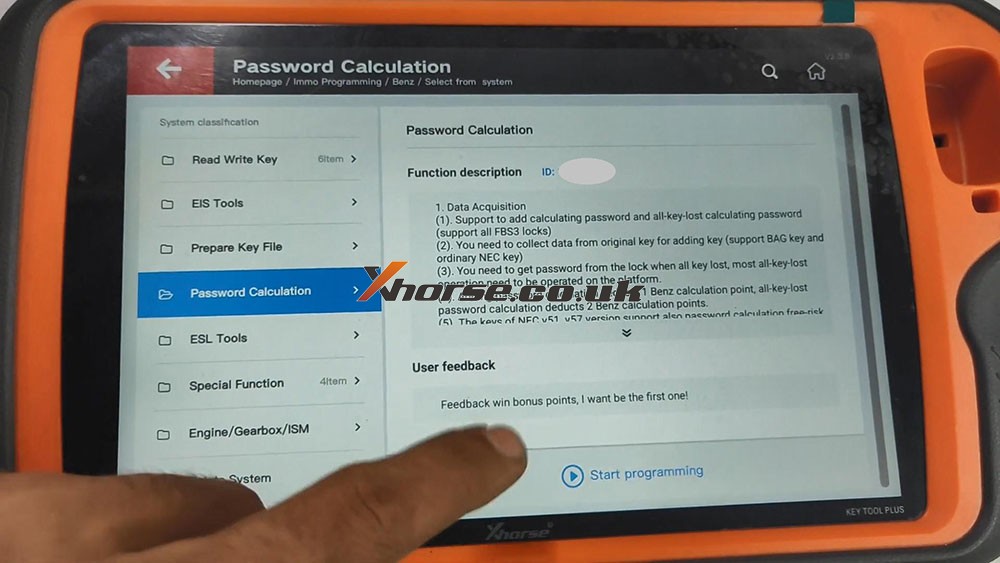
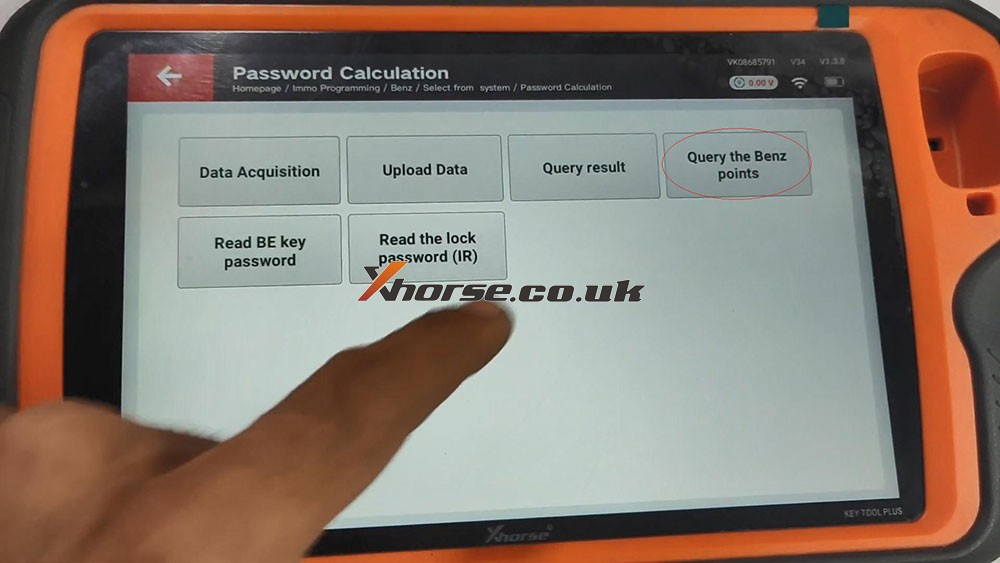
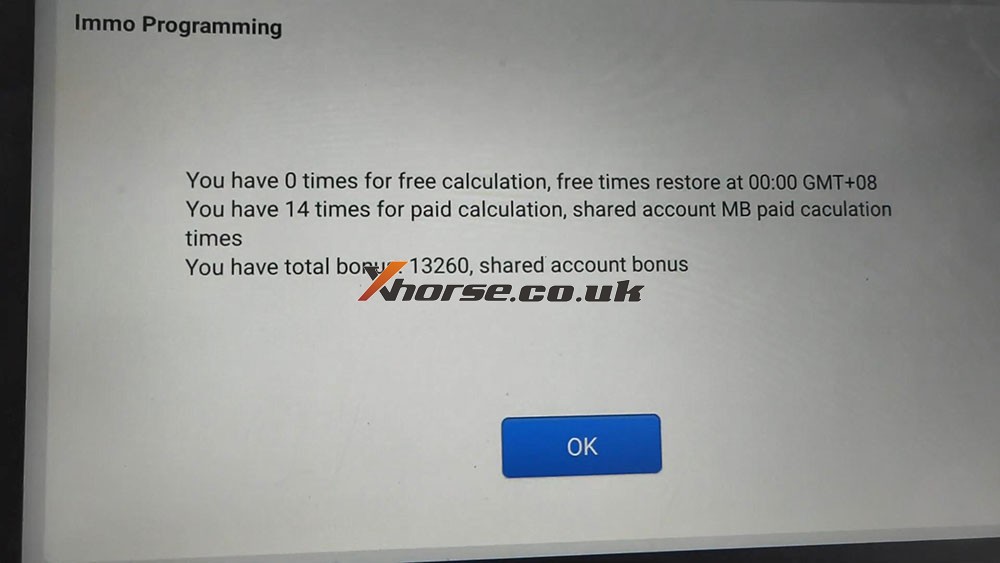
Immo programming -> Benz -> Select from system -> Password calculation -> Start programming -> Query the Benz points -> here you will see how many times for free calculation, how many times for paid calculation, how many bonus.

How to check MQB Online Tokens with VVDI Key Tool Plus 06
How to check MQB Online Tokens with VVDI Key Tool Plus 07
How to check MQB Online Tokens with VVDI Key Tool Plus 08
How to check MQB Online Tokens with VVDI Key Tool Plus 09

PS: You can get Key Tool Plus for Mercedes Benz Password Calculation Token at here:
https://www.xhorse.co.uk/wholesale/1-token-for-vvdi-key-tool-plus-password-calculation-for-sn-vk08.html

Program 2011 Porsche Cayenne All Lost Key by VVDI Key Tool Plus

 Used Xhorse VVDI Key Tool Plus to program 2011 Porsche Cayenne All Lost Key, take about 25 mins in total!

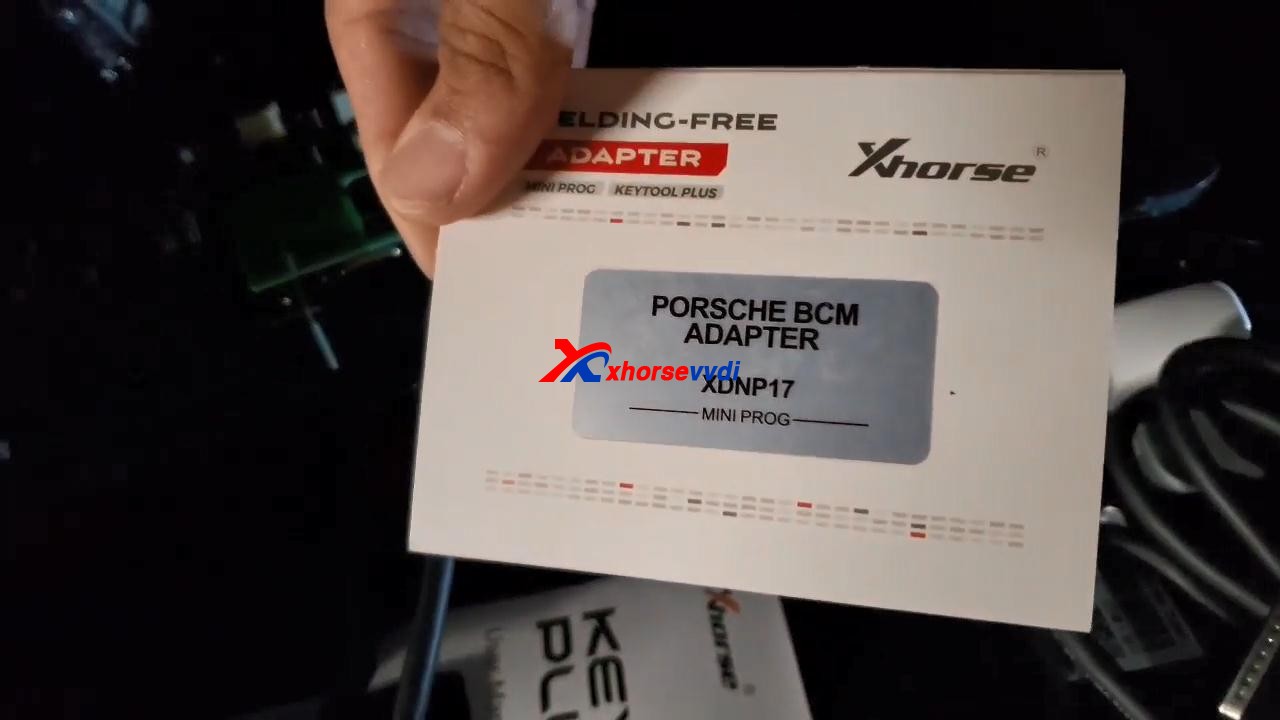
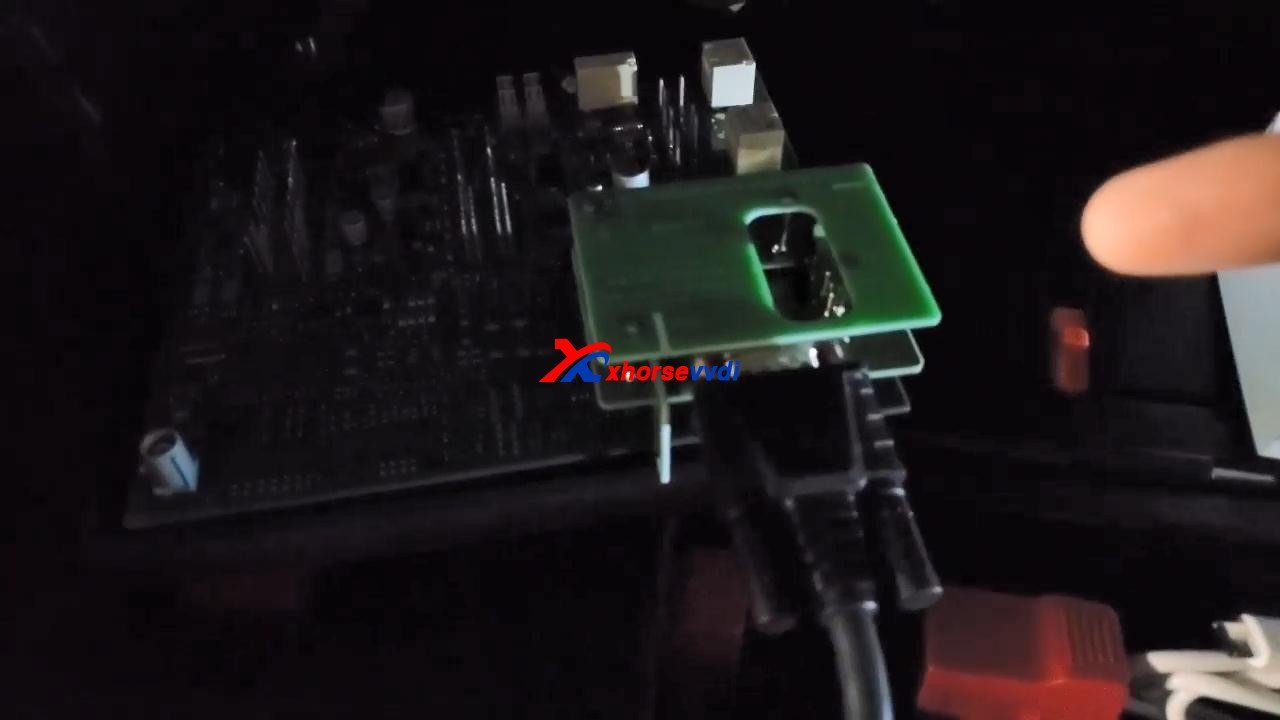
Prepare Porsche BCM adapter XDNP17, which I already put it on the board.
program-2011-cayenne-all-lost-key-by-vvdi-keytool-plus-01
program-2011-cayenne-all-lost-key-by-vvdi-keytool-plus-02
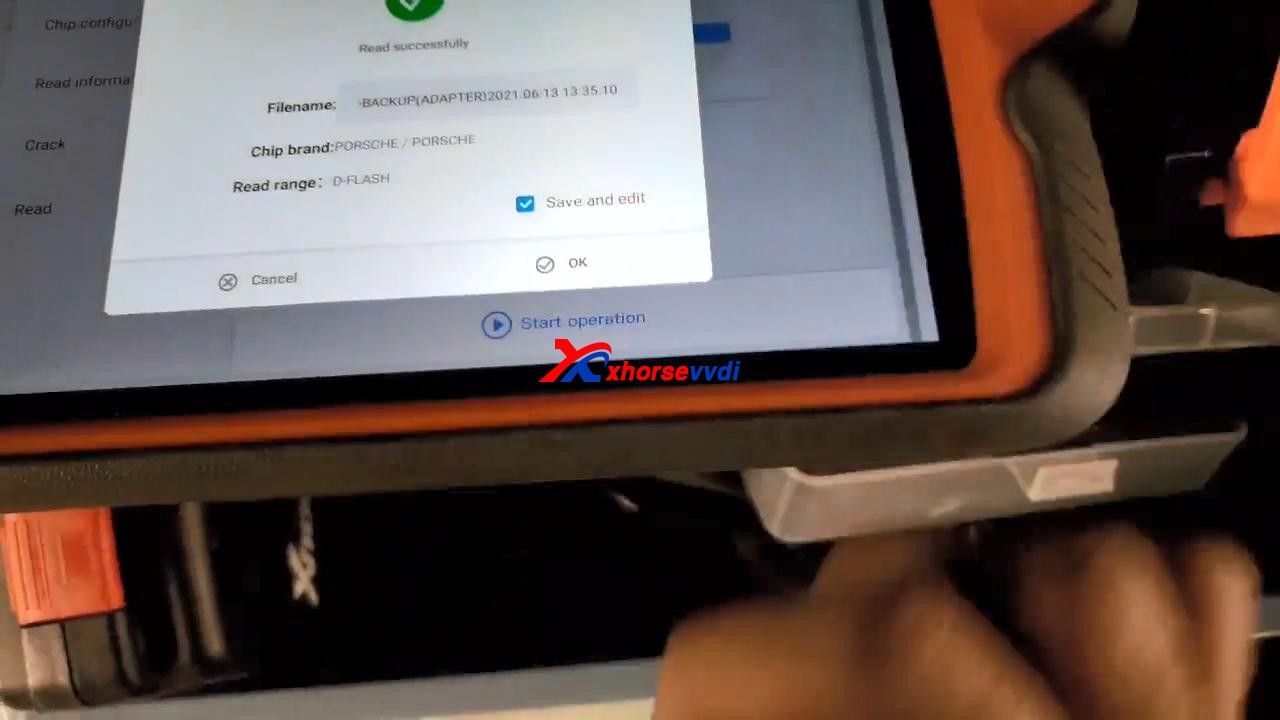
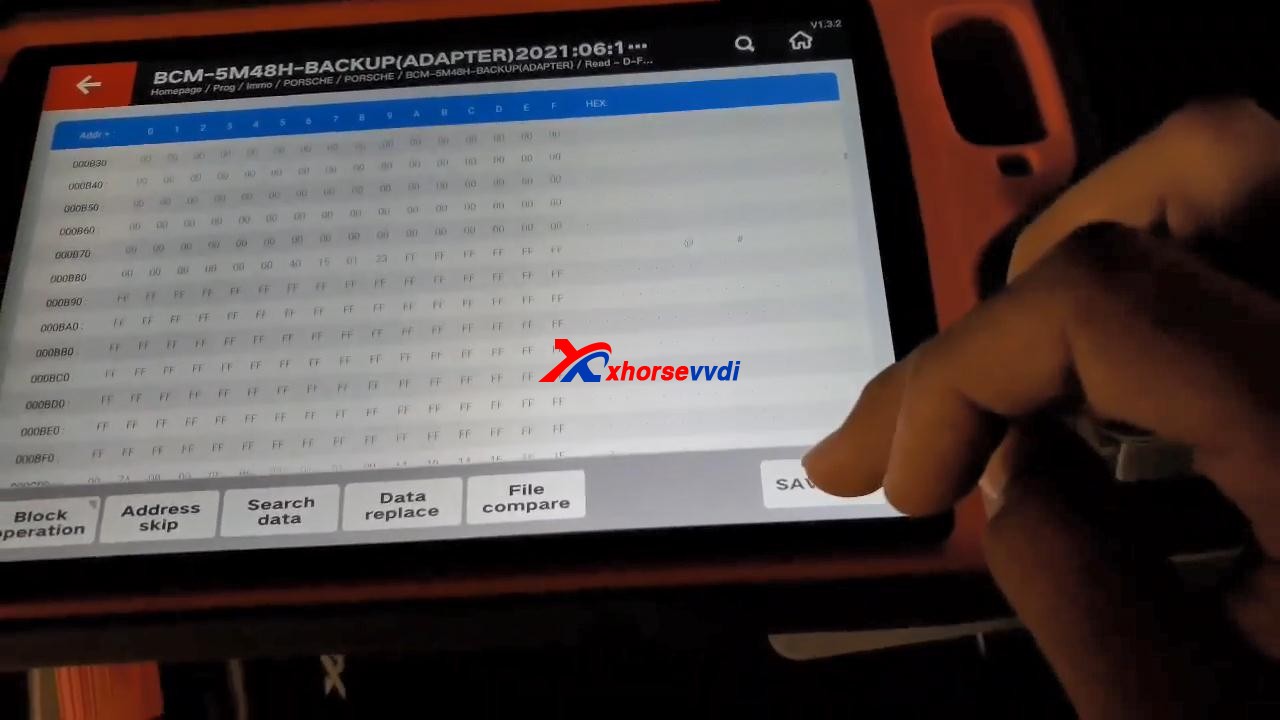
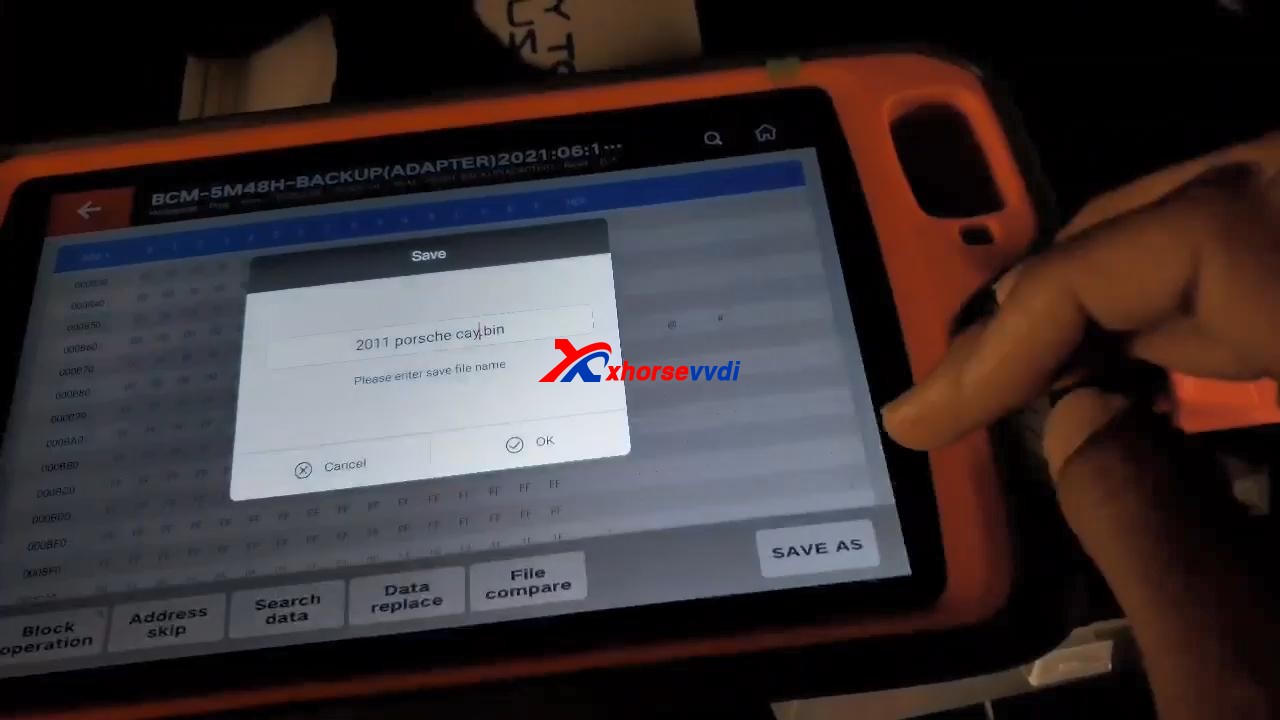
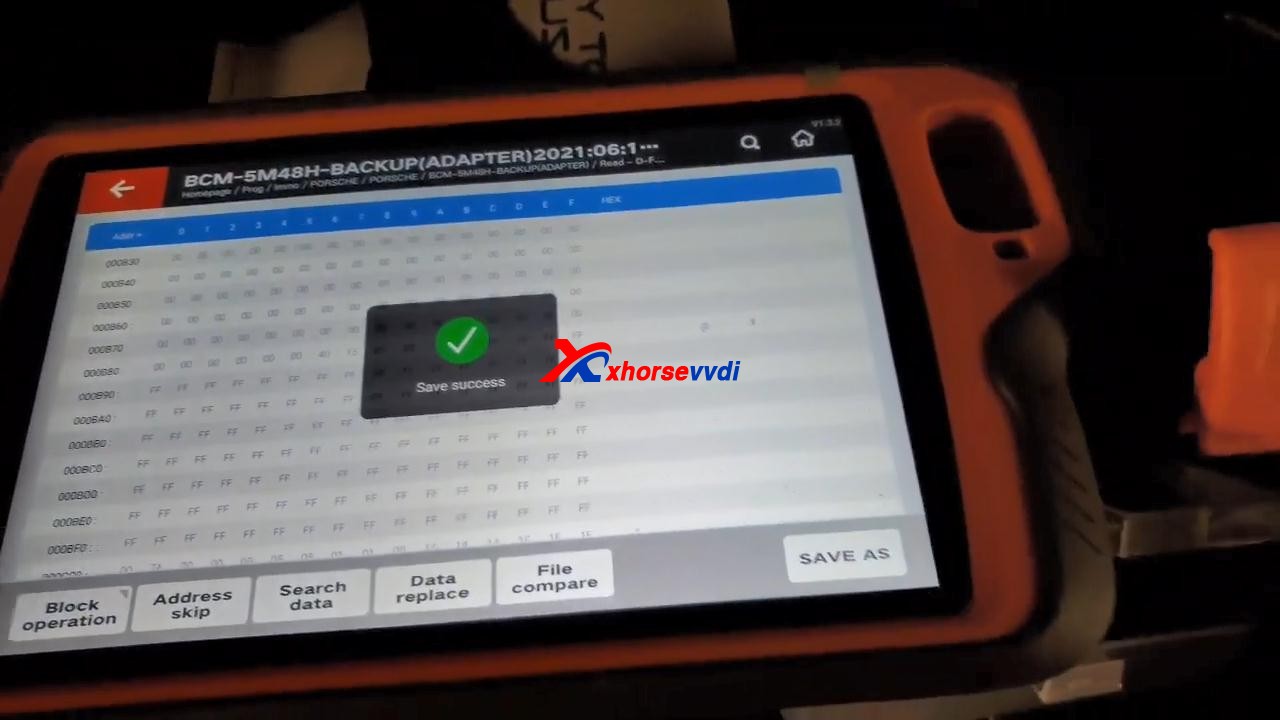
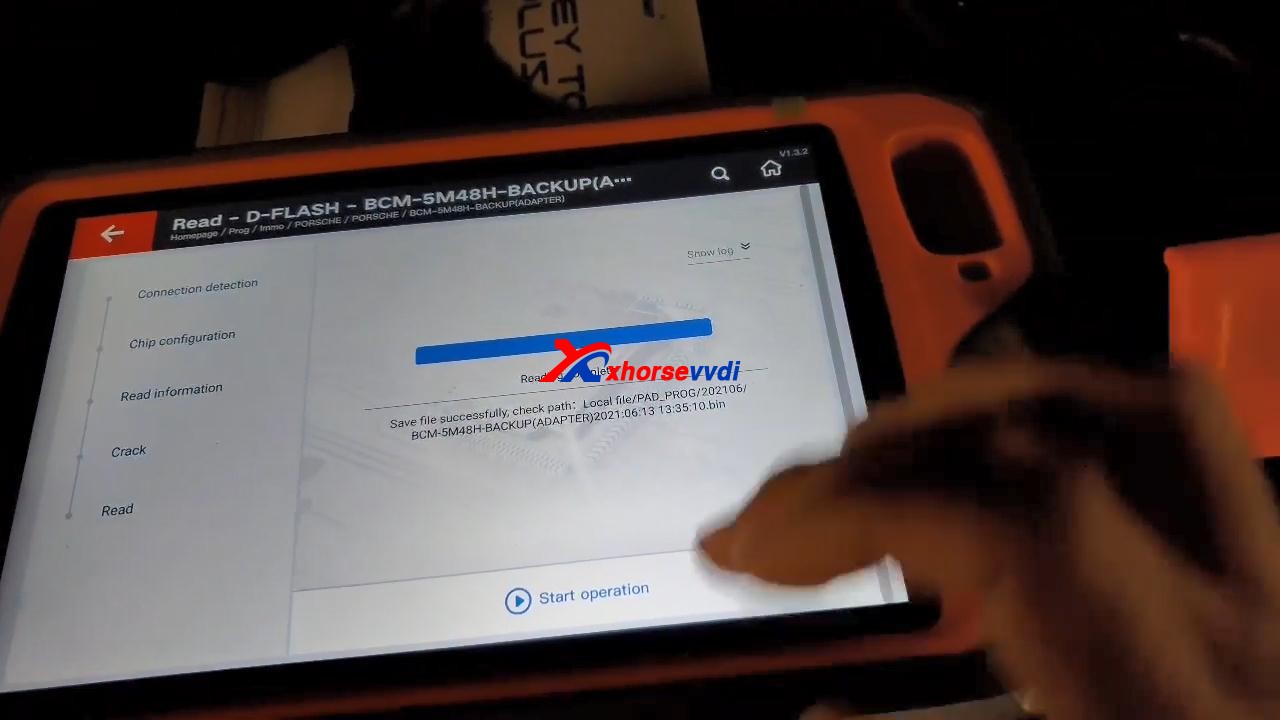
VVDI Key Tool Plus read D-FLASH successfully, and tick off “Save and edit” and then “OK”.
program-2011-cayenne-all-lost-key-by-vvdi-keytool-plus-03
program-2011-cayenne-all-lost-key-by-vvdi-keytool-plus-04
program-2011-cayenne-all-lost-key-by-vvdi-keytool-plus-05
program-2011-cayenne-all-lost-key-by-vvdi-keytool-plus-06
program-2011-cayenne-all-lost-key-by-vvdi-keytool-plus-07

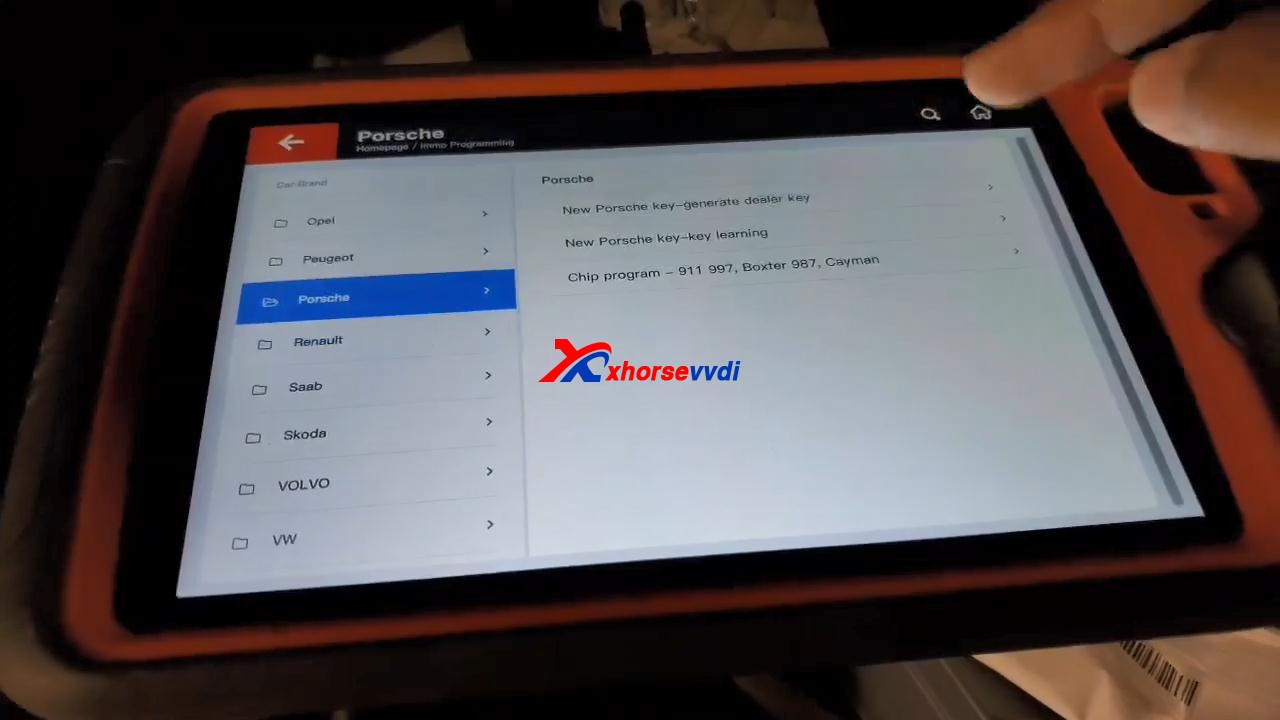
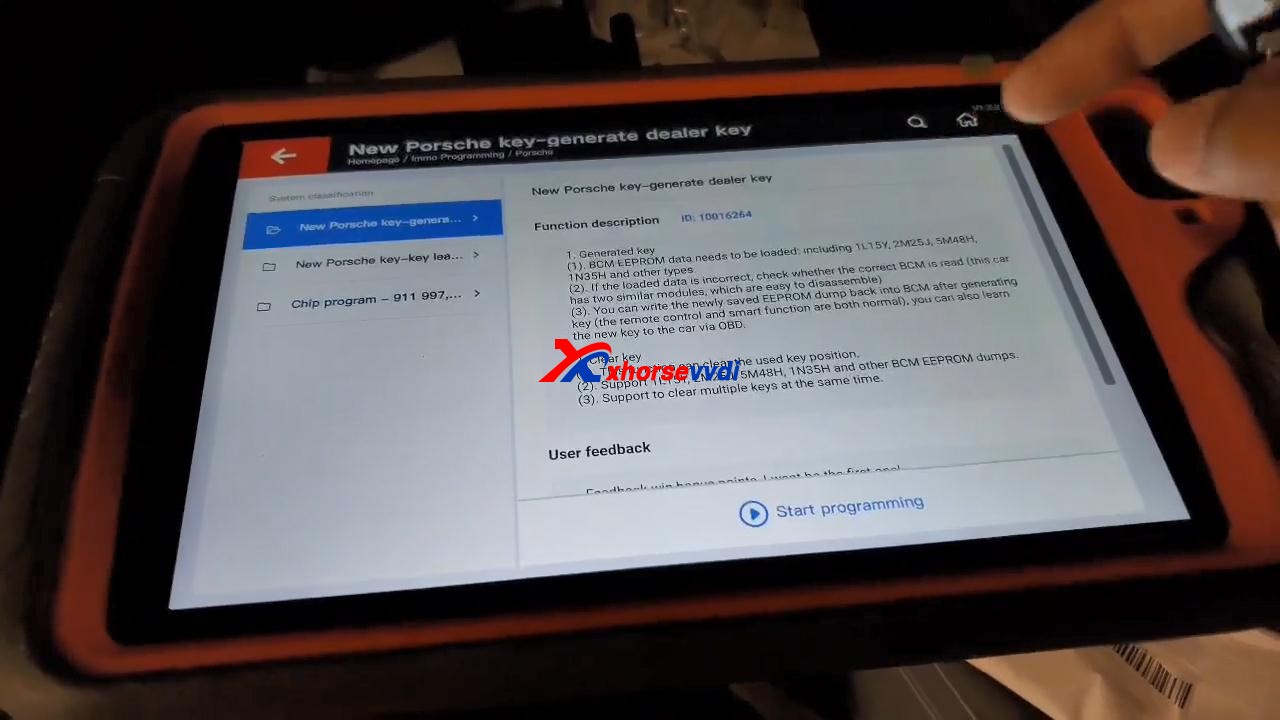
Back to tap “immo programming“, then select “Europe” and “Porsche“, then “New Porsche key-generate dealer key“, tap “Start Programming“.
program-2011-cayenne-all-lost-key-by-vvdi-keytool-plus-08
program-2011-cayenne-all-lost-key-by-vvdi-keytool-plus-09

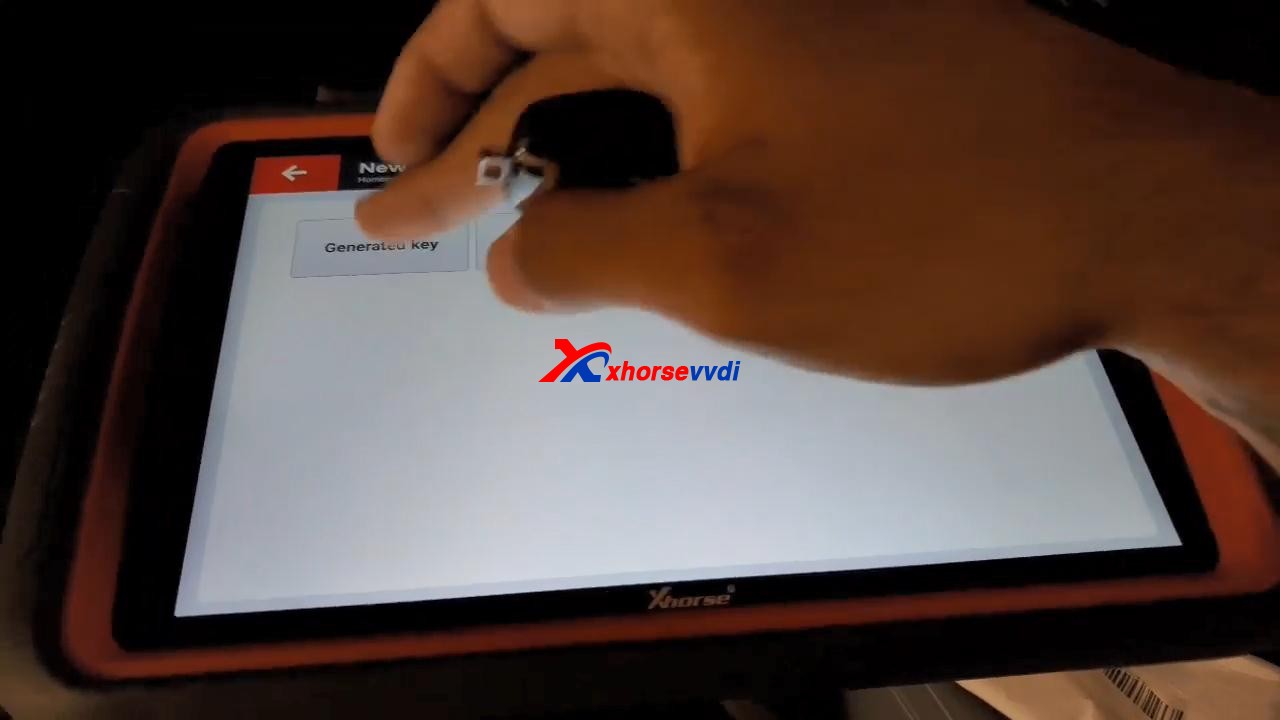
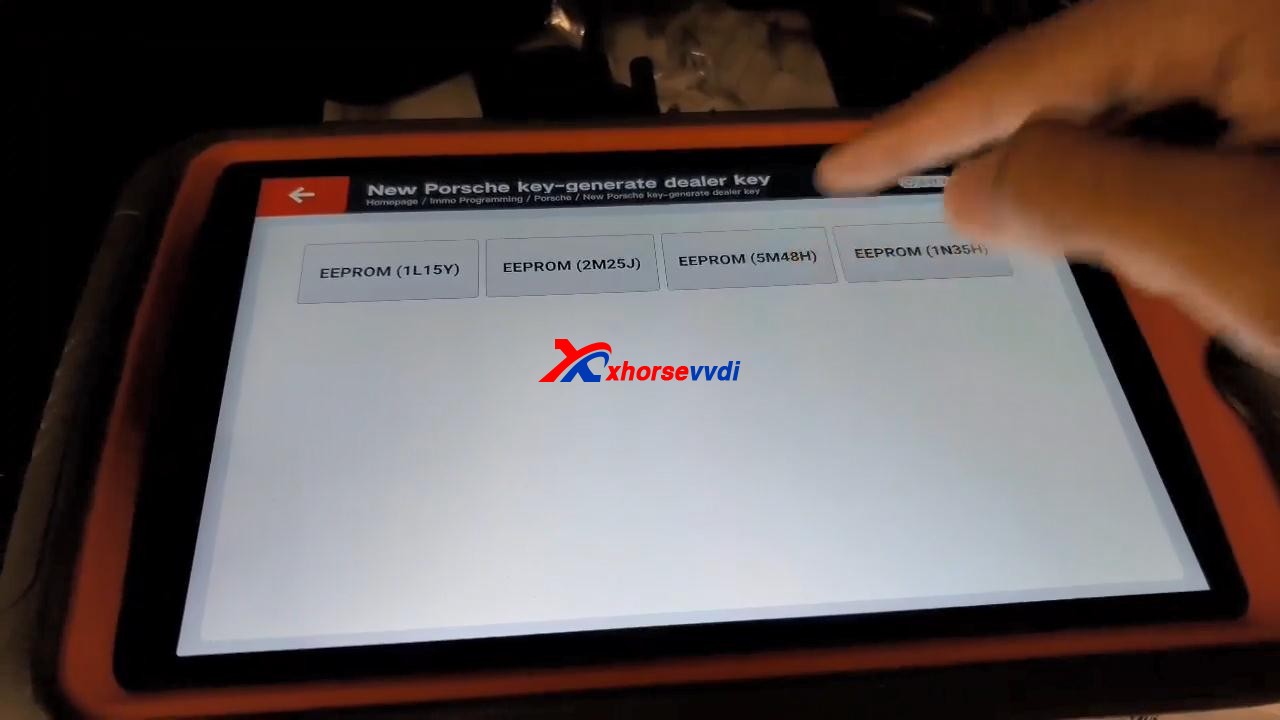
Tap “Generated key“, then “EEPROM (5M48H)“.
program-2011-cayenne-all-lost-key-by-vvdi-keytool-plus-10
program-2011-cayenne-all-lost-key-by-vvdi-keytool-plus-11

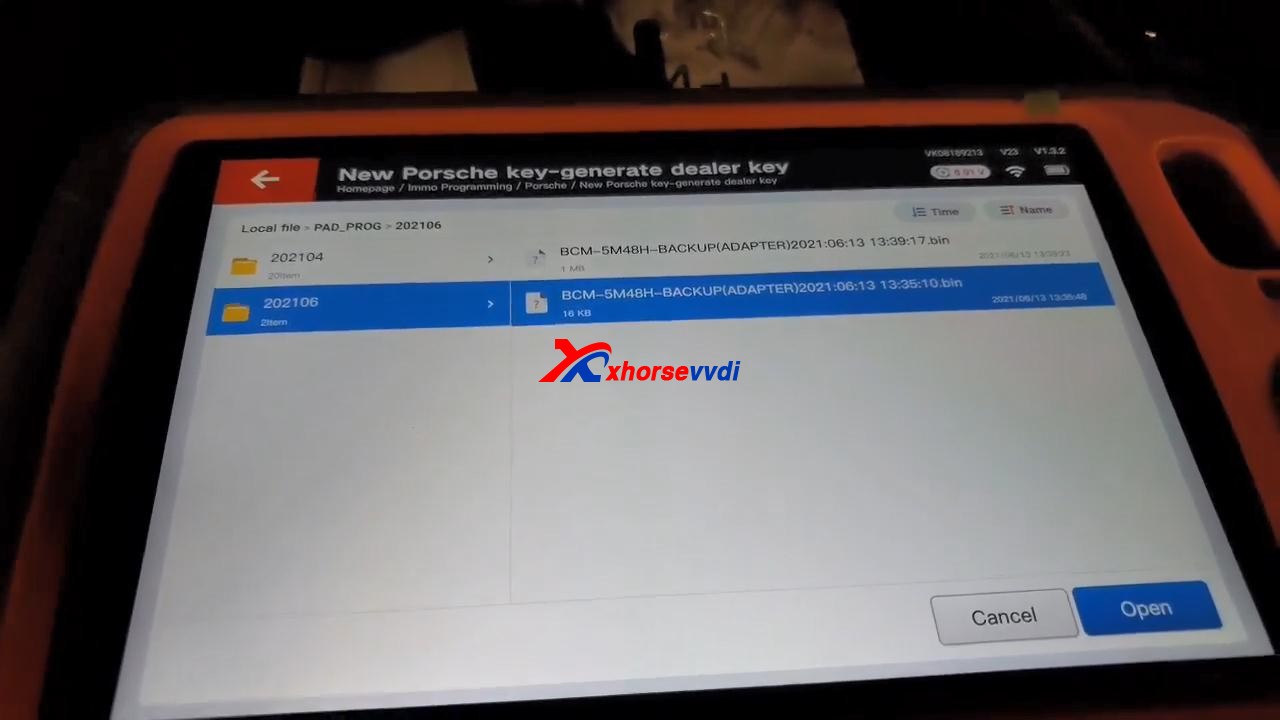
Tap “OK” to load the EEPROM data.
program-2011-cayenne-all-lost-key-by-vvdi-keytool-plus-12
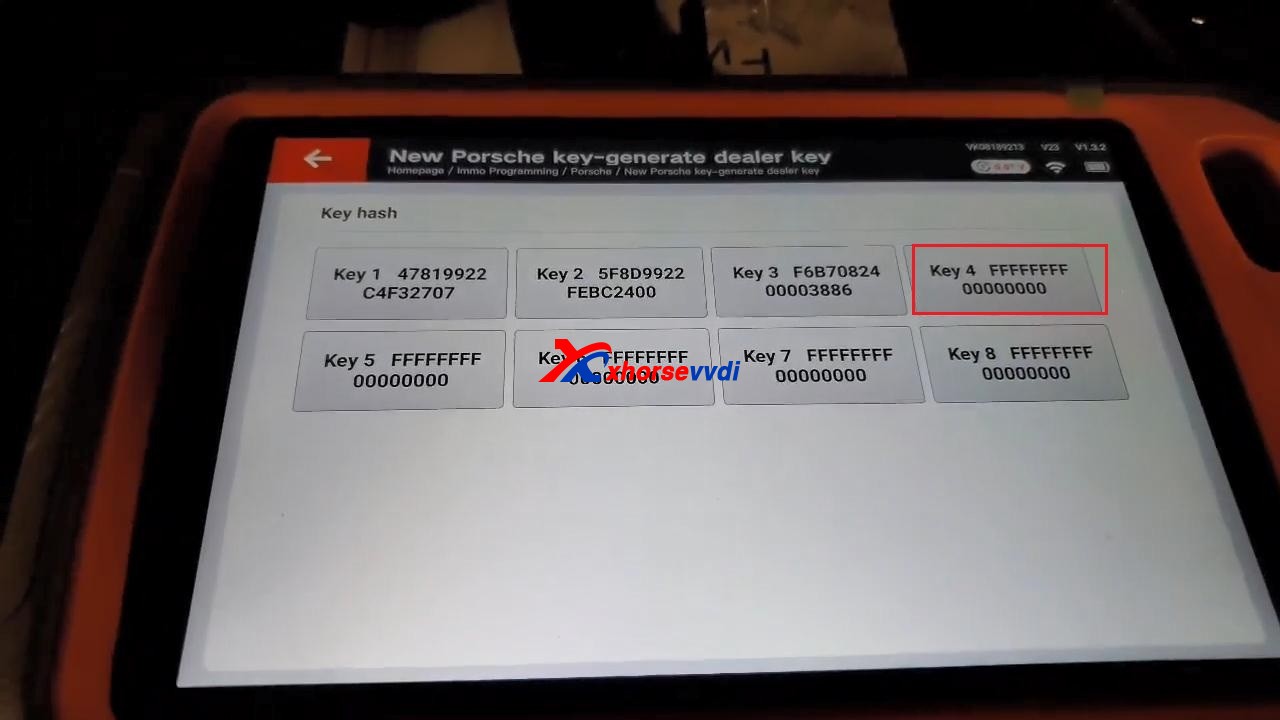
Select “Key 4“.
program-2011-cayenne-all-lost-key-by-vvdi-keytool-plus-13
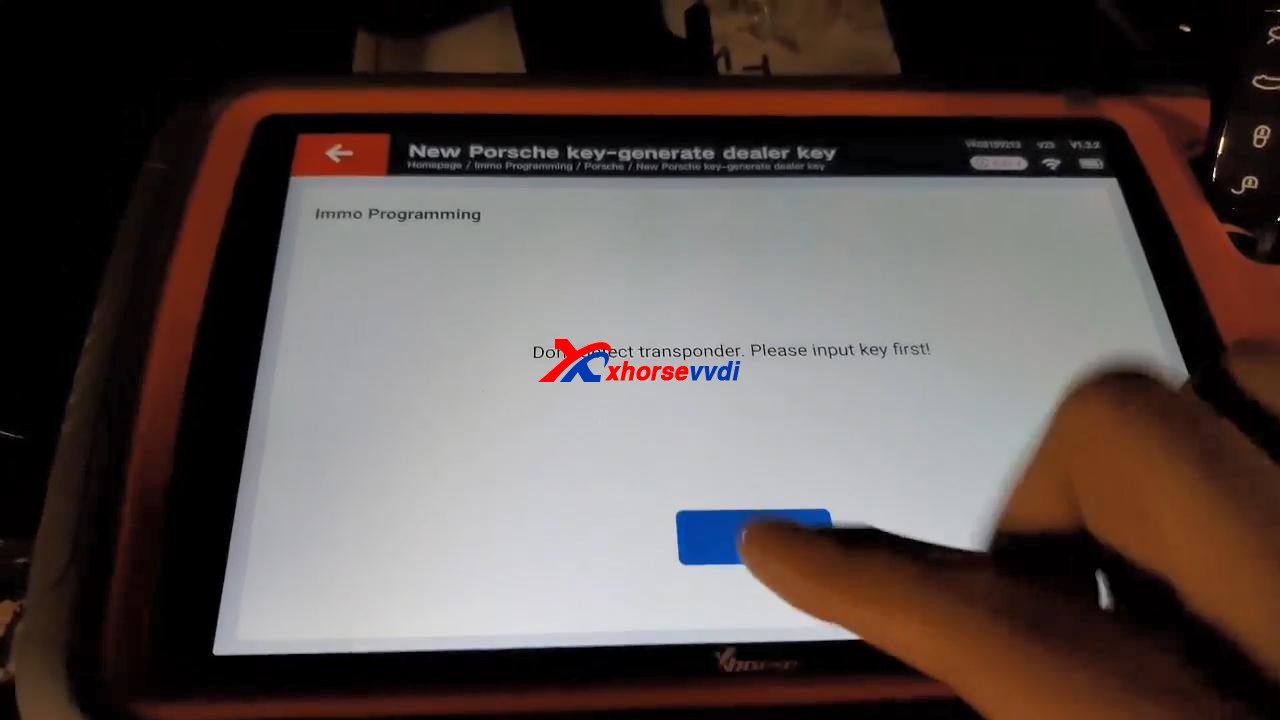
It prompts “Don’t detect transponder. Please input key first!”.
program-2011-cayenne-all-lost-key-by-vvdi-keytool-plus-14

After putting key first, tap “Generated key“, then “EEPROM (5M48H)“, then tap “OK” to load the EEPROM data.
Select “Key 4” to make key.

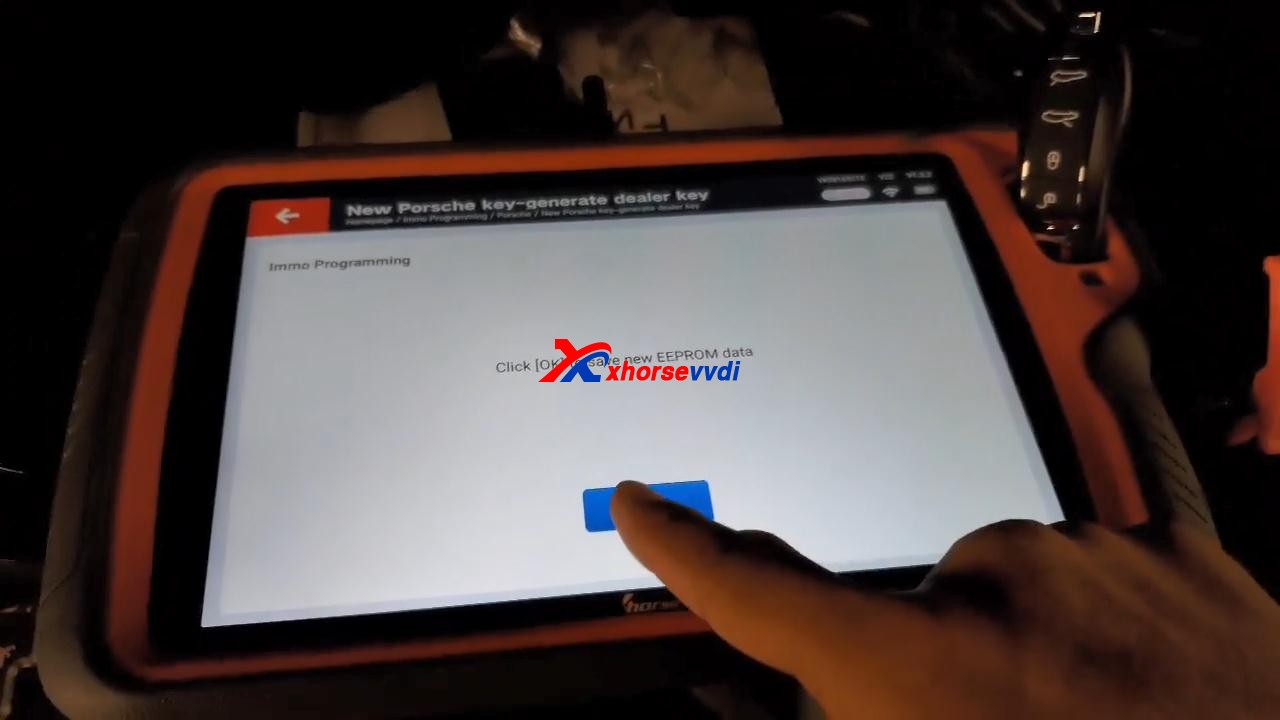
Click “OK” to save new eeprom data.
program-2011-cayenne-all-lost-key-by-vvdi-keytool-plus-15

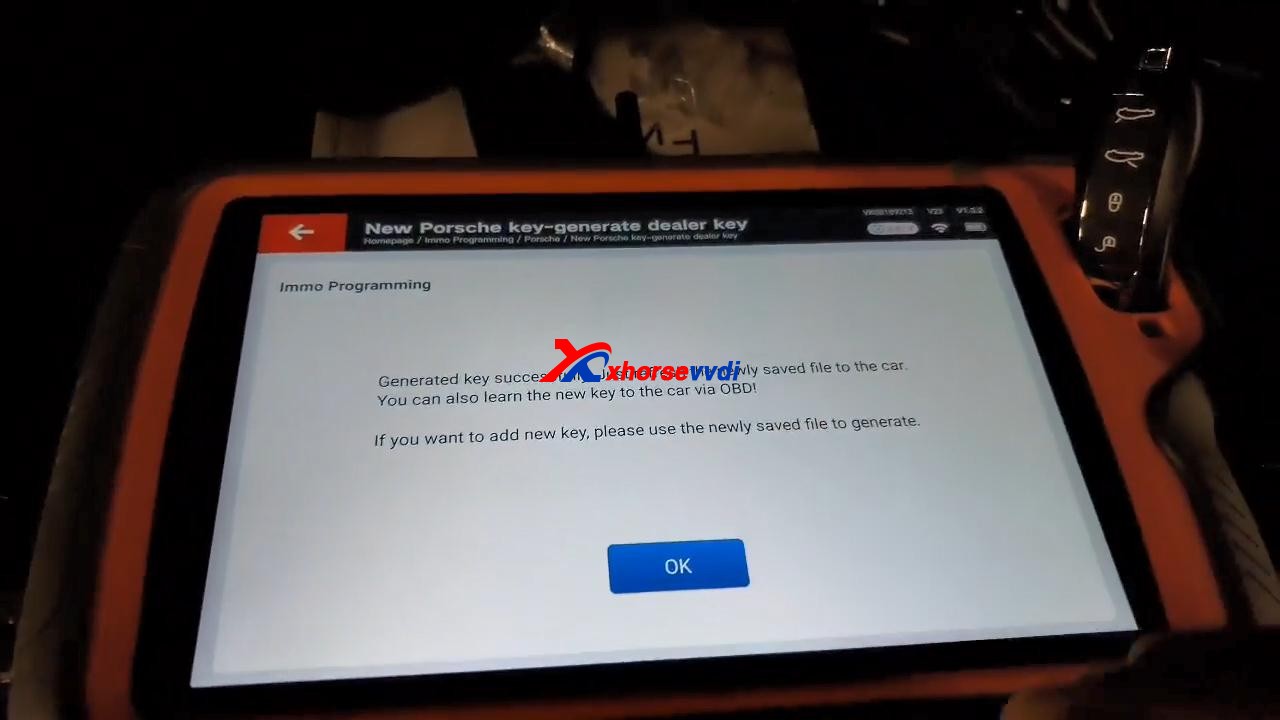
Generated key successfully. Just refresh the newly saved file to the car. You can also learn the new key to the car via OBD!

If you want to add new key, please use the newly saved file to generate.
program-2011-cayenne-all-lost-key-by-vvdi-keytool-plus-16

Job is done!

Source:https://www.xhorsevvdi.com/service/program-2011-cayenne-all-lost-key-by-vvdi-keytool-plus.html

Xhorse VVDI Key Tool Plus add Jeep Compass ID4A Smart Key

Purpose:  Jeep Compass 2017- ID4A Smart Key Programming 
Tools option:Xhorse VVDI Key Tool Plus Pad 
programming-jeep-id4a-smart-key-vvdi-key-tool-plus-01

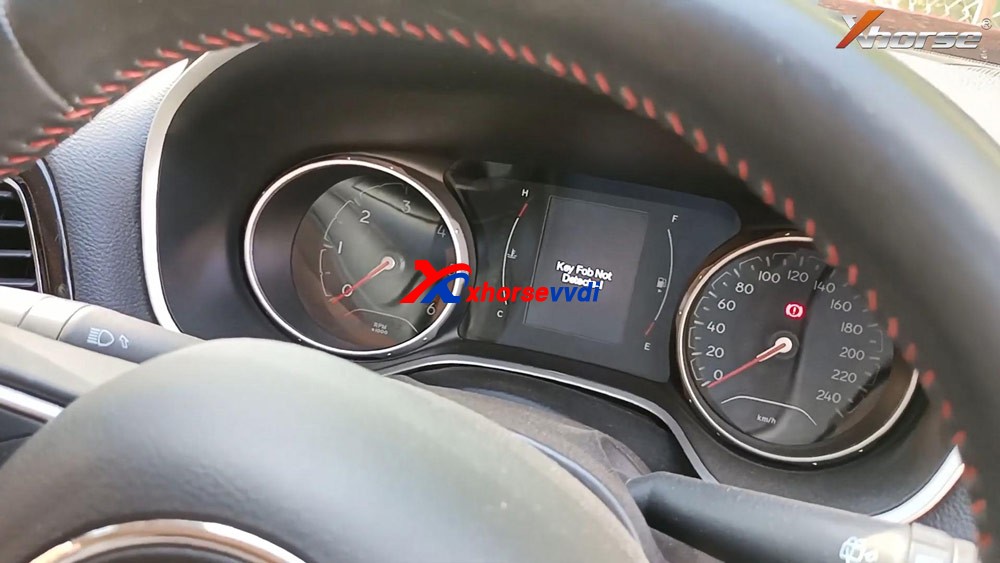
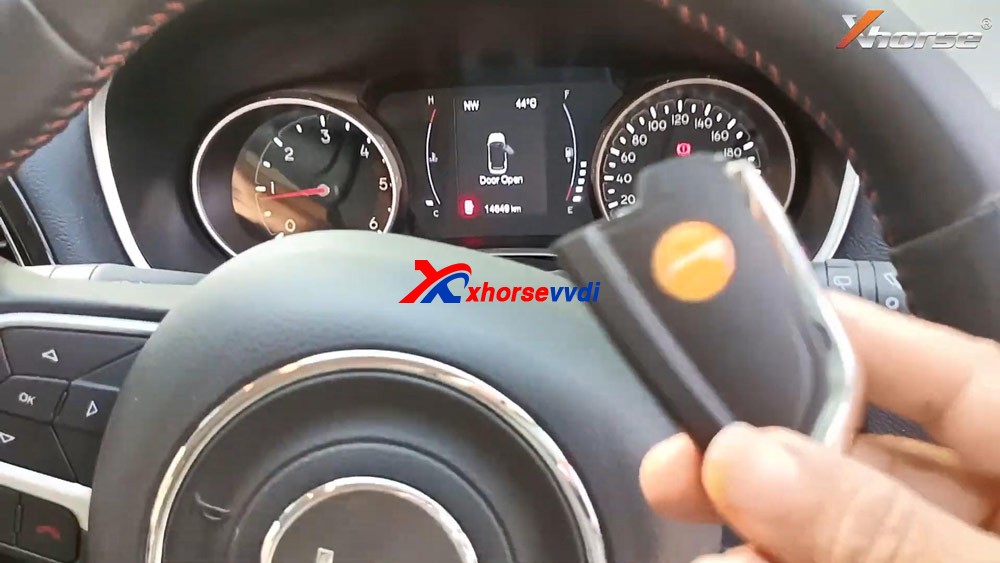
Plug VVDI Key Tool Plus to the car, press the Start /Stop button and you will see “Key Fob no detected” on the dashboard.
programming-jeep-id4a-smart-key-vvdi-key-tool-plus-02

Insert the key into the keyhole of pad.
programming-jeep-id4a-smart-key-vvdi-key-tool-plus-03

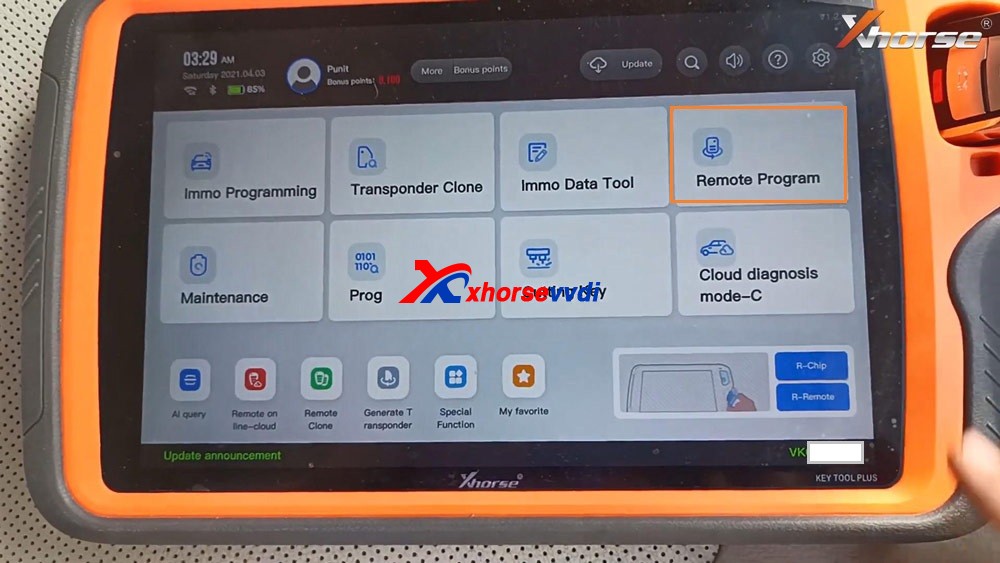
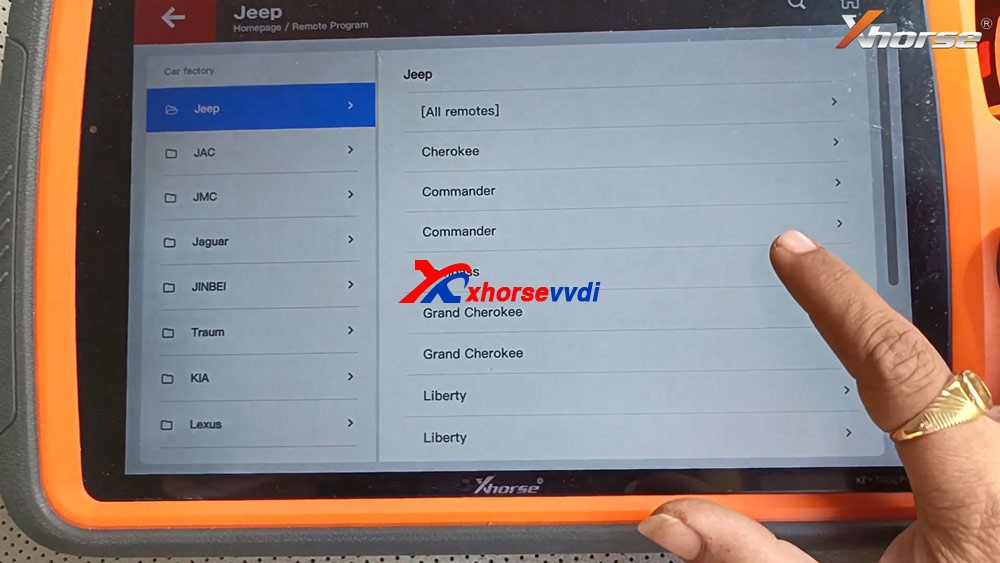
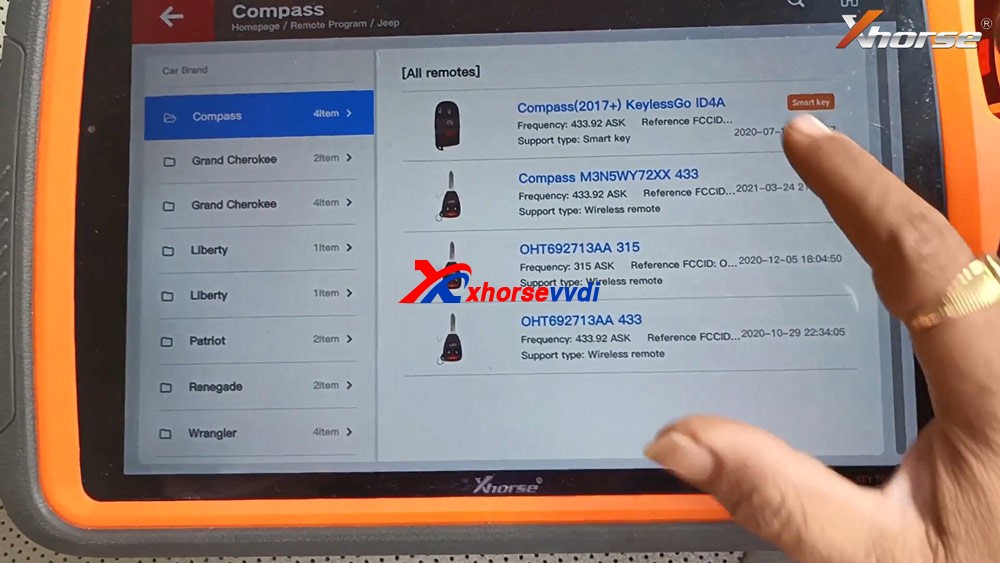
Tap “Remote Program”, select “Jeep” and then ” Compass”.
programming-jeep-id4a-smart-key-vvdi-key-tool-plus-04
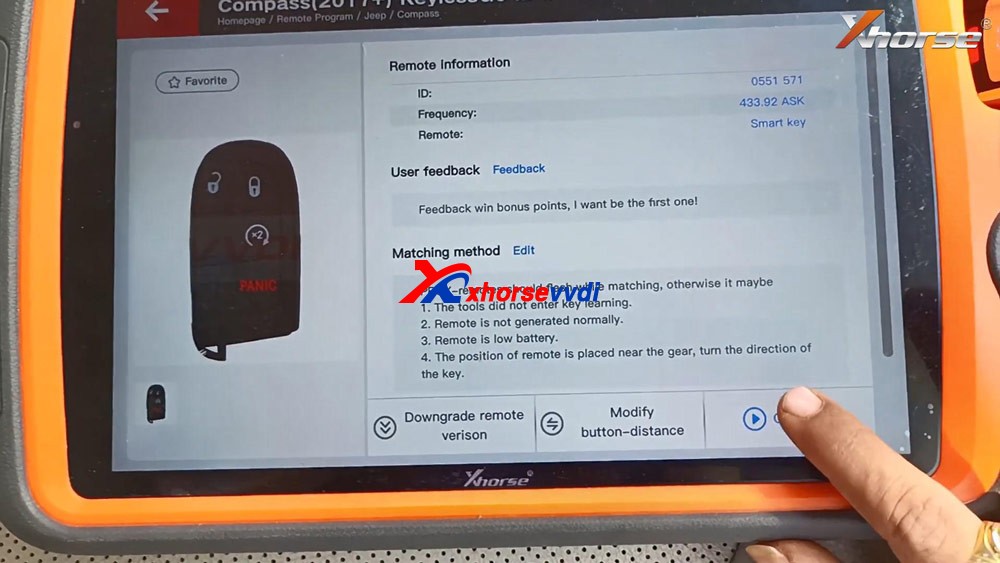
Select “Compass (2017+) KeylessGo ID4A”.
programming-jeep-id4a-smart-key-vvdi-key-tool-plus-05
Tap “Generate”.
programming-jeep-id4a-smart-key-vvdi-key-tool-plus-06
Detecting remote.
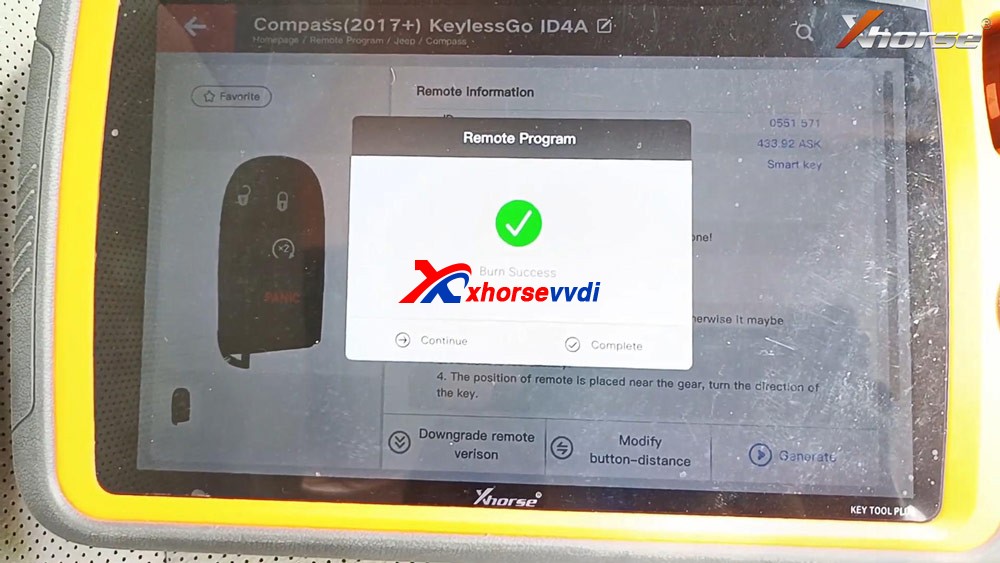
Writing data.
Burn success and tap “Complete”.
programming-jeep-id4a-smart-key-vvdi-key-tool-plus-07
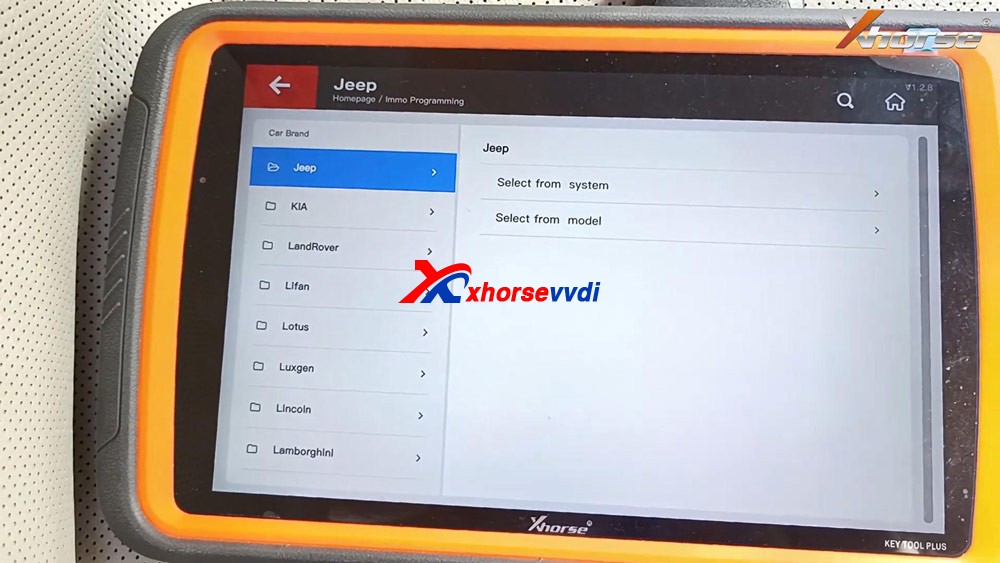
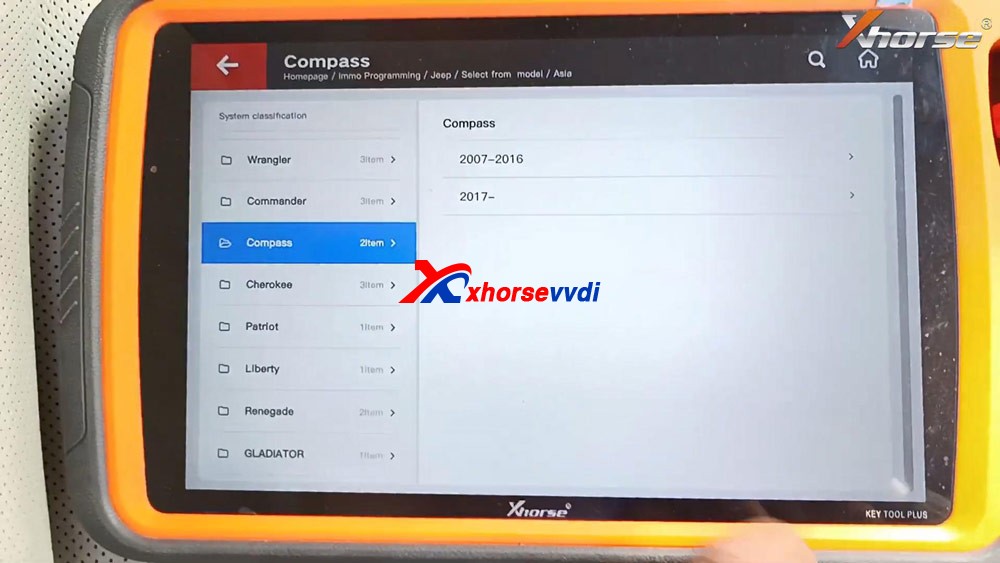
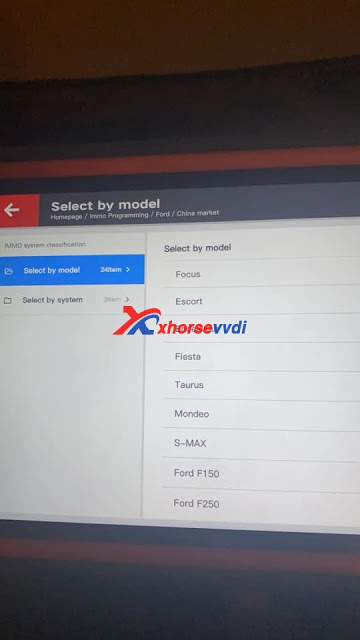
Back to select “Immo Programming”, select all brands and “Jeep” and “Select from model” and then “Asia”, then “Compass”, then “2017 -“, then “Keyless Go”.
programming-jeep-id4a-smart-key-vvdi-key-tool-plus-08
programming-jeep-id4a-smart-key-vvdi-key-tool-plus-09
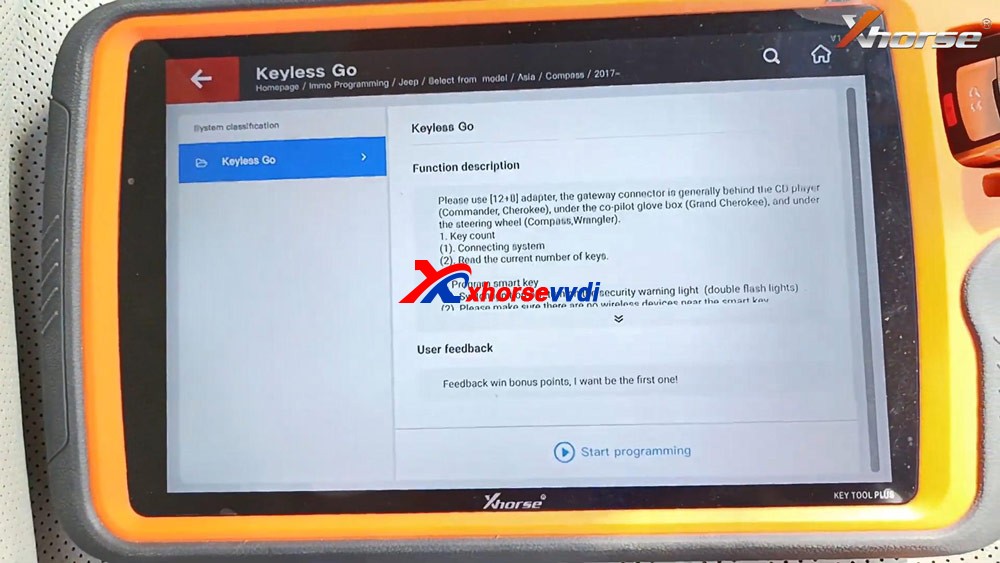
Select “Start programming”.
programming-jeep-id4a-smart-key-vvdi-key-tool-plus-10
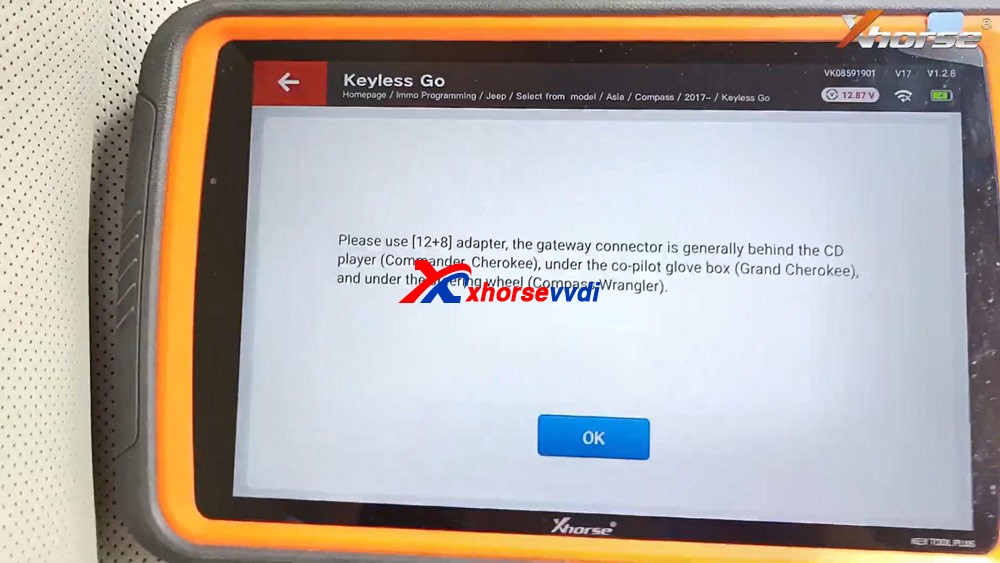
Please use [12+8] adapter, the gateway connector is generally behind the CD player (Commander, Cherokee), under the co-pilot glove box (Grand Cherokee), and under the steering wheel (Compass, Wrangler).
programming-jeep-id4a-smart-key-vvdi-key-tool-plus-11
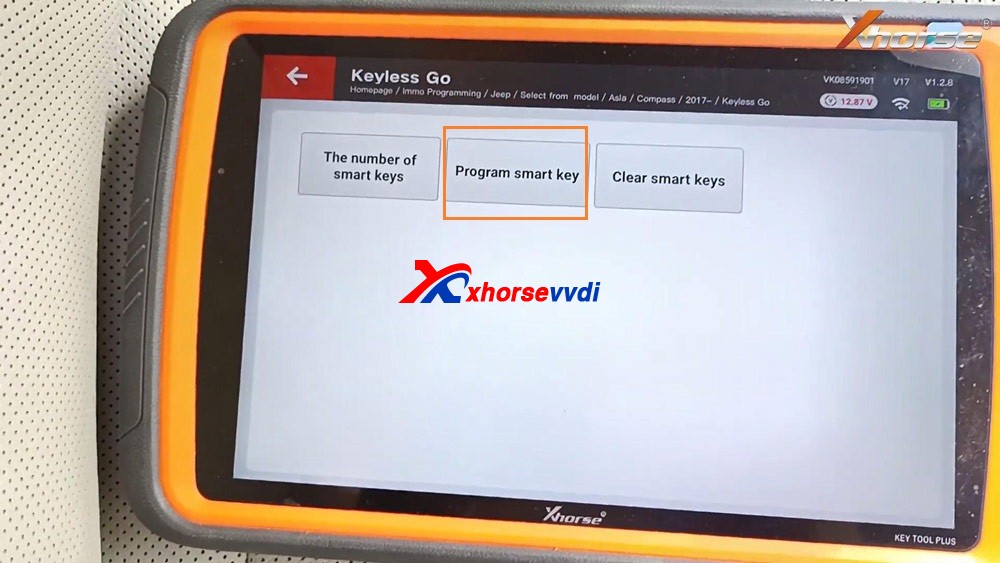
Tap “Program smart key”.
programming-jeep-id4a-smart-key-vvdi-key-tool-plus-12
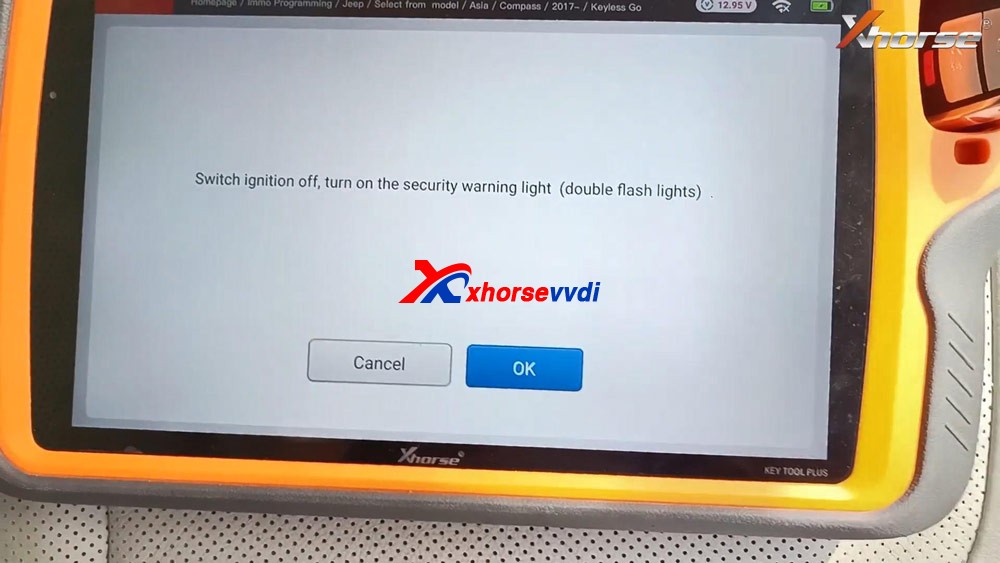
Switch ignition off, turn on the security warning light (double flash lights).
programming-jeep-id4a-smart-key-vvdi-key-tool-plus-13
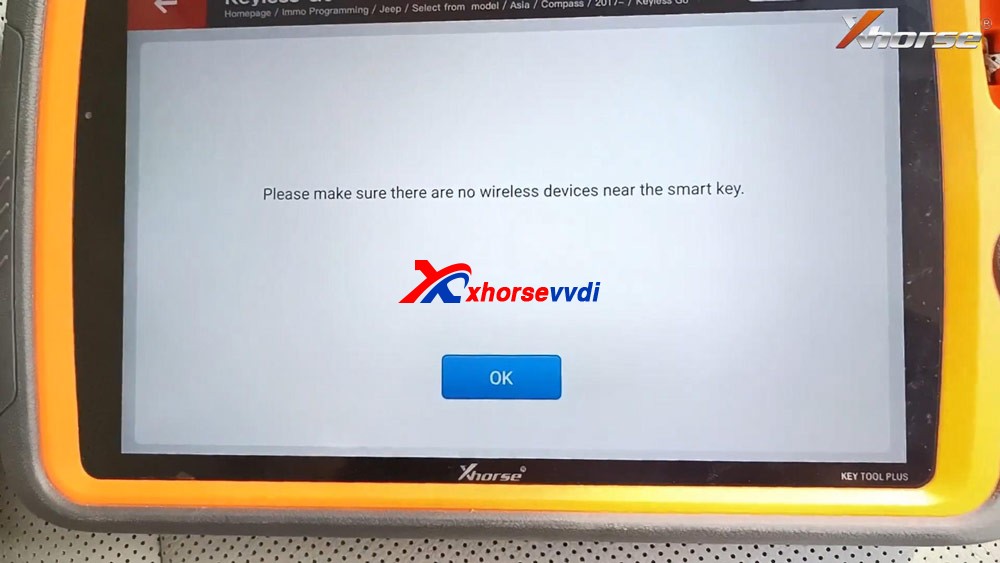
 Please make sure there are no wireless devices near the smart key.
programming-jeep-id4a-smart-key-vvdi-key-tool-plus-14
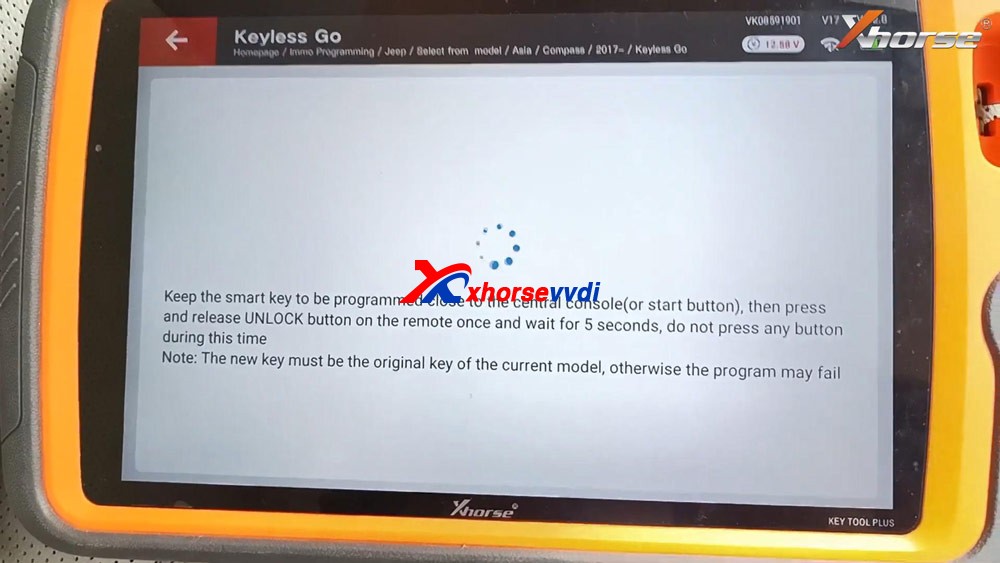
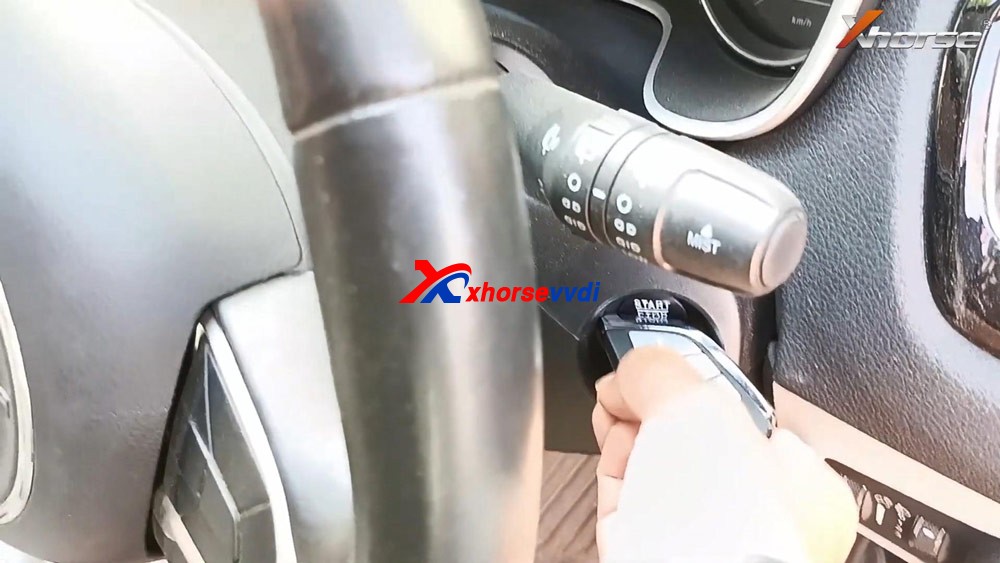
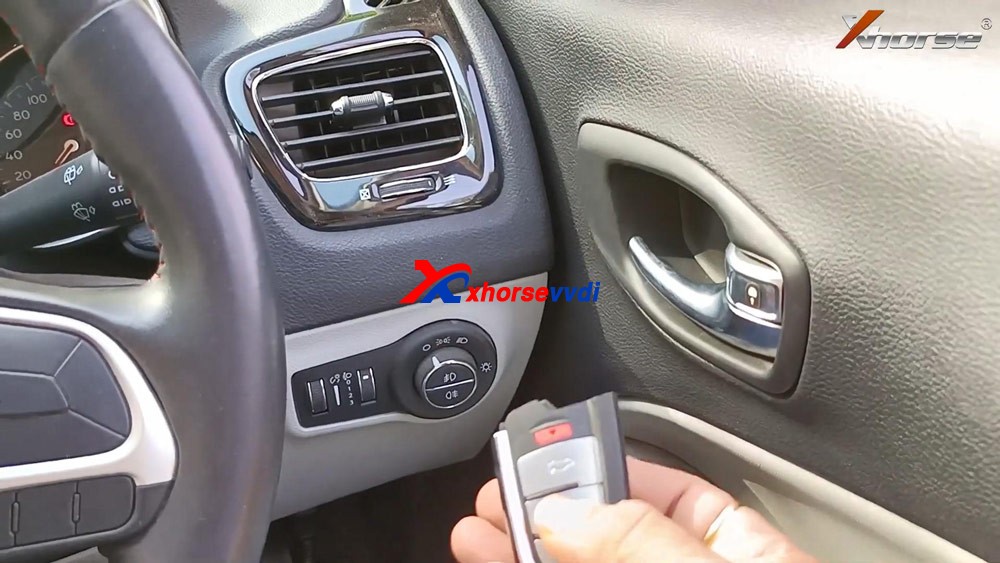
Keep the smart key to be programmed close to the central console (or start button), then press and release UNLOCK button on the remote once and wait for 5 seconds, do not press any button during this time.
Note: the new key must be the original key of the current model, otherwise the program may fail.
programming-jeep-id4a-smart-key-vvdi-key-tool-plus-15
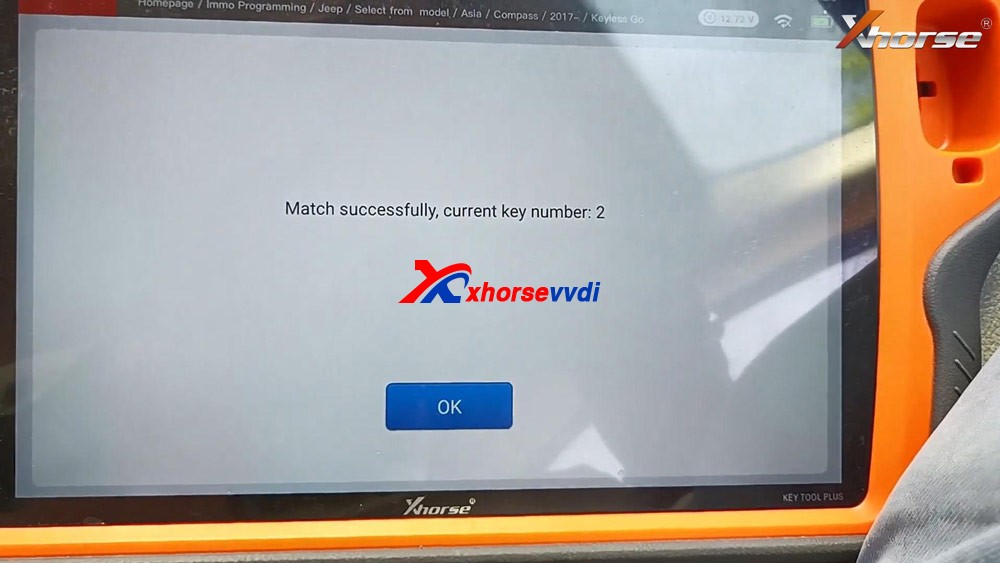
 Match successfully. current key number: 2
programming-jeep-id4a-smart-key-vvdi-key-tool-plus-16
Test if the new key can start the car.
As you can see, the new Xhorse key is programmed successfully.
programming-jeep-id4a-smart-key-vvdi-key-tool-plus-17
programming-jeep-id4a-smart-key-vvdi-key-tool-plus-18

Job is done.

This is how to use VVDI Key Tool Plus to add one new smart key for Jeep Compass ID4A, please keep in mind, you will need 12+8 adapter, xhorse is not available with this adapter, you can try Autel 12+8 adapter for Jeep.https://www.xhorsevvdi.com/

http://blog.xhorsevvdi.com/xhorse-vvdi-key-tool-plus-jeep-compass-id4a-smart-key-programming/

How does Xhorse Solder-free Adapter work on VVDI Key Tool Plus?

 Xhorse Solder-free Adapters will help key tool plus / mini prog  to read BMW CAS, Porsche BCM, Landrover KVM, Volvo KVM/CEM, etc IMMO data reading without soldering. 
Today, Xhorsevvdi will share you how to use it on VVDI keytool Plus Pad, Take the LANDROVER FOR KVM-ADAPTER as exmaple
Have Jaguar / Land Rover KVM 2015-2018 with all keys lost, don’t worry, Xhorse VVDI Key Tool Plus is the decent solution with one extra XDNP16 Land Rover KVM adapter. This article demonstrate how to program a new key in step by step

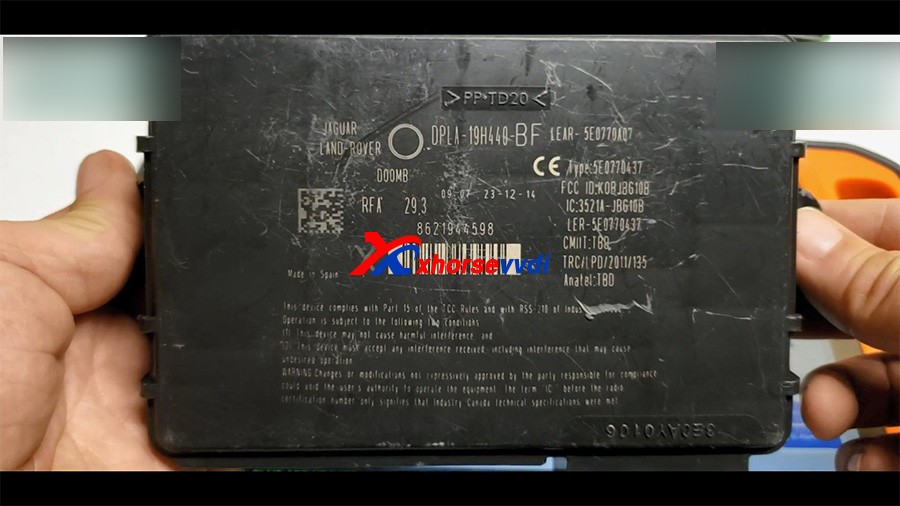
Look at the KVM module removed from Jaguar / Land Rover.
vvdi-key-tool-plus-program-land-rover-kvm-2015-2018-akl-01

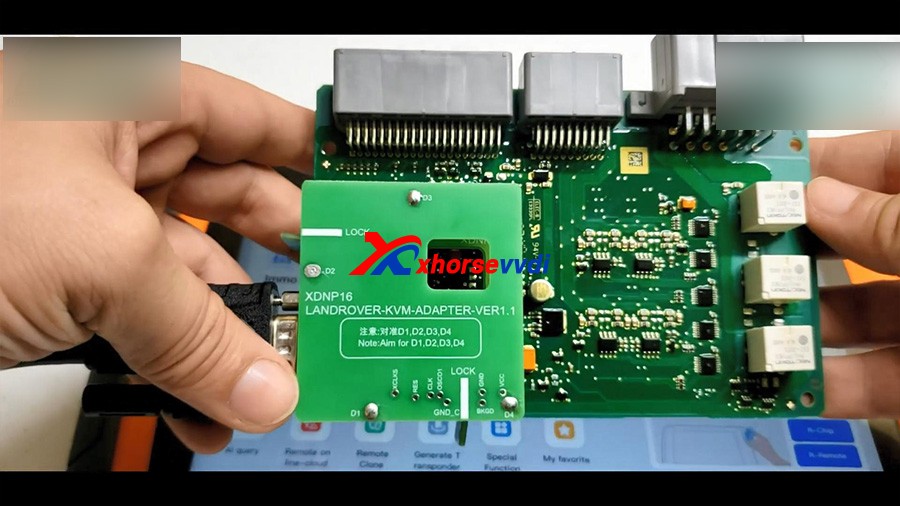
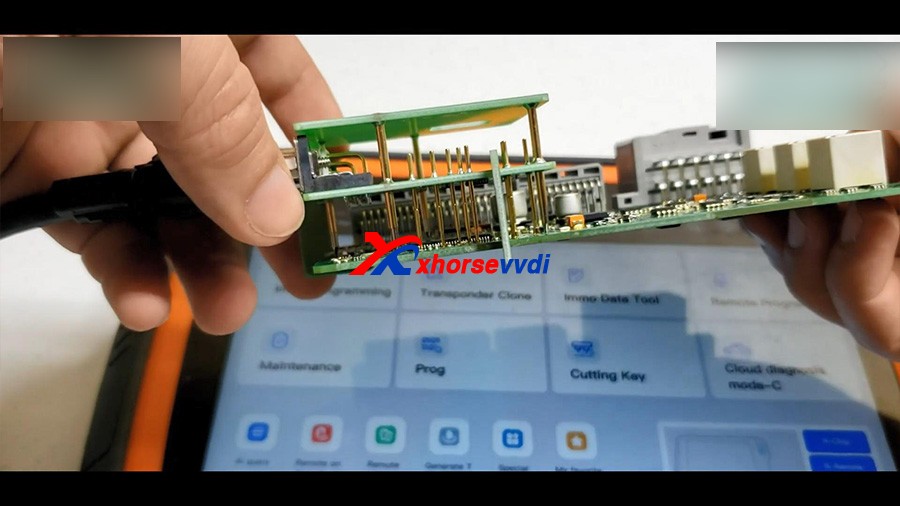
Look at the Xhorse XDNP16 Land Rover KVM adapter (Additional purchase)
vvdi-key-tool-plus-program-land-rover-kvm-2015-2018-akl-02
vvdi-key-tool-plus-program-land-rover-kvm-2015-2018-akl-03

Plug the adapter to Xhore VVDI Key Tool Plus.

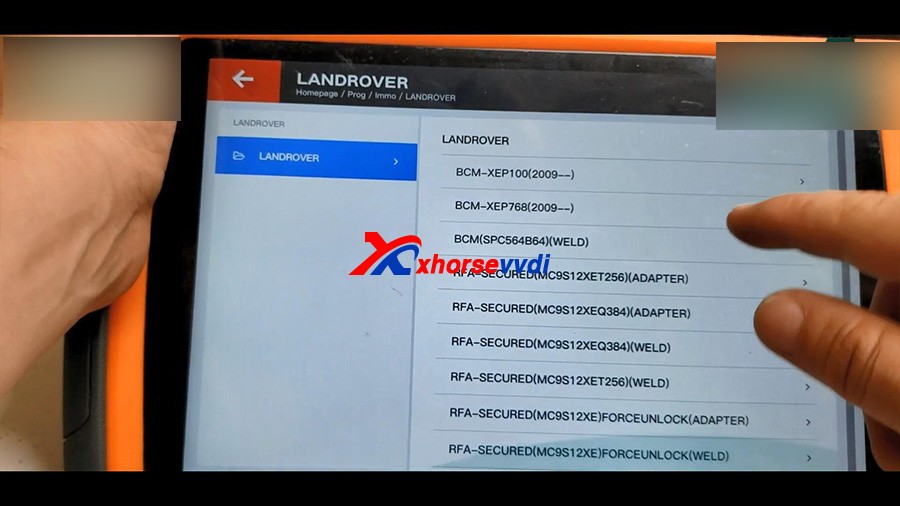
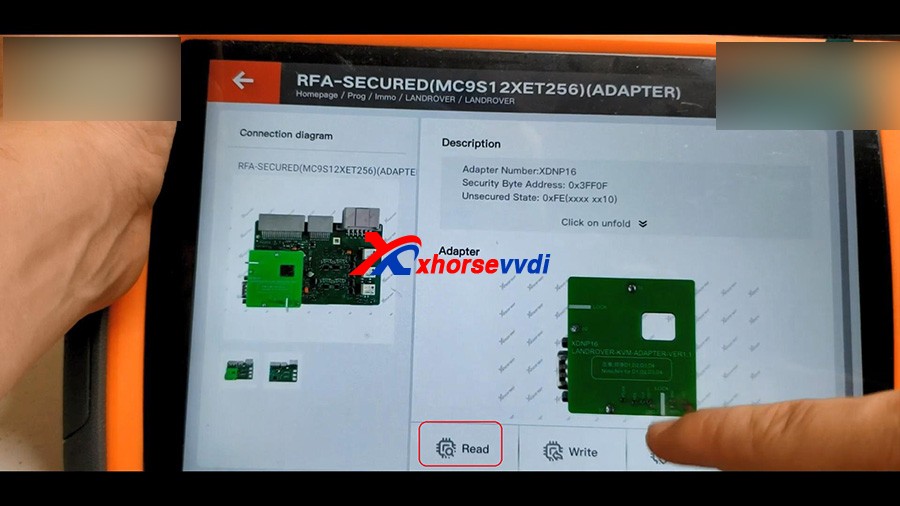
Tap “Prog” -> IMMO -> Land Rover -> RFA -Secured (MC9S12XET256) (Adapter)
vvdi-key-tool-plus-program-land-rover-kvm-2015-2018-akl-4


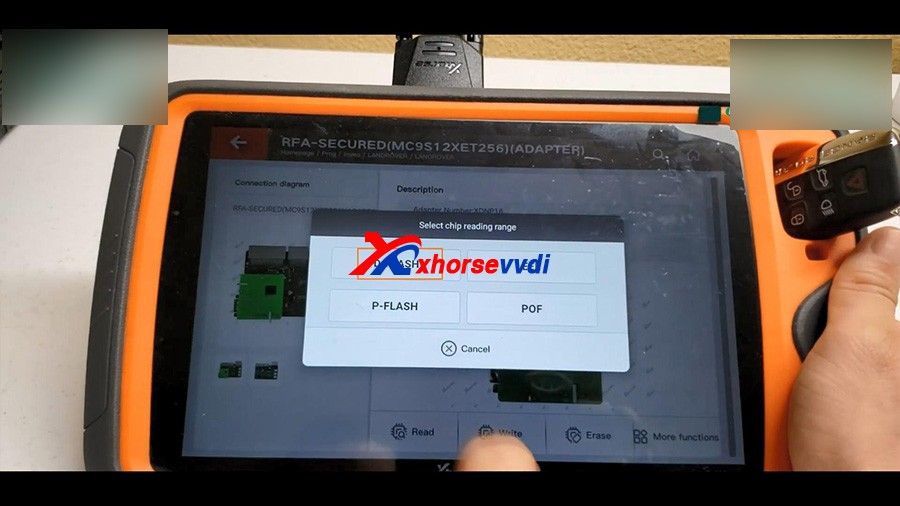
1. Read D-FLASH
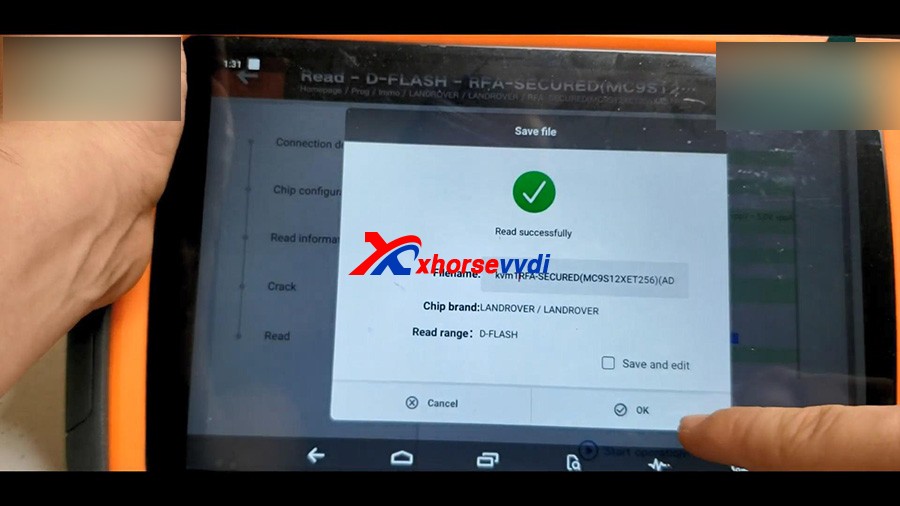
Read -> select “D-FLASH” -> Begin -> Read successfully and save file.
vvdi-key-tool-plus-program-land-rover-kvm-2015-2018-akl-5
vvdi-key-tool-plus-program-land-rover-kvm-2015-2018-akl-6
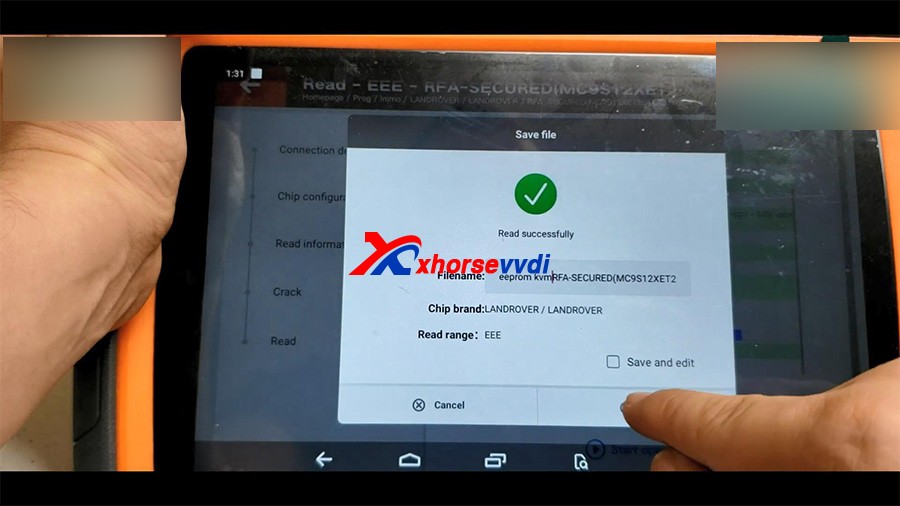
2. Read EEE
Select “EEE” -> Begin -> Read successfully and save file.
vvdi-key-tool-plus-program-land-rover-kvm-2015-2018-akl-7
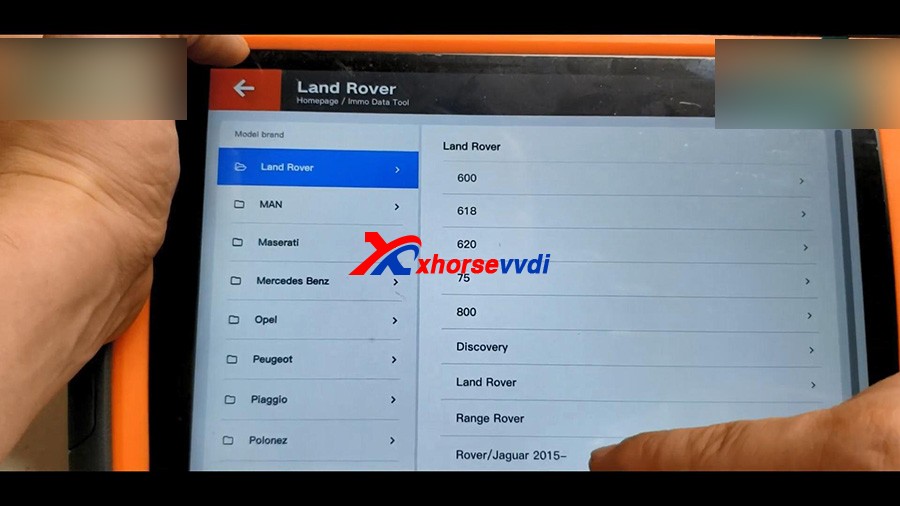
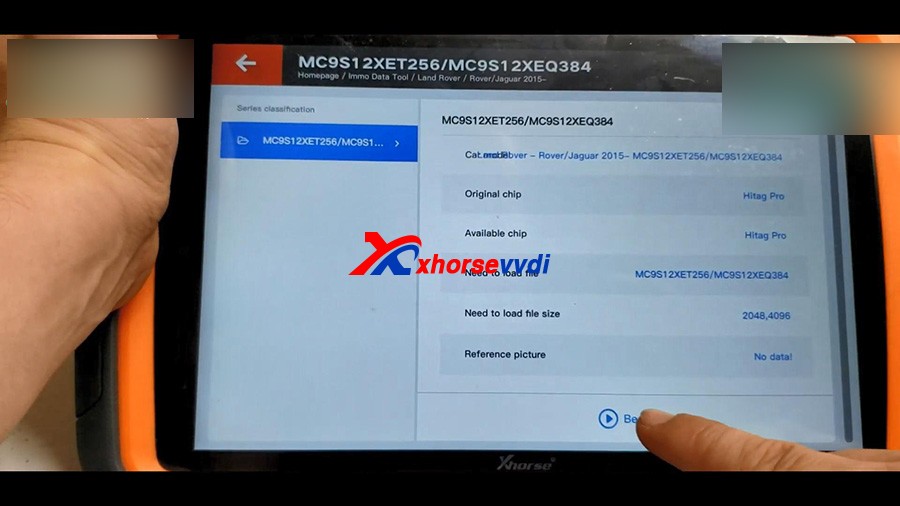
Back to the home menu of key tool plus, click on “Immo Data Tool” -> Europe -> Land Rover -> Rover / Jaguar 2015 – MC9S12XET256 / MC9S12XEQ384 – Begin.
vvdi-key-tool-plus-program-land-rover-kvm-2015-2018-akl-8
vvdi-key-tool-plus-program-land-rover-kvm-2015-2018-akl-09
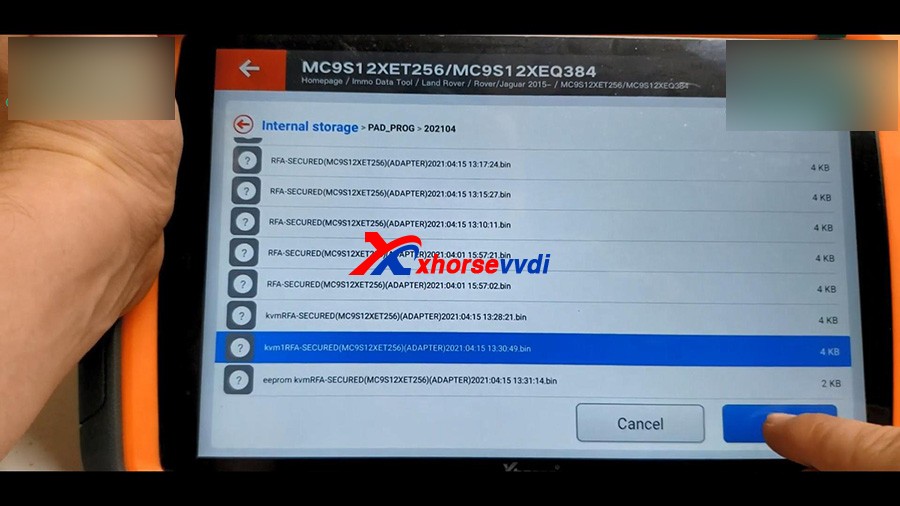
Please load FRA DFLASH, click OK to continue.
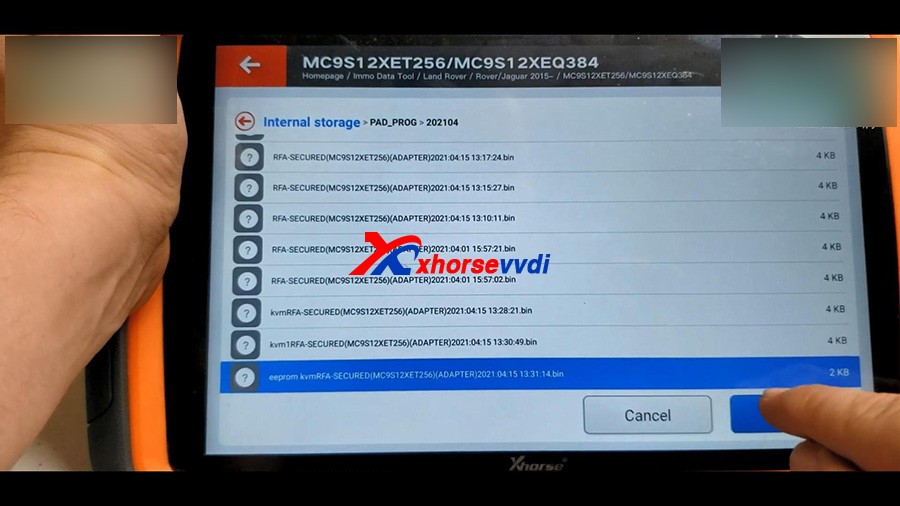
Select the D-FLASH data that is read above and load it. 
vvdi-key-tool-plus-program-land-rover-kvm-2015-2018-akl-10
Next is to load RFA EEPROM.
vvdi-key-tool-plus-program-land-rover-kvm-2015-2018-akl-11
It prompts : Do you want to load BCM DFLASH?
If not update this file, the emergence start in CJB/BCM will not work when new key without battery, we click on “No” .

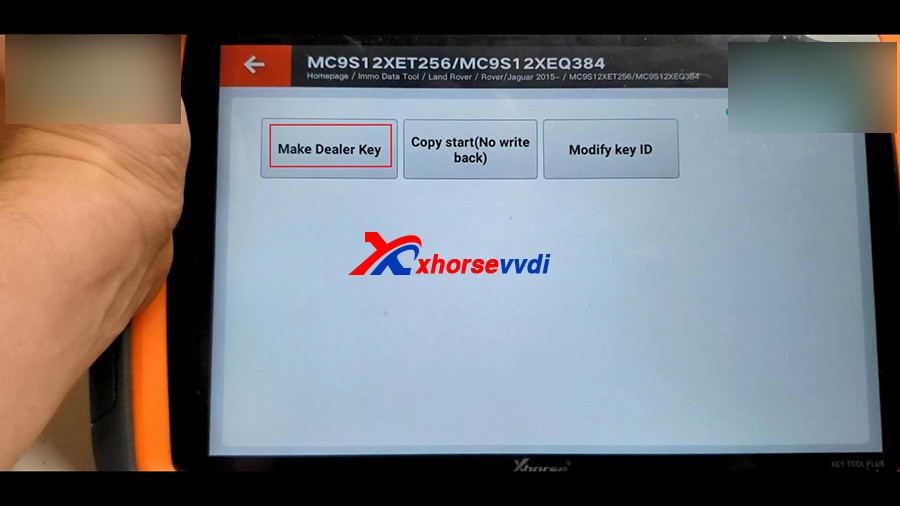
Next is to Make dealer key.
Tap “Make dealer key”.
vvdi-key-tool-plus-program-land-rover-kvm-2015-2018-akl-12
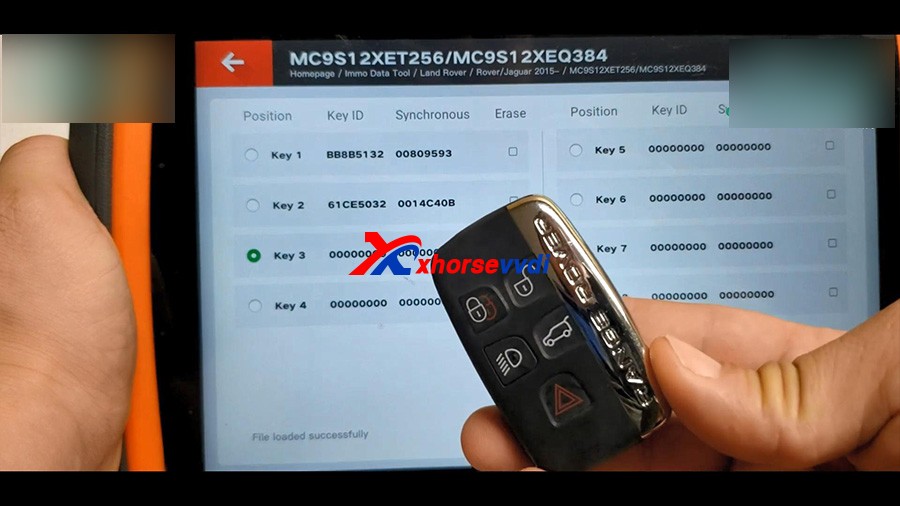
Tick off “Key 3” and put the new key into the keyhole of Key Tool Plus.
Start to make key…
Then select “Save here”.
vvdi-key-tool-plus-program-land-rover-kvm-2015-2018-akl-13
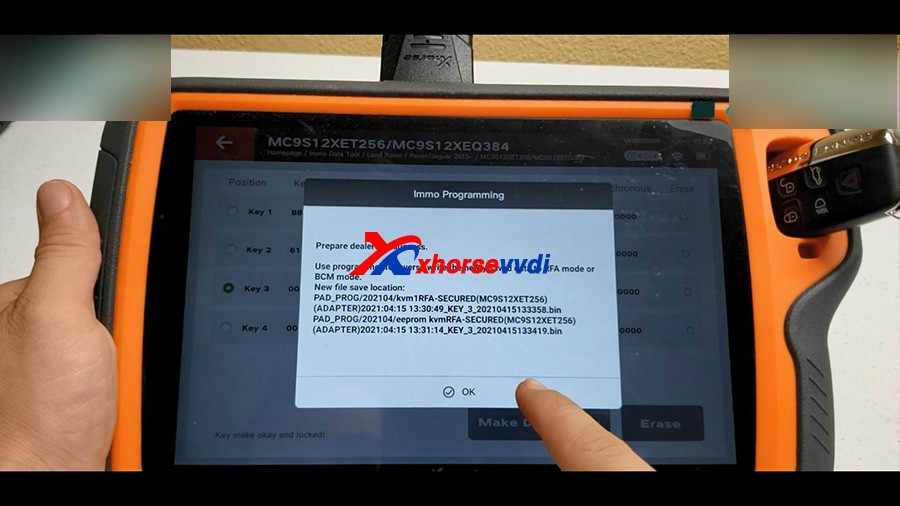
Prepare dealer key success.
Use programmer to reverse write the newly saved data to RFA mode or BCM mode.
vvdi-key-tool-plus-program-land-rover-kvm-2015-2018-akl-14
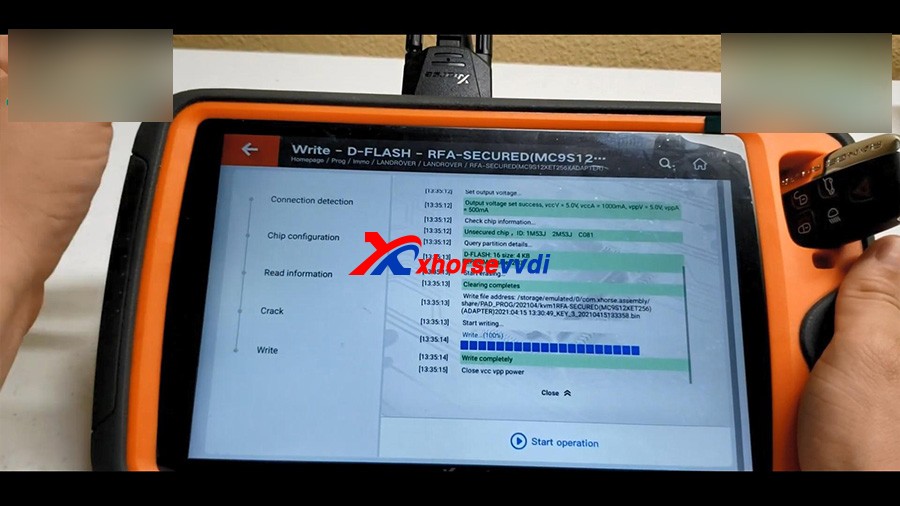
Back to the home menu of the pad, click on “Prog” -> Immo -> Land Rover -> RFA -Secured (MC9S12XET256) (Adapter) ->Write ->D-FLASH -> Begin -> select and write -> Write complete. 
vvdi-key-tool-plus-program-land-rover-kvm-2015-2018-akl-15
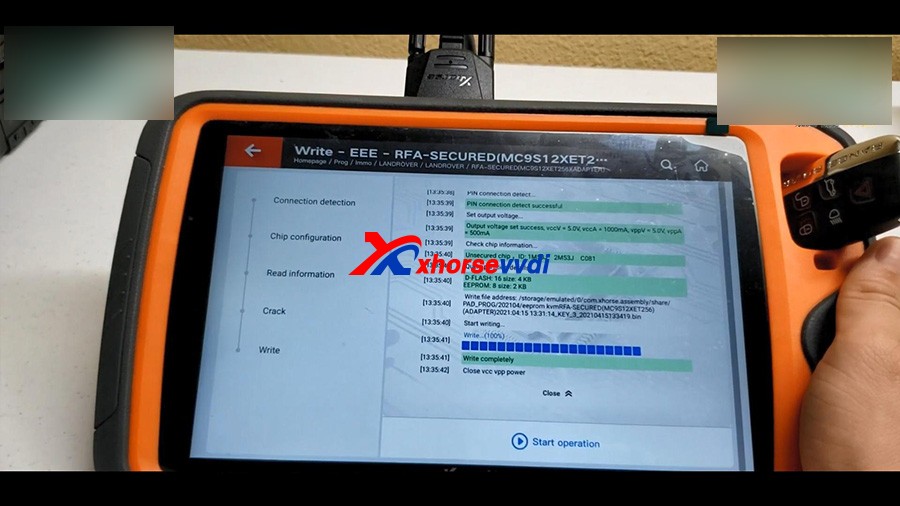
In the same method, to write EEE.
vvdi-key-tool-plus-program-land-rover-kvm-2015-2018-akl-16
Alright, the job is done!

We have a new working key.

https://www.xhorsevvdi.com/

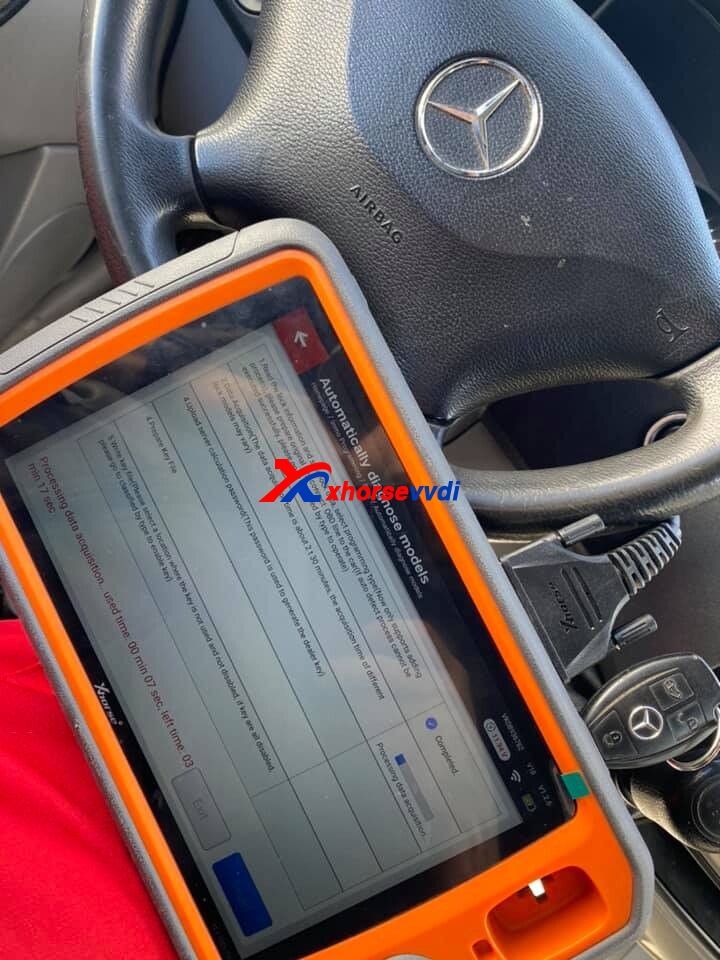
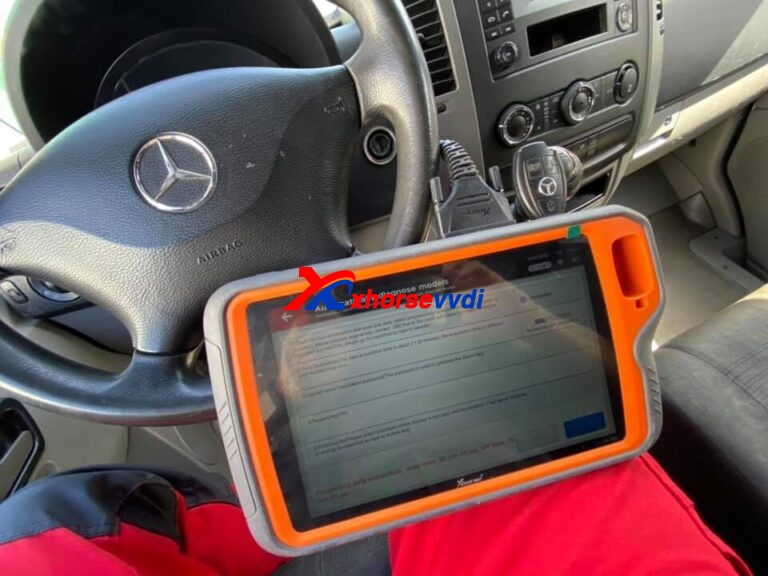
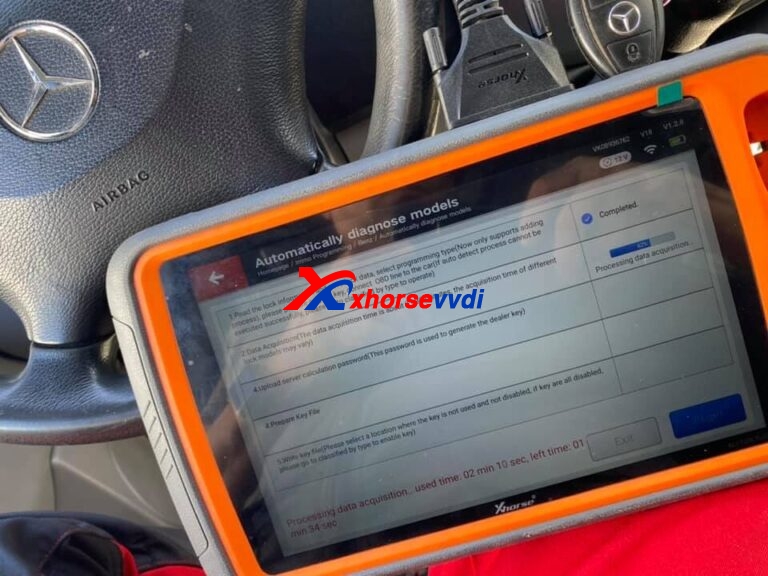
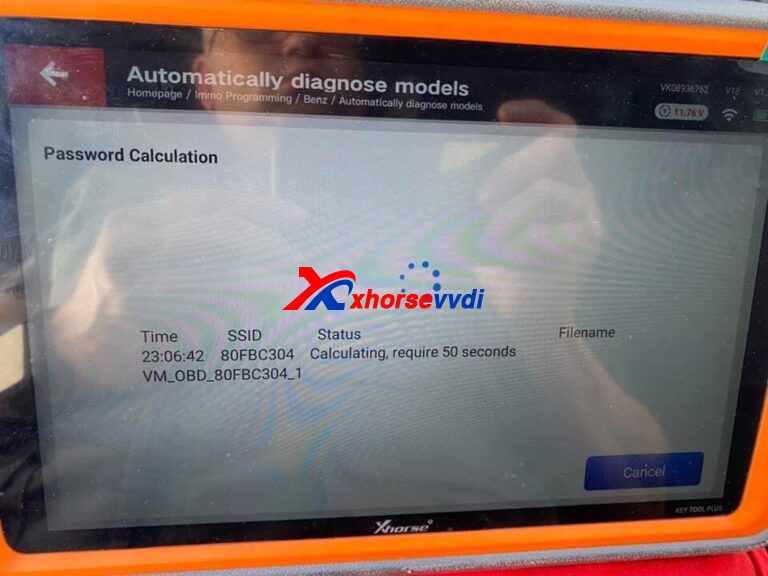
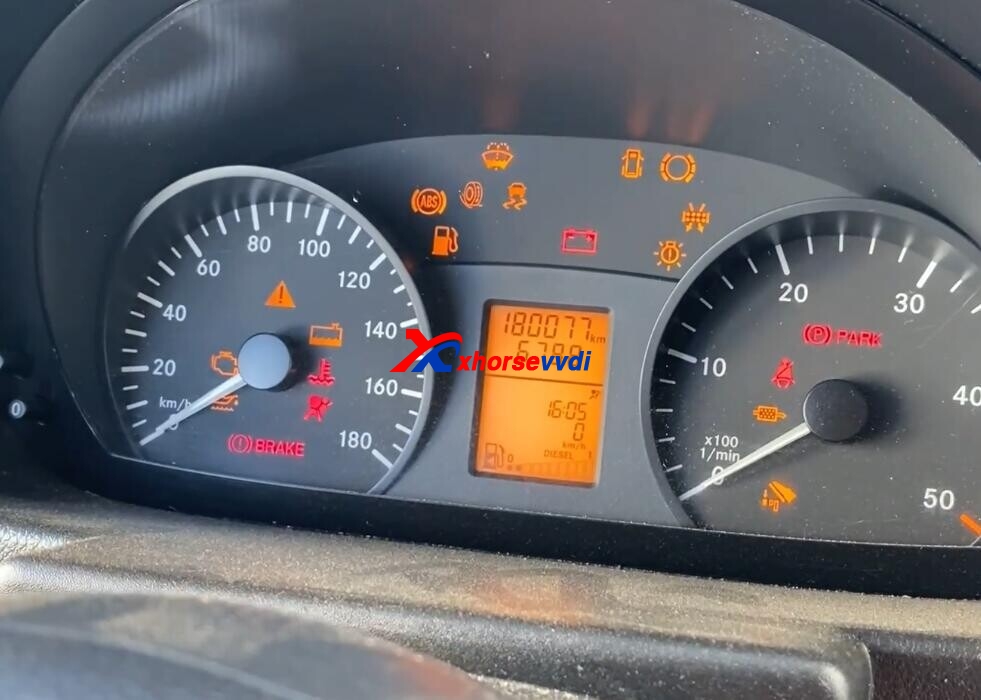
How to Program W906 Sprinter 2016 With Xhorse VVDI Key Tool Plus

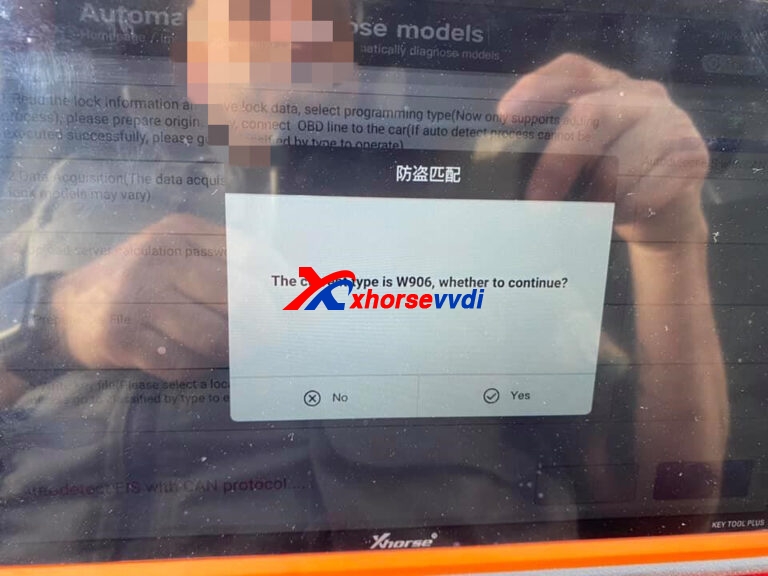
How-to: Xhorse VVDI Key Tool Plus Program W906 Sprinter 2016 Step-by-step:

Xhorse VVDI Key Tool Plus Program W906 Sprinter 2016  01

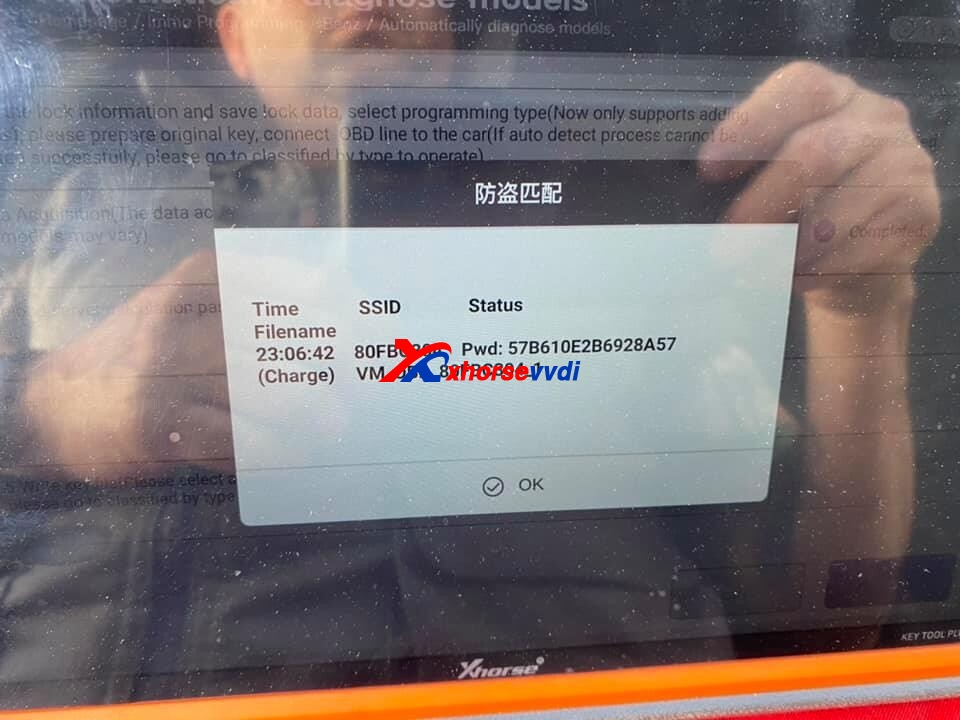
Read key password online.

Xhorse VVDI Key Tool Plus Program W906 Sprinter 2016  02
Xhorse VVDI Key Tool Plus Program W906 Sprinter 2016  03
Xhorse VVDI Key Tool Plus Program W906 Sprinter 2016  04
Xhorse VVDI Key Tool Plus Program W906 Sprinter 2016  05

Key Tool plus read key password OK.

Xhorse VVDI Key Tool Plus Program W906 Sprinter 2016  06

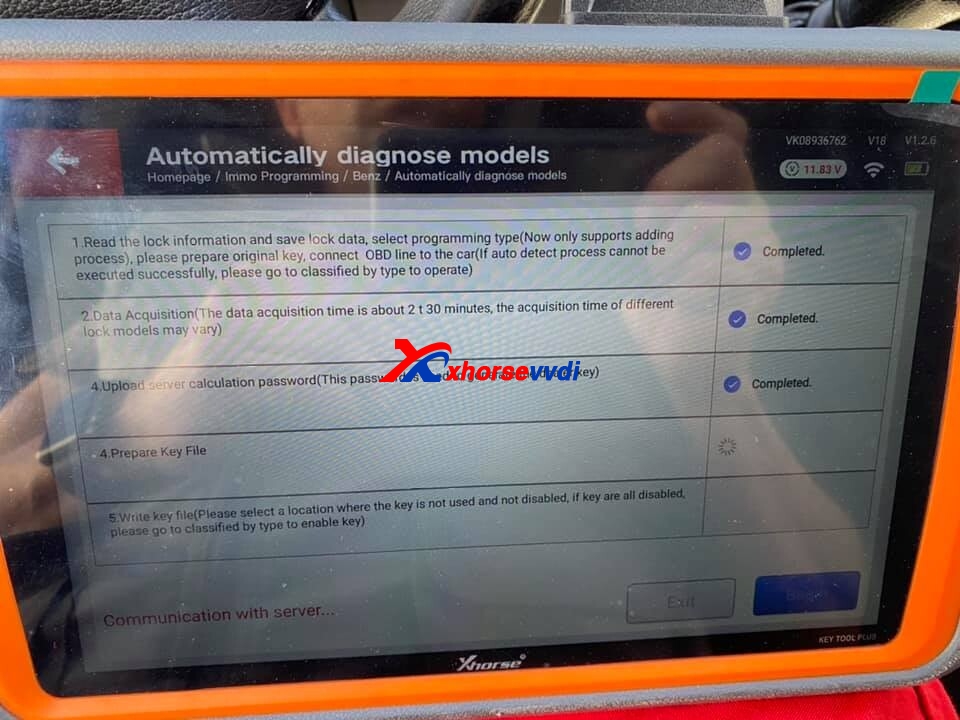
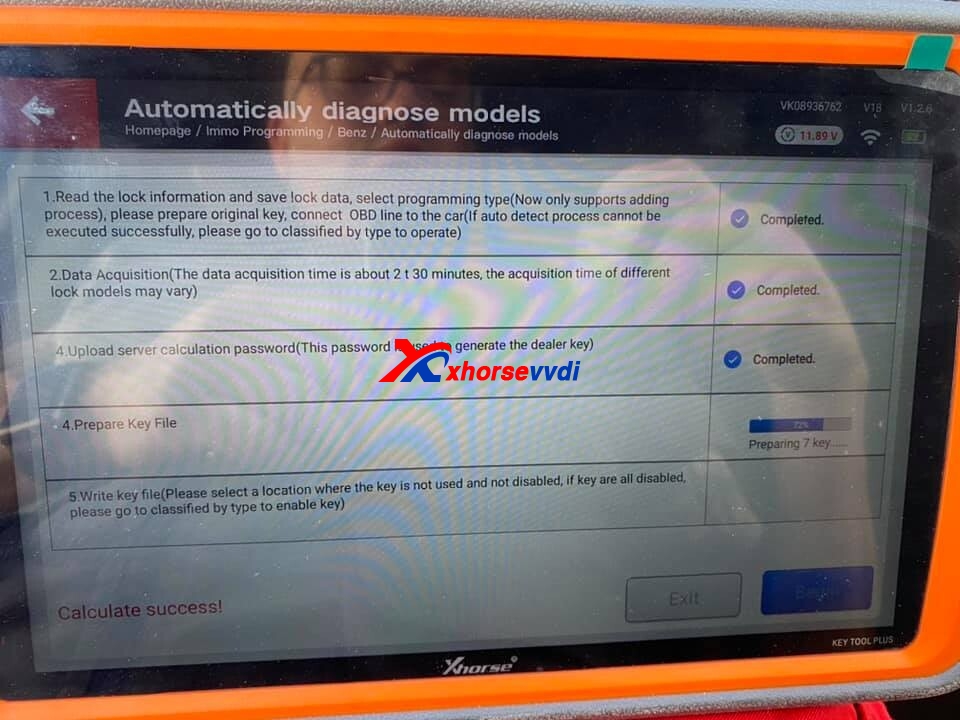
Prepare key file

Xhorse VVDI Key Tool Plus Program W906 Sprinter 2016  07
Xhorse VVDI Key Tool Plus Program W906 Sprinter 2016  08

After prepare file OK, write new key.

Xhorse VVDI Key Tool Plus Program W906 Sprinter 2016  09

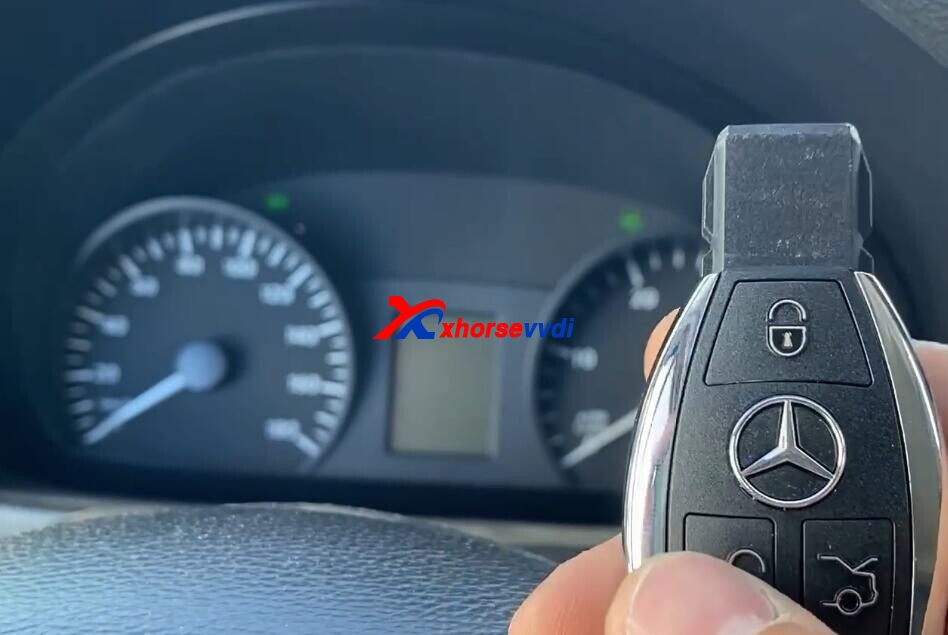
Test new key OK.

Xhorse VVDI Key Tool Plus Program W906 Sprinter 2016 10

http://blog.xhorsevvdi.com/xhorse-vvdi-key-tool-plus-program-w906-sprinter-2016-ok/

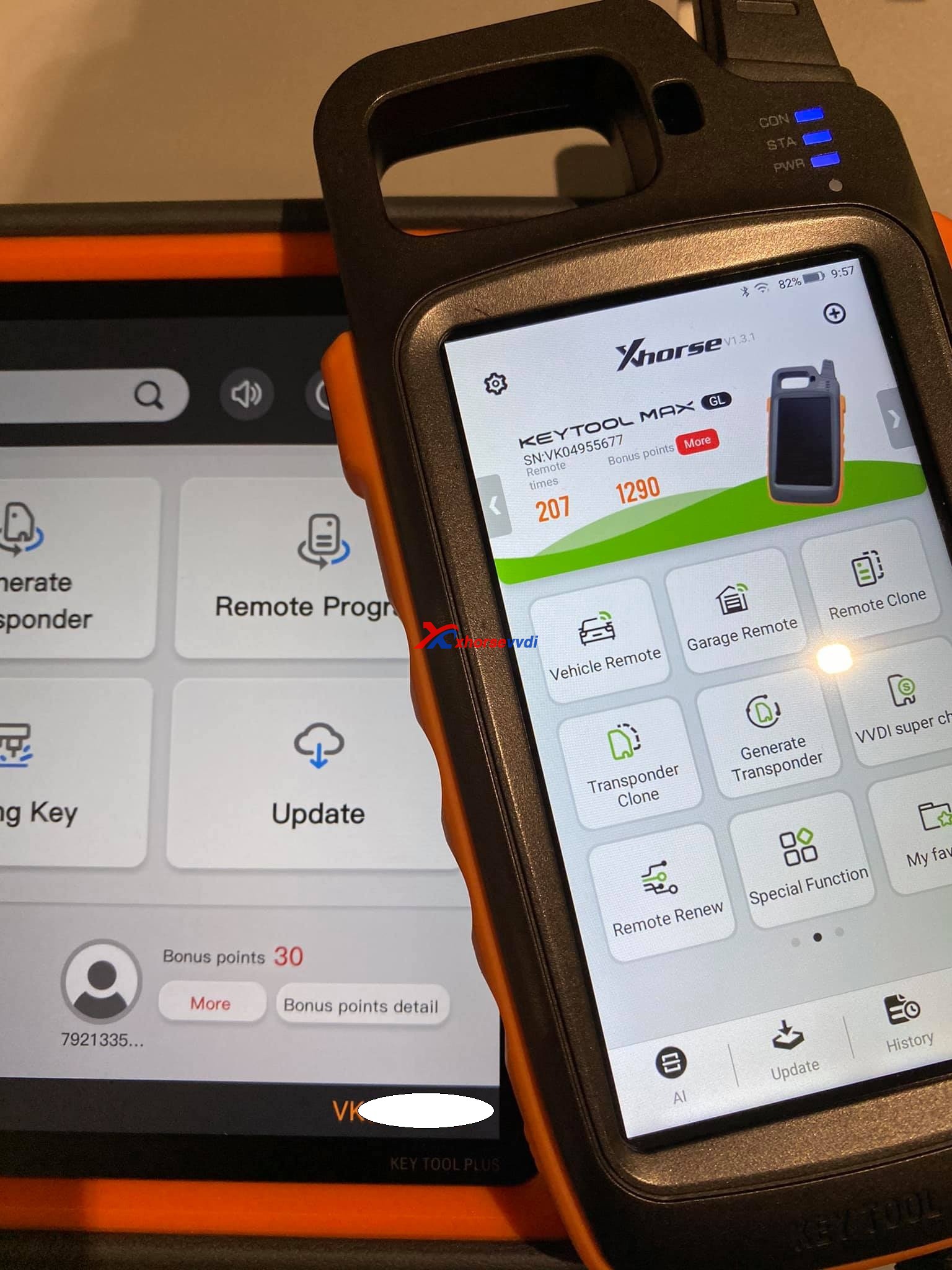
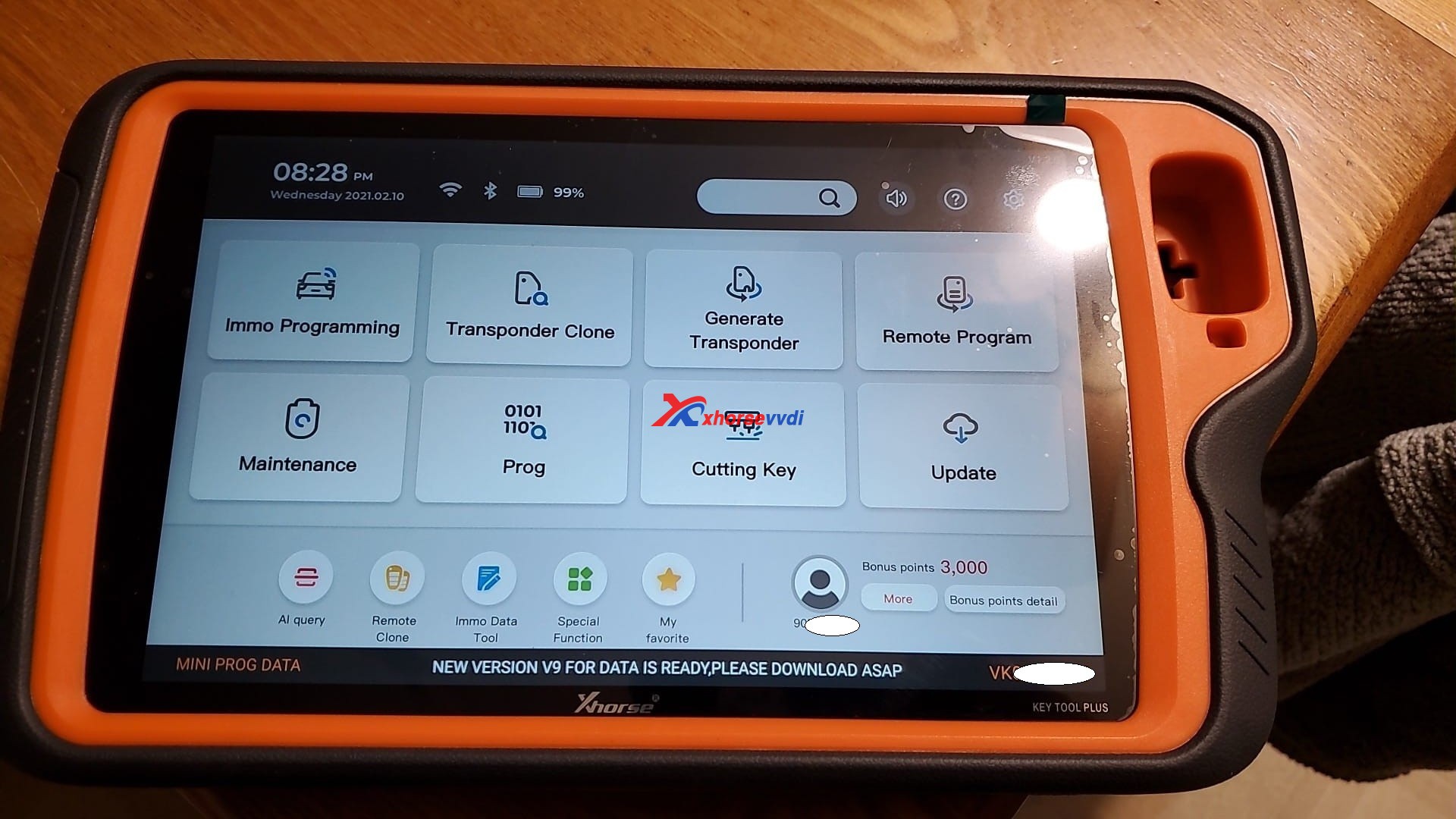
Where is Xhorse VVDI Key Tool Plus bonus points gone?

Just got mine XhorseVVDI Key Tool Plus and setting up. I’ve got my first problem. where is my bonus points gone. I did not even have my first keytool combined to my account.

Xhorse VVDI Key Tool Plus Bonus Points  01

Answer:

Synchronize , if you register with your account, but first update all

Look at the following image, the 3K points are from syncing my other xhorse tools on my account.

Xhorse VVDI Key Tool Plus Bonus Points  02

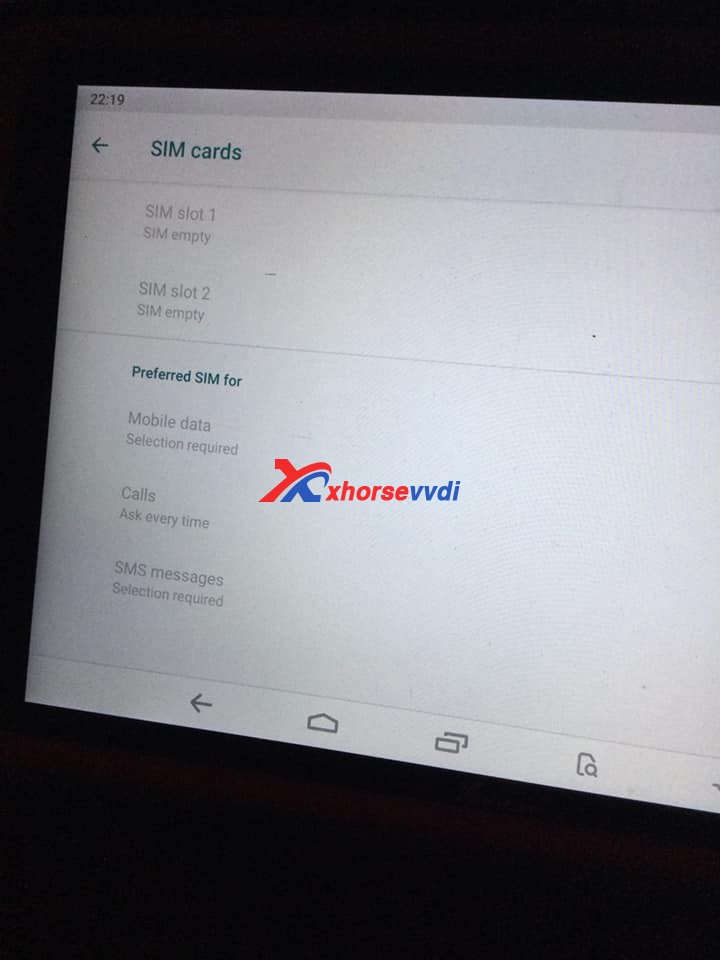
Another question: Also, where are the SIM slots? It lists SIM slots 1+2 but I can’t find any? I think they have blocked it from downloading too. Tried to down load google play store for InstaCode, won’t do it?

Xhorse VVDI Key Tool Plus Bonus Points  03
Xhorse VVDI Key Tool Plus Bonus Points  04

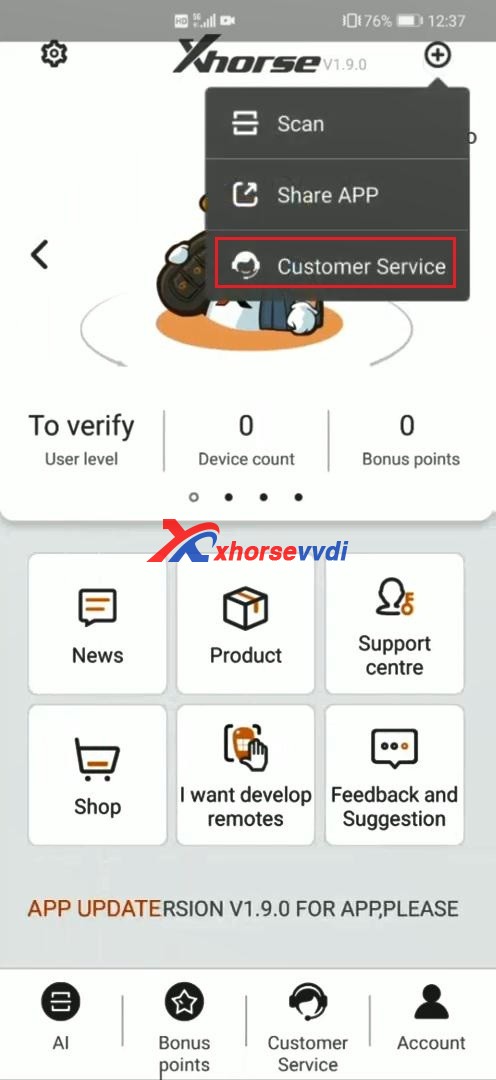
It is a good way to find Xhorse technical support on Xhorse APP. How to? please watch this tutorial.

1. Download Xhorse APP from Google Play store and APP store by searching “Xhorse”.

Xhorse VVDI Key Tool Plus Bonus Points  06

2. At the upper right corner of Xhorse APP, select “Customer Service”.

Xhorse VVDI Key Tool Plus Bonus Points  07

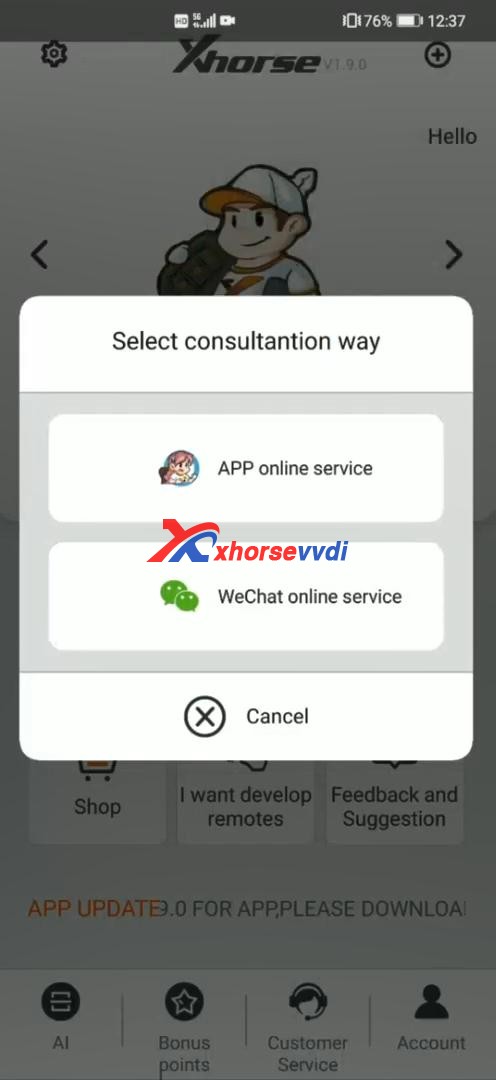
3. Select consultation way.

Xhorse VVDI Key Tool Plus Bonus Points  08

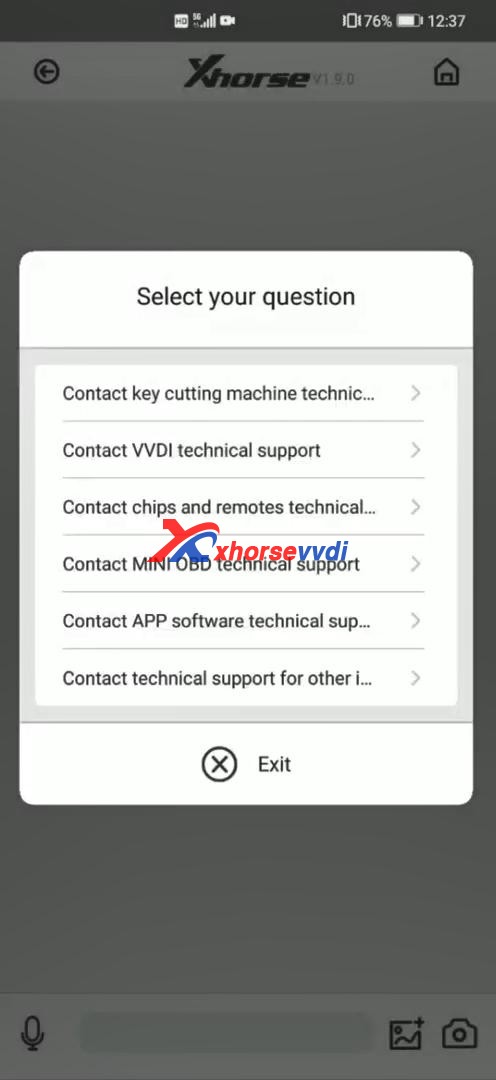
4. Select your question.

Xhorse VVDI Key Tool Plus Bonus Points  09

 Information from Xhorsevvdi.com official blog

Good news! VVDI Key Tool Plus GL : In stock, ship from Czech Warehouse

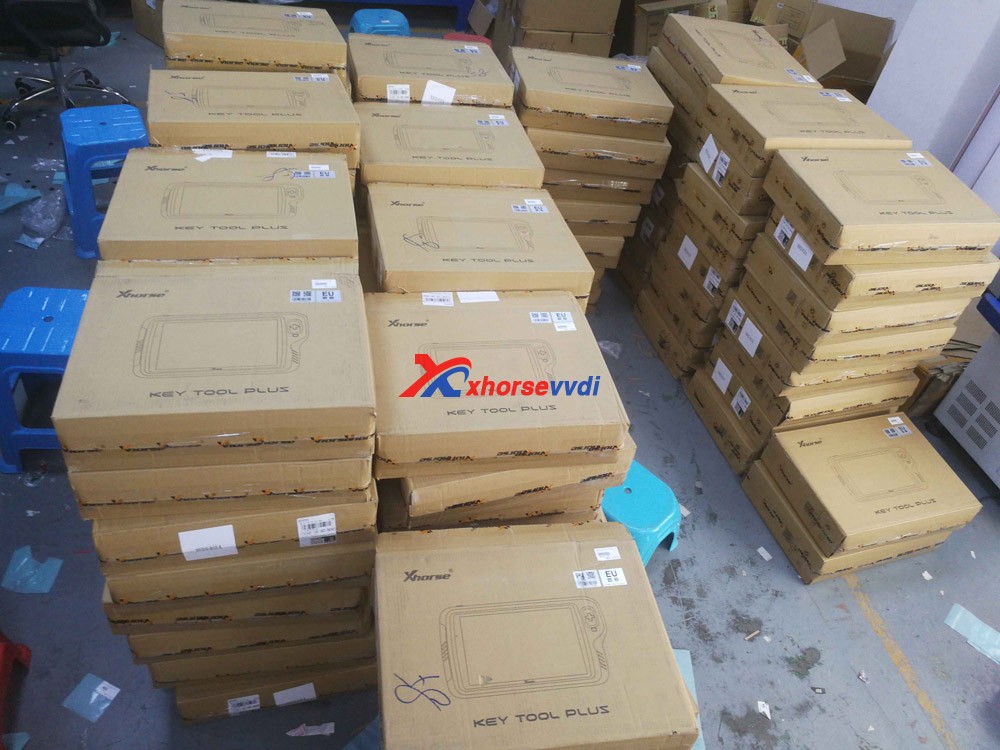
 A large amount of Inventory! VVDI Key Tool Plus Pad is available at xhorsevvdi.com, ship from Czech Warehouse soon will be available in EU UK US warehouse.

Seeing is believing, please look at the following images, our QC members are testing VVDI Key Tool Plus.

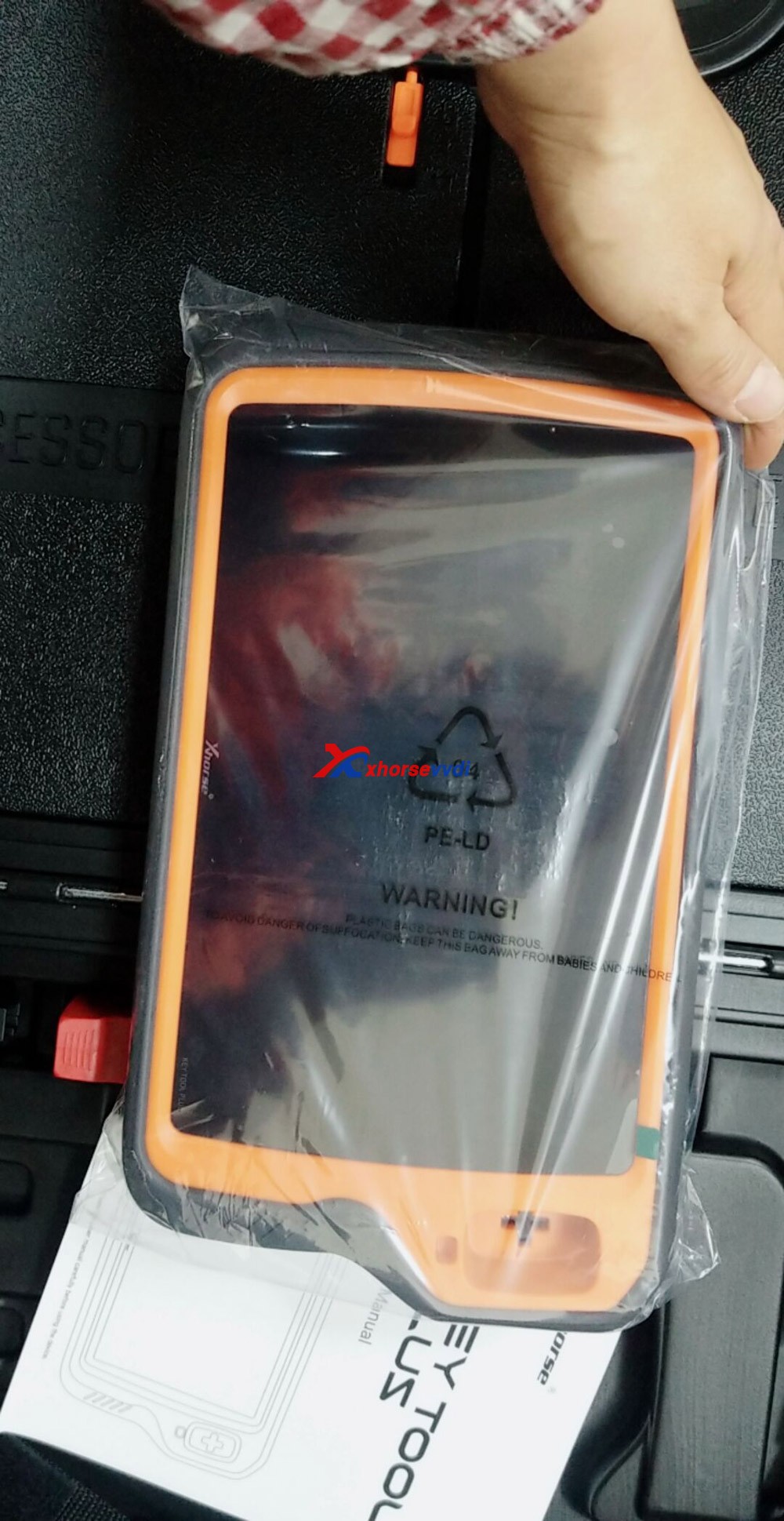
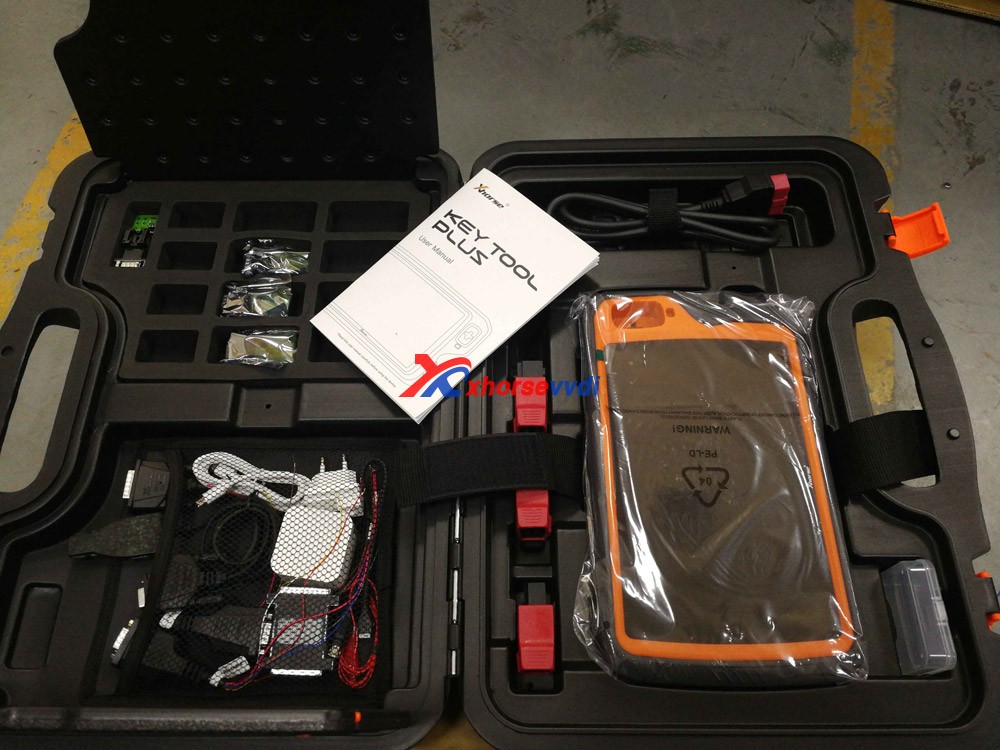
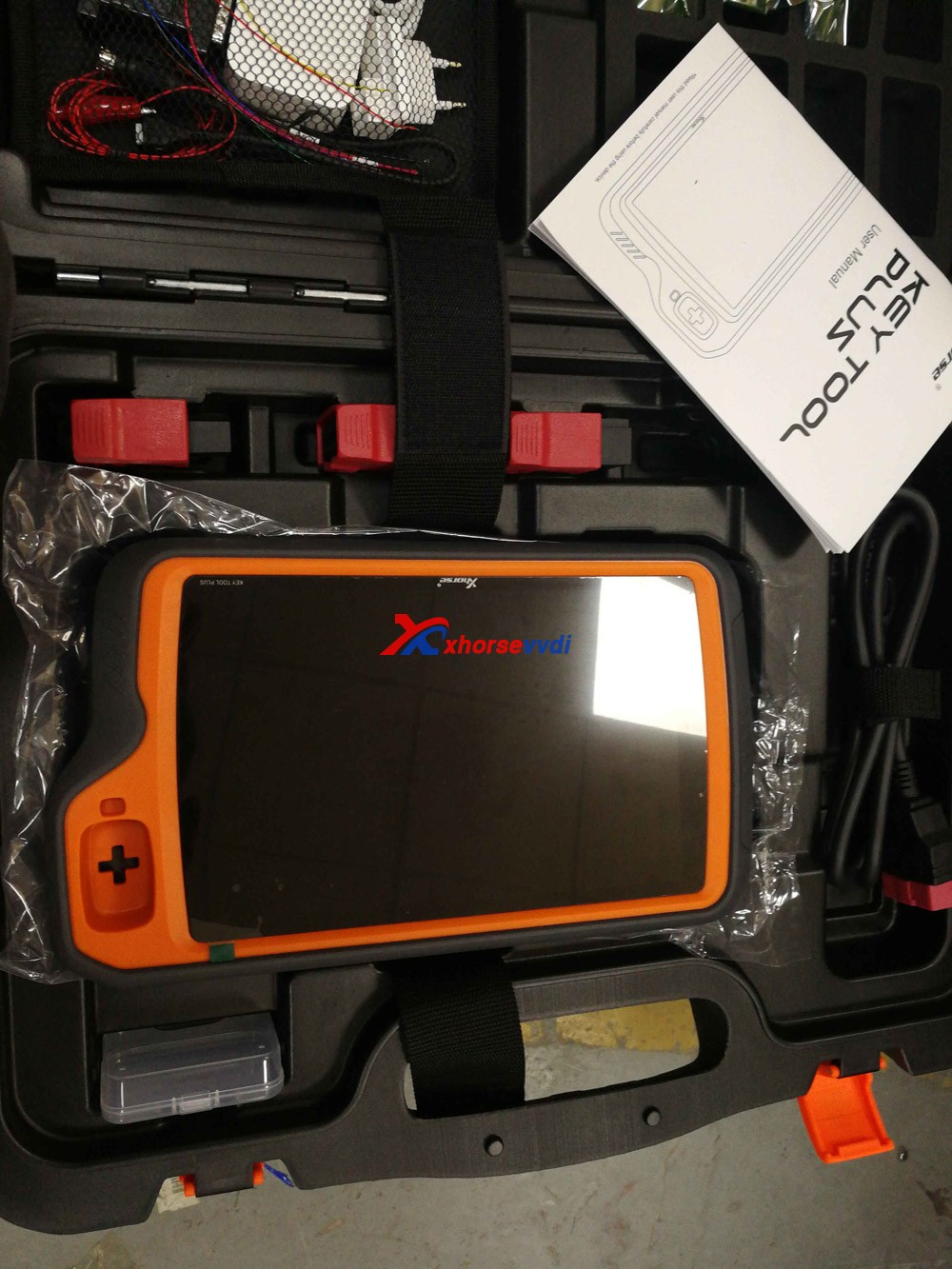
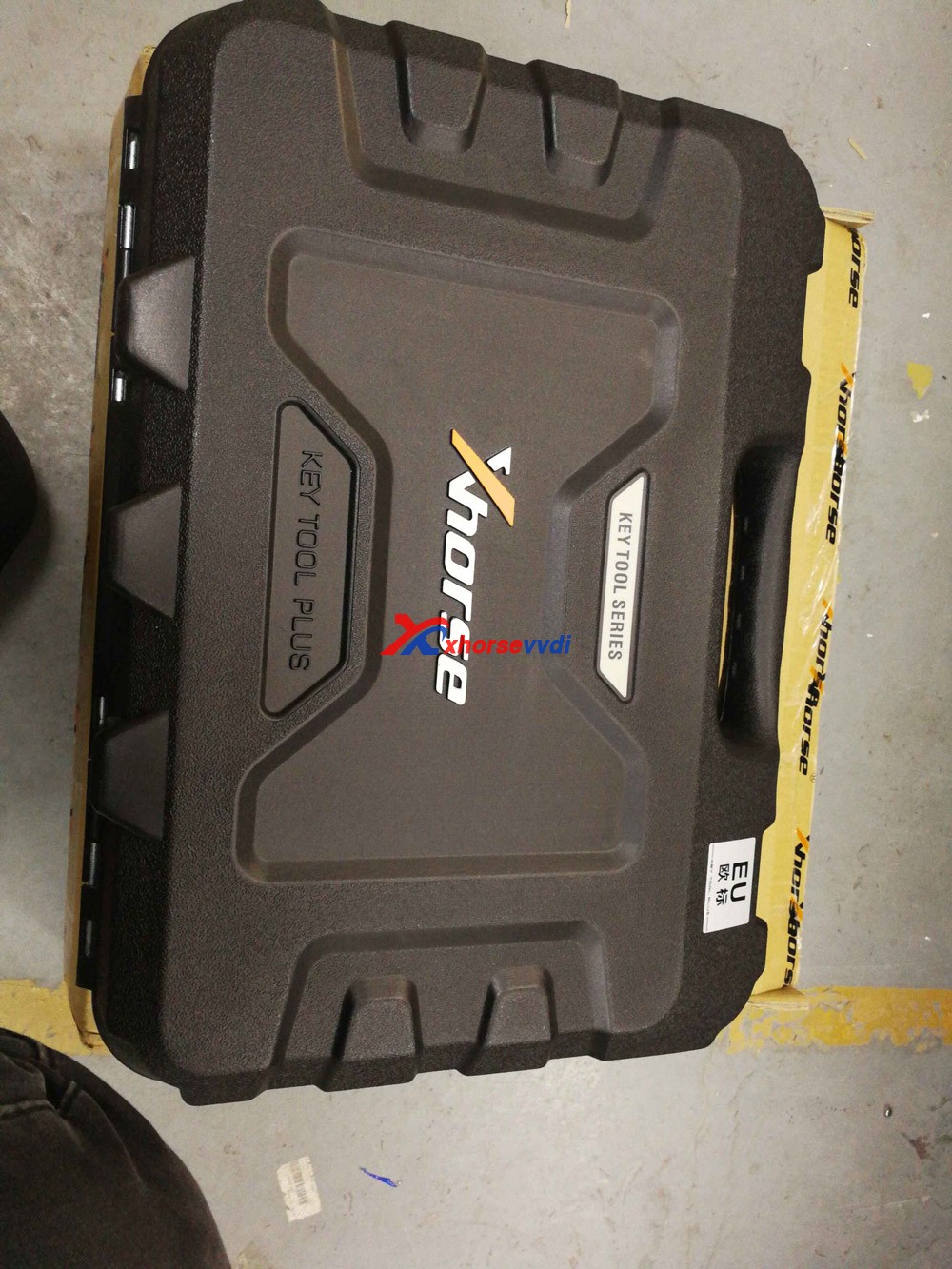
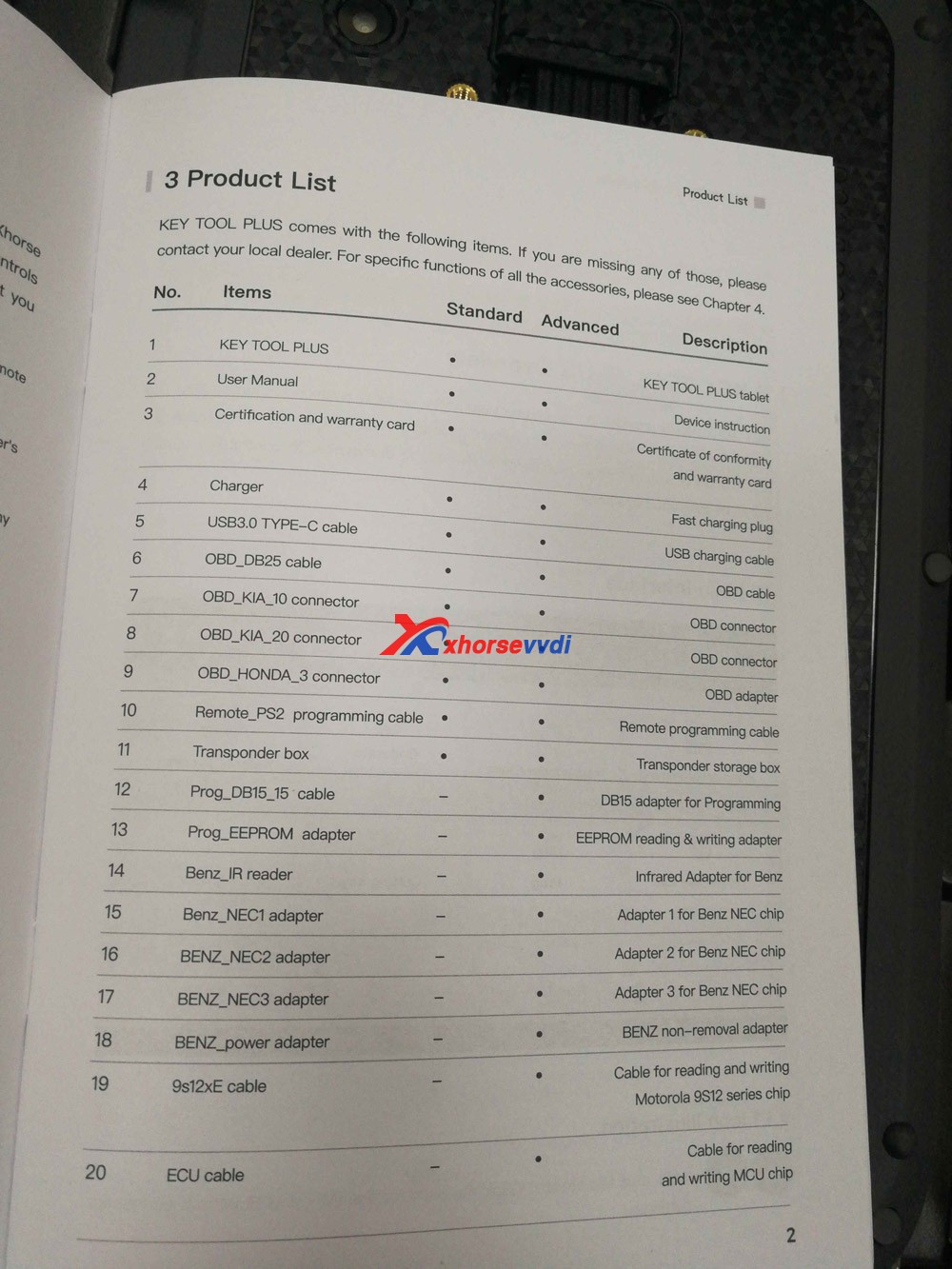
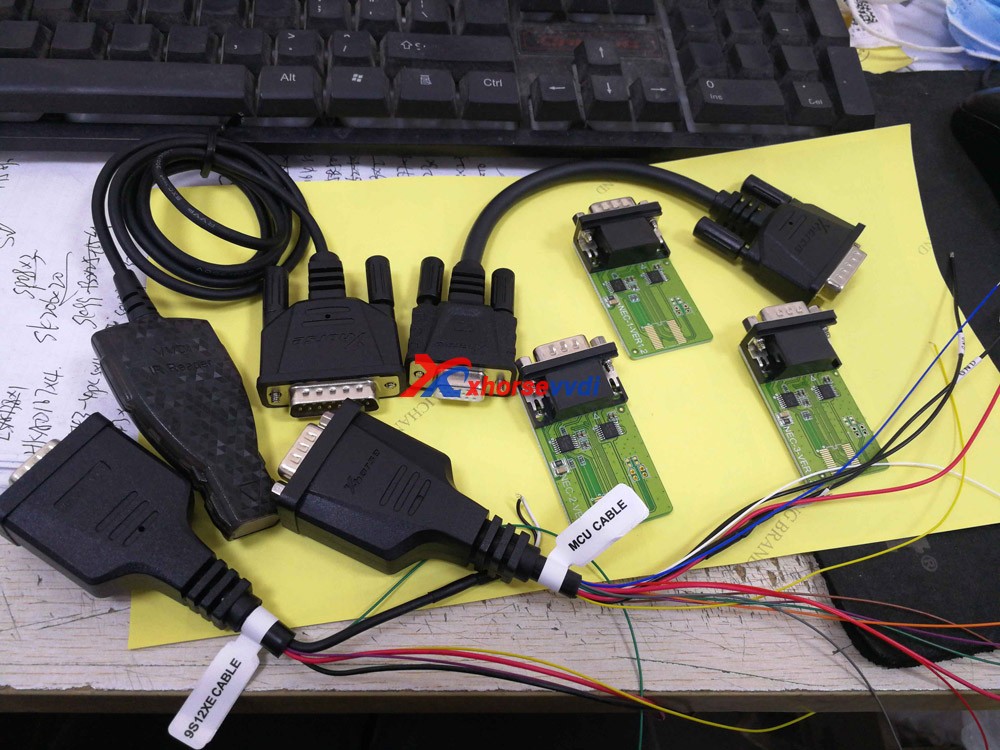
Shown as in the picture, the package is very protective, first is a carton, and then a rubber box. After opening the rubber box, you can see the tablet and all the accessories.

Note: The extra space is for the new accessories in the future.

VVDI Key Tool Plus GL 01
VVDI Key Tool Plus GL 02
VVDI Key Tool Plus GL 03
VVDI Key Tool Plus GL 04
VVDI Key Tool Plus GL 05
VVDI Key Tool Plus GL 06
VVDI Key Tool Plus GL 07

Order Xhorse VVDI Key Tool Plus at:

https://www.xhorsevvdi.com/wholesale/xhorse-vvdi-key-tool-plus.html

Popular tools Recently:

Autel IM508 plus XP400PRO

Xhorse Watch Smart Key Keyless-go 

 XTOOL A80 Pro+KC501+KS-1

Design a site like this with WordPress.com
Get started