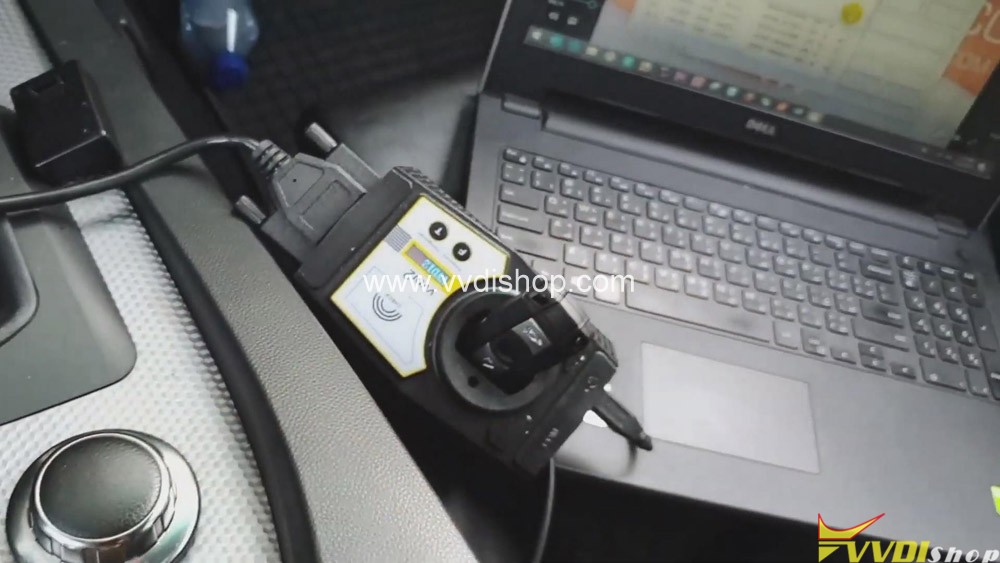
Use Xhorse VVDI2 to Program BMW CAS2-3 remote key via OBD

Here, VVDISHOP will share with you all how to use Xhorse VVDI2 to program remote key BMW CAS 2-3 through OBD-port

 Here you are:

Car vehicle: BMW car

What you need:

Xhorse VVDI2 Full

BMW CAS3 Remote

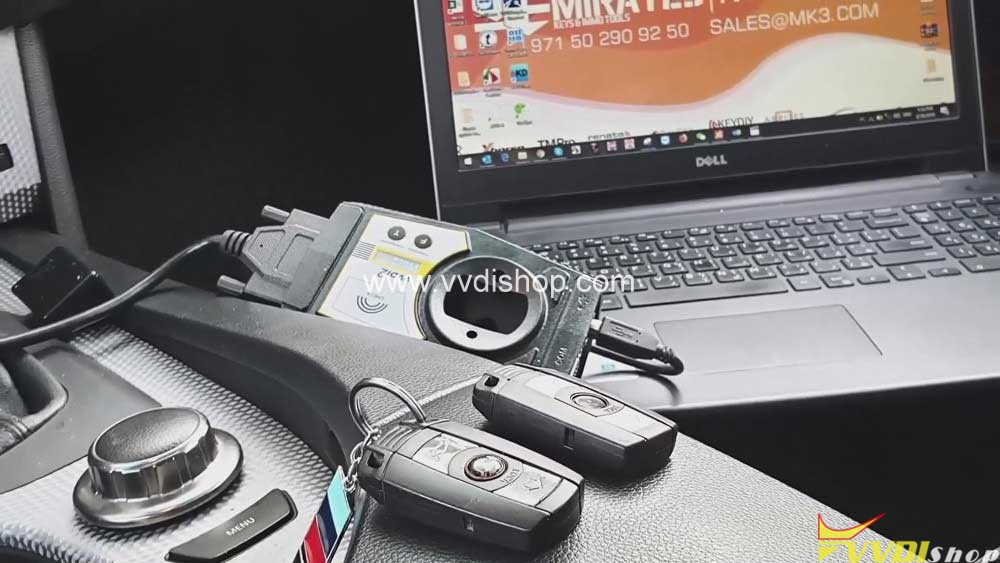
Xhorse VVDI2 to Program BMW CAS2-3 remote key via OBD

Steps:

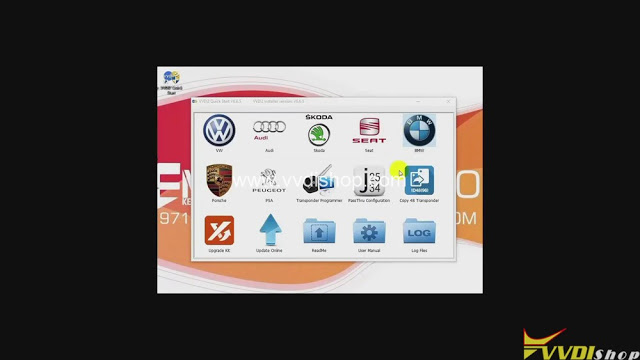
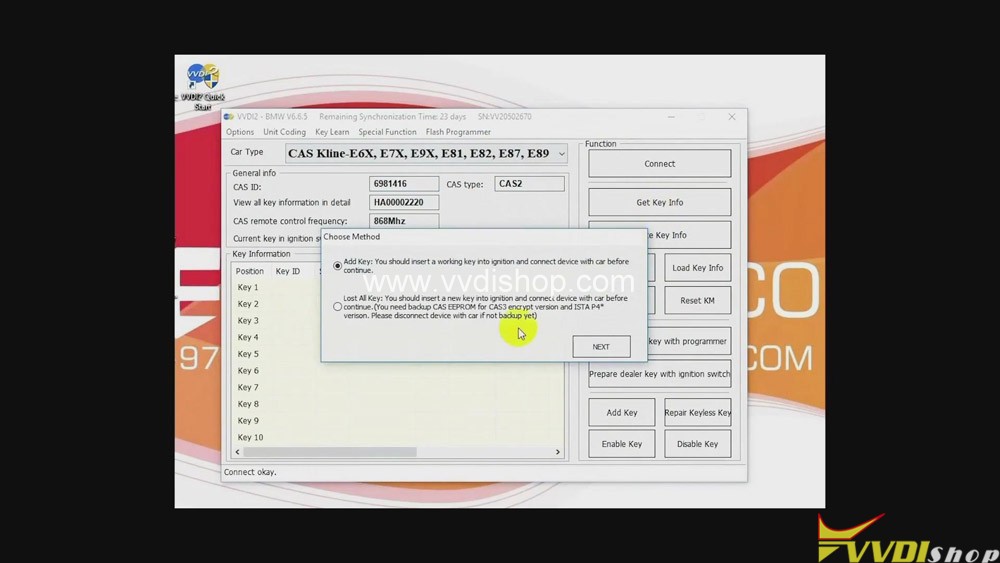
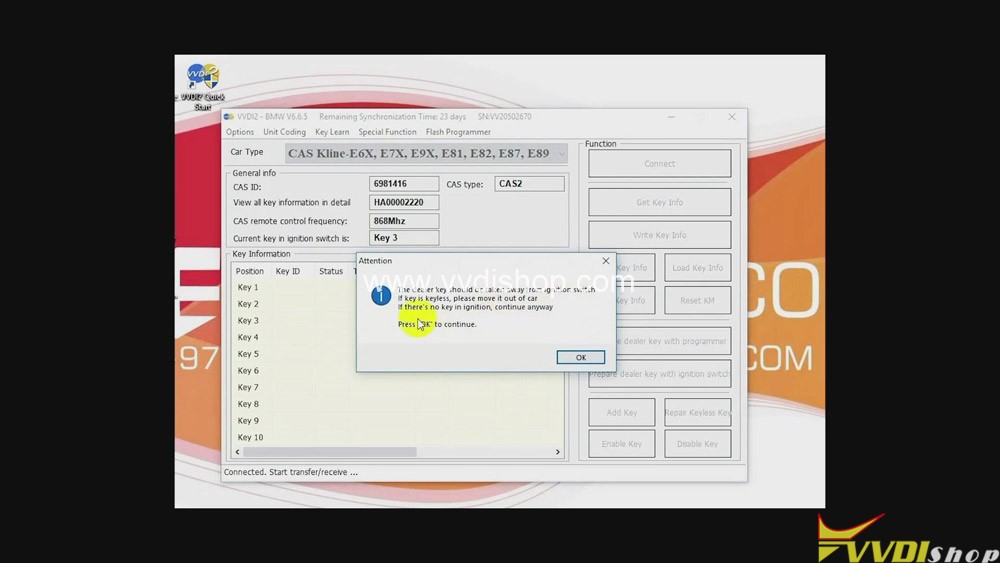
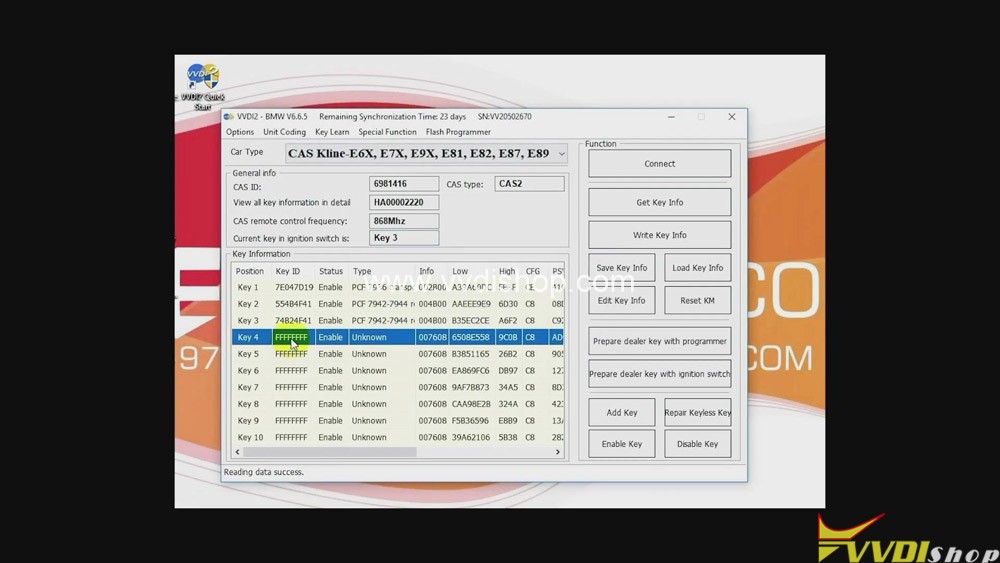
  1. Click “BMW” button>>“Connect”>>“Get key info”>>“Next”>>“OK”.
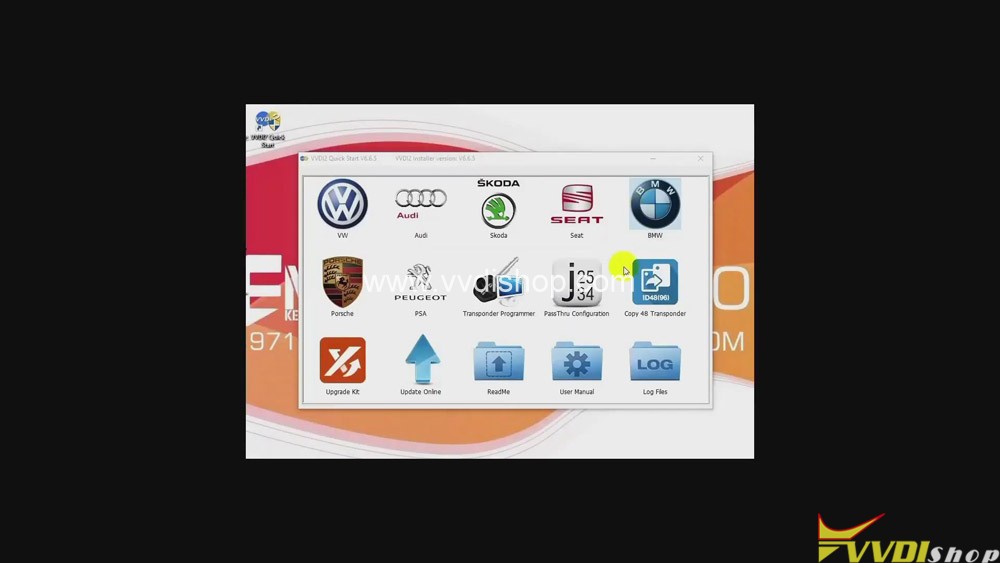
Xhorse VVDI2 to Program BMW CAS2-3 remote key by OBD
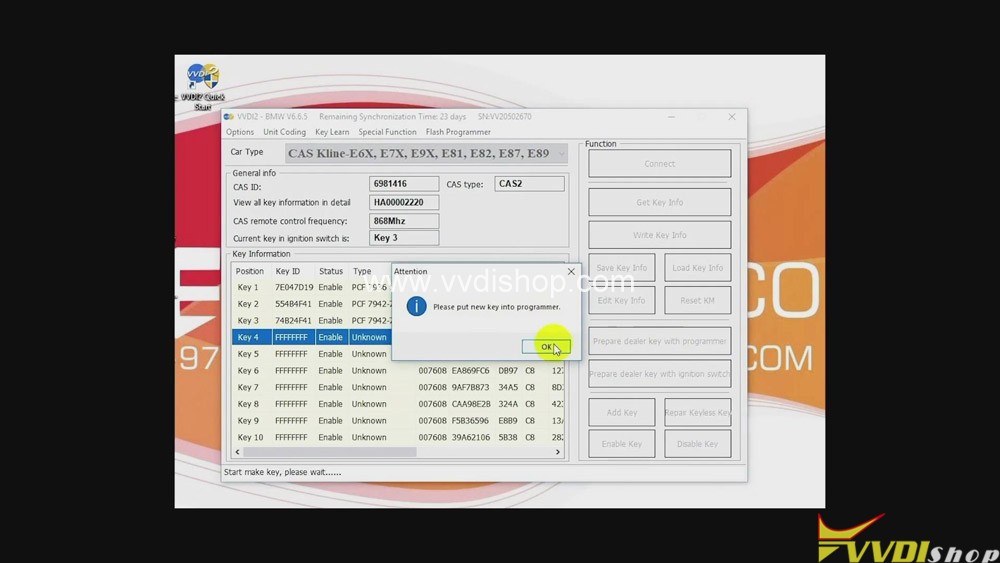
  • Click “OK” again>>“Key 4”>>“Prepare dealer key with programmer”>>“OK”.
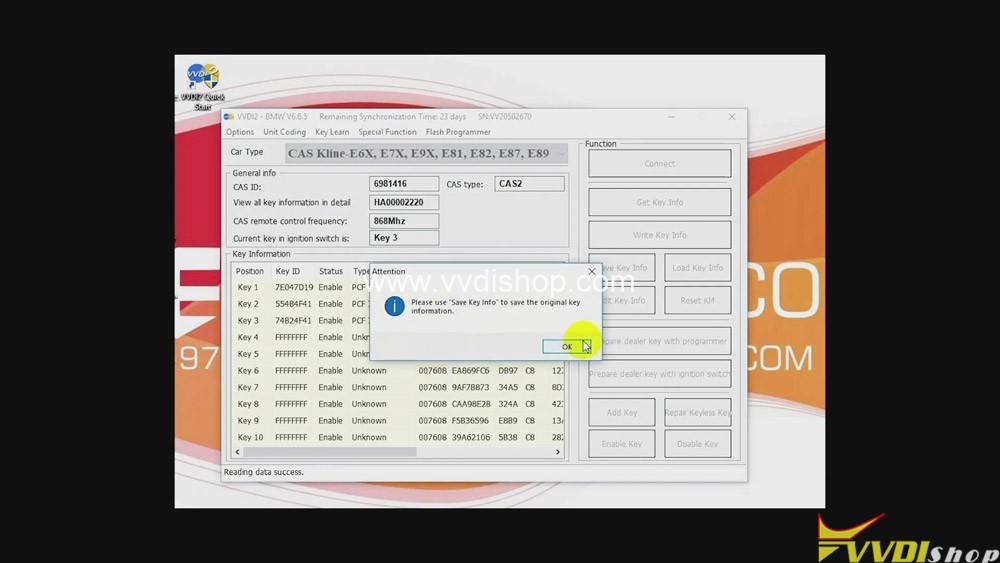
Xhorse VVDI2 to Program BMW CAS2-3 remote key by OBD

3.Put the new key into VVDI2.

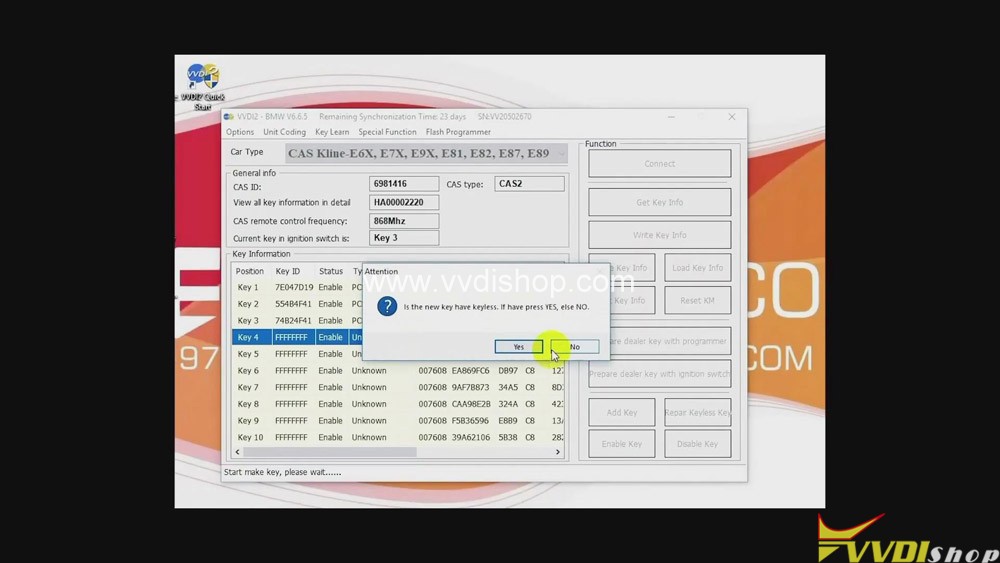
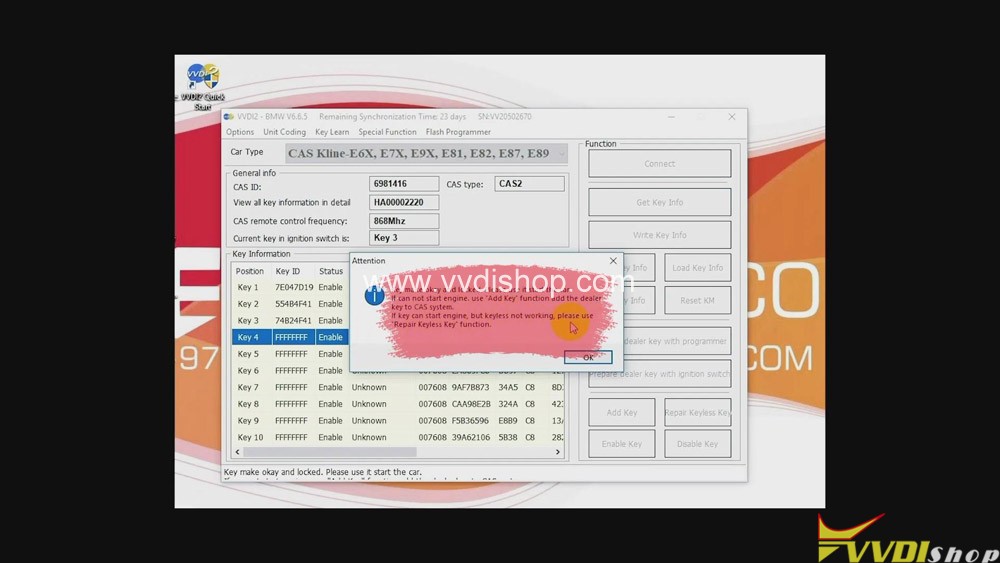
  • Click “No”>>“OK”.
Xhorse VVDI2 to Program BMW CAS2-3 remote key by OBD

Job on programming remote key BMW CAS 2-3 with Xhorse VVDI2 Full is done.

Read related article:VVDI2 Program BMW CAS4 CAS4+ Key via OBDII Step by Step

Design a site like this with WordPress.com
Get started