How to distinguish Xhorse VVDI Remotes Types

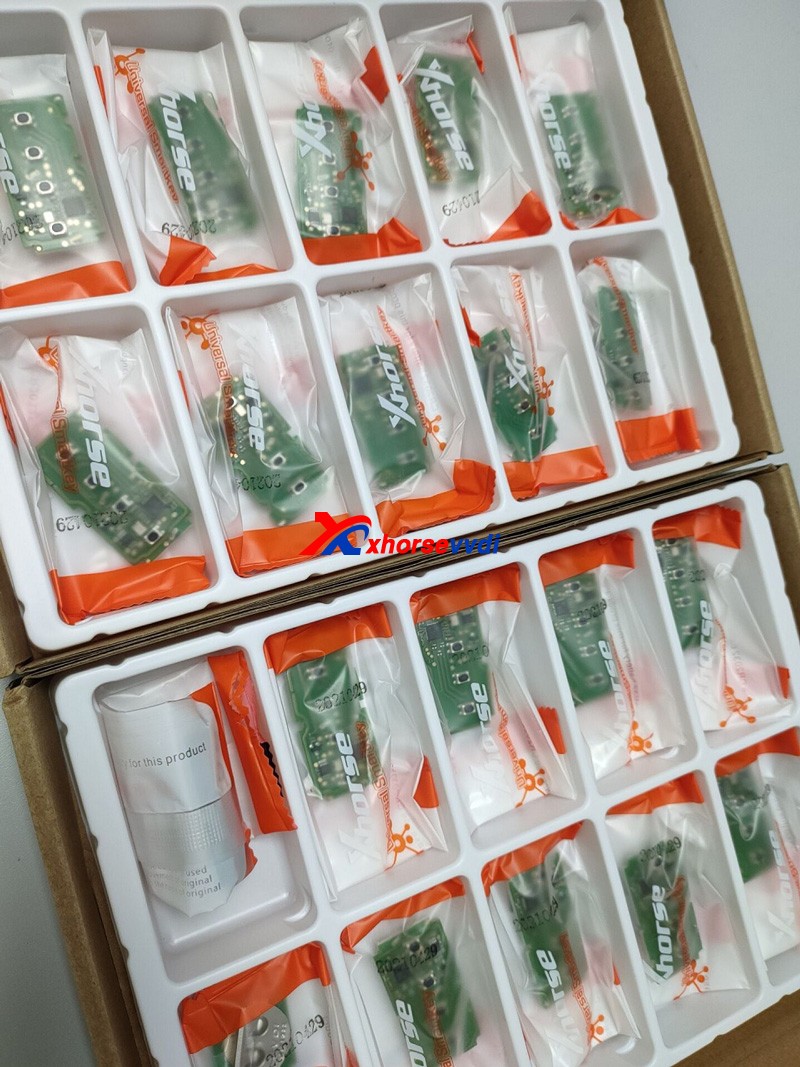
This article is about to explain the difference of VVDI Universal Remotes. Different keys have different colors although they are similar in appearance.

How to distinguish Xhorse Universal Remotes  Types

Comparison Chart:

                       Model
Information
Wired KeyWireless KeySuper RemoteSmart Remote
Target UserThe user who only matches remote, or those who have their own transponder to put it into the remote for matching.The user who wants to copy 46, or to generate 11,12,13,47,38 chip through 46, or to generate remote.Will cover the chip types that vvdi super chip can clone and generate, suitable for the user who want to generate remote.The user whose car key is a smart remote
Package ColorRedBluePurpleOrange
Package appearancehow-to-choose-xhorse-universal-remotes-with-different-colors-10
PCB appearance
Bonus Points25 points40 points40 points60 points
Factory CodeXK seriesXN seriesXE seriesXS series
Reusable
Remote control
Wired remote control×××
When using vvdi key tool/ vvdi2 to generate remote key, install the battery first×
Keyless Go×××
Will start the car after matching successfully× (without immo chip)
Transponder××
Generate other transponders××
Transponder copy 46××
Only use xhorse device to generate remote
Match remote by device
Manual remote match×
Use VVDI2 to match MQB remote key×××

1. Wired Key(Red, XK series)
Its circuit board should be connected to VVDI Key Tool Plus/Key Tool Max/Mini Key Tool by Remote generate cable (only one generated in a wired way).


There is no chip, no VVDI Super Chip or battery inside but only a circuit board.
By it we can make a Hyundai flip key since Hyundai doesn’t need a chip, or a Subaru WRX key with a chip, or just generate remote function etc.

2. Wireless Key(Blue, XN series)
This has a built-in chip (not a vvdi super chip), no socket and battery.


Eg. Honda Civic 2009 by Key Tool Plus
Remote Program.
It’ll tell us which one to choose.
how-to-choose-xhorse-universal-remotes-with-different-colors-5
Then just generate the remote, and program the chip via OBD port.

3. Super Remote(Purple, XE series)
This has a built-in Super Chip, no battery, so we can clone chips on it when we have a working key.
Eg. Ford F-150 2011 by Key Tool Plus
Remote Program.


We need to generate the remote and the chip on board, because the remote doesn’t learn with the chip.
Path: Generate Transponder>>New 4D+ chip(80 bits)


Then the chip could be learned via OBD port.

4. Smart Remote(Orange, XS series)
Put a battery in and generate it, and learn it via OBD port.

How to distinguish Xhorse Universal Remotes  Types 4

5. Other Tips
If Xhorse Key Programmer says only wireless, it needs to be the blue package with a chip because it means there’s no on-board procedure to learn the remote.
If wired/wireless key, we can use a wired remote and install a chip to it or just program the remote for some vehicles, or use the Super Remote.

Part of materials from russej02.

Source: http://blog.xhorse.co.uk/how-to-choose-xhorse-universal-remotes-with-different-colors/
How to generate Toyota TOY.T XM remote by using VVDI2

How to use Xhorse VVDI2 and TOY.T Universal Smart Key to generate Toyota XM remote.


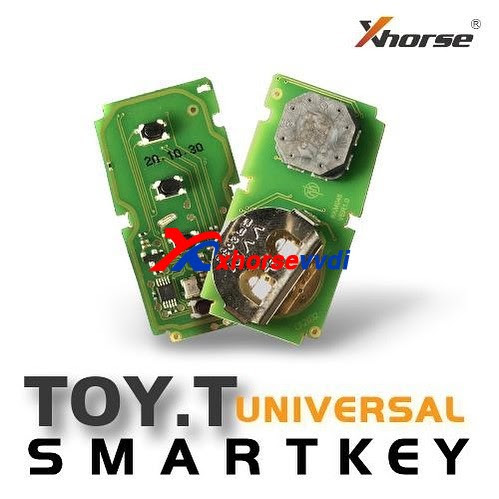
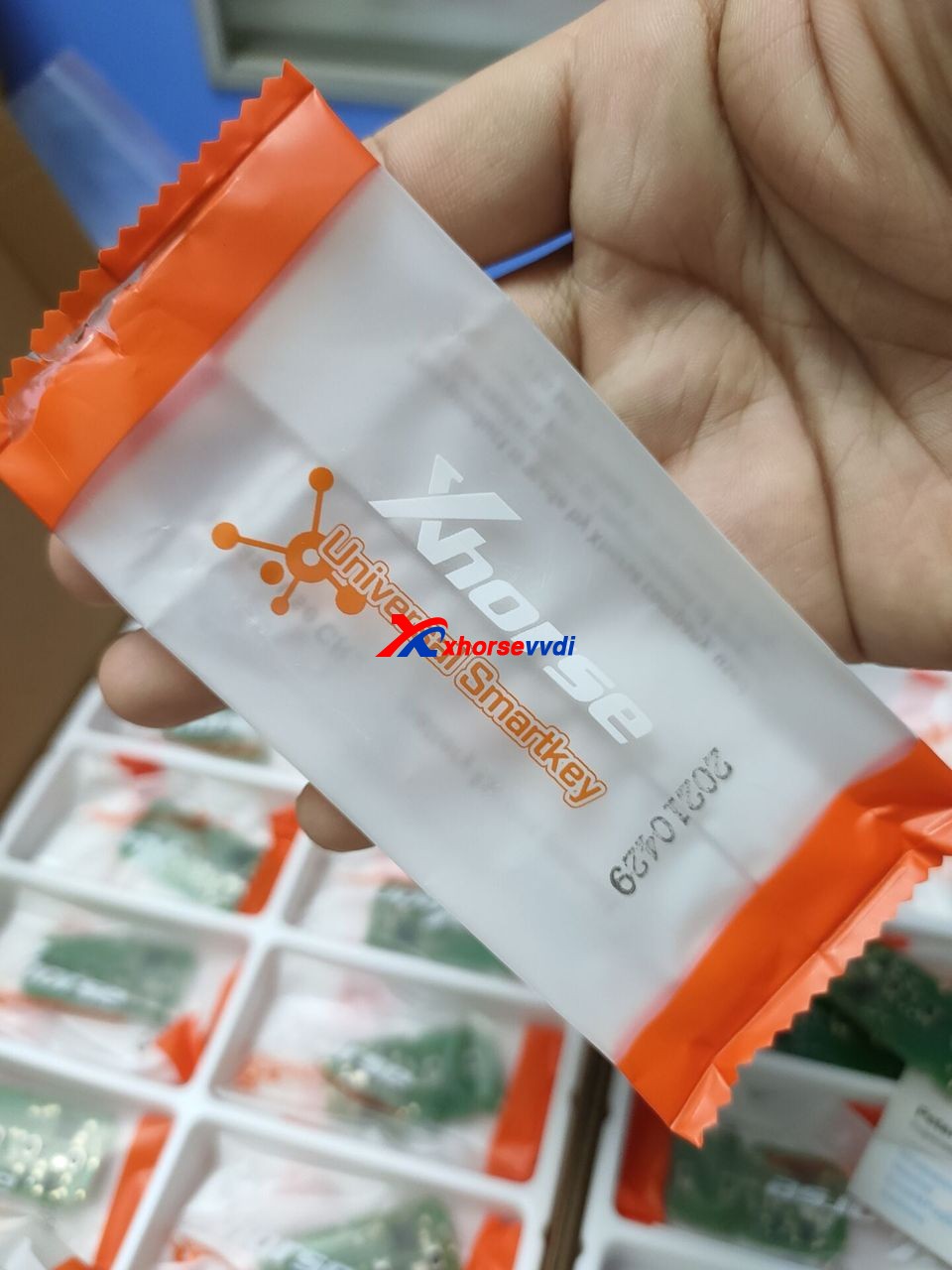
Look at TOY.T Universal Smart Key :


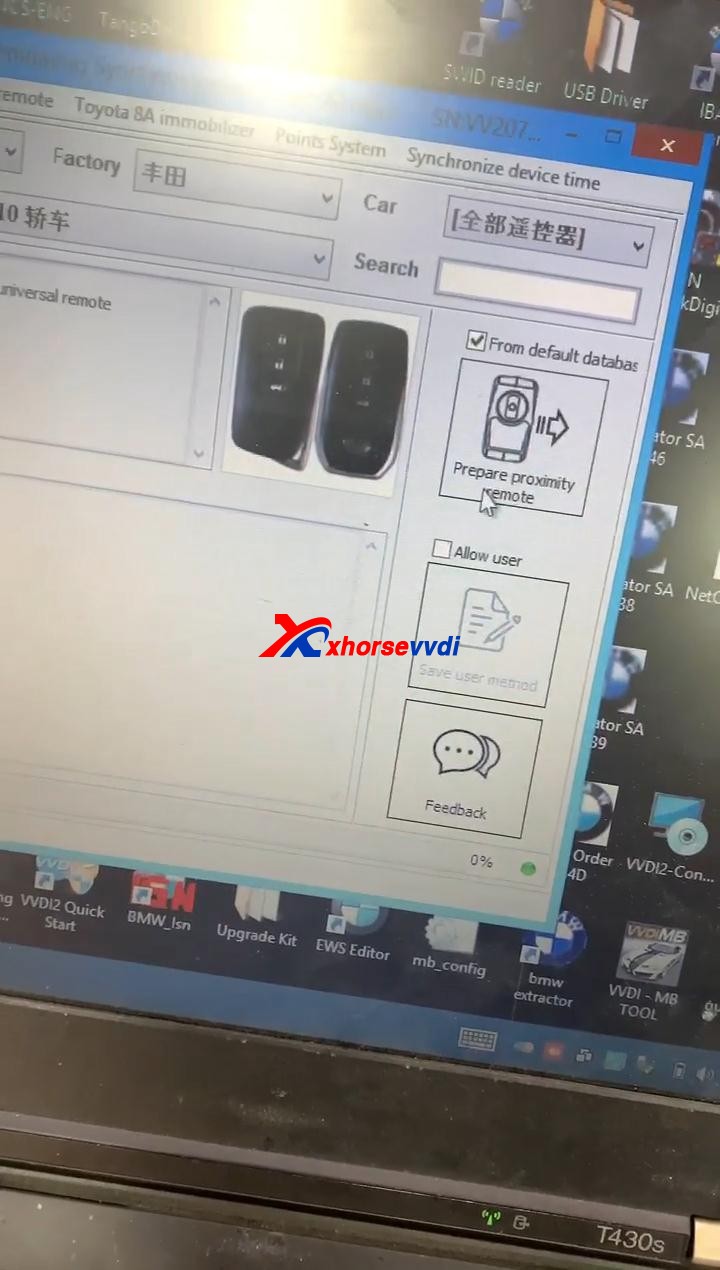
Open Xhorse VVDI2 software, click on “Prepare proximity remote”.


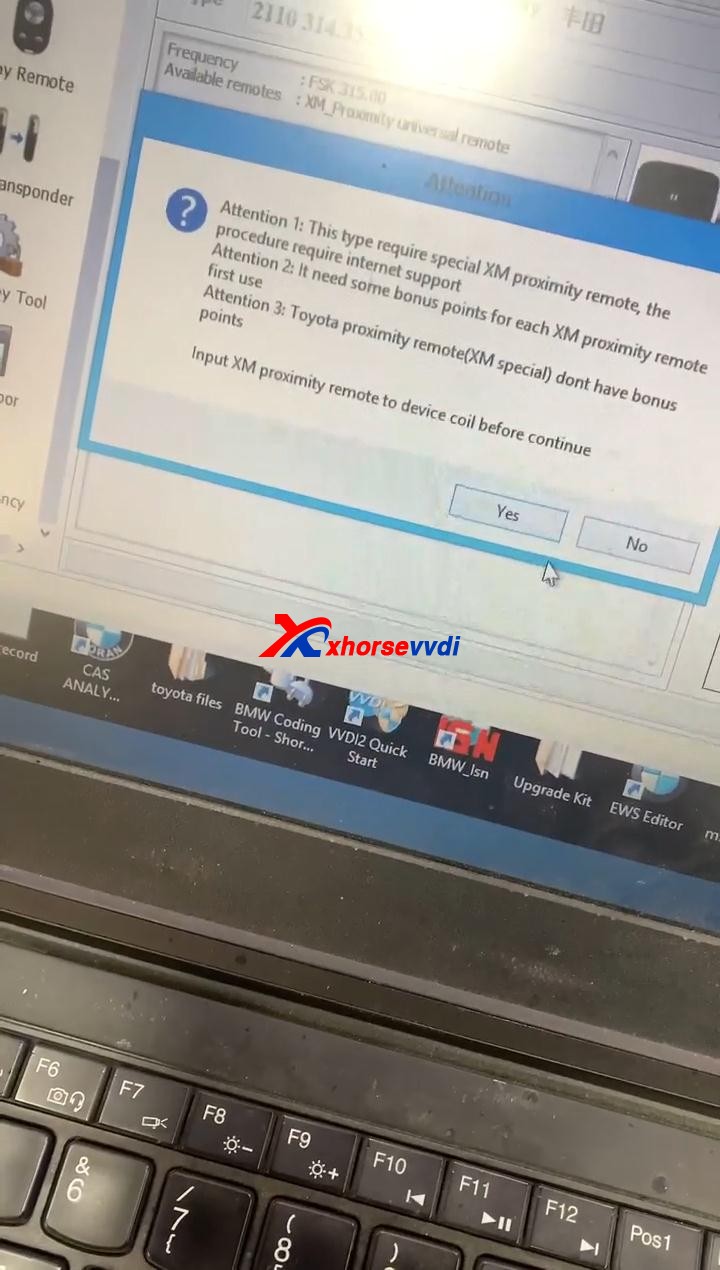
Read the following attentions and follow it:

Attention 1: This type require special Xhorse XM Smart Key, the procedure require internet support.

Attention 2: it needs some bonus points for each XM Proximity remote first use.

Attention 3: Toyota Proximity remote (XM special) don’t have bonus points.

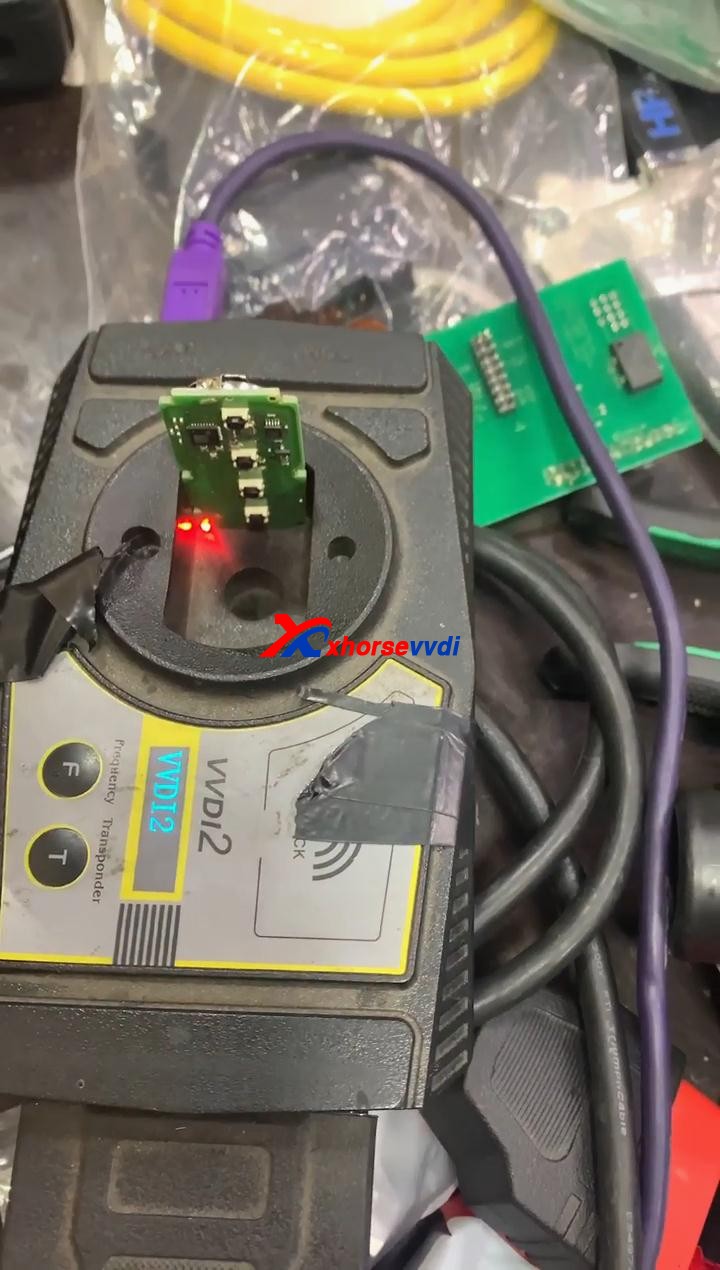
Input XM proximity remote to device coil before continue.


After reading the above attention, click on “Yes”. 

How to use Xhorse VVDI2 Program Toyota Smart Key  03


Synchronize with server.

Please wait…

Query result…

Calculating, require 5 seconds, query after 10 seconds… (Cannot be cancelled)

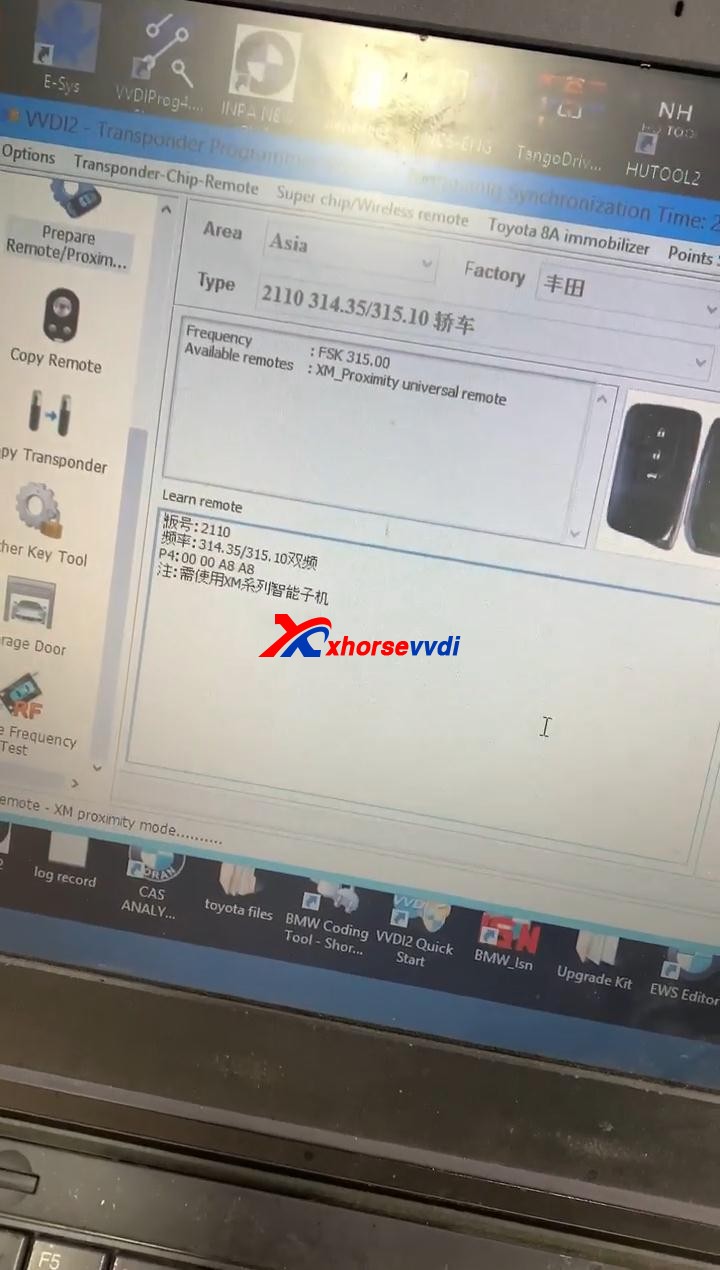
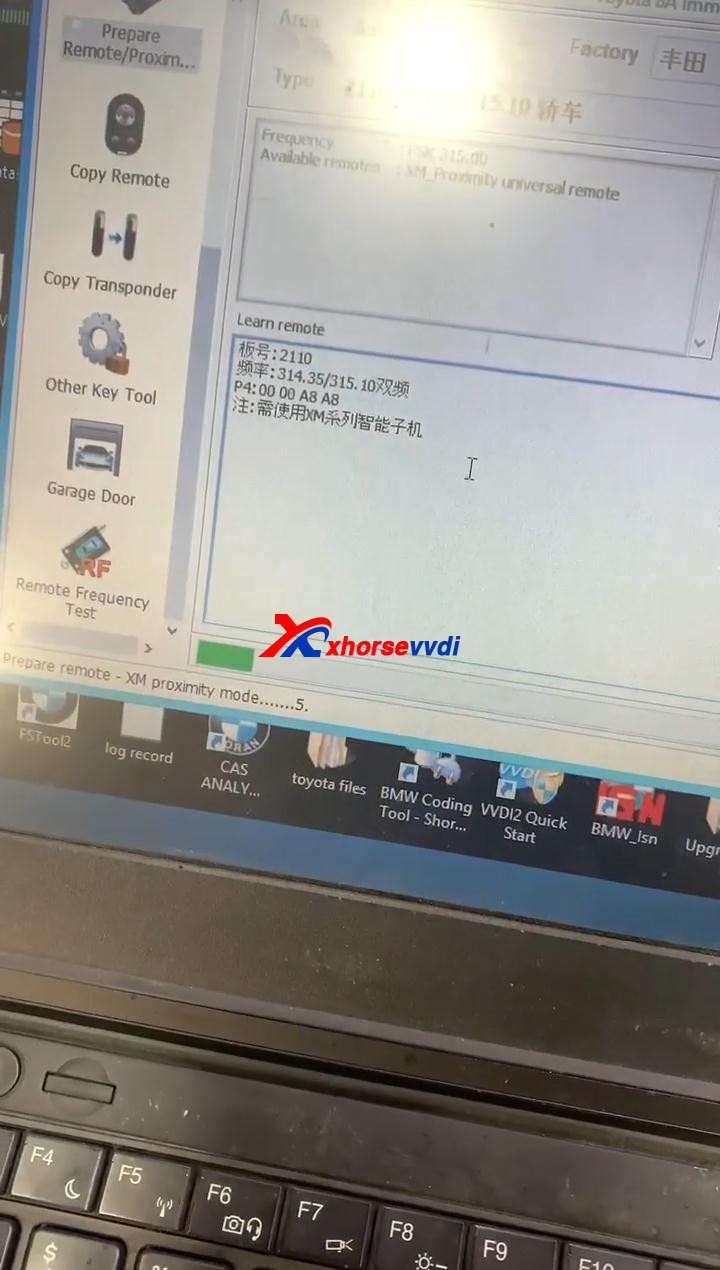
Prepare remote – XM proximity mode…5


Enjoy!


TOY.T Universal Smart Key is available here:

https://www.xhorsevvdi.com/wholesale/xhorse-smart-key-for-toyota.html


Source:https://www.xhorsevvdi.com/

Design a site like this with WordPress.com
Get started