Today, we took 2007 Saab 9-3 add a spare key as an example , show you how to use Xhorse VVDI2 and VVDI PROG work together ,Some users struggle to obtain the PIN for Saab’s and cannot program via OBD so we show you the method that will overcome this problem.
- VVDI Prog can read the EEPROM dump file
- VVDI2 transponder programmer software program chip.
Need: Removed the CIM unit from this Saab 9-3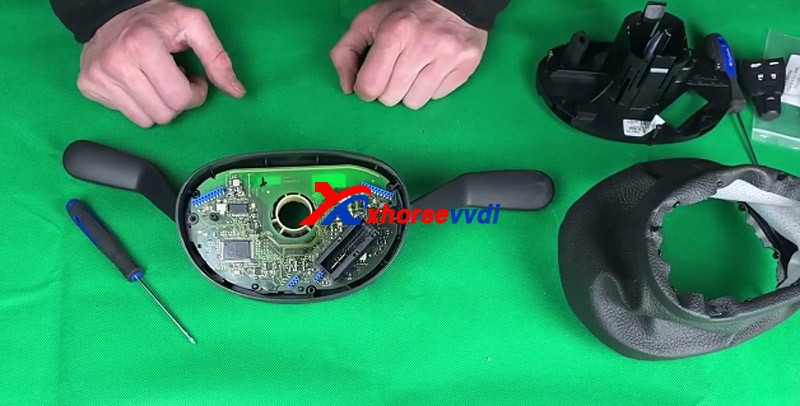
To identify the chip that needed reading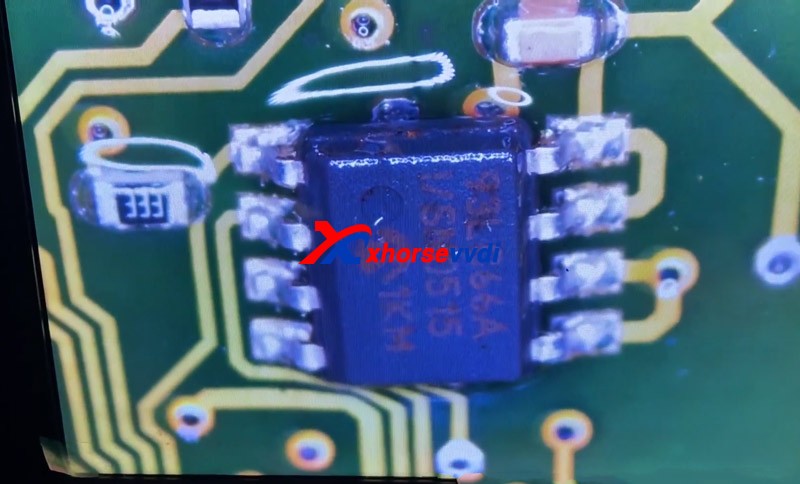
if we couldn’t see what number chip it was,spaying the chip with some brake cleaner did the trick, and don’t worry, this is safe and won’t cause any damage
once it dried we desoldered the chip and soldered it to the eeprom adaptor included with VVDIProg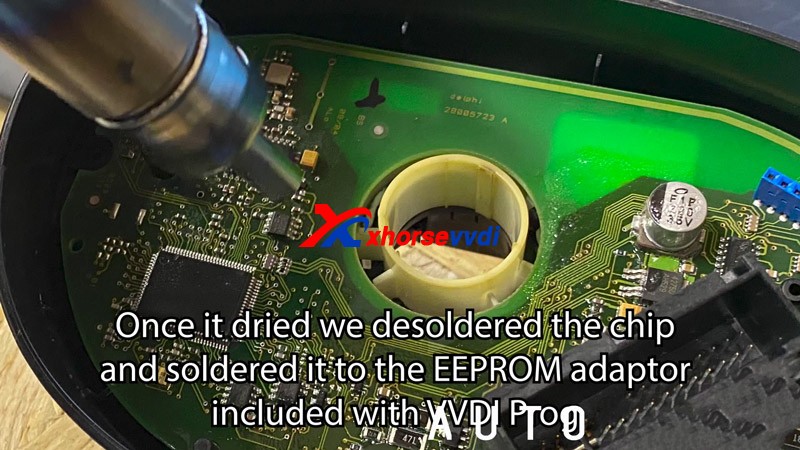
Connect vvdi2 and VVDI prog (with EEPRO Adaptor mounted) to PC by USB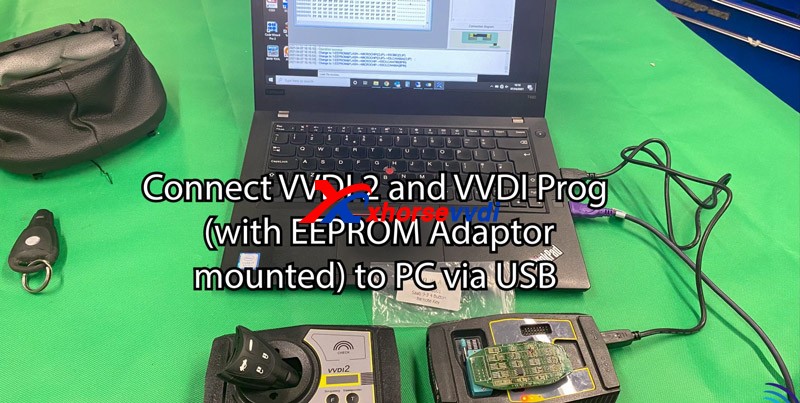
Change type to “1-EEPROM & Flash” >>Change brand “MICROCHIP”>>
Change Chip to 293/lc/AA66A (8PIN)
Then click read 05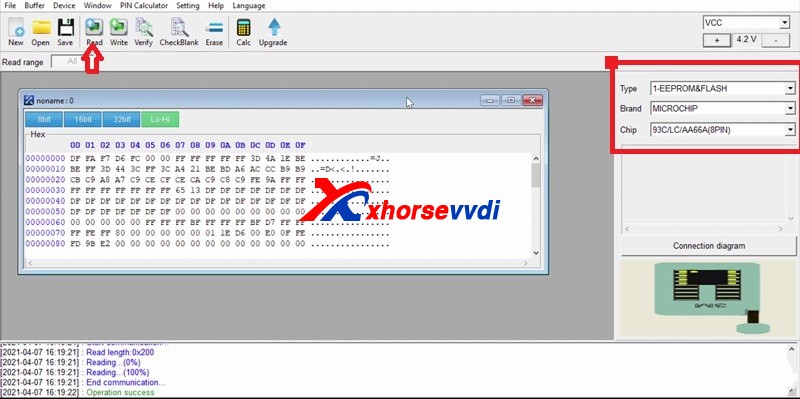
Once the chip has been read save the state your PC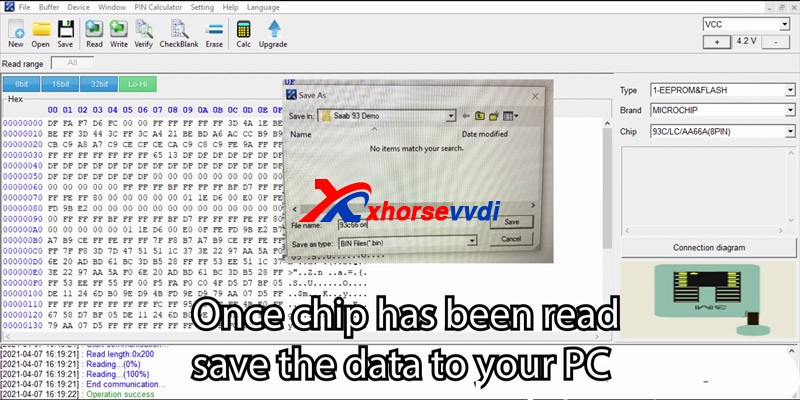
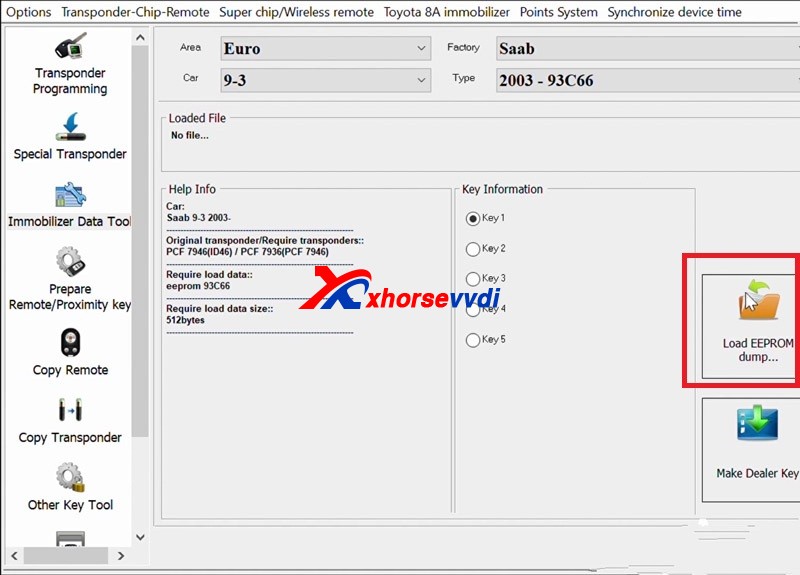
Select vehicle by changing area factory car and type
load the file that you saved Prior to this step
select key destination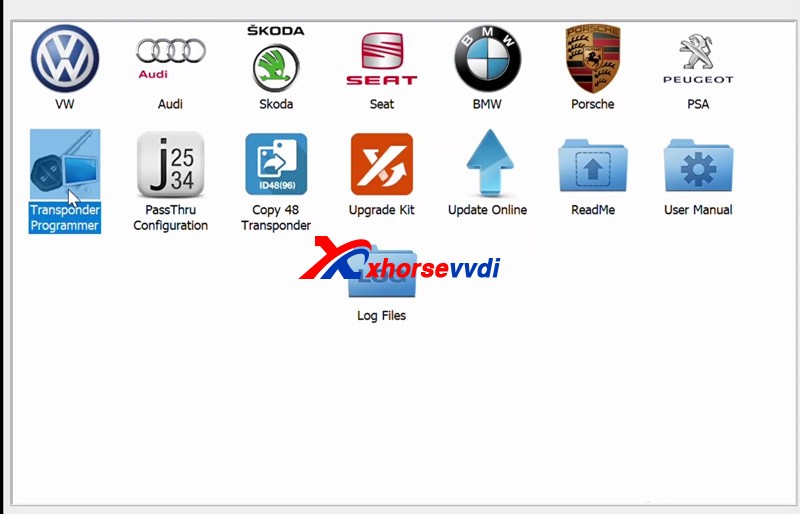
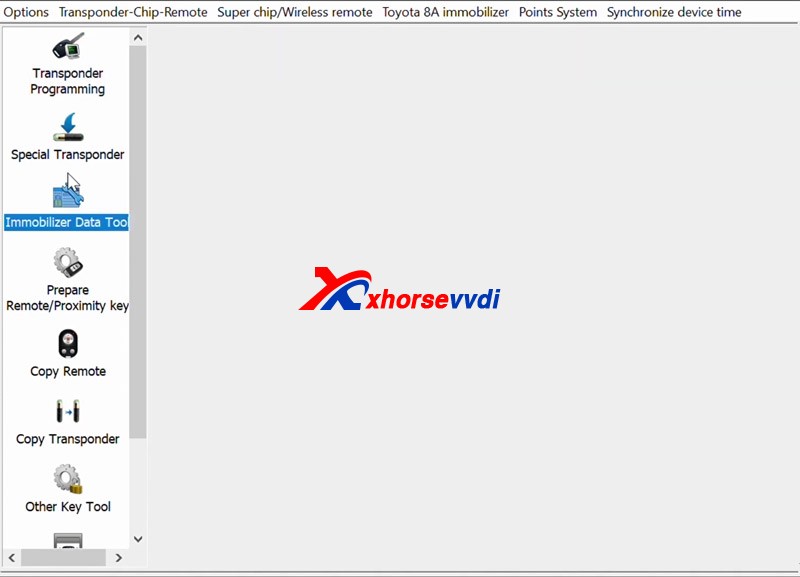
Place the new key in VVDI2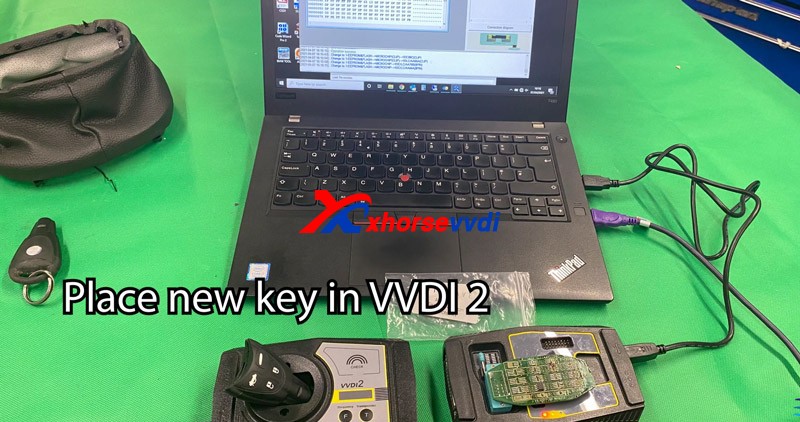 Make dealer key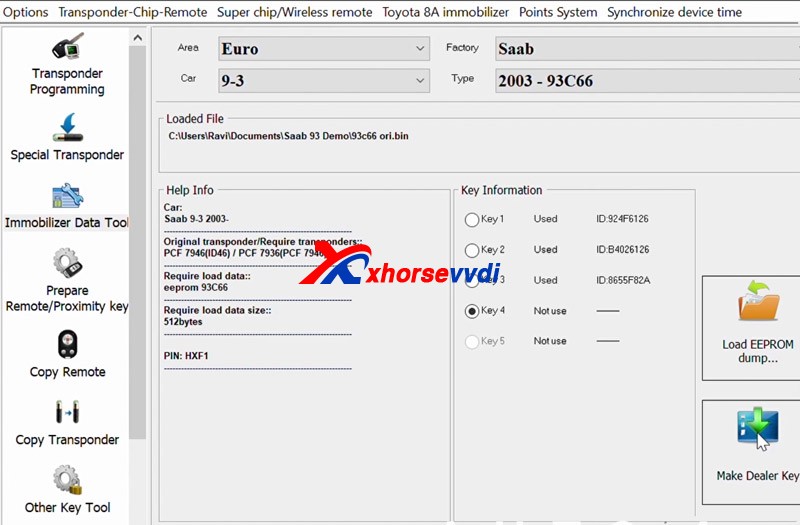
Pick PCF 7936(PCF 7946) as your transponder type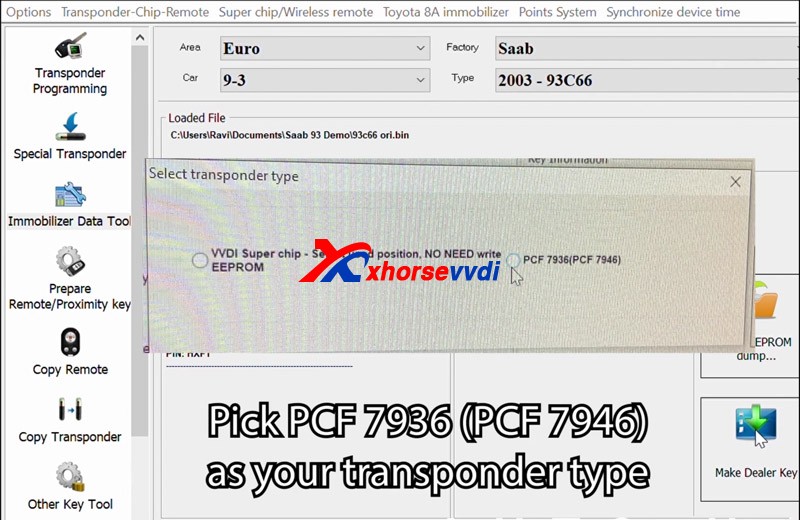 when this message appears,click ok
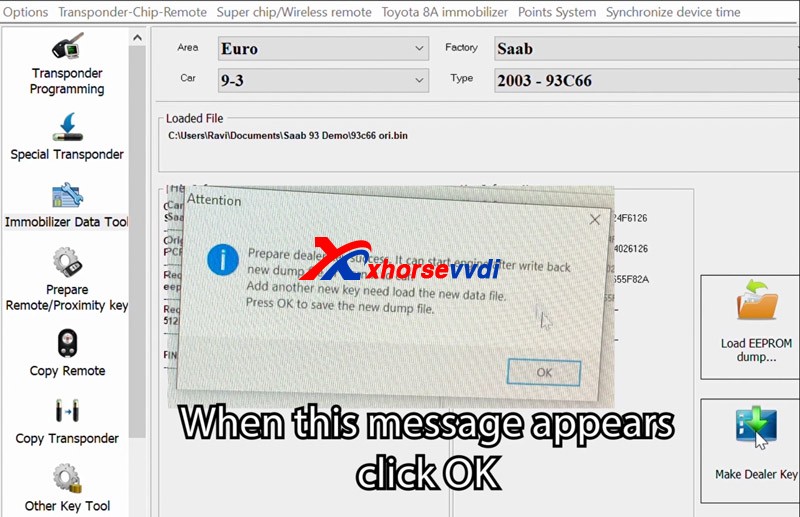 Prepare dealer key success, it can start engine after write back new dump file or learn it to car
Add another new key need load the new data file,
Press OK to save the new dunmp fileSave new dump file to PC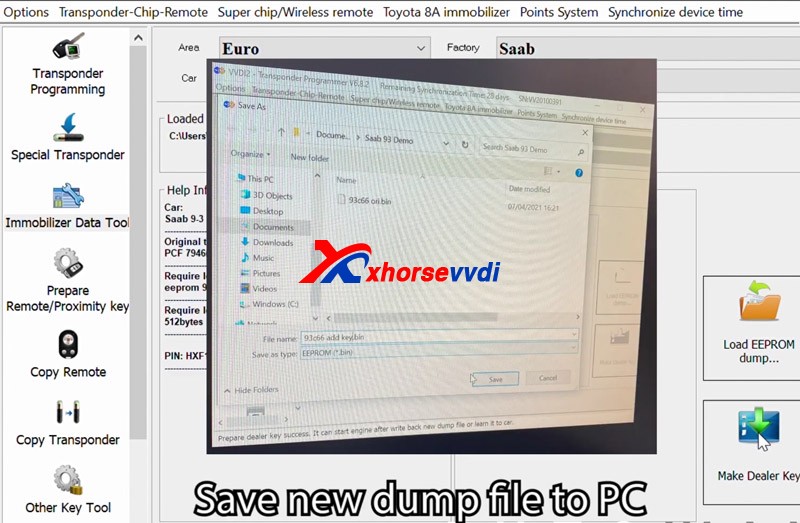 Open new dump file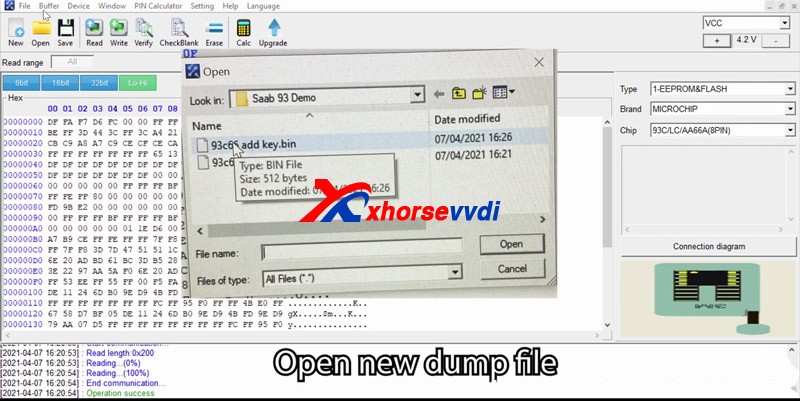
Write new data to the chip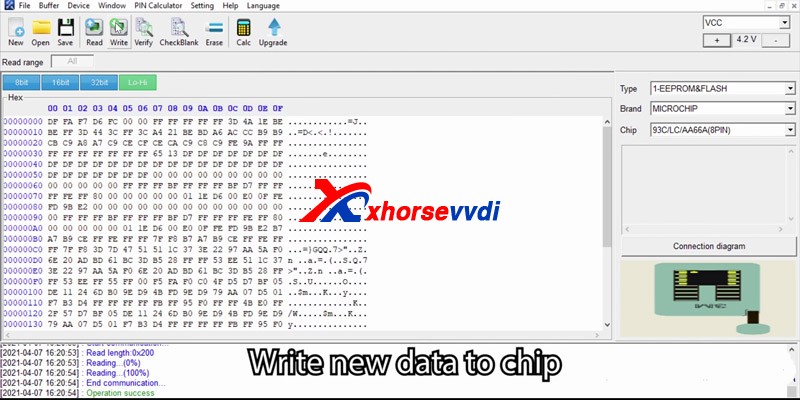
after Operation success, then verify
check success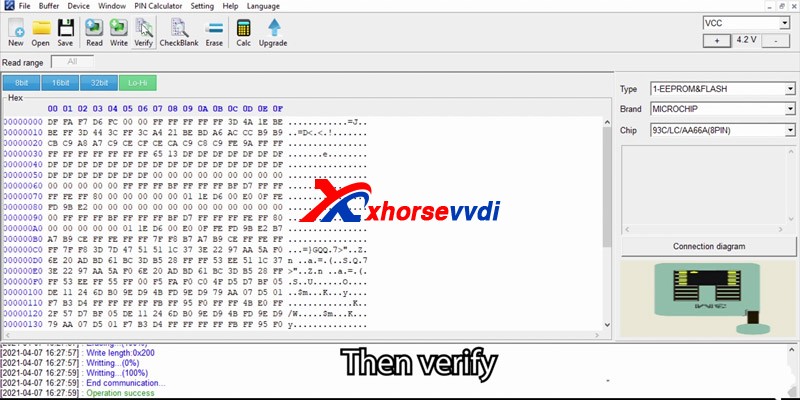
Resolder EEPROM to CIM, reassemble CIM unit and install back into the car, once complete reconnect the battery
Check the spare key, it worksXhorse vvdi2 and VVDI prog program 2007 Saab 9-3 add keys successfully! https://www.xhorsevvdi.com/
 xhorse vvdi key tool max