Read & write for Porsche Key With VVDI Programmer User Manual

This article is about to compare different ways to read Porsche BCM and program keys by Xhorse Programmer. Some require de-soldering, while some don’t with certain cables and adapters.

Method 1. VVDI PROG (Desoldering required)

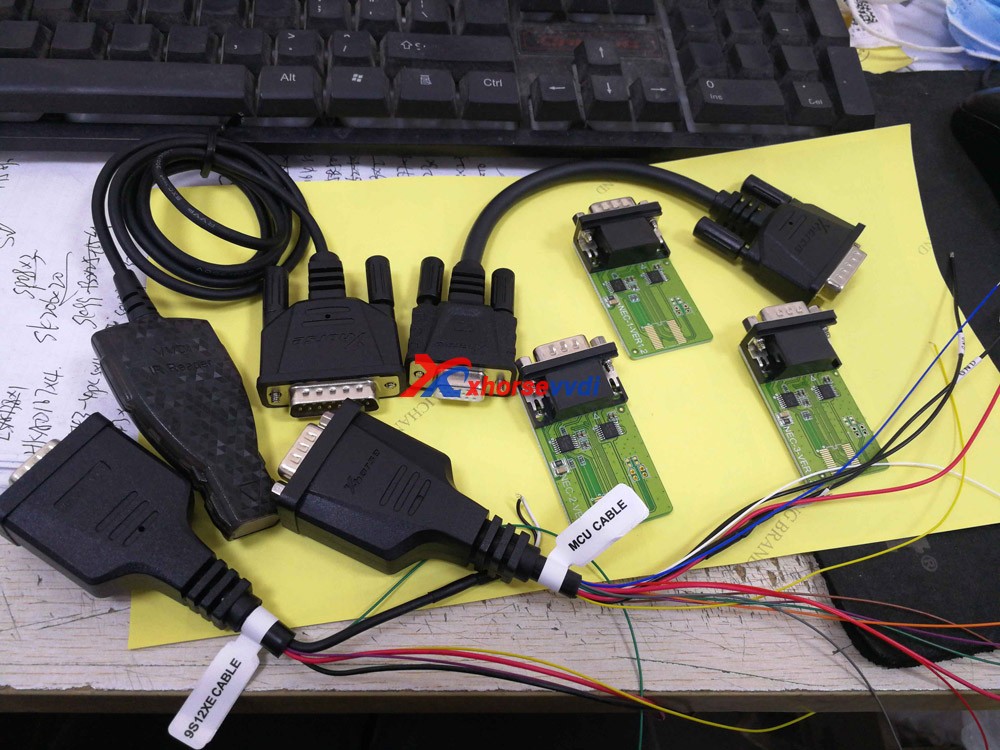
This way requires MC9S12 reflash cable included in the package and to desolder components (and to cut wires on part of chips).

1)Panamera (1L15Y) tested OK

It requires removing a component and soldering it back after reading and saving the FLASH file.

vvdi prog Panamera (1L15Y) tested OK

2)Macan (1N35H) & Cayenne GTS (5M48H) tested OK

It requires removing two components, cutting a wire, and soldering them back after it’s complete.

vvdi prog Macan (1N35H) & Cayenne GTS (5M48H) tested OK01
vvdi prog Macan (1N35H) & Cayenne GTS (5M48H) tested OK 02

General procedure (VVDI PROG+VVDI2):

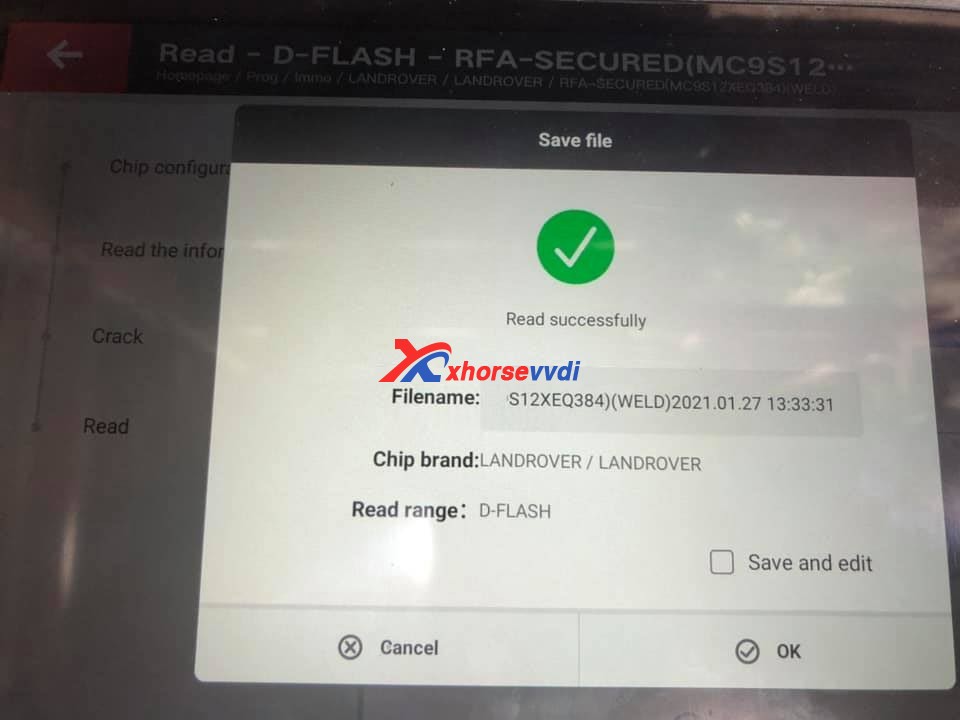
  • Read&save D-FLASH file (VVDI PROG)>>Load the file (VVDI2)>>Program keys>>Install back BCM>>Learn keys via OBD (VVDI2)

Method 2. VVDI Programmer with Porsche Fast Easy Cable

This way requires Porsche Fast Easy Cable and wiring. No soldering is required.

This adapter works with VVDI PROG, VVDI2, and Key Tool Plus to read BCM without soldering.

1)1N35H tested OK

VVDI prog Programmer with Porsche Fast Easy Cable

The rest procedure is similar to method 1.

Method 3. VVDI Key Tool Plus/Mini Prog with XDNPP017 Adapter

This way requires XDNPP017 Solder-free Adapter, so soldering is not required in this way as well.

1)Cayenne (5M48H) and Macan (1N35H) tested OK

KTP Cayenne (5M48H) and Macan (1N35H) tested OK 01
KTP Cayenne (5M48H) and Macan (1N35H) tested OK 02

General procedure:

  • Read&save D-FLASH file (Key Tool Plus/Mini Prog)>>Load the file (Key Tool Plus)>>Program keys (Key Tool Plus)>>Install back BCM>>Learn keys via OBD (Key Tool Plus)
KTP Cayenne (5M48H) and Macan (1N35H) tested OK 03
KTP Cayenne (5M48H) and Macan (1N35H) tested OK 04

Alright, different methods require different adapters & cables and operation and watch the devices that adapters support.
  1. How to use VVDI2 and VVDI Prog to Program Porsche Paramera Key? 
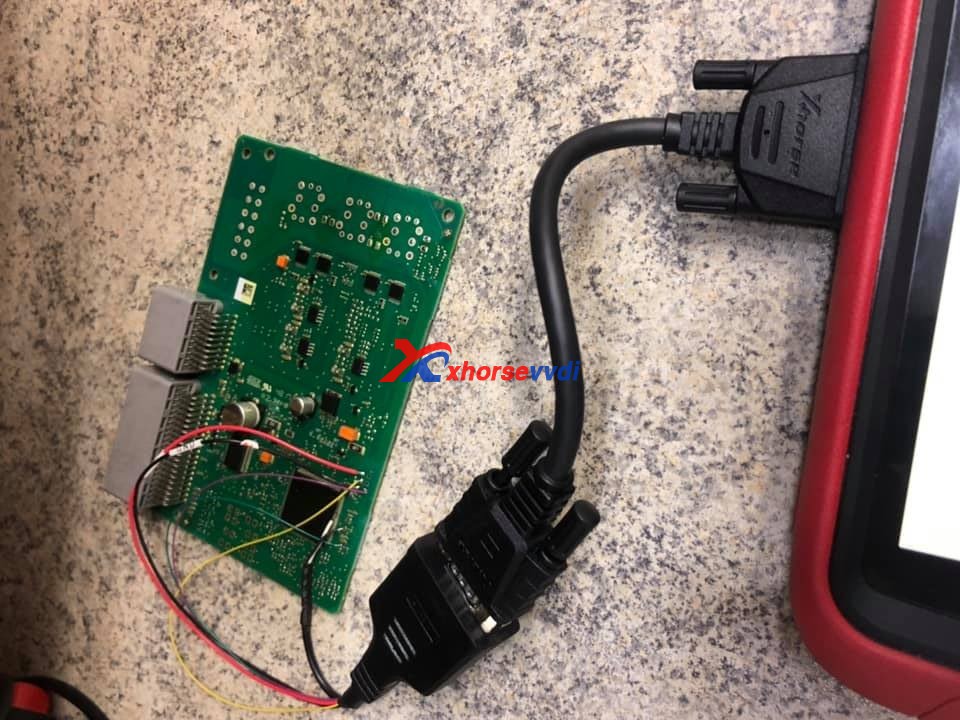
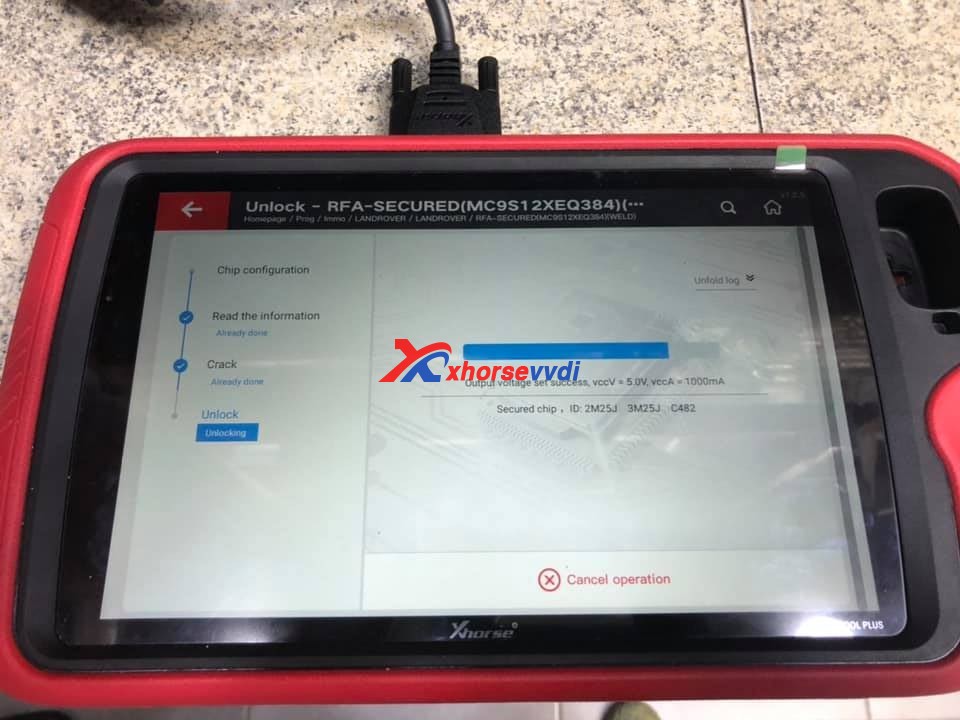
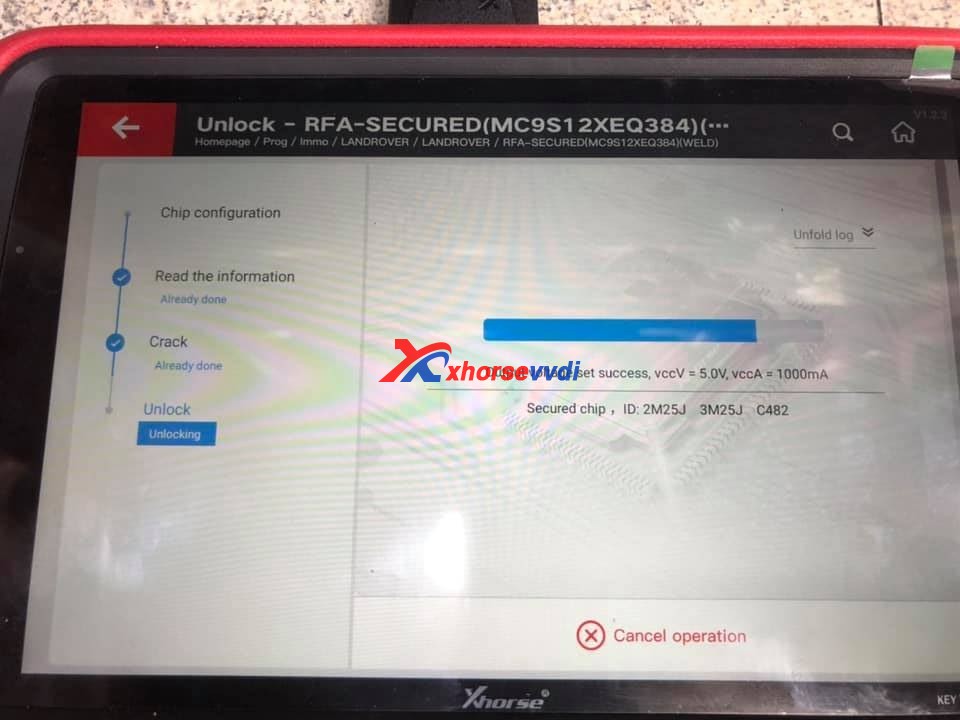
  2. VVDI Prog Programmer Read Porsche BCM 2M25J Successfully 
  3. How to use VVDI2 and VVDI Prog to Read Write Porsche Key?
  4. Xhorse VVDI Key Tool program 2011 Porsche Cayenne AKL 
  5. VVDI Prog Read Porsche BCM Data Tips 

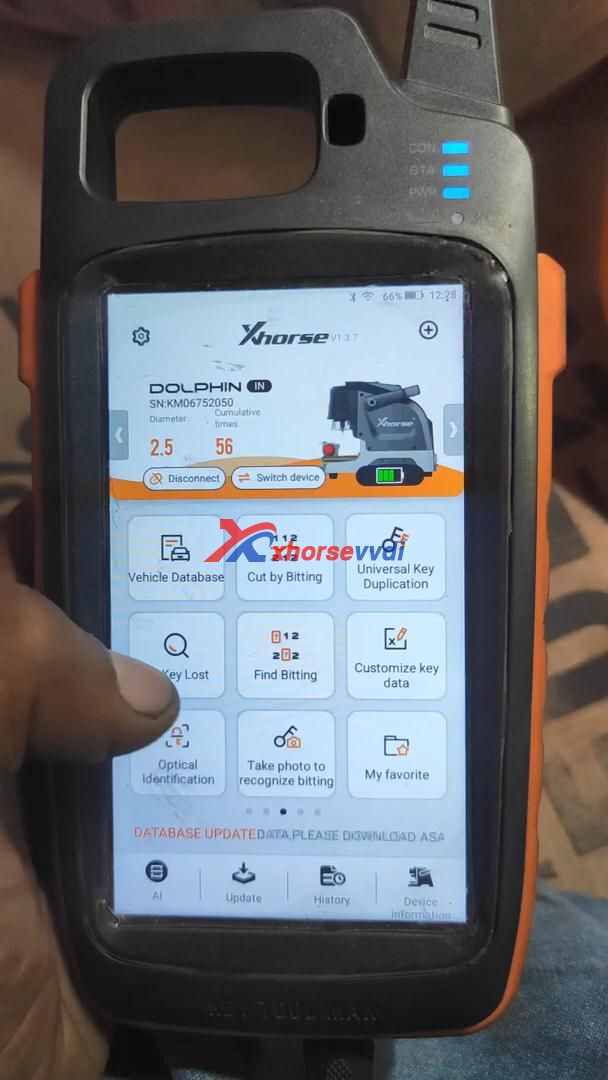
Xhorse VVDI Max with Dolphin XP005 to cut a Mahindra Bolero Key

Confirmed! The Xhorse VVDI KEY TOOL MAX can be used to connect with dolphin xp005 key cutting machine to program  Mahindra Bolero all keys lost 

Firstly, please bind VVDI Key Tool Max with Xhorse Dolphin XP005 via Bluetooth.

In Key tool max menu, switch to Condor Dolphin XP-005 page, then connect with Dolphin XP005 via Bluetooth.

Part 1. Operate VVDI Key Tool Max:

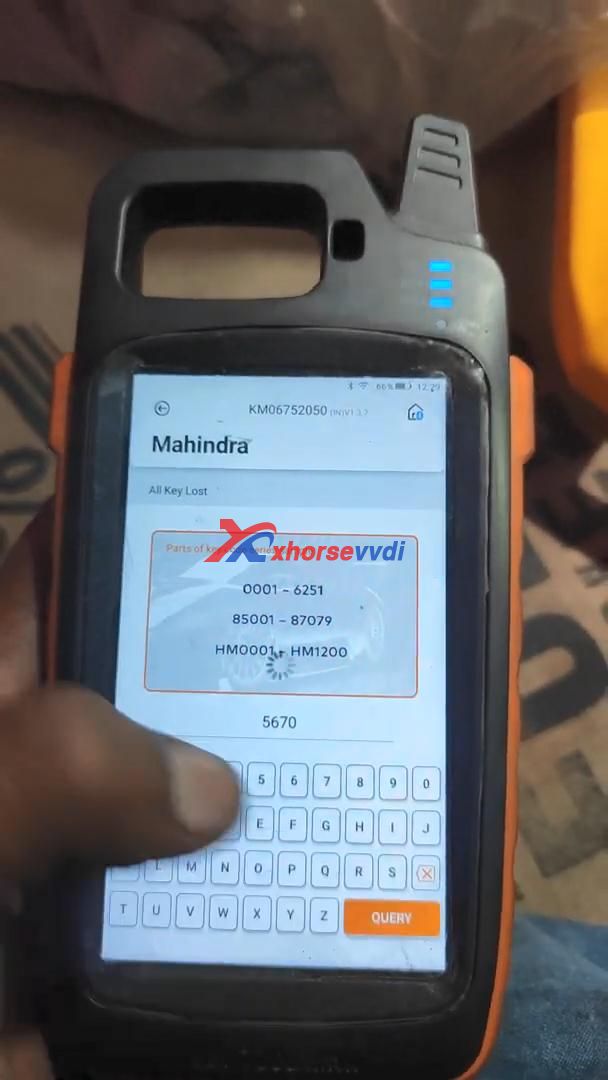
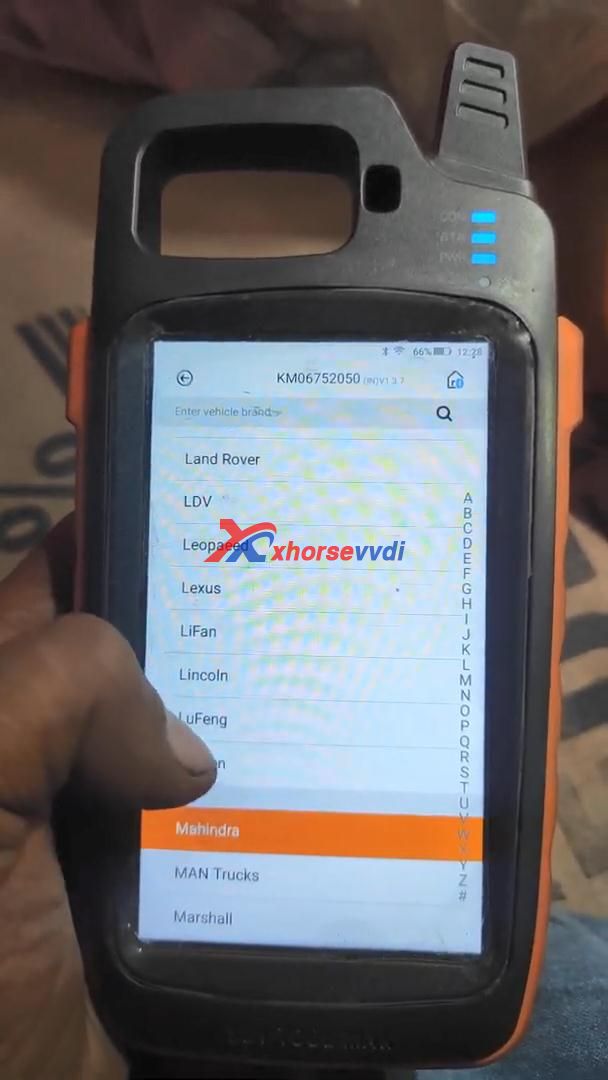
Tap “Key Lost” ->> Mahindra ->> Enter code “5670”

Xhorse VVDI Max with Dolphin XP005 to cut a Mahindra Bolero Key  01
Xhorse VVDI Max with Dolphin XP005 to cut a Mahindra Bolero Key  02
Xhorse VVDI Max with Dolphin XP005 to cut a Mahindra Bolero Key  03

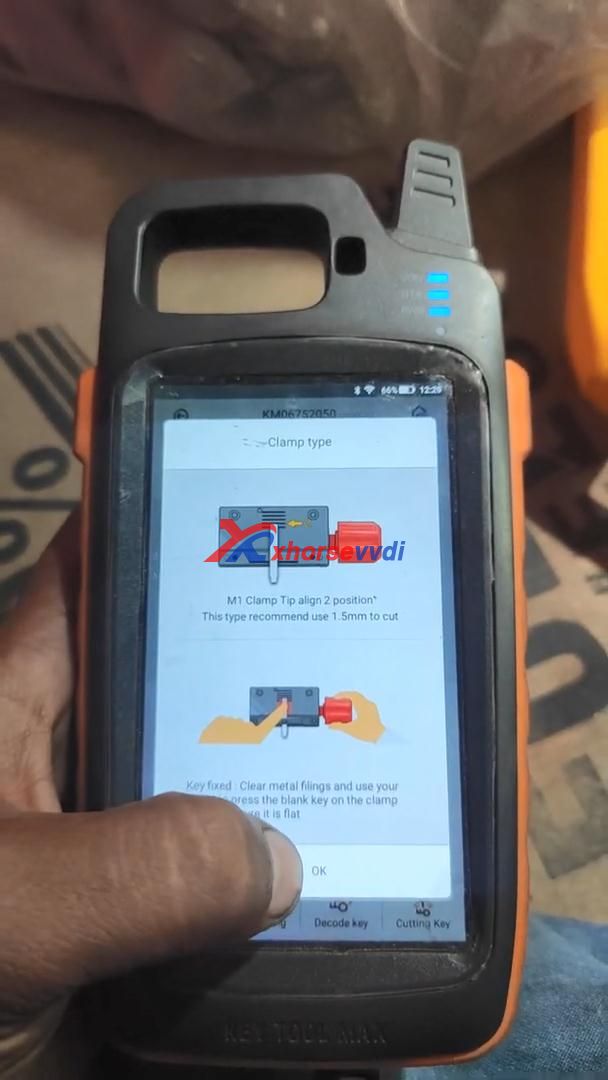
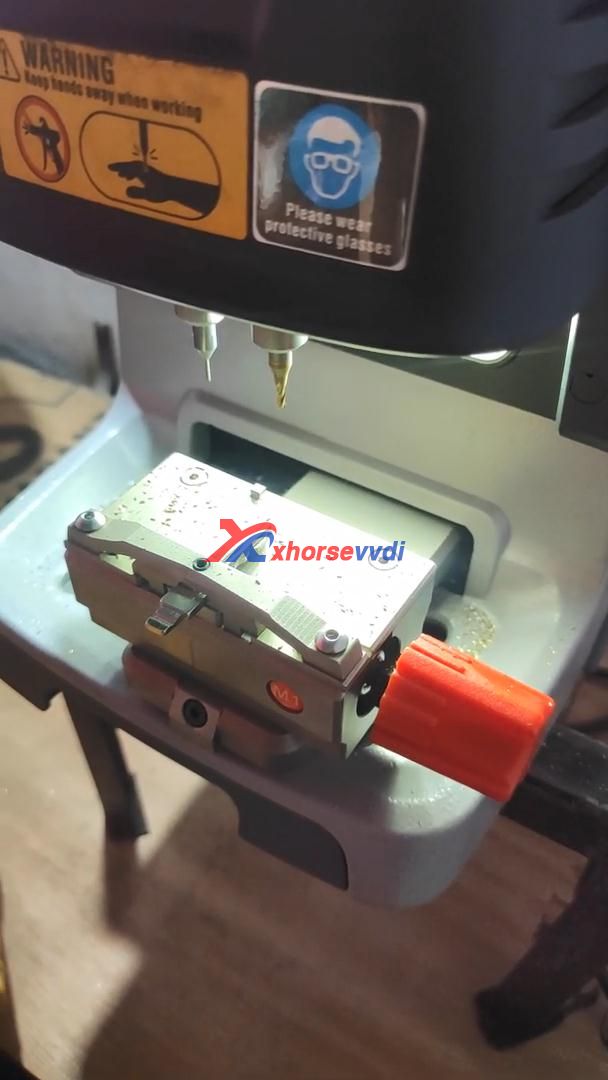
Please follow “Clamp type” to align M1 clamp tip to 2 position, this type recommend use 1.5mm to cut.
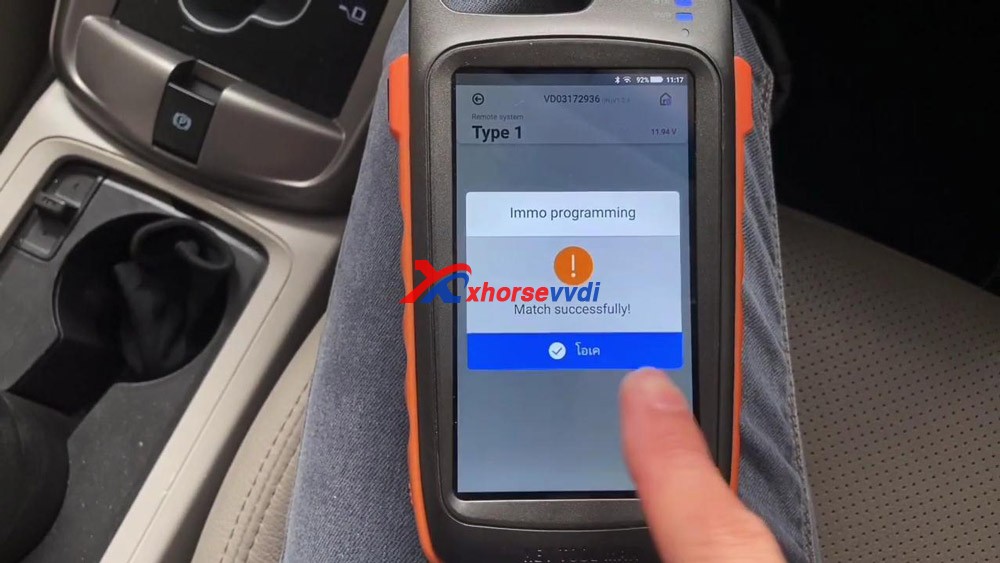
Xhorse VVDI Max with Dolphin XP005 to cut a Mahindra Bolero Key  04

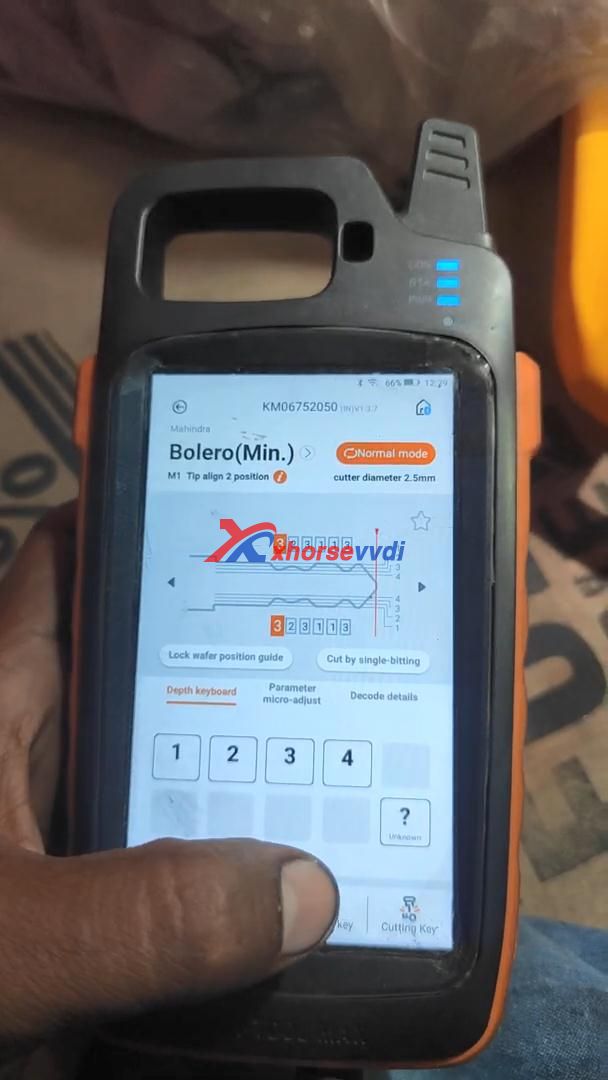
Select “Cutting key” and continue to make sure the cutting depth.
Xhorse VVDI Max with Dolphin XP005 to cut a Mahindra Bolero Key  05

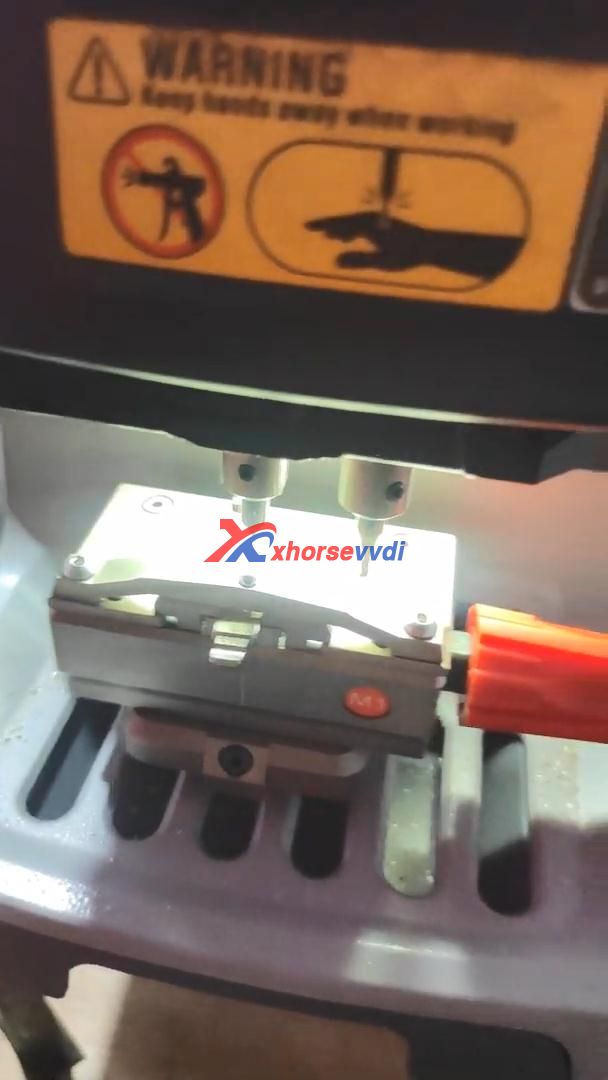
Part 2. Start cutting key using Xhorse Dolphin XP005 automatically.

Xhorse VVDI Max with Dolphin XP005 to cut a Mahindra Bolero Key  06
Xhorse VVDI Max with Dolphin XP005 to cut a Mahindra Bolero Key  07

Alright, it’s so easy to use VVDI Key Tool Max together with Xhorse Dolphin XP005 to cut a key.

http://blog.xhorsevvdi.com/cut-mahindra-bolero-all-key-lost-using-vvdi-key-tool-max-dolphin-xp005/

VVDI Mini Key Tool read write chip, generate remote wired / wireless

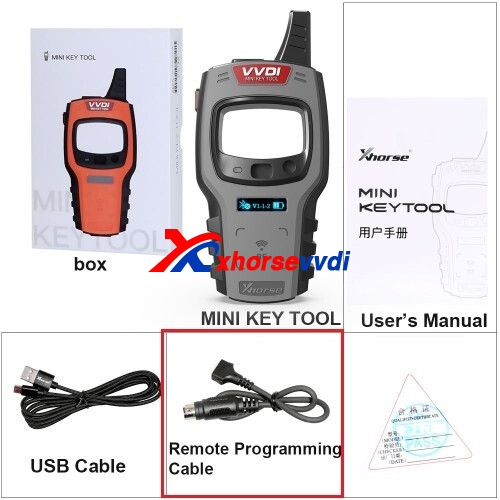
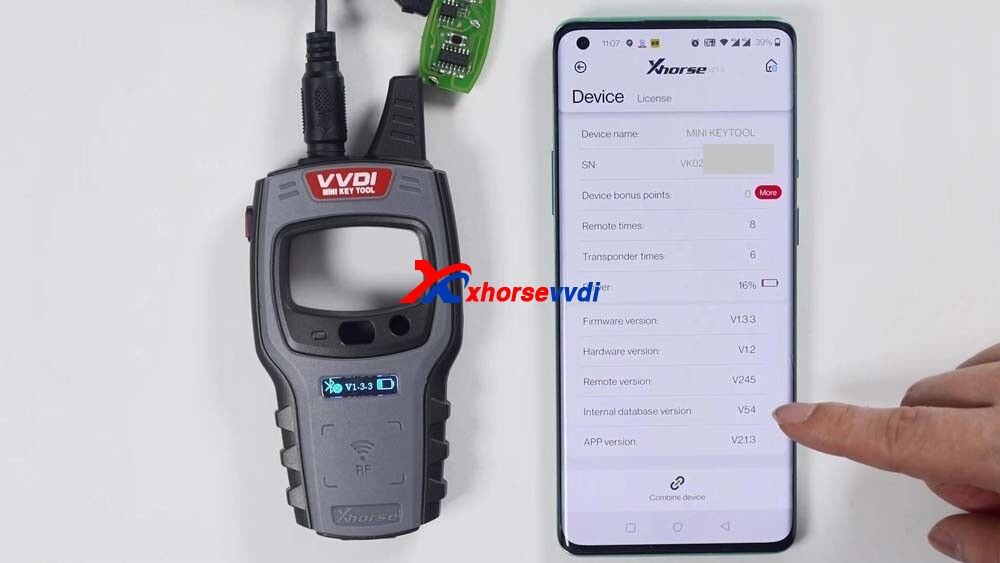
VVDI Mini Key Tool Overview: available with Wireless remote generation, Wired remote generation, Chip generation, the method to change the language and view the newest version number.

First connect VVDI Mini Key Tool

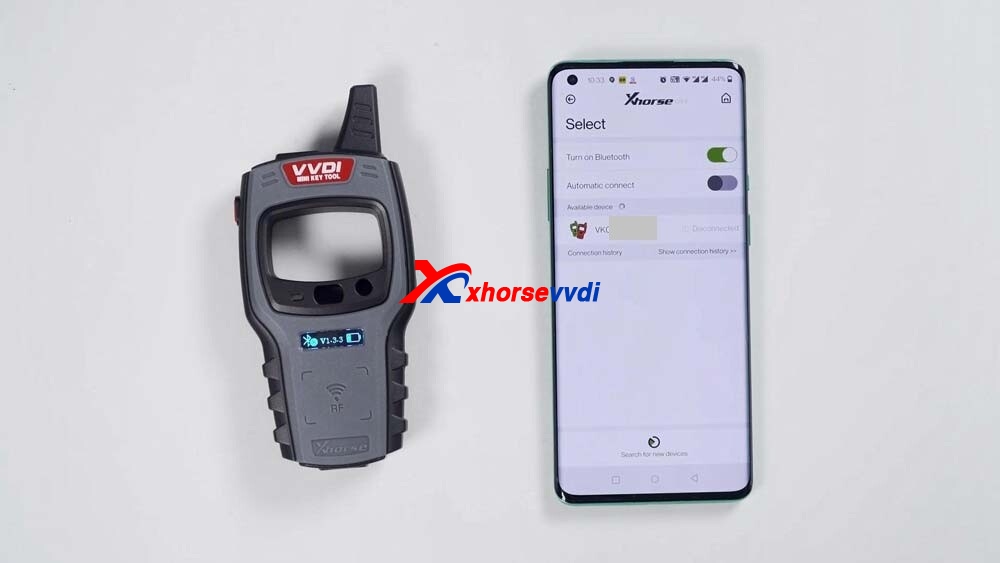
Click “Select”, and it will search for devices.

Long press the power button of the Mini Key Tool, and you can see the serial number on the screen, which means it has been turned on.

Meanwhile, you can see the icon of Mini Key tool in the Xhorse APP, tap the device icon to connect the device.

You will hear two beeps, it means it has been connected.

vvdi-mini-key-tool-unboxing-01

Next, let’s demonstrate how read and generate the chip.

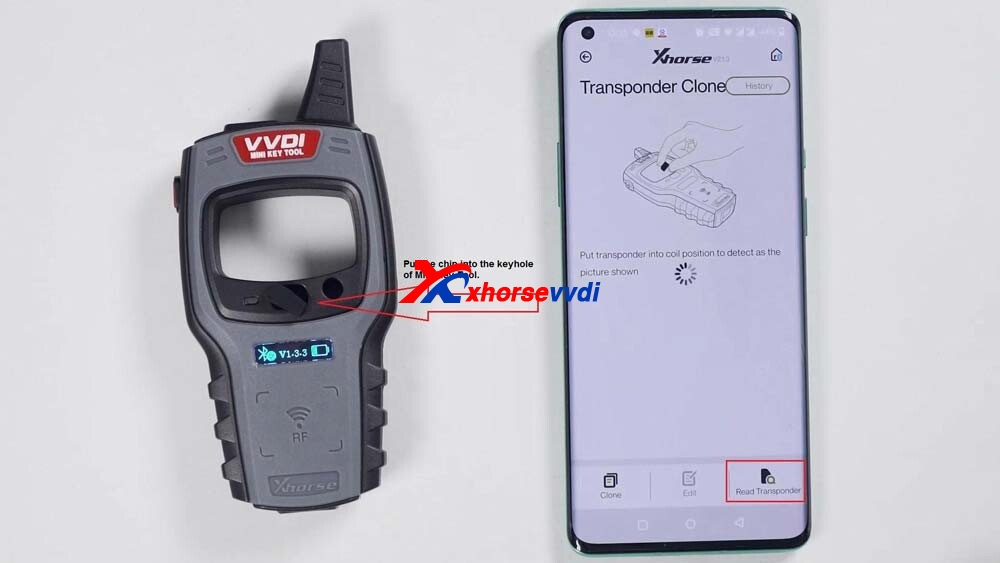
Put the chip into the keyhole of Mini Key Tool.

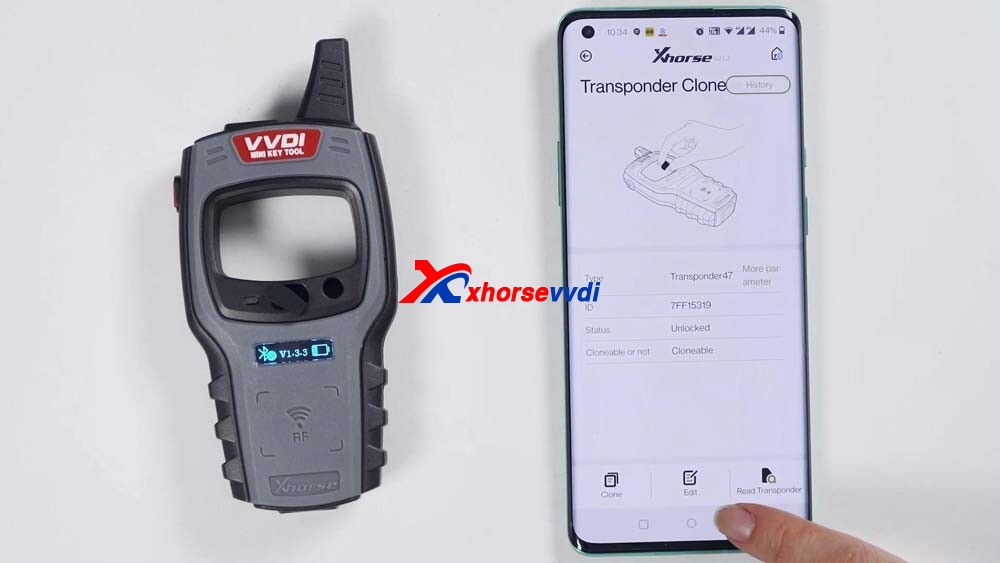
Click on “Read transponder”.

Okay, now the chip is recognized.

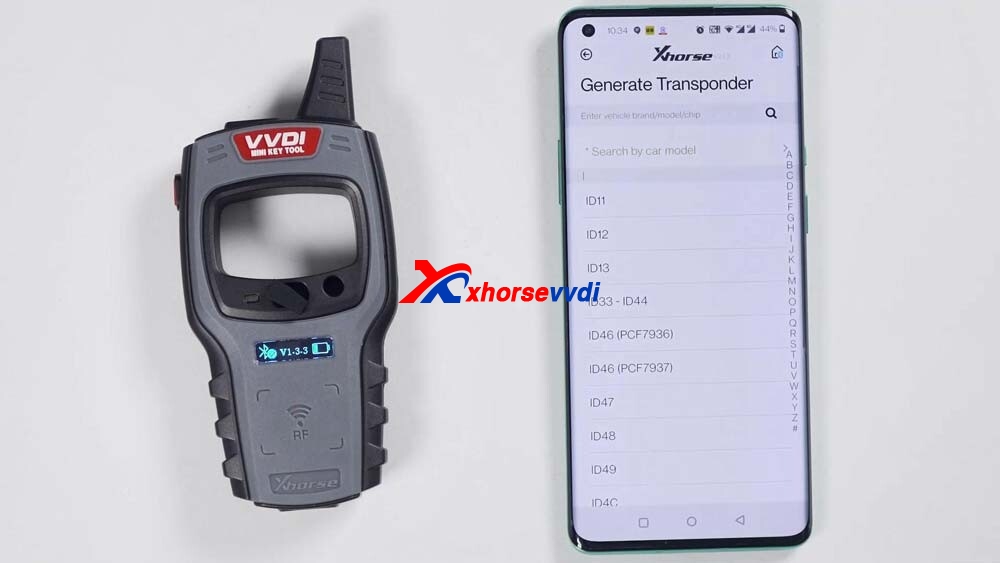
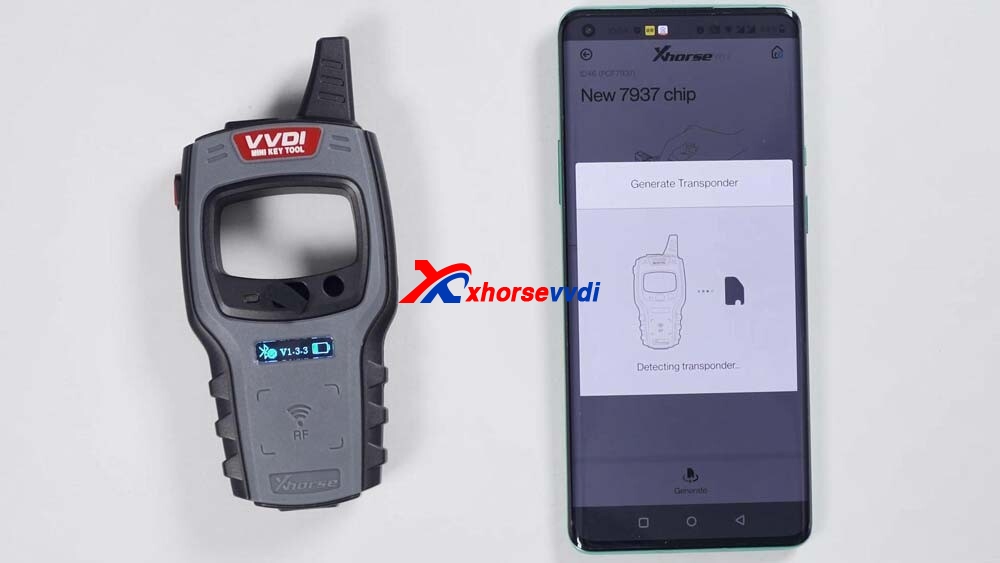
Then click on “Generate Transponder”.

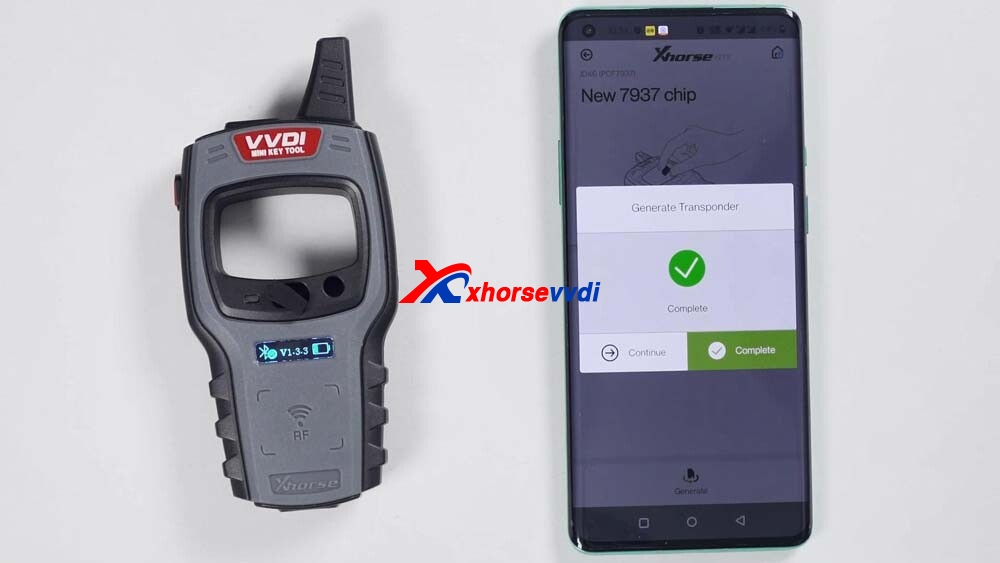
Choose a chip type to be generated, for example, generate ID46 chip, soon, the chip is generated successfully. Go back to click on “Read transponder” to read this chip, it is already the 46 chip that is generated just now.

vvdi-mini-key-tool-unboxing-02
vvdi-mini-key-tool-unboxing-03
vvdi-mini-key-tool-unboxing-04
vvdi-mini-key-tool-unboxing-05
vvdi-mini-key-tool-unboxing-06
vvdi-mini-key-tool-unboxing-07

Next, generate wireless remote.

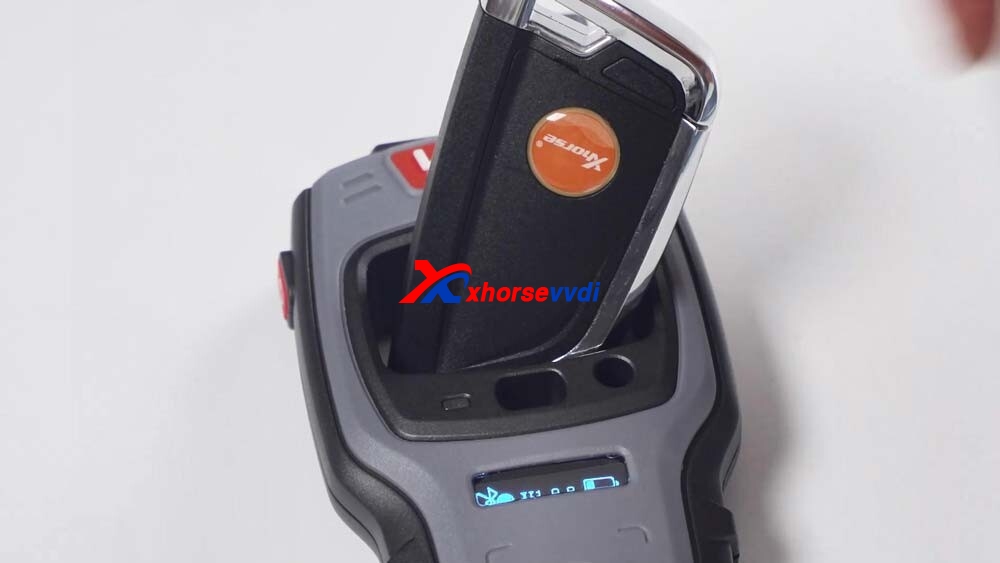
This is a wireless remote, put it into the keyhole of the Mini Key Tool.

Then select the car model you want to generate.

I have smart card so it will generate smart remote.

If it prompts failed to generate, please adjust the position of wireless smart remote, because the coil position may not be able to sense the chip.

Ok, generation succeed.

vvdi-mini-key-tool-unboxing-08
vvdi-mini-key-tool-unboxing-09
vvdi-mini-key-tool-unboxing-10
vvdi-mini-key-tool-unboxing-11

Next, generate wired remote.

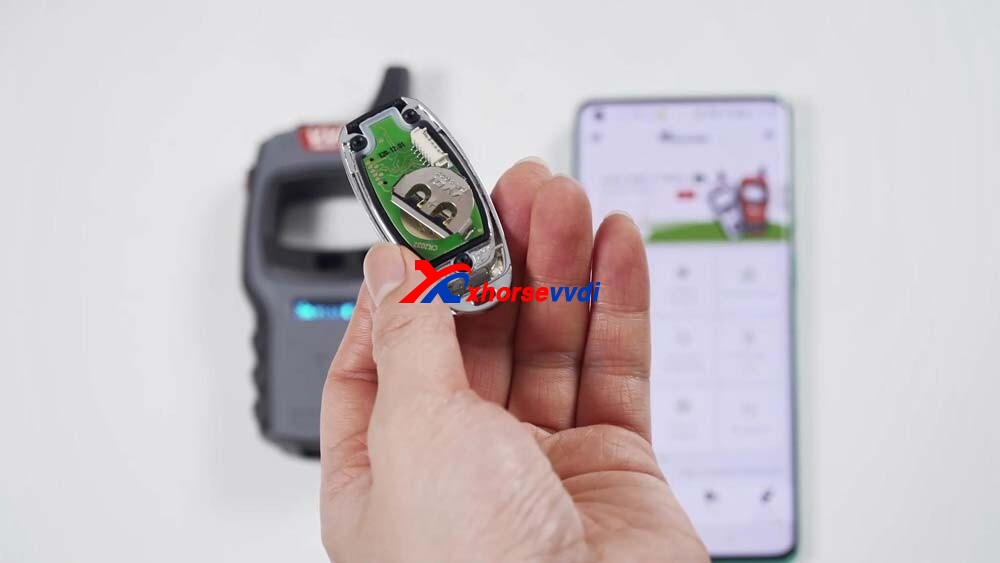
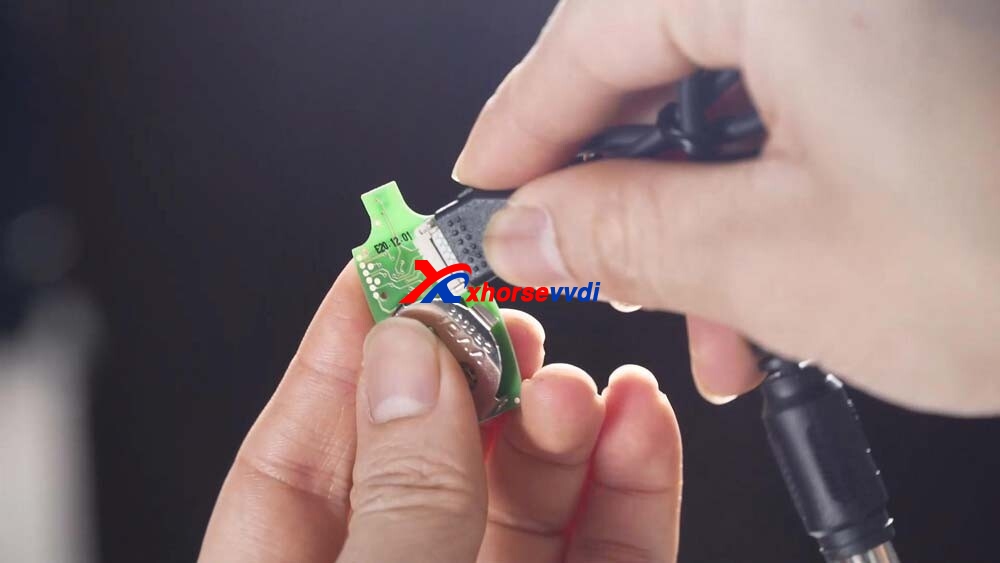
This is a wired remote, just remove its cover and you will see that there is a chip interface which can be connected to this remote programming cable.

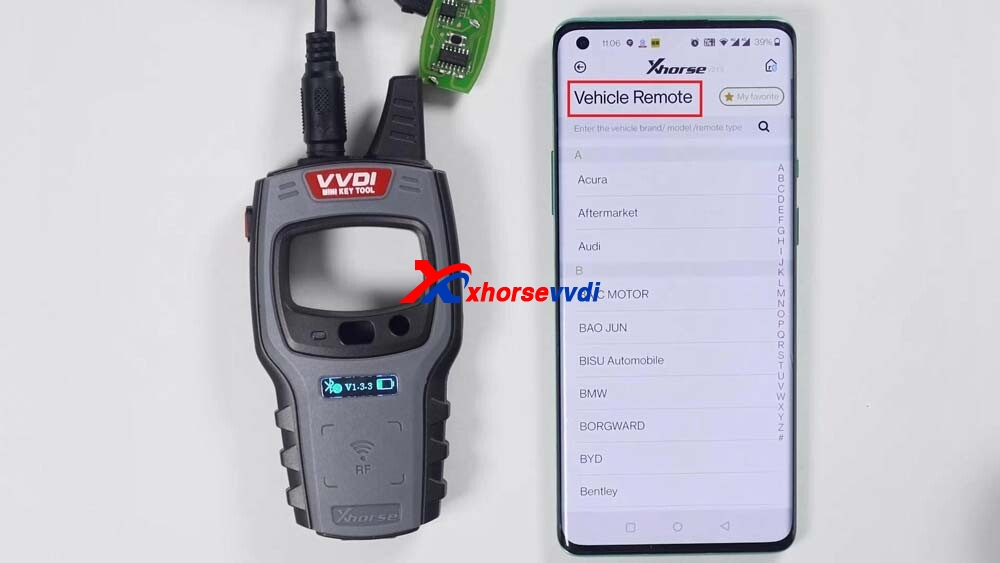
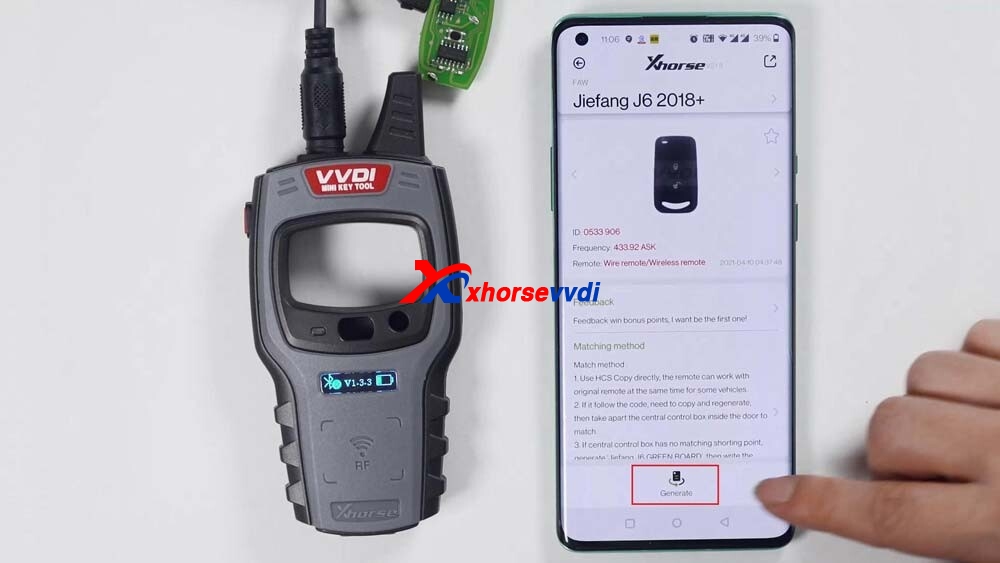
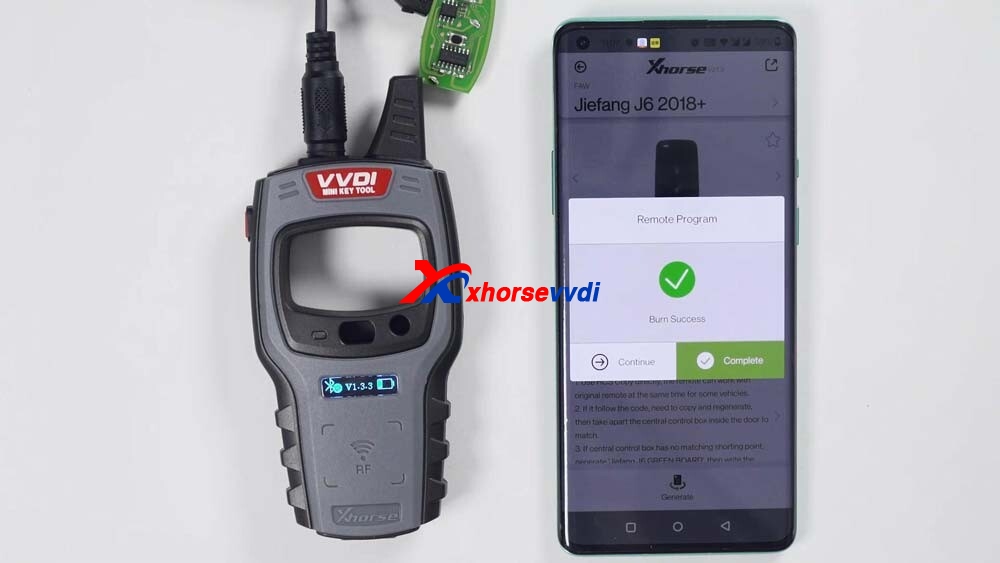
Then you can generate keys by selecting “Vehicle remote”, select the model you want to generate, click “generate”, after the generation is complete, click OK.

vvdi-mini-key-tool-unboxing-11
vvdi-mini-key-tool-unboxing-12
vvdi-mini-key-tool-unboxing-13
vvdi-mini-key-tool-unboxing-14
vvdi-mini-key-tool-unboxing-15
vvdi-mini-key-tool-unboxing-16
vvdi-mini-key-tool-unboxing-17
vvdi-mini-key-tool-unboxing-18

Finally, check the version and change the language

Just click “Device information” to view the latest version.

If there is the latest version, it will let you update as soon as you open the software and you do not need to enter “Device information” to update.

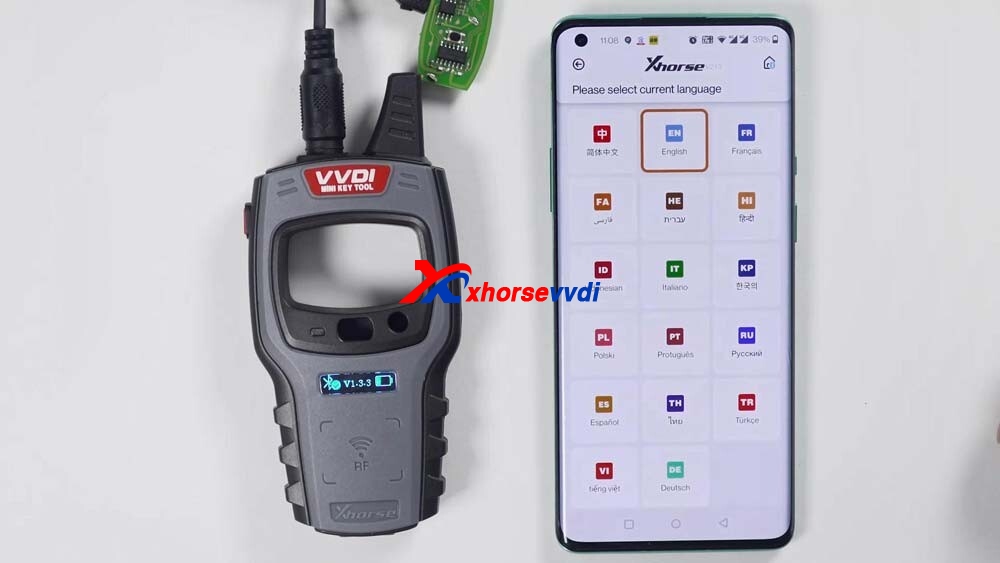
How to change the language: Click “Select” and then “Language” to change the language you want.

vvdi-mini-key-tool-unboxing-19
vvdi-mini-key-tool-unboxing-20

Enjoy!

www.xhorsevvdi.com

Xhorse VVDI Key Tool Max + MINI OBD Test Report

Here is the Xhorse VVDI Key Tool Max review, test reports and even with step by step procedure with Mini OBD tool.

  1. VVDI Key Tool Max has excellent functions generating remotes but at the time of renewing memory of some remotes to reuse them it does not flash them .. although to clone genar chip, and the rest is perfect.
  1. Key Tool Max works great bought this just to clone VW and Audi keys and it does the job better than expected. Would recommend this product 100%.
  1. Able to unlock used smart key for Toyota like the 2010 Prius this is the tool to get you need to keep trying until the light at the smart key flashed I was able to read frequency for Honda keys and from the remote on a 2007 Cadillac Escalade good quality will recommend.
Xhorse VVDI Key Tool Max  + MINI OBD Real Reviews 01

4.Love this VVDI Key Tool Max. Super handy and has lots of features. Worth the money for sure i recommend obd2 mini with this

  1. VVDI Key Tool Max has allowed me to start a side business providing keys and programming them for people looking to save some money. It’s worked pretty well for the most part, but it’s definitely no replacement for a professional key programmer like the Autels and Xtools. The cloning feature is pretty sweet so you can copy transponders from immobilizer keys. Definitely had some failures on some cars where this tool just doesn’t communicate with the vehicle.
  1. GM Support looks great and full – but missing holes and doesn’t look to go back very far.
    Chrysler – Asia models only but also mixed results under Dodge, Jeep, etc
    Ford – Asia models only but mixed results under Lincoln, Mercury, etc
    It just seems inconsistent and still in development.

but I’ll keep it and hope for updates to make it better.

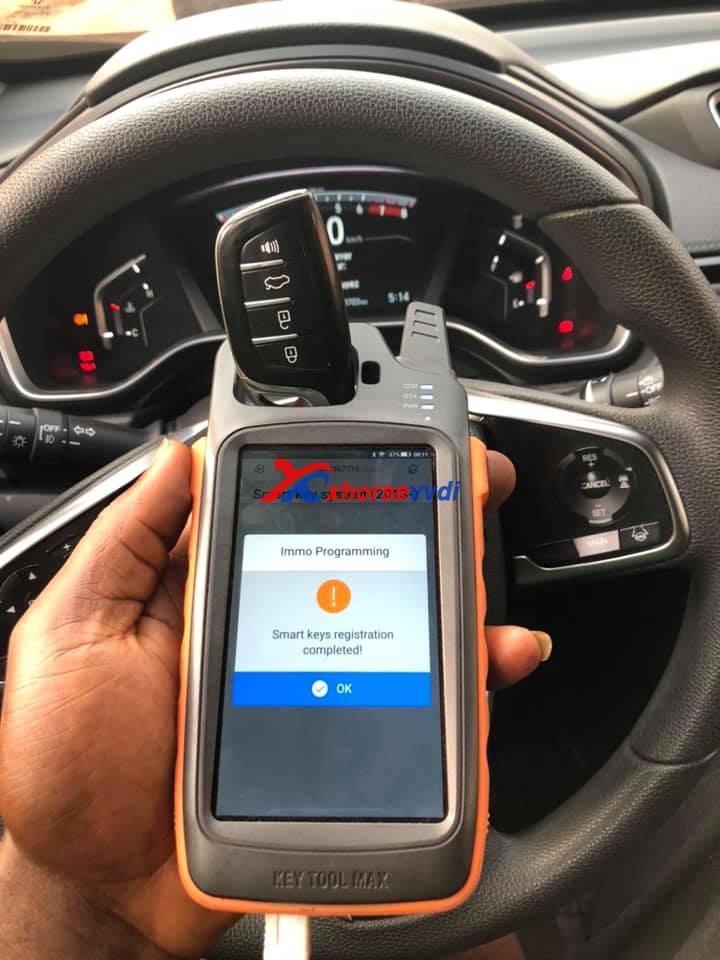
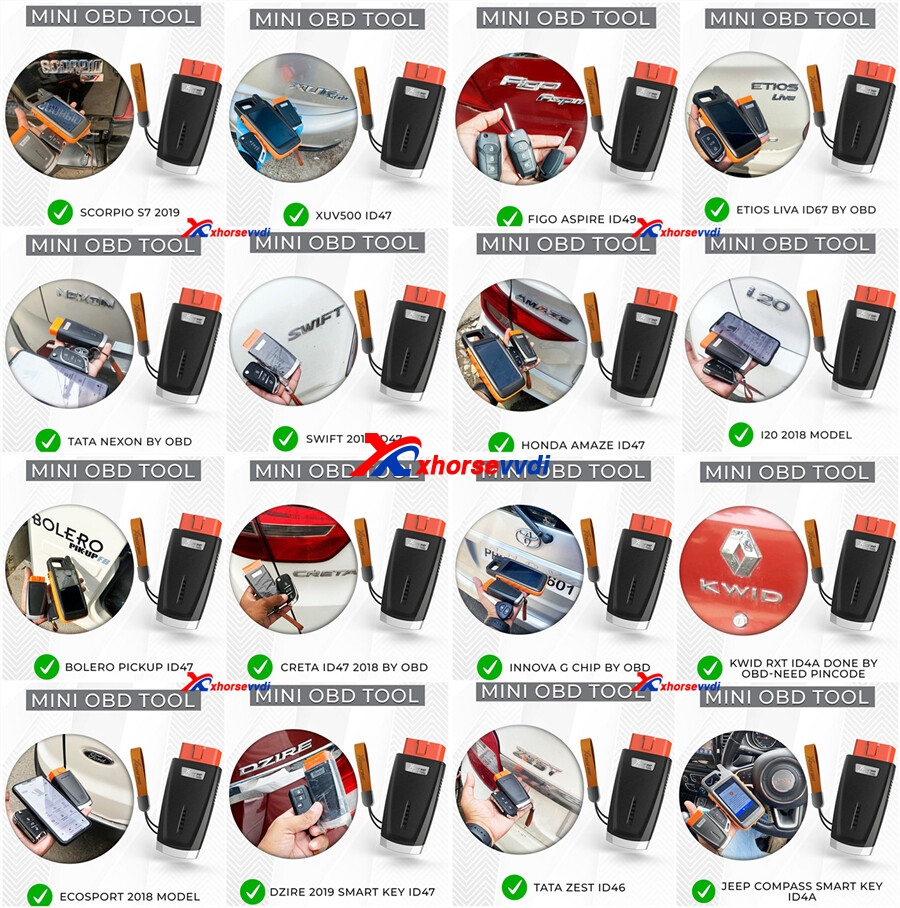
  1. Key Tool Max + Mini OBD Tool generate 2020 HONDA CR-V universal remote + program key all keys lost in 20 minutes, no pin code required.
Xhorse VVDI Key Tool Max  + MINI OBD Real Reviews 02
Xhorse VVDI Key Tool Max  + MINI OBD Real Reviews 03
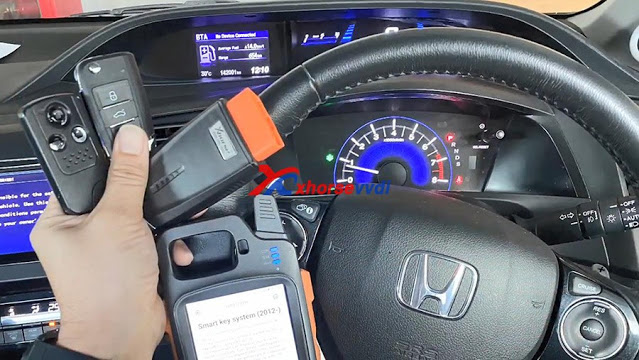
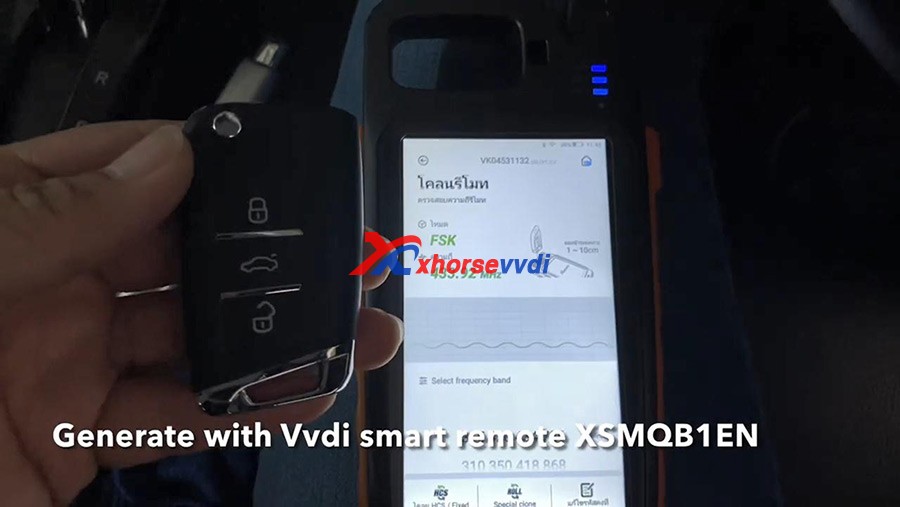
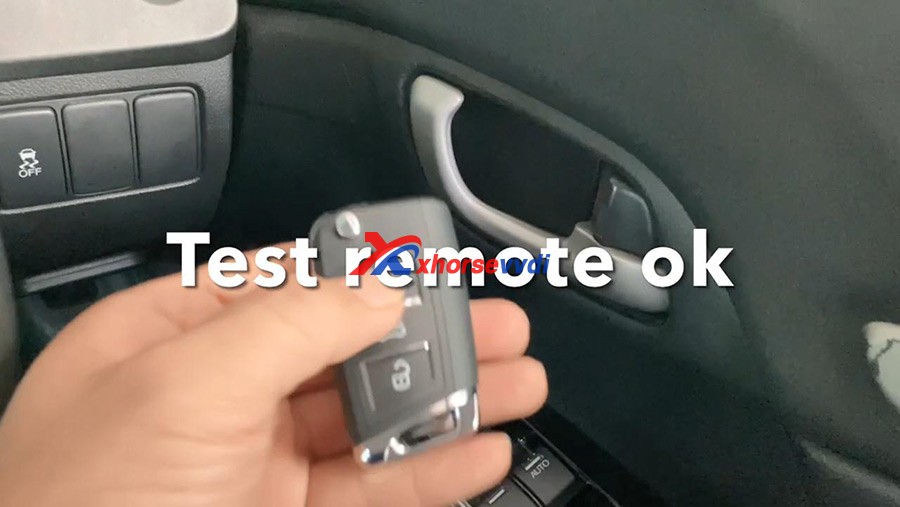
  1. VVDI Key Tool Max + Mini OBD generate Honda Civic EL Nav 2.0 FB 2014 and program smart remote perfectly.
Xhorse VVDI Key Tool Max  + MINI OBD Real Reviews 04
Xhorse VVDI Key Tool Max  + MINI OBD Real Reviews 05
Xhorse VVDI Key Tool Max  + MINI OBD Real Reviews 06
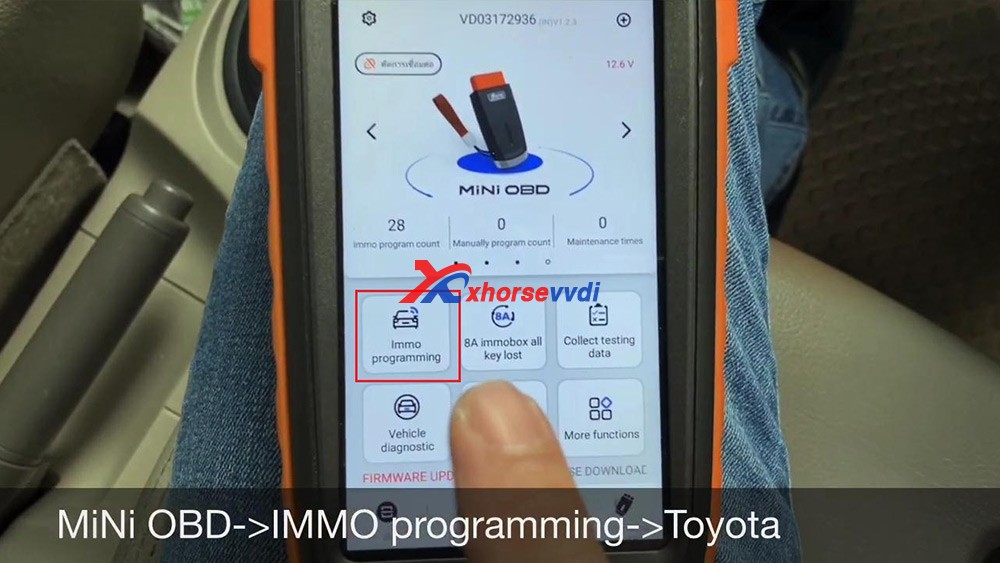
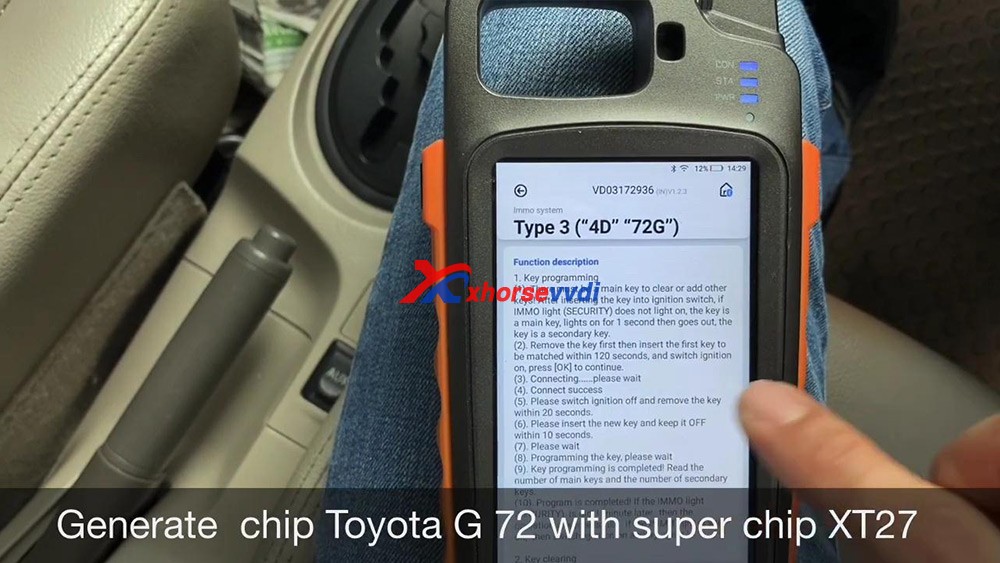
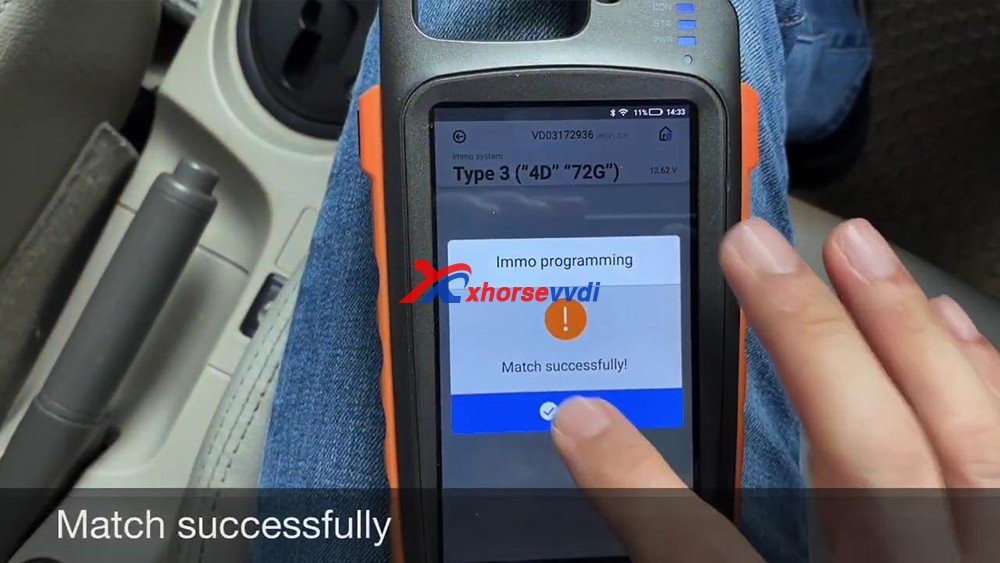
  1. Confirmed: program Toyota Vios Chip G (72) all keys lost using VVDI Key Tool Max + Mini OBD Tool by OBD
Xhorse VVDI Key Tool Max  + MINI OBD Real Reviews 05
Xhorse VVDI Key Tool Max  + MINI OBD Real Reviews 06
Xhorse VVDI Key Tool Max  + MINI OBD Real Reviews 07
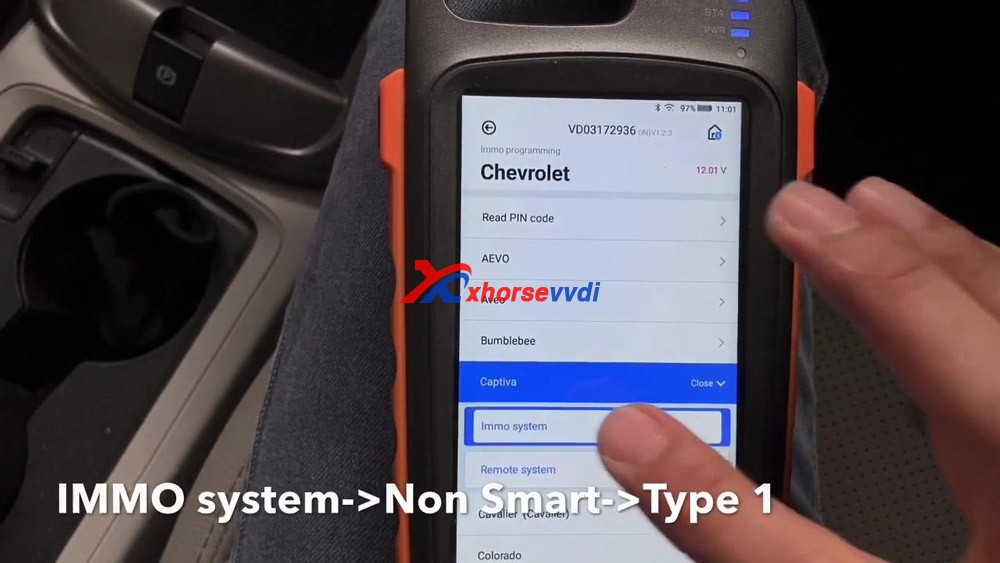
  1. VVDI Key Tool Max + Mini OBD program Chevrolet Captiva 2011 chip and remote via OBD.
Xhorse VVDI Key Tool Max  + MINI OBD Real Reviews 08
Xhorse VVDI Key Tool Max  + MINI OBD Real Reviews 09
  1. VVDI Key Tool Max + Mini OBD program VW Jetta 2010 key.
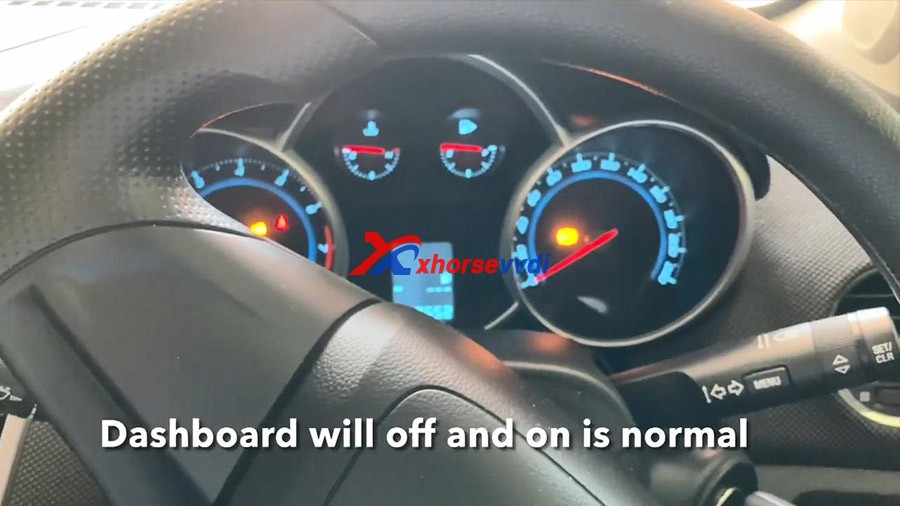
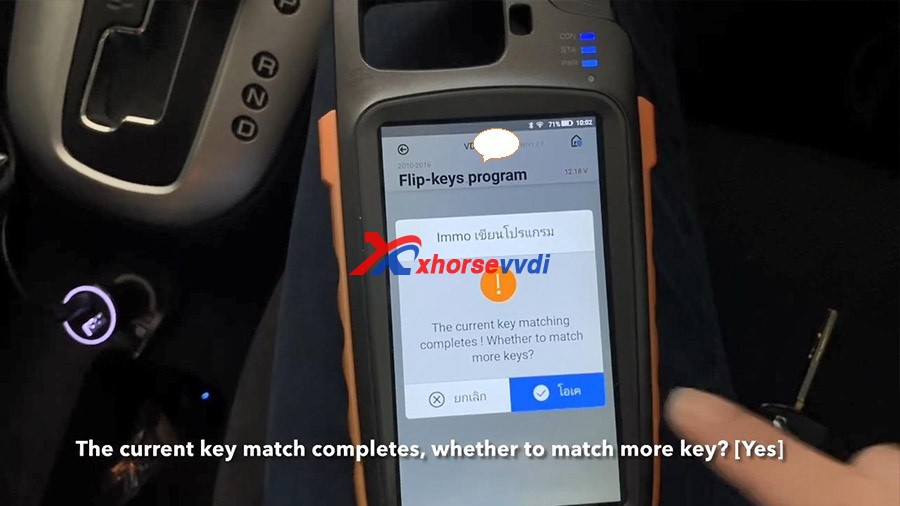
  1. VVDI Key Tool Max+ Mini OBD program one Chevrolet Cruze LS 2012 with all keys lost.

Firstly generate VVDI remote XN, secondly program new remote, then Read Pincode, then program flip key, then match one more key, finally test whether the two keys can start the car.

Step-by-step guide:

http://blog.xhorsevvdi.com/vvdi-key-tool-max-mini-obd-program-chevrolet-cruze-ls-2012-akl/

Xhorse VVDI Key Tool Max  + MINI OBD Real Reviews 20
Xhorse VVDI Key Tool Max  + MINI OBD Real Reviews 21
Xhorse VVDI Key Tool Max  + MINI OBD Real Reviews 22
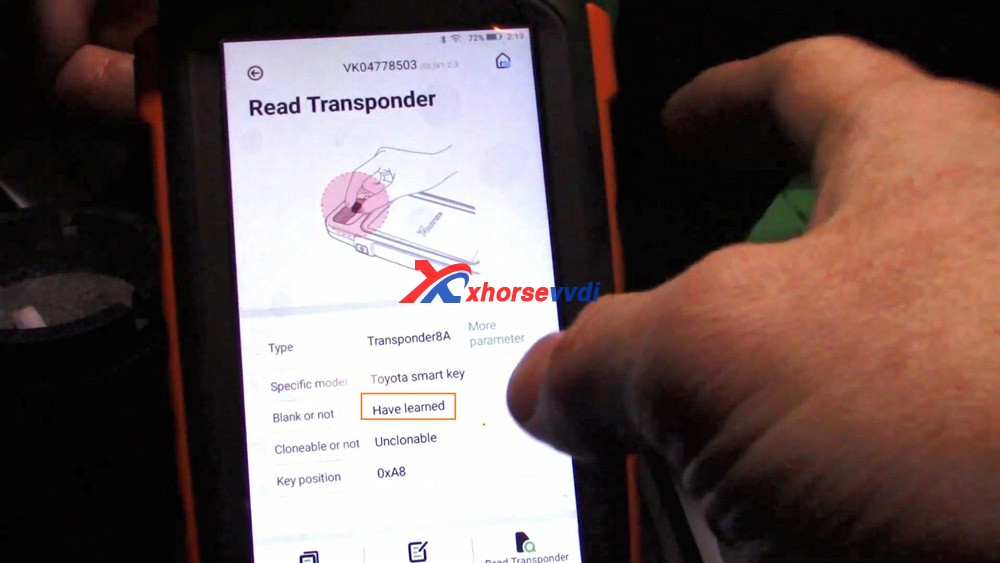
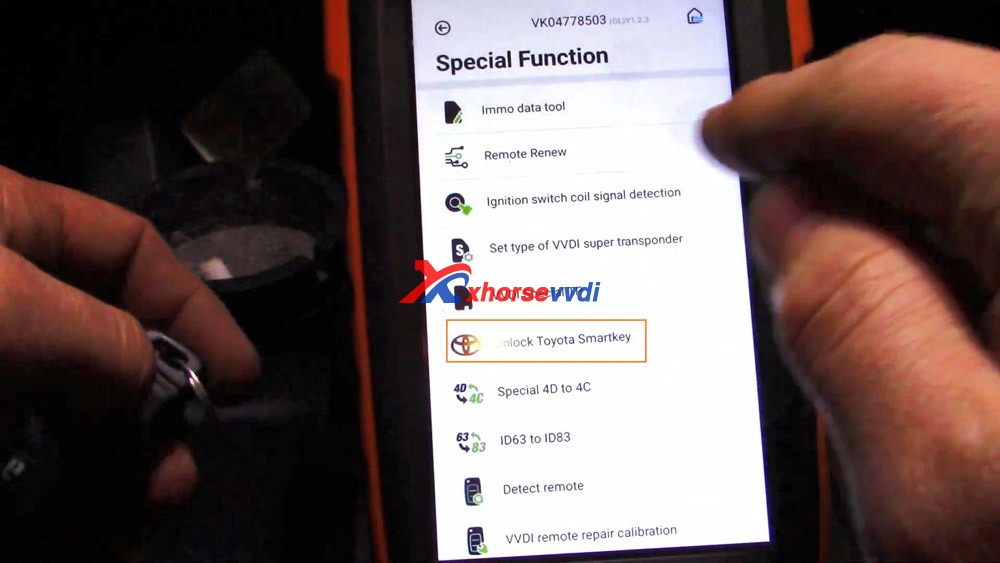
  1. VVDI Key Tool Max Unlock & Program Toyota Smart Key

Step-by-step guide:

http://blog.xhorsevvdi.com/xhorse-vvdi-key-tool-max-unlock-program-toyota-smart-key/

Xhorse VVDI Key Tool Max  + MINI OBD Real Reviews 23
Xhorse VVDI Key Tool Max  + MINI OBD Real Reviews 24
Xhorse VVDI Key Tool Max  + MINI OBD Real Reviews 25

Other  reporting usability test results :

vvdi-max-vvdi-mini-tool-reviews

To be updating…

Alright, if you are considering to invest one VVDI Key Tool Max or VVDI Key Tool Max + Mini OBD Tool for key cloning, remote generate, copy

transponder.etc. Don’t hesitate, it is worth the money. It will keep update not only what it can do so far.

Information from https://xhorsesupport.blogspot.com

Program Range Rove Evoque 2018 All Keys Lost with VVDI Key Tool Plus Pad

Tested VVDI Key Tool Plus on one Range Rove Evoque 2018 with KVM locked, all keys lost and add new keys successfully.

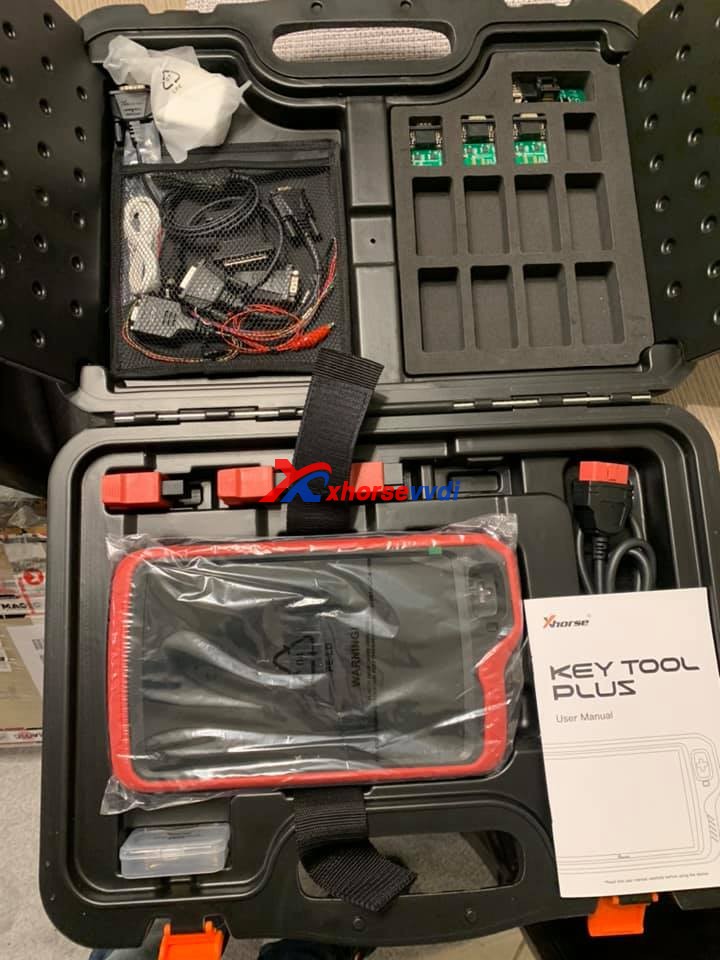
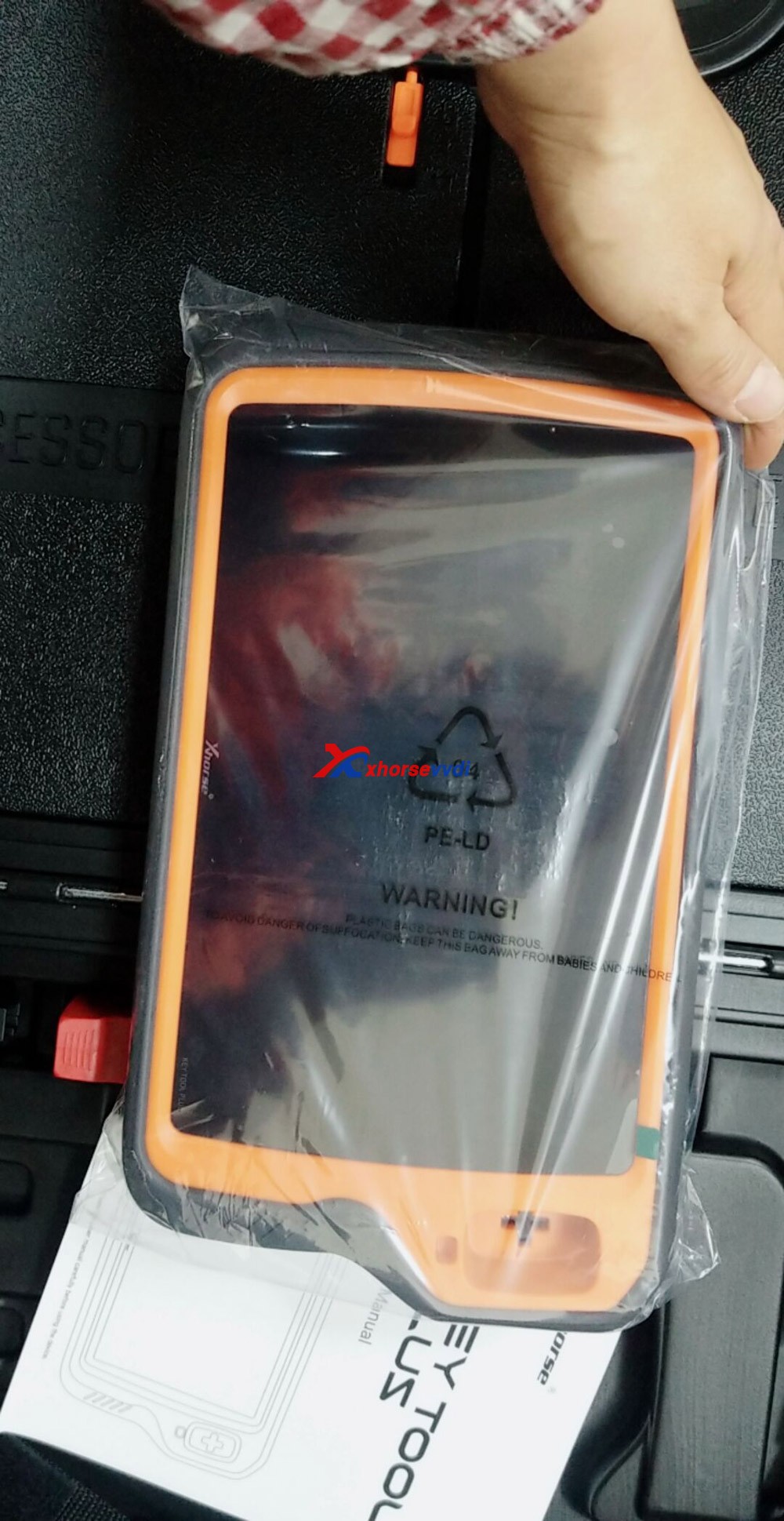
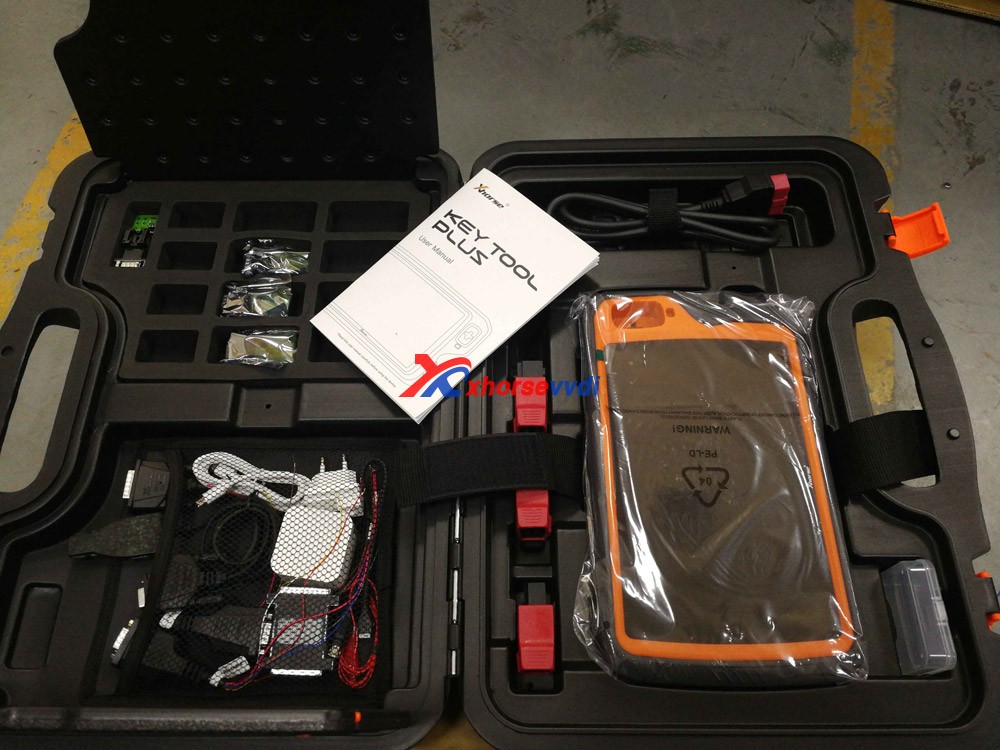
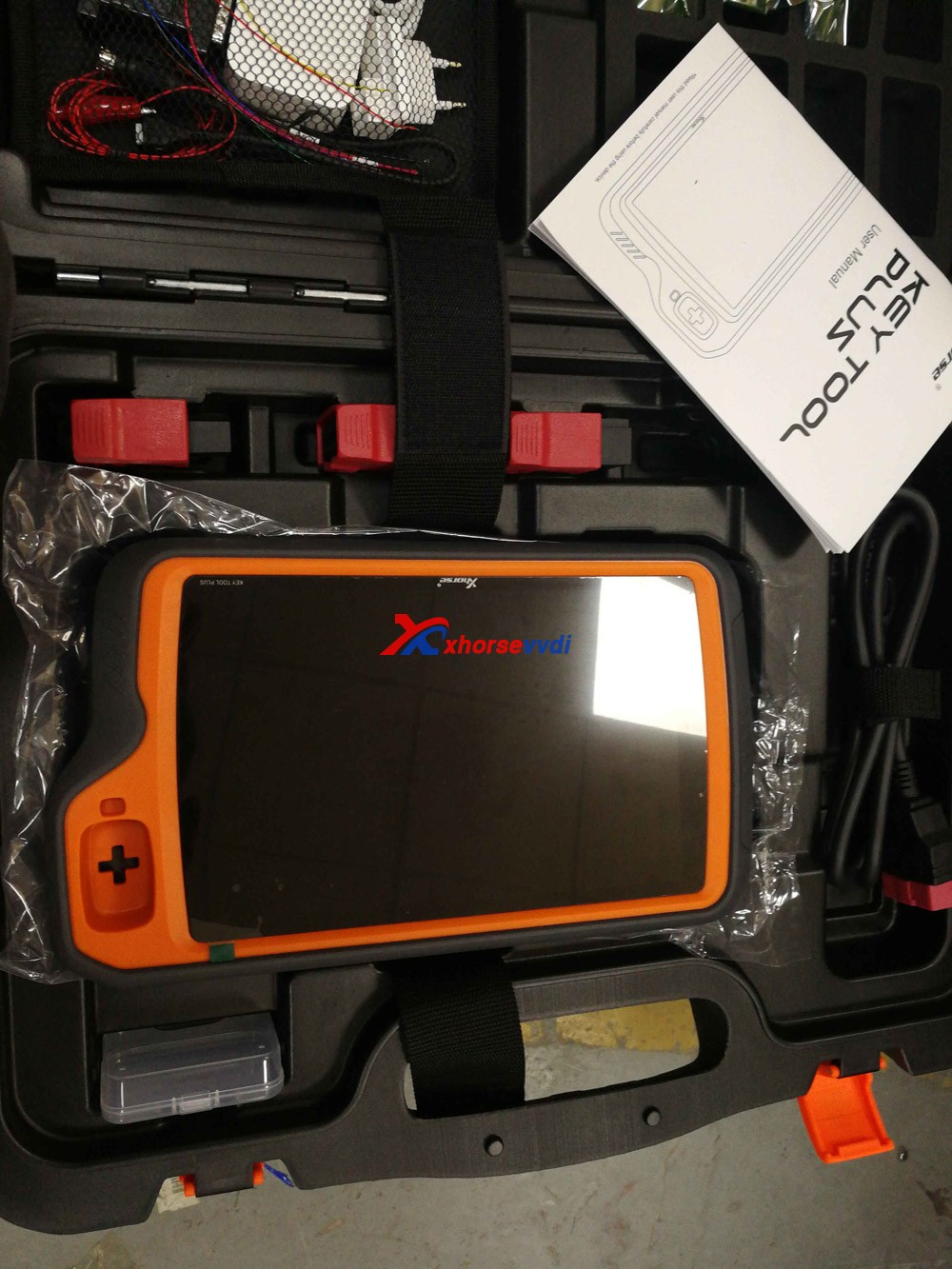
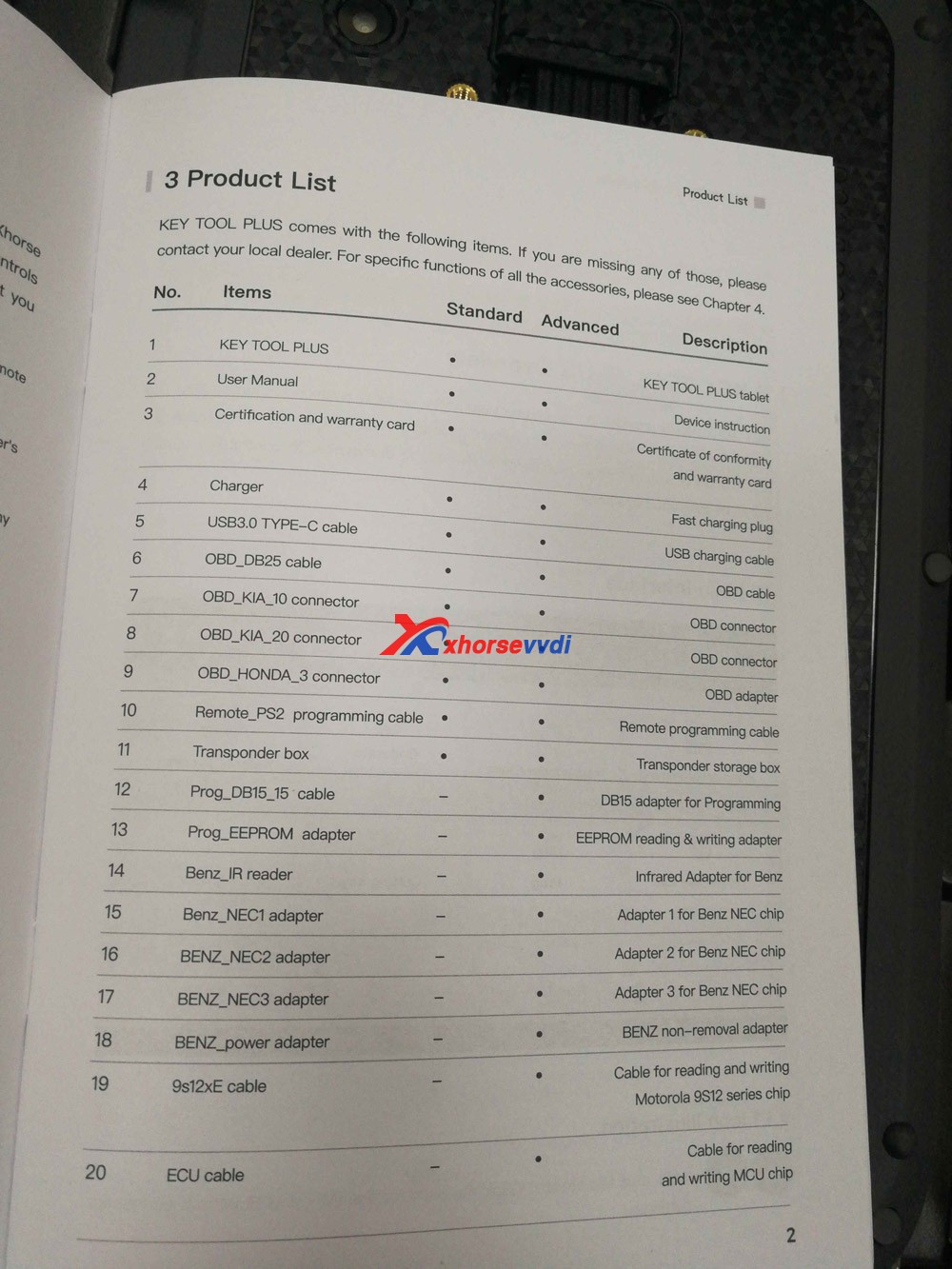
Image 1: open the package and have one tablet, user manual, adapters and cables.

xhorse  VVDI Key Tool Plus package

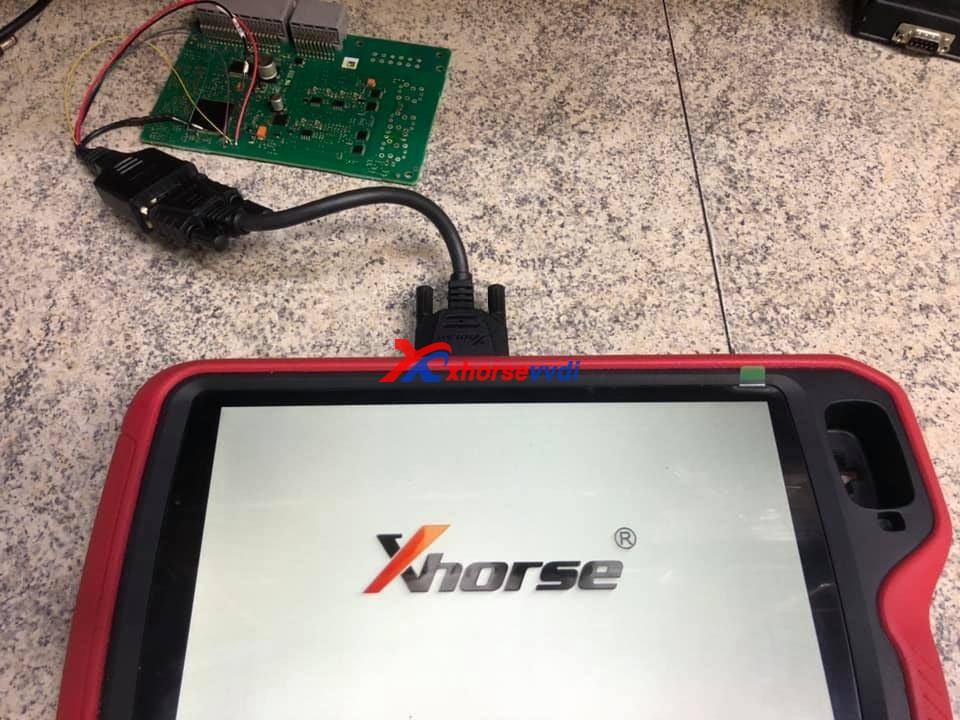
Connect the Pad to the KVM module on bench.

program-prangerove-evoque-all-key-lost-with-vvdi-key-tool-plus-01

Unlock.

program-prangerove-evoque-all-key-lost-with-vvdi-key-tool-plus03
program-prangerove-evoque-all-key-lost-with-vvdi-key-tool-plus-04

Save D-Flash file.

program-prangerove-evoque-all-key-lost-with-vvdi-key-tool-plus05

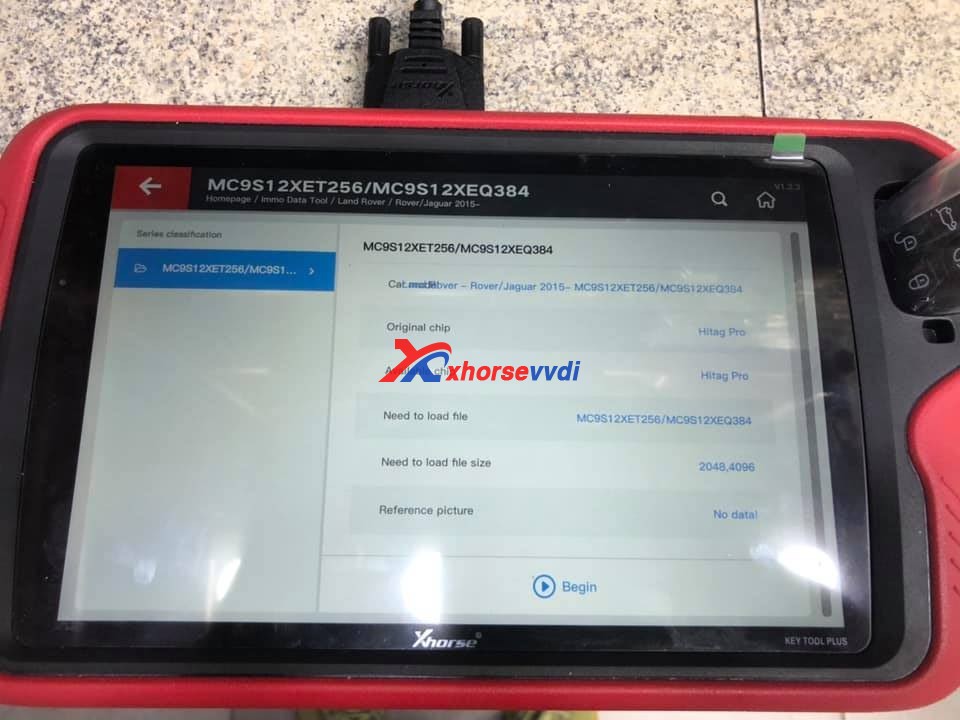
Immo Data Tool > Land Rover -> Jaguar 2015 -> MC9S12XET256 /MC9S12XEQ384.

program-prangerove-evoque-all-key-lost-with-vvdi-key-tool-plus-06

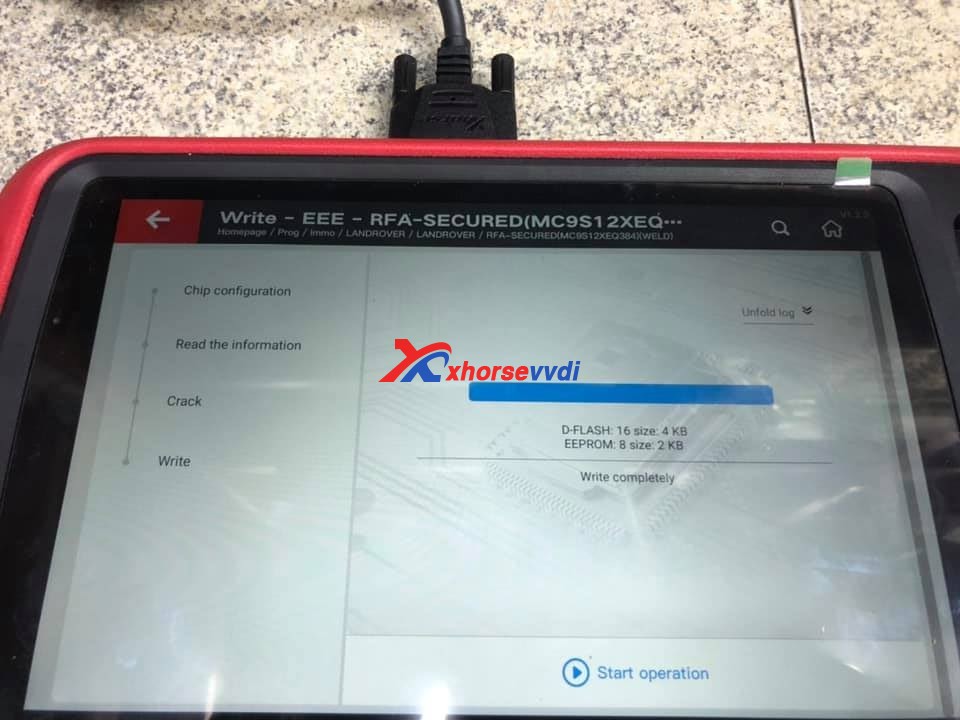
Write completely for D-flash and eerom.

program-prangerove-evoque-all-key-lost-with-vvdi-key-tool-plus-07

Enjoy

http://blog.xhorsevvdi.com/

Possible VVDI Key Too Plus do VW all keys lost?

A VVDI Key Too Plus  user saying ” You can’t do VW all keys lost at the moment using this tool if you are outside China because you can’t buy the tokens to process the data without WeChat, an app which is restricted to Chinese citizens only. ”

Then I consult the Xhorse Chief engineer, he replied :

Please get the VW data online from a local businessman. 

Also, you can try OBD Helper which can online calculate the immo data.

OBD Helper coverage:
1: A4L Q5 (all the card 754C/J type)
2: VW, Audi, Skoda key making (even when all keys lost) and the 4th generation odometer correction. Example, 35XX key all lost 873B 24C64 type key all lost or new model 95320.
3: MQB JOHNSON dashboard (not support key all lost )
4.New PASSAT MQB key all lost.
5.Support to get BCM2 anti-theft data online for A6 A7 A8 Touareg Phideon with 5th immo.
Note: The 4th generation immo data and MQB data support most current popular VAG key programmer in the market.

If you need V-A-G OBD Helper cable, please contact us :

Skype: xhorsevvdi.com
Whatsapp: +86-13983756354
Email: sales@xhorsevvdi.com

www.xhorsevvdi.com

Good news! VVDI Key Tool Plus GL : In stock, ship from Czech Warehouse

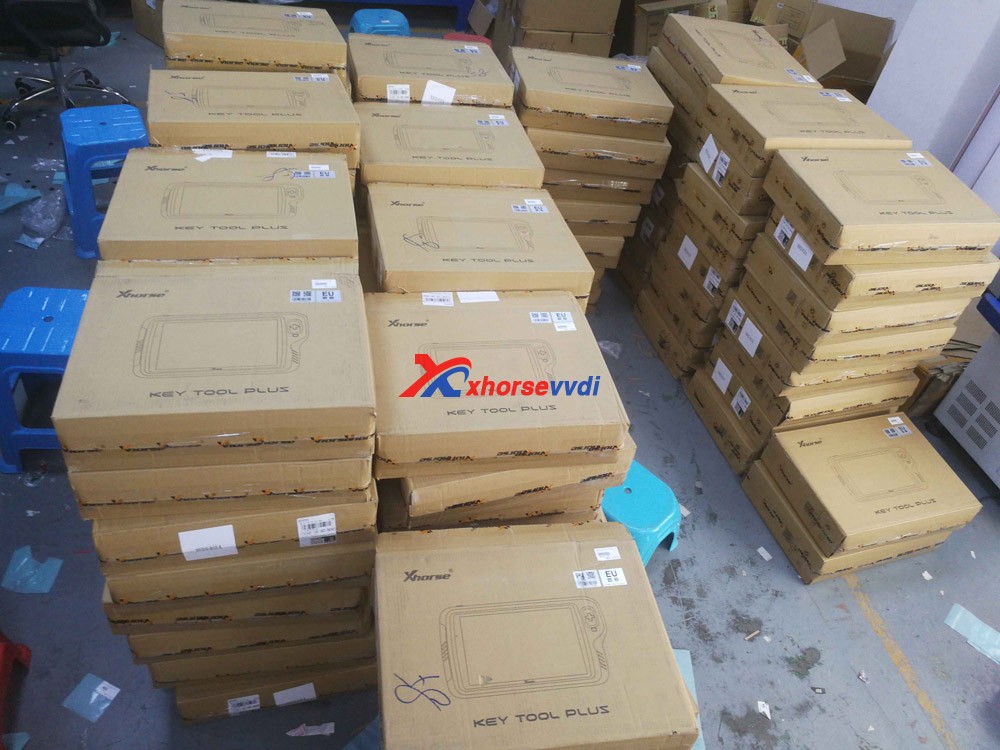
 A large amount of Inventory! VVDI Key Tool Plus Pad is available at xhorsevvdi.com, ship from Czech Warehouse soon will be available in EU UK US warehouse.

Seeing is believing, please look at the following images, our QC members are testing VVDI Key Tool Plus.

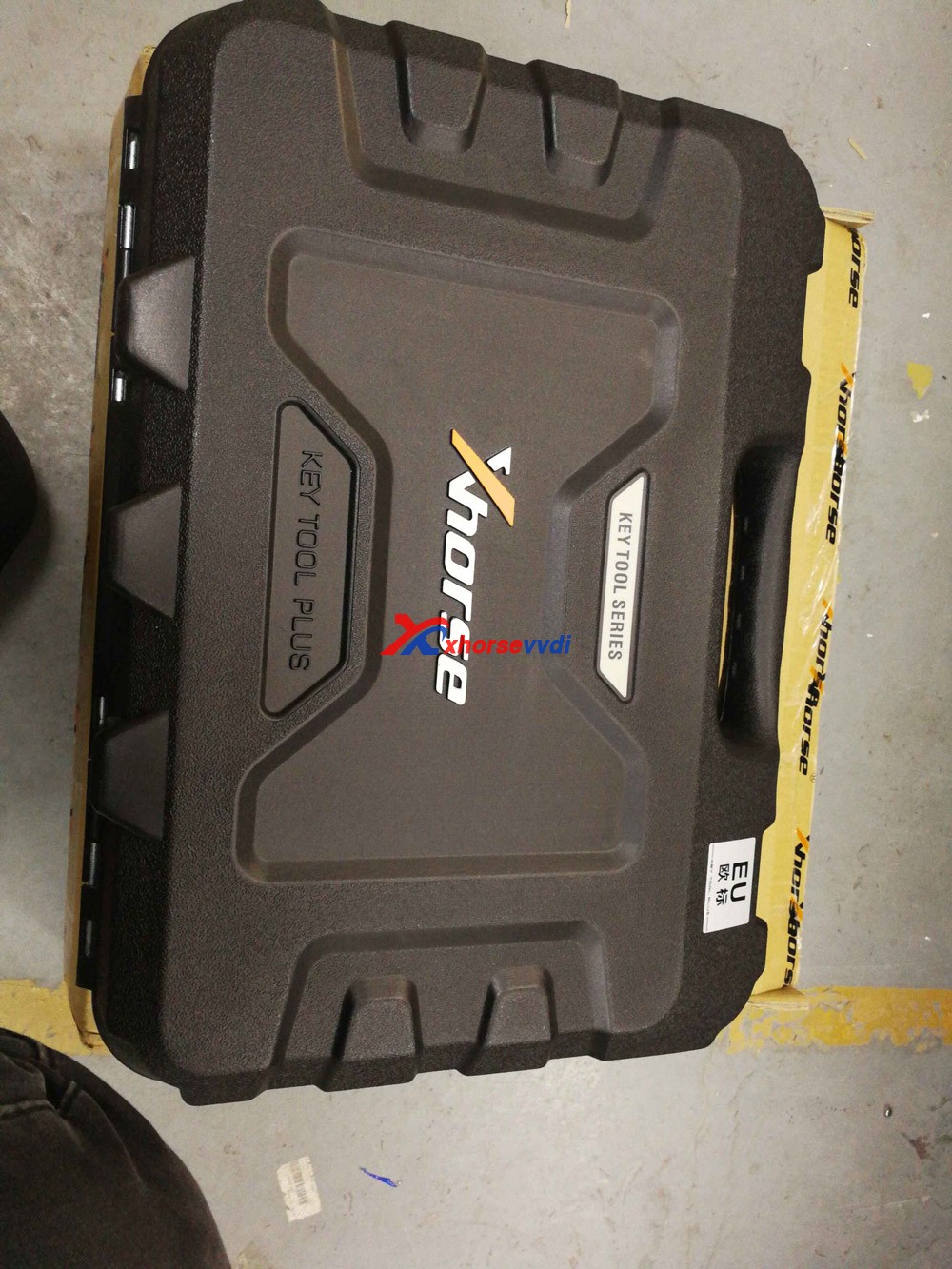
Shown as in the picture, the package is very protective, first is a carton, and then a rubber box. After opening the rubber box, you can see the tablet and all the accessories.

Note: The extra space is for the new accessories in the future.

VVDI Key Tool Plus GL 01
VVDI Key Tool Plus GL 02
VVDI Key Tool Plus GL 03
VVDI Key Tool Plus GL 04
VVDI Key Tool Plus GL 05
VVDI Key Tool Plus GL 06
VVDI Key Tool Plus GL 07

Order Xhorse VVDI Key Tool Plus at:

https://www.xhorsevvdi.com/wholesale/xhorse-vvdi-key-tool-plus.html

Popular tools Recently:

Autel IM508 plus XP400PRO

Xhorse Watch Smart Key Keyless-go 

 XTOOL A80 Pro+KC501+KS-1

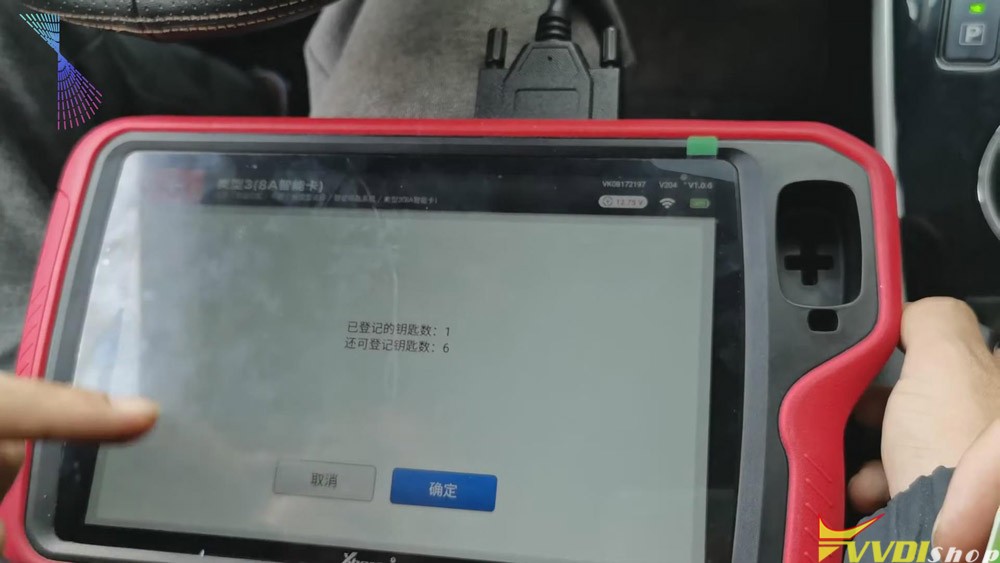
Xhorse VVDI Key Tool Plus program VVDI Toyota 8A Smart Card

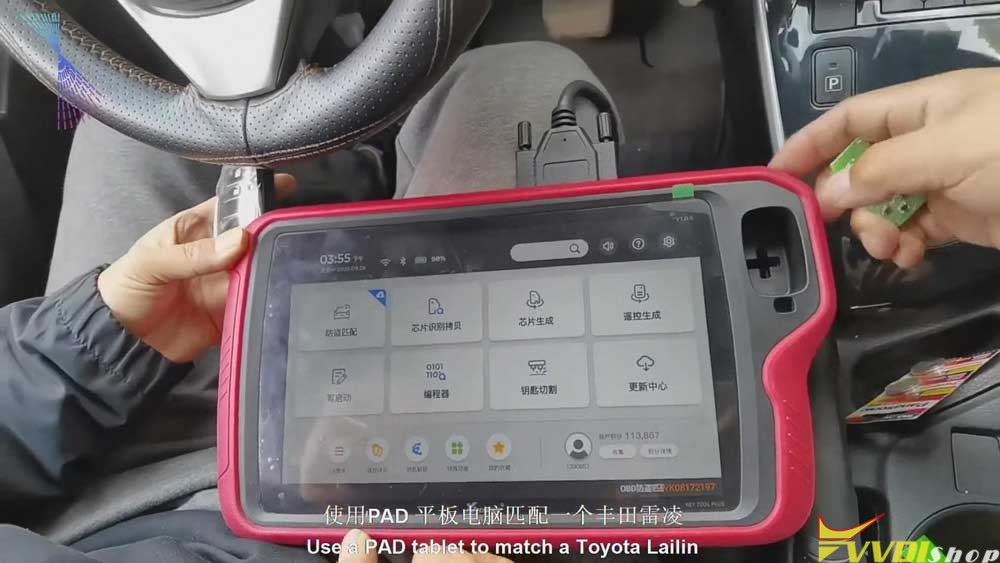
Xhorse VVDI Key Tool Plus is coming soon! Today, I’ll show you how to use this PAD tablet to match a Toyota Ralink.

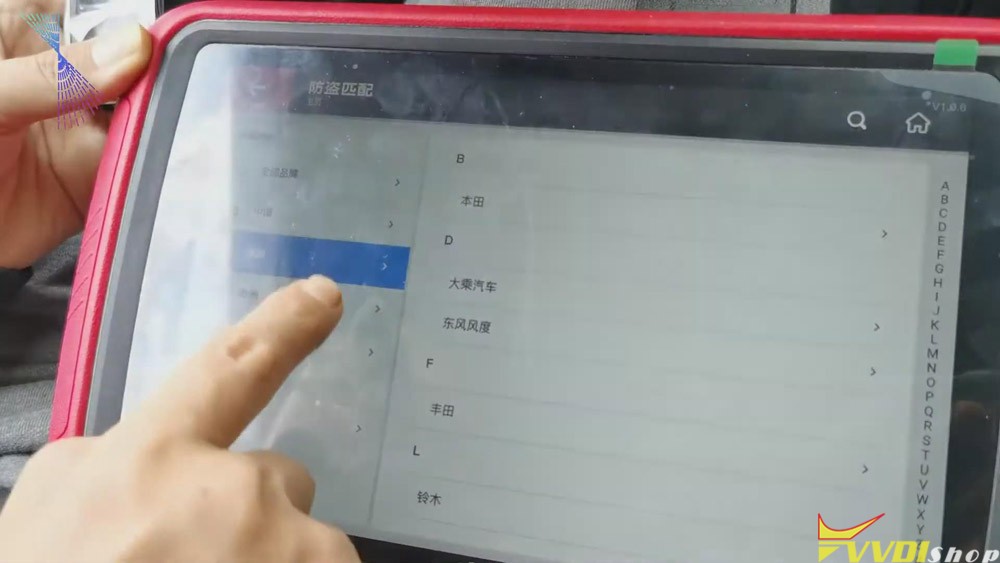
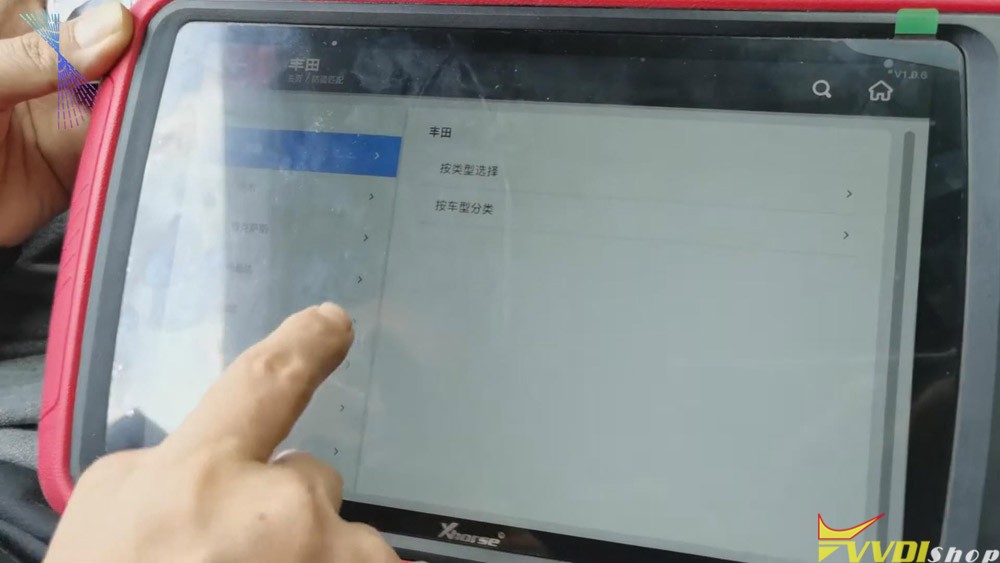
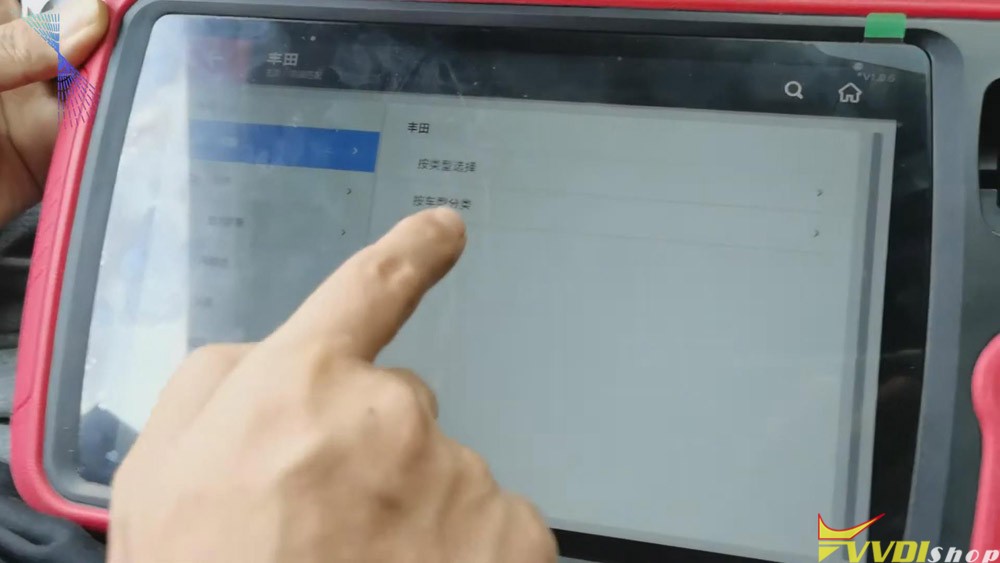
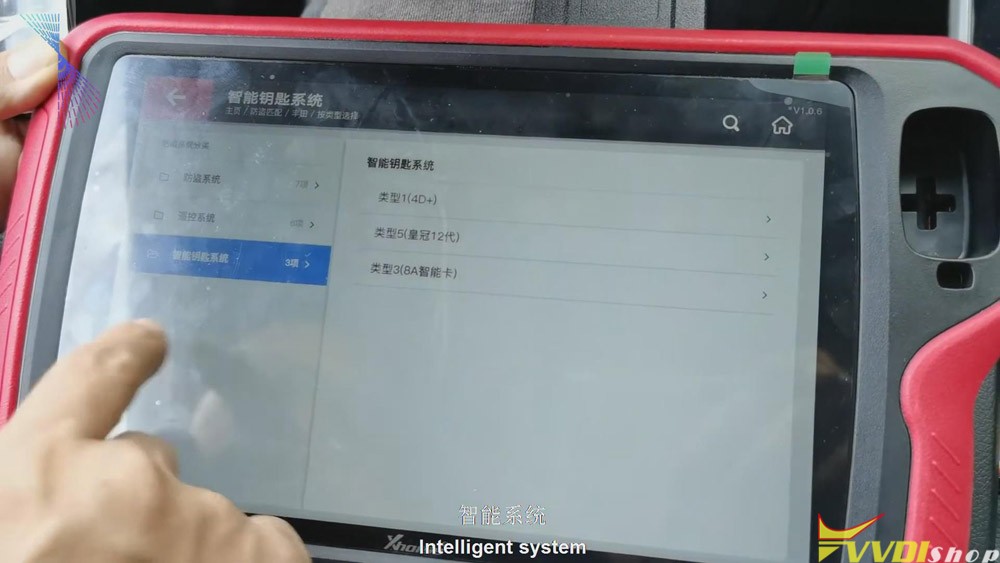
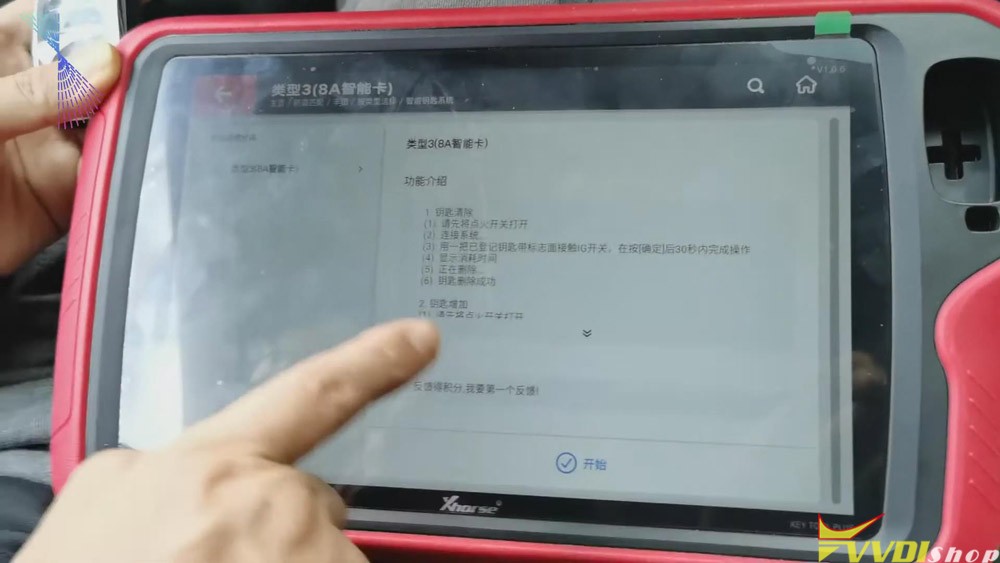
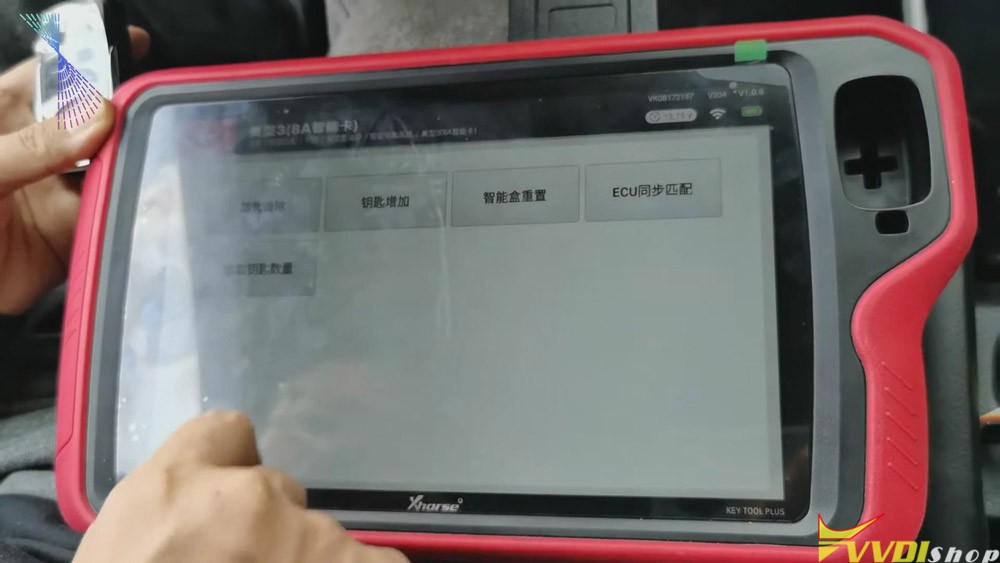
  1. Click “Immo match”>>“Asia”>>“Toyota”>>“Select by type”>>“Intelligent key

system”>>“8a smart card”>>“start”>>“Add key” .

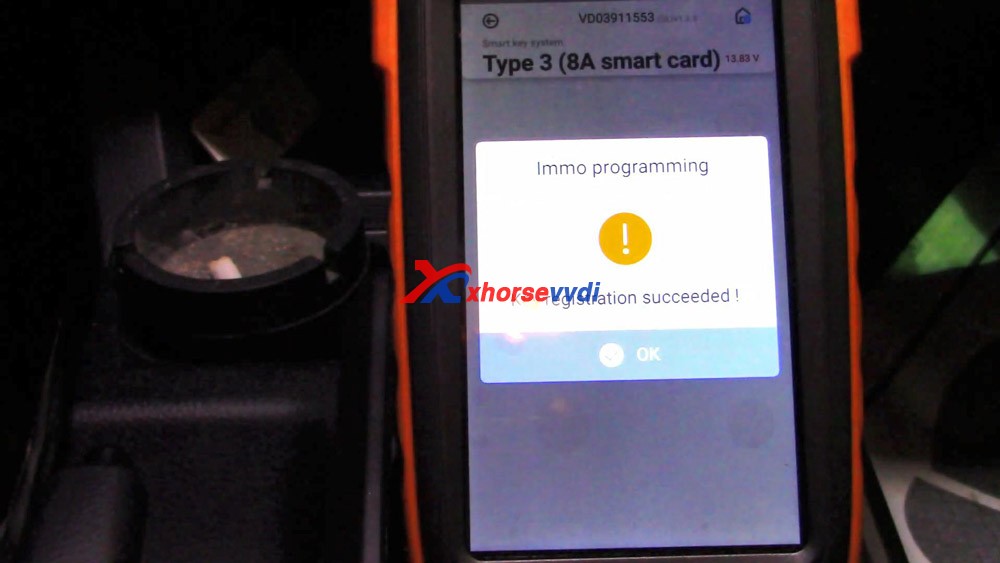
vvdi-key-tool-plus-add-keys-for-toyota-8a-smart-card-1
vvdi-key-tool-plus-add-keys-for-toyota-8a-smart-card-2
vvdi-key-tool-plus-add-keys-for-toyota-8a-smart-card-3
vvdi-key-tool-plus-add-keys-for-toyota-8a-smart-card-4
vvdi-key-tool-plus-add-keys-for-toyota-8a-smart-card-8
vvdi-key-tool-plus-add-keys-for-toyota-8a-smart-card-4
vvdi-key-tool-plus-add-keys-for-toyota-8a-smart-card-9

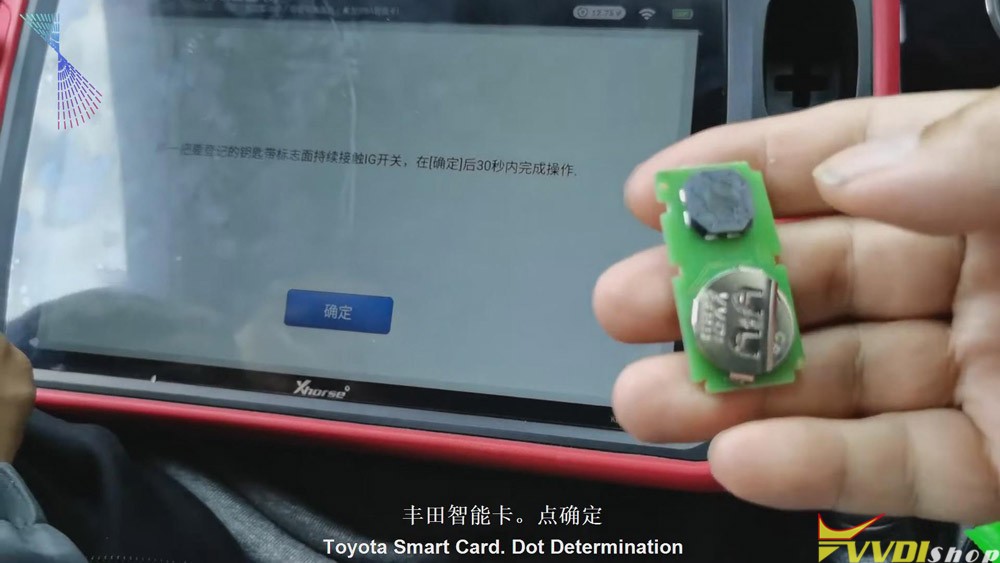
2.Follow the tablet guide to turn on the ignition of the vehicle, attach the original VVDI Toyota 8A smart card to the start button, and then click on “Confirm” on the tablet.

vvdi-key-tool-plus-add-keys-for-toyota-8a-smart-card-8
  • After hearing the sound, it will prompt to attach a new card to the start button of the vehicle. Then attach a new VVDI Toyota smart card to the start button of the vehicle. And then click “Confirm”.
vvdi-key-tool-plus-add-keys-for-toyota-8a-smart-card-9
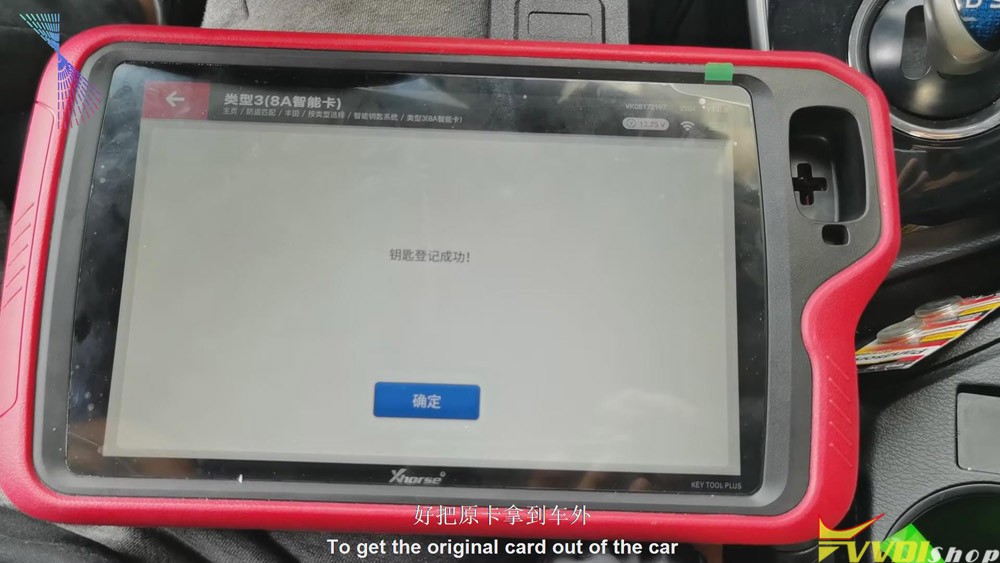
  • After the registration step is finished, take the original VVDI Toyota 8A card out of the car. Turn the ignition off and click “Confirm”. We’ll have to click “Confirm” for several times. And it should be a synchronization process. Click “Confirm” twice.
vvdi-key-tool-plus-add-keys-for-toyota-8a-smart-card-10

From the steps above we can easily see that it is quick and convenient for you to use Xhorse VVDI Key Tool Plus to match VVDI Toyota 8A smart card. Thumb up Xhorse VVDI Key Tool Plus!

https://www.vvdishop.com/service/vvdi-key-tool-plus-add-keys-for-toyota-8a-smart-card.html

Xhorse Key Tool Max “VVDI smart key clone” Function Using Tips

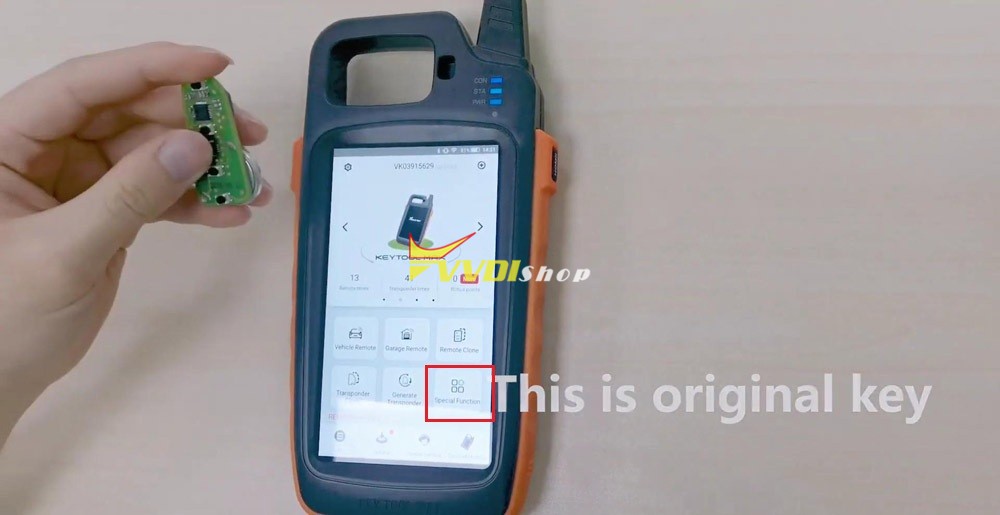
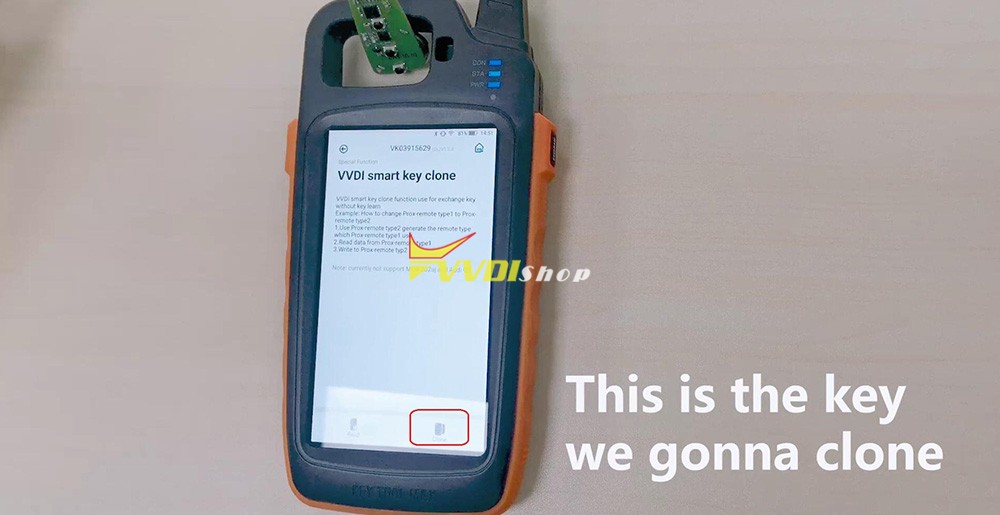
Anyone know how to use Xhorse Key Tool Max “VVDI smart key clone” option? This article will be available with the whole operation procedure. (Read first: If the car has been matched with a type of Smart Remote before, but now the owner wants to change a new type of smart remote, just copy it directly instead of learning the key again. Note: “VVDI smart key clone” option is only for smart remote that have been matched with vehicle by VVDI key tool max and mini obd. )

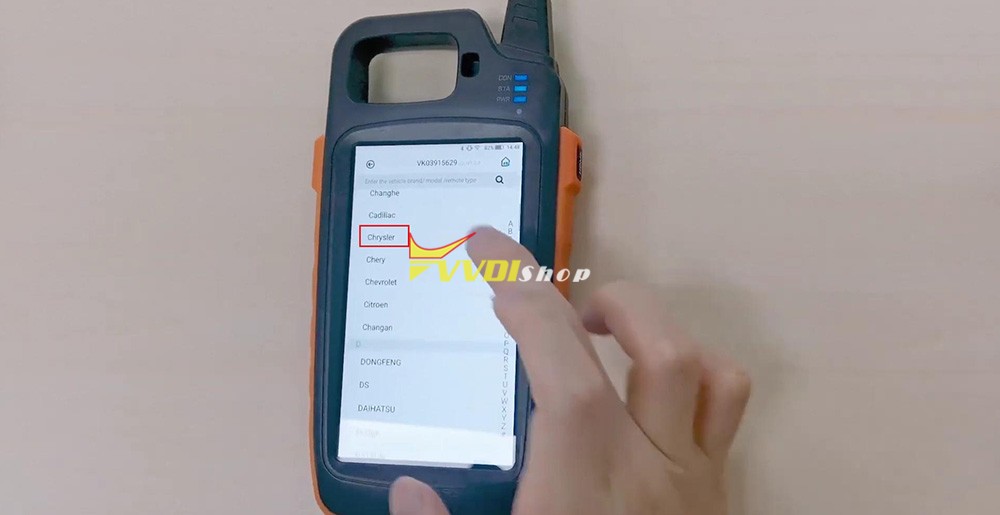
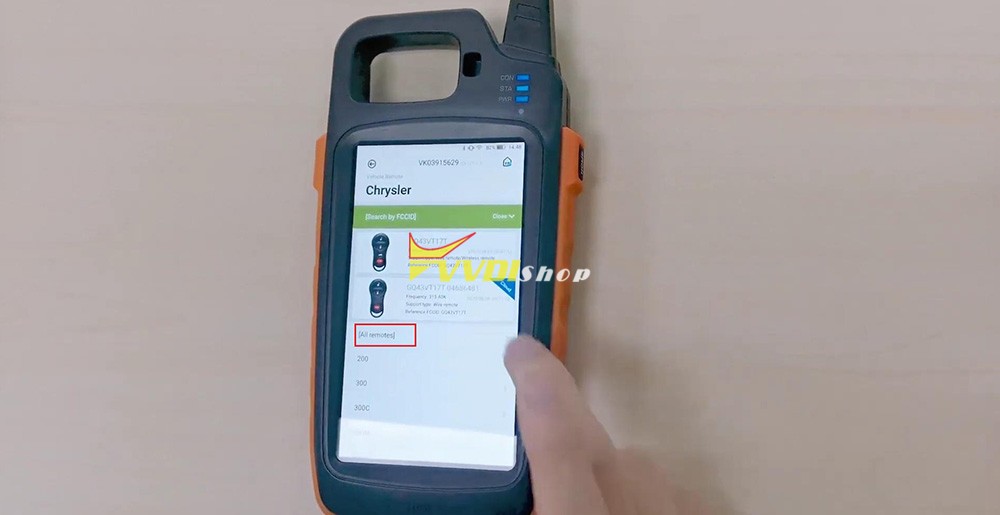
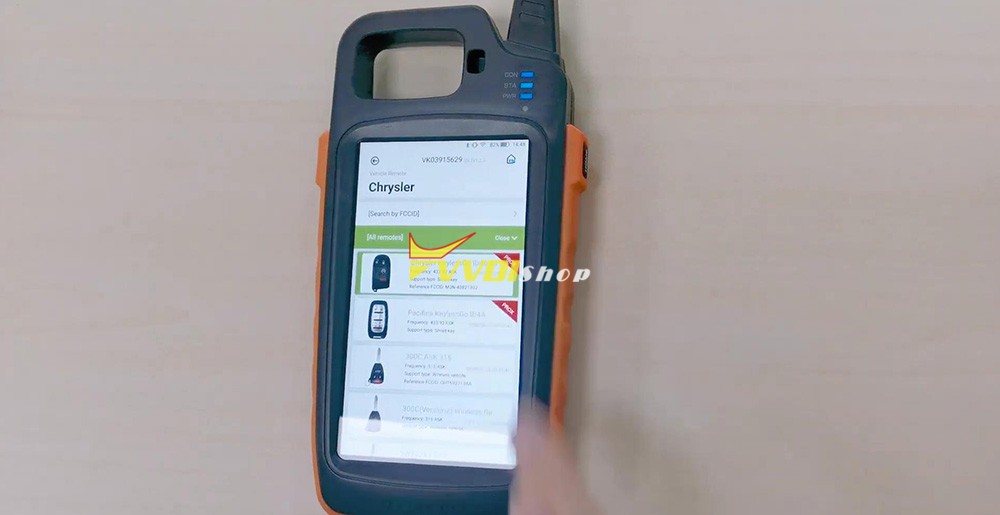
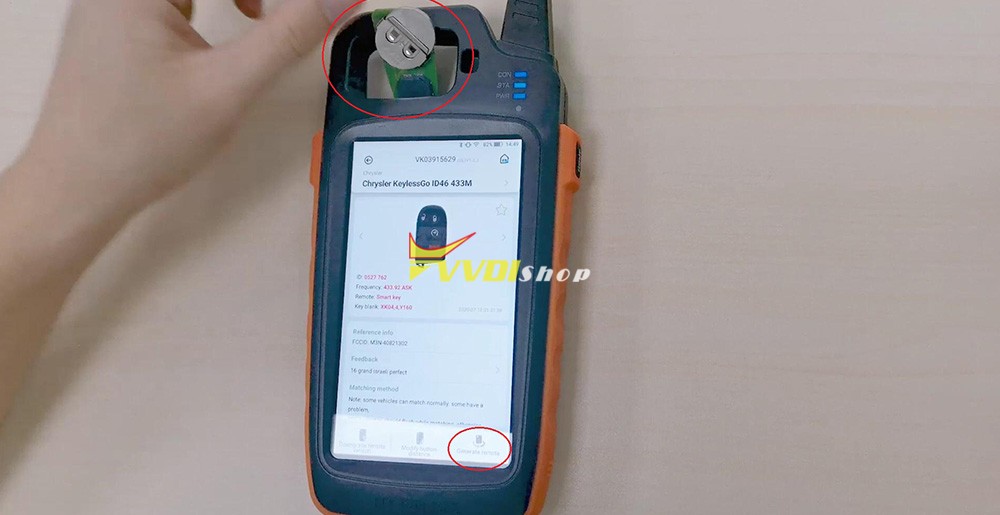
What I will test is a Chrysler KeylessGo ID46 433M, for the other remote key types, please follow in the same method.

4 steps to follow:
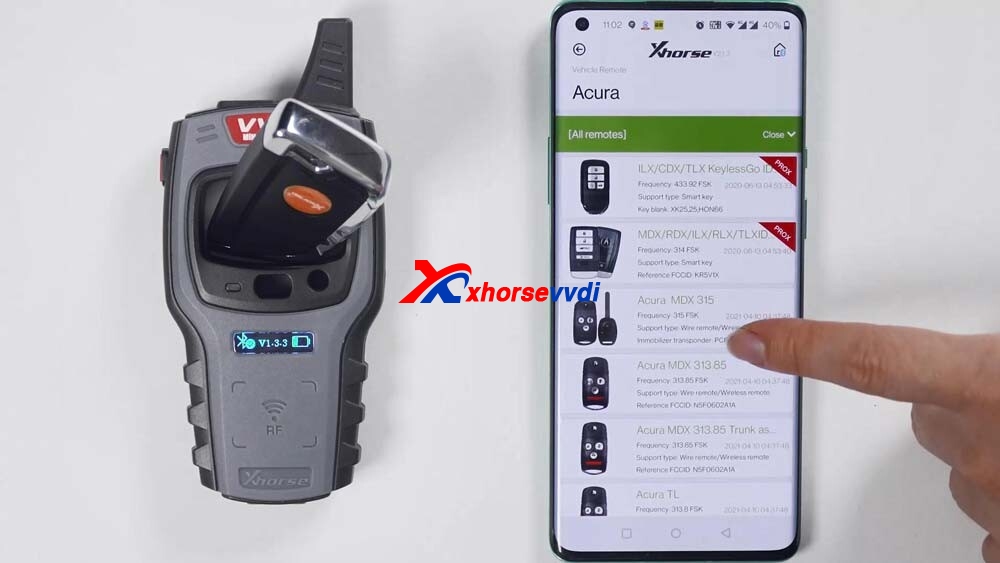
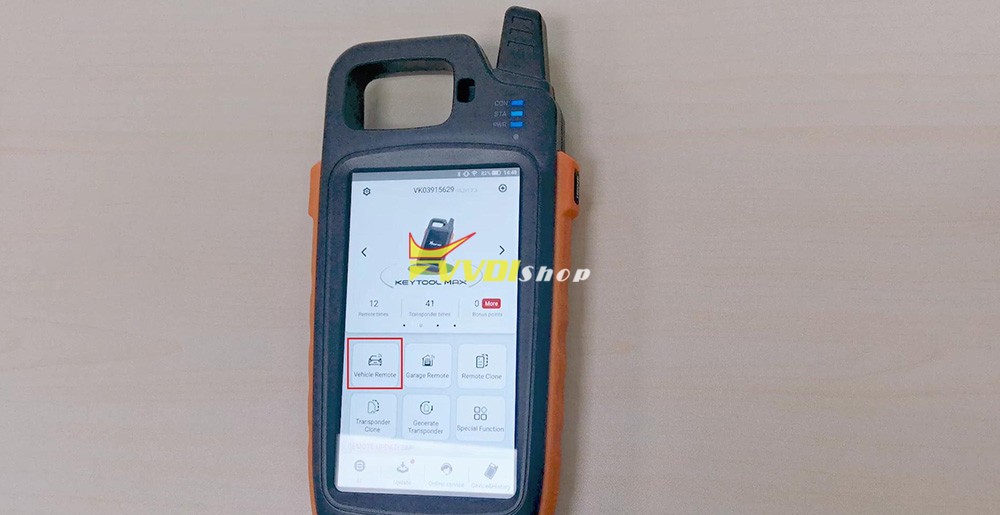
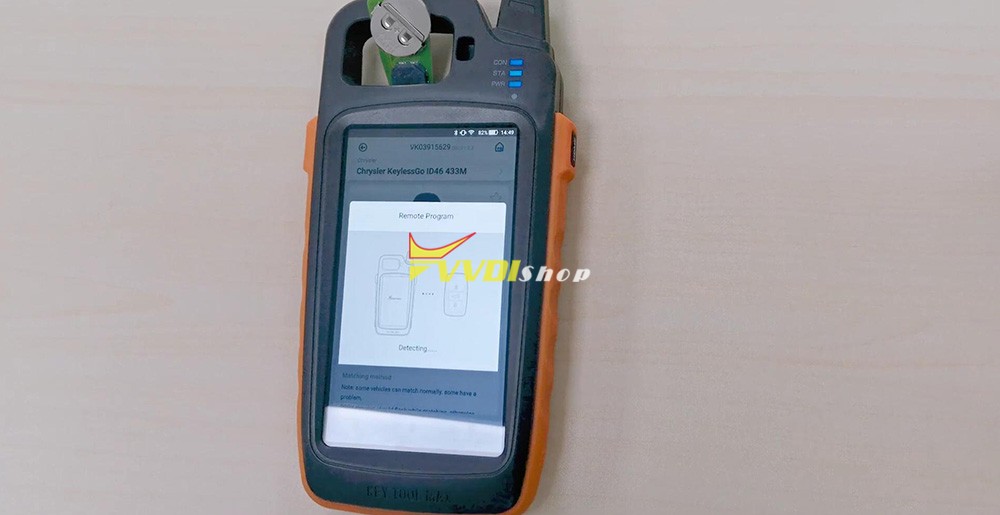
Step 1. In the key tool max home menu, select “Vehicle Remote” -> “Chrysler” -> “All Remotes” -> Chrysler KeylessGo ID46 433M.

Xhorse Key Tool Max “VVDI smart key clone” 1
Xhorse Key Tool Max “VVDI smart key clone” 2
Xhorse Key Tool Max “VVDI smart key clone” 3
Xhorse Key Tool Max “VVDI smart key clone” 4

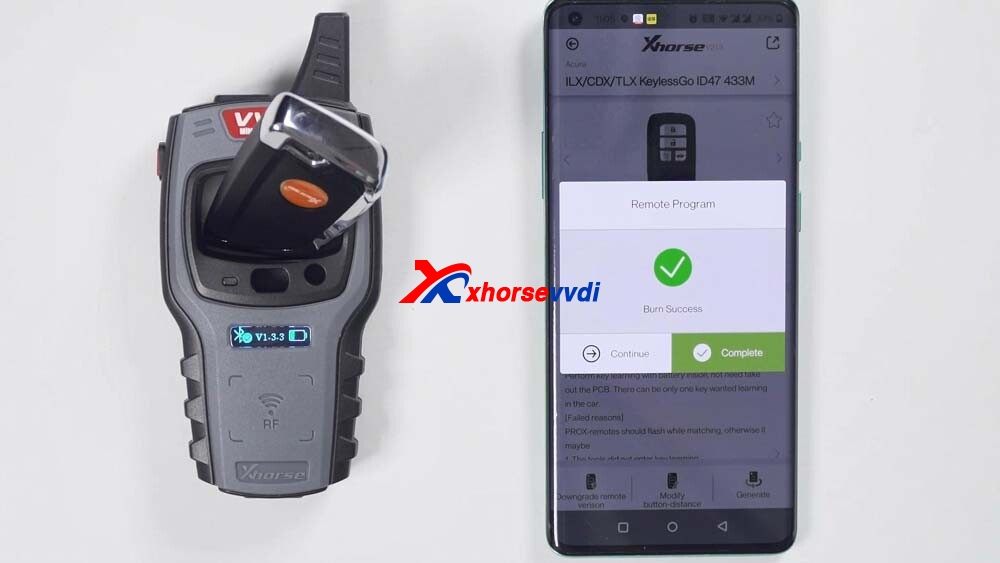
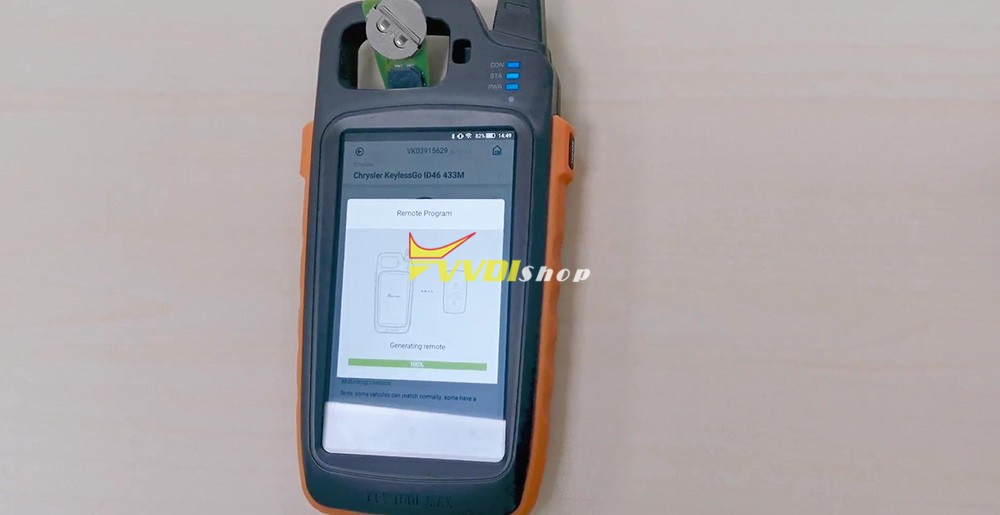
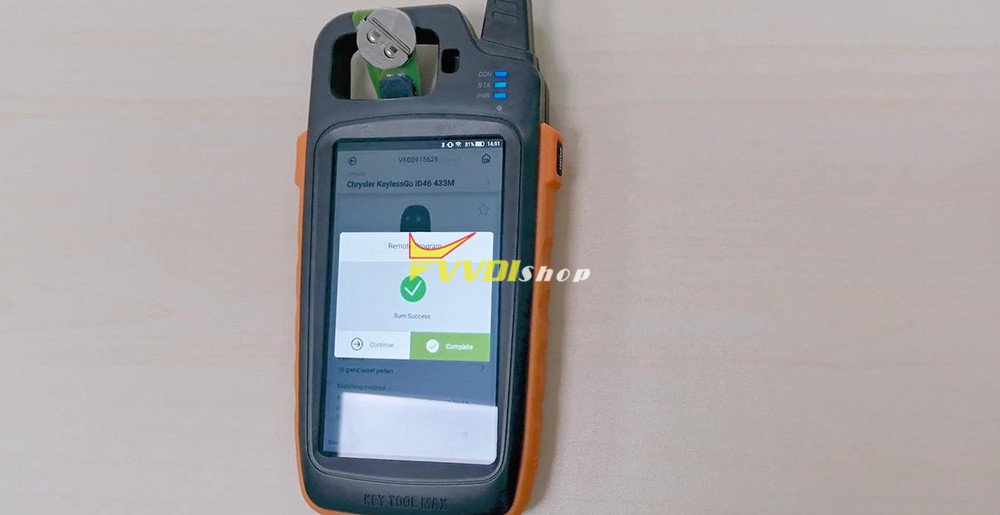
Step 2. In the slot put the smart key you want to program, select “Generate Remote” and wait until you see “Burn success”, it will take only 1-2 minutes.

Xhorse Key Tool Max “VVDI smart key clone” 5
Xhorse Key Tool Max “VVDI smart key clone” 6
Xhorse Key Tool Max “VVDI smart key clone” 7
Xhorse Key Tool Max “VVDI smart key clone” 8

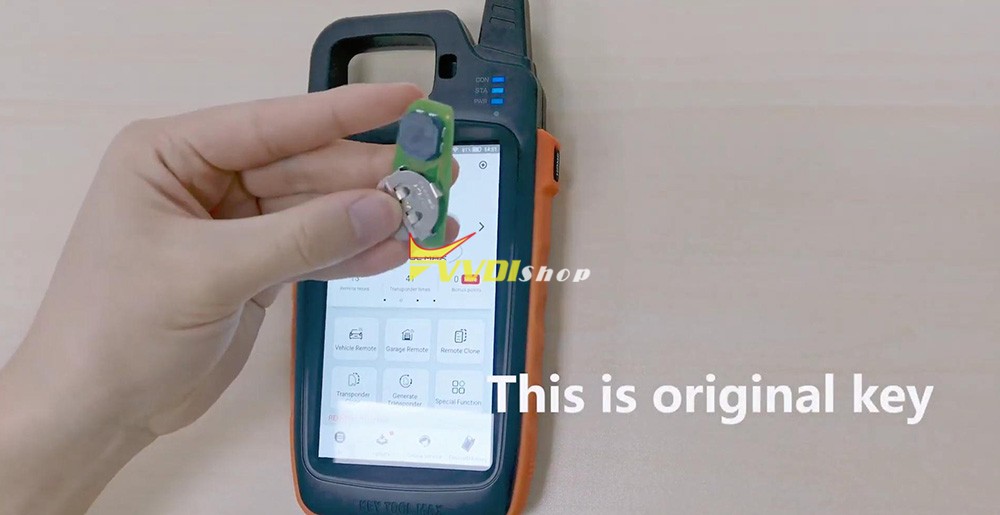
Step 3. Take the programmed smart key out of the slot, prepare the original key.
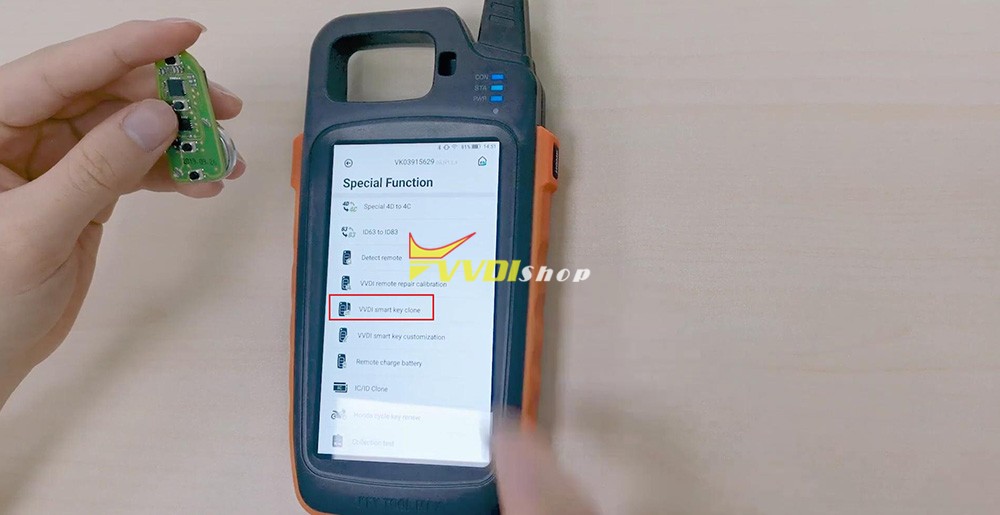
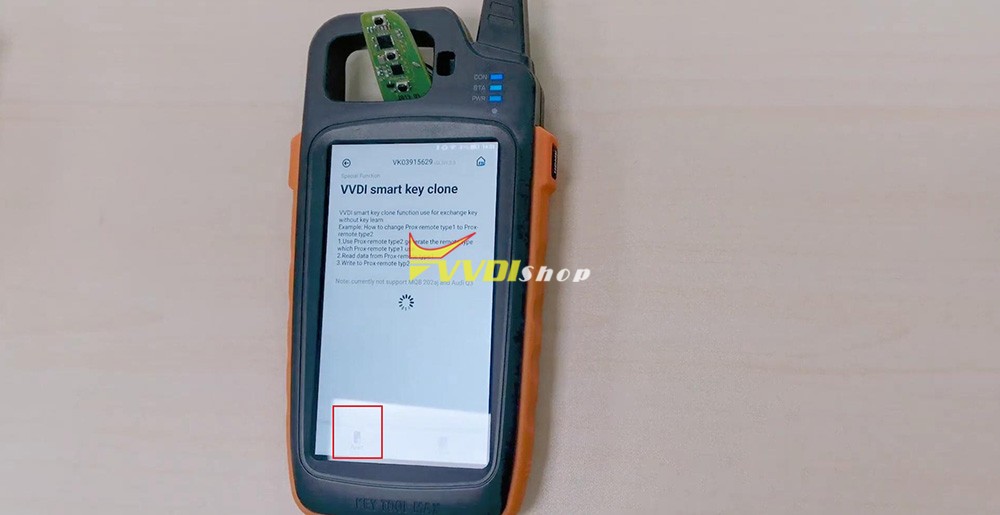
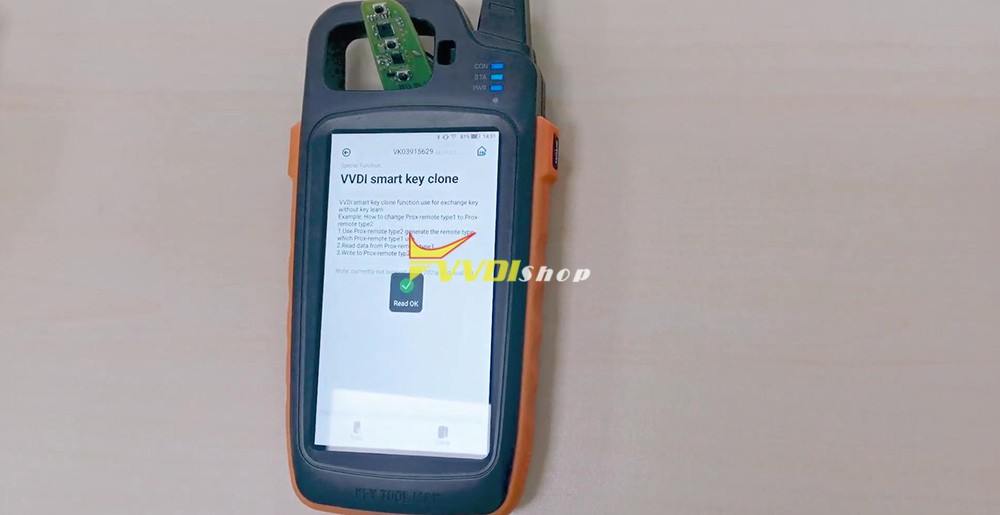
Back to vvdi key tool max home menu, select “Special Function” -> “VVDI smart key clone“, put the original smart key into the slot, select ” Read” and wait until OK.

Xhorse Key Tool Max “VVDI smart key clone” 9
Xhorse Key Tool Max “VVDI smart key clone” 10
Xhorse Key Tool Max “VVDI smart key clone” 11
Xhorse Key Tool Max “VVDI smart key clone” 12
Xhorse Key Tool Max “VVDI smart key clone” 13

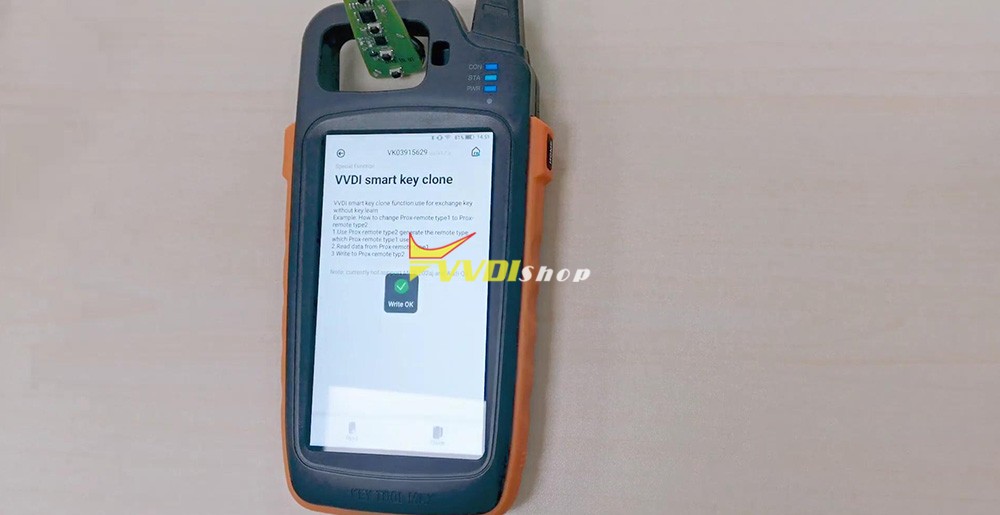
Step 4. Again take the original key out of the slot, put the smart remote key to clone, select “Clone” and soon you will see ” Write OK”.

Xhorse Key Tool Max “VVDI smart key clone” 14
Xhorse Key Tool Max “VVDI smart key clone” 15

Job is done!

https://www.vvdishop.com/service/xhorse-key-tool-max-vvdi-smart-key-clone.html

VVDI Key Tool File Makes Key Renault Duster 2010- 95040

How-to: add a spare Renault Duster 2010- key using Xhorse vvdi key tool max via immo data tool.
 
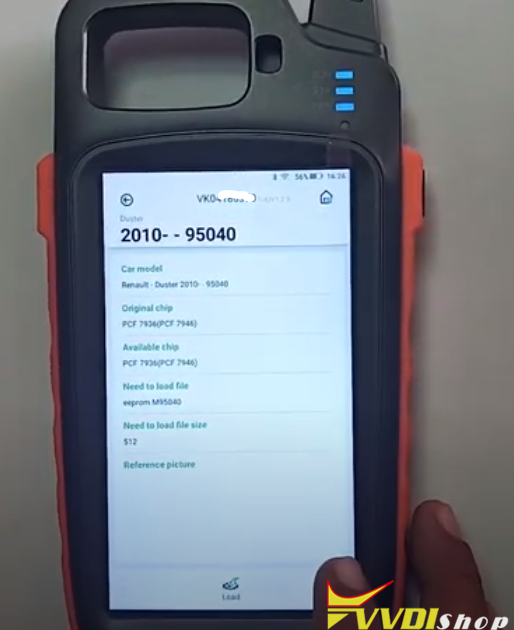
First of all, read and save Duster 95040 eeprom dump data with vvdi prog.
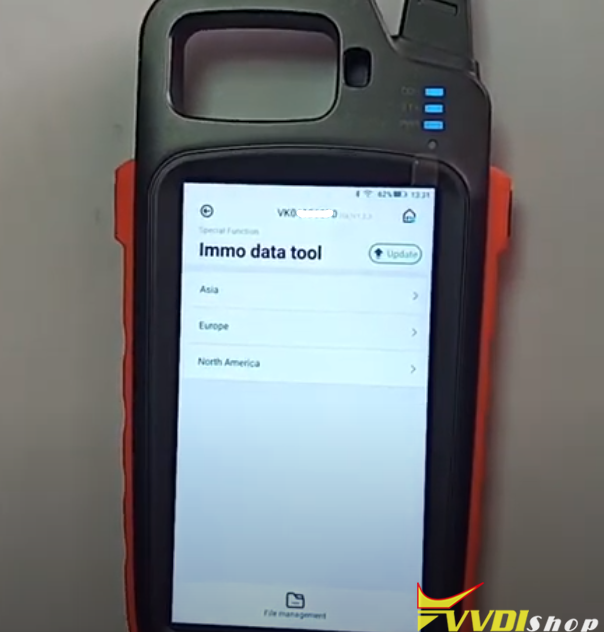
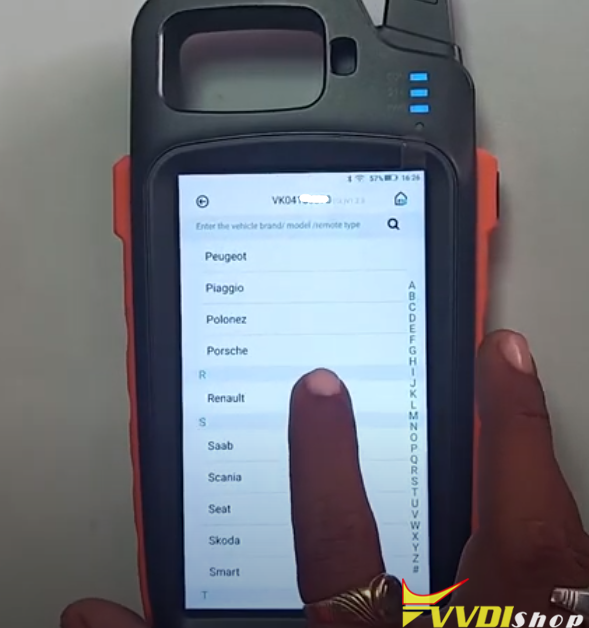
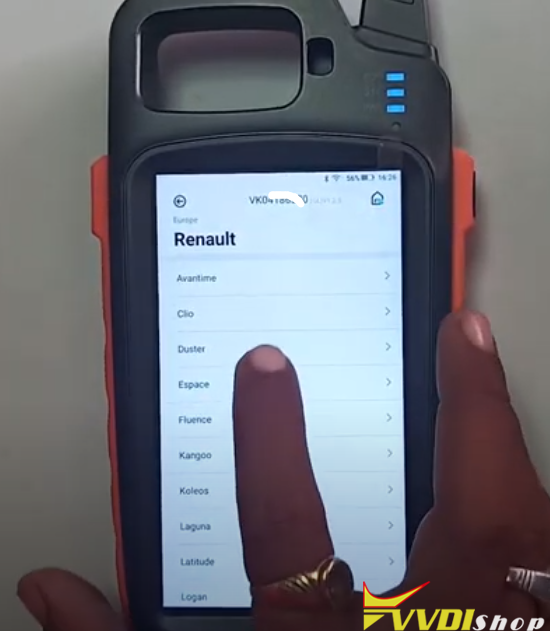
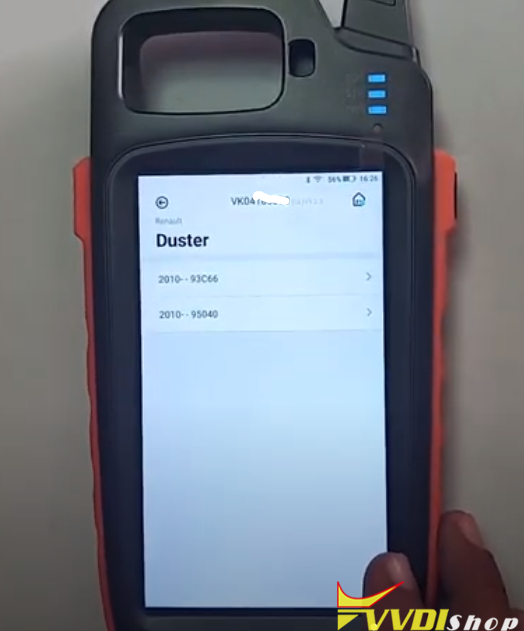
In Key Tool Max, select Special Function->Immo data Tool->Europe->Renault->Duster->2010 up 95040


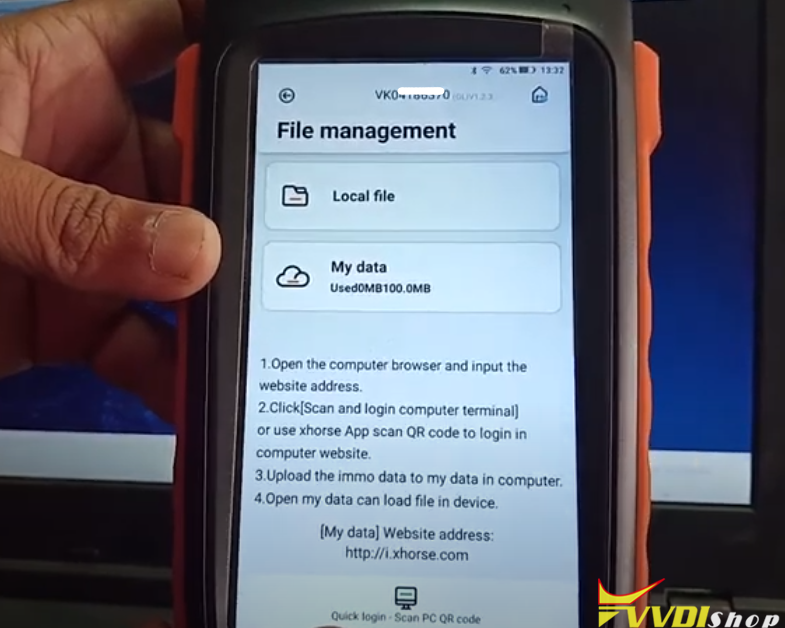
Now you will see File Management menu

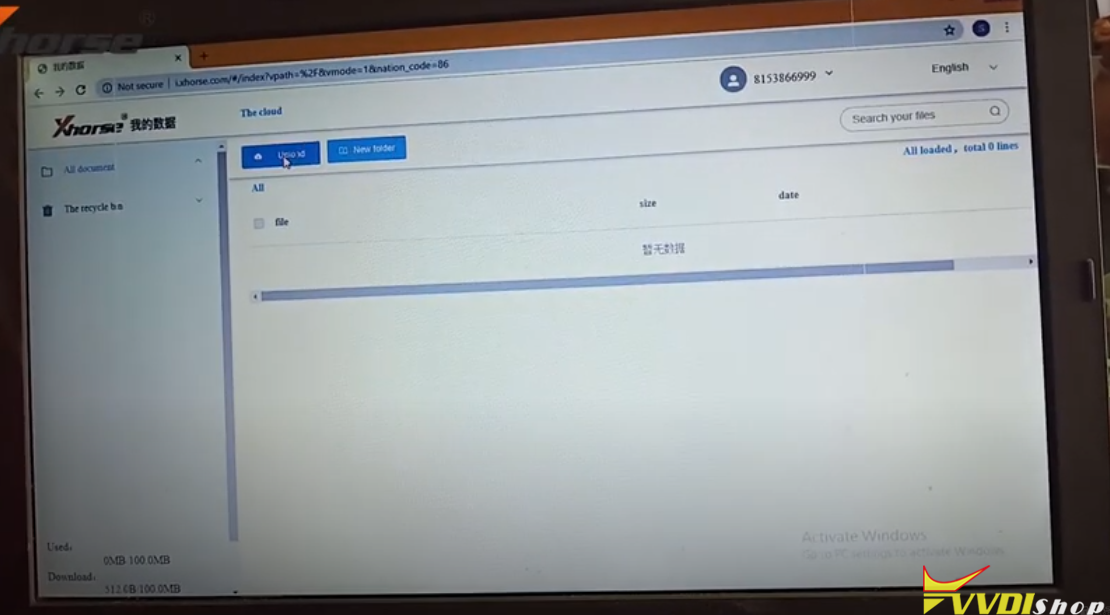
Open windows browser on PC and login “My Data”, website address http://i.xhorse.com
or scan PC QR code to quick login

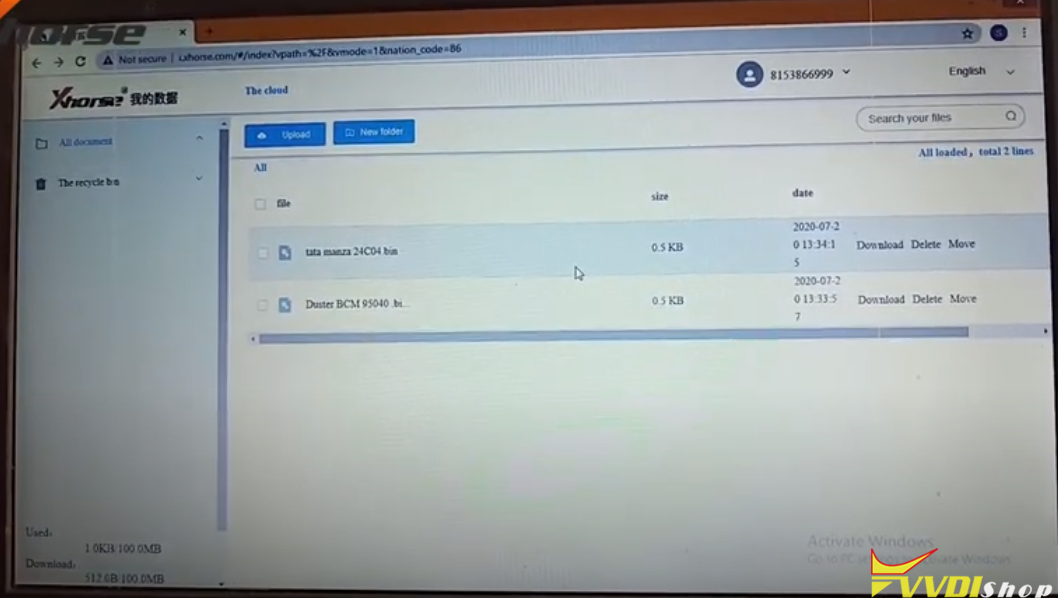
Upload Duster 95040 data from your computer to Xhorse data center

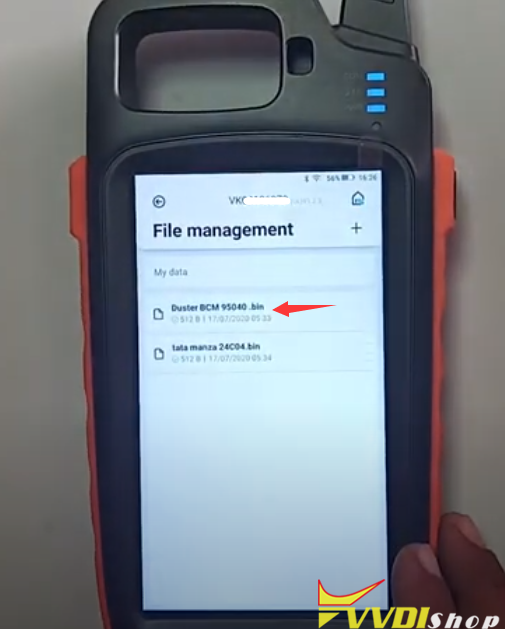
You can see Duster dump in key tool max file management

Select Duster BCM 95040.bin

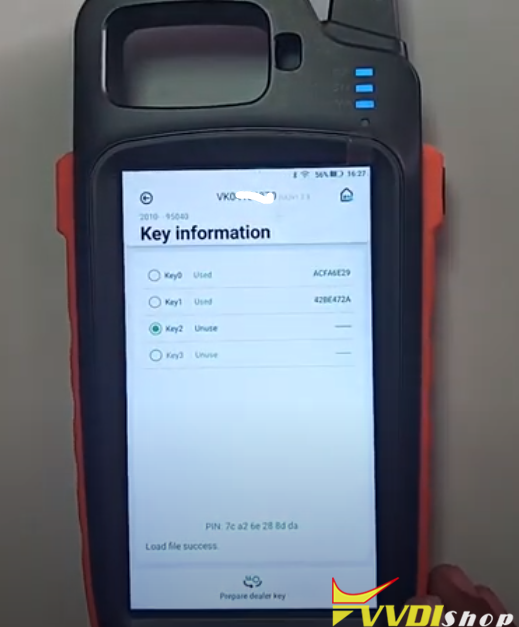
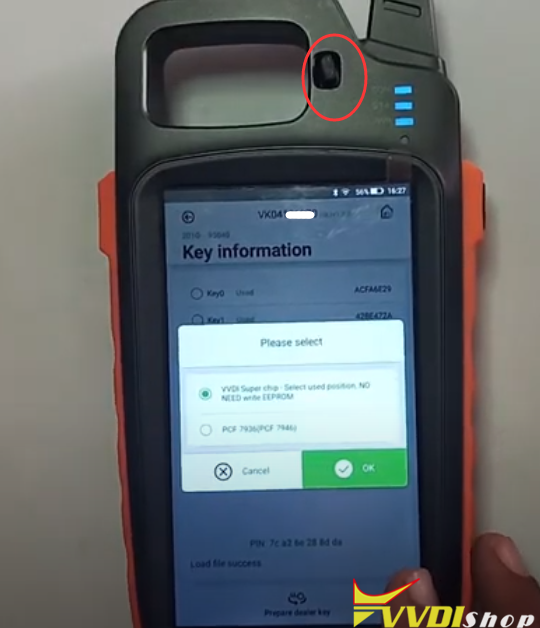
Select an unused key position
Press Prepar dealer key

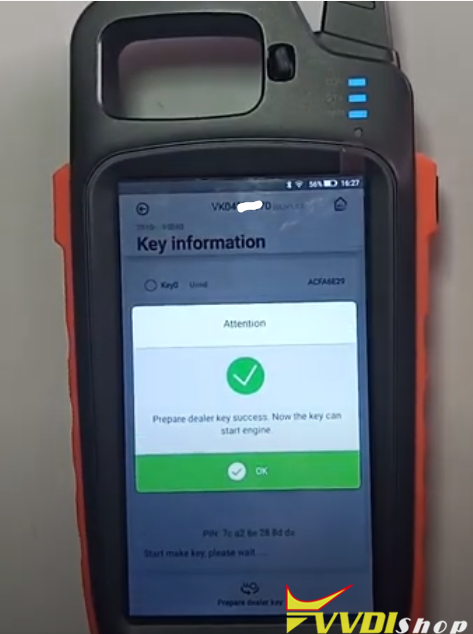
Choose VVDI super chip to be programmed and insert xt27 chip into induction coil, press OK to make dealer key

Prepare dealer key success.  The key can start engine now.

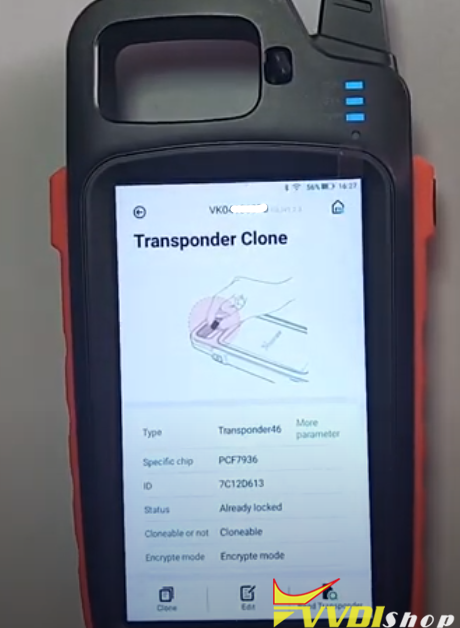
Check transponder key information.
Done.
 
www.vvdishop.com
Design a site like this with WordPress.com
Get started