Xhorsevvdi.com is going to share with you how to use Xhorse Key Tool Max and VVDI Mini Prog & BMW CAS3+ adapter to add a new key for BMW M3 2011 with a CAS3+ module.
Step 1
First remove the CAS3+ module.
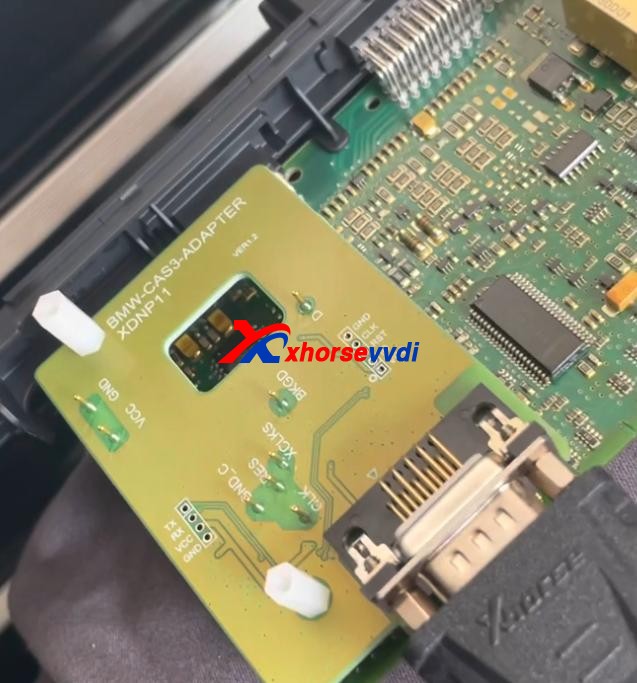
Now on bench, clean points on the module.
Remove MINI Prog head.
Then Use XDNP11 BMW CAS3+ adapter to connect VVDI Mini Prog and the circuit board.
Step 2
Turn on MINI Prog.
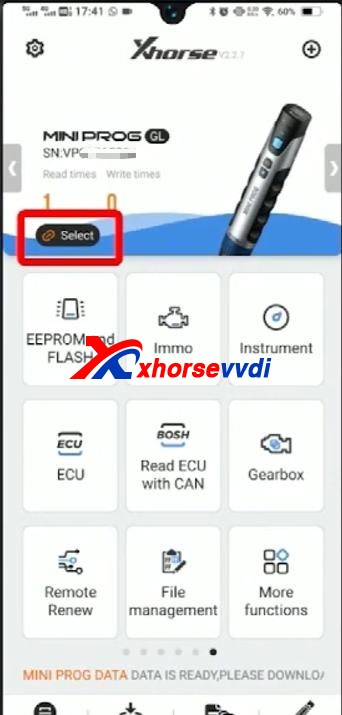
Open up Xhorse app on your phone.
Switch to the MINI Prog page.
Click on “Select” to connect your phone to mini prog.
Step 3
Select
- Immo>>BMW>>BMW>>CAS3+(0L15Y)(ADAPTER)
Check if it’s connected well by diagrams.
Then select
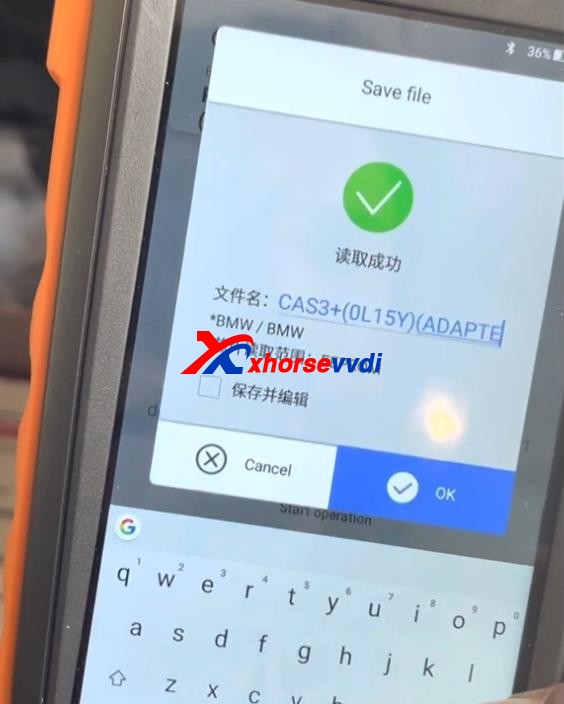
- Read>>EEPROM>>Start operation
Data reading success and save the file.
Step 4
Now back to Key Tool Max page.
Select
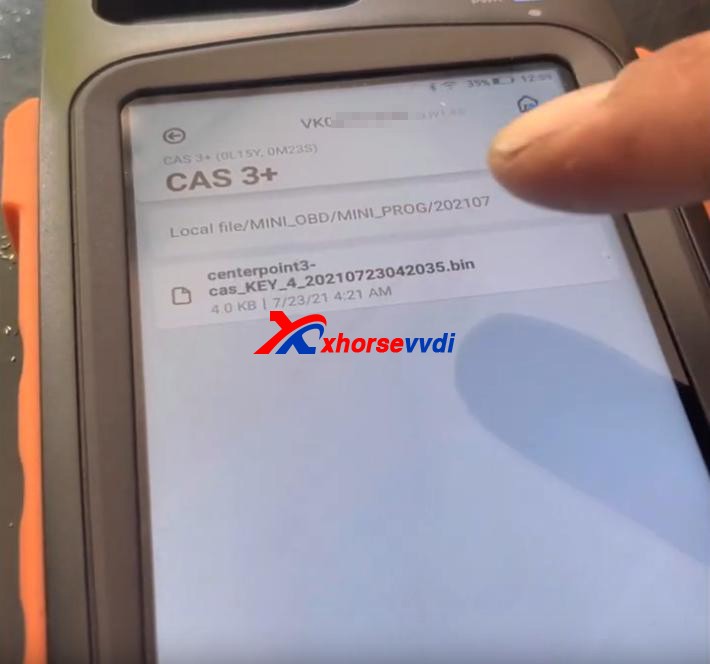
- Special Function(Network connection needed)>>Immo Data Tool>>Europe>>BMW>>CAS3+ (0L15Y, 0M23S)>>CAS3+
Load the file we just saved.
Follow the prompt to add a new key.
Done!
That’s the procedure of BMW CAS3+ key programming using VVDI Key Tool Max and Mini Prog with Xhorse BMW solder-free adapter.
http://blog.xhorsevvdi.com/xhorse-vvdi-mini-prog-key-tool-max-add-key-for-bmw-m3/
 xhorse vvdi key tool max