Issue:Condor XC-Mini Plus, I can decode a key but cannot cut a key. The cutter will not spin. I get message on screen “Cut Fail, 38 (Error Code=38)”.
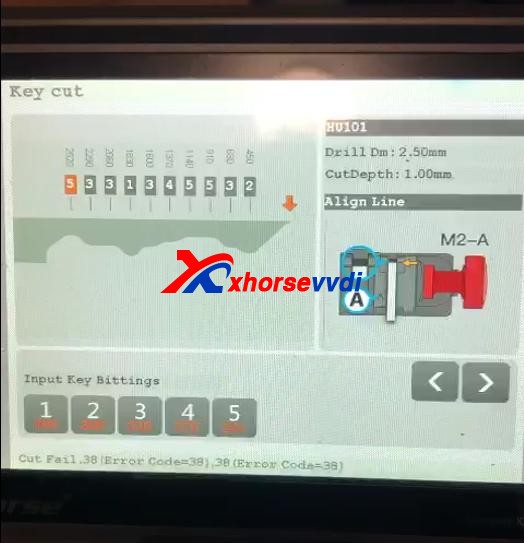
Then he did Stepper motor test and send us results as our technical support required.
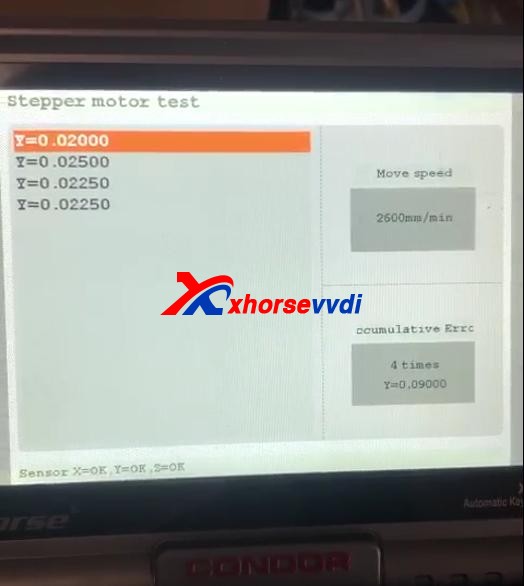
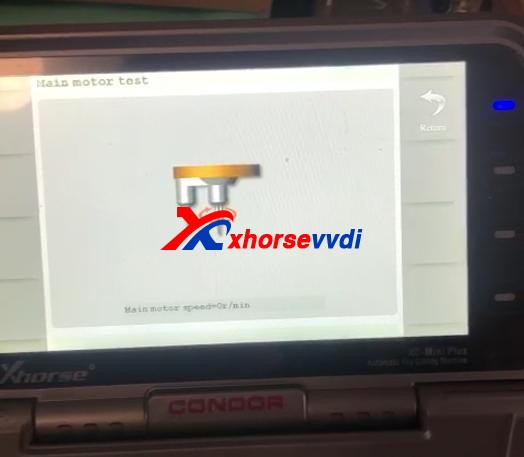
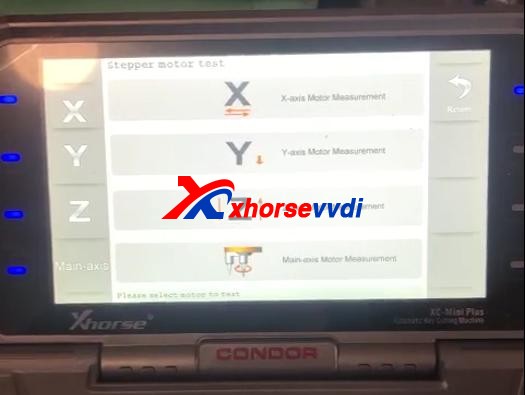
How to do Stepper motor test?On Homepage, selectSelf Test>>Stepper motor testSelect respectively “X” “Y” “Z” “Main-axis” to test motors.
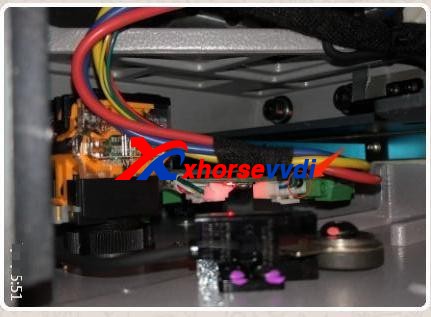
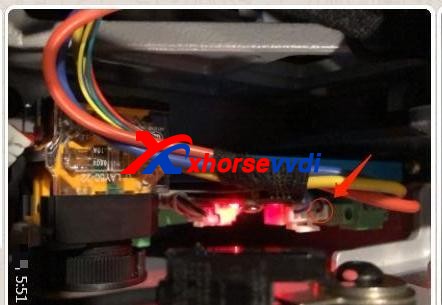
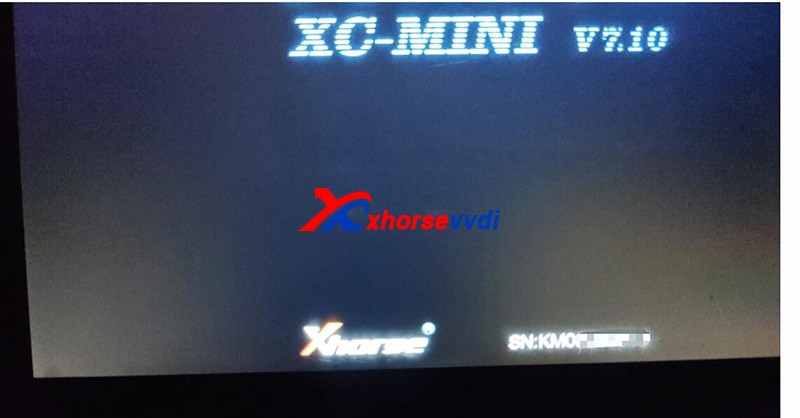
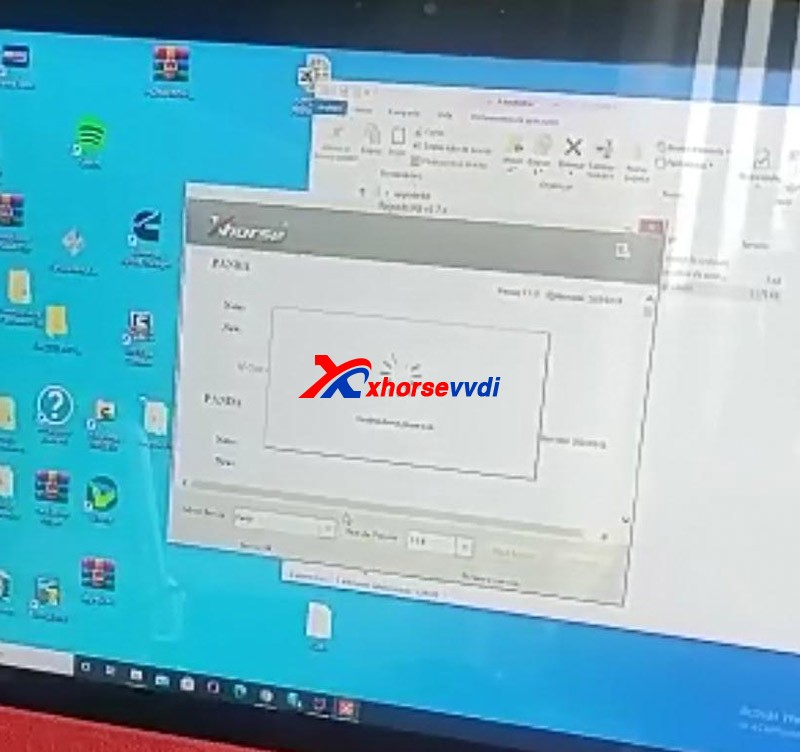
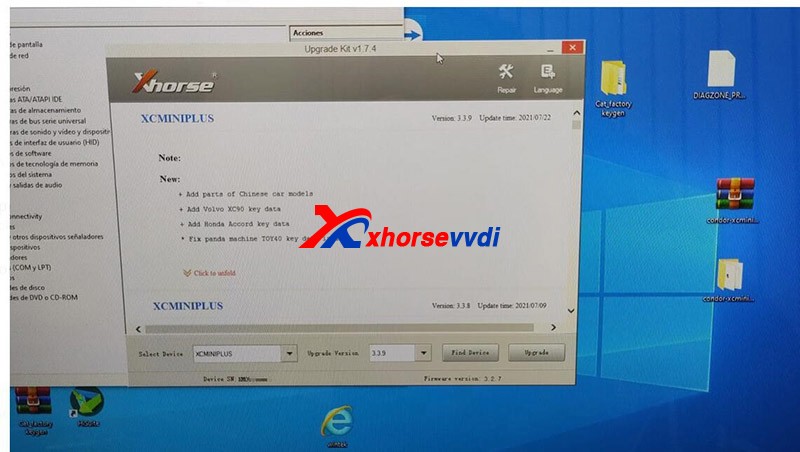
Given the result of not-working main-axis motor, the possible reasons could be on firmware or the power board.Here comes the Solution:1)Re-update firmware, make sure firmware gets the latest version.2)Take apart the Condor Mini key cutting machine to test the power board.Note: If you don’t know how to do, do not risk and ask professionals for help.If method 1 doesn’t work, we need to take apart the machine.Unplug&plug all cables on the power board once and watch the indicator change.Feedback: Red light is on solid, not flashing. Find a black wire loose, press it back into plug and machine works.


 xhorse vvdi key tool max