Peugeot 307 Johnson BSI 95128 All Keys Lost With Xhorse VVDI KEYTOOL MAX

Question: How to do transponder clone for Peugeot 307 all keys lost in Xhorse Key Tool Max?

Generally, the whole procedure is divided in two steps:

1. Read PIN code via OBD or EEPROM

2. Learn/Program keys.

This article provides two ways and some tips for your reference.

Method 1. Read PIN via OBD and program keys

If you have Key Tool Max and Mini OBD Tool, the procedure will be very simple.

General Procedure:

1.Read password by Mini OBD Tool via OBD port.

2.Generate an ID46 Peugeot Citroen chip using VVDI Super Chip and Key Tool Max.

PIN Reading Path :

  • Immo Programming>>Peugeot>>Password reading>>Type 2 KWP (all keys lost or adding)
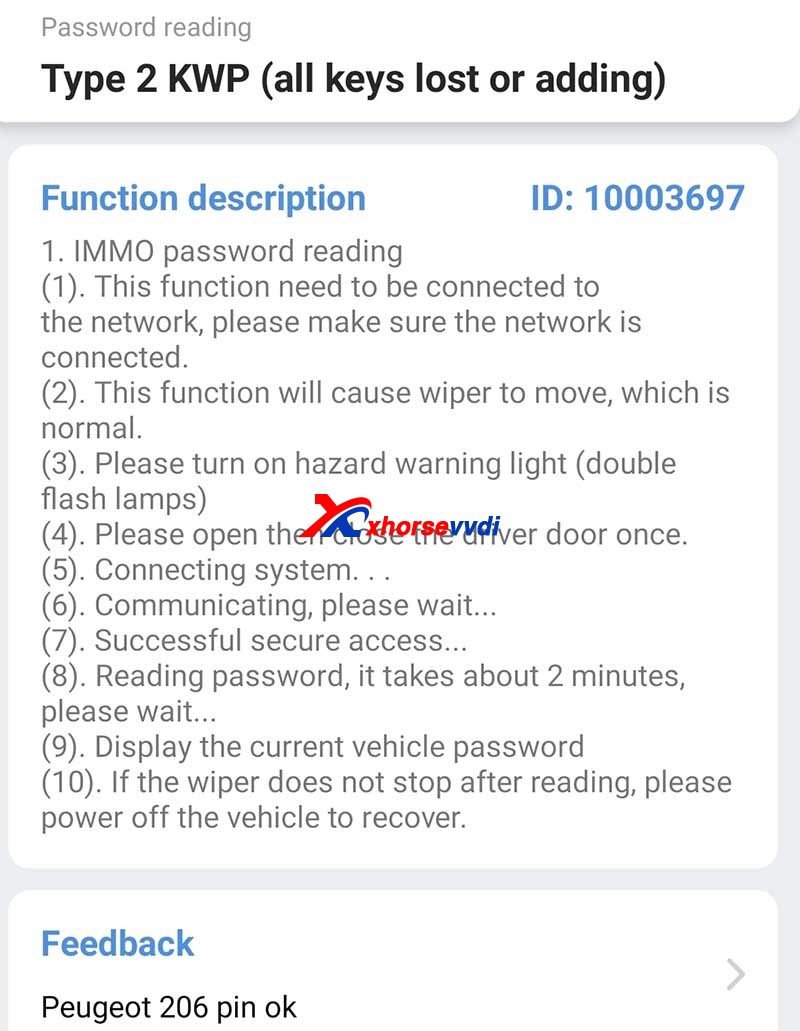
Tips On Peugeot 307 Johnson Bsi 95128 All Keys Lost Programming 1

Method 2. Read PIN via EEPROM and program keys via dump

If you don’t have a password reader, the procedure may be a little bit tough.

General Procedure:

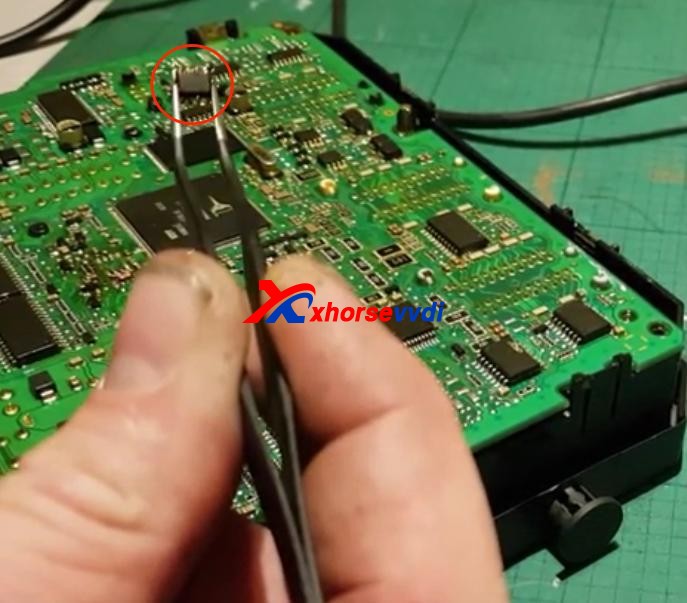
1.Remove BSI module.

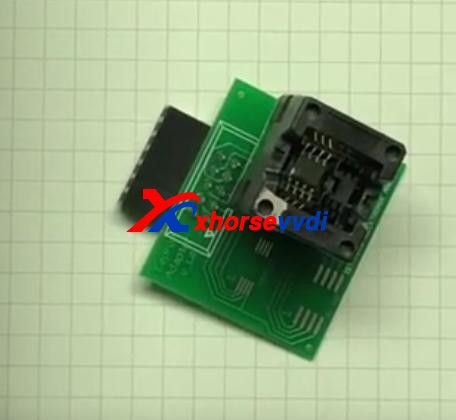
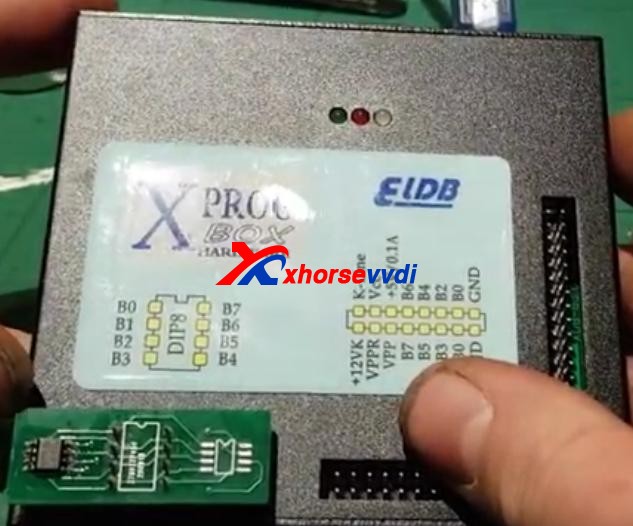
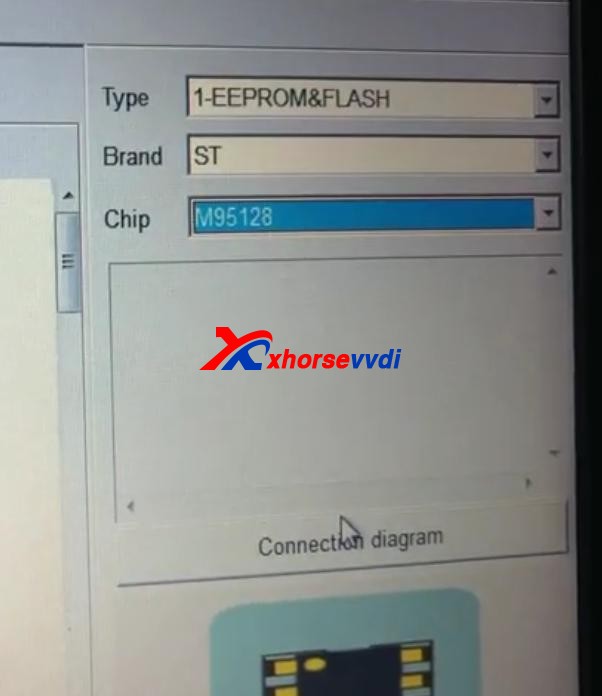
2.Read EEPROM (this step may need desoldering) by an ECU programmer like VVDI PROG or XPROG.

3. Program keys via dump file.
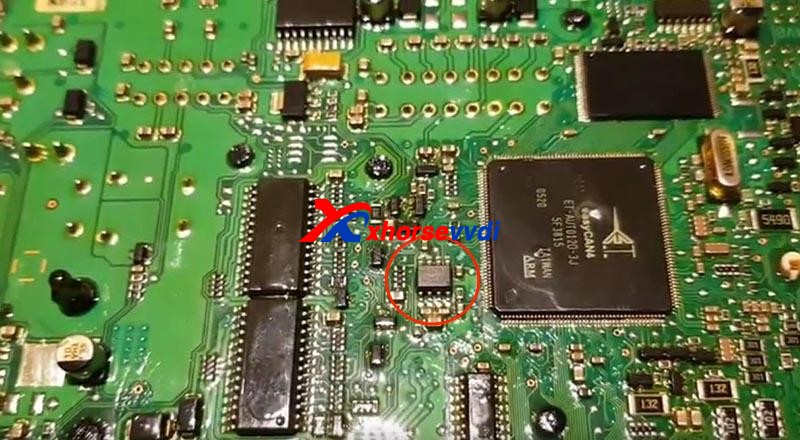
Tips On Peugeot 307 Johnson Bsi 95128 All Keys Lost Programming 2
Tips On Peugeot 307 Johnson Bsi 95128 All Keys Lost Programming 3
Tips On Peugeot 307 Johnson Bsi 95128 All Keys Lost Programming 4
Tips On Peugeot 307 Johnson Bsi 95128 All Keys Lost Programming 5
Tips On Peugeot 307 Johnson Bsi 95128 All Keys Lost Programming 6

Tips:

1. You may need to take apart the BSI module to get the circuit board.

Tips On Peugeot 307 Johnson Bsi 95128 All Keys Lost Programming 7

2. Use hot air very carefully since EEPROM is close to CAN MCU. In any error, the MCU may die.

Thanks to Ghayath, Woj and Gaio.

Any questions feel free to contact us.

http://blog.xhorsevvdi.com/peugeot-307-johnson-bsi-95128-all-keys-lost-programming/
BMW M3 2011 add key with Xhorse VVDI Mini Prog & Key Tool Max

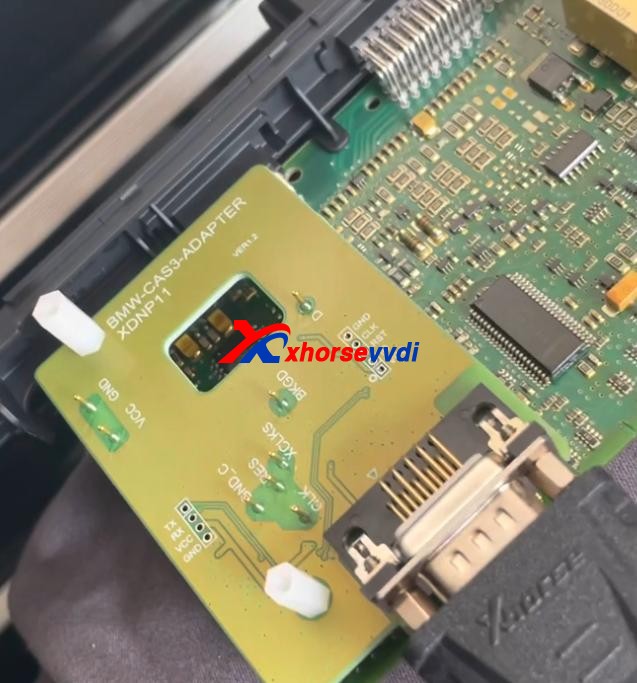
Xhorsevvdi.com is going to share with you how to use Xhorse Key Tool Max and VVDI Mini Prog & BMW CAS3+ adapter to add a new key for BMW M3 2011 with a CAS3+ module.

Step 1

First remove the CAS3+ module.

Now on bench, clean points on the module.

Remove MINI Prog head.

Then Use XDNP11 BMW CAS3+ adapter to connect VVDI Mini Prog and the circuit board.

BMW M3 2011 add key with Xhorse VVDI Mini Prog & Key Tool Max 01

Step 2

Turn on MINI Prog.

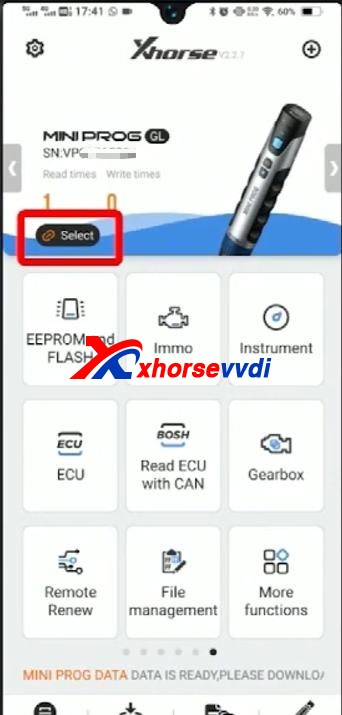
Open up Xhorse app on your phone.

Switch to the MINI Prog page.

Click on “Select” to connect your phone to mini prog.

BMW M3 2011 add key with Xhorse VVDI Mini Prog & Key Tool Max 02

Step 3

Select

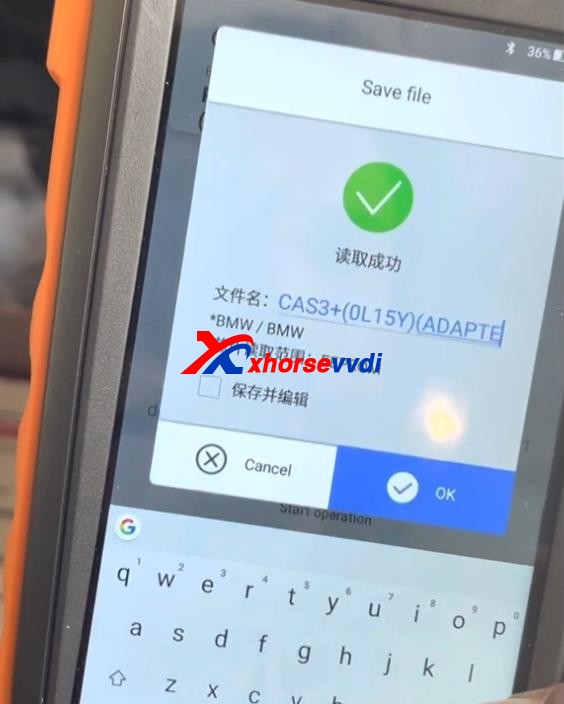
  • Immo>>BMW>>BMW>>CAS3+(0L15Y)(ADAPTER)

Check if it’s connected well by diagrams.

Then select

  • Read>>EEPROM>>Start operation

Data reading success and save the file.

BMW M3 2011 add key with Xhorse VVDI Mini Prog & Key Tool Max 03

Step 4

Now back to Key Tool Max page.

Select

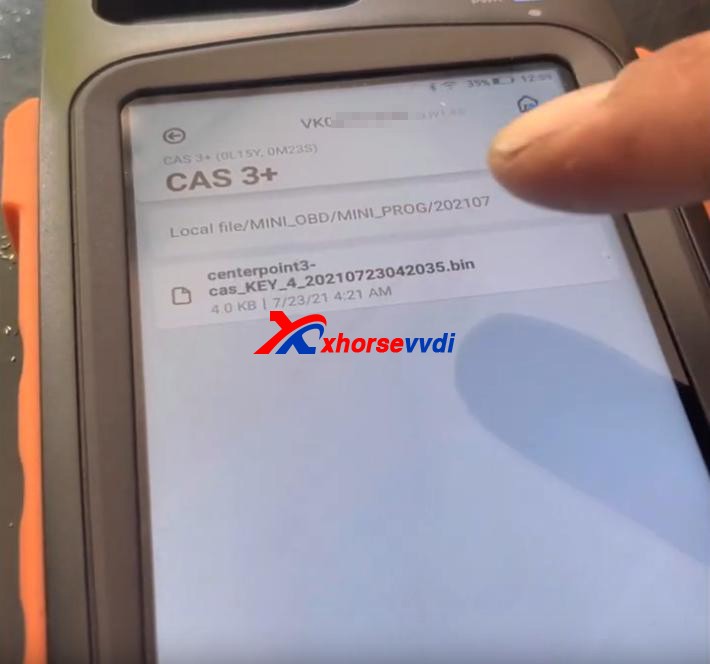
  • Special Function(Network connection needed)>>Immo Data Tool>>Europe>>BMW>>CAS3+ (0L15Y, 0M23S)>>CAS3+

Load the file we just saved.

BMW M3 2011 add key with Xhorse VVDI Mini Prog & Key Tool Max 04

Follow the prompt to add a new key.

Done!

That’s the procedure of BMW CAS3+ key programming using VVDI Key Tool Max and Mini Prog with Xhorse BMW solder-free adapter.

http://blog.xhorsevvdi.com/xhorse-vvdi-mini-prog-key-tool-max-add-key-for-bmw-m3/

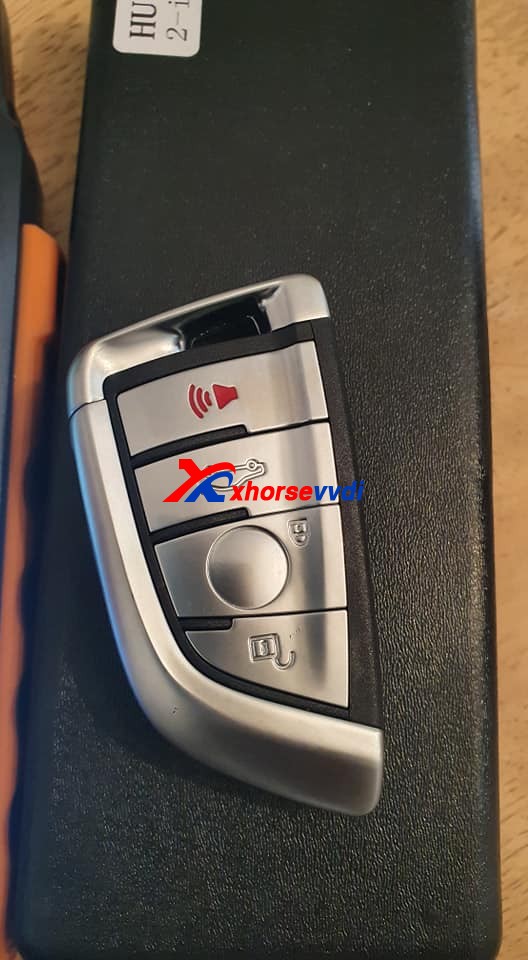
How to Renew the BMW F Series After Market Key with Xhorse VVDI MAX?

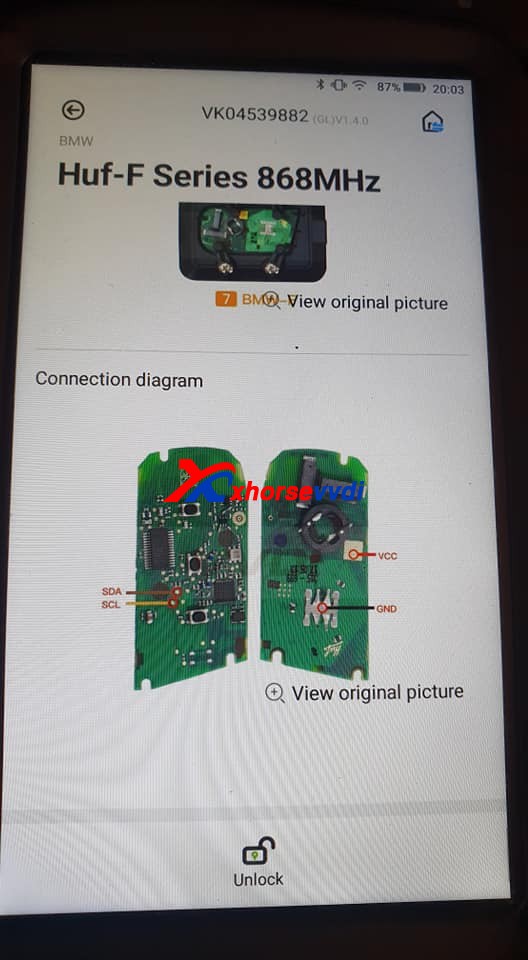
Question on Xhorse VVDI Key tool maxor vvdi mini key tool: how to renew the bmw f series after market key, soldering points please.

Renew the BMW F Series After Market Key with key tool max 01
Renew the BMW F Series After Market Key with key tool max 02

How-to guide:

Xhorse VVDI Key tool max or vvdi mini key tool can’t renew the After Market Key, because it may be unstable, if it is an Xhorse smart remote, it can burn the data without renewing.

Also, someone reports:

Desolder the pcf and insert in the adapter. Already done.

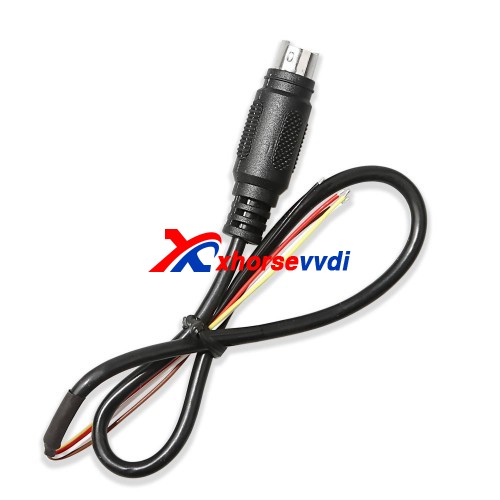
As for Huf-F Series 868MHz, it is not available yet, please use the renew cable to desolder instead.

Renew the BMW F Series After Market Key with key tool max 03

 http://blog.xhorsevvdi.com/renew-the-bmw-f-series-after-market-key-with-key-tool-max/

VVDI Key Tool File Makes Key Renault Duster 2010- 95040

How-to: add a spare Renault Duster 2010- key using Xhorse vvdi key tool max via immo data tool.
 
First of all, read and save Duster 95040 eeprom dump data with vvdi prog.
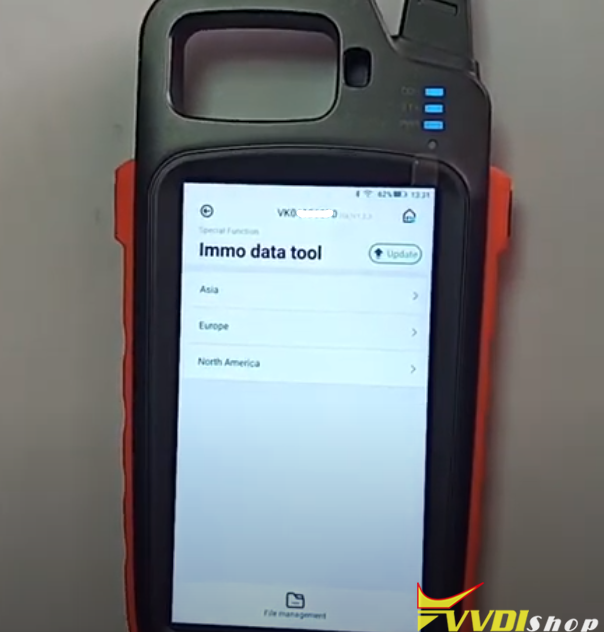
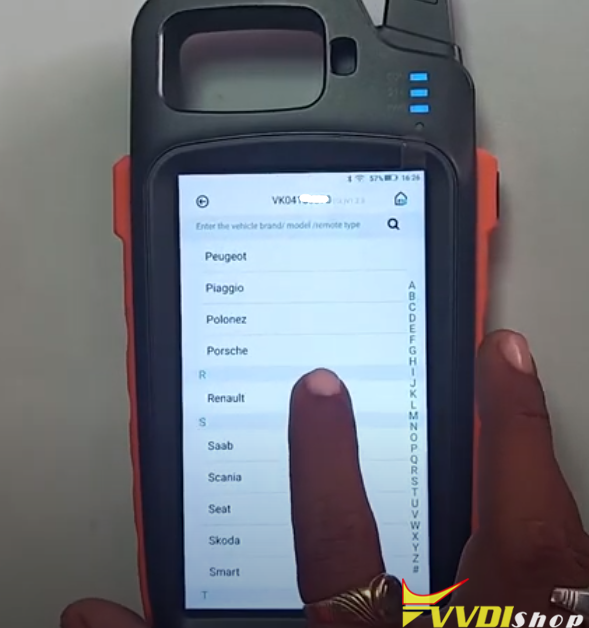
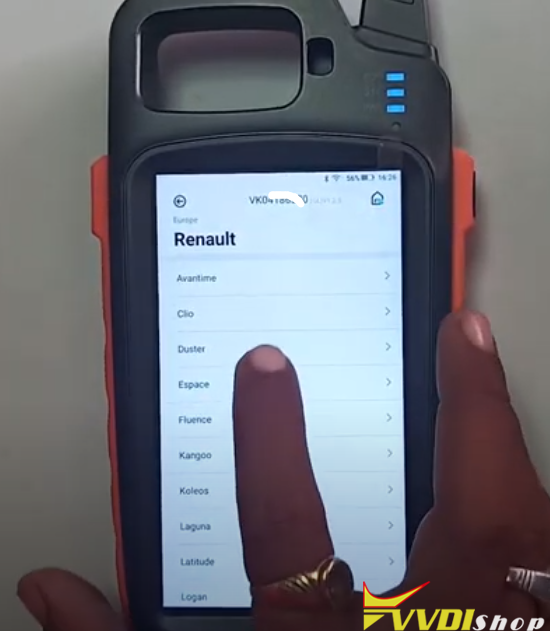
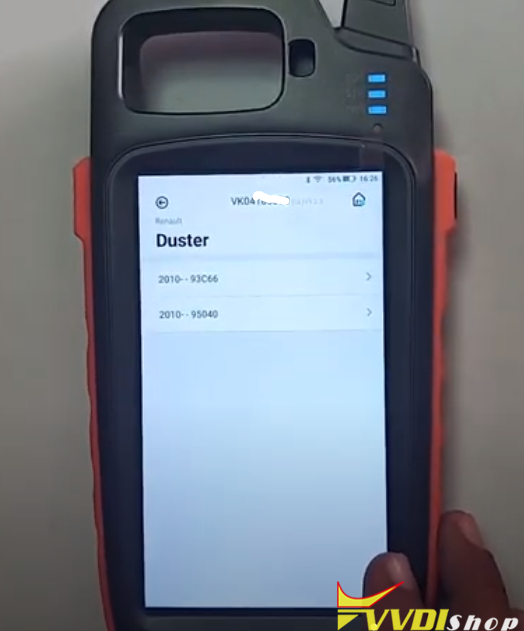
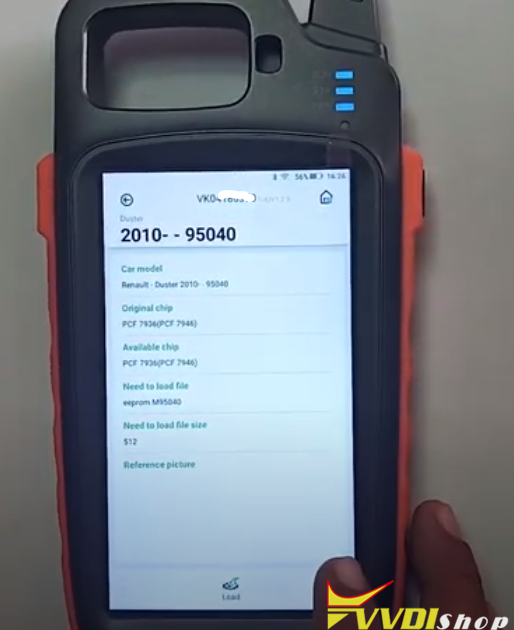
In Key Tool Max, select Special Function->Immo data Tool->Europe->Renault->Duster->2010 up 95040


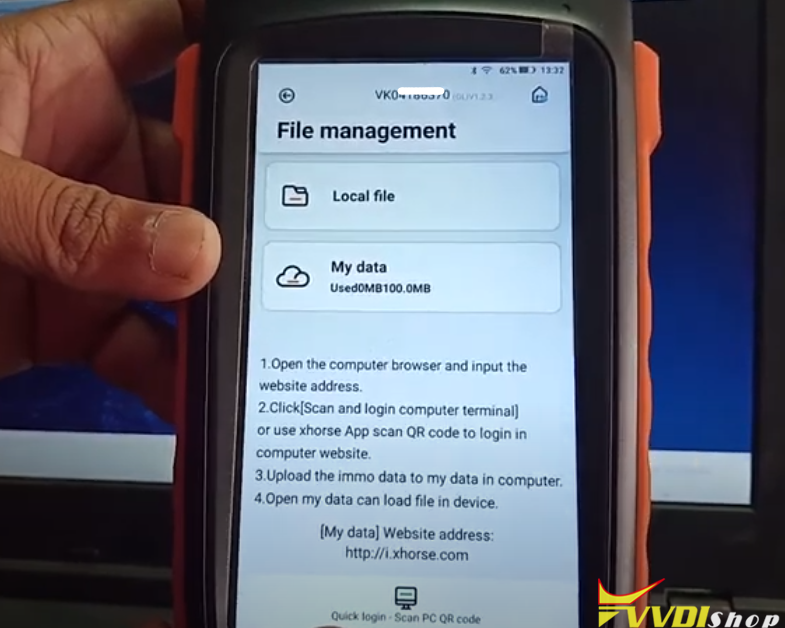
Now you will see File Management menu

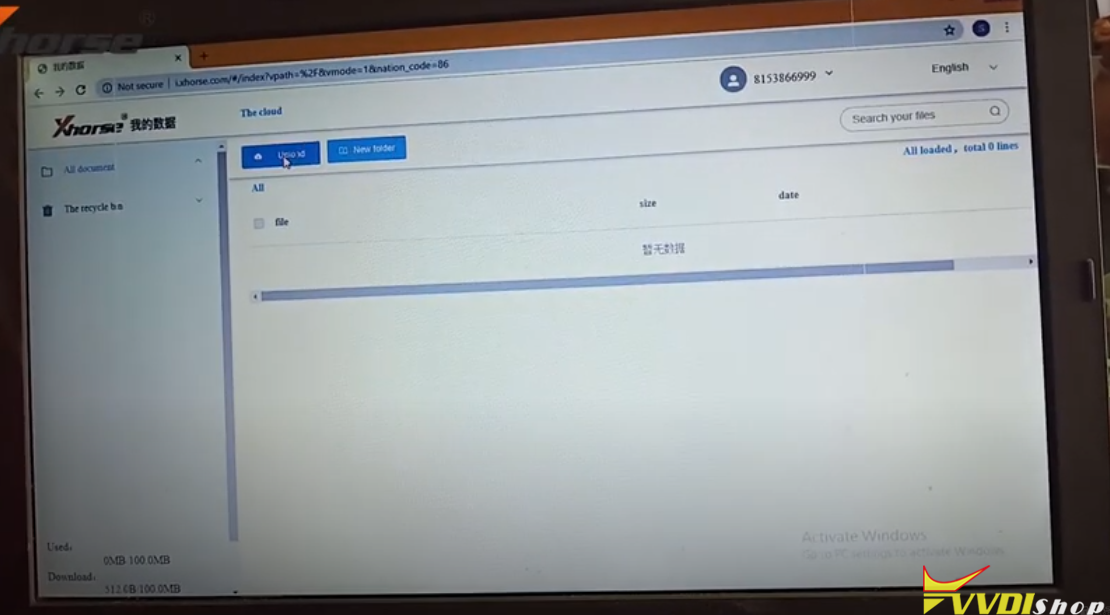
Open windows browser on PC and login “My Data”, website address http://i.xhorse.com
or scan PC QR code to quick login

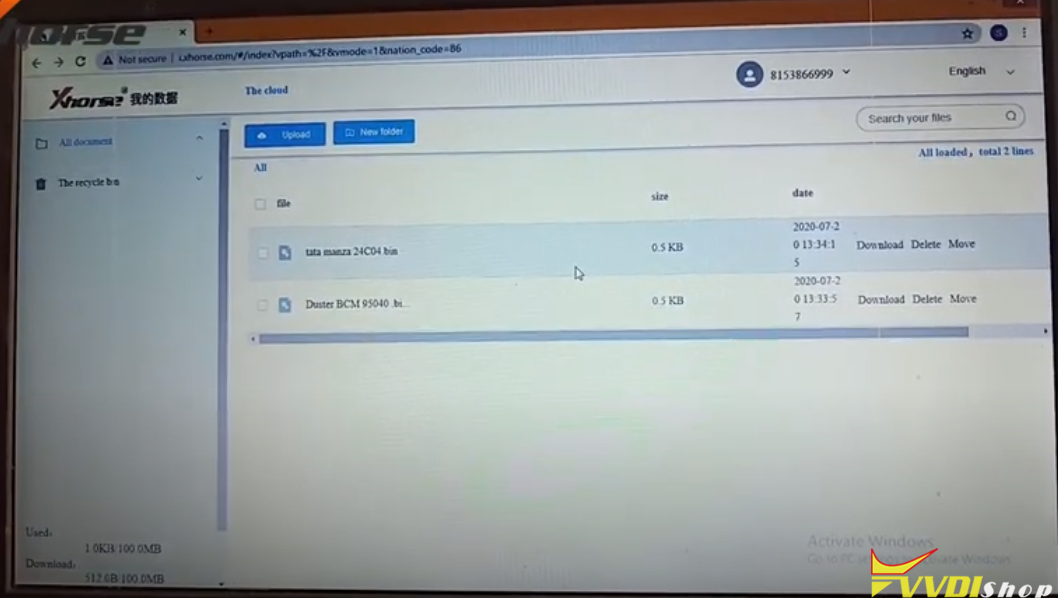
Upload Duster 95040 data from your computer to Xhorse data center

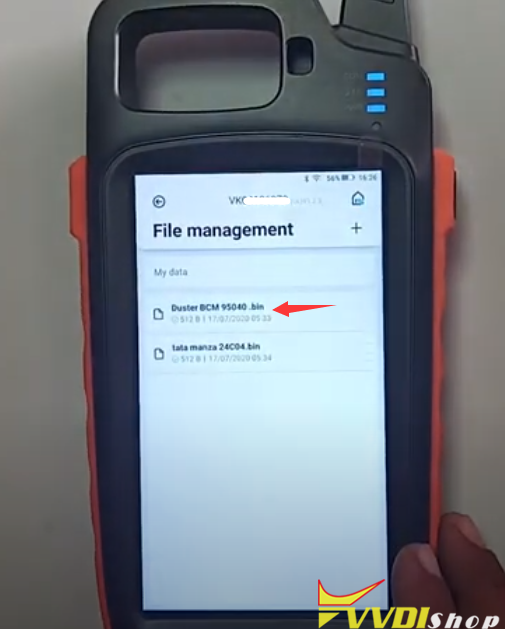
You can see Duster dump in key tool max file management

Select Duster BCM 95040.bin

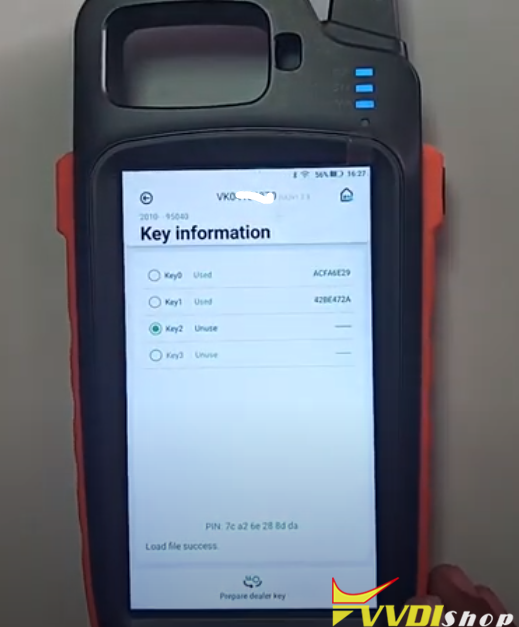
Select an unused key position
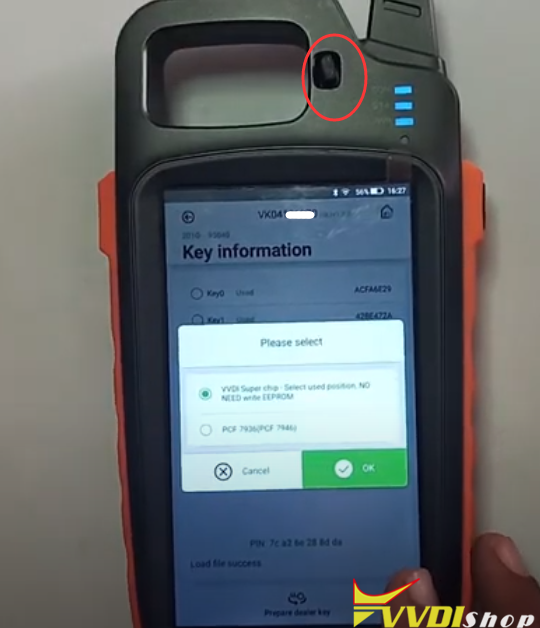
Press Prepar dealer key

Choose VVDI super chip to be programmed and insert xt27 chip into induction coil, press OK to make dealer key

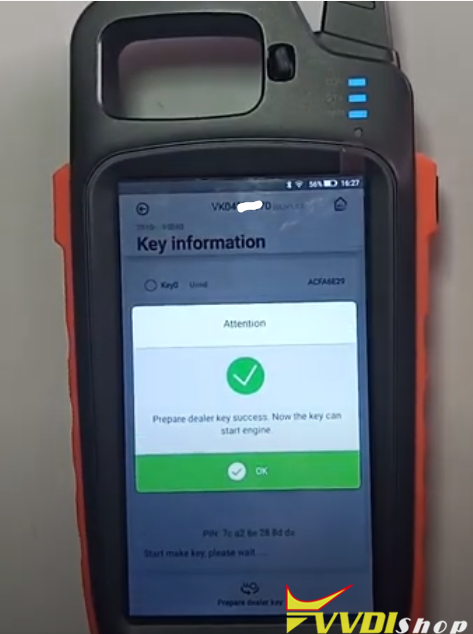
Prepare dealer key success.  The key can start engine now.

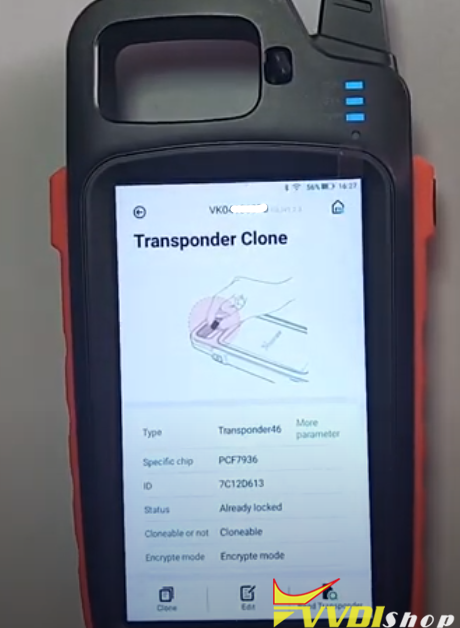
Check transponder key information.
Done.
 
www.vvdishop.com
Design a site like this with WordPress.com
Get started