How to solve VVDI Max Program XM Smart Key Prox Feature doesn’t Work

Q:

Working on a Toyota Tacoma 2016 smart key board 2110 using VVDI Key Tool Max, Only one option makes the remote work but none has the proximity/smart feature working, Toyota Rav4 2018 the same issue.
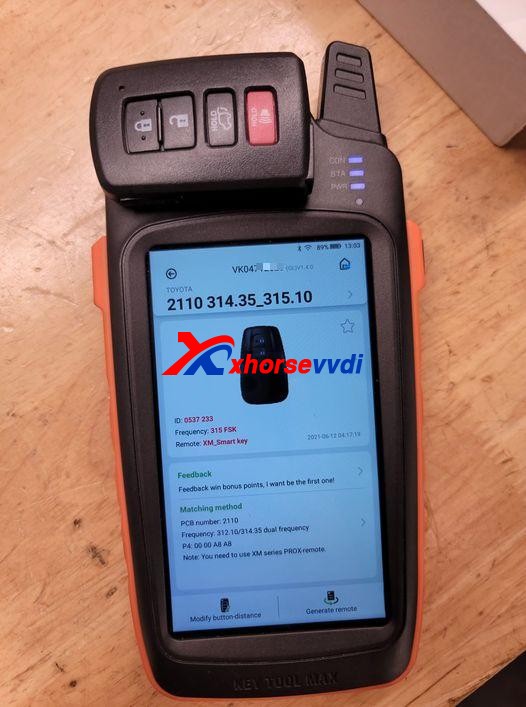
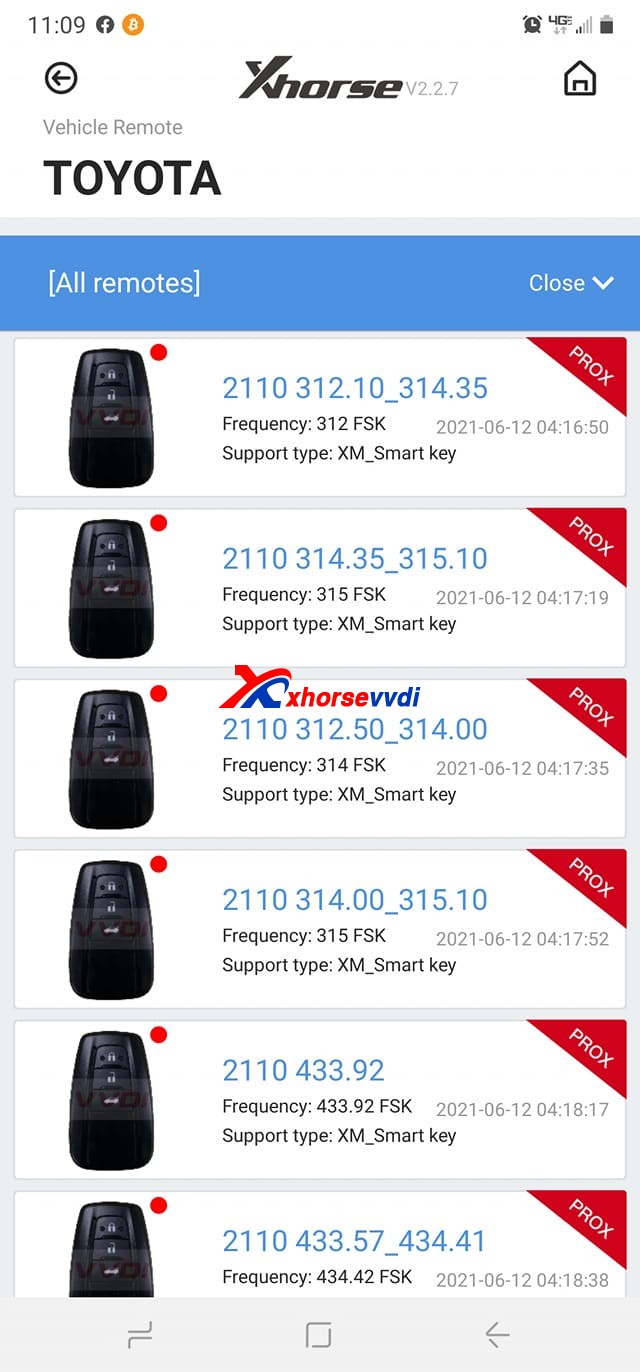
Xhorse VVDI Key Tool Max Program XM Smart Key  01
Xhorse VVDI Key Tool Max Program XM Smart Key  02

Here Xhorsevvdi engineers answer:

Sometimes a smart key generated successfully may not fully function the vehicle: remote doesn’t work, doesn’t have smart feature or even one button fails etc., which needs us to modify smart key’s values manually.

Possible reason:

Xhorse XM smart keys are universal keys, not particular for one model like Toyota Tacoma 2016, so we need to customize XM smart key to find correct values for each car.

Solution:

XM smart key customization by VVDI Key Tool Plus or Key Tool Max.

Path: Special Function>>XM smart key customization
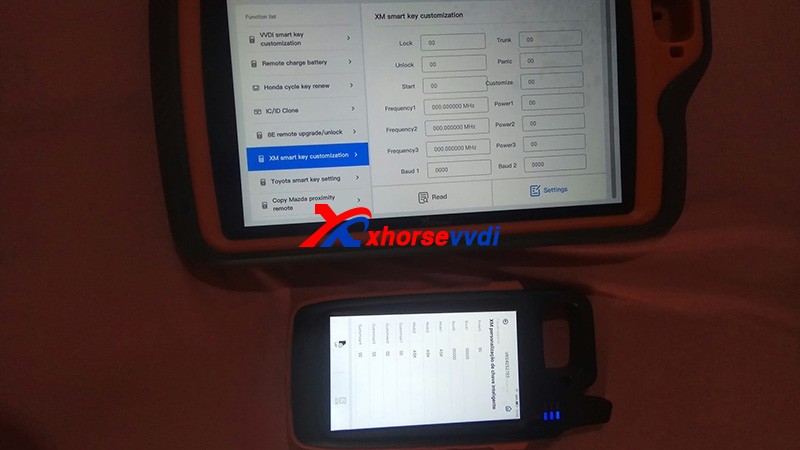
Xhorse VVDI Key Tool Max Program XM Smart Key  03

1)Modify Frequency

Sometimes the frequency options given to us is slightly different from that of the smart key to be programmed.

So read out the frequency “A” that your vehicle wants by Xhorse devices, then read original XM smart key frequency “B” and set “B” to “A”.
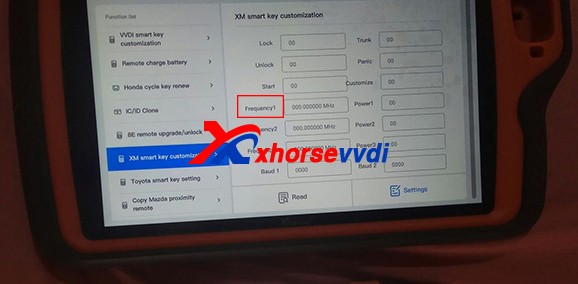
Xhorse VVDI Key Tool Max Program XM Smart Key  04

2)Modify Baud

Read key’s Baud, increase it by 400, and test if it works perfectly.

If not, add Baud again by 400 until it works well. (The last two numbers may vary automatically, which is normal.)
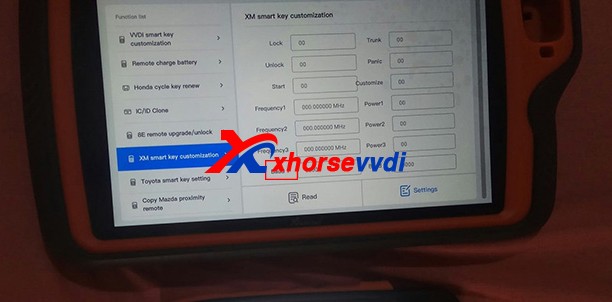
Xhorse VVDI Key Tool Max Program XM Smart Key  05

Customer feedback:

I had exactly the same problem with a Corolla 2018, and I just made the changes on the ID and frequency as well and everything works…

Thank Tyler and Raphael for sharing!

Hope this could help!

More info, please check

http://blog.xhorsevvdi.com/fixedkey-tool-max-program-xm-smart-key-prox-feature-doesnt-work/
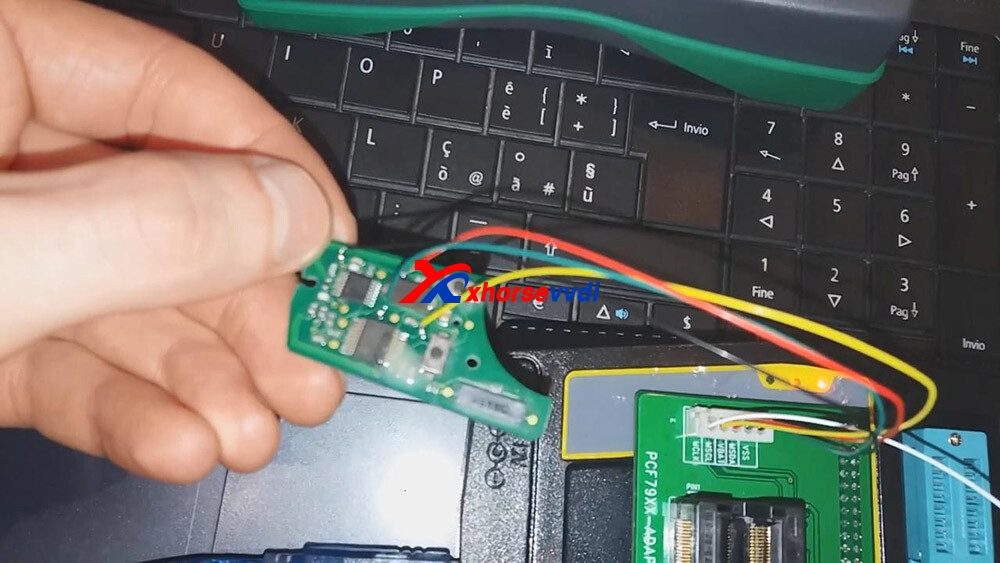
Possible to use VVDI prog to renew Opel/Vauxhall keys?

Yes, Xhorse VVDI Prog is able to renew Opel/vauxhall keys,here you are:
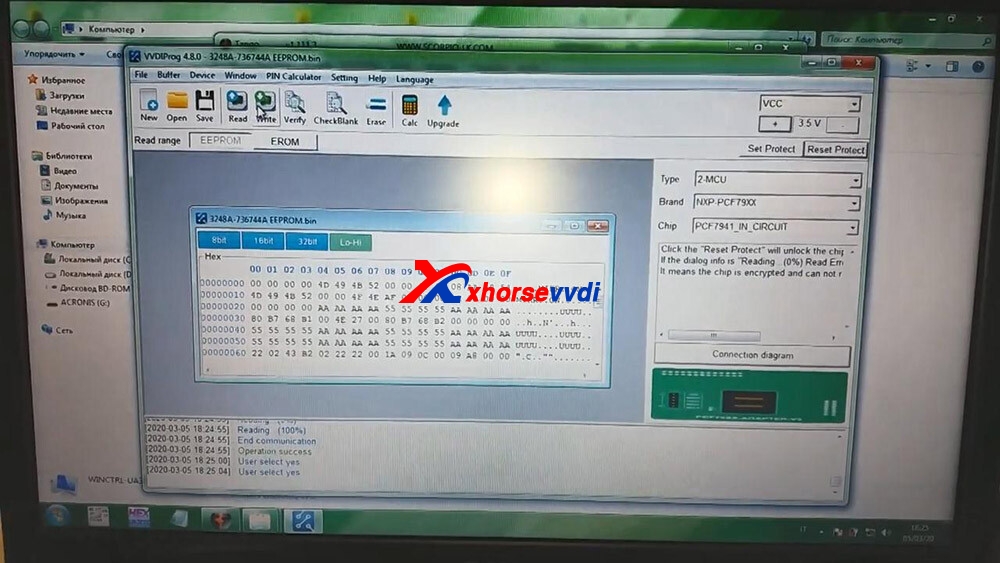
Free download GM renew file for Xhorse VVDI Prog:https://mega.nz/file/ruhSxb5A#Rm9CKc2jwMkhPMcpnv3to3j3bl1j9jv0wcov83nqS3sUse to renew Opel/vauxhall keys (Delphi, valeo and Siemens types)Different number key does not matter if it’s another number the file is the same. How to use Xhorse VVDI Prog to Reset/ renew/ virgin PCF7941 Opel Zafira B/ Astra H?Connection…

xhorse-vvdi-prog-renew-renew-gm-opel-key-01

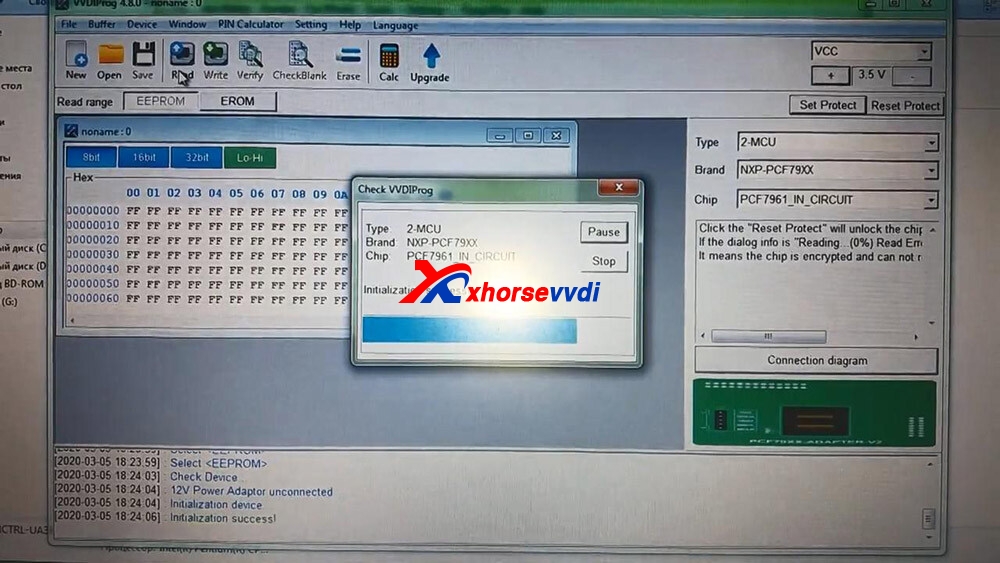
 Open VVDI Prog and select chip “PCF7961_IN_Circuit”.

xhorse-vvdi-prog-renew-renew-gm-opel-key-02

 Click on “Read”.

xhorse-vvdi-prog-renew-renew-gm-opel-key-03

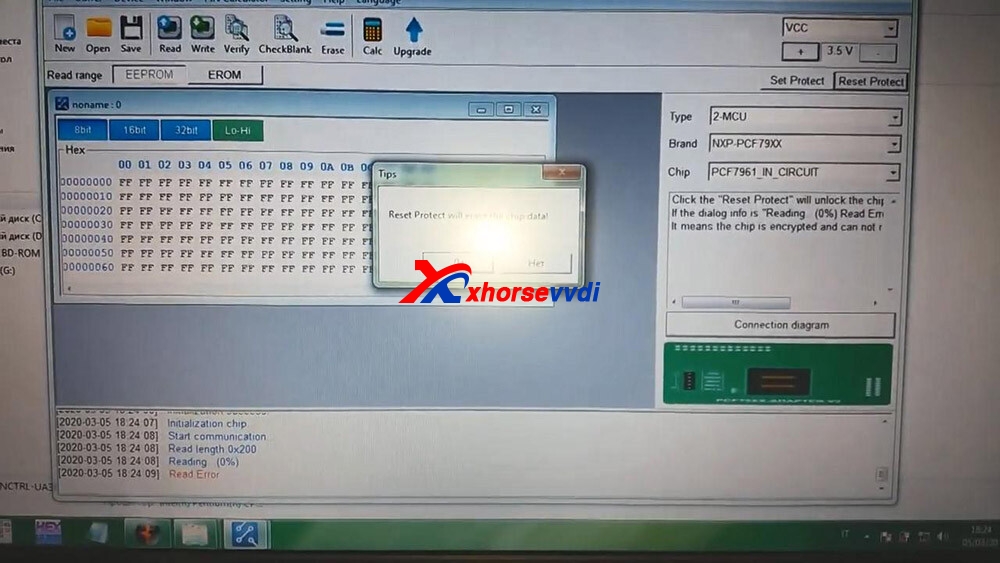
 Click on “Reset Protect”.

xhorse-vvdi-prog-renew-renew-gm-opel-key-04

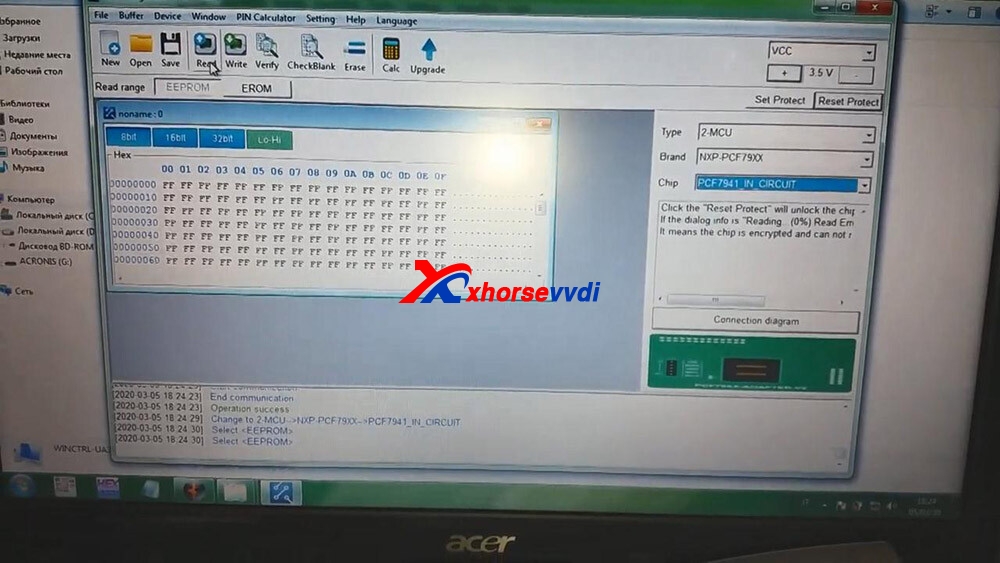
 Click on “PCF7941_IN_Circuit” and then “Read”.

xhorse-vvdi-prog-renew-renew-gm-opel-key-05

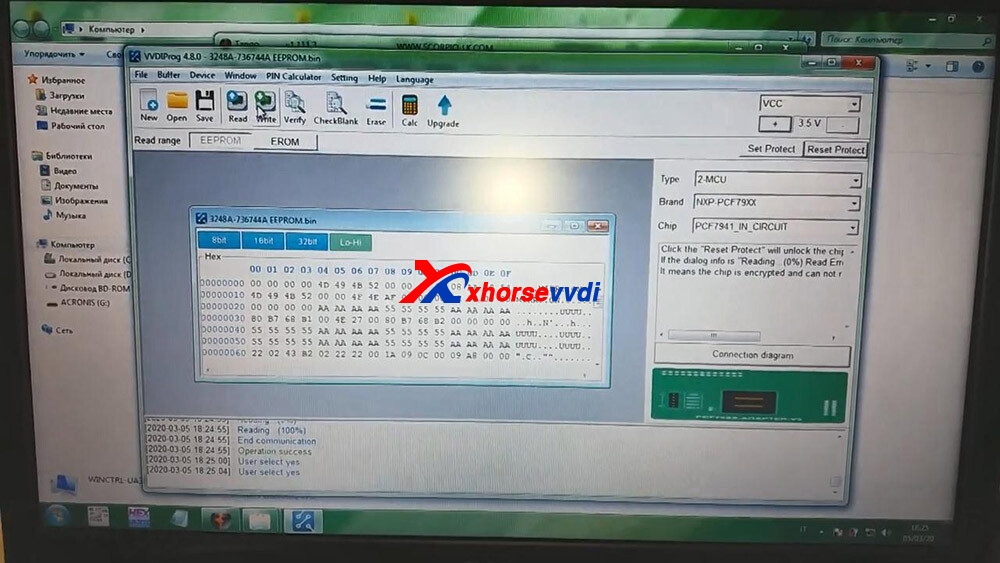
 Click on “Open” to choose the bin file.and then click on “Write”.

xhorse-vvdi-prog-renew-renew-gm-opel-key-06

 Click on “Set Protect”.

xhorse-vvdi-prog-renew-renew-gm-opel-key-07

 Alright, renew successfully and input the PCF7941 chip into the Key programmer to program the key. Enjoy!

https://xhorsesupport.blogspot.com/

How to clone ID48 96bits with VVDI key tool?

How to clone ID48 96bits withVVDI key tool quickly and easily.

Car model: VW Jetta 2.5 SE – 2014

Symptom:

The new replacement HEAD FLIP KEY – This key doesn’t start the car.

clone-id48-96bits-with-vvdi-key-tool-01

Open the VVDI Key Tool APP on your Phone – Select ID 48 (96) Bits cloning.

clone-id48-96bits-with-vvdi-key-tool-2

Select “Data Acquisition”.

clone-id48-96bits-with-vvdi-key-tool-3

Switch ignition on -Original key.

clone-id48-96bits-with-vvdi-key-tool-4

Cycle the original key on – off several times.

The key tool antenna will need to be placed near to the ignition switch.

clone-id48-96bits-with-vvdi-key-tool-5
clone-id48-96bits-with-vvdi-key-tool-6

Put the original key into key tool.

clone-id48-96bits-with-vvdi-key-tool-7

Select “Upload Data”.

clone-id48-96bits-with-vvdi-key-tool-08

Wait for the calculation.

clone-id48-96bits-with-vvdi-key-tool-9

Put the new chip into Key tool, select “OK”.

clone-id48-96bits-with-vvdi-key-tool-10
clone-id48-96bits-with-vvdi-key-tool-11

The new clone key is ready, start the car.

clone-id48-96bits-with-vvdi-key-tool-12

Verify the 2 keys the clone and original.

clone-id48-96bits-with-vvdi-key-tool-13

Done.

clone-id48-96bits-with-vvdi-key-tool-14

Don’t you think it is very easy to clone one ID48 (96bits) via VVDI Key tool

Design a site like this with WordPress.com
Get started