Which tool can read BMW EWS2/EWS3/EWS4?

This article is about to bring you a method to read 2nd/3rd/4th BMW EWS module respectively. All No soldering cables or removing MCU.

Contact us to check if your EWS is supported!

Part 1. EWS2

Tools: Ak90+ Key Programmer (Read 1D47J, 2D47J, 0D46J, 2L86D without removing MCU)

Model: BMW 3er E36 1996

MCU: 2D47J

Procedure:

Connect MCU to AK90 unit by 10-pin cable.

Connect AK90 unit to PC by USB cable.

BMW EWS with ak90+ 02

On AK90 app,

Press “Connect” and select chip type.

Watch the prompt and click on “Read EWS”.

BMW EWS with ak90+ 03
BMW EWS with ak90+ 04

Part 2. EWS3

Tools:  Xhorse XDNP50 EWS3 Adapter 

     VVDI Key Tool Plus

Procedure:

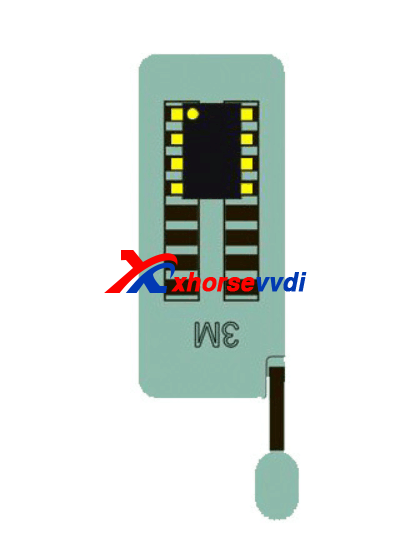
Use EEPROM clip to clip PIN1.

EWS3  with vvdi key tool plus 01

Connect EWS3 module to XDNP50 EWS3 Adapter.

EWS3  with vvdi key tool plus 02

Combine EWS3 module and EWS3 adapter.

EWS3  with vvdi key tool plus 03
EWS3  with vvdi key tool plus 04

Device path:

Programmer>>IMMO>>BMW>>BMW>>EWS3(Adapter)>>Read>>EEPROM

Part 3. EWS4

Tools: EWS4 Adapter

VVDI Prog 

Model: BMW X3 2007

MCU: 2L86D

Procedure:

Put EWS4 module in the adapter and lock it.

EWS4 with vvdi prog

Select “4-IMMOBILIZER” “BMW” “EWS4 X(ADAPTER)”.

Press “Read” and “Save” to get data file.

Done! That’s how we read BMW EWS2/EWS3/EWS4 no soldering.

Read also:

Xhorse XDNP50 EWS3 Adapter Step-by-Step Tutorial(No Soldering)?
How to use VVDI Prog and VVDI2 Program BMW X3 EWS4.4 2007?

How to solve VVDI Max Program XM Smart Key Prox Feature doesn’t Work

Q:

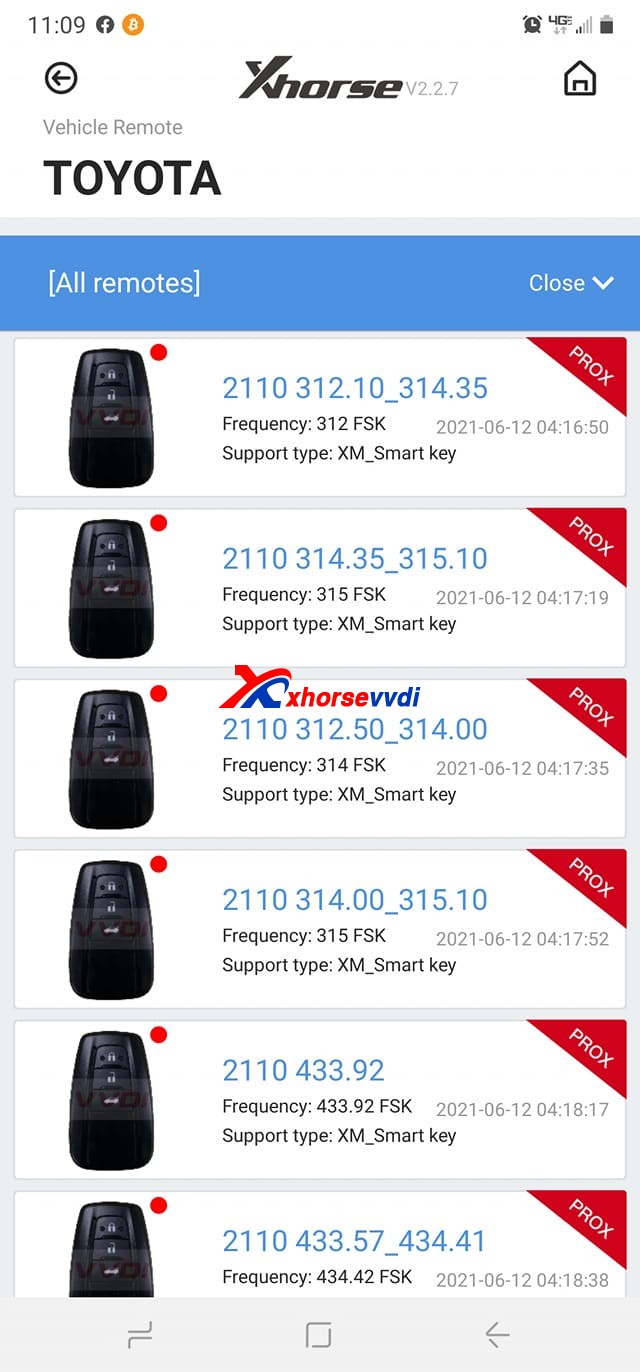
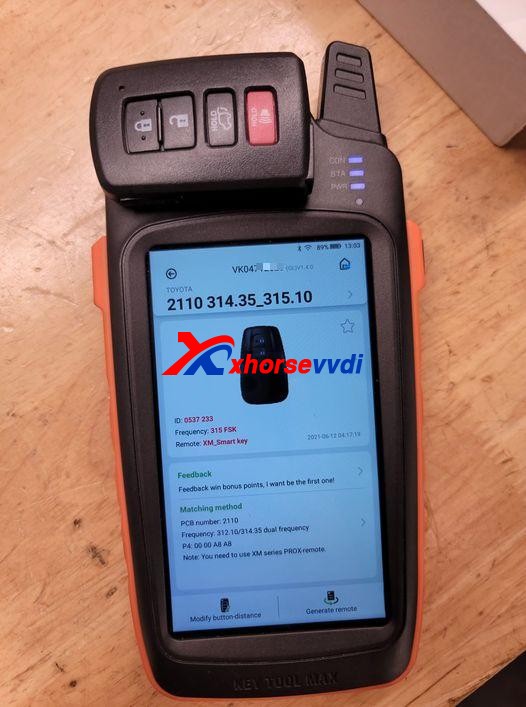
Working on a Toyota Tacoma 2016 smart key board 2110 using VVDI Key Tool Max, Only one option makes the remote work but none has the proximity/smart feature working, Toyota Rav4 2018 the same issue.

Xhorse VVDI Key Tool Max Program XM Smart Key  01
Xhorse VVDI Key Tool Max Program XM Smart Key  02

Here Xhorsevvdi engineers answer:

Sometimes a smart key generated successfully may not fully function the vehicle: remote doesn’t work, doesn’t have smart feature or even one button fails etc., which needs us to modify smart key’s values manually.

Possible reason:

Xhorse XM smart keys are universal keys, not particular for one model like Toyota Tacoma 2016, so we need to customize XM smart key to find correct values for each car.

Solution:

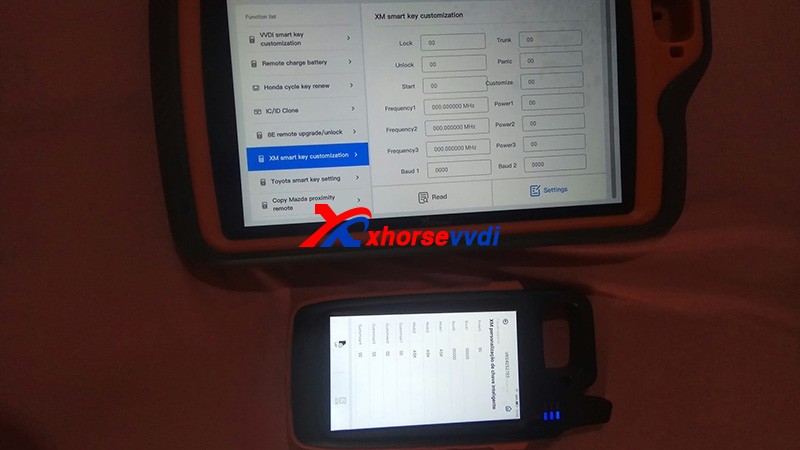
XM smart key customization by VVDI Key Tool Plus or Key Tool Max.

Path: Special Function>>XM smart key customization

Xhorse VVDI Key Tool Max Program XM Smart Key  03

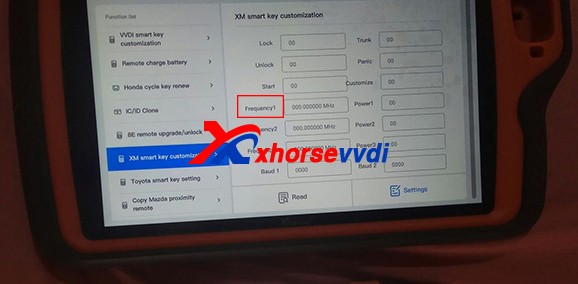
1)Modify Frequency

Sometimes the frequency options given to us is slightly different from that of the smart key to be programmed.

So read out the frequency “A” that your vehicle wants by Xhorse devices, then read original XM smart key frequency “B” and set “B” to “A”.

Xhorse VVDI Key Tool Max Program XM Smart Key  04

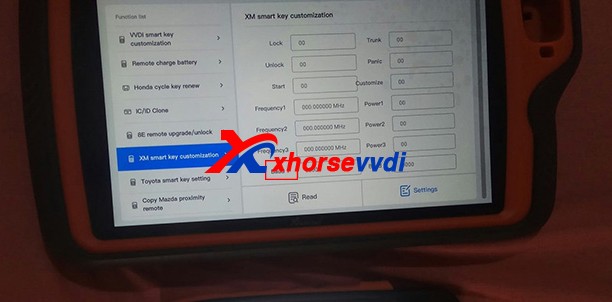
2)Modify Baud

Read key’s Baud, increase it by 400, and test if it works perfectly.

If not, add Baud again by 400 until it works well. (The last two numbers may vary automatically, which is normal.)

Xhorse VVDI Key Tool Max Program XM Smart Key  05

Customer feedback:

I had exactly the same problem with a Corolla 2018, and I just made the changes on the ID and frequency as well and everything works…

Thank Tyler and Raphael for sharing!

Hope this could help!

More info, please check

http://blog.xhorsevvdi.com/fixedkey-tool-max-program-xm-smart-key-prox-feature-doesnt-work/

How to use Xhorse Vvdi Prog + Vvdi EZS Adapter to read W211 EIS

Hi there, today Xhorsevvdi is going to show you a simple way to read Benz EIS data. We’ll use Xhorse VVDI Prog and EZS adapter to read Benz W211 EIS. Of course, VVDI Prog is not the only choice, EZS adapter can also work with the VVDI Key tool plus (Xhorse multi-function XDKP30 adapter is needed) or MINI Prog (DB9 cable is needed).


Procedure:

Step 1

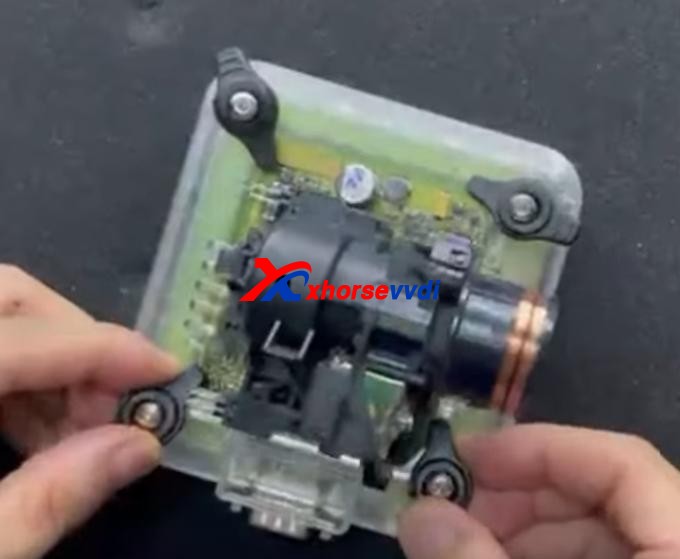
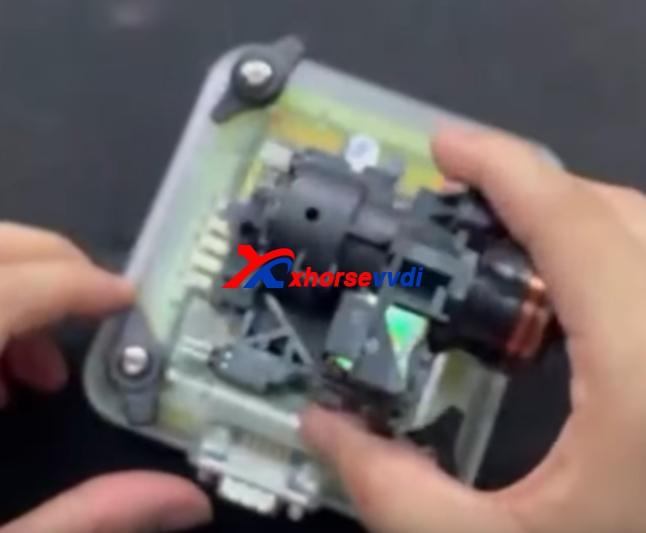
First we remove EIS cover.

Then put it in W209/211(HC12) EZS adapter and fasten it.


How to use Xhorse Vvdi Prog + Vvdi EZS Adapter  to read W211 EIS 03

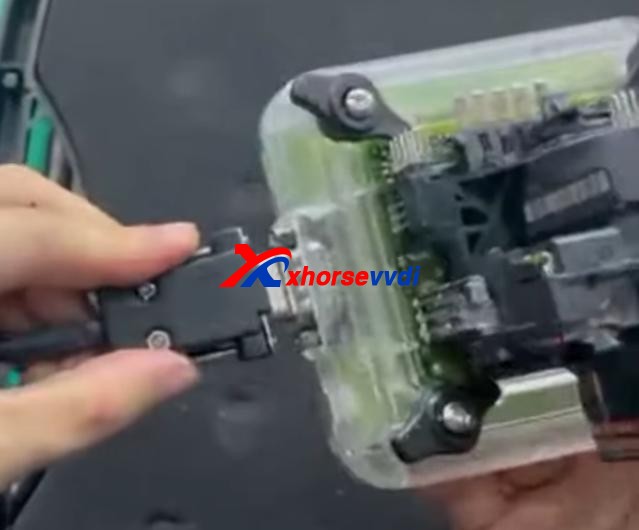
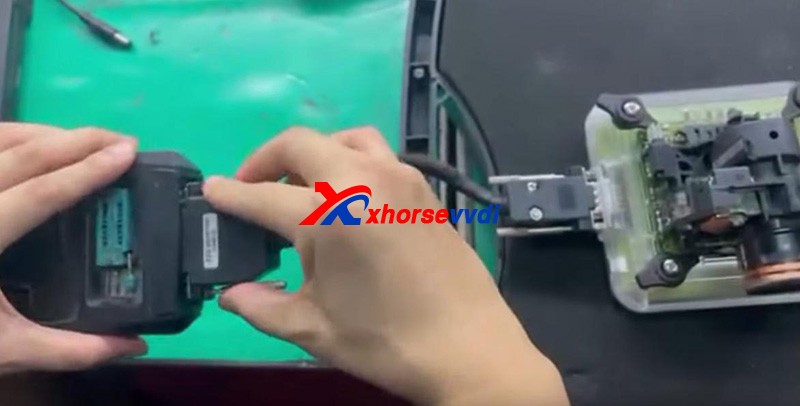
Connect the set to VVDI Prog by the cable supplied.


Supply power to VVDI Prog and connect it to PC.


Step 2

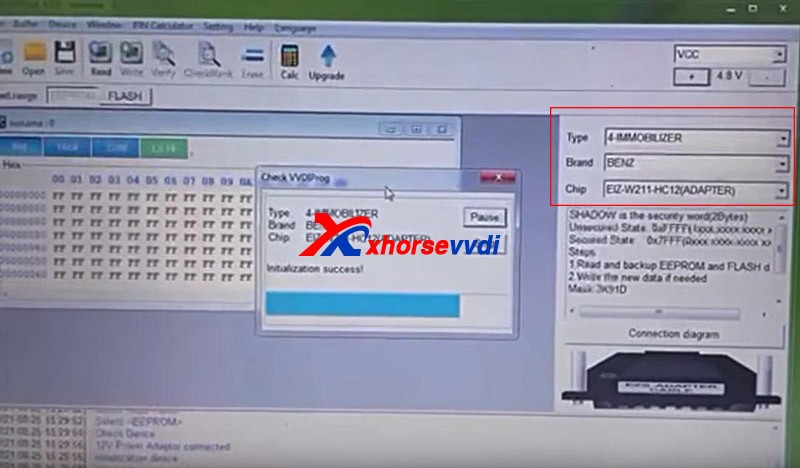
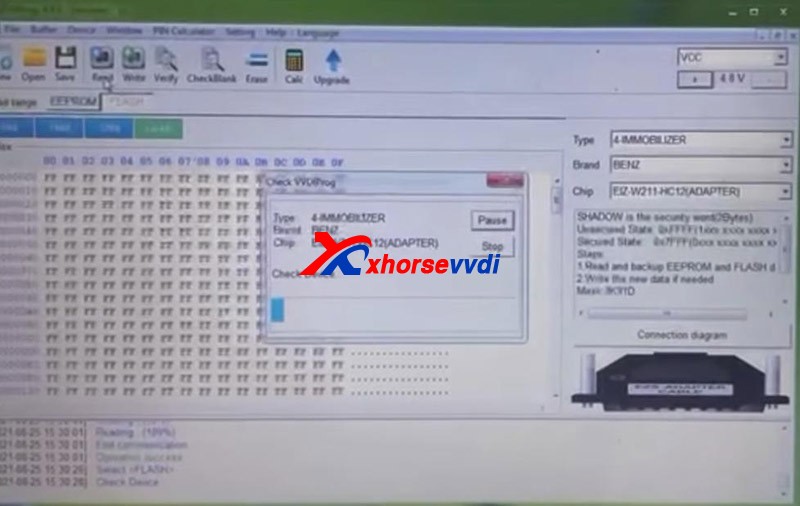
Open up VVDI Prog software.

Select

Type>>“4-IMMOBILLIZER”

Brand>>“BENZ”

Chip>>“EIZ-W211-HC12(ADAPTER)”.

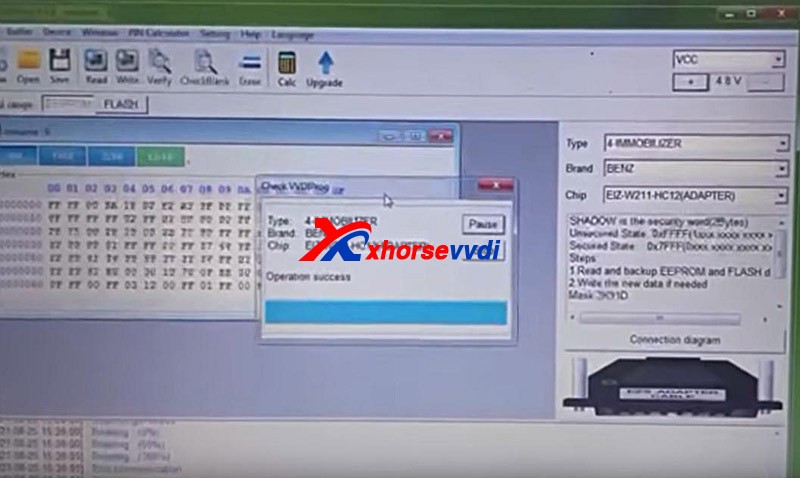
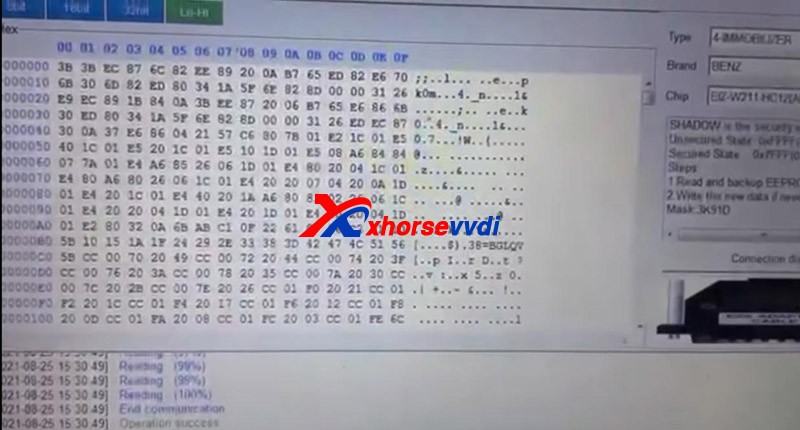
Select “EEPROM” and press “Read” to get EEPROM data.

How to use Xhorse Vvdi Prog + Vvdi EZS Adapter  to read W211 EIS 06
How to use Xhorse Vvdi Prog + Vvdi EZS Adapter  to read W211 EIS 07

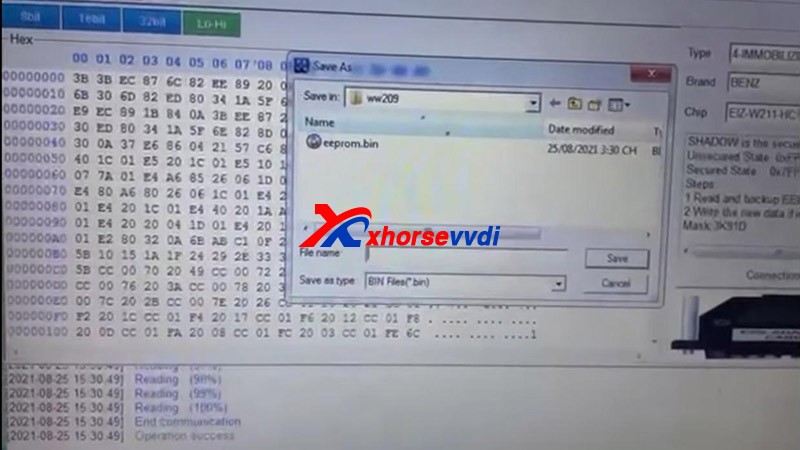
Click on “Save” to save EEPROM data.

Select “FLASH” and press “Read” to get FLASH data.


Also click on “Save” to save FLASH data.


Done!

It’s really easy for VVDI PROG to read Benz EIS data with EZS adapters.

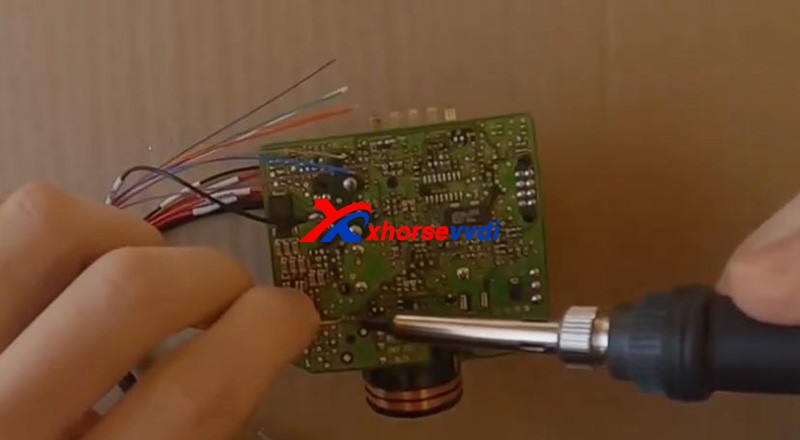
Without the adapter, you have to solder cables to EIS circuit board. That would be a tough job.


More things to simplify your job, please check

http://blog.xhorsevvdi.com

Xhorse VVDI PROG do mileage change for 535i F10 6wb

 Hello guys, I have here 2013 535 F10 with 6wb cluster to do mileage correction. I couldn’t modify mileage in dumps, I already wrote the modified in CAS, but I couldn’t write the dump 160d0wt in IC, thought VVDI prog cannot do this service. I have VVDI PROG and VVDI BIMTOOL

Update:
VVDI PROG can ERASE the first 2 lines, I do use adapter SOP16.

Tips:

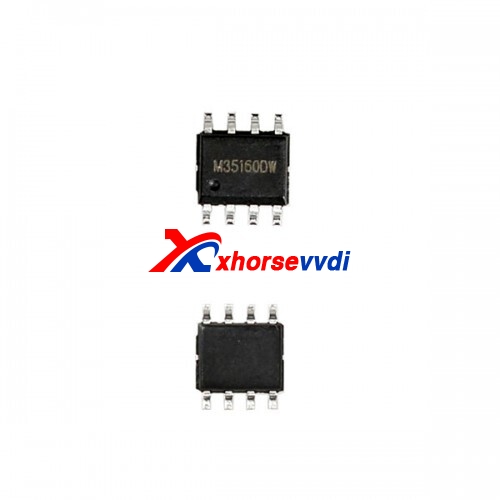
35160D0WT EEPROM is not erasable and has page-id which locks this memory to its own dashboard-micro. you CANNOT erase or substitute original memory with recovered/bought one. You have to emulate the original memory with an emulator and then edit the data. This requires special tooling and emulator etc.

Hope it helps!

 Source:http://blog.xhorsevvdi.com/535i-f10-6wb-cluster-mileage-correction-with-xhorse-vvdi-prog/

Possible to use VVDI prog to renew Opel/Vauxhall keys?

Yes, Xhorse VVDI Prog is able to renew Opel/vauxhall keys,here you are:
Free download GM renew file for Xhorse VVDI Prog:https://mega.nz/file/ruhSxb5A#Rm9CKc2jwMkhPMcpnv3to3j3bl1j9jv0wcov83nqS3sUse to renew Opel/vauxhall keys (Delphi, valeo and Siemens types)Different number key does not matter if it’s another number the file is the same. How to use Xhorse VVDI Prog to Reset/ renew/ virgin PCF7941 Opel Zafira B/ Astra H?Connection…

xhorse-vvdi-prog-renew-renew-gm-opel-key-01

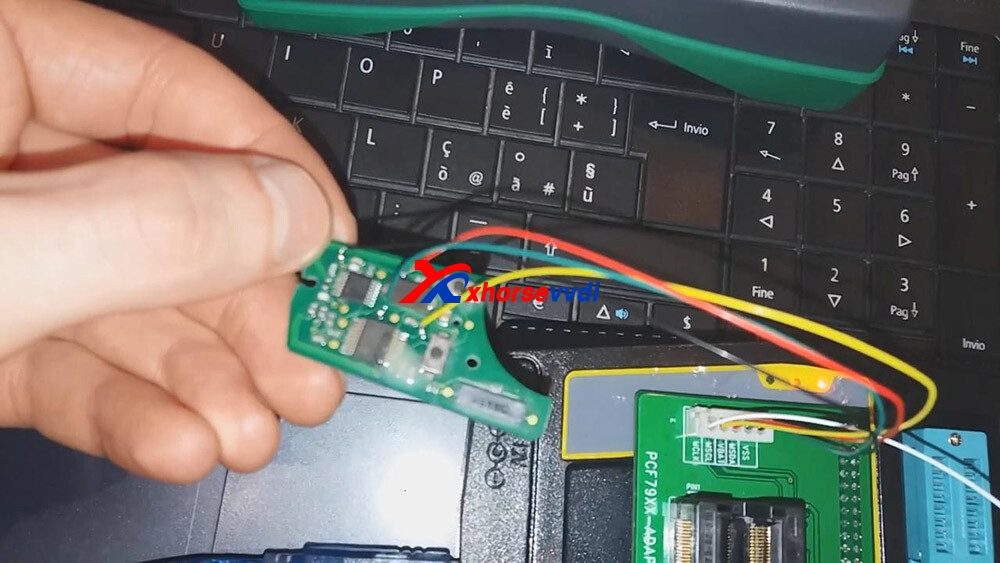
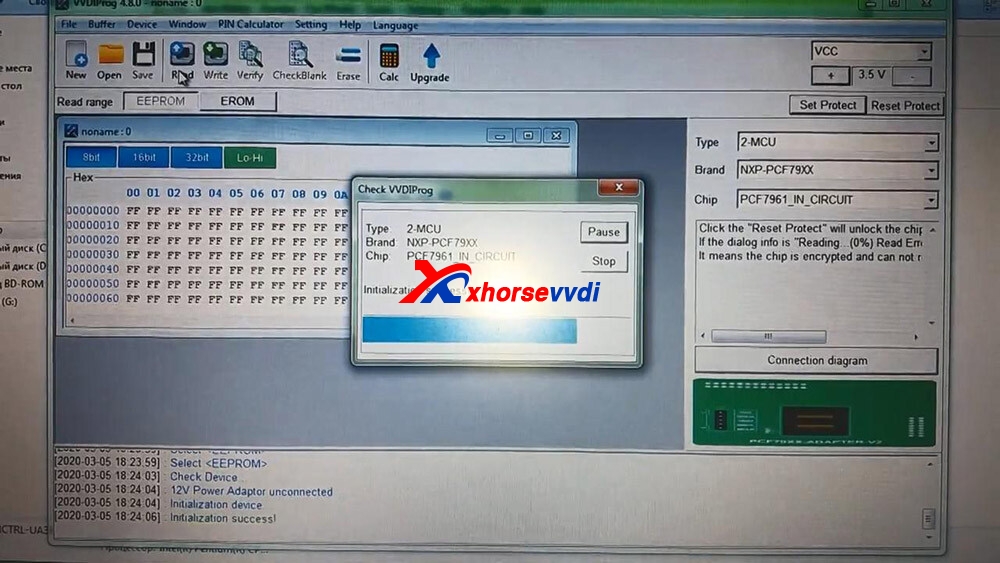
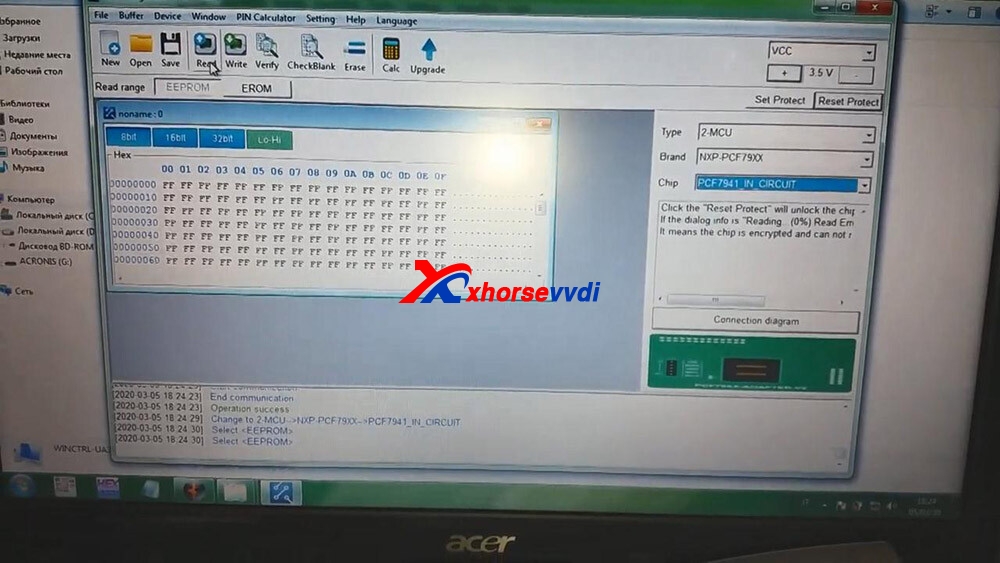
 Open VVDI Prog and select chip “PCF7961_IN_Circuit”.

xhorse-vvdi-prog-renew-renew-gm-opel-key-02

 Click on “Read”.

xhorse-vvdi-prog-renew-renew-gm-opel-key-03

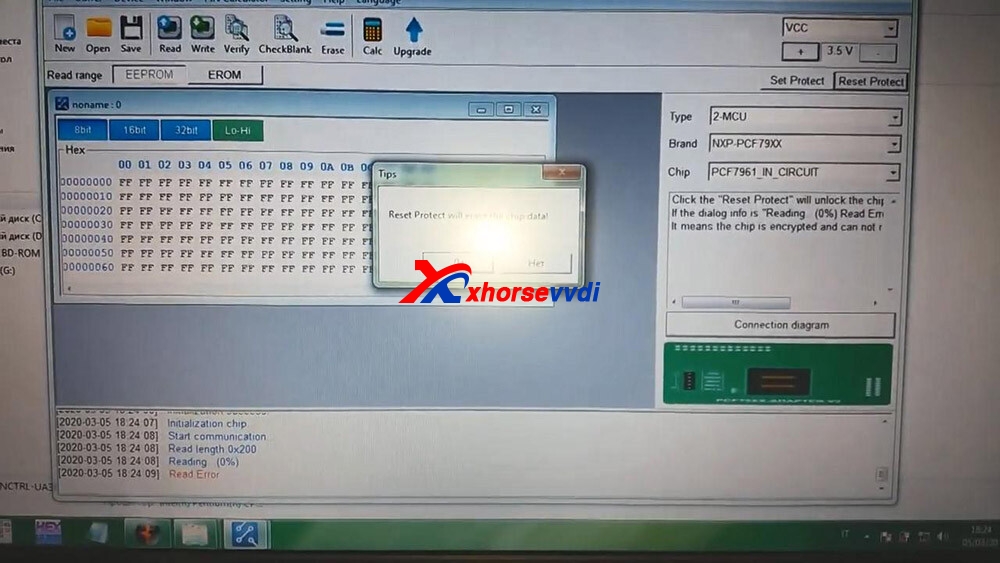
 Click on “Reset Protect”.

xhorse-vvdi-prog-renew-renew-gm-opel-key-04

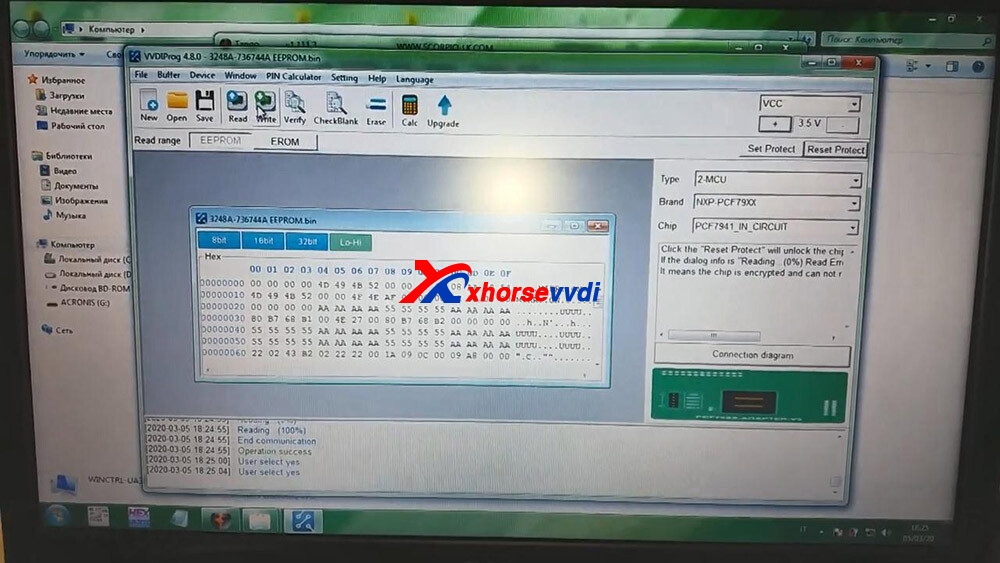
 Click on “PCF7941_IN_Circuit” and then “Read”.

xhorse-vvdi-prog-renew-renew-gm-opel-key-05

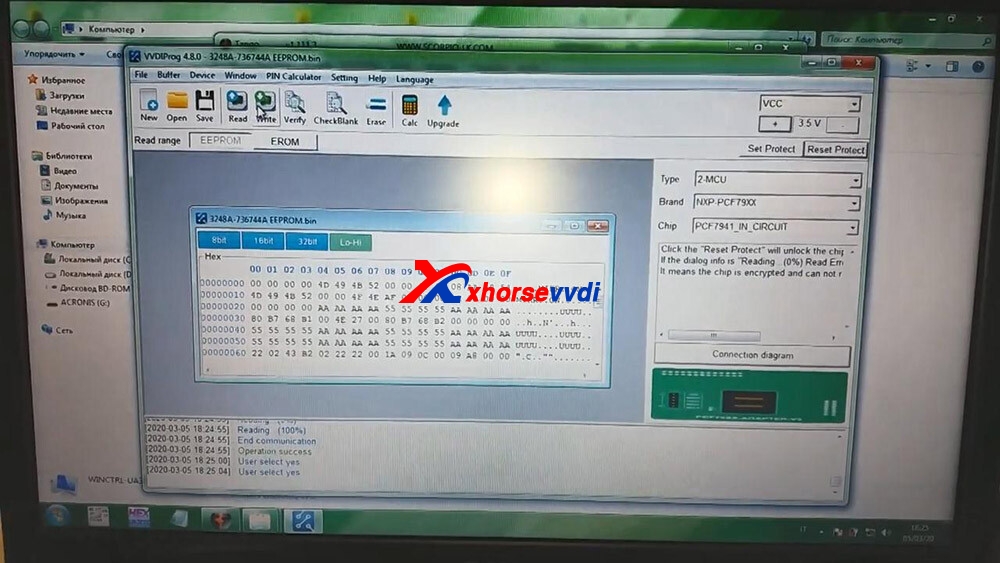
 Click on “Open” to choose the bin file.and then click on “Write”.

xhorse-vvdi-prog-renew-renew-gm-opel-key-06

 Click on “Set Protect”.

xhorse-vvdi-prog-renew-renew-gm-opel-key-07

 Alright, renew successfully and input the PCF7941 chip into the Key programmer to program the key. Enjoy!

https://xhorsesupport.blogspot.com/

How to use VVDI PROG Read BMW 2019 B48 ISN?

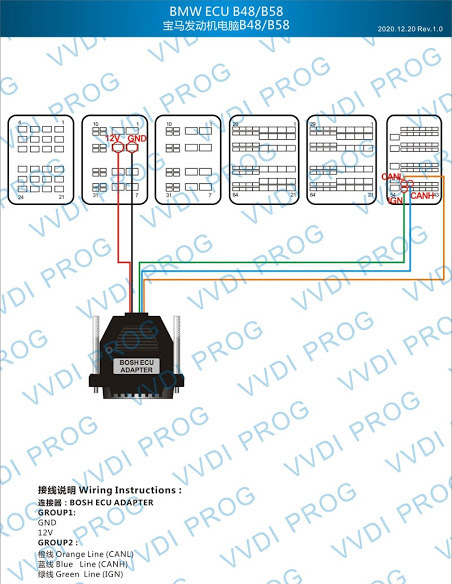
Xhorse VVDI Prog adds BMW B48 ISN reading on the bench. A Bosch ECU adapter is required.

+ Add B48 (ADAPTER) option in
<10-BOSH-ECU-ADAPTER>-><BMW>

VVDIProg B48 B58 wiring diagram
VVDI Prog B48 B58 wiring diagram

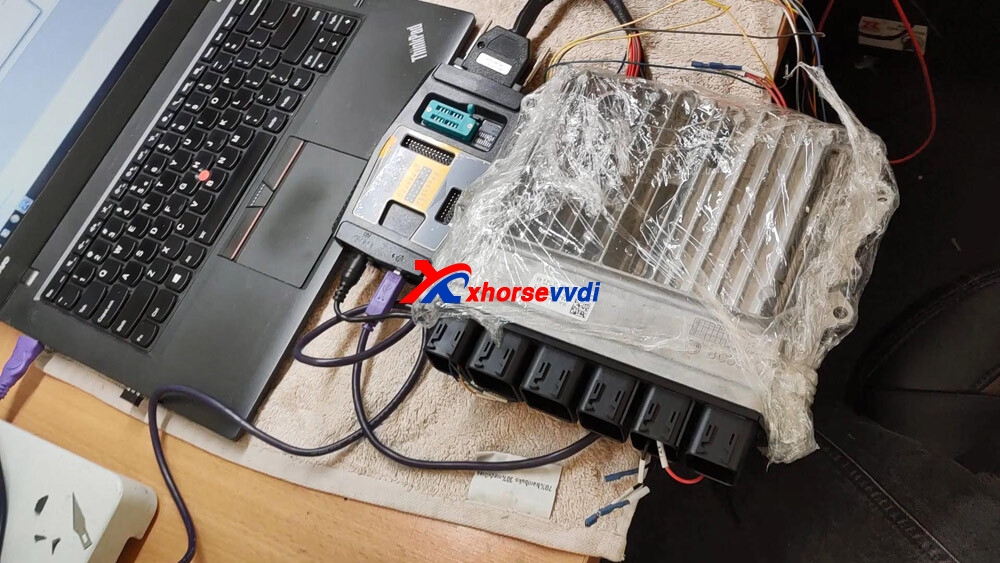
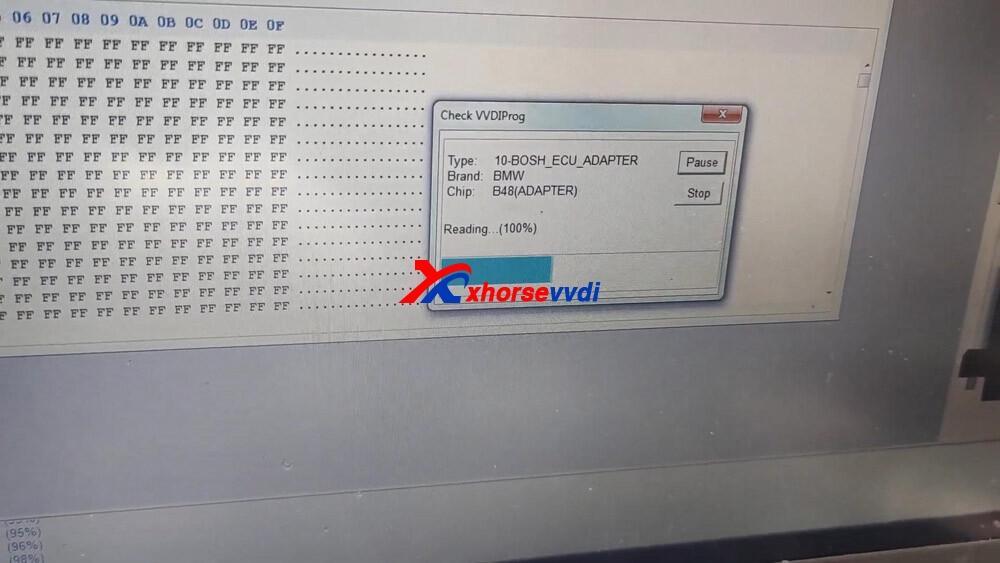
VVDI-Prog now can read ISN from BMW N20/N55/B38/B48 and lots of other ECUs with an adapter. how to use?Xhorse took BMW 2019 B48 ISN  as an example

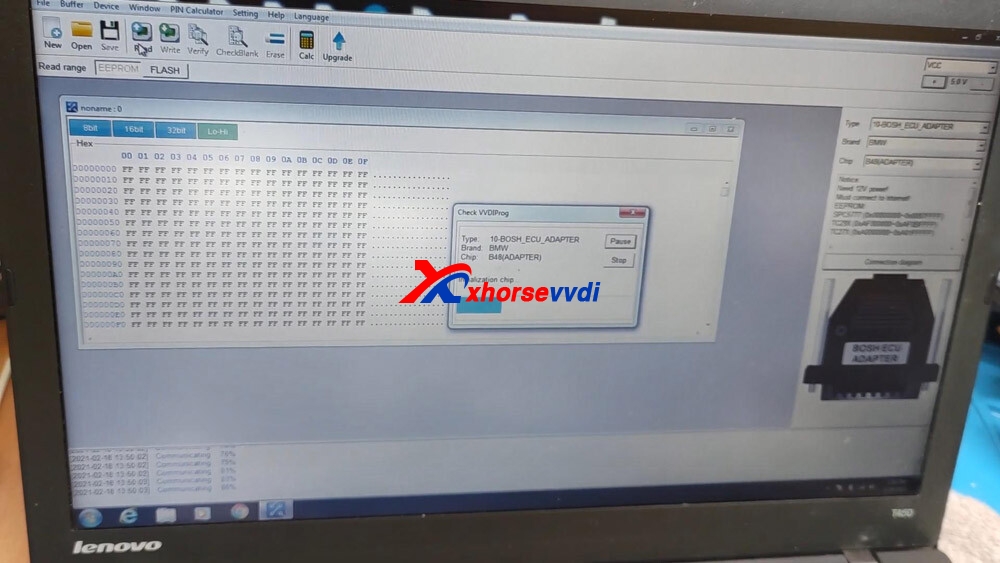
  • Type: 10-Bosh _ECU-Adapter
  • Brand: BMW 2019
  • Chip: B48
  • Time: 1 minute and 24 seconds.

Prepare:

VVDI PROG with Bosh ECU Adapter plugged into

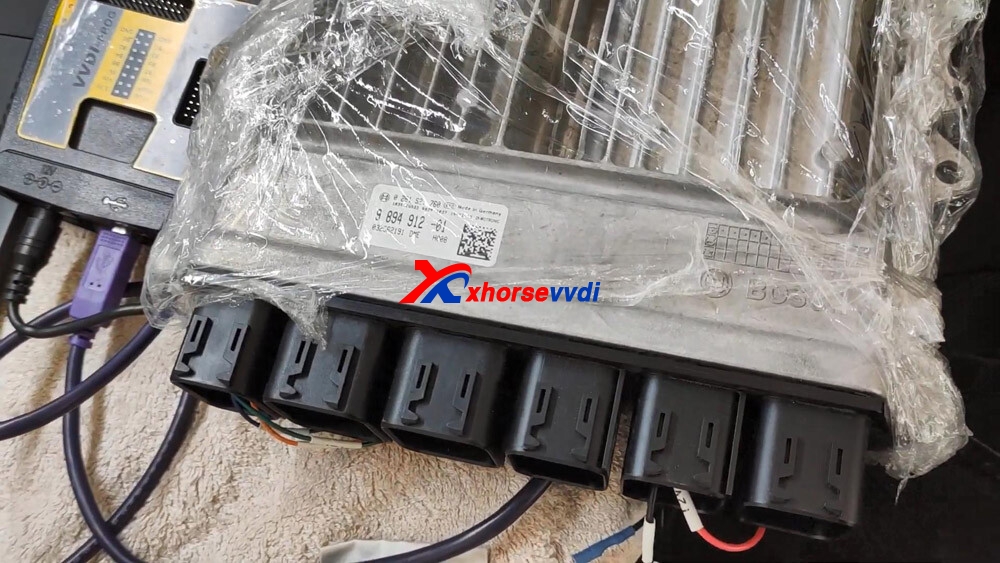
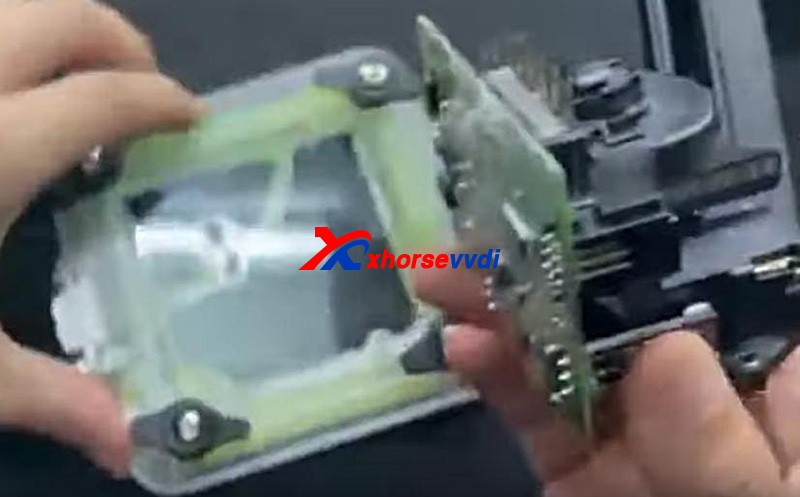
BMW 2019 B48 ECU box

One PC.

vvdi-prog-read-bmw-2019-b48-isn-01
vvdi-prog-read-bmw-2019-b48-isn-02

Easy to read B48 ISN with VVDI Pro:

Initialization chip…

vvdi-prog-read-bmw-2019-b48-isn-03

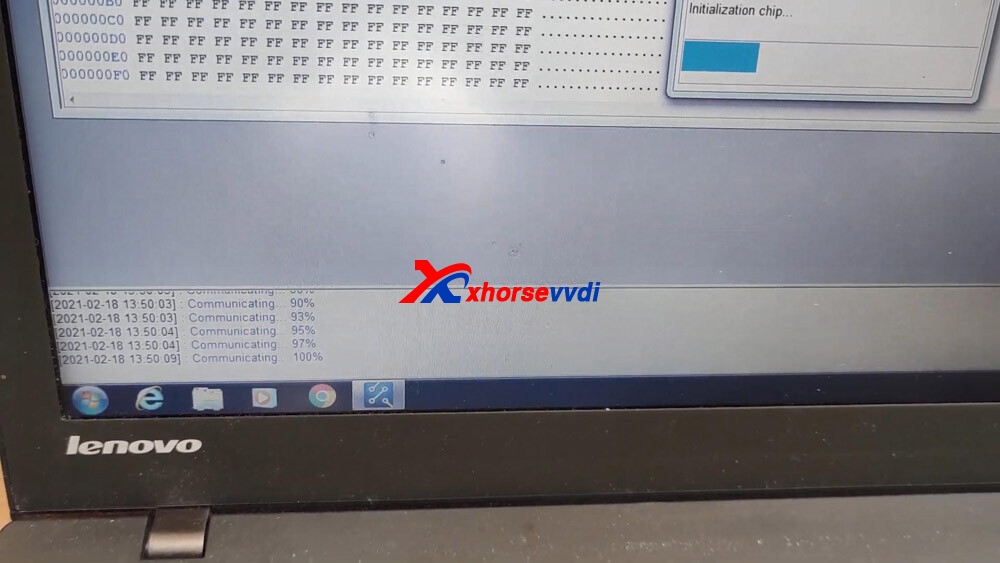
Communicating 100%

vvdi-prog-read-bmw-2019-b48-isn-04

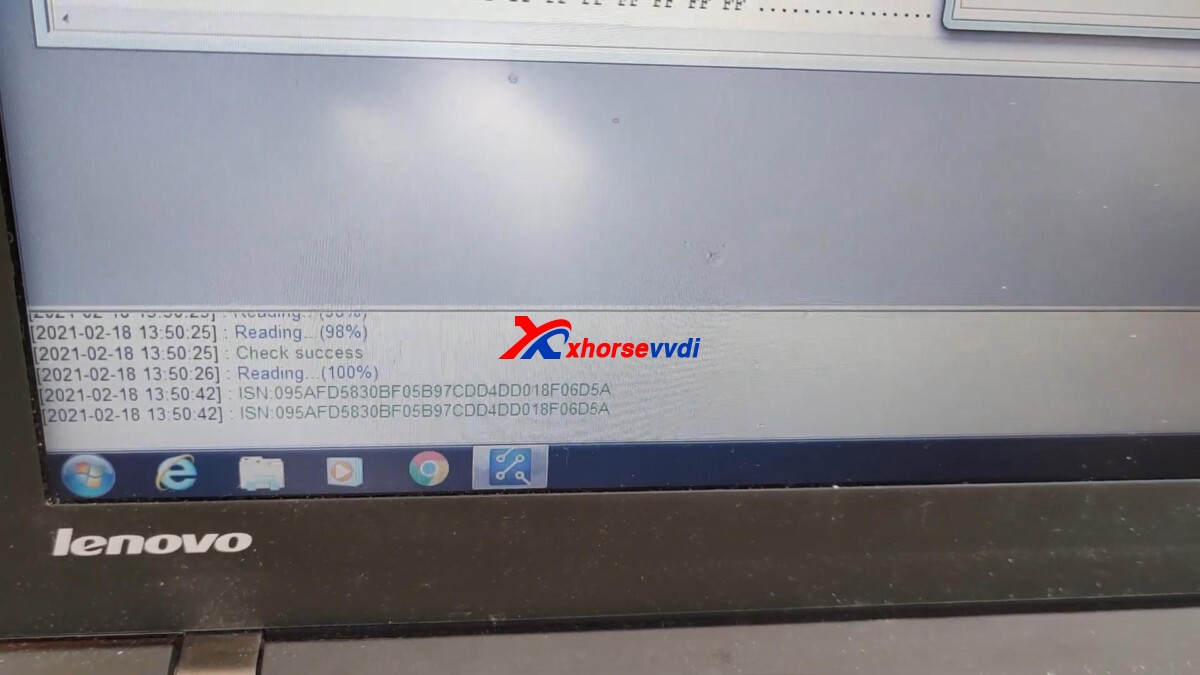
Check success, reading 100%

vvdi-prog-read-bmw-2019-b48-isn-05

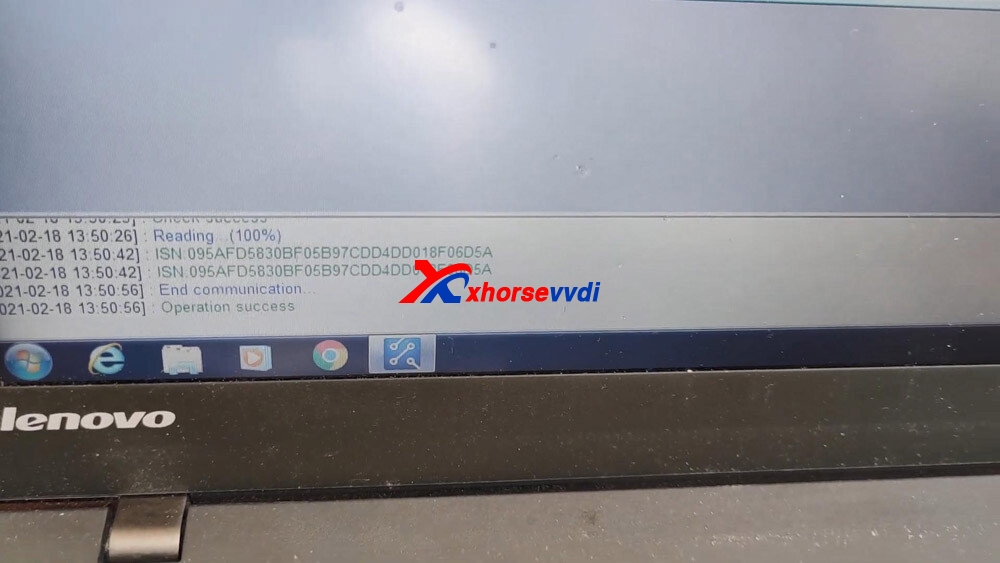
Readout ISN successfully.

vvdi-prog-read-bmw-2019-b48-isn-06

Operation success.

vvdi-prog-read-bmw-2019-b48-isn-07

The Job is done well!

Design a site like this with WordPress.com
Get started