For some Mercedes-Benz odometer corrections, most are between 2006-2014. As I understood, cars are storing mileage in many modules. IC, EIS, SRS, ESP, etc. The most important thing is EIS. Because if you correct the mileage on the device cluster, the exact value can be read in EIS format (if you have a high value). What equipment should be used to perform the task? What tools can read and write EIS?

What to do next?

I give U my suggestion ( and experience). Use Xhorse VVDI prog programmer for both EIS AND CLUSTER. plus, not set  to 0, just set needed mileage in two ecu. With XHorse VVDI Programmer you can read and write the EIS.

Simple instruction:

Go to immobilizer- Benz- and see. It is not obd tool. It is programmer. Need to read memory and make changes.
Both – eis and cluster at least.

MB cars for right correction required at least to make changes in 2 ecu – eis and dash(i am not talking about mileage stored in ecu. just basic) and tools like mb vvdi breaks synchronization between it. in real life U can see example EIS -160000 and Dash 180000 after this operation.

w251 EIS is equal w164. plus no universal tool for this kind of work. plus fbs4 cars i have newer tried yet.

For how would you correct the mileage in a w204 with VVDI programmer?

You need other tool. As i said before, no universal tool existing. If i need to do that i could not to make due my equipment – i need to buy something for this.

What about VVDI MB BGA Tool? Is it working?

If vvdi mb could modify eis mileage  by ir and bench connection – U can try.

Actually, Xhorse chief engineer says yes, some locks need to backup gateway data to modify mileage, for the details, please refer to the VVDI MB BGA Tool user manual:

https://1drv.ms/u/s!AljZSzatPJ-MhSb0myDsLwiTOADA?e=c1lO0k

VVDI MB tool support repair dashboard KM. Support the following type.
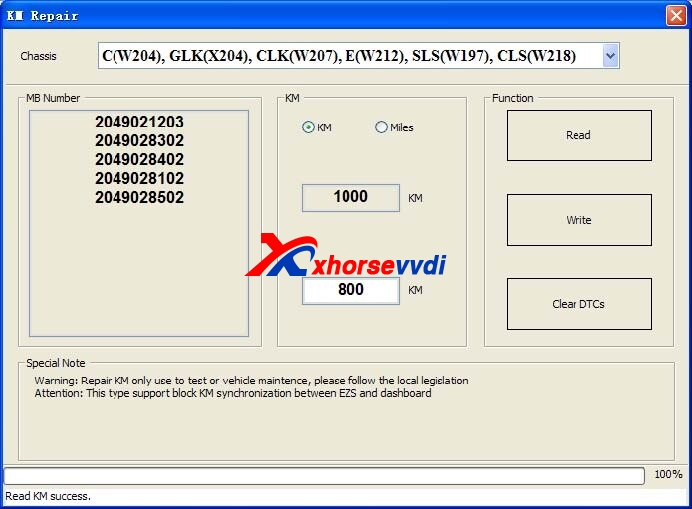
VVDI MB tool odometer correction for benz

Support Type:

  1. C(W204), GLK(X204), CLK(W207), E(W212), SLS(W197), CLS(W218)
  2. R-Class(W251), GL(X164), ML(W164)
  3. E-Class(W211), CLS(W219)
  4. S-Class(W221), CL(216)
  5. W166, W172, W246, W231
  6. W205
  1. W204, W207, W212…and S-Class(W221), CL(216): If you want block KM synchronization between EZS and dashboard, you need backup CGW(Gateway) EEPROM and FLASH before write KM
  2. For S-Class(W221), CL(216), block KM synchronization require update Gateway FLASH and EEPROM. You can provide the FLASH and EEPROM that you have. If you don’t provide these files. We will use the FALSH and EEPROM from Gateway, only need some time to read it
  3. W166, W172, W246, W231 and W205: these 2 types only support change KM in dashboard. Don’t support block KM synchronization between EZS and dashboard. You can install extra CAN filter yourself or erase EIS
  4. Warning: This function only use for KM repair, please follow the local legislation

Enjoy!  

Information by Xhorsevvdi.com official blog
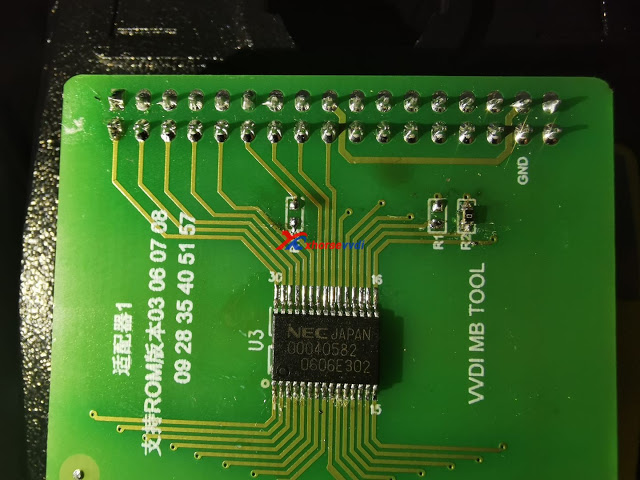
How to identify VVDI MB Tool Key NEC Adapter?

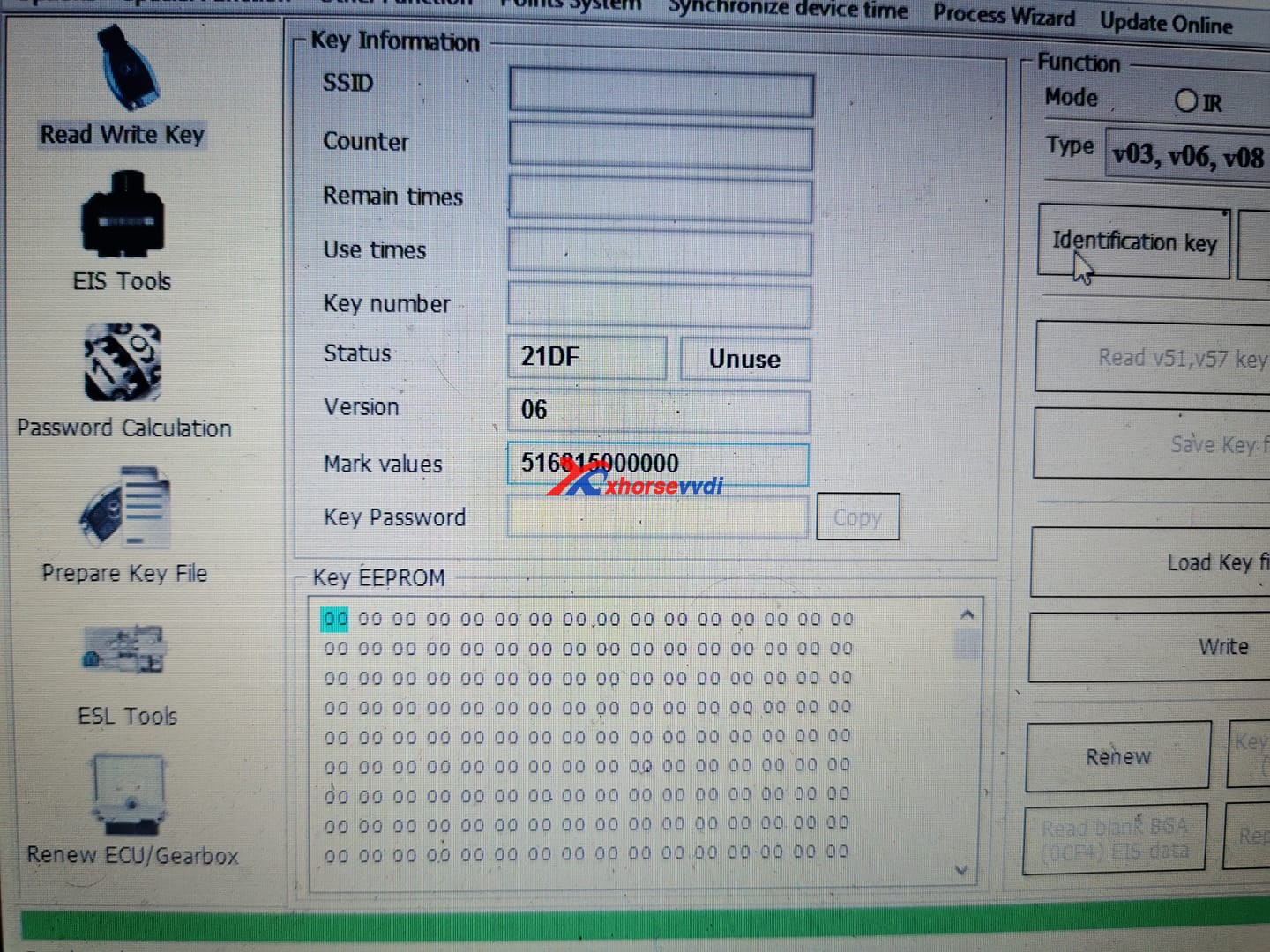
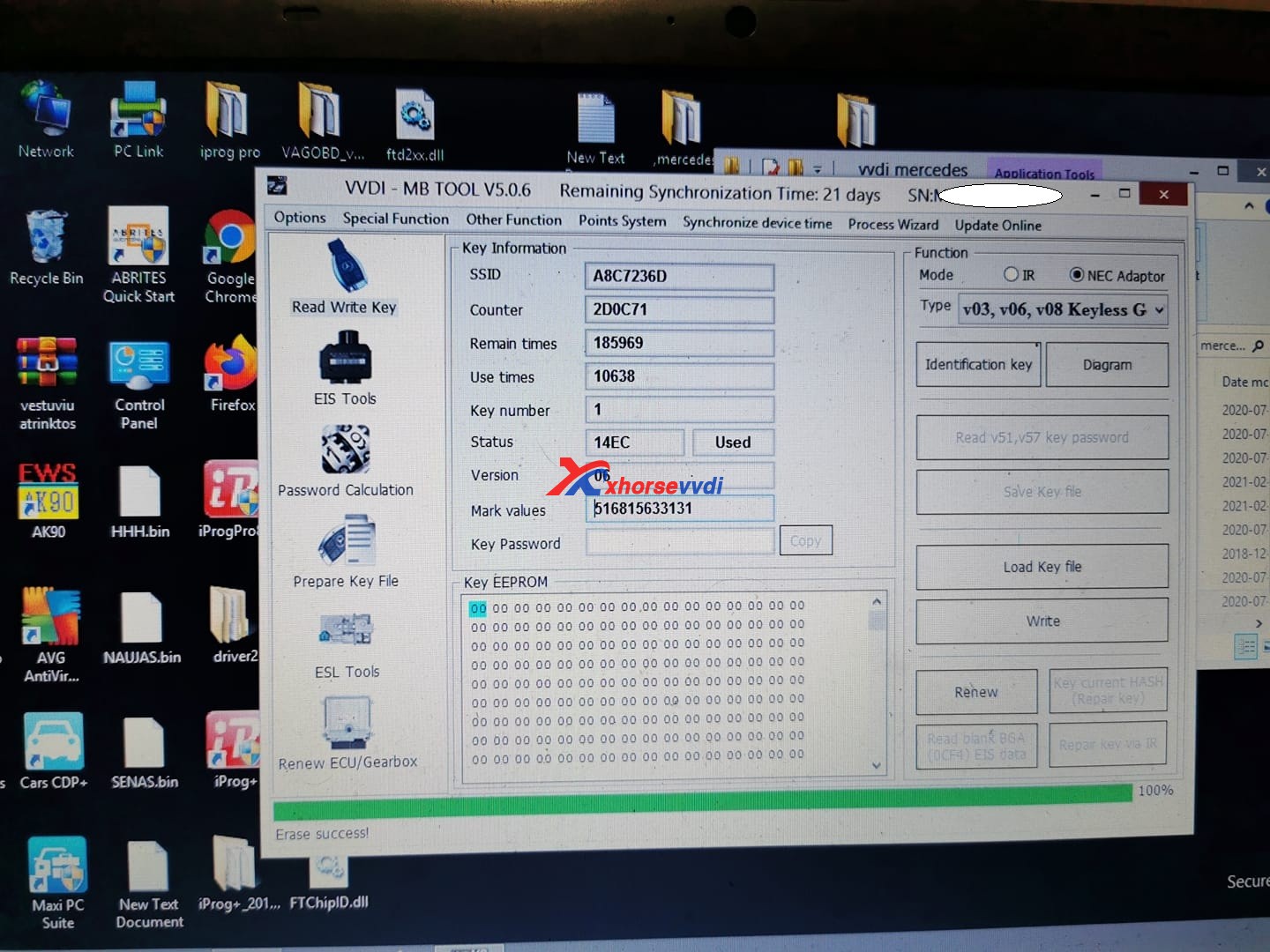
 Question: How to identify this NEC chip? I know its keyless go. But on VVDI MB ? Which one?

identify-nec-chip-vvdi-mb-tool-01
identify-nec-chip-vvdi-mb-tool-02
identify-nec-chip-vvdi-mb-tool-03

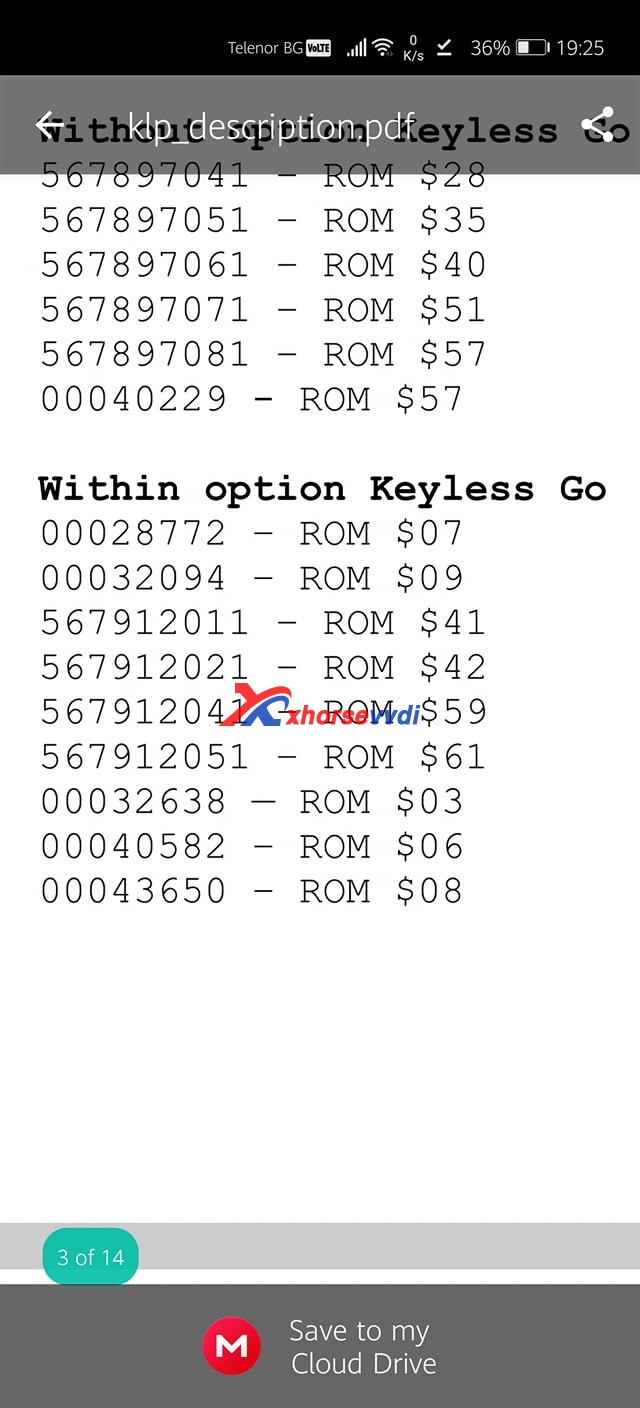
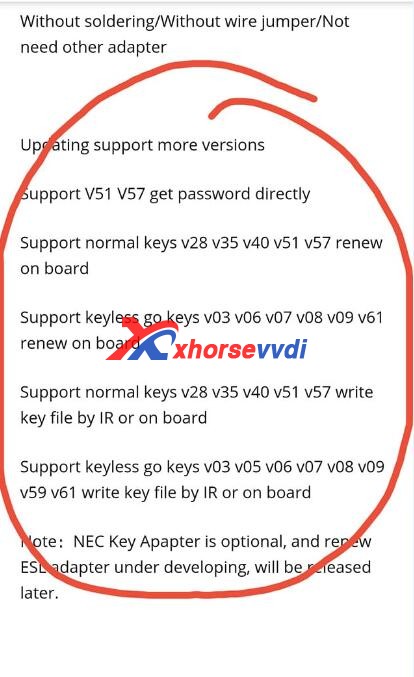
Answer here you can refer to Rom –> version. 031 it is Rom 42 XHORSE vvdi MB can renew and write it.

identify-nec-chip-vvdi-mb-tool-04

For your information, for the chip on the image 1 board, it is the Transponder Chip for Benz Smart Key Dedicated NEC:

identify-nec-chip-vvdi-mb-tool-05

Source: https://www.xhorsevvdi.com/wholesale/transponder-chip-for-benz-smart-key-dedicated-nec.html

It can only be written once.

Enjoy!

http://blog.xhorsevvdi.com/

How to use Key Tool Plus Remote Online-cloud recognition

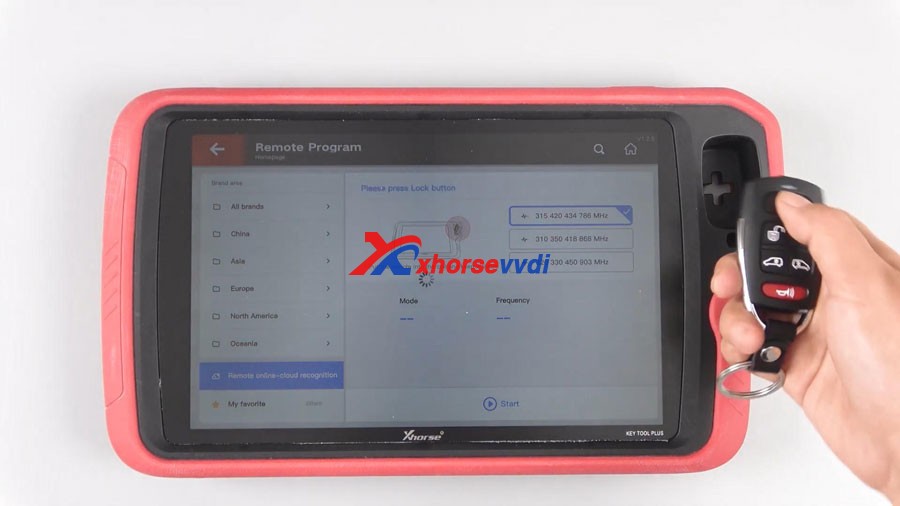
Good news!Xhorse VVDI Key Tool Plus Pad added a new function “Remote Online-cloud Recognition”, which can help you quickly and accurately to recognize your remote.


How to use this function?
Main step:
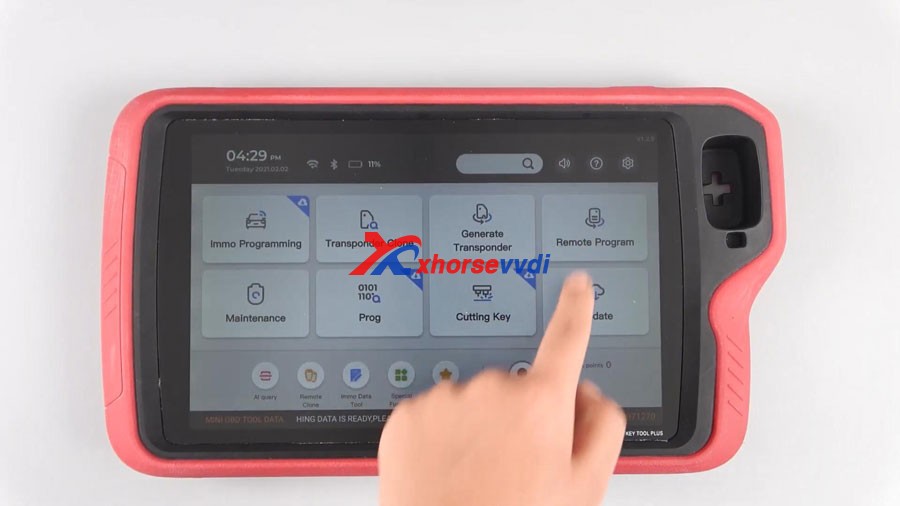
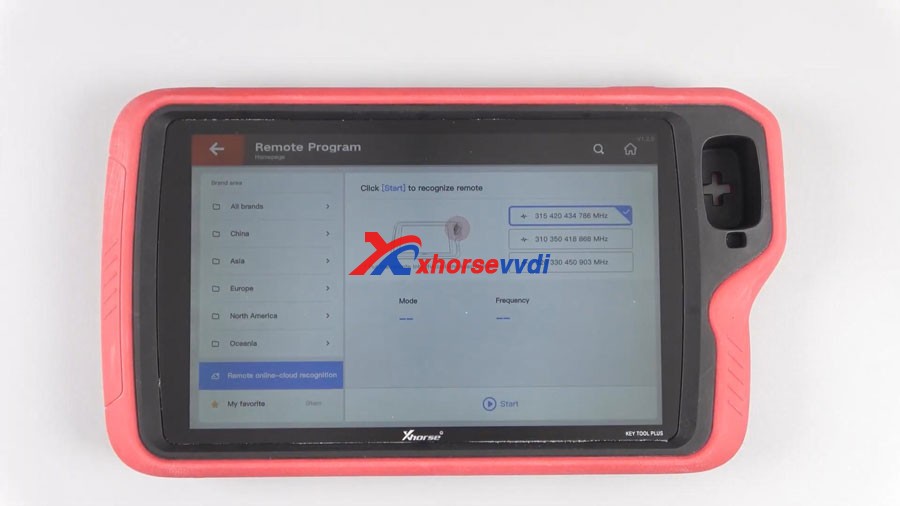
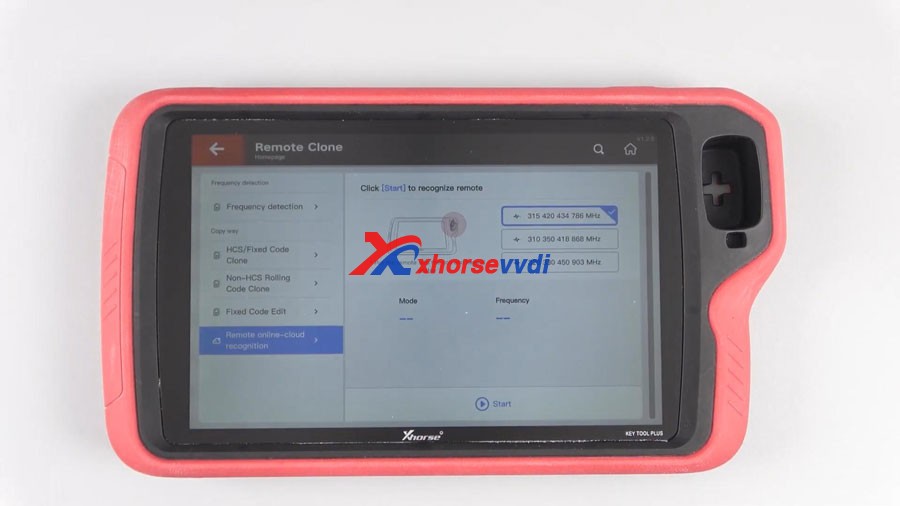
Click Remote Program or Remote Clone
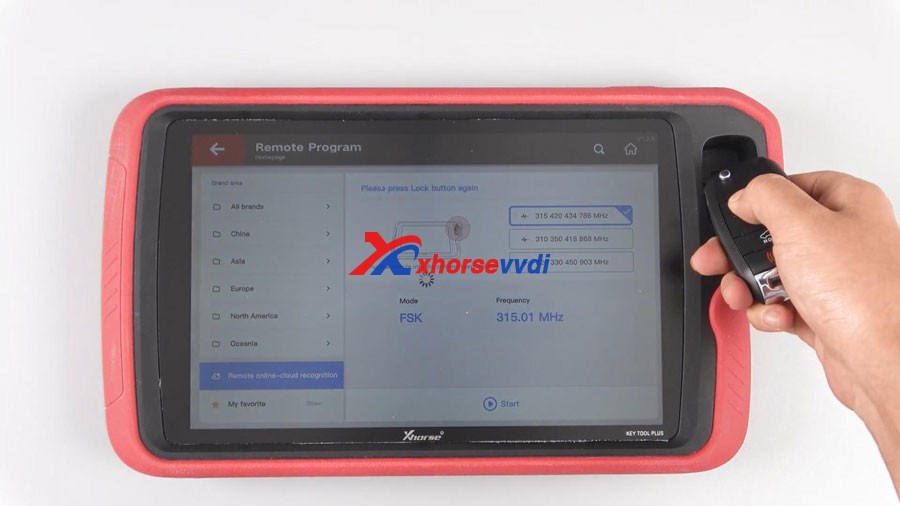
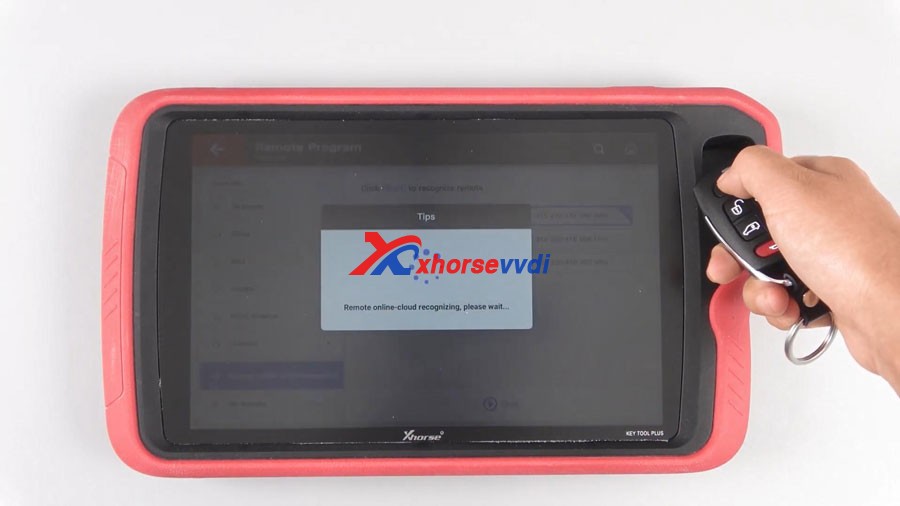
Click Start, your remote can be easily recognized.
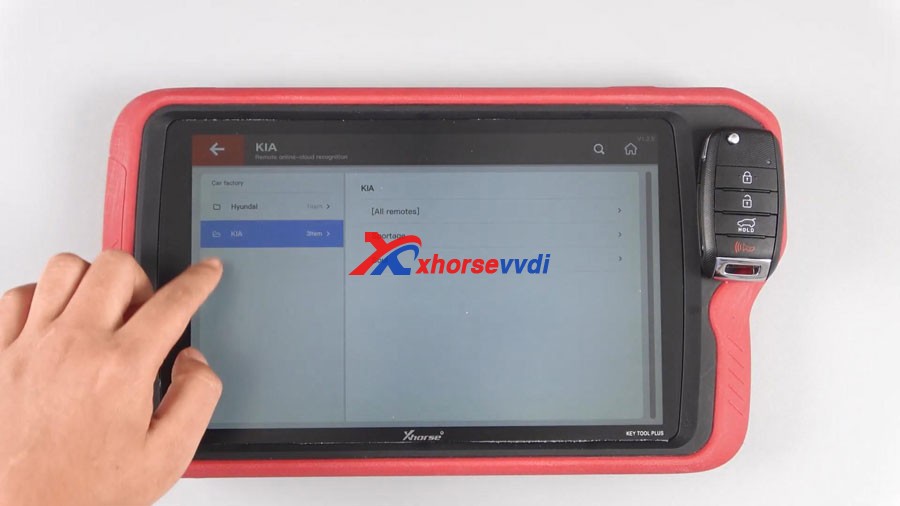
Sometimes, users need to choose the appropriate remote when multiple possible remotes are recognized.
Step-by-step:

Tap “Remote Program” and then “Remote online-cloud recognition”.


Tap “Remote Clone” and then “Remote online-cloud recognition”.


Click “Start” and your remote can be easily recognized. 

KEY TOOL PLUS Remote Online-cloud Recognition 04


Finally, have remote information including ID, frequency, remote type, matching method etc.


Sometimes, users need to choose the appropriate remote when recognizing multiple possible remotes. 

KEY TOOL PLUS Remote Online-cloud Recognition 08
KEY TOOL PLUS Remote Online-cloud Recognition 09


Enjoy!

video :

https://www.youtube.com/embed/XnoNRVi6S3I

Order Xhorse VVDI Key Tool Plus here:

https://www.xhorsevvdi.com/wholesale/xhorse-vvdi-key-tool-plus.html

xhorse OBD2 tools tech support: chttps://xhorsesupport.blogspot.com

Program Range Rove Evoque 2018 All Keys Lost with VVDI Key Tool Plus Pad

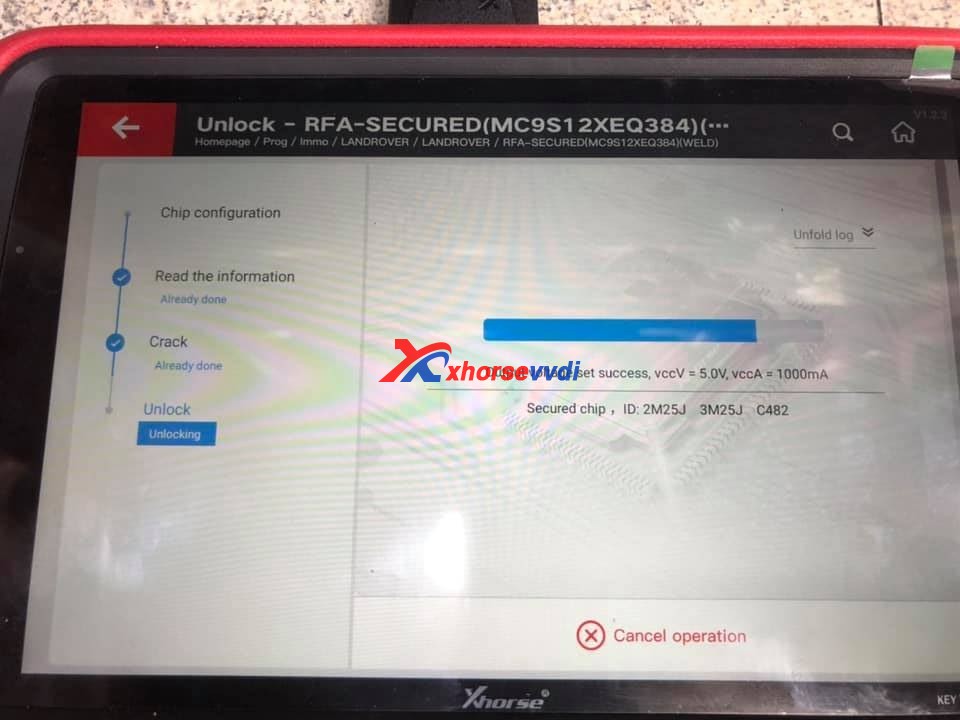
Tested VVDI Key Tool Plus on one Range Rove Evoque 2018 with KVM locked, all keys lost and add new keys successfully.

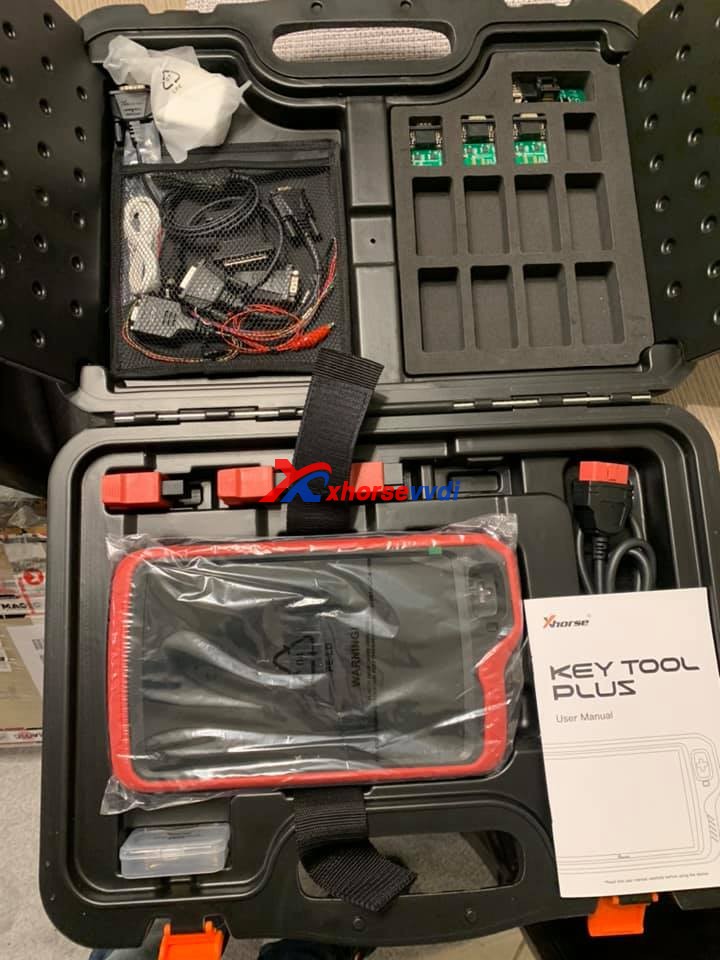
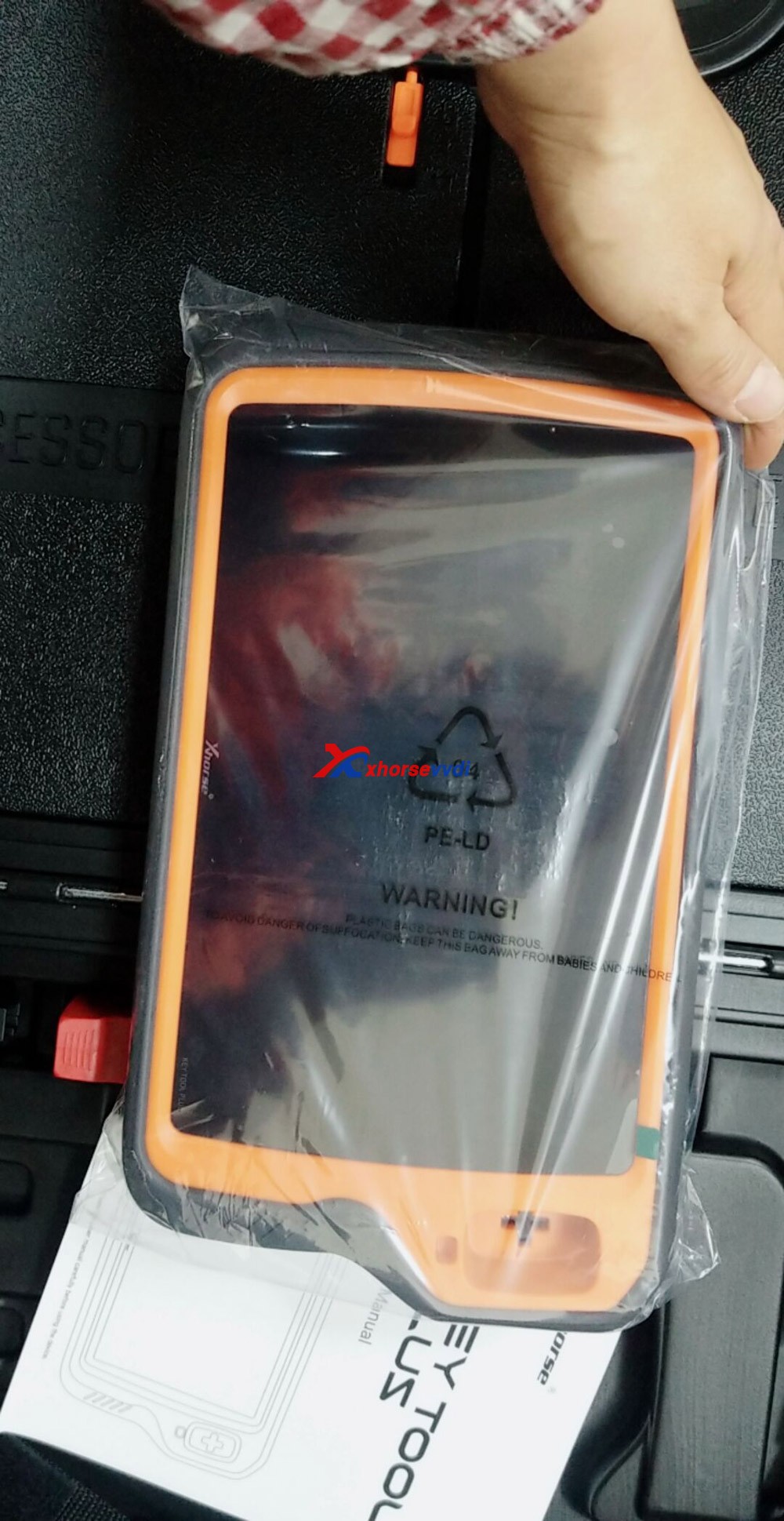
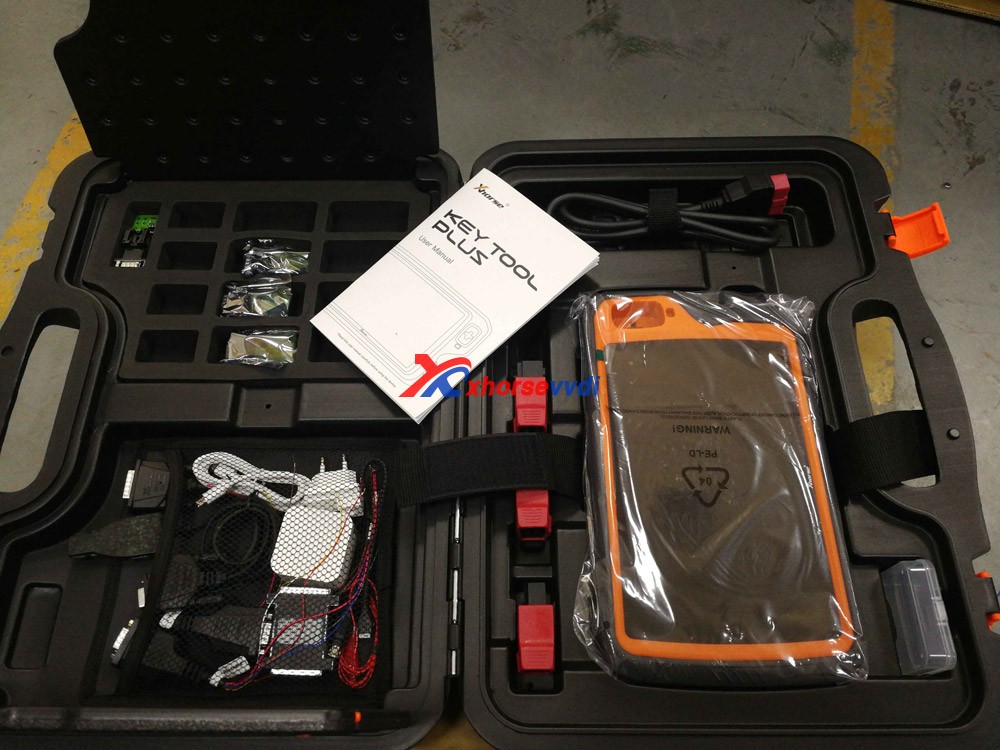
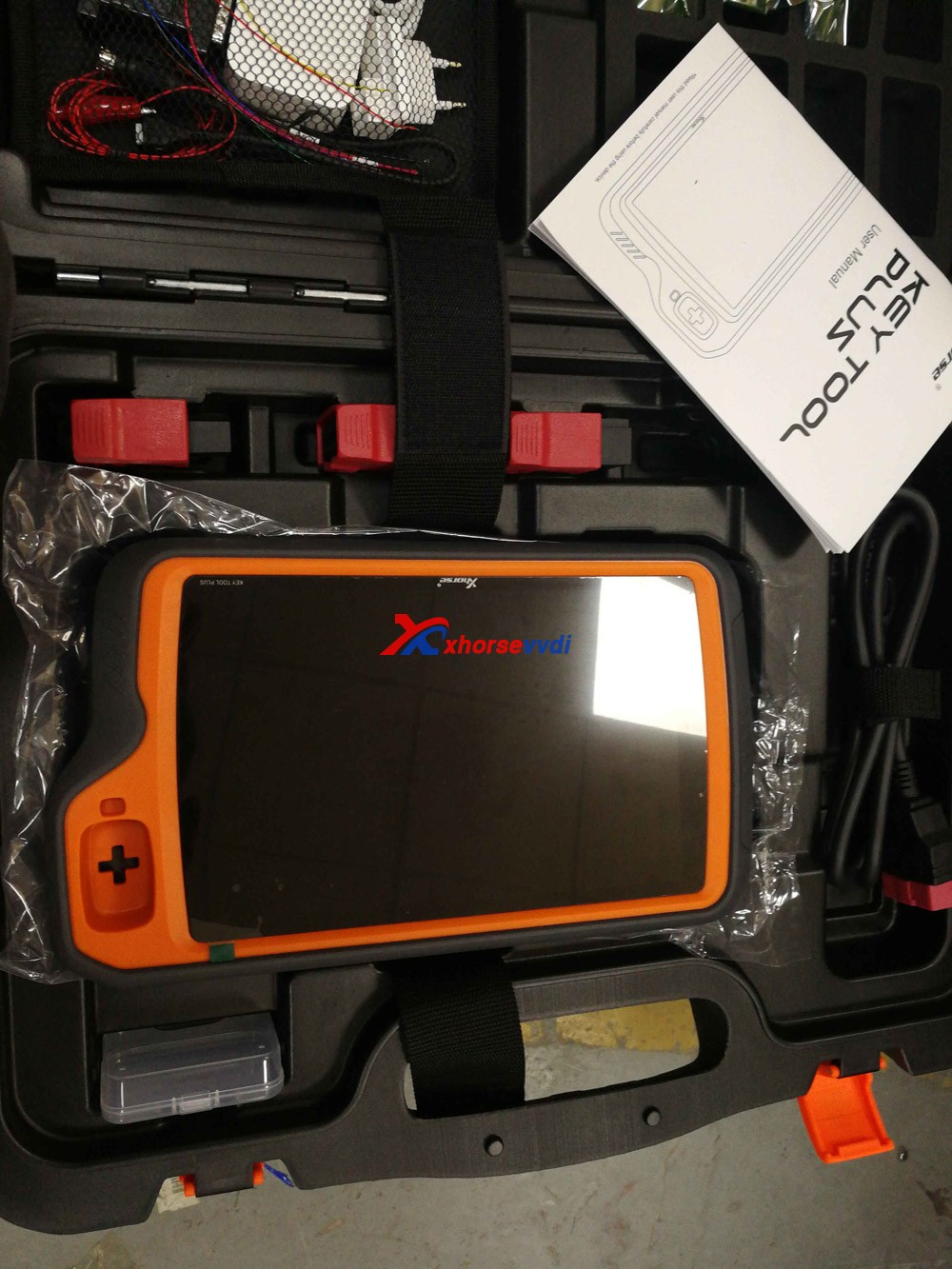
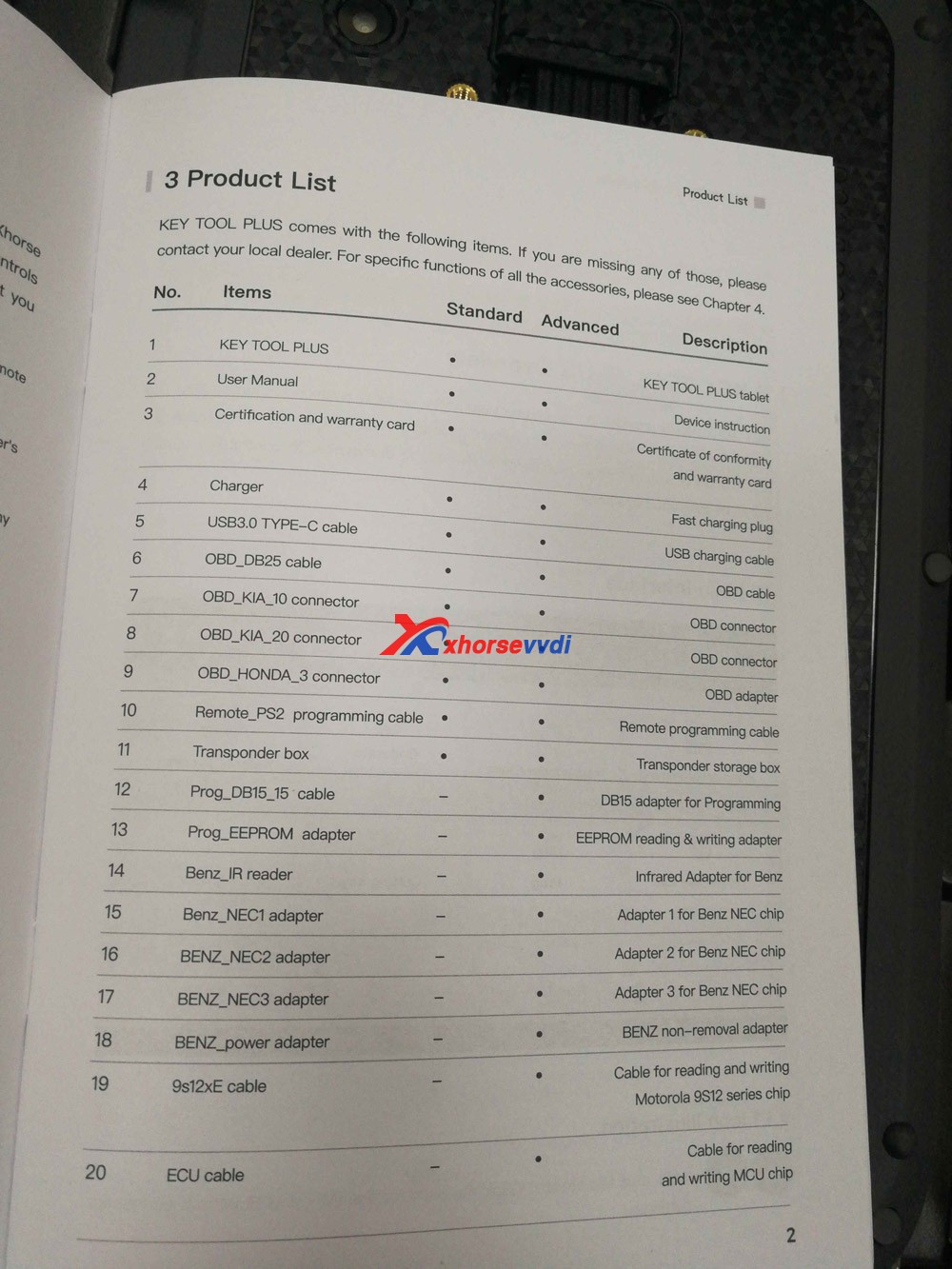
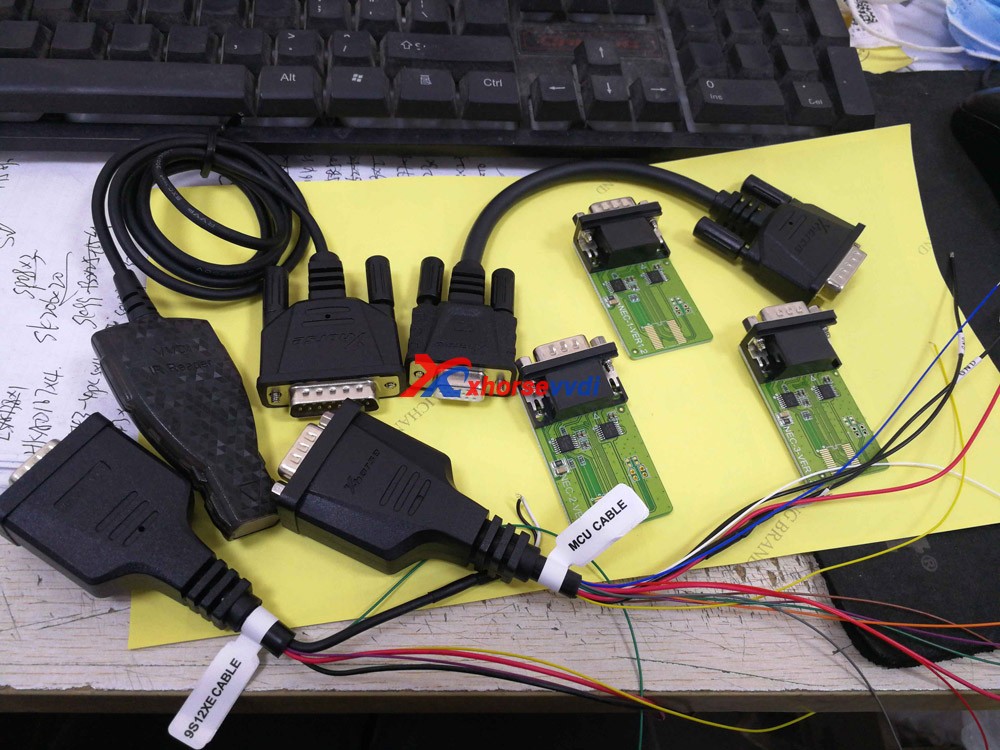
Image 1: open the package and have one tablet, user manual, adapters and cables.

xhorse  VVDI Key Tool Plus package

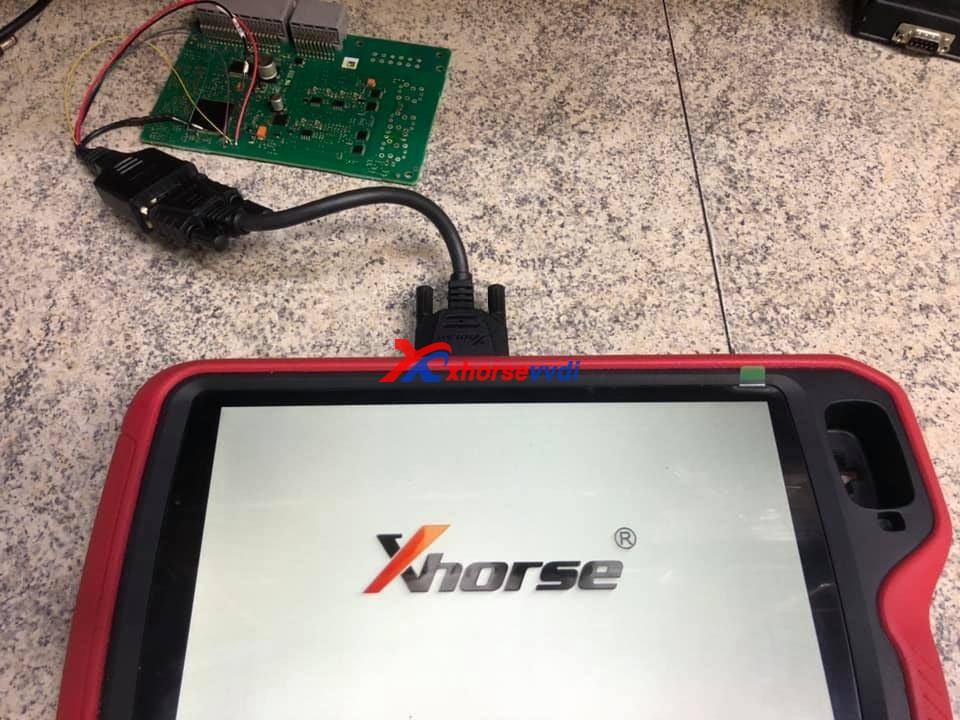
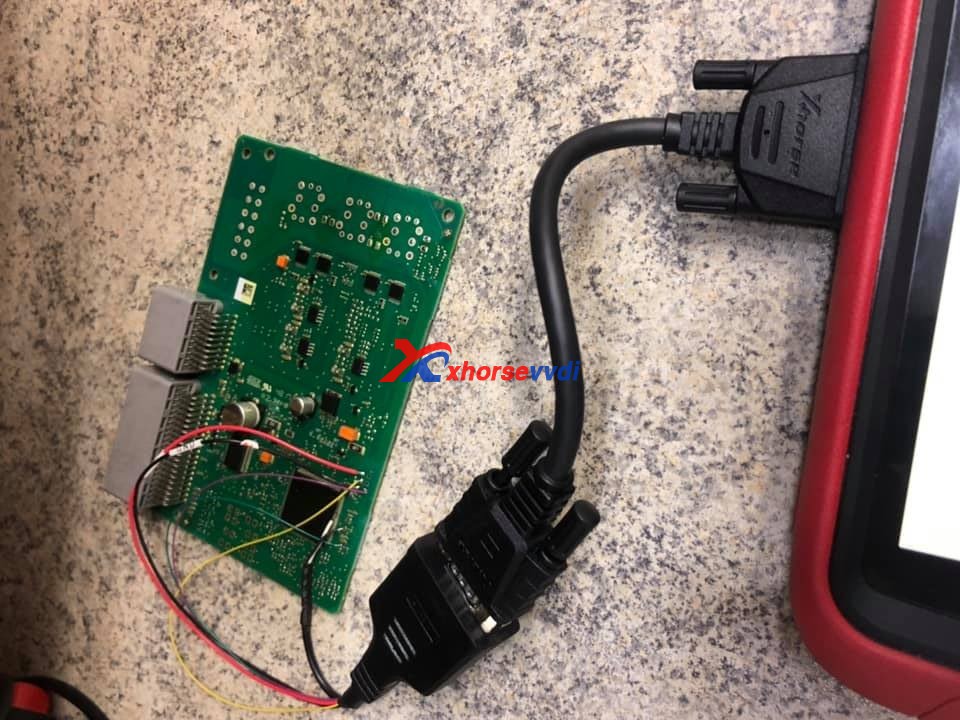
Connect the Pad to the KVM module on bench.

program-prangerove-evoque-all-key-lost-with-vvdi-key-tool-plus-01

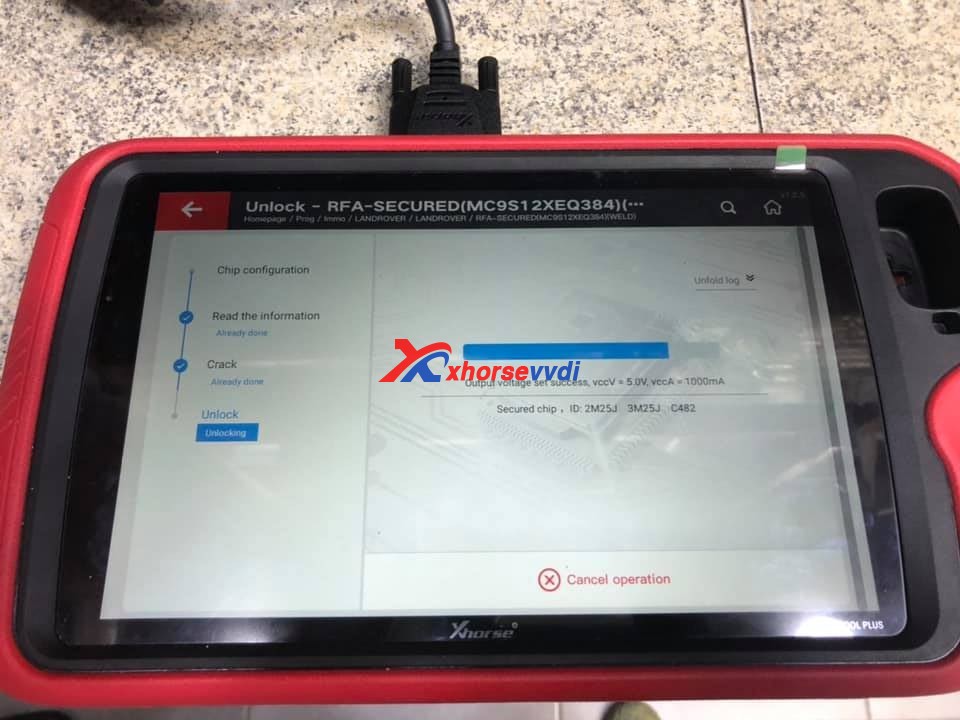
Unlock.

program-prangerove-evoque-all-key-lost-with-vvdi-key-tool-plus03
program-prangerove-evoque-all-key-lost-with-vvdi-key-tool-plus-04

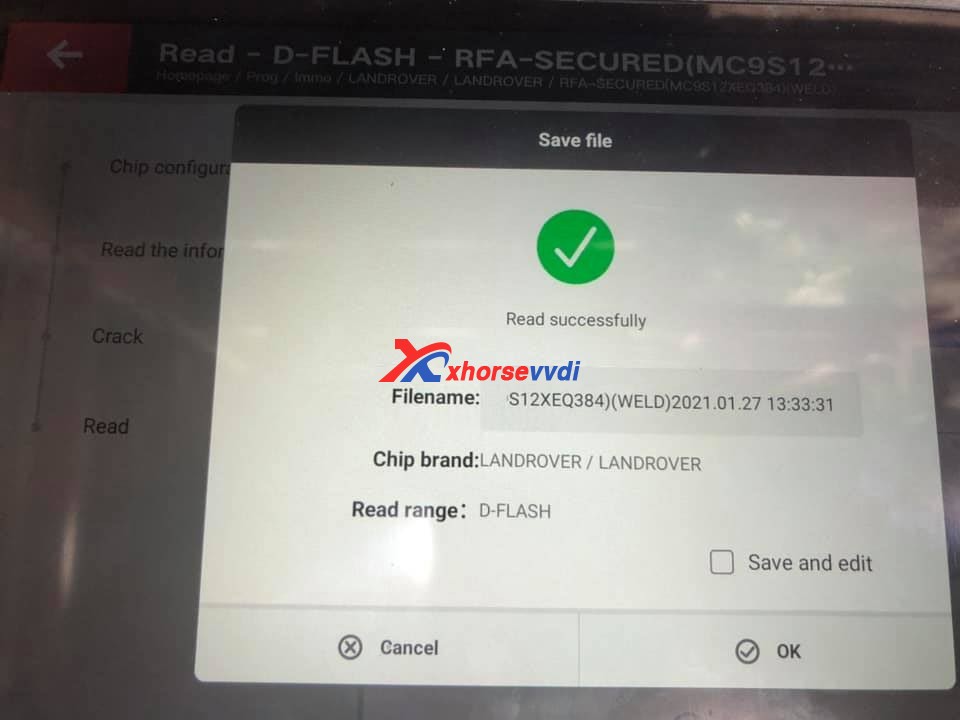
Save D-Flash file.

program-prangerove-evoque-all-key-lost-with-vvdi-key-tool-plus05

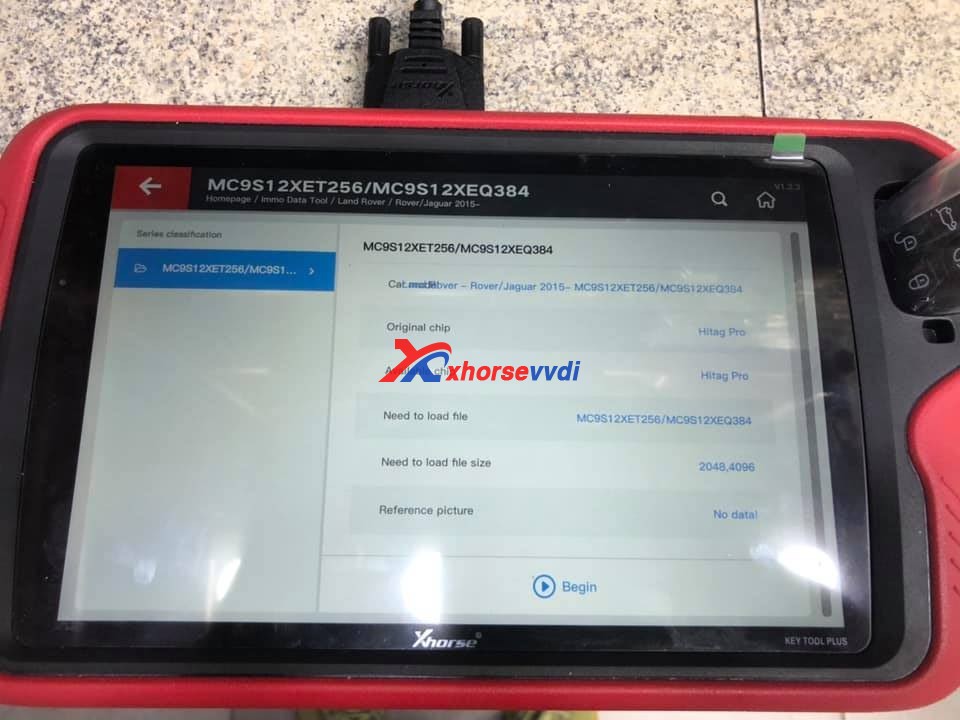
Immo Data Tool > Land Rover -> Jaguar 2015 -> MC9S12XET256 /MC9S12XEQ384.

program-prangerove-evoque-all-key-lost-with-vvdi-key-tool-plus-06

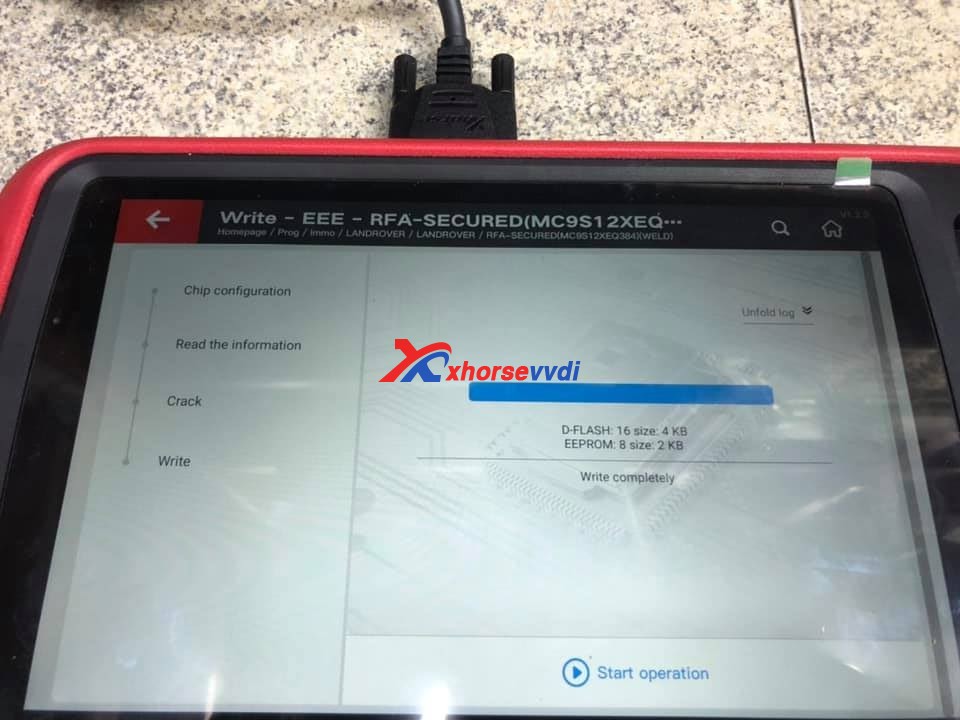
Write completely for D-flash and eerom.

program-prangerove-evoque-all-key-lost-with-vvdi-key-tool-plus-07

Enjoy

http://blog.xhorsevvdi.com/

Possible VVDI Key Too Plus do VW all keys lost?

A VVDI Key Too Plus  user saying ” You can’t do VW all keys lost at the moment using this tool if you are outside China because you can’t buy the tokens to process the data without WeChat, an app which is restricted to Chinese citizens only. ”

Then I consult the Xhorse Chief engineer, he replied :

Please get the VW data online from a local businessman. 

Also, you can try OBD Helper which can online calculate the immo data.

OBD Helper coverage:
1: A4L Q5 (all the card 754C/J type)
2: VW, Audi, Skoda key making (even when all keys lost) and the 4th generation odometer correction. Example, 35XX key all lost 873B 24C64 type key all lost or new model 95320.
3: MQB JOHNSON dashboard (not support key all lost )
4.New PASSAT MQB key all lost.
5.Support to get BCM2 anti-theft data online for A6 A7 A8 Touareg Phideon with 5th immo.
Note: The 4th generation immo data and MQB data support most current popular VAG key programmer in the market.

If you need V-A-G OBD Helper cable, please contact us :

Skype: xhorsevvdi.com
Whatsapp: +86-13983756354
Email: sales@xhorsevvdi.com

www.xhorsevvdi.com

Good news! VVDI Key Tool Plus GL : In stock, ship from Czech Warehouse

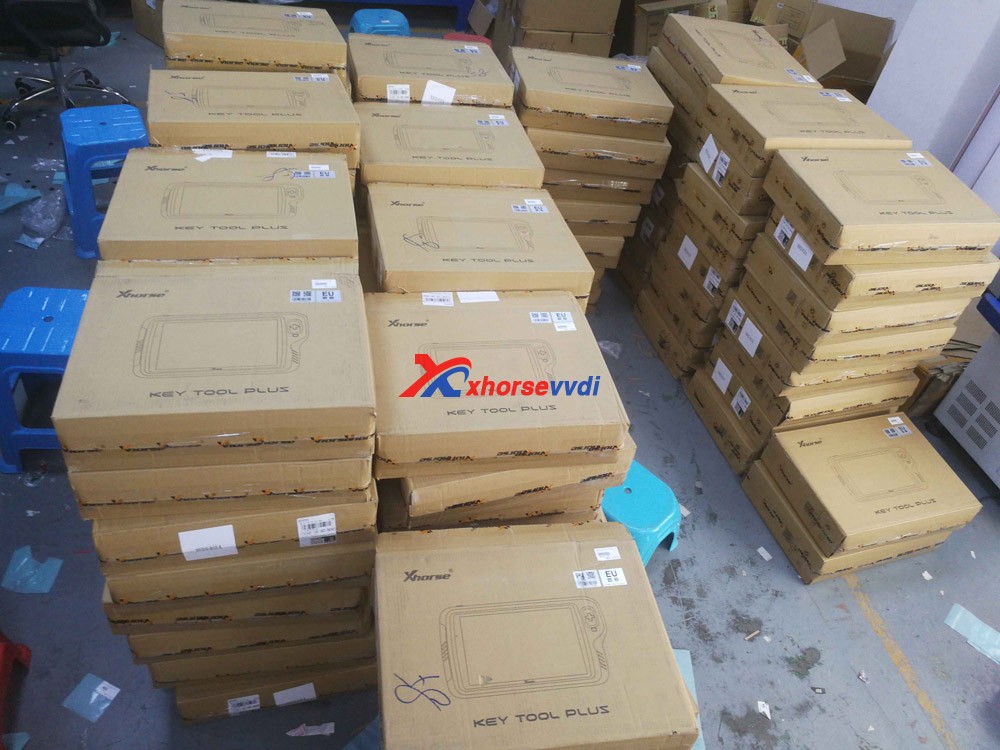
 A large amount of Inventory! VVDI Key Tool Plus Pad is available at xhorsevvdi.com, ship from Czech Warehouse soon will be available in EU UK US warehouse.

Seeing is believing, please look at the following images, our QC members are testing VVDI Key Tool Plus.

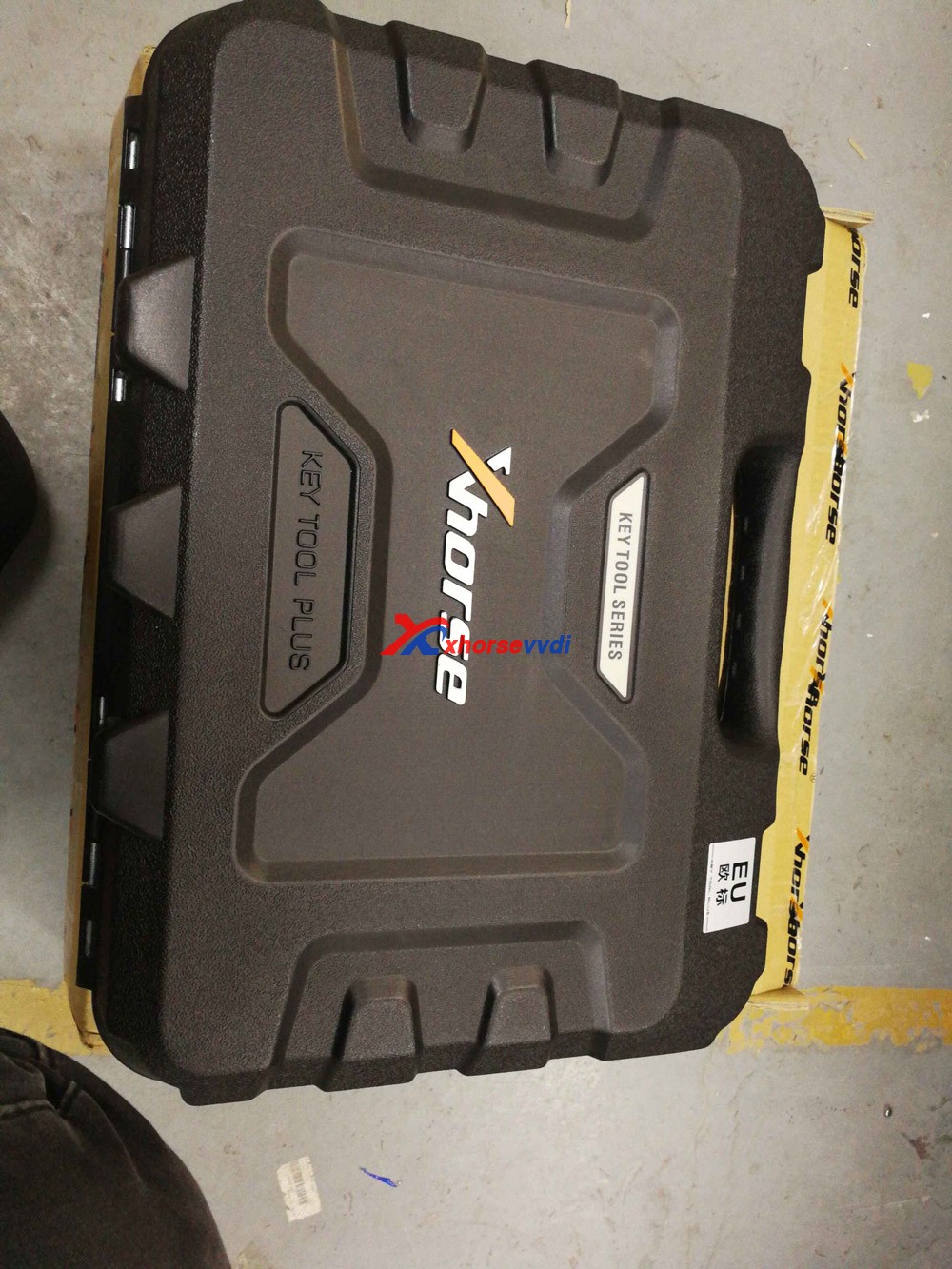
Shown as in the picture, the package is very protective, first is a carton, and then a rubber box. After opening the rubber box, you can see the tablet and all the accessories.

Note: The extra space is for the new accessories in the future.

VVDI Key Tool Plus GL 01
VVDI Key Tool Plus GL 02
VVDI Key Tool Plus GL 03
VVDI Key Tool Plus GL 04
VVDI Key Tool Plus GL 05
VVDI Key Tool Plus GL 06
VVDI Key Tool Plus GL 07

Order Xhorse VVDI Key Tool Plus at:

https://www.xhorsevvdi.com/wholesale/xhorse-vvdi-key-tool-plus.html

Popular tools Recently:

Autel IM508 plus XP400PRO

Xhorse Watch Smart Key Keyless-go 

 XTOOL A80 Pro+KC501+KS-1

How to test if CAS4 CAS4+ IMMO box and the key are synchronized?

Customer real feeback: 
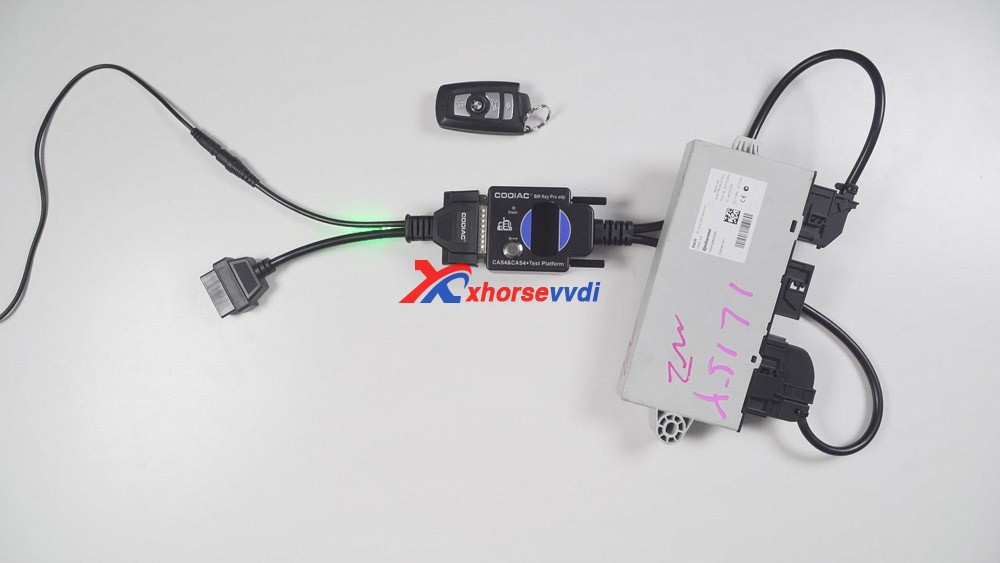
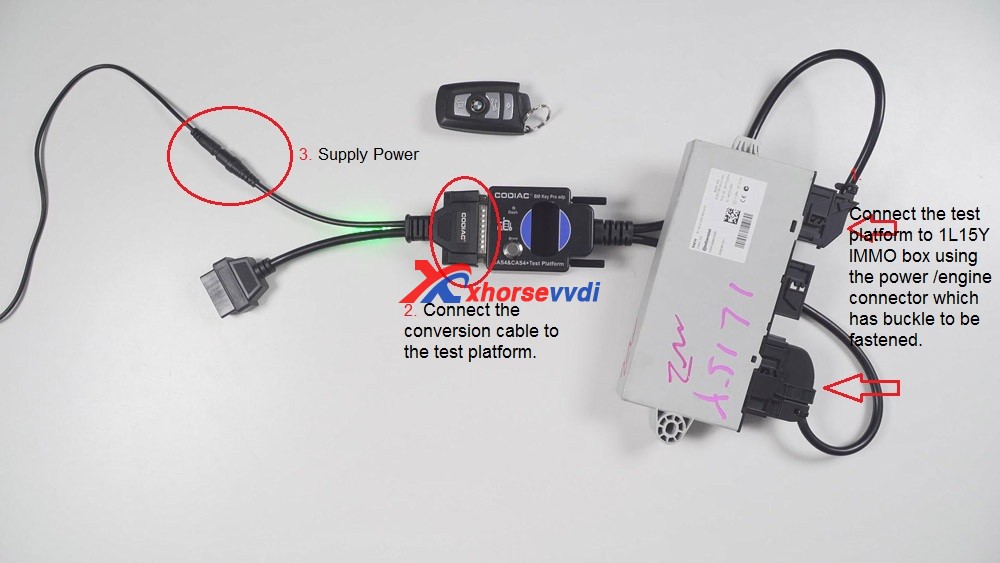
We test whether the CAS4/CAS4+ IMMO box and the key are synchronized. What we prepared is one Godiag CAS4 / CAS4+ Test platform, one programmed key, one 1L15Y IMMO box (look at the following image).
Godiag cas4 /cas4+ test platform  reviews 01

1. Firstly, connect the test platform to 1L15Y IMMO box using the power connector and engine connector which has buckle to be fastened.

2. Then connect the Godiag convert cable to the test platform.

3. Lock the screws of Test platform.

4. Plug to the power adapter. And the power indicator and immo indicator will flash.
 Godiag cas4 /cas4+ test platform  reviews 02

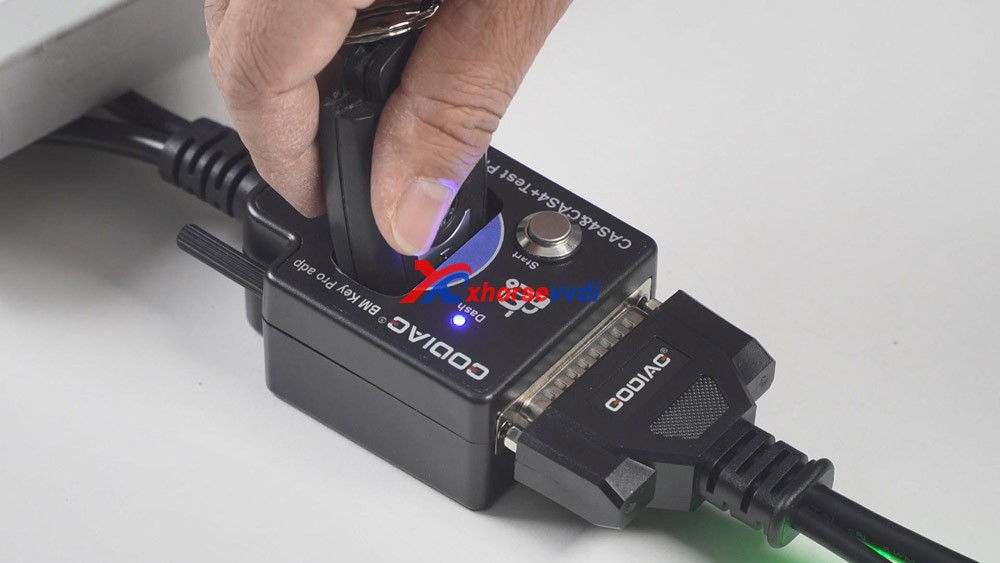
5. Put the CAS4 key into the coil of Godiag test platform. And soon the Dash indicator will flash.
Godiag cas4 /cas4+ test platform  reviews 03

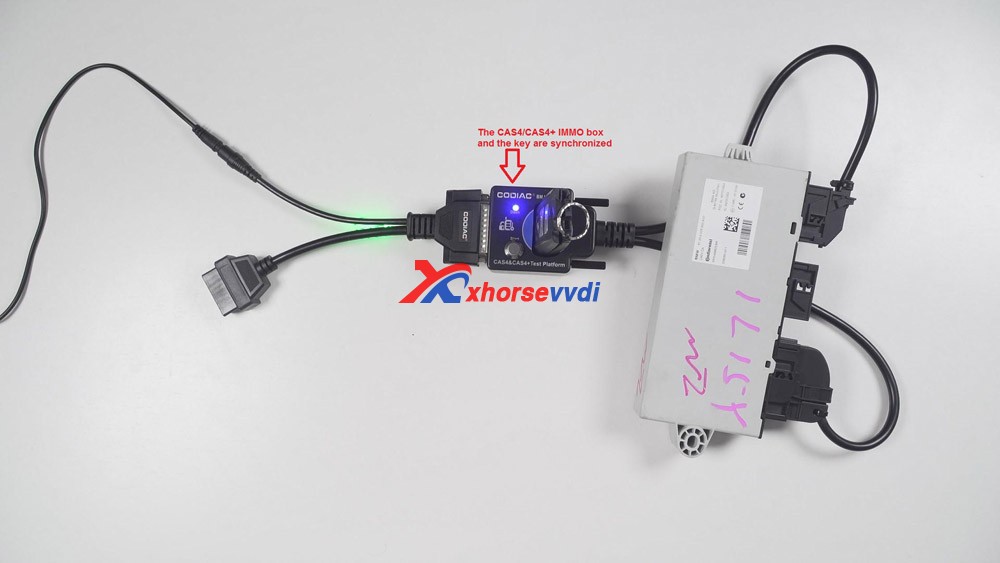
6. 1st time to press the power button on the test platform, it means to start the adapter. If the key is synchronized with the immo box, the indicator will always be on.
2nd time to press the power button again, it means we turn off the test platform.
3rd time to press the button, the CAS4 box is not communicating with the test platform.
4th time to press the button, the test platform is turn on.
Okay, this is on how to test the synchronized key.
 Godiag cas4 /cas4+ test platform  reviews 04

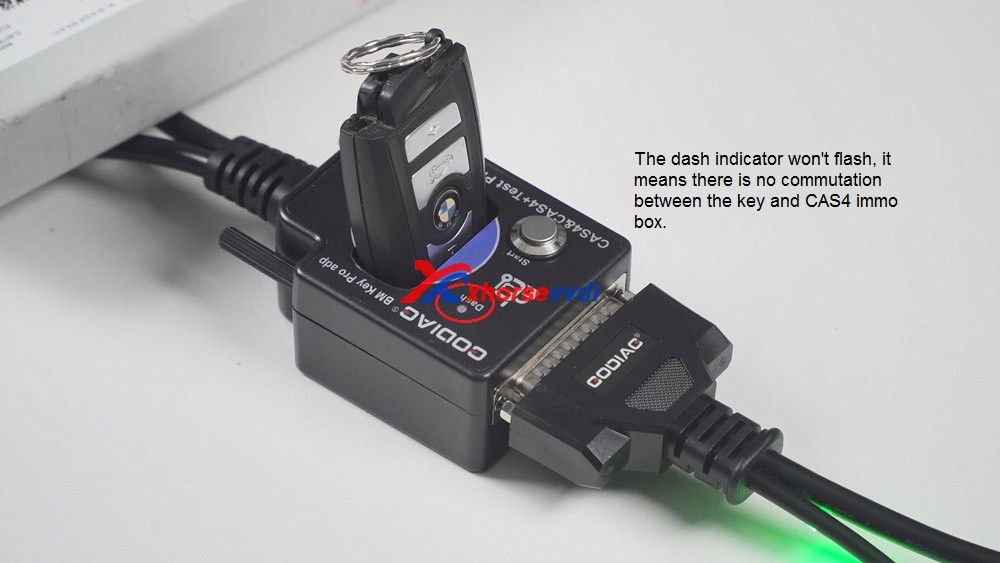
Next we have a look at the unsynchronized key.
After putting the key into the coil of the test platform, the dash indicator won’t flash.
And after pressing the power button, the “Dash” indicator will soon turn off.
It means there is no commutation between the key and CAS4 immo box.
 Godiag cas4 /cas4+ test platform  reviews 05

Alright. I am very happy with Godiag cas4 /cas4+ test platform, it will be a great helper in my daily key programming job. 

http://blog.xhorsevvdi.com/

Xhorse VVDI Key Tool Plus program VVDI Toyota 8A Smart Card

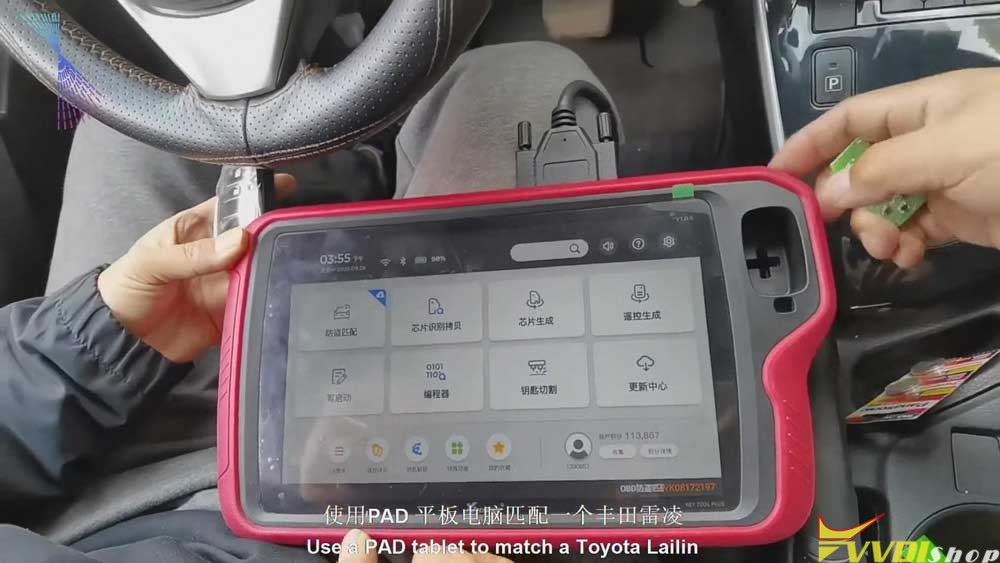
Xhorse VVDI Key Tool Plus is coming soon! Today, I’ll show you how to use this PAD tablet to match a Toyota Ralink.

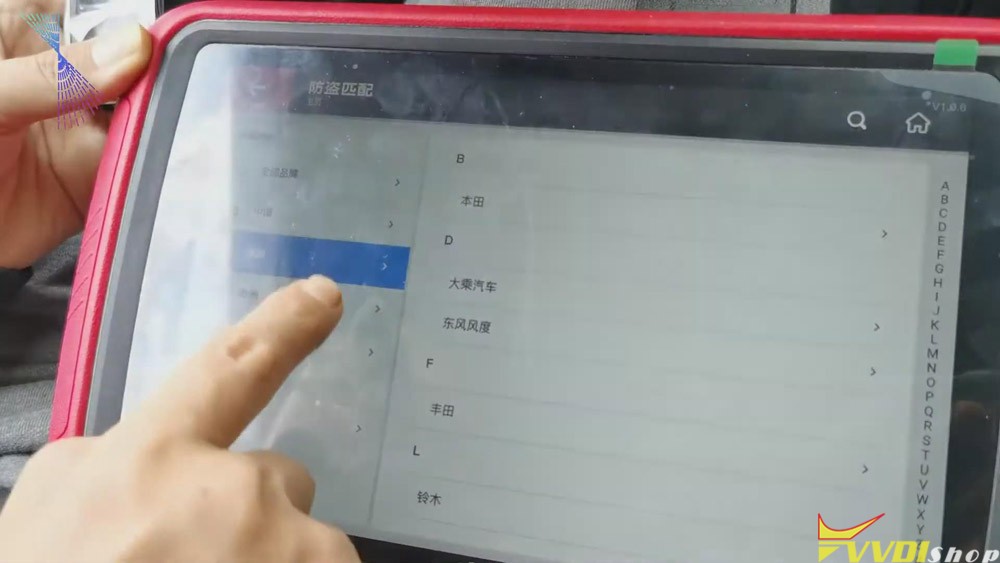
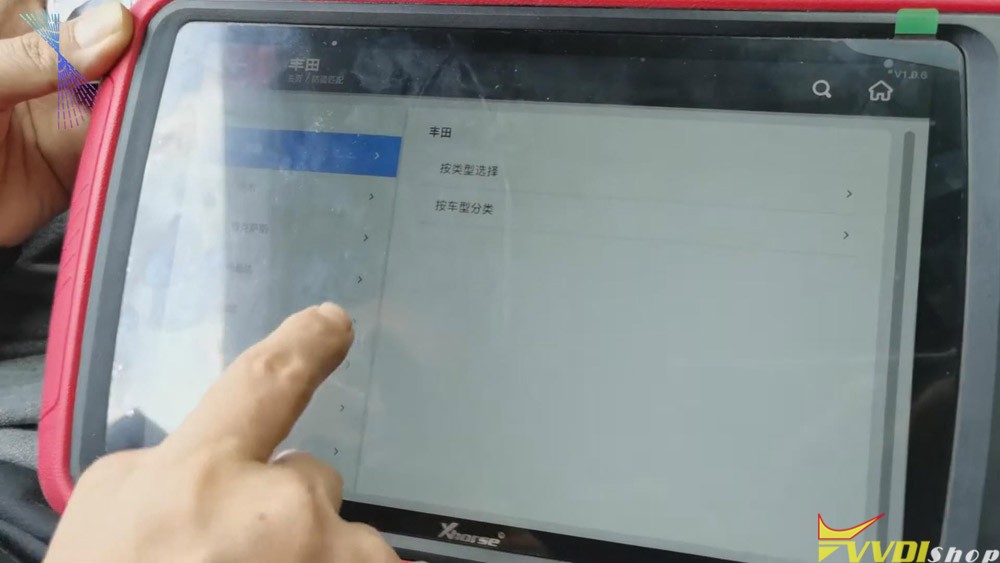
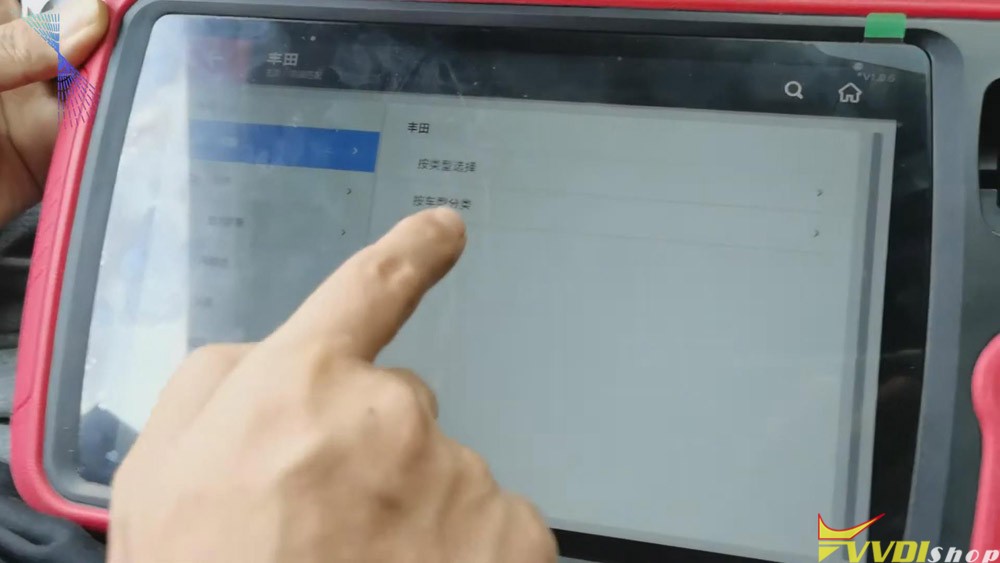
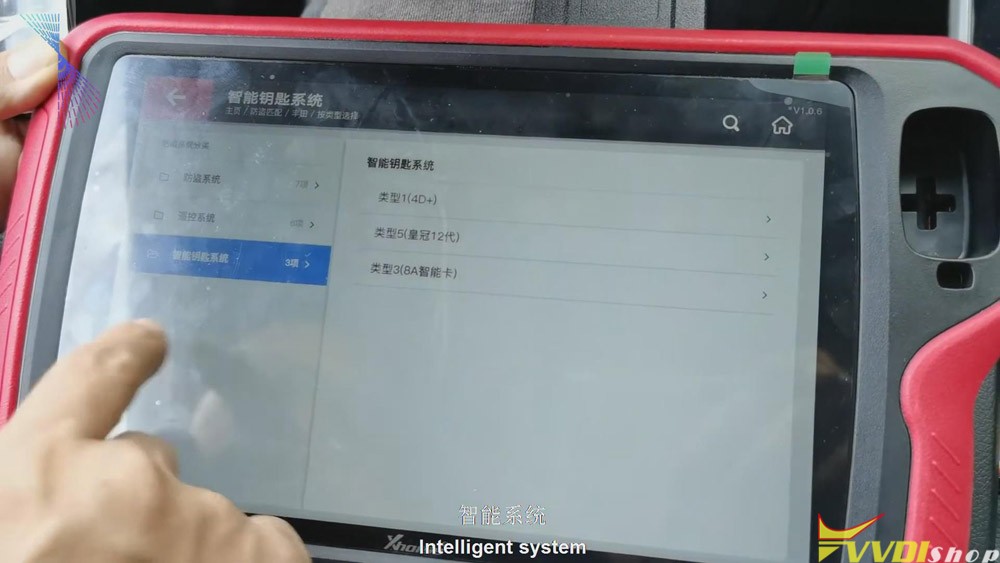
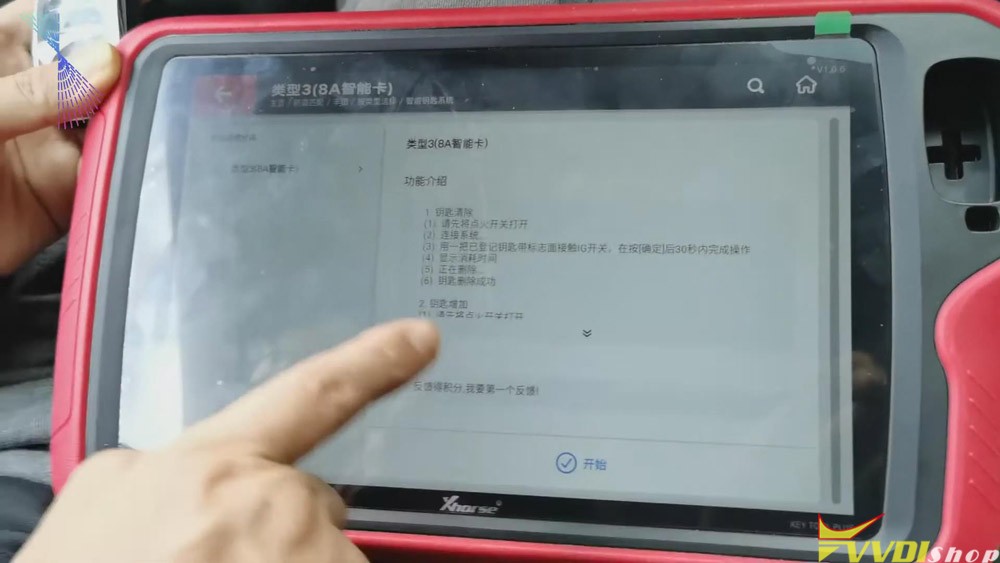
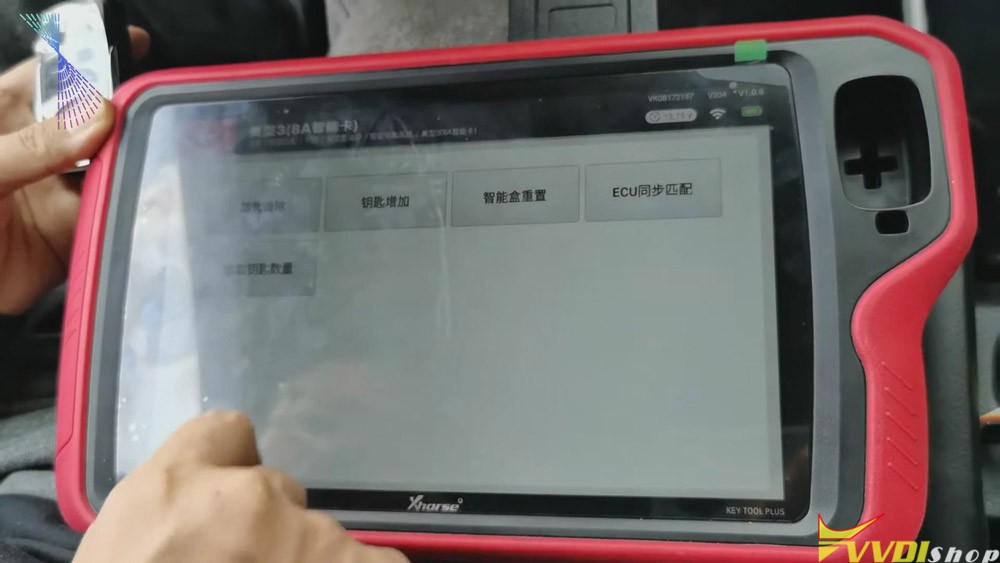
  1. Click “Immo match”>>“Asia”>>“Toyota”>>“Select by type”>>“Intelligent key

system”>>“8a smart card”>>“start”>>“Add key” .

vvdi-key-tool-plus-add-keys-for-toyota-8a-smart-card-1
vvdi-key-tool-plus-add-keys-for-toyota-8a-smart-card-2
vvdi-key-tool-plus-add-keys-for-toyota-8a-smart-card-3
vvdi-key-tool-plus-add-keys-for-toyota-8a-smart-card-4
vvdi-key-tool-plus-add-keys-for-toyota-8a-smart-card-8
vvdi-key-tool-plus-add-keys-for-toyota-8a-smart-card-4
vvdi-key-tool-plus-add-keys-for-toyota-8a-smart-card-9

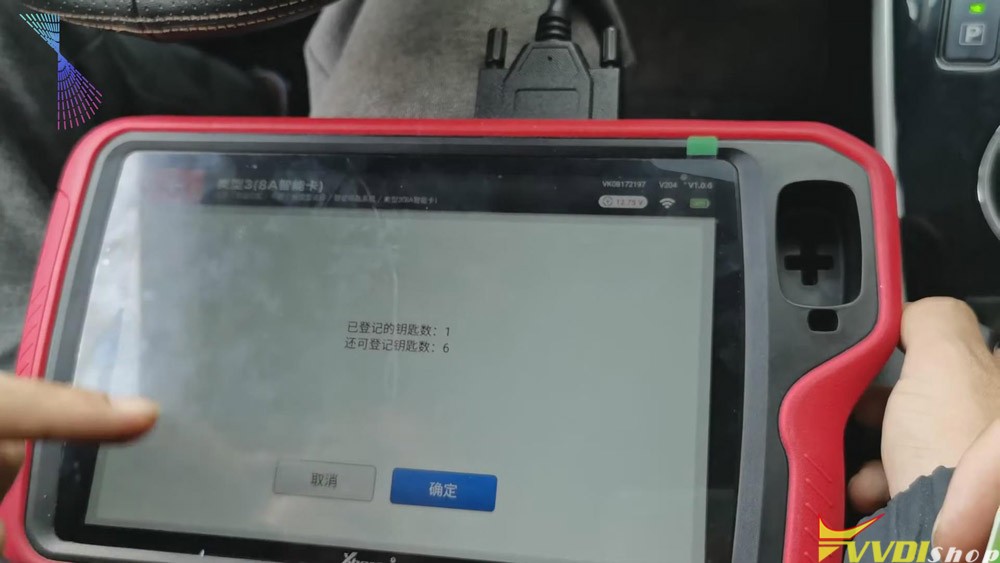
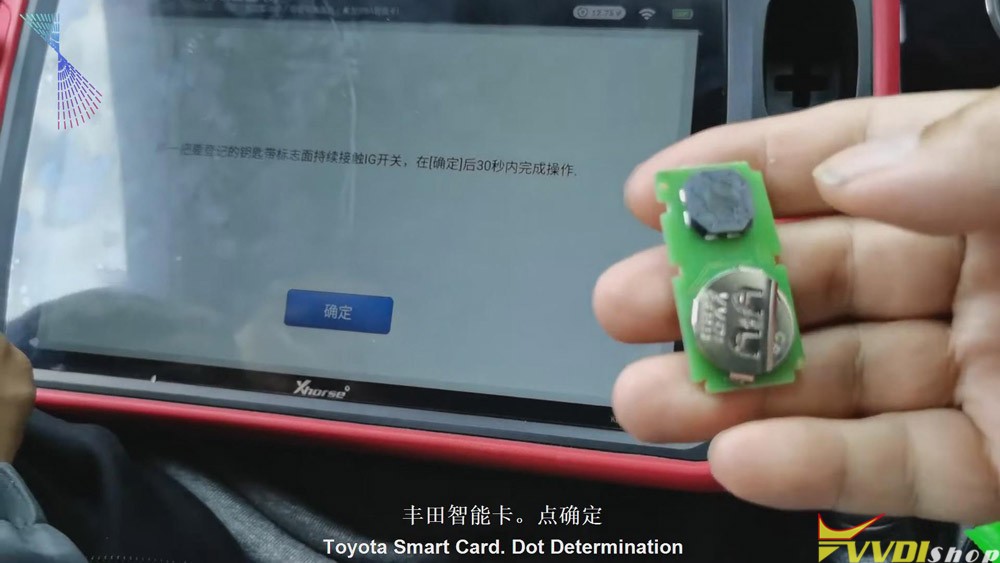
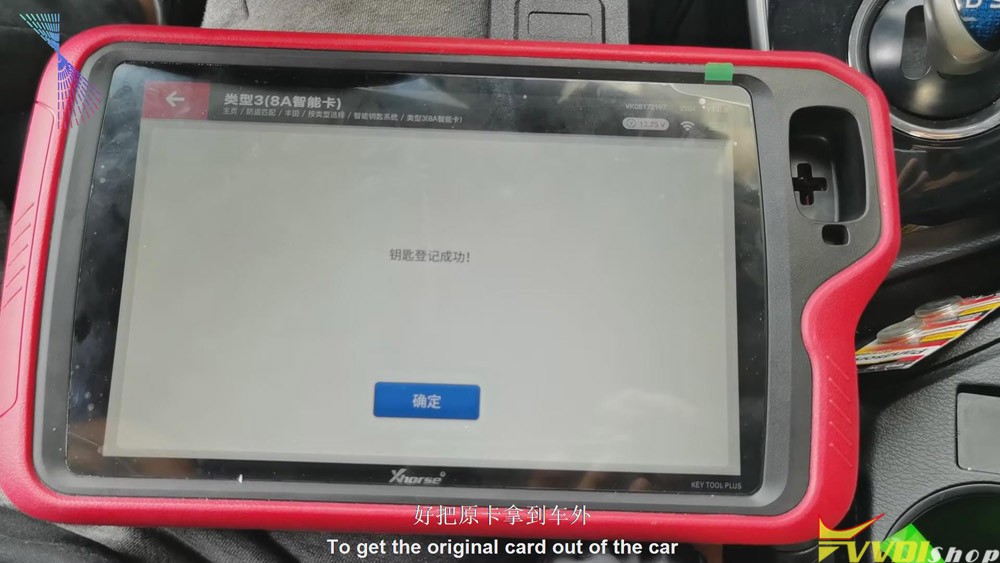
2.Follow the tablet guide to turn on the ignition of the vehicle, attach the original VVDI Toyota 8A smart card to the start button, and then click on “Confirm” on the tablet.

vvdi-key-tool-plus-add-keys-for-toyota-8a-smart-card-8
  • After hearing the sound, it will prompt to attach a new card to the start button of the vehicle. Then attach a new VVDI Toyota smart card to the start button of the vehicle. And then click “Confirm”.
vvdi-key-tool-plus-add-keys-for-toyota-8a-smart-card-9
  • After the registration step is finished, take the original VVDI Toyota 8A card out of the car. Turn the ignition off and click “Confirm”. We’ll have to click “Confirm” for several times. And it should be a synchronization process. Click “Confirm” twice.
vvdi-key-tool-plus-add-keys-for-toyota-8a-smart-card-10

From the steps above we can easily see that it is quick and convenient for you to use Xhorse VVDI Key Tool Plus to match VVDI Toyota 8A smart card. Thumb up Xhorse VVDI Key Tool Plus!

https://www.vvdishop.com/service/vvdi-key-tool-plus-add-keys-for-toyota-8a-smart-card.html

Renew/clone EIS on w906 with VVDI MB BGA

How can I use Xhorse VVDI MB BGA Tool to renew/clone EIS for a Mercedes W906?

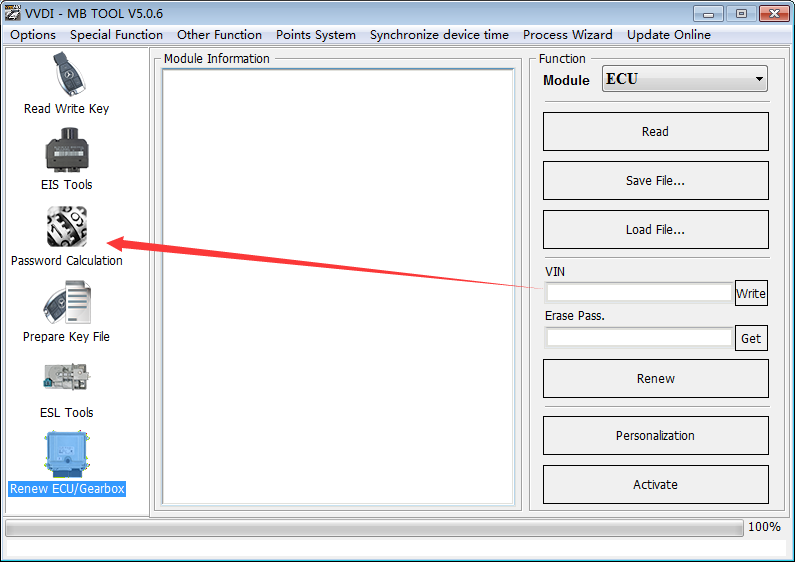
Tips: Start VVDI MB Tool software, use the “Password Calculation” function to get its code.

Vvdi Mb Tool

It means that VVDI MB BGA Tool can renew/clone EIS for the car if it was succeeded to calculate the result;
OtherwiseVVDI MB BGA Tool cannot renew/clone EIS for the car if it was failed to calculate.

www.vvdishop.com

Use Xhorse VVDI2 to Program BMW CAS2-3 remote key via OBD

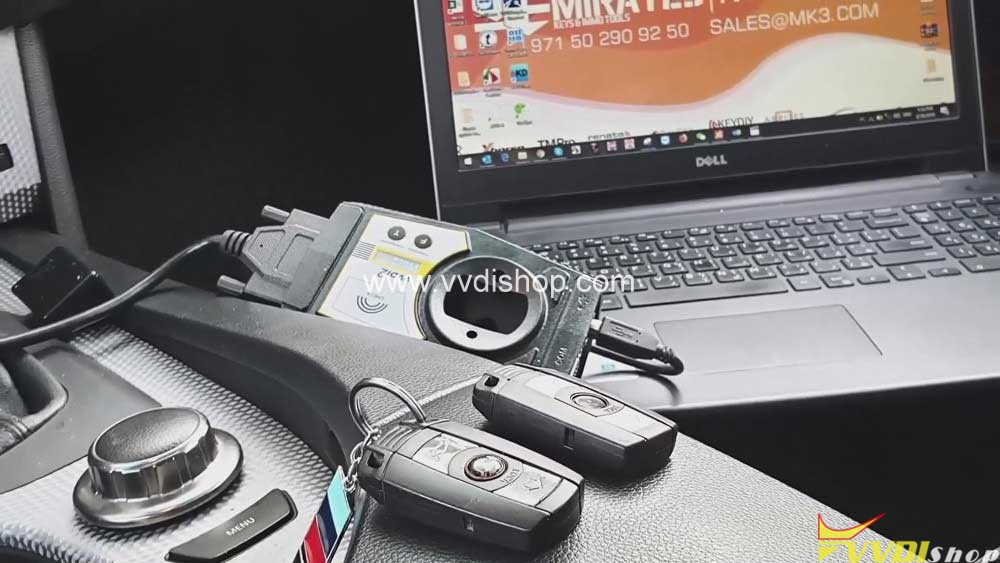
Here, VVDISHOP will share with you all how to use Xhorse VVDI2 to program remote key BMW CAS 2-3 through OBD-port

 Here you are:

Car vehicle: BMW car

What you need:

Xhorse VVDI2 Full

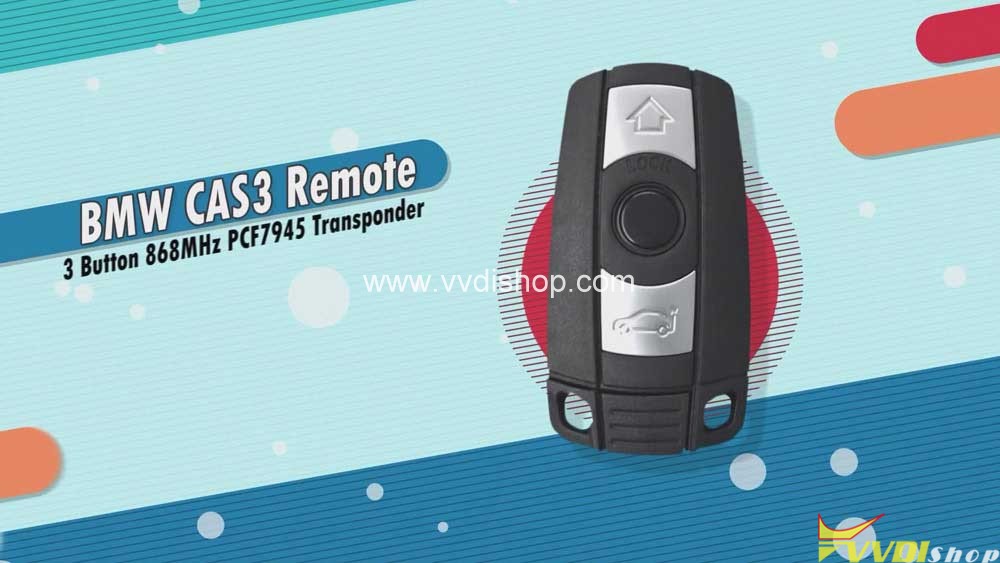
BMW CAS3 Remote

Xhorse VVDI2 to Program BMW CAS2-3 remote key via OBD

Steps:

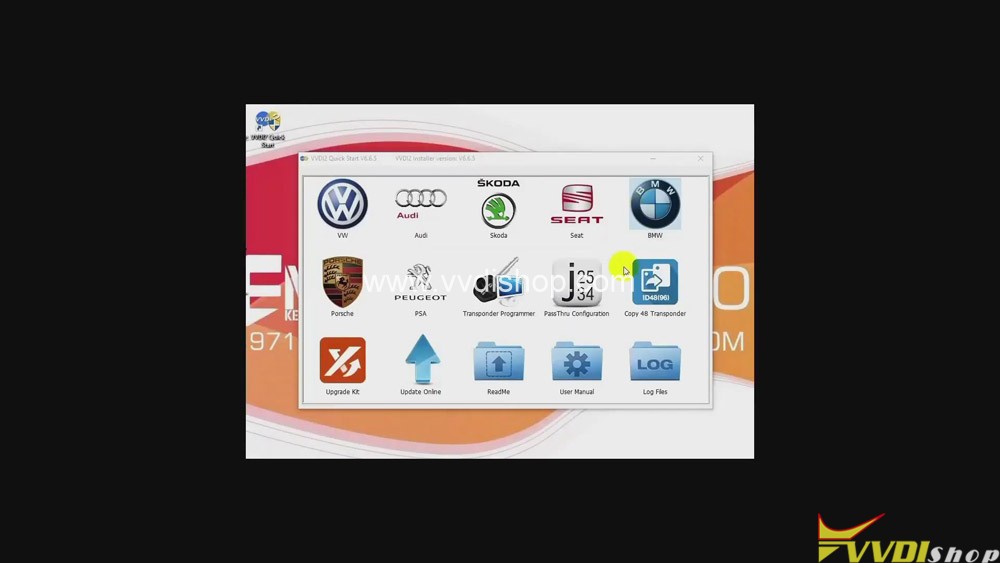
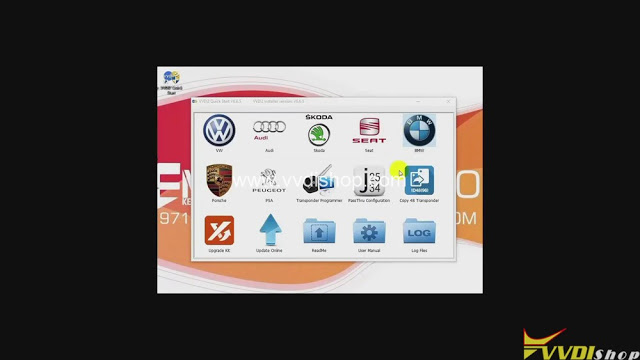
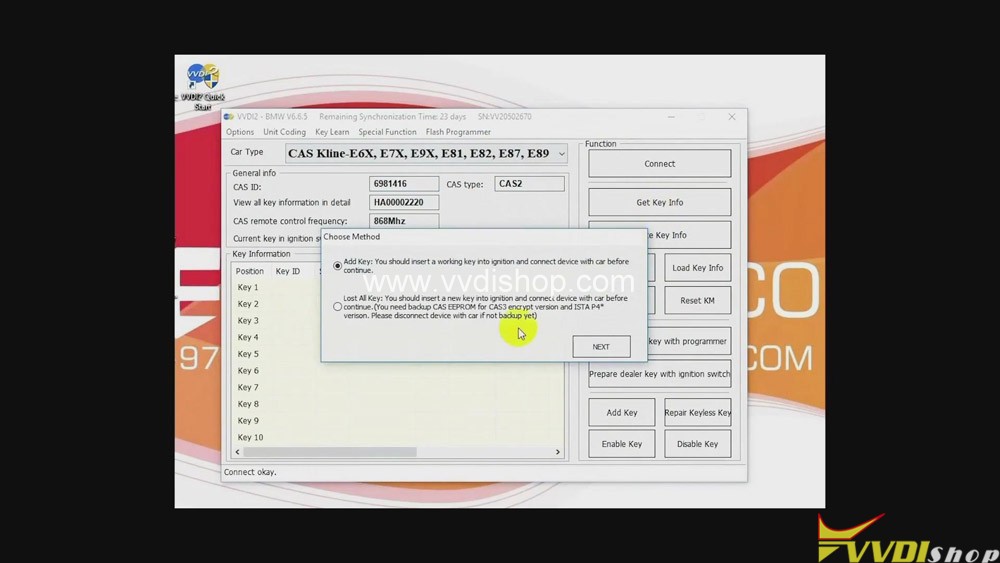
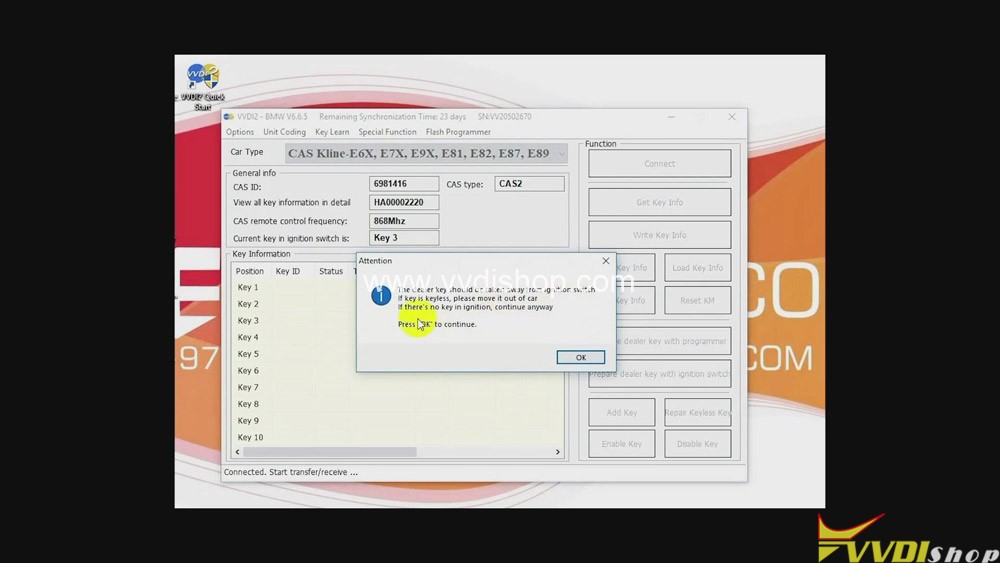
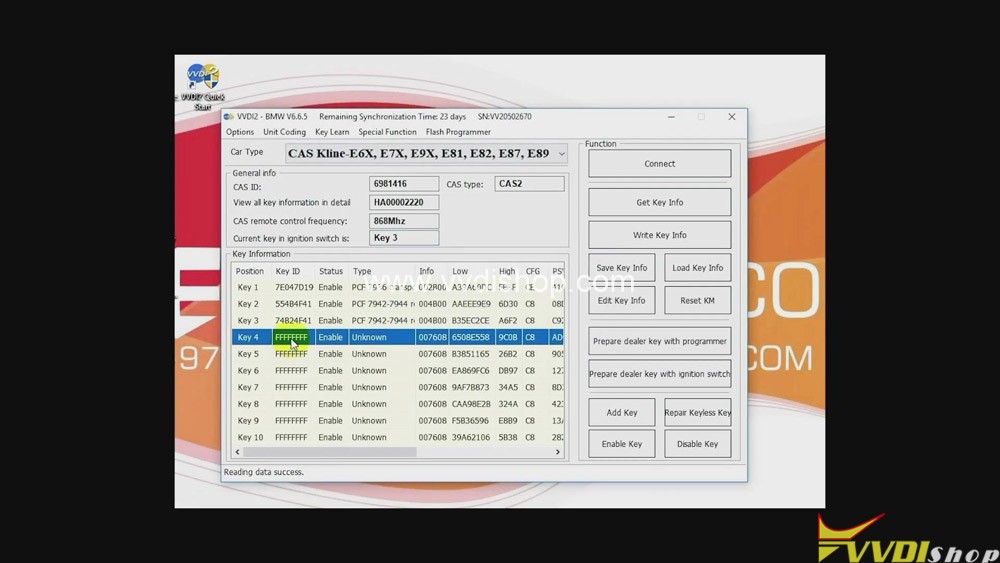
  1. Click “BMW” button>>“Connect”>>“Get key info”>>“Next”>>“OK”.
Xhorse VVDI2 to Program BMW CAS2-3 remote key by OBD
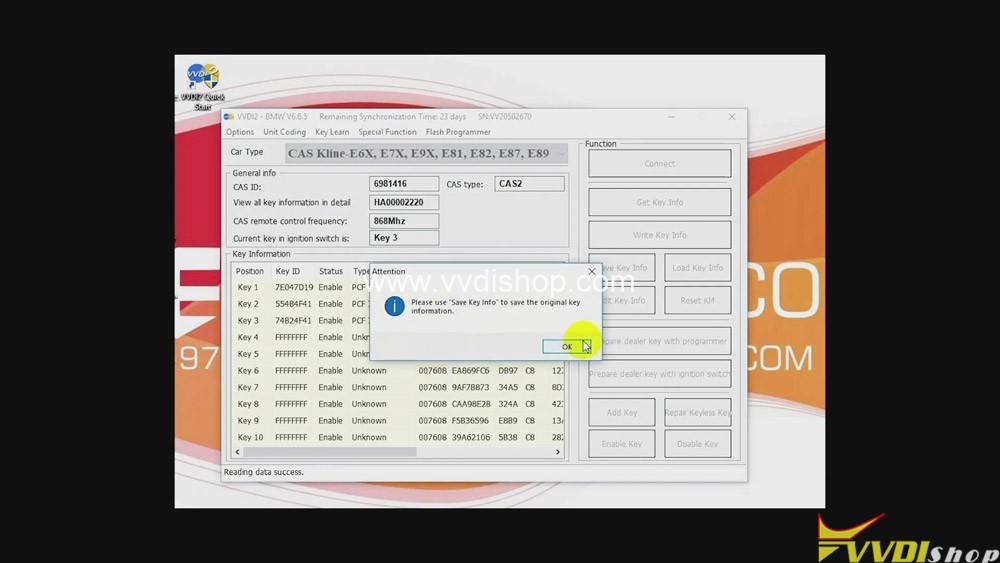
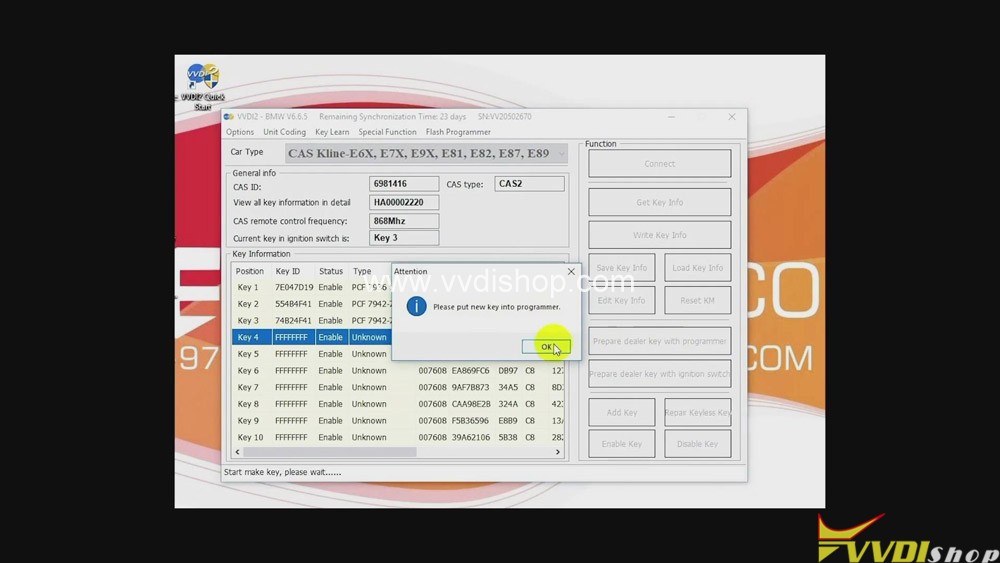
  • Click “OK” again>>“Key 4”>>“Prepare dealer key with programmer”>>“OK”.
Xhorse VVDI2 to Program BMW CAS2-3 remote key by OBD

3.Put the new key into VVDI2.

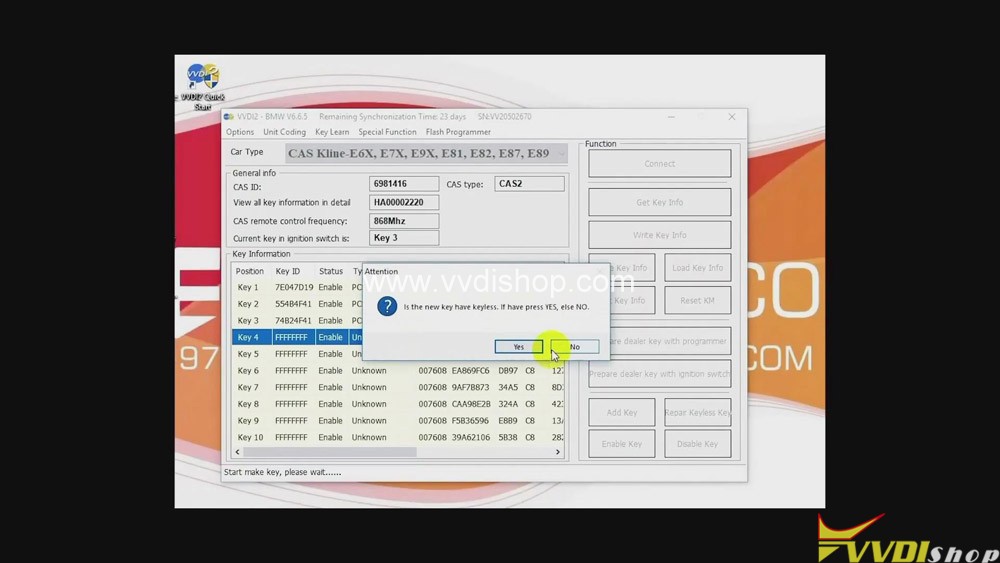
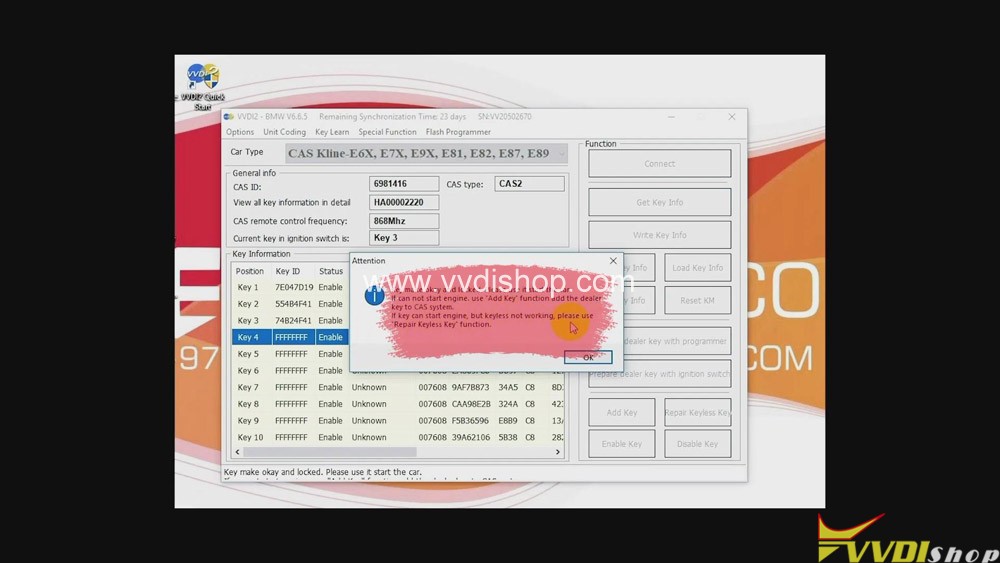
  • Click “No”>>“OK”.
Xhorse VVDI2 to Program BMW CAS2-3 remote key by OBD

Job on programming remote key BMW CAS 2-3 with Xhorse VVDI2 Full is done.

Read related article:VVDI2 Program BMW CAS4 CAS4+ Key via OBDII Step by Step

Design a site like this with WordPress.com
Get started