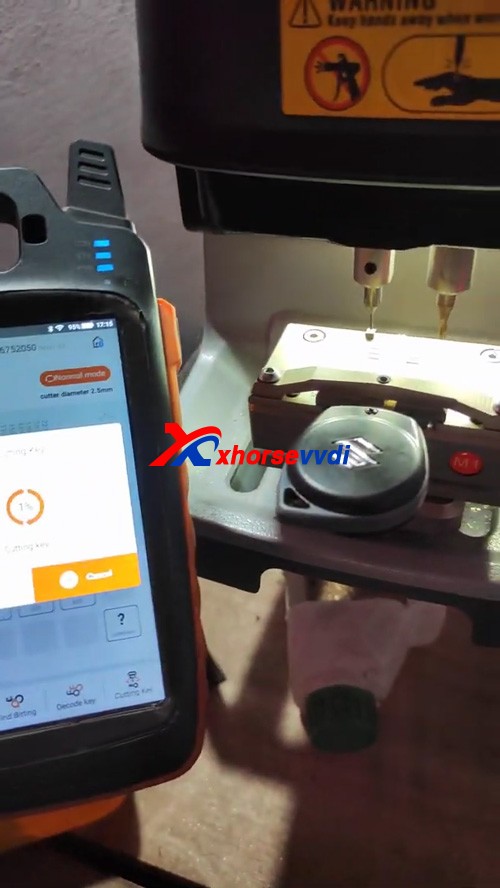
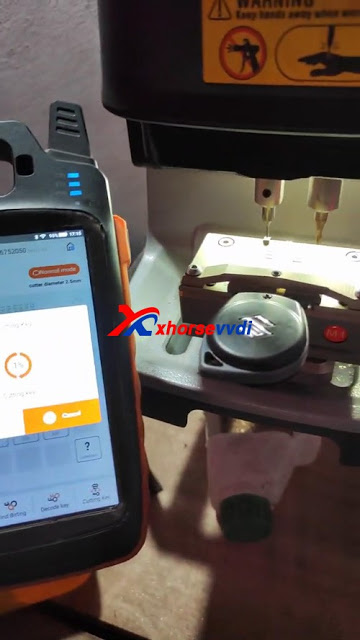
Connect VVDI Key Tool Max and Dolphin XP005 key cutting machine via Bluetooth for smart control, prepare an original key and a new one for ready, then get to start:
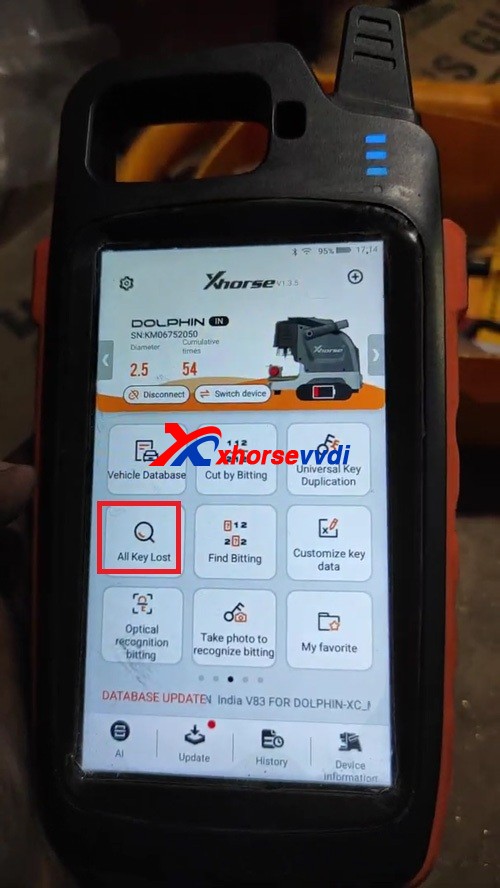
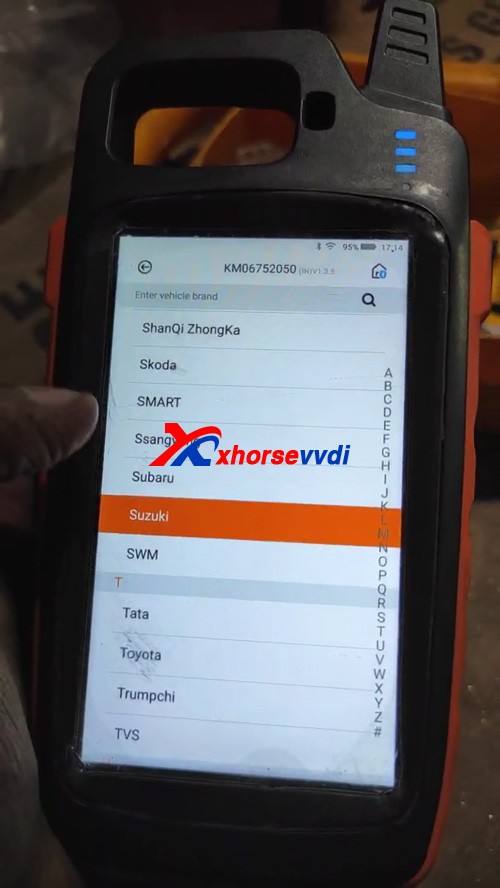
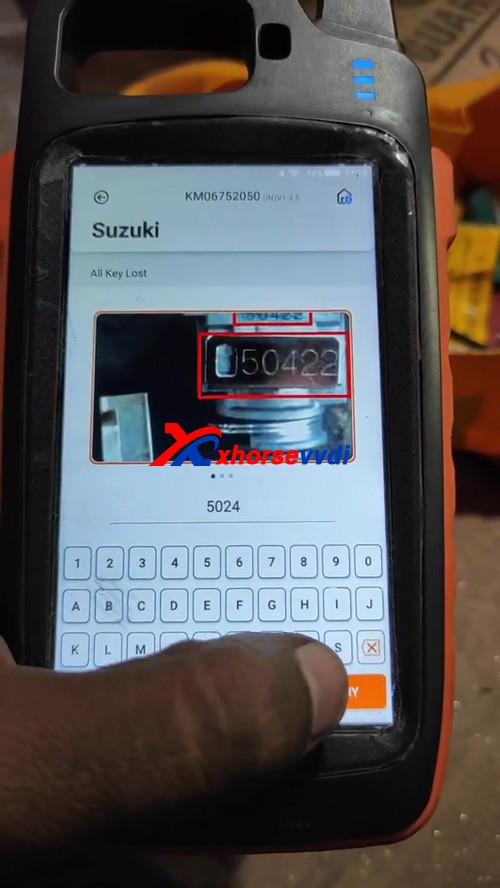
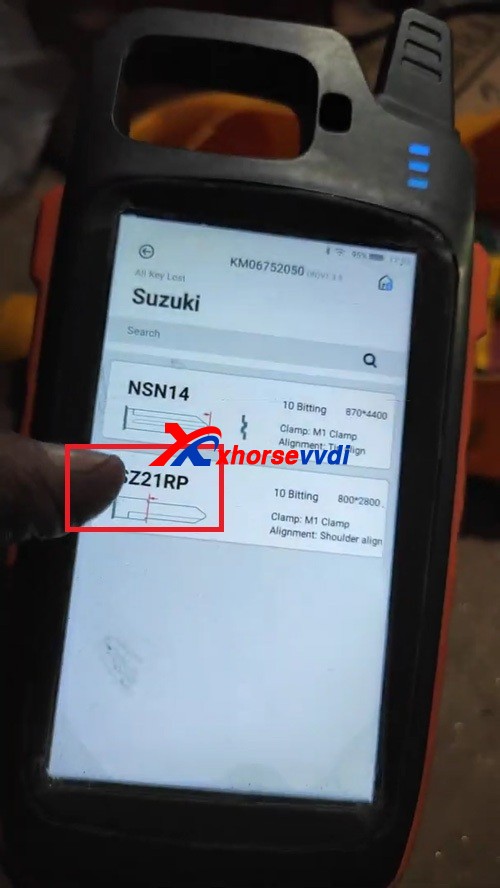
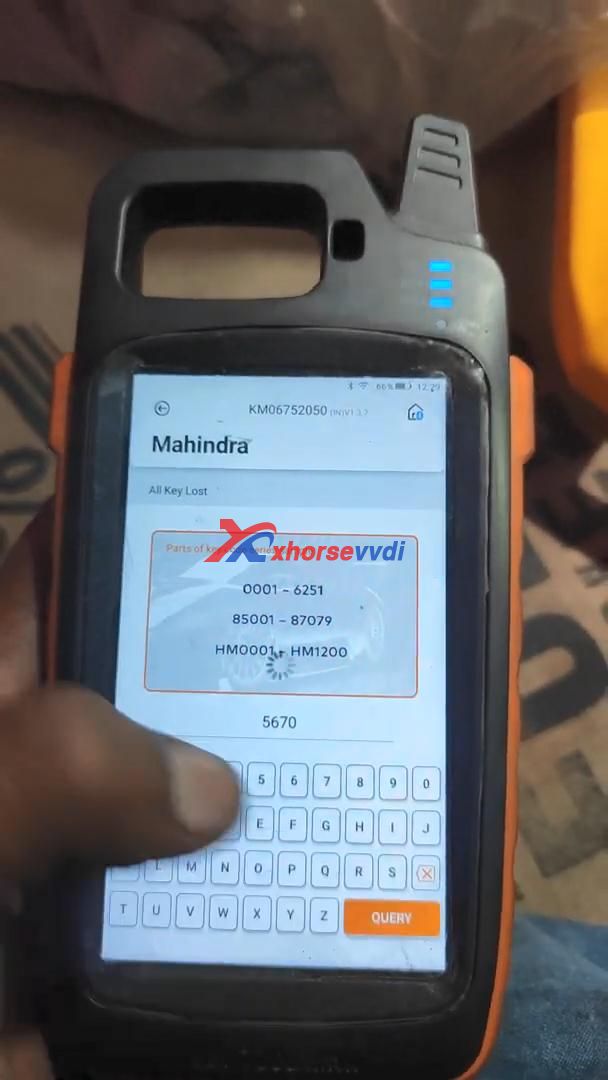
All Key Lost>>Suzuki>>input the number 5024>>SZ21RP
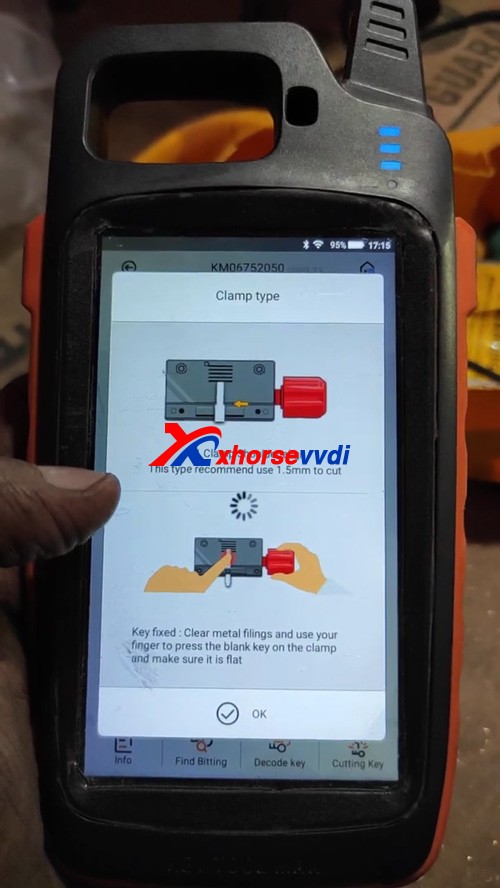
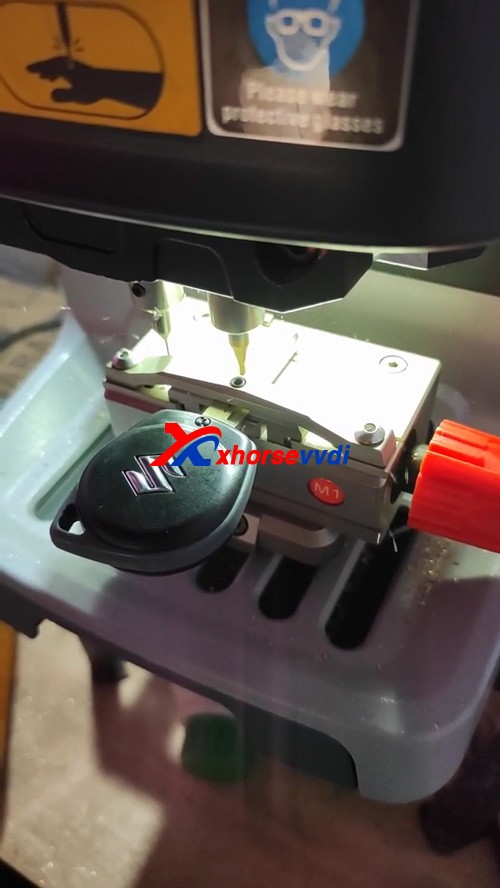
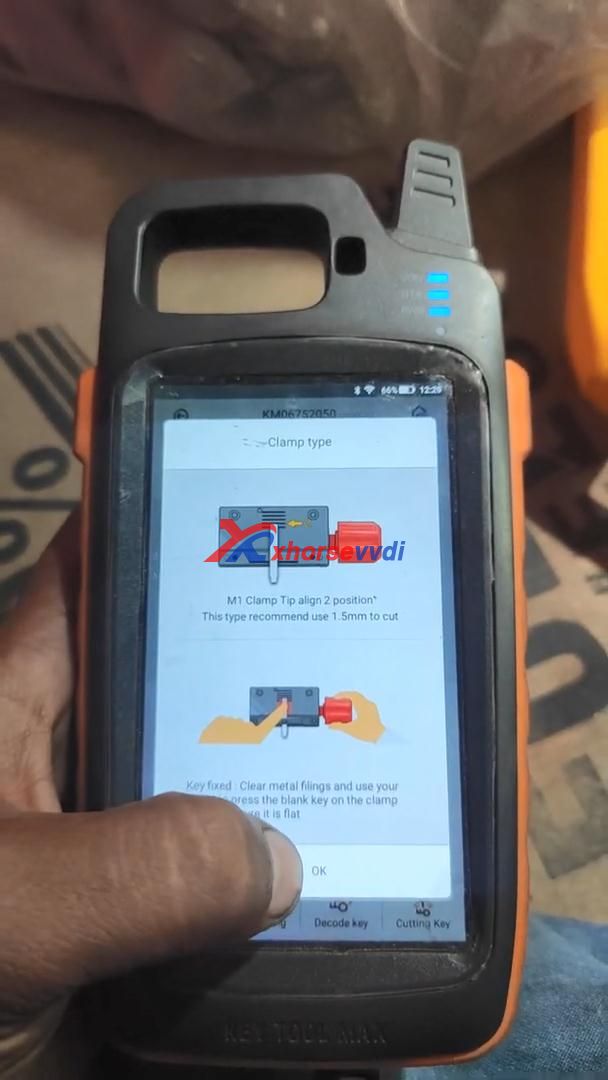
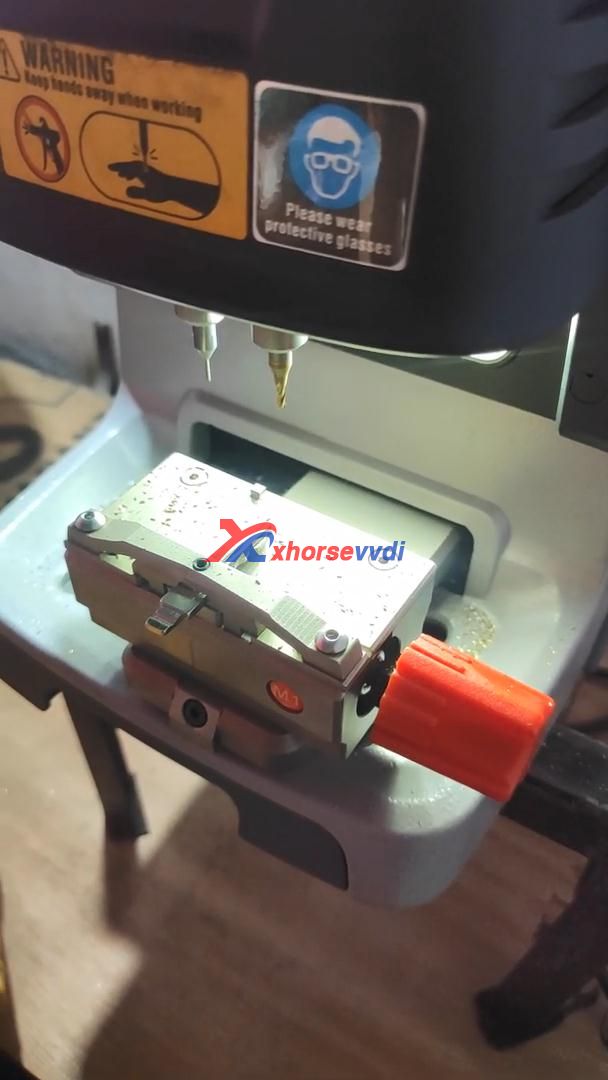
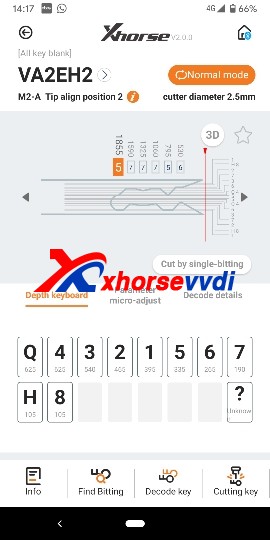
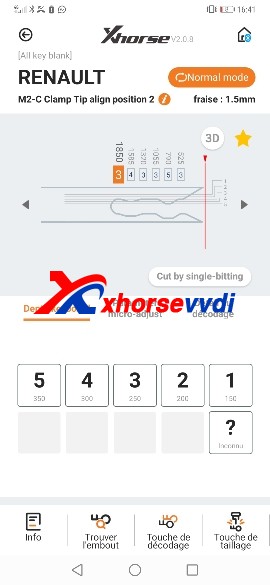
Please follow “Clamp type” to align M1 clamp tip to 2 position, this type recommend use 1.5mm to cut.
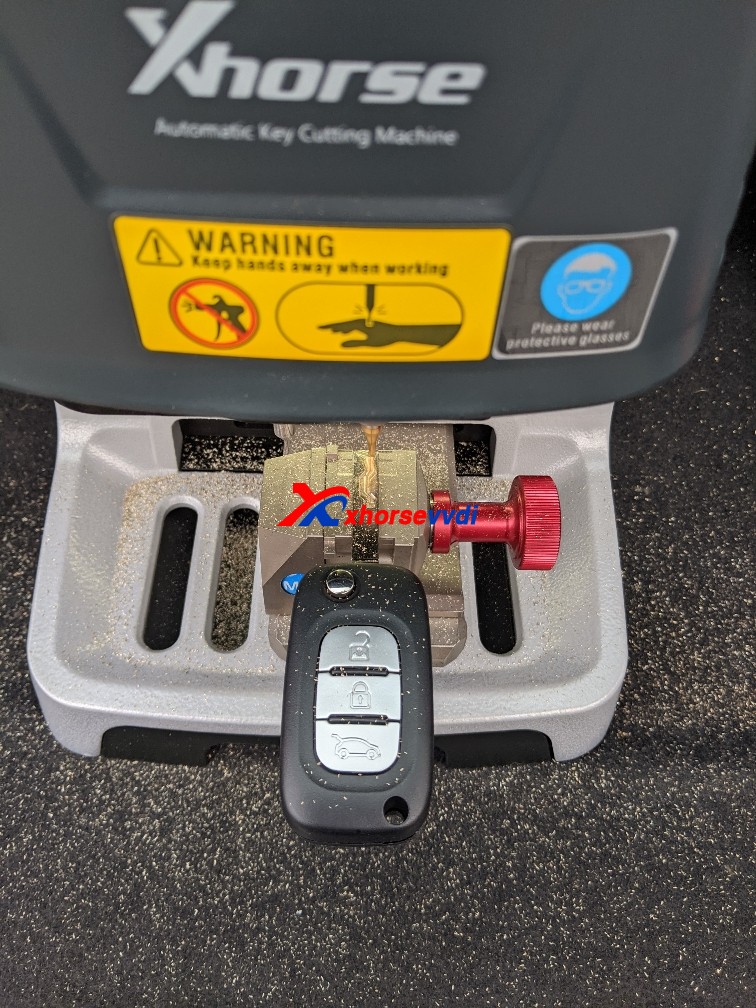
Key fixed: clear metal filings and use your finger to press the blank key on the clamp and make sure it is flat
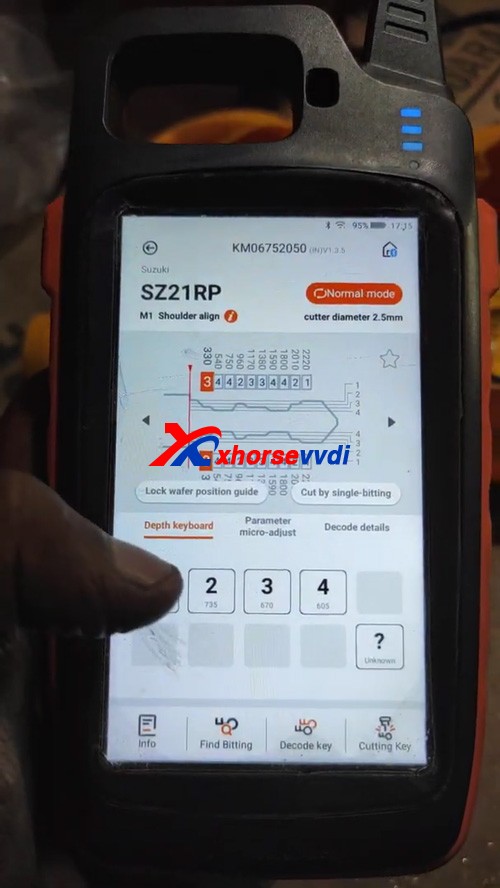
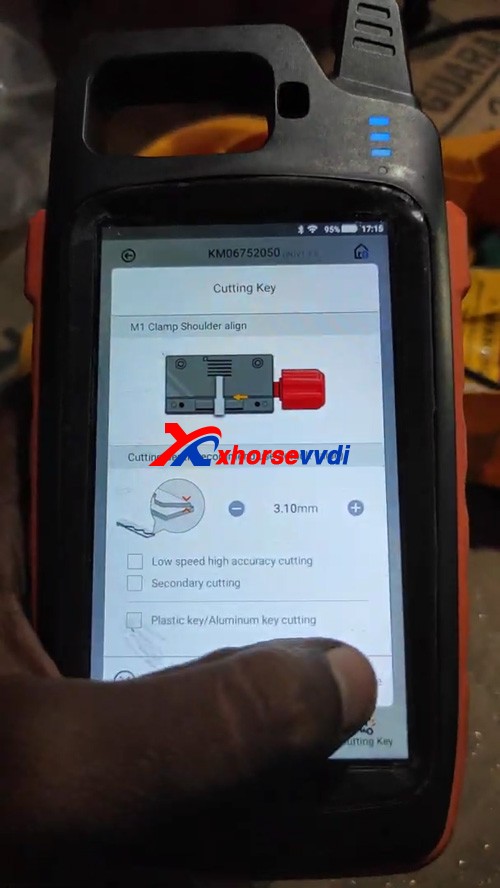
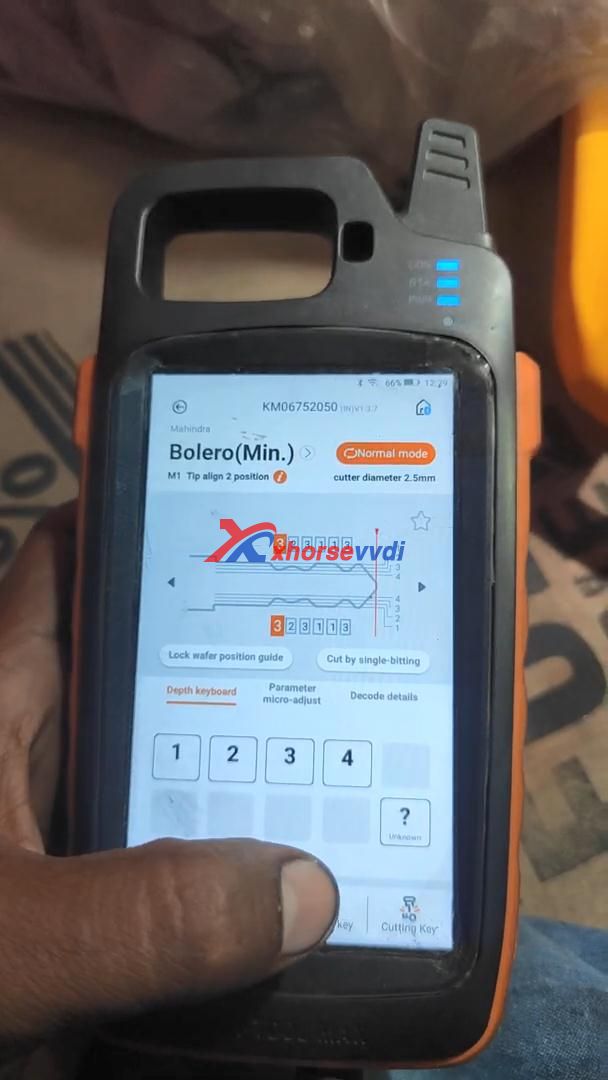
Select “Cutting key” and continue to make sure the cutting depth.
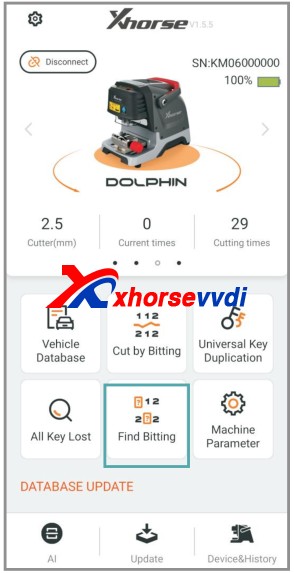
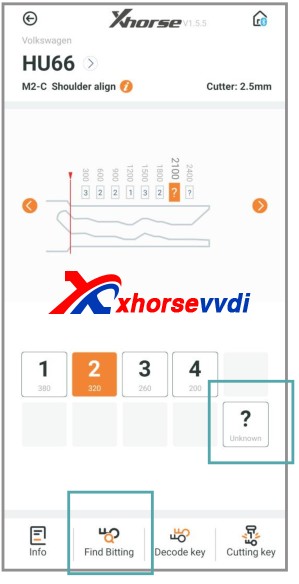
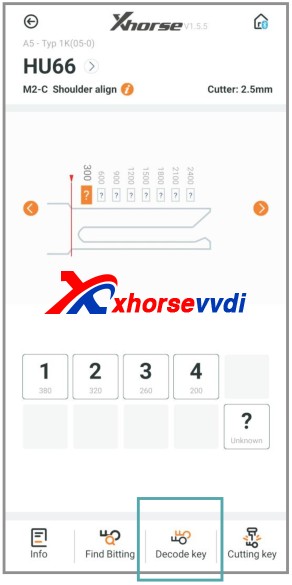
There is a option “Find Bitting”, enter it and select car make to confirm, then select key type. Enter the bitting you know. Enter the unkown bitting as “?” and click on “Find Bitting Code”.
Next part is about how to get cutting bitting with Dolphin XP-005.
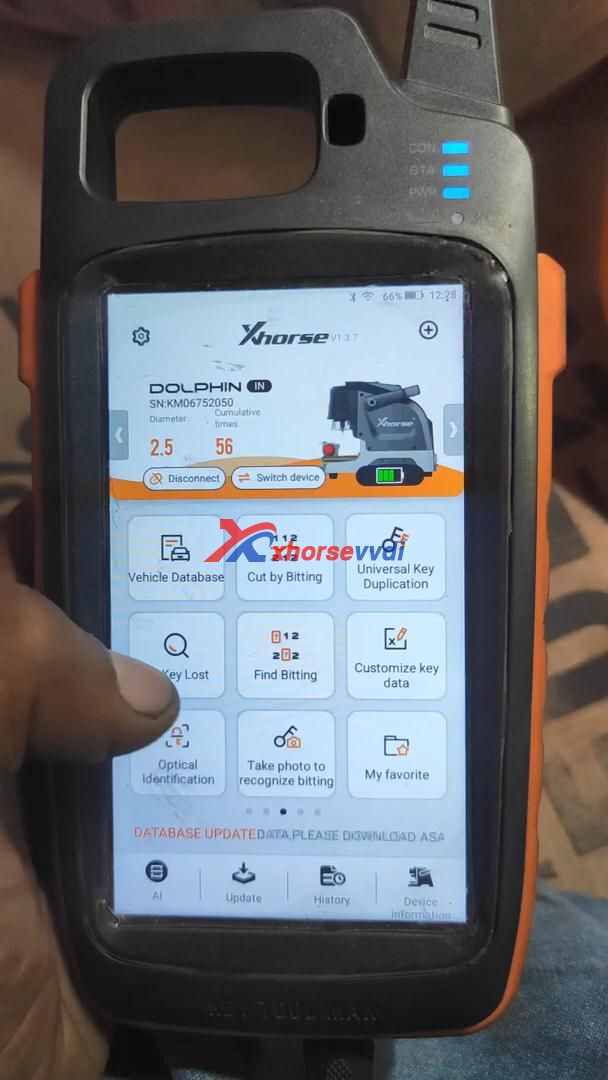
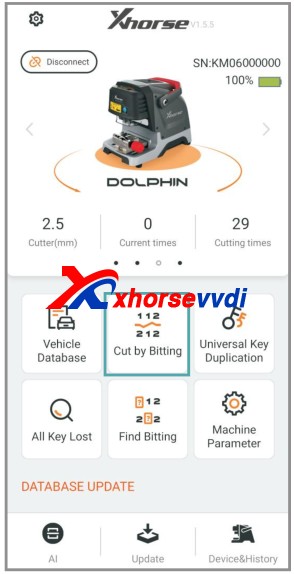
Enter Dolphin main menu
Select “Find bitting”
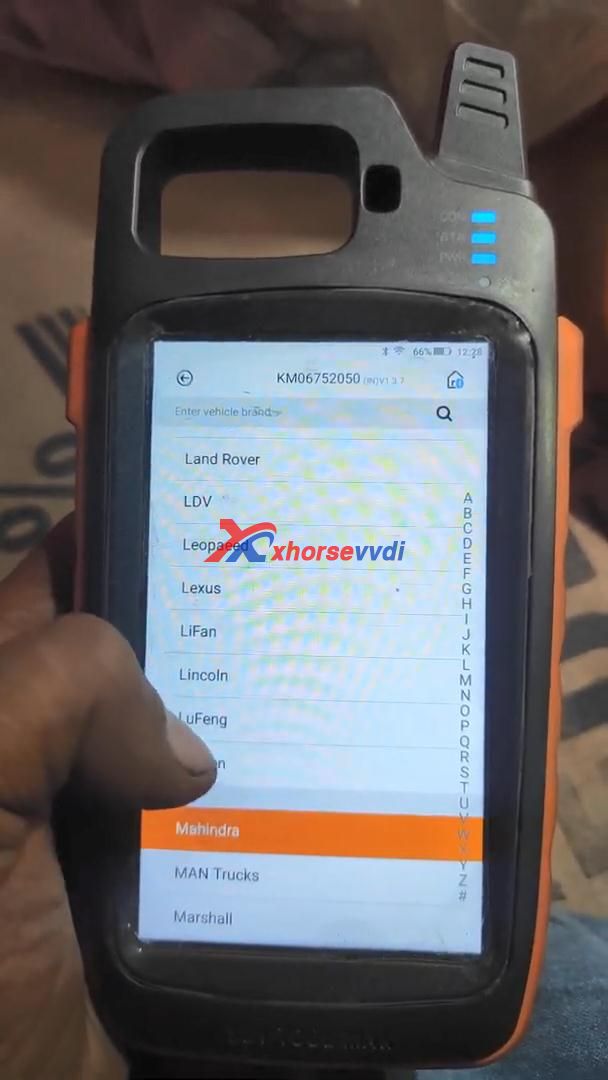
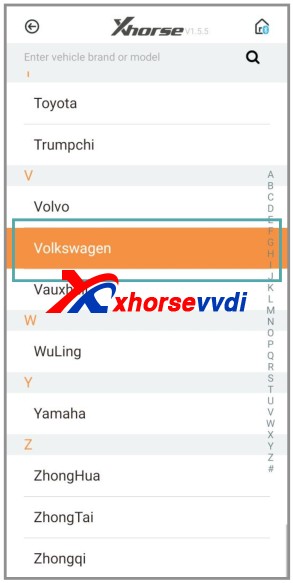
Select a car make.
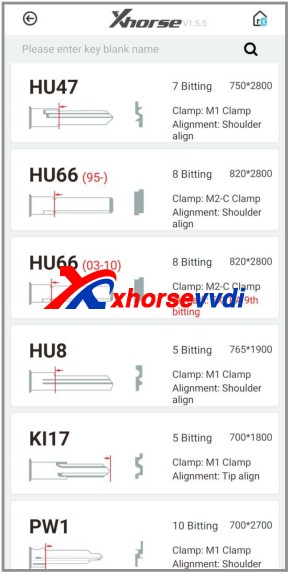
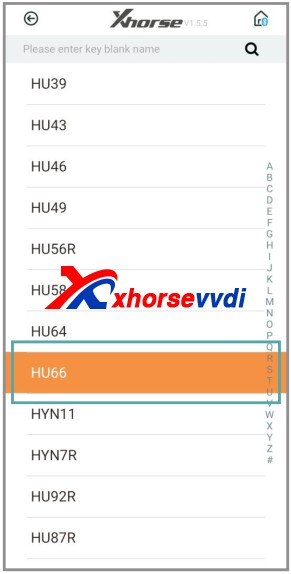
Select or put in the key blank type.
Put the known bitting and replace unknown bitting as “?”.
Then click on “Find Bitting”
Final part is to use the key bitting to make key, here take Dolphin XP005 for example:
Click on “Cut by Bitting”.
Choose a key blank type.
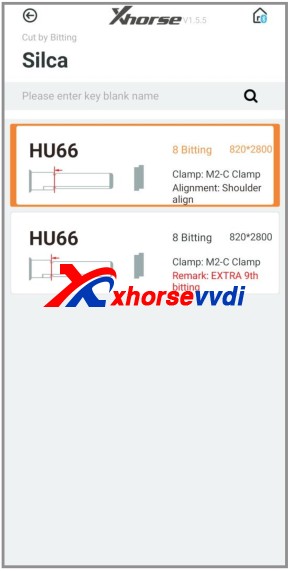
Choose the key type.
Follow the picture show to fix the key.
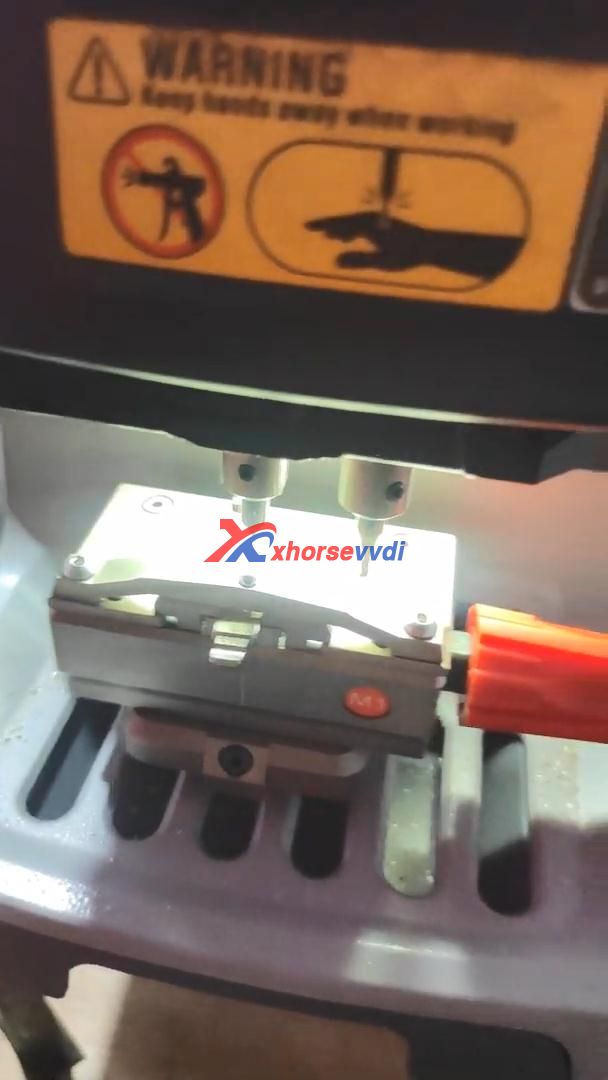
Select proper side of clamp and fix the key in correct position
Put in the key bitting and check all the information before you click on “Cutting key” for making new key.
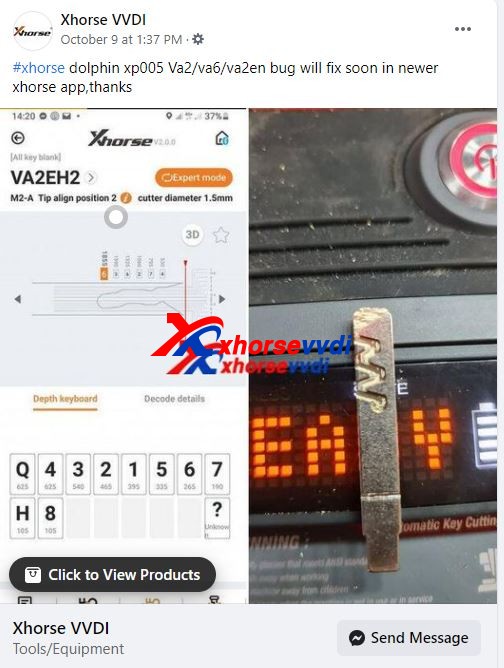
Xhorse Dolphin XP005 key cutting machine is verified working fine with HU83, VA2 VA6 VA2en etc. It cut mostly VAG, BMW, Mercedes keys, OPEL , FIAT , Nissan , Dacia, Yamaha… It is good for AKL function. If not work in some work environment, there are some using tips to follow.
Xhorse Dolphin XP005 FW 1.4.9 HU83 Blade: works fine
I tried hu83 blade with Xhorse Dolphin XP 005 key cutting machine firmware version 1.4.9 , use 1.5mm cutter, cut 2 type , hu83 , hu83 extra, both fine.
If you made of the issue with HU83 cutting ( it’s the same using 1.5mm and 2mm cutter), please do full recalibration of machine first, after that the issue will be resolved.
Renault is for Megane 2 , Laguna 2 … work fine .
VA6 Renault & PSA works fine without problem, I use lishi va6 4 lifters, when I copy I use universal menu, never let me down or manually micro adjust menu . ( or manually copy with other fastest tool ).
The VA6 problem is with cuts 1234Q. If you convert your code to cut on the 5678H side of the track they look correct.
2012 Clio 3 AKL, lishi decode from door 477743.
Megane 4 done.
Peugeot Partner done
Clio 3 done
Peugeot 508 done.
OK for decode Megane 2 & Laguna 2 , OK for AKL Clio 3 Laguna 3 Clio 4 Kangoo 2
Megane 2 2008 with Keycard. Urgence blade, copy is ok under: Renault Laguna.
AKL clio 4 card using lishi laguna 3. And cut key by Dolphin XP005 all good. In database I have use: renault laguna after 2000.
In my experience, the Dolphin is first class on HU58, both decoding and cutting. It cuts a really nice key. Best machine I’ve had for HU58. I haven’t updated the firmware since I got it, though.
I cut mostly VAG, BMW, Mercedes keys, OPEL , FIAT , Nissan , Dacia, Yamaha … work fine.
AKL function : – BMW cutting by CAS code OK – Yamaha FZ1 cutting by code OK Decode & cut OK : NE72 , VAC102 , PSA VA2 , HU83 , SIP22 , NSN14 , YH35R , 2009-Renault emergency blade …
Lot of functions available only if tool are connected to APP ; decode by Photo , AKL by dealer code … Can correct one biting before or after cut ( good for SIP22 using first biting not available in door barrel)
I cut 100 key / months , work fine !
I use Dolphin xp05 only for very used keys , AKL , CAS2-3 code , label factory code …. ( Fiat 500 AKL : xp05 + Lonsdor = 5 minutes = no stress ).
Dolphin success to Decode & CUT Dacia HU136TE & HU136
Jaguar TBE1 8 cut tibbe. To cut correct, a the nr 2, can be made turning the FO21 clamp to pos 2, and a little bit deaper cut. This might not have the exact angle, but will be better then choosing either a 2 or 3 cut. This should be possible with the xhorse software.
Using HU64-2 option for Mercedes , also if car is before 2010 (which should be HU64). This works for me.
Ford transit custom 2015 hu101, copy key done perfectly.
AKL
Va6 renault done
Hu83 psa done
Va2 psa done
Sip22 done
Toy48 done
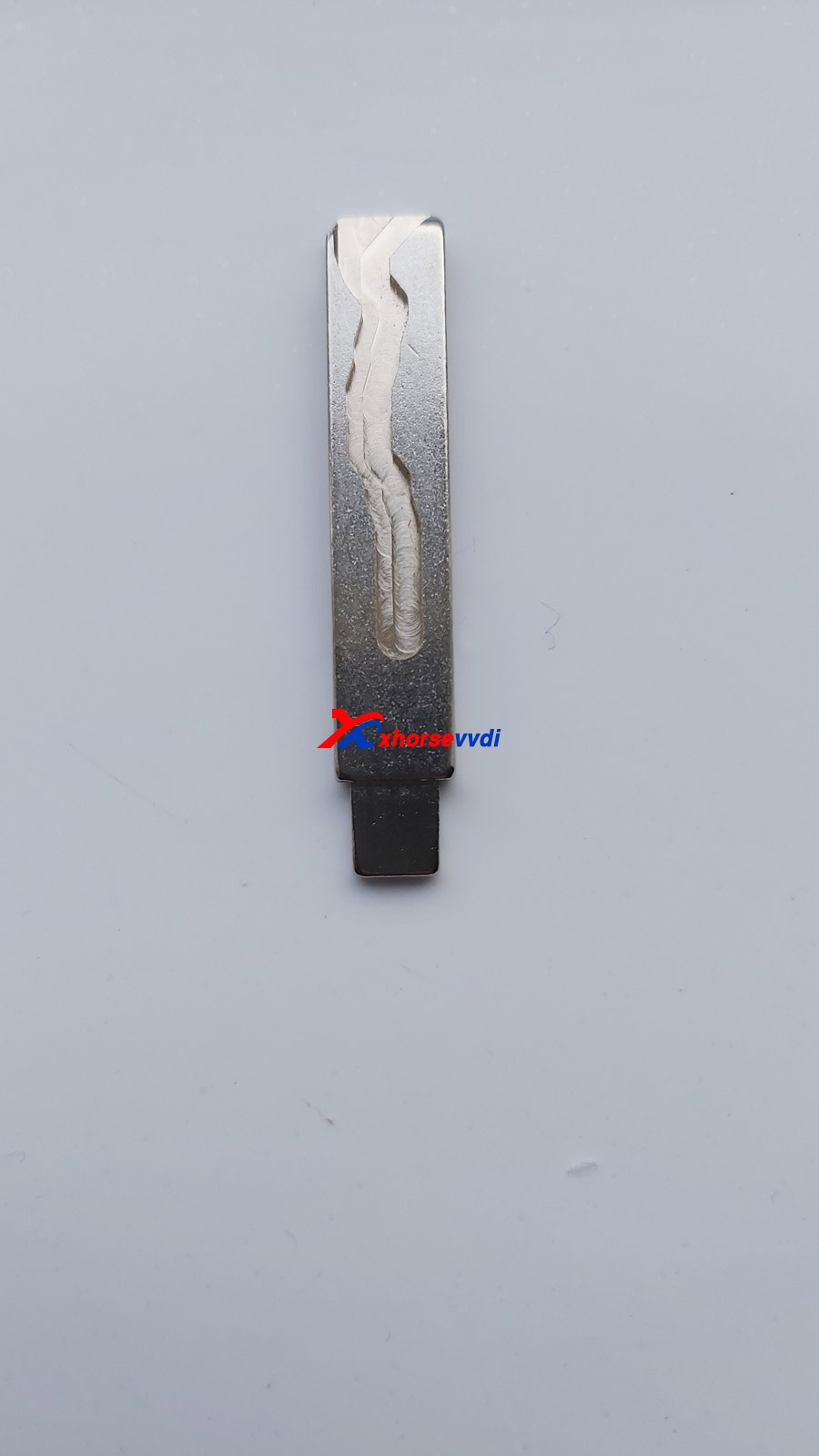
Hu66 done
Xhorse Dolphin XP005 Using tips:
1st Question: why Renault have 5 deep when Lishi laguna3 have only 4 deep.
Tip: You have old lishi like me. Read between the lines and will work.
2nd Question:
Nsn14
Bad decoding and so bad Cuting.
Tip: used keys need manual adjust , your key is totaly destroyed by neiman ; 2-3-1-3-3-2-3-1-2-4
test decode by photo in this kind of key
Please use Lishi or eyeball.
A bad decoding, always gives you a deeper cut, not a higher! This will tell you that it is a conductivity problem.!
And it only snaps the probe, if the conductivity is bad!
Always scrape key edge, before decoding! A any edge peace of metal i can find, to drag along the edges. And i have a copper brush, to clean track keys. Brush and scrape, the inner track, and especcialy the end stop of the key track. And the key shoulder that is clamped, needs to be clean. (with regular keys, the small inbus screw marks the blade, so that ensures key to clamp conductivity)
Takes 30seconds to clean the key, changing probes takes longer.
I still decode some, with the machine, and always check by eye. After machine decoding, place key before screen, so it allignes, and you will see what sticks out or is missing.
3rd question: It won’t decode JLR HU101 emergency blades. Material must not be conductive. It just crashes into the tip and snaps the probe.
Tip: SIMPLY USE PHOTO TO DECODE , work fine for plastic key & other no conductive keys .
4th Tip: you do dirty key, you can damage tracer for example every minute
I always wire brush my keys before inserting
Or if you forget to shave the outside of the aluminum keys to get off the oxide layer say on a jaguar key
or a plastic key if you dont know how to work around them
Must be smarter than the machine
These things will do some silly shit if you let them
Xhorse Dolphin XP005 Failure List:
– Clio 3 , Clio 4 Megane 4 , C4 II , DS3 …. I use defu for copy
– Personally I use automatic key cutting only for AKL & DEFU-368 for duplicate in 30 seconds / side !
……
PS: for more feedback and operation guide, search ” Dolphin XP005″ in this blog.
Alright, Xhorse Dolphin XP005 is good for its price, and will be better and better because it will keep update.
 xhorse vvdi key tool max