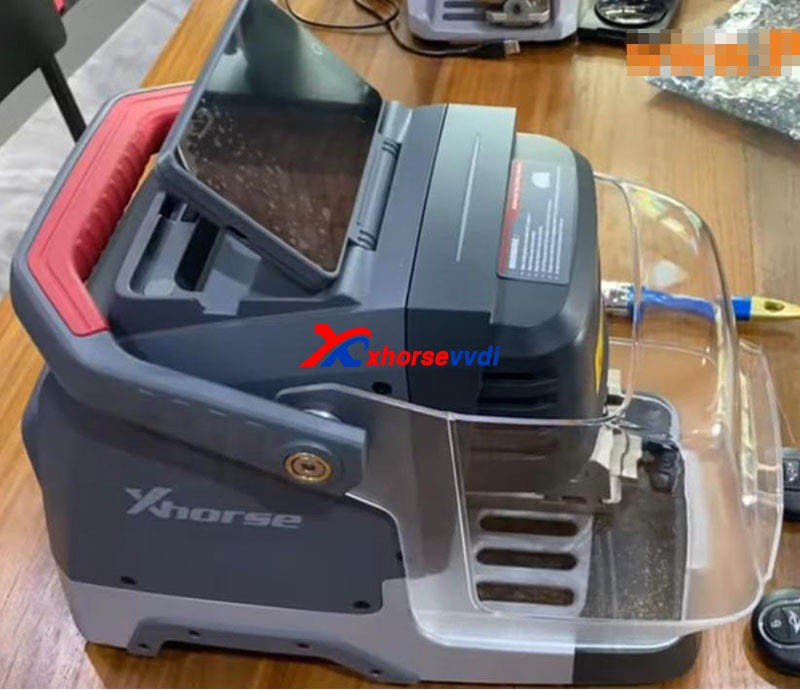
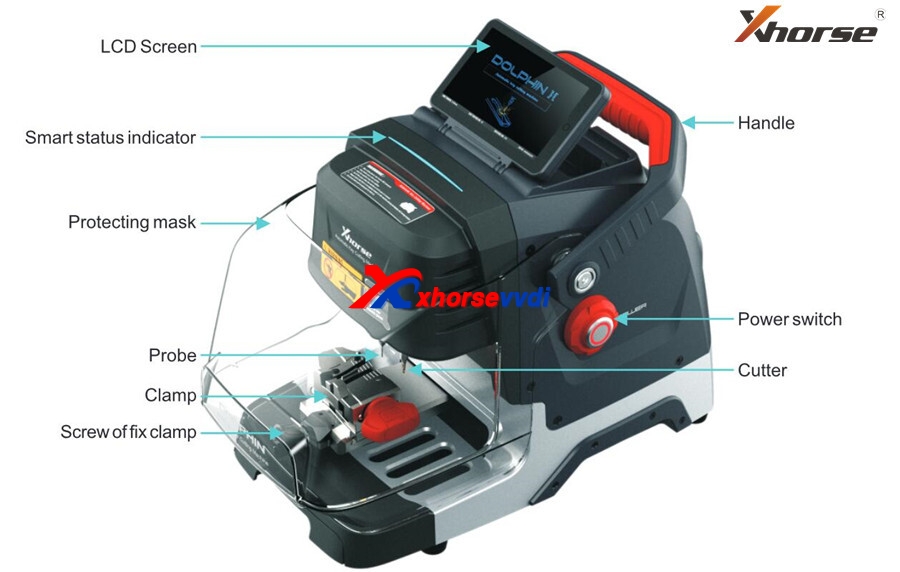
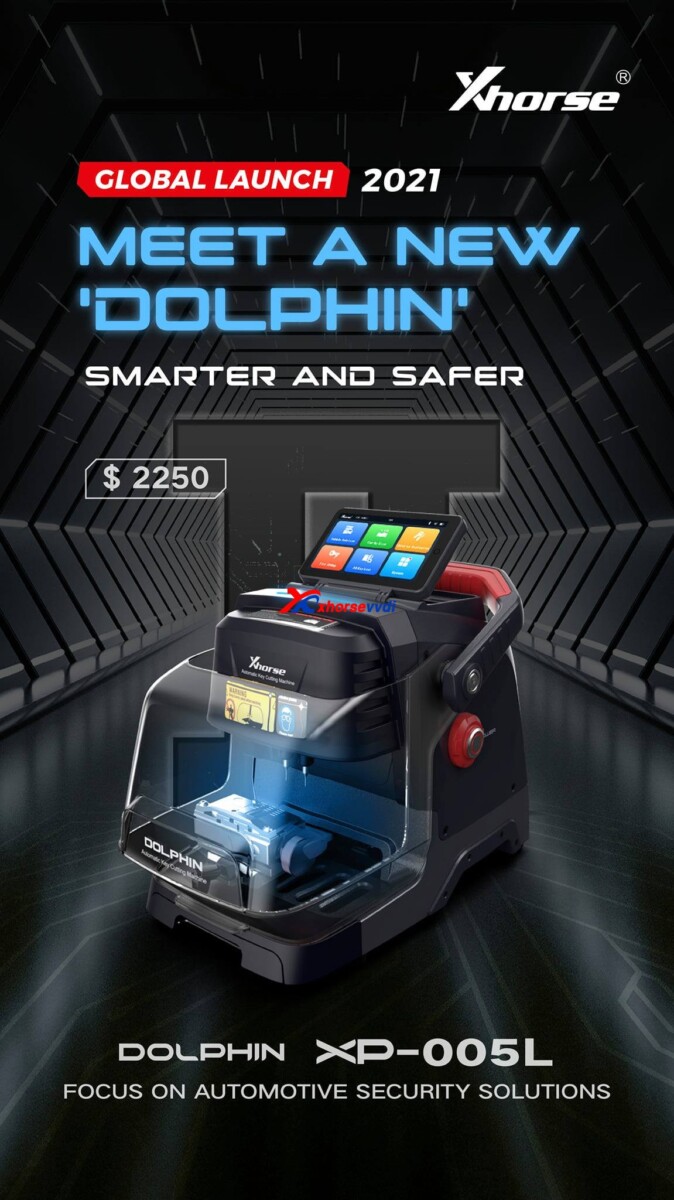
This article is about to show you how to learn and cut Mini Cooper HU100R key using this new Xhorse Dolphin XP005L. First let’s see some highlights of this machine:A complete protection cover and an adjustable touch-screen
Smart LED indicators.
Then start the procedure. Step 1. Vehicle choose Open it up and select,
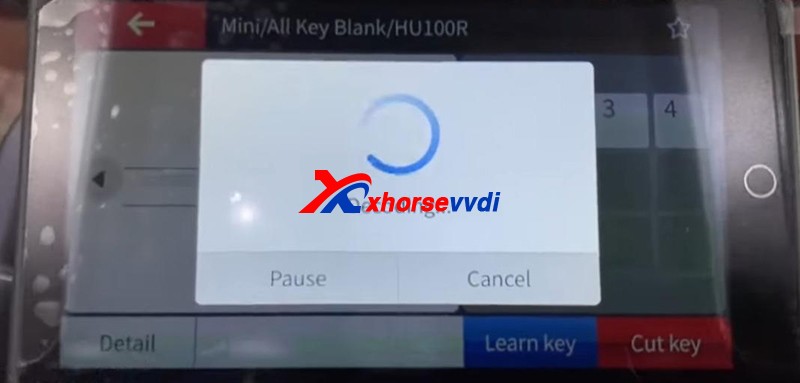
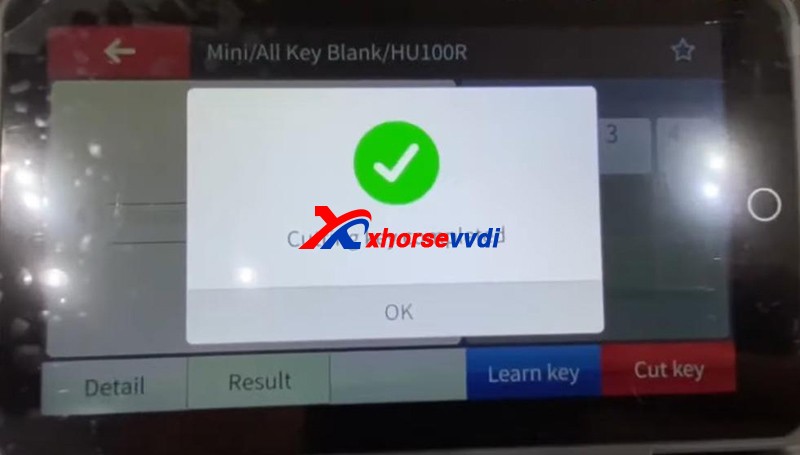
Vehicle Database>>Mini>>[All Key Blank]>>HU100R
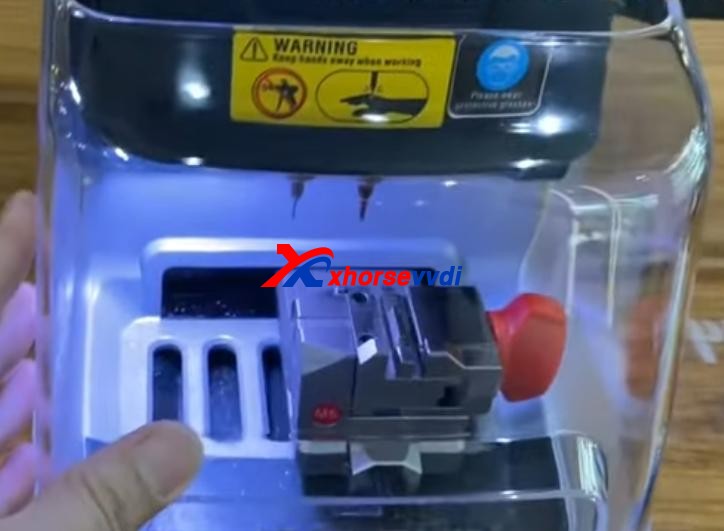
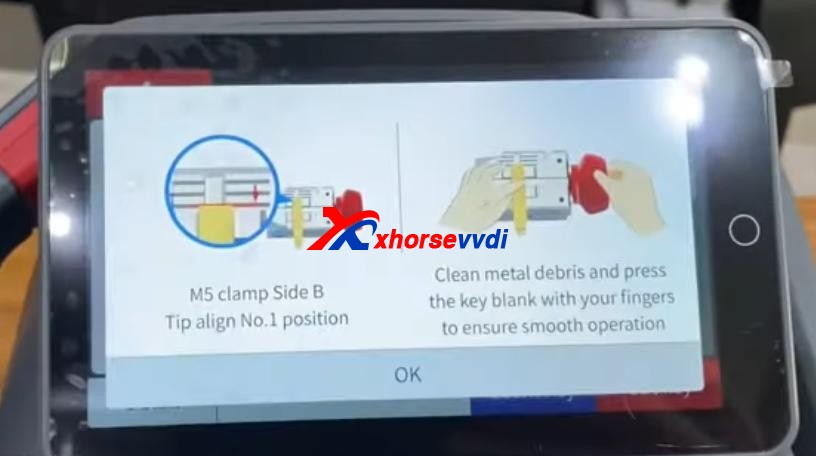
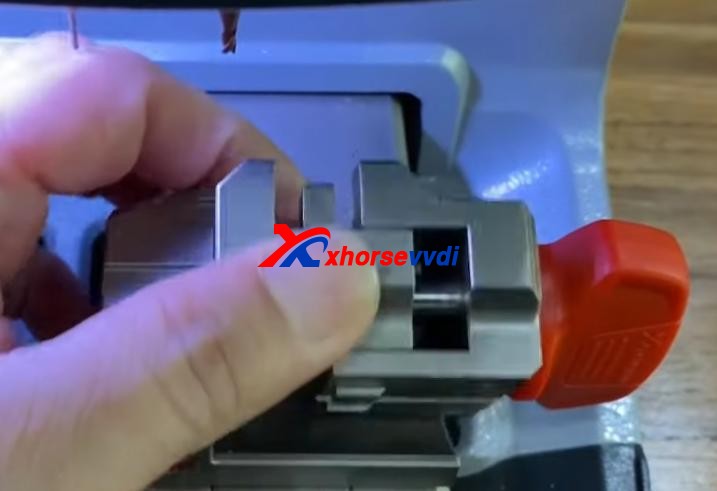
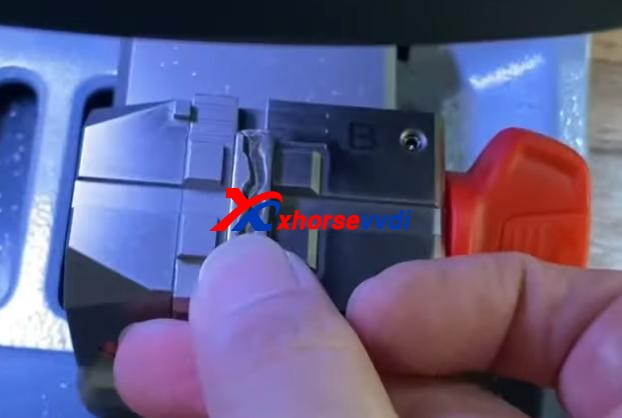
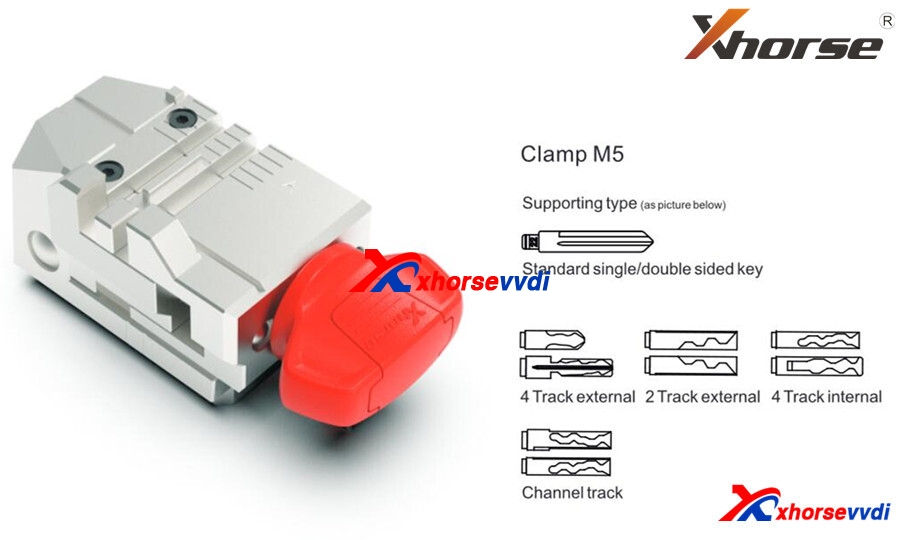
Step 2. CalibrationInstall and calibrate clamp M5 side B as instructions.
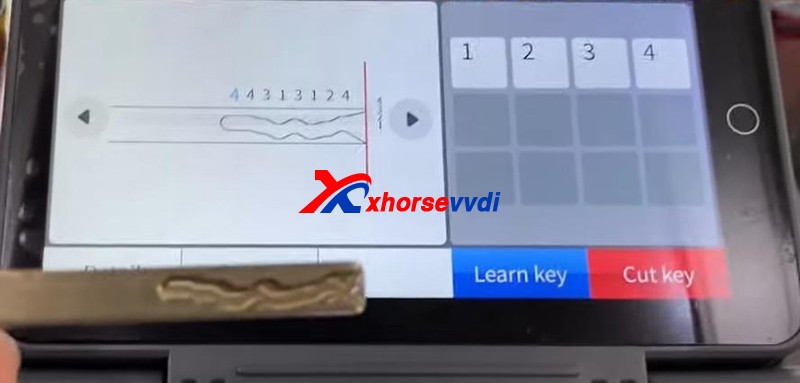
Step 3. DecodePress “Learn key”.
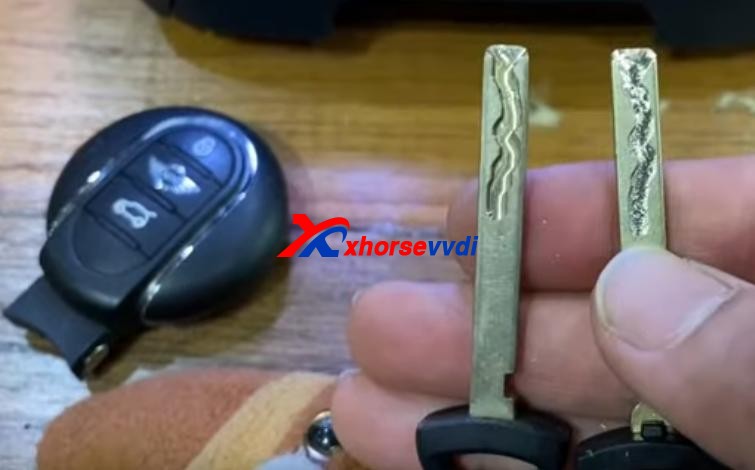
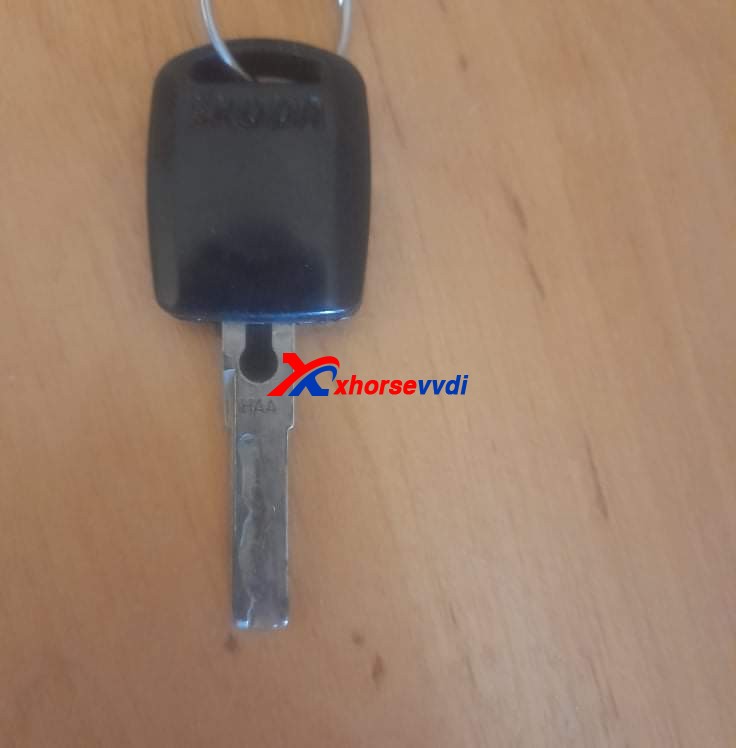
After Decode key completed, check the result by original key.
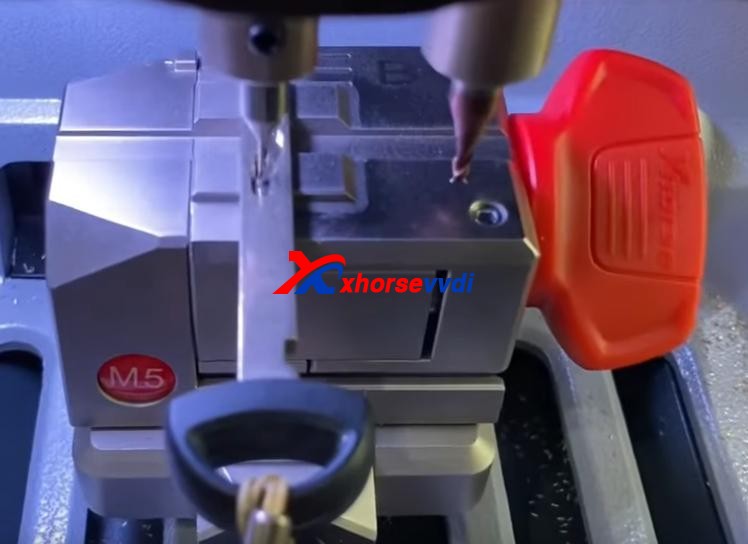
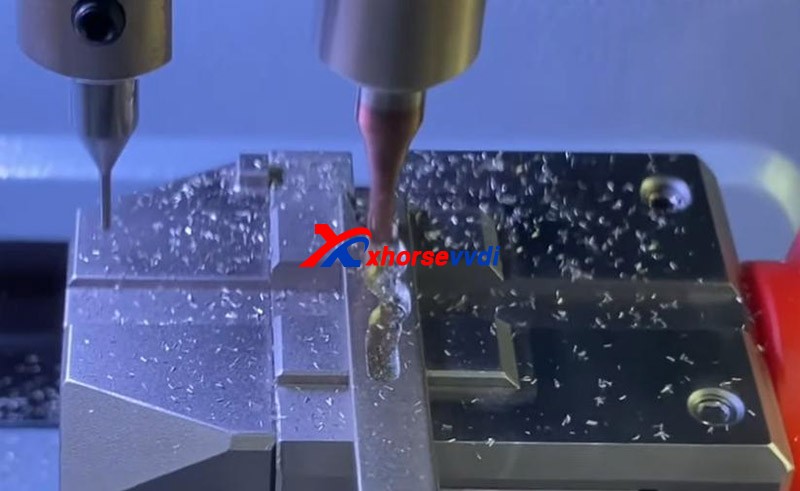
Step 4. CutPut new key blade in clamp M5.Press “Cut key” and wait.
2021 newest Xhorse Dolphin II XP005L key cutting machine will be launched. It’s an upgrade version of Dolphin XP005, XP005L with Adjustable Screen and Protective Cover, total weight is only 14kg,asy and portable to work without pressure.
Xhorse XP-005L Features:
Buit-in database
Support APP Control
Intelligent operating system
Smart LED indicator
Angle adjustable LCD touch screen
Support WiFi and Bluetooth
All-aluminum body structure
High precision ball screw
High rigidity cross rail
Cutter and probe work in parallel
Support Multiple Clamps
Support Sided/Track/Tibbe Key
Update online: Machine firmware and database upgrade via WiFl directly
Xhorse XP005L Structure:
Xhorse Dolphin XP-005L M5 Clamp
M5 clamp with two sides of A and B. Users can turn the clamp surface to cut according to cutting needs, it’s no need to repeated install and uninstall to replace clamps. Here are the method of using the M5 clamp. 1) Loosen the “key lock knob” counter clockwise to make the right slider of the clamp the right limit 2) Turn the movable module clockwise, and turn the clamp from side a to side B. Tighten the key lock knob” clockwise to lock the clamp.
Dolphin XP-005L Specification: Input voltage: 24V DC Power: 160W Principal axis rotation speed: 12500rpm Motor Torque: 0.15Nm LCD resolution: 1280*720 Working temperature: 10-50°C Humidity: 10-90% Machine size: 390mm:220mm*270mm Package size: 495mm*400mm*360mm Net weight: 13kg Gross weight: 18.5kg
Look here, What are the new features in Dolphin II XP005L :
HD Touch Screen
Users can directly complete operation on the screen. High definition screen minimizes eye fatigue. The machine adopts an angle-adjustable 5-inch capacitive touch screen. You can set the angle of the screen based on actual needs.
Innovative Colorful Indicator Lights
The indicator light changes color with the change of real-time working status.
Massive Vehicle Database
Built-in powerful database covers over 100 car brands, 2,000 car models and 20,000 key data. Accurate key data, detailed parameters, and clear key graphics. We provide a lifelong database upgrade service for free!
Portable Solution
Thanks to its compact design, lightweight, much easier to take it outside and provide users outdoor and roadside services. Built-in well-known lithium battery, stable and reliable, support cutting works without power supply access.
Transparent Protective Shield
The transparent shield enables users to check the real-time working status while preventing metal debris from spattering.
Manufacture Craftsmanship
All-aluminum body structure; Manufactured by German-made DMG CNC machine to guarantee high precision cutting results. The finished keys passed the rigorous testing of the Optical Instrument. A wider workbench, strong and steady, make your works more productive. Maintain excellent performance even under extreme weather.
Multi-purpose Clamps (M5 Clamp)
A wide duplication availability guaranteed by a variety of functional clamps (Standard equipped M5 clamp (M1 and M2 2 in 1), optional M1/M2 Clamp, M3 Clamp, M4 Clamp.), support multiple key types, standard single sided, standard double sided, 2 track external, 4 track external, dimple, channel track, 4 track internal, F021 & Citroen SX9 keys, residential keys, etc.
Support Bluetooth and WiFi
Support directly upgrade online via WiFi connection. Control the machine by the Xhorse APP on your smartphone or other intelligent terminals via Bluetooth.
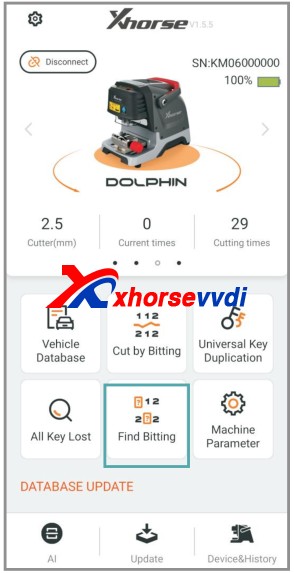
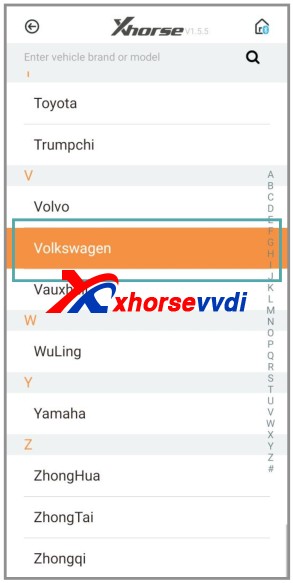
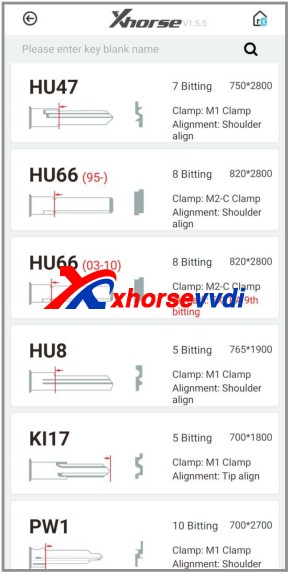
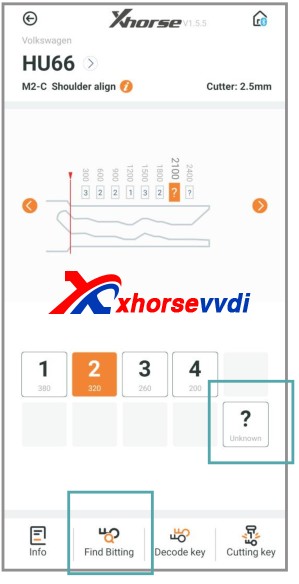
There is a option “Find Bitting”, enter it and select car make to confirm, then select key type. Enter the bitting you know. Enter the unkown bitting as “?” and click on “Find Bitting Code”.
Next part is about how to get cutting bitting with Dolphin XP-005.
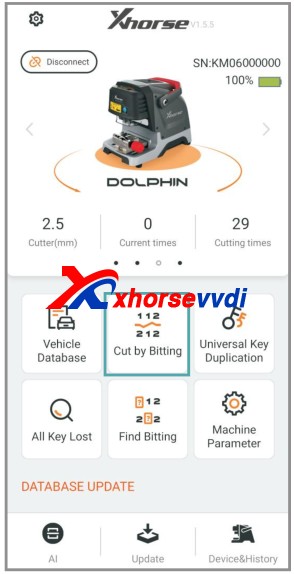
Enter Dolphin main menu
Select “Find bitting”
Select a car make.
Select or put in the key blank type.
Put the known bitting and replace unknown bitting as “?”.
Then click on “Find Bitting”
Final part is to use the key bitting to make key, here take Dolphin XP005 for example:
Click on “Cut by Bitting”.
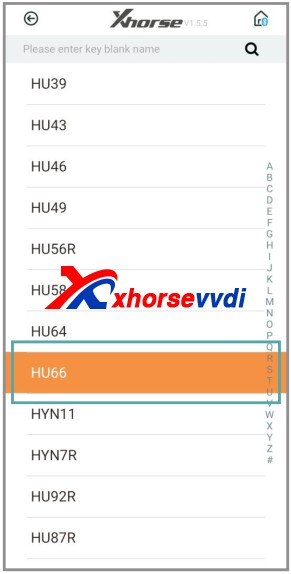
Choose a key blank type.
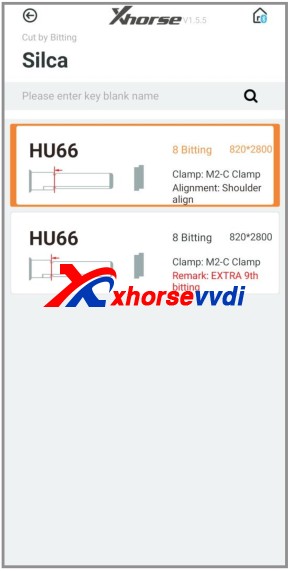
Choose the key type.
Follow the picture show to fix the key.
Select proper side of clamp and fix the key in correct position
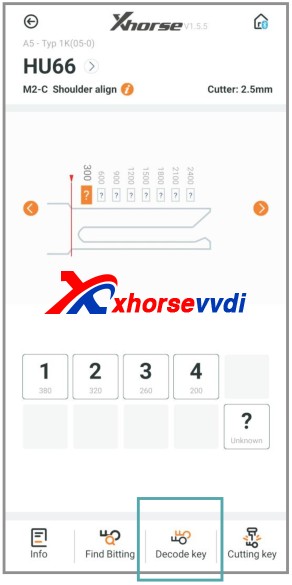
Put in the key bitting and check all the information before you click on “Cutting key” for making new key.
 xhorse vvdi key tool max