Xhorse VVDI Key tool max or vvdi mini key tool can’t renew the After Market Key, because it may be unstable, if it is an Xhorse smart remote, it can burn the data without renewing.
Also, someone reports:
Desolder the pcf and insert in the adapter. Already done.
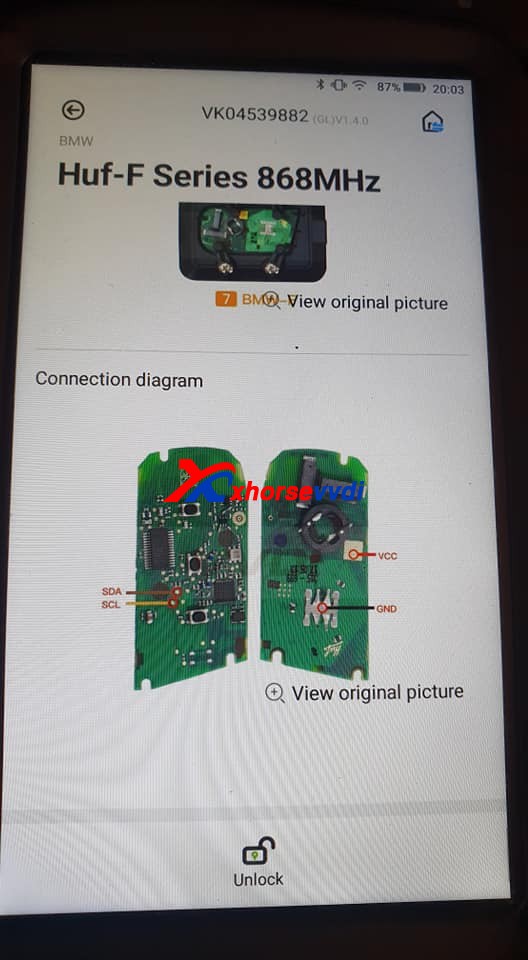
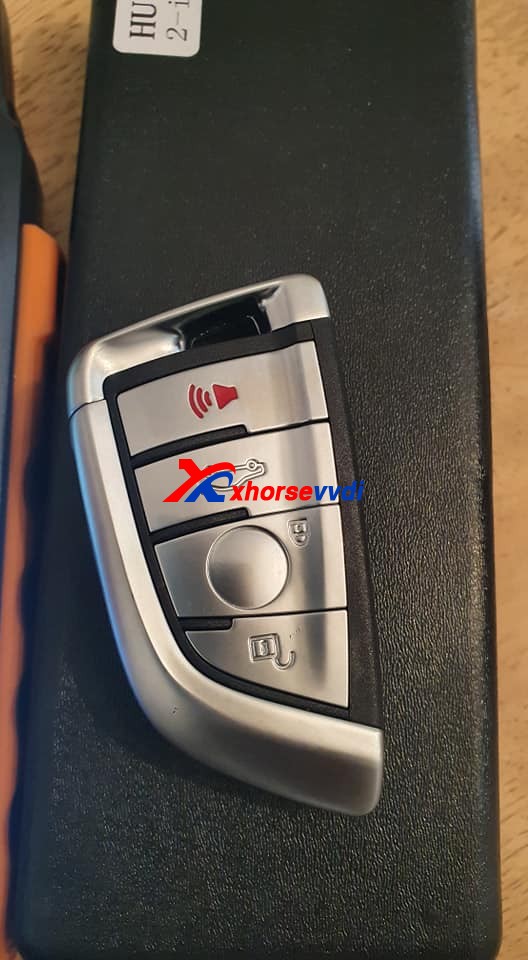
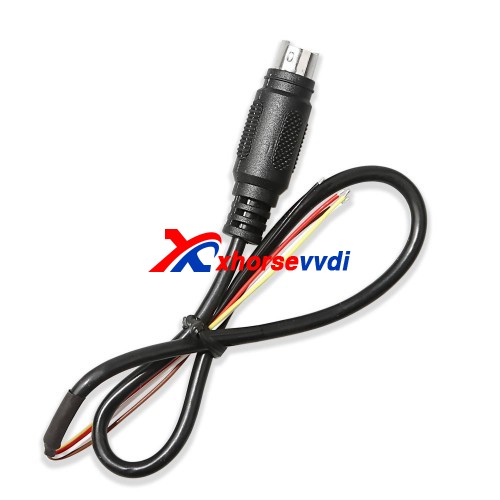
As for Huf-F Series 868MHz, it is not available yet, please use the renew cable to desolder instead.
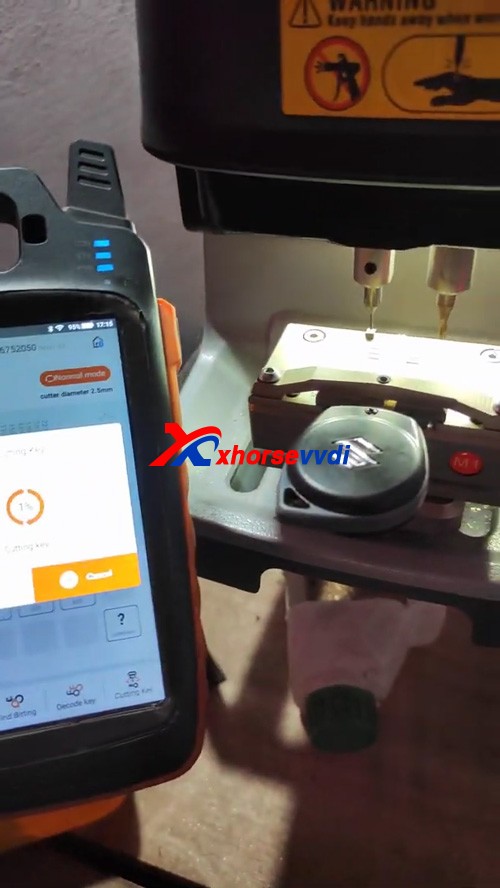
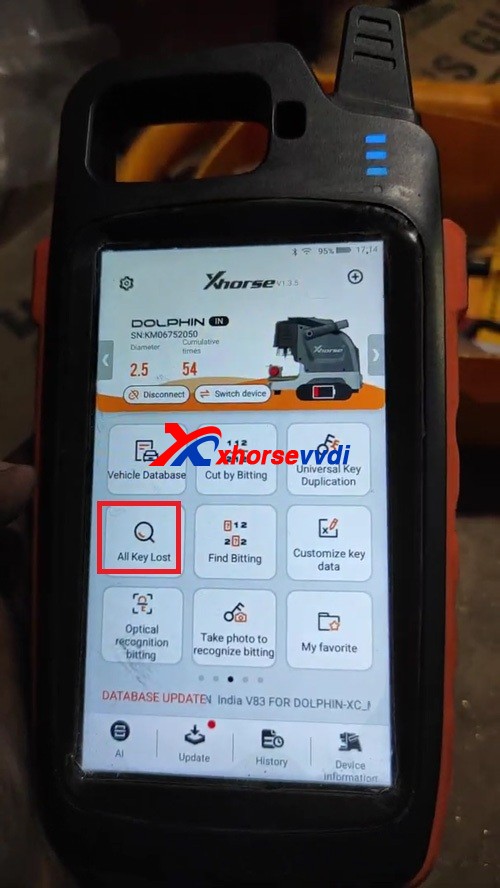
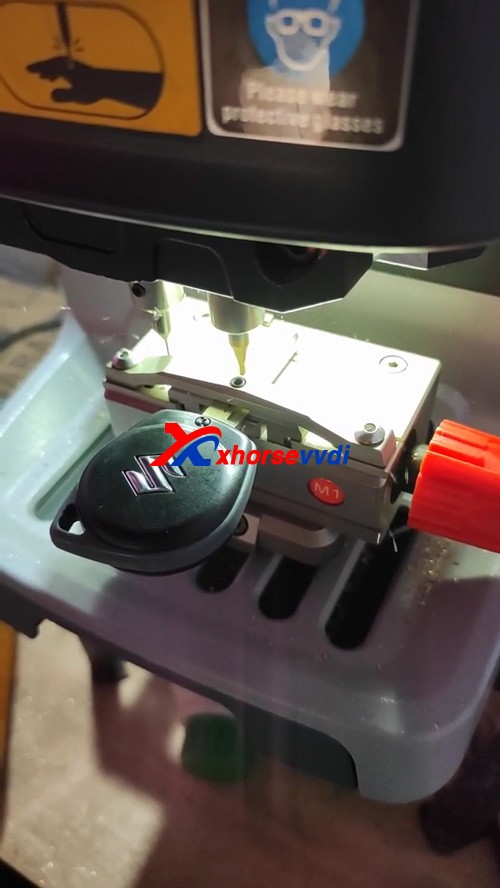
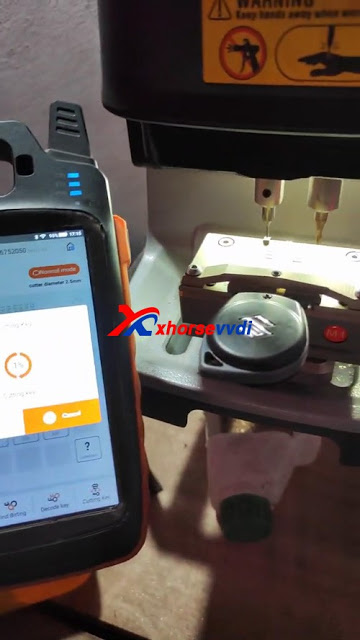
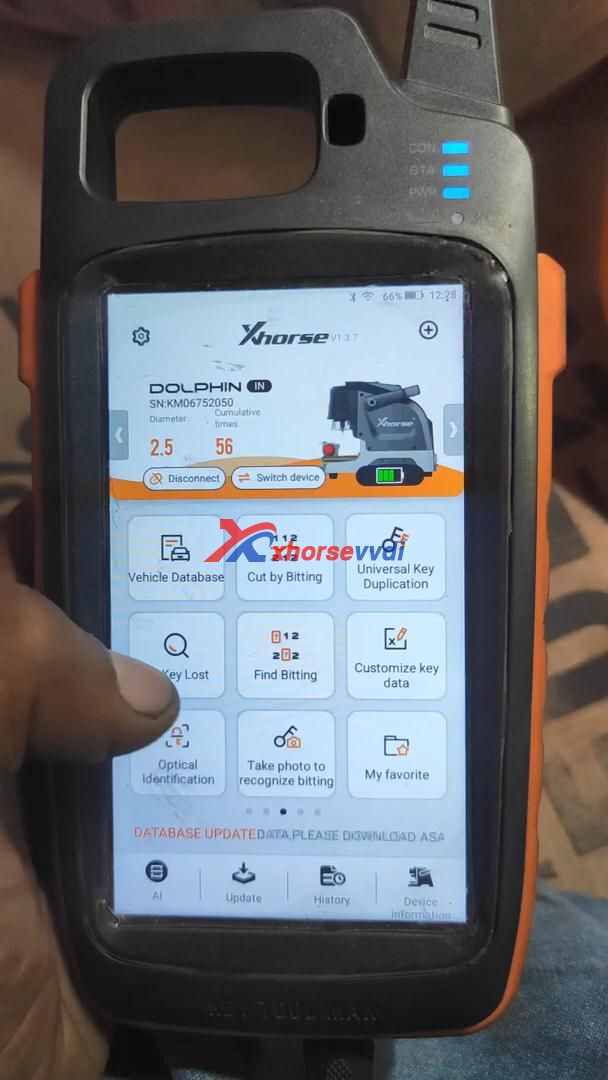
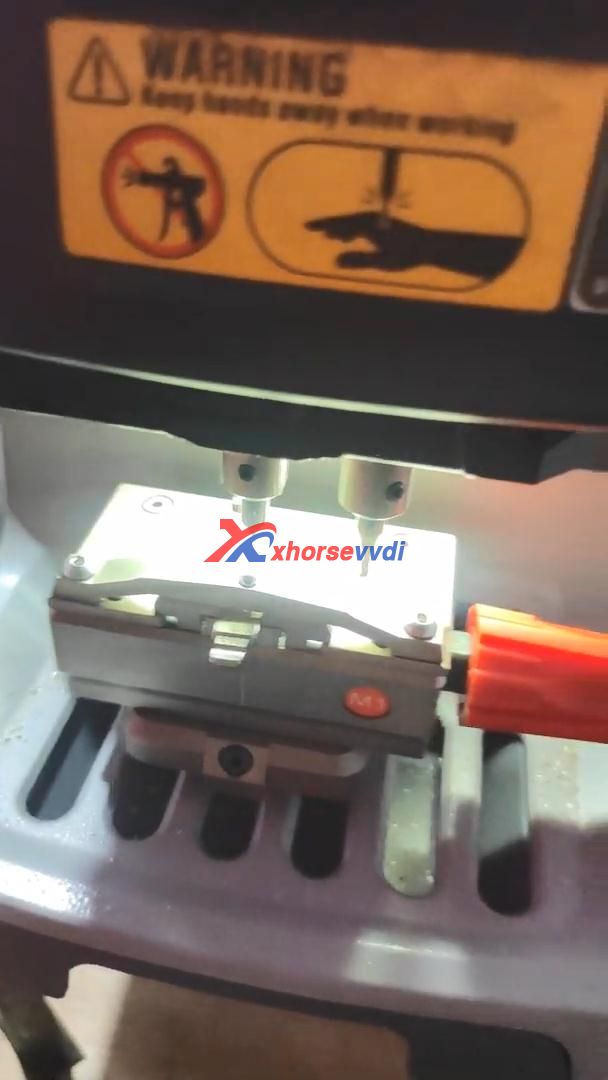
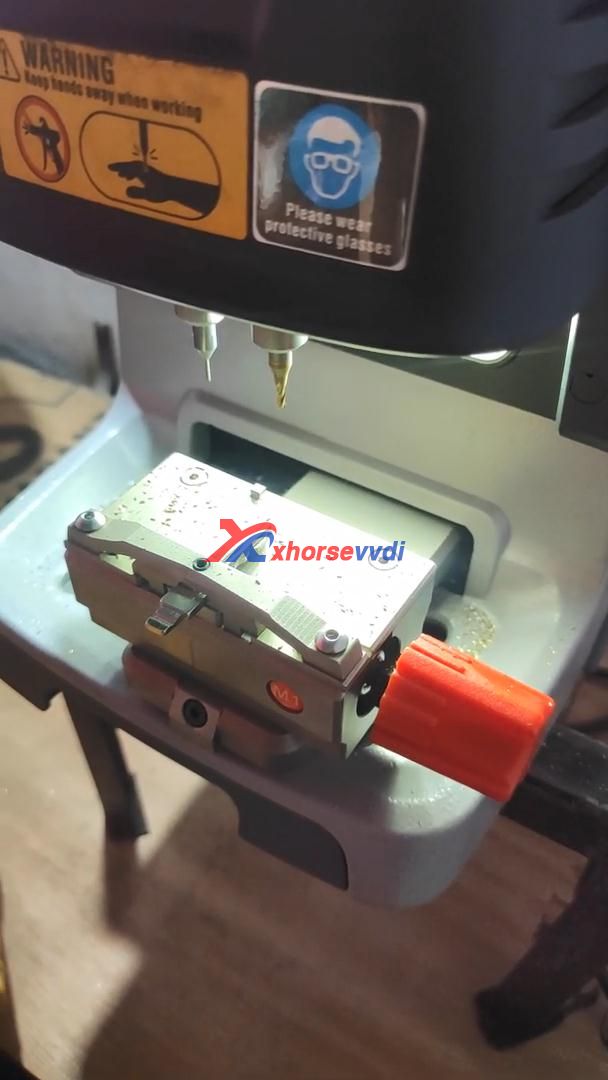
Connect VVDI Key Tool Max and Dolphin XP005 key cutting machine via Bluetooth for smart control, prepare an original key and a new one for ready, then get to start:
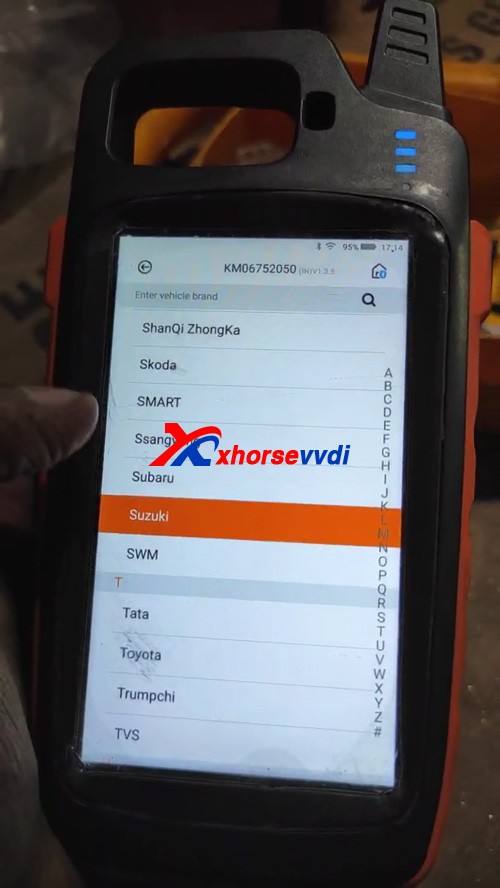
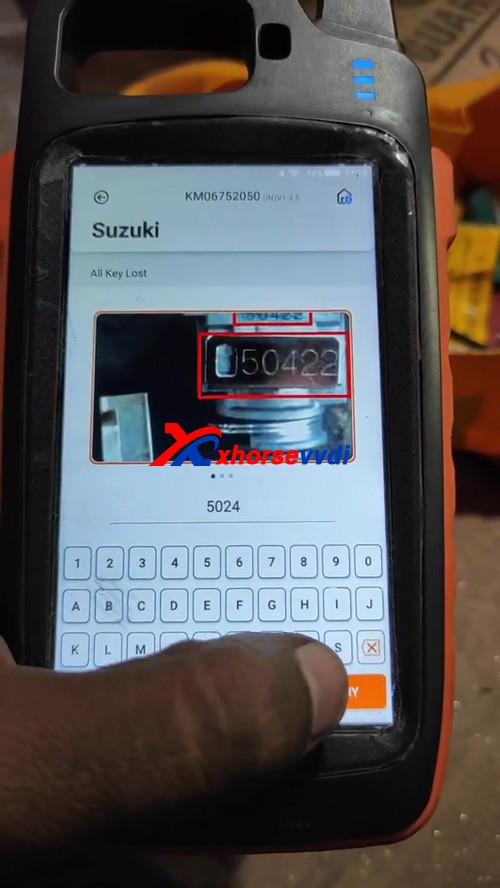
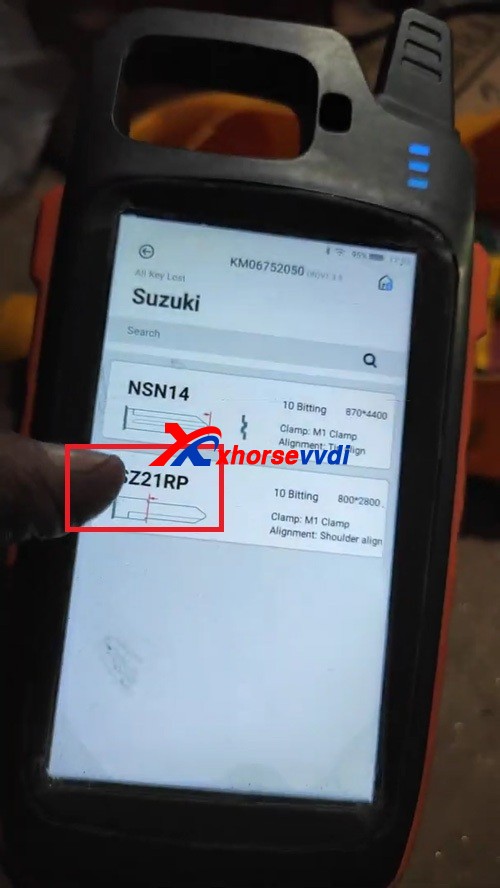
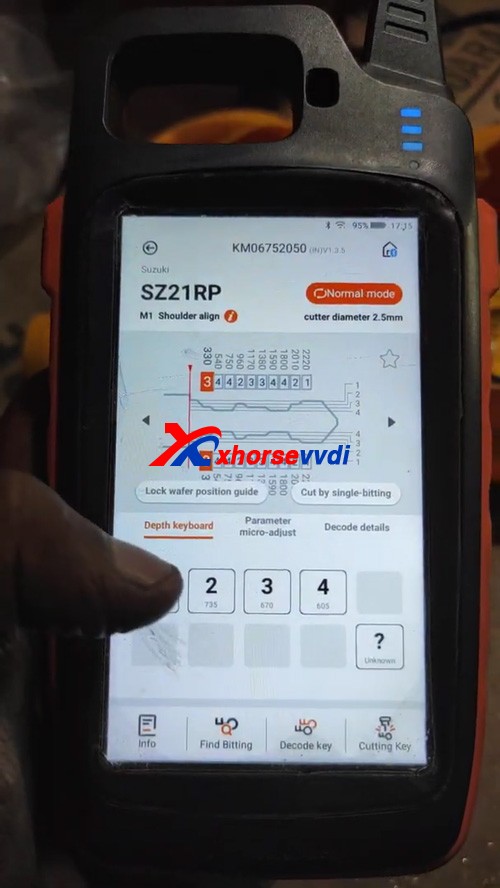
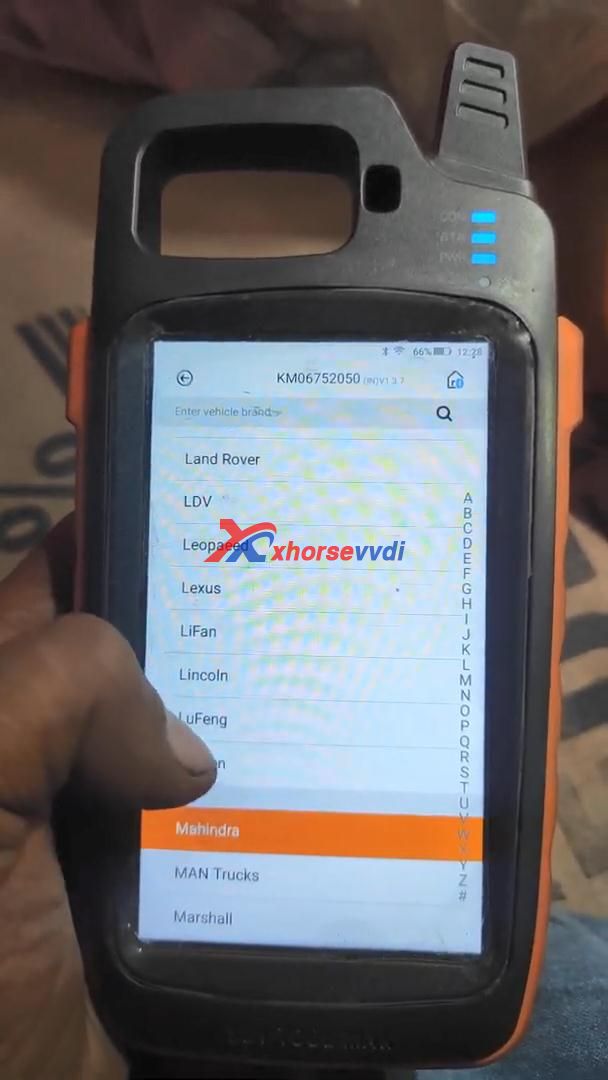
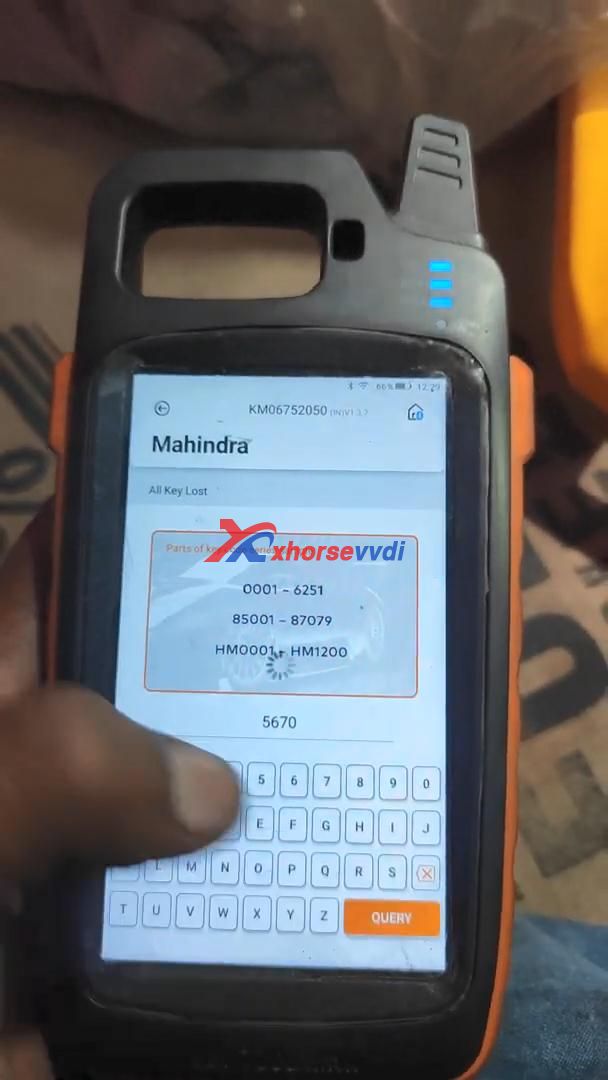
All Key Lost>>Suzuki>>input the number 5024>>SZ21RP
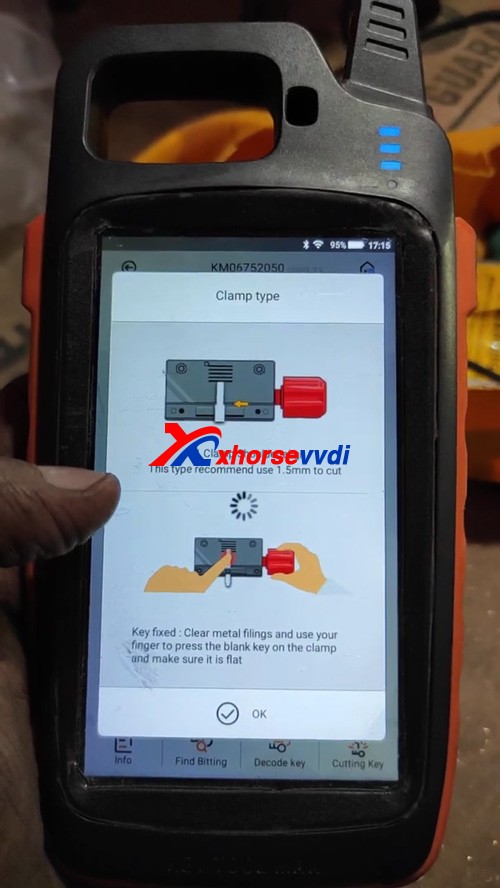
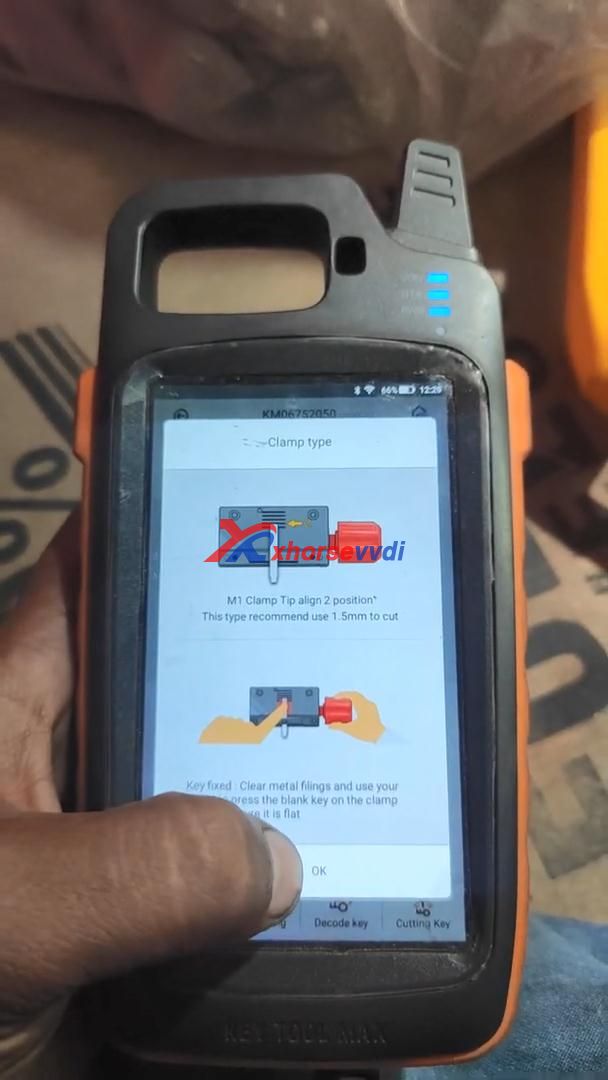
Please follow “Clamp type” to align M1 clamp tip to 2 position, this type recommend use 1.5mm to cut.
Key fixed: clear metal filings and use your finger to press the blank key on the clamp and make sure it is flat
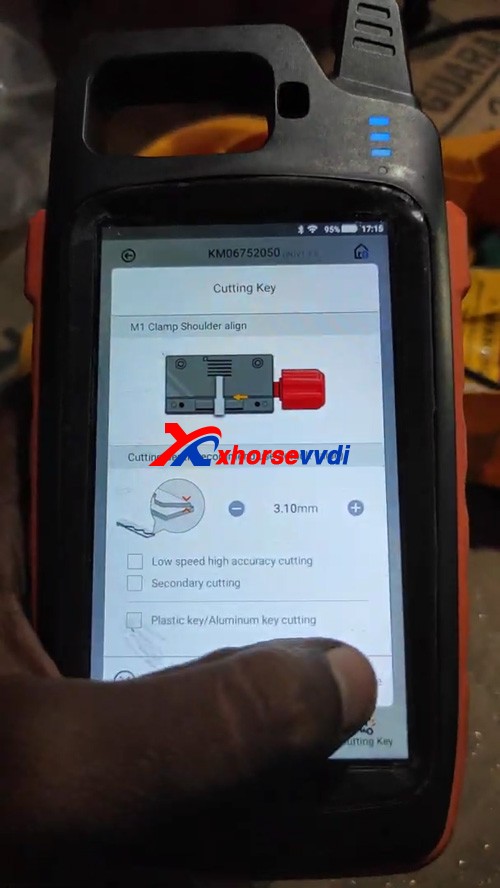
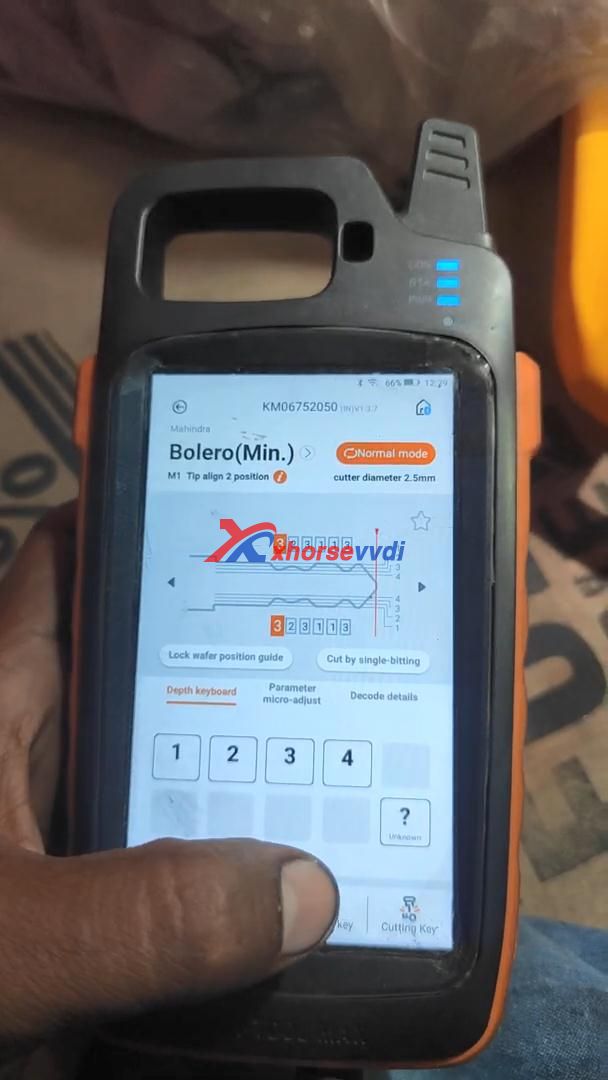
Select “Cutting key” and continue to make sure the cutting depth.
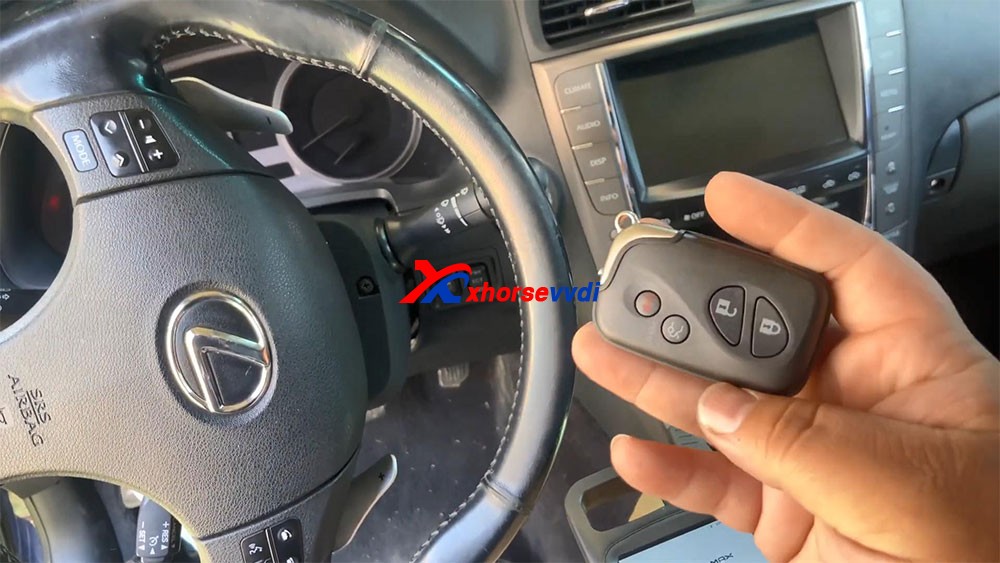
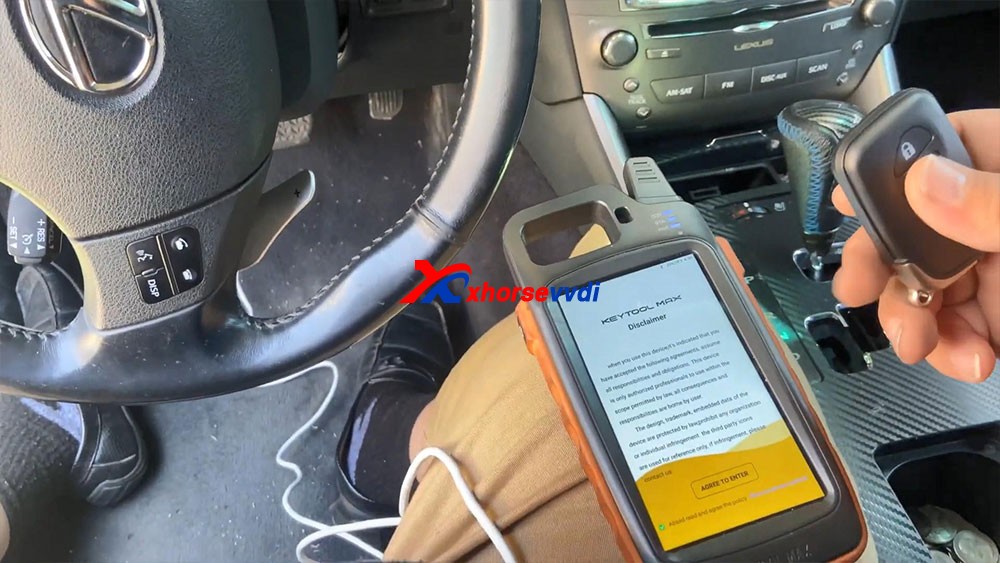
Tutorial on how to add smart key/add key lost for Lexus IS250 2009 – 2013 by using Xhorse VVDI KEY TOOL MAX and MINI OBD TOOL Here you are:Tool option: KEY TOOL MAX & MINI OBD TOOLAlright, already connected our mini OBD programmer to the car. I’m kind of low on battery, so I hooked up the cable to provide for me.
Let’s continue guys let’s go ahead and program this key that’s all smart keys lost.
Okay, so the first thing we’re gonna do: agree to enter.
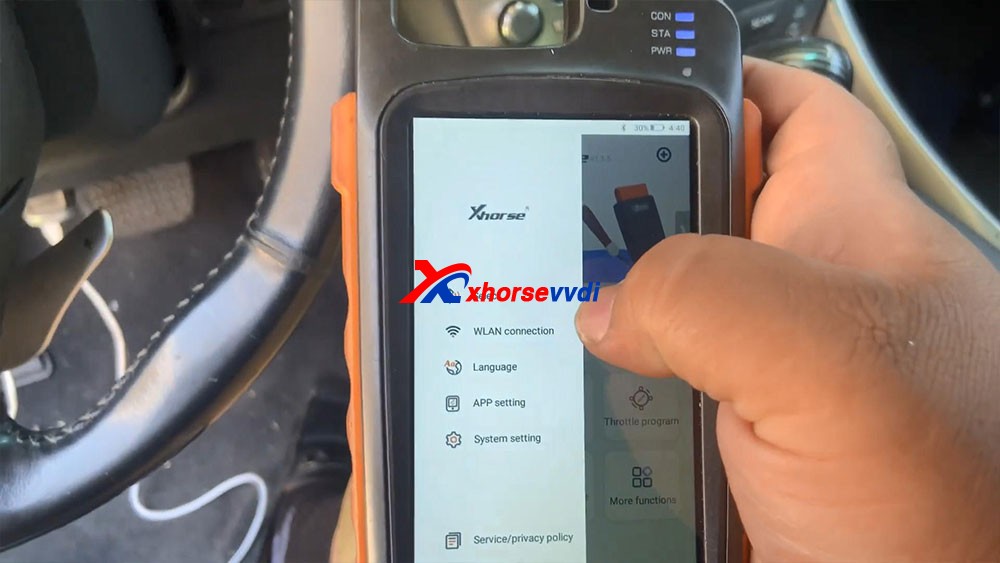
We’re gonna go ahead and connect Bluetooth.
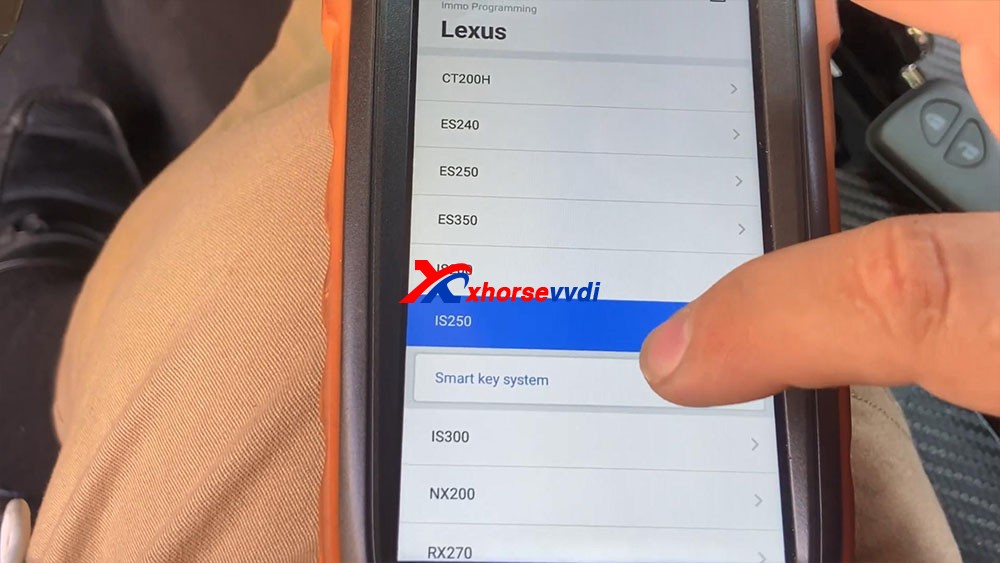
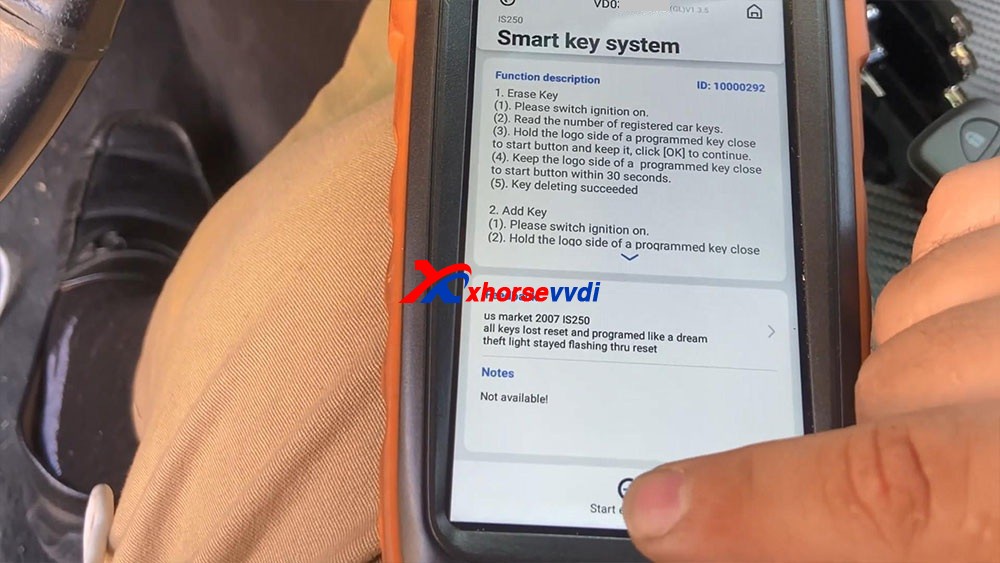
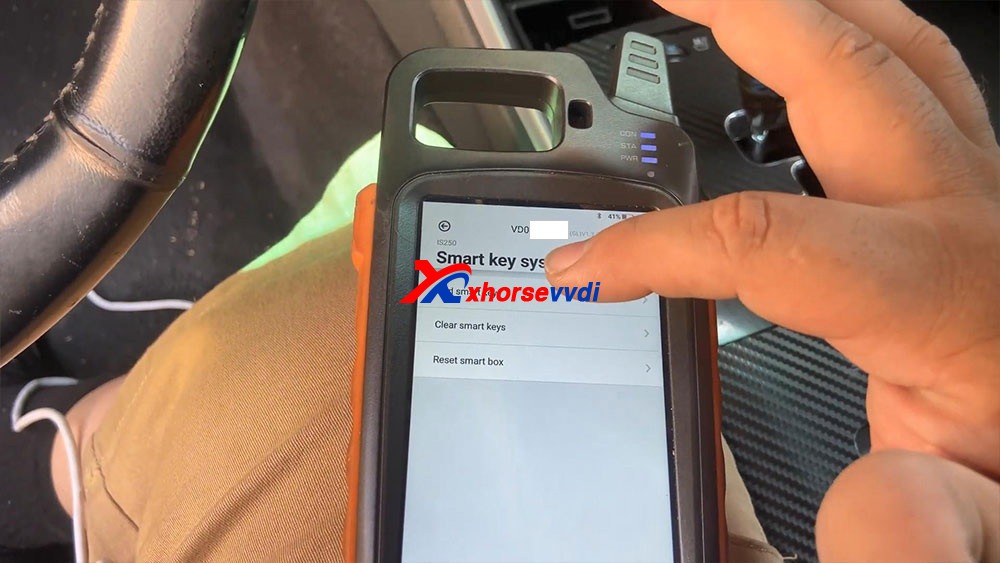
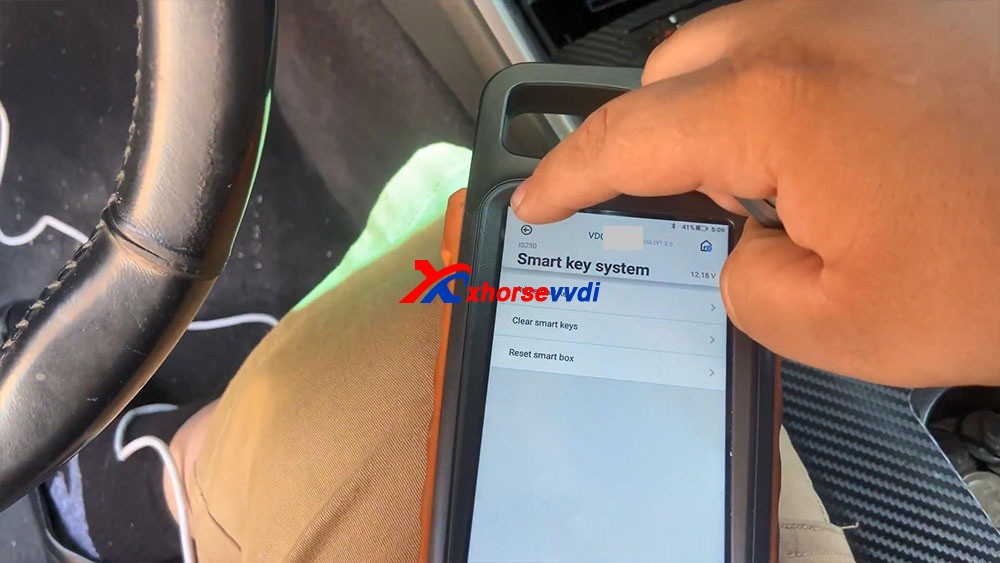
So I just go “Immo programming” -> “Lexus” -> model IS250 -> smart key system -> Start execution.
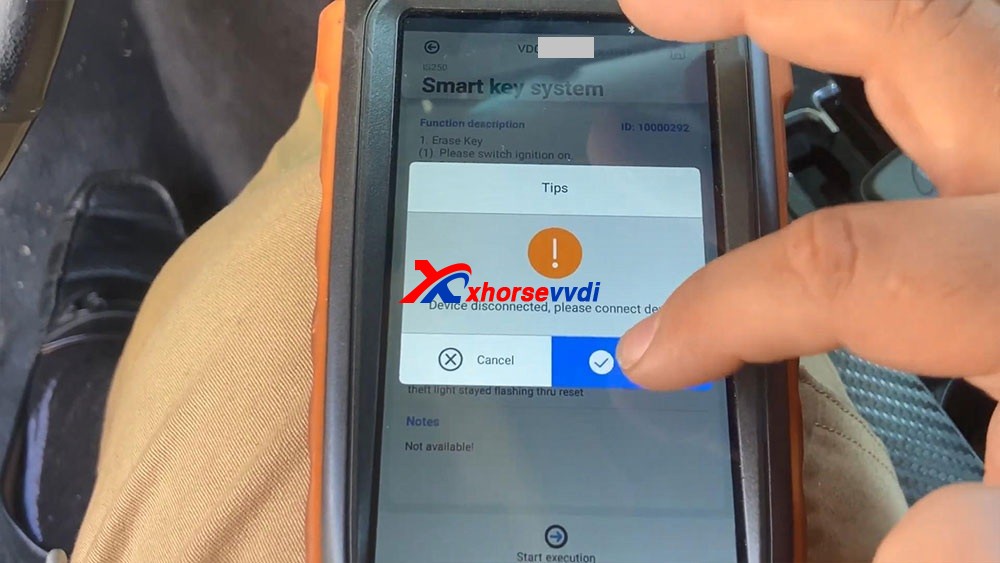
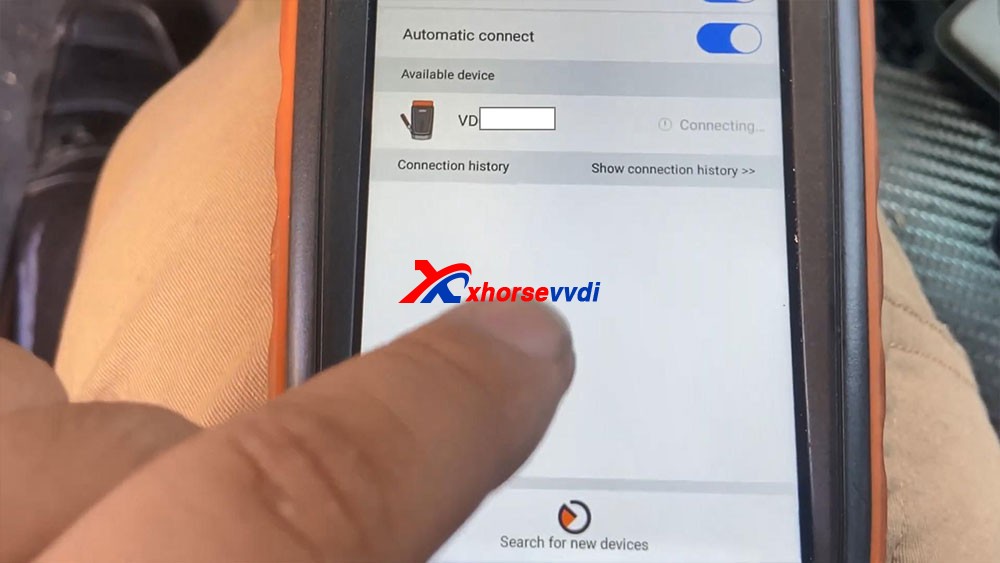
Have tips : The device disconnected, please connect device, just click on “connect”, let’s connect first, we select the device serial number and it shows connecting and let’s try to turn on the ignition, so let’s go ahead to select “Start execution”.
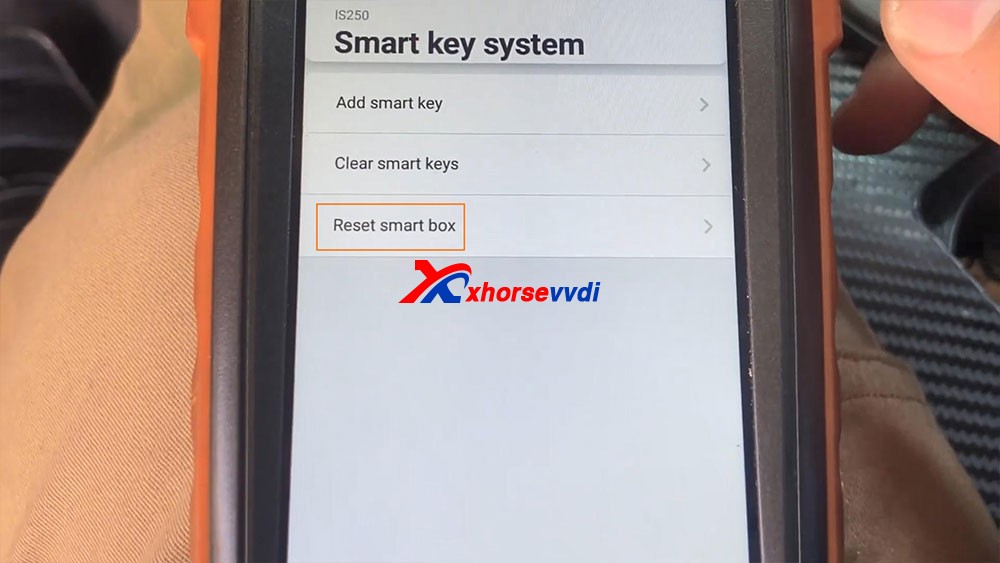
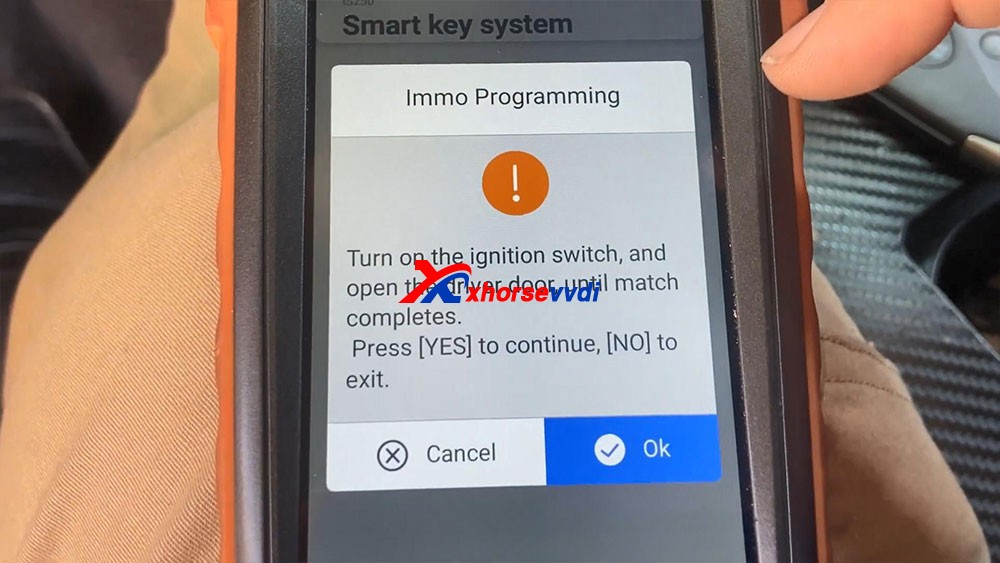
We select “Reset Smart Box” and it says “Turn on the ignition switch, and open the driver door, until match complete”, okay, click on “OK”.
Connecting system…
Secure access…
Communicating…
Connecting system…
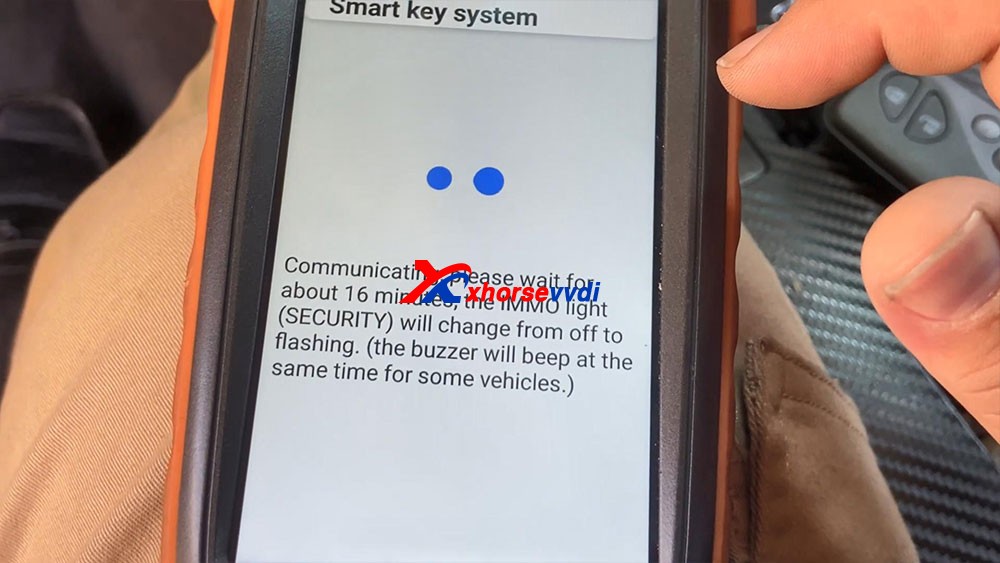
Communicating, please wait for about 16 minutes, the IMMO light (Security) will change from off to flashing. (the buzzer will beep at the same time for some vehicles.)
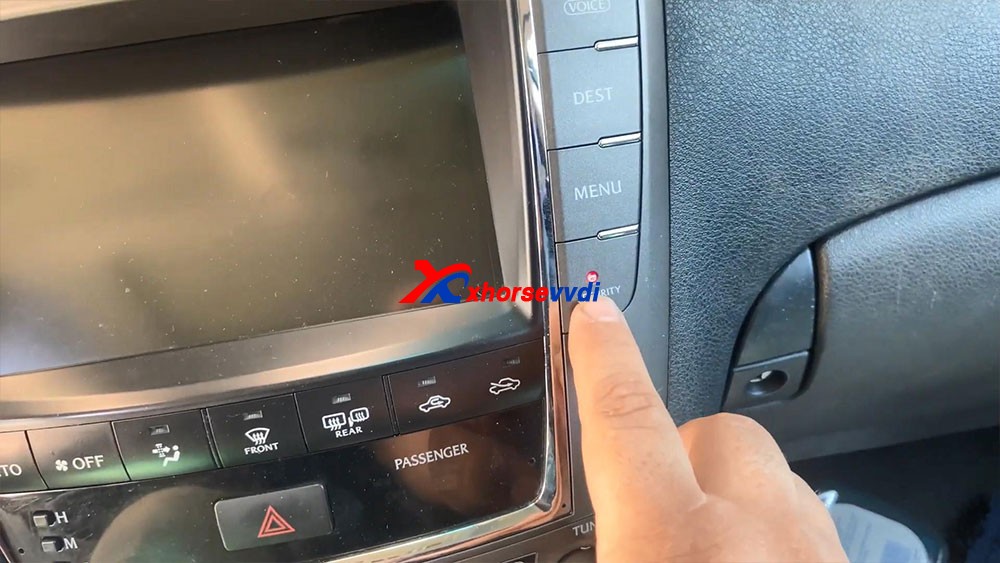
You guys remember waiting for this light to start flashing and last but not least body ad. Okay so you guys can see the 16 minutes are up and the light and secure light begins to flash.
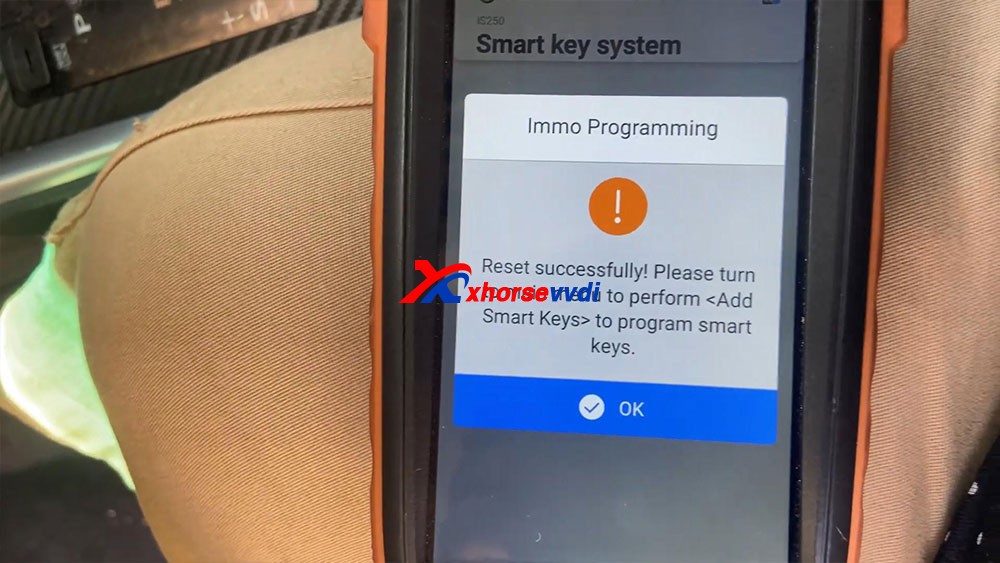
Reset successfully! Please turn to main menu to perform <Add Smart Keys> to program smart keys.
Okay, we’re gonna go back to a key.
It says “Turn on the ignition switch”, to open the switch
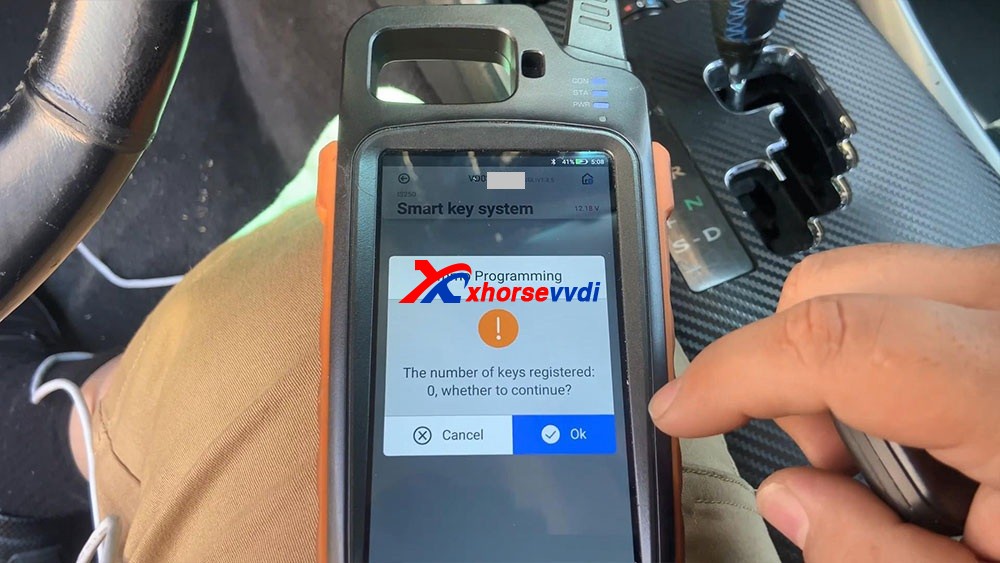
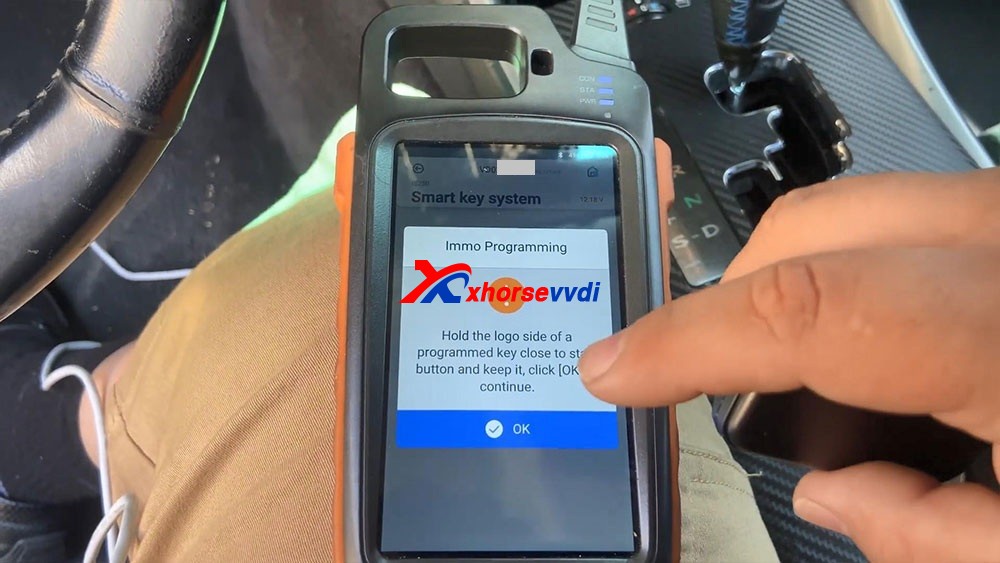
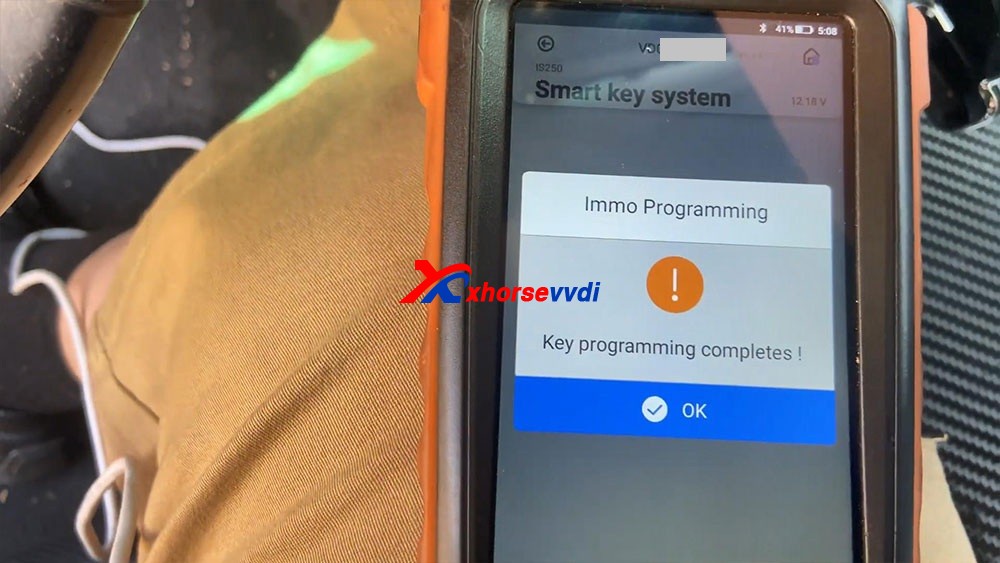
It says “The number of keys registered 0” click on “OK” to continue, yes it tells us there’s no keys registered. Hold he logo side of a programmed key close to start button and keep it, click [OK] to continue. And you will hear beeps after putting the key close to the start button. What you see as key programming complete, so we press okay a few times until it actually got the key, and then we press OK. So let’s go ahead and try to test our key, let’s disconnect all this stuff right here, turn off the ignition , we’re gonna close the upper left icon, then it says “Don’t forget your Mini OBD Tool”. Let’s go ahead and try the key. Are you guys going to see that the key successfully turned on the vehicle.
Let’s go ahead and try a remote, it shows that works really good, perfect.
Okay, so that’s how we program a key with Xhorse Key Tool Max and Mini OBD Tool programmer.
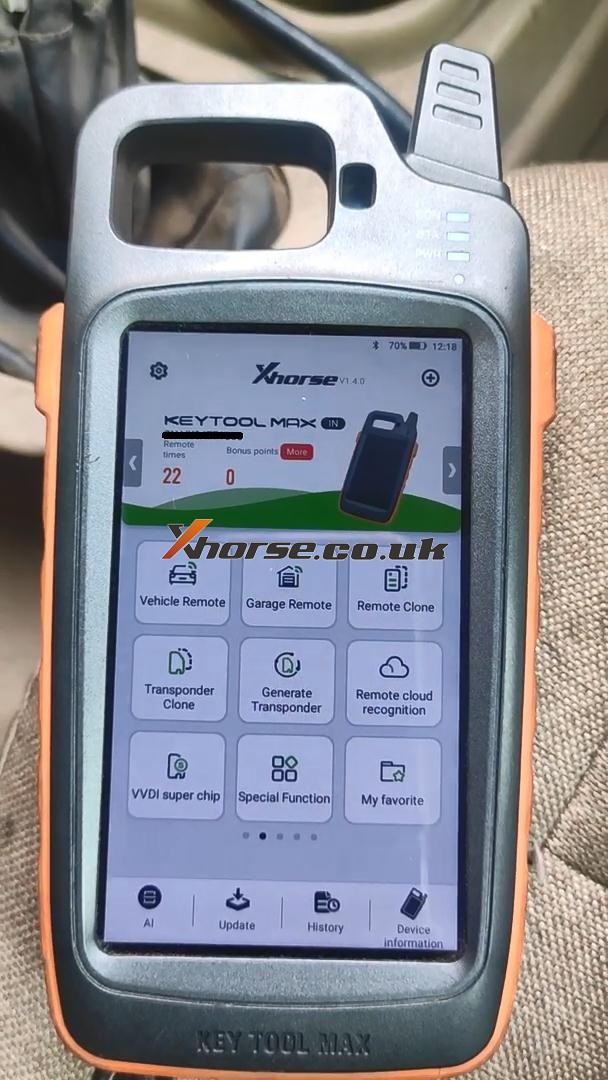
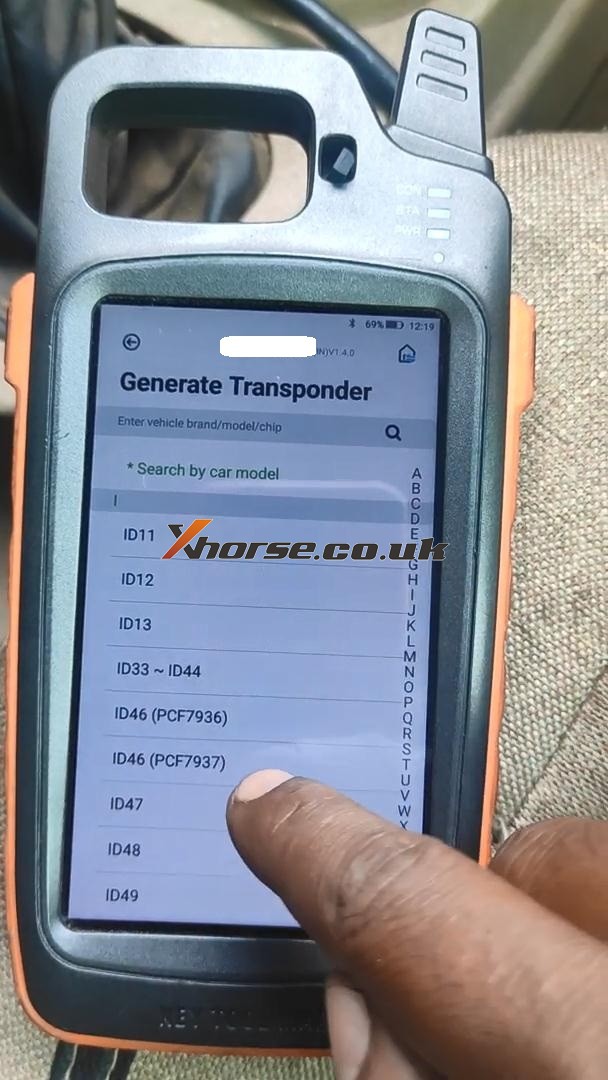
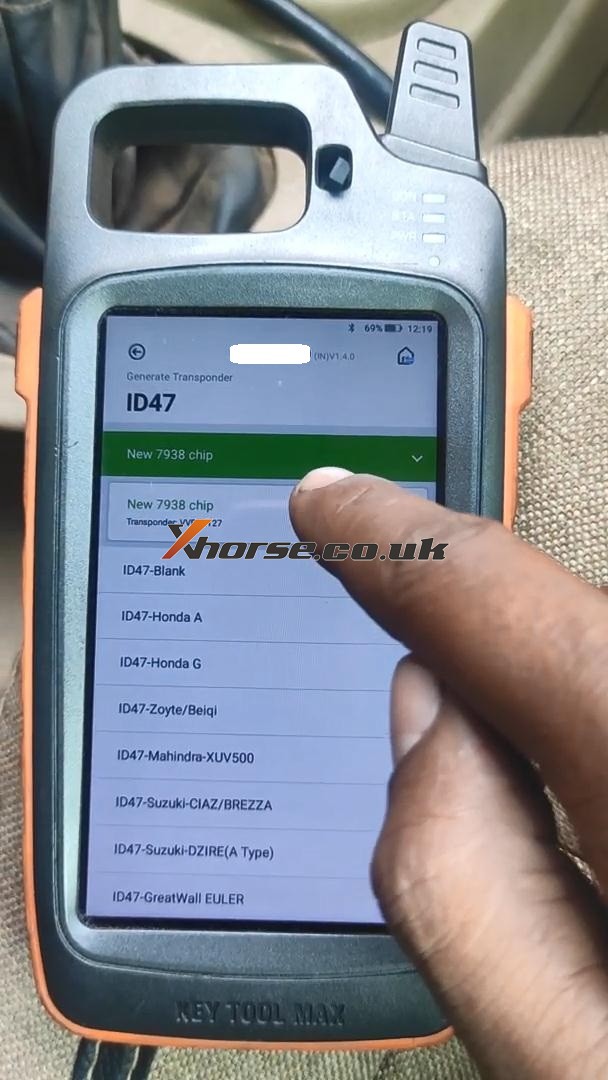
 xhorse vvdi key tool max