Used Xhorse VVDI Key Tool Plus to program 2011 Porsche Cayenne All Lost Key, take about 25 mins in total!
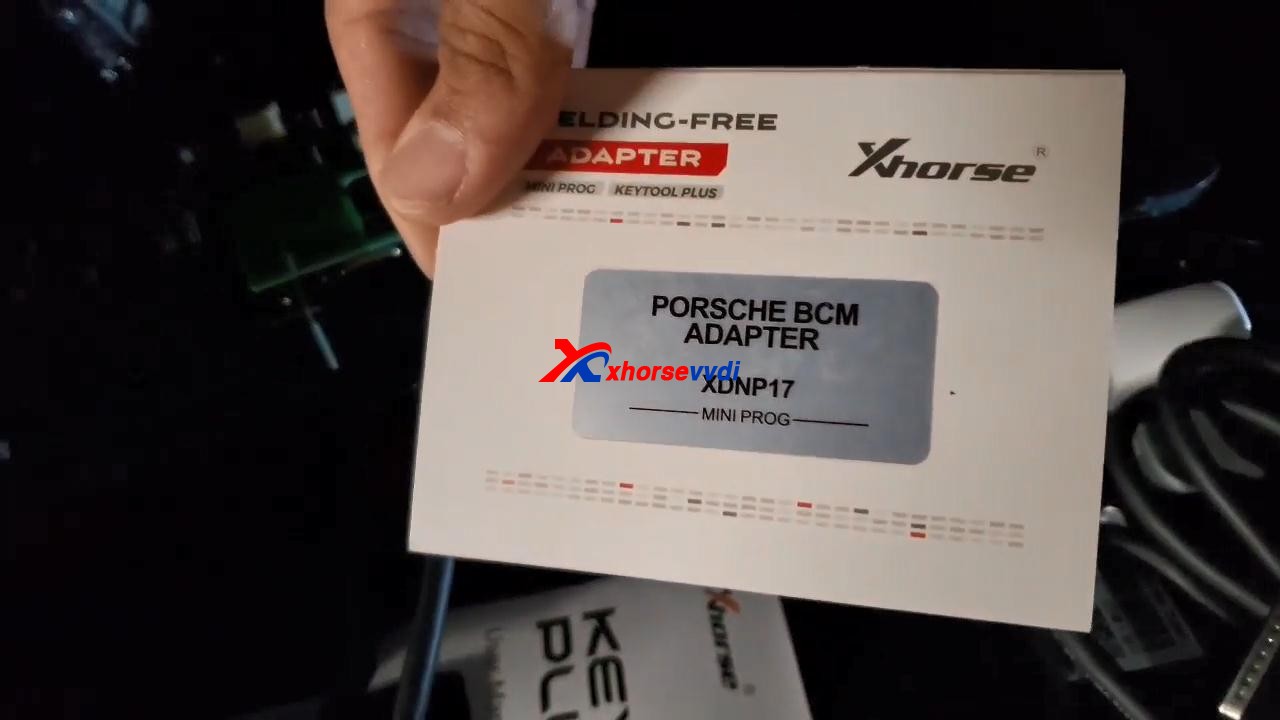
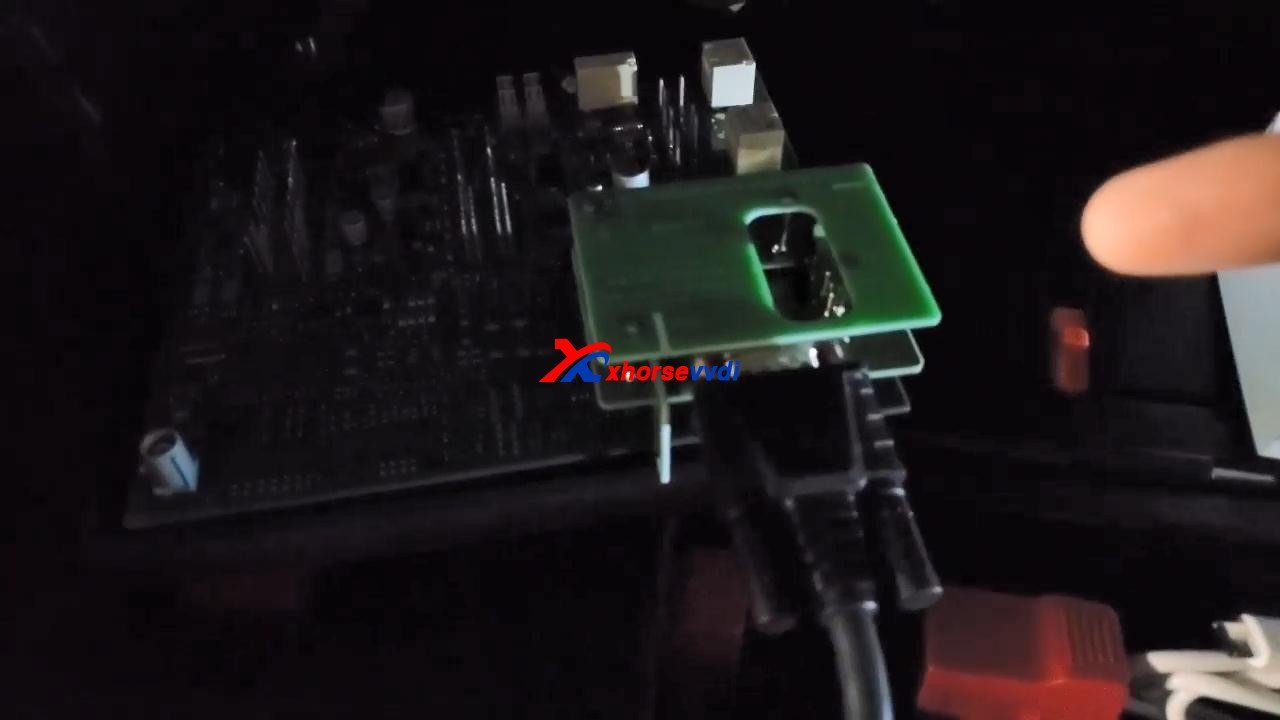
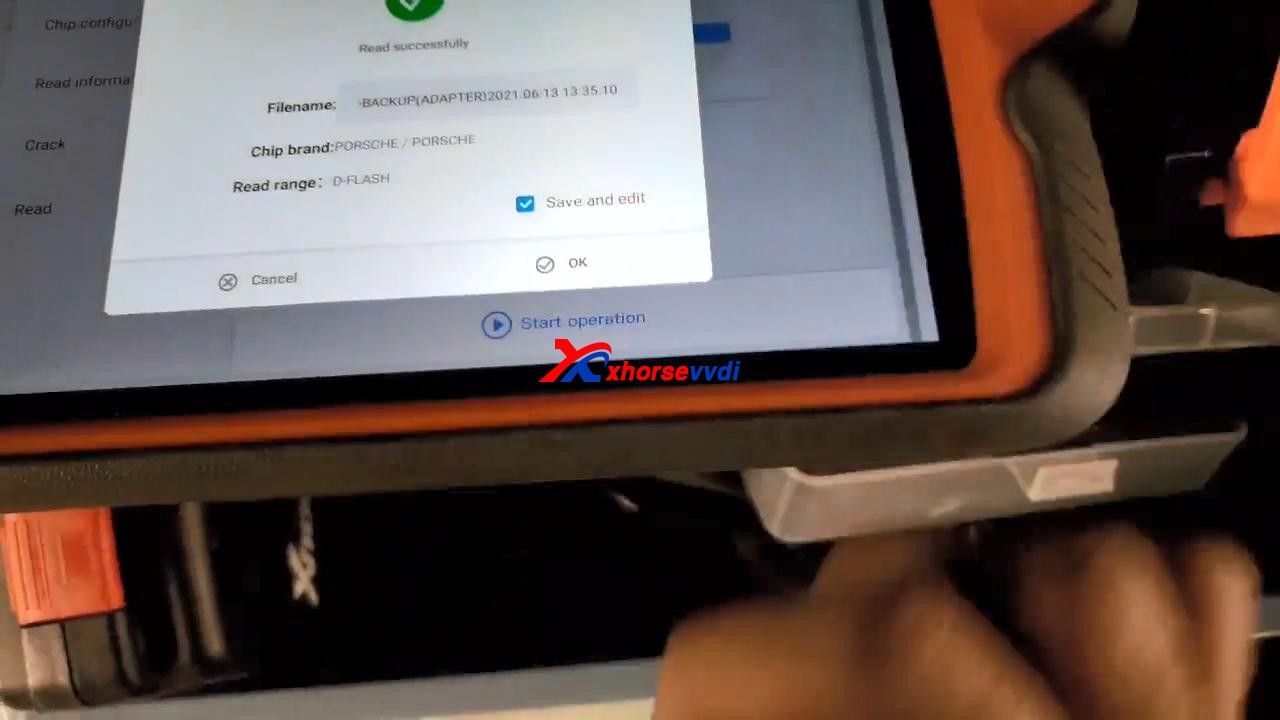
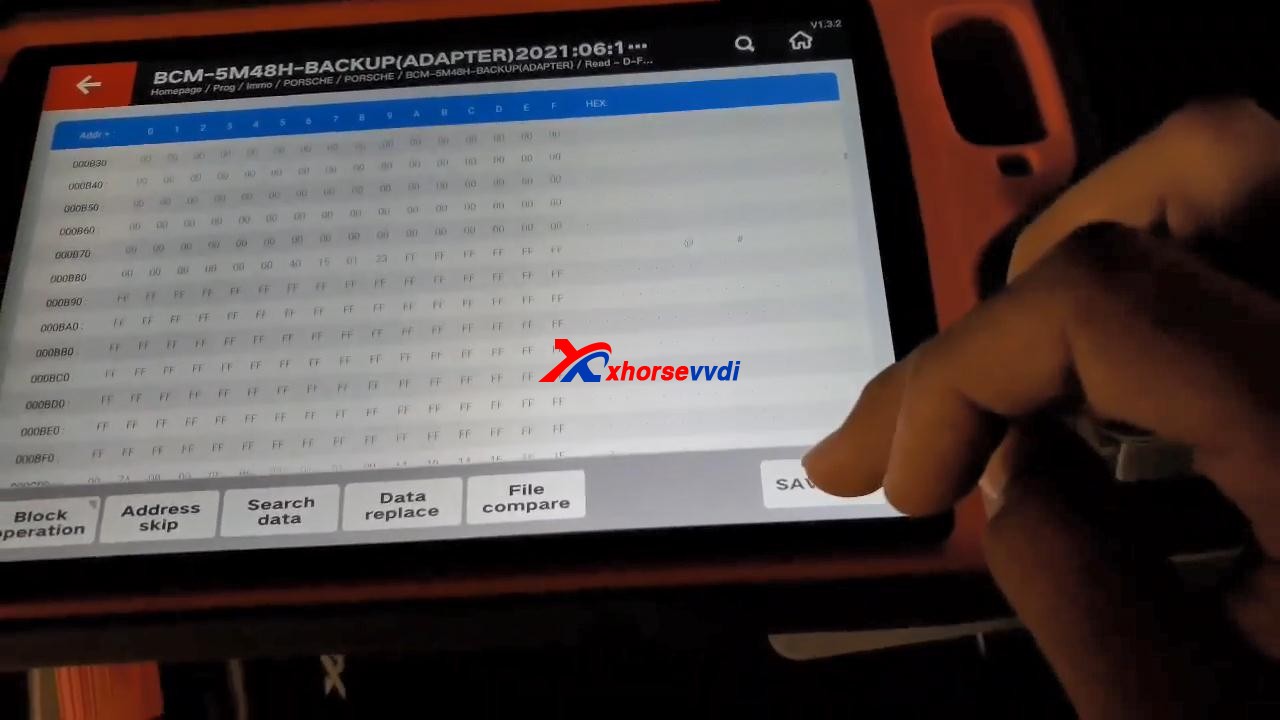
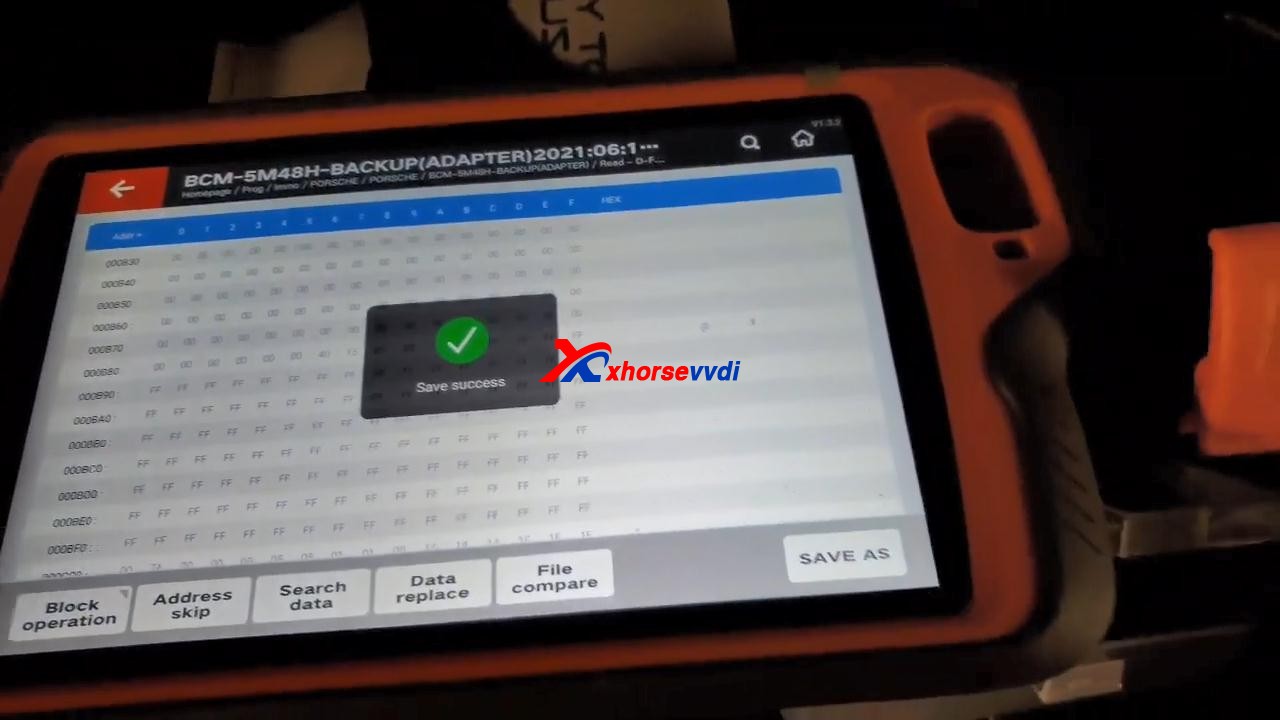
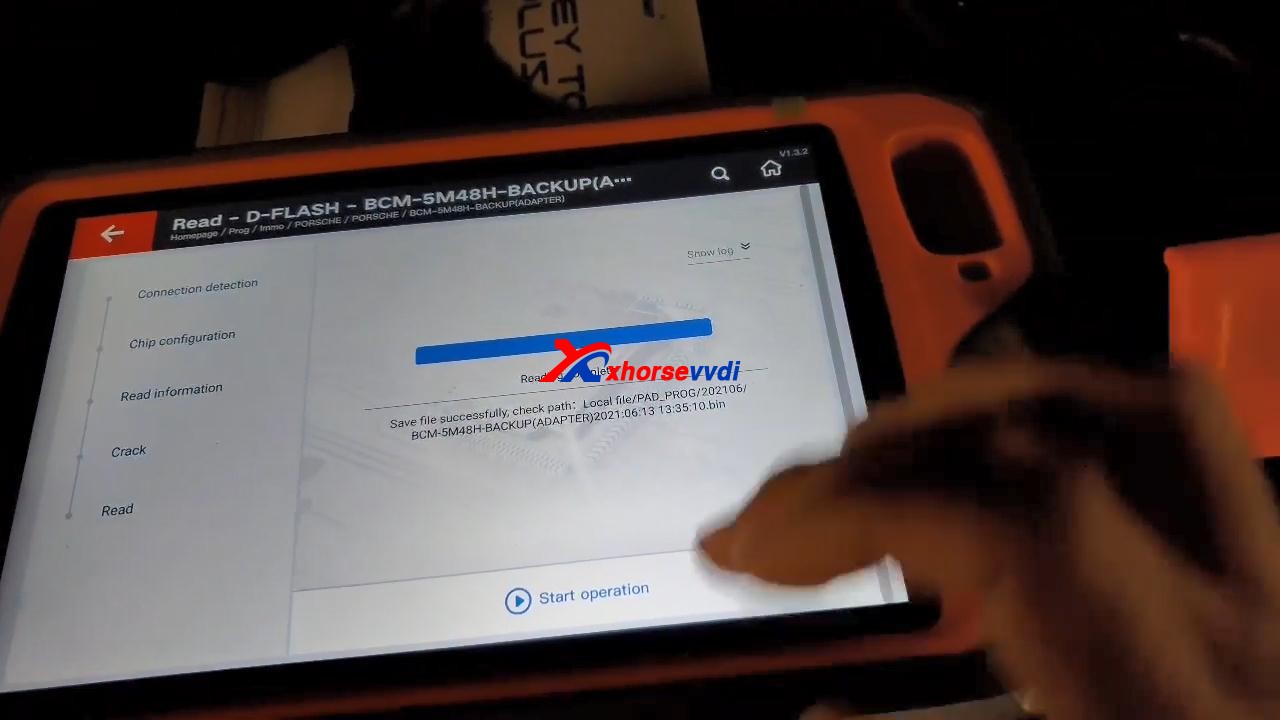
Prepare Porsche BCM adapter XDNP17, which I already put it on the board. VVDI Key Tool Plus read D-FLASH successfully, and tick off “Save and edit” and then “OK”.
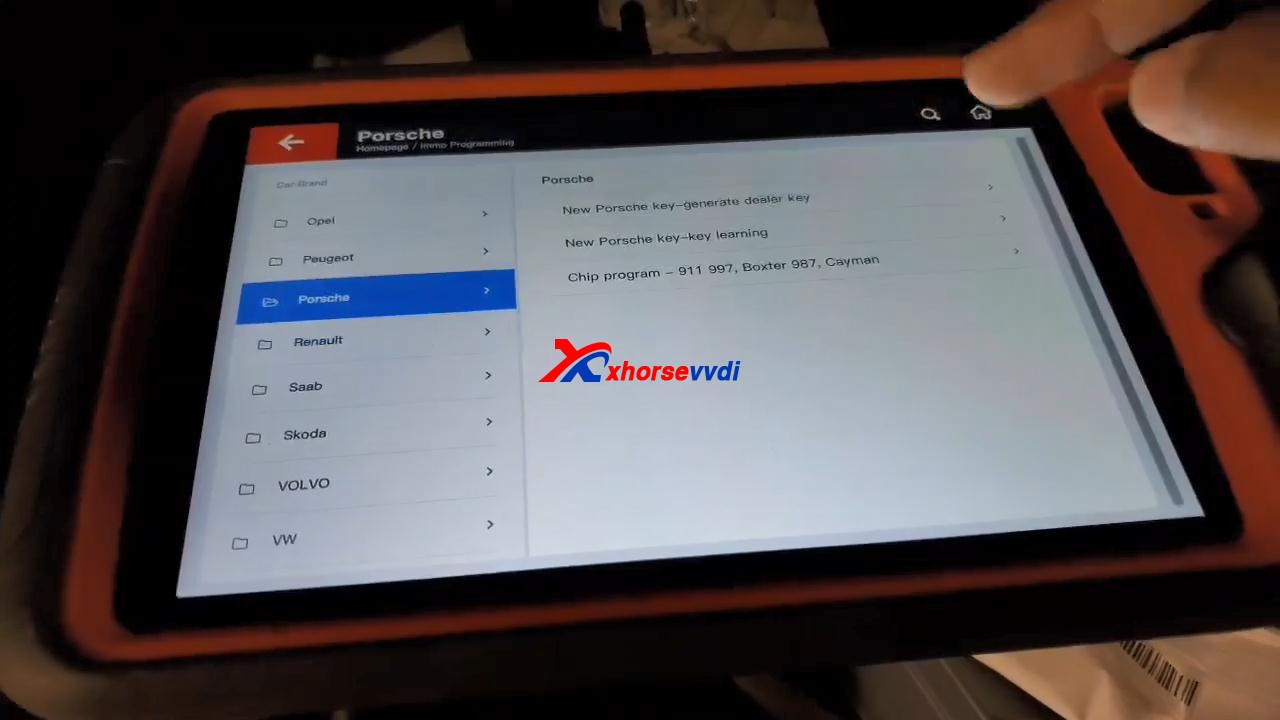
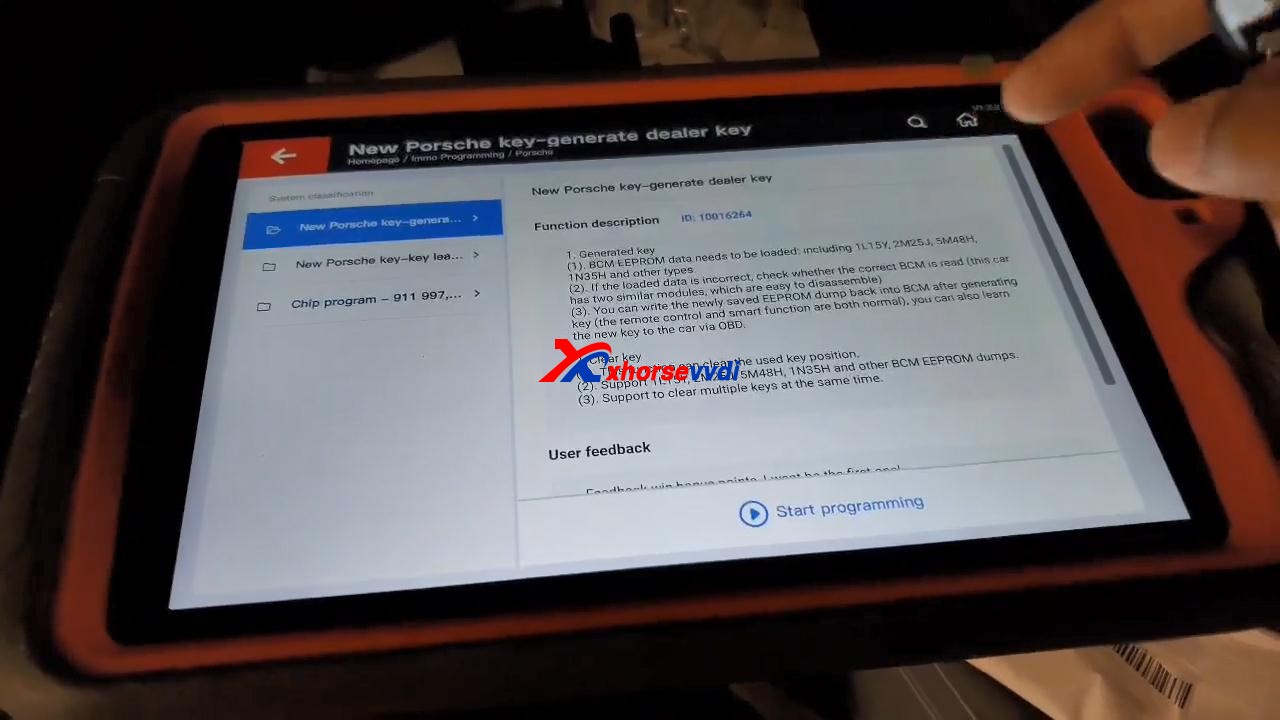
Back to tap “immo programming“, then select “Europe” and “Porsche“, then “New Porsche key-generate dealer key“, tap “Start Programming“.
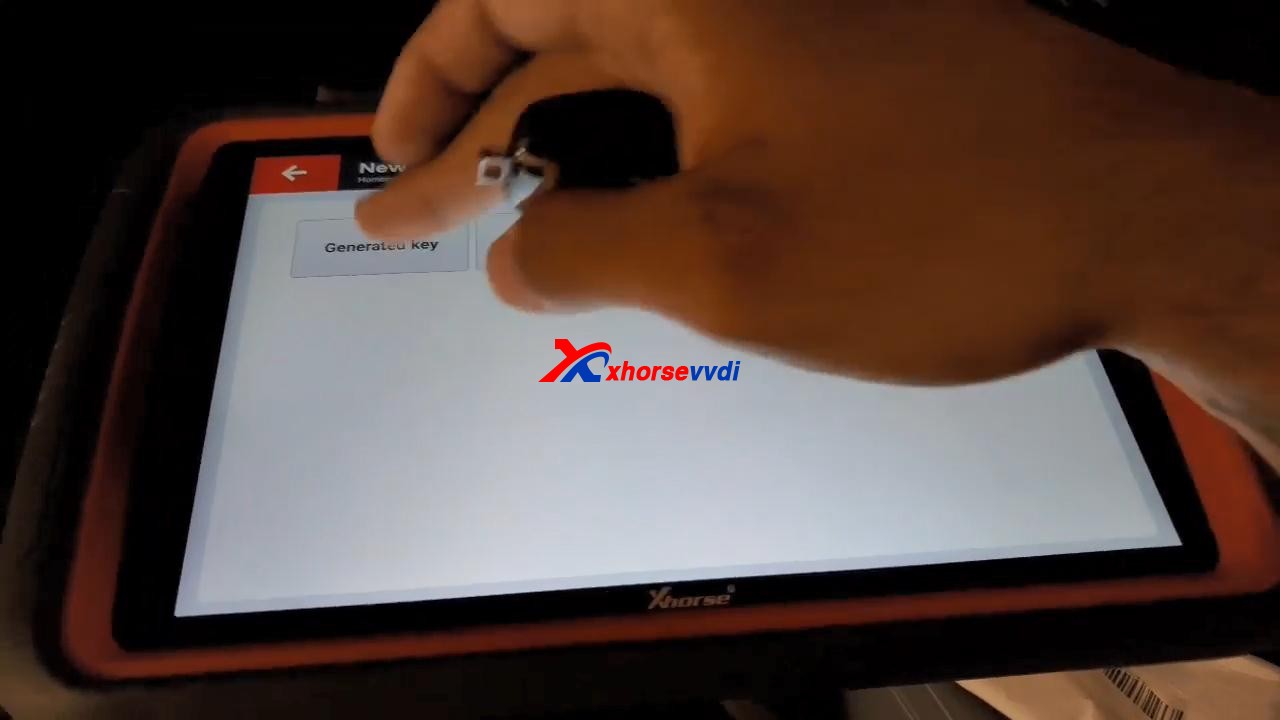
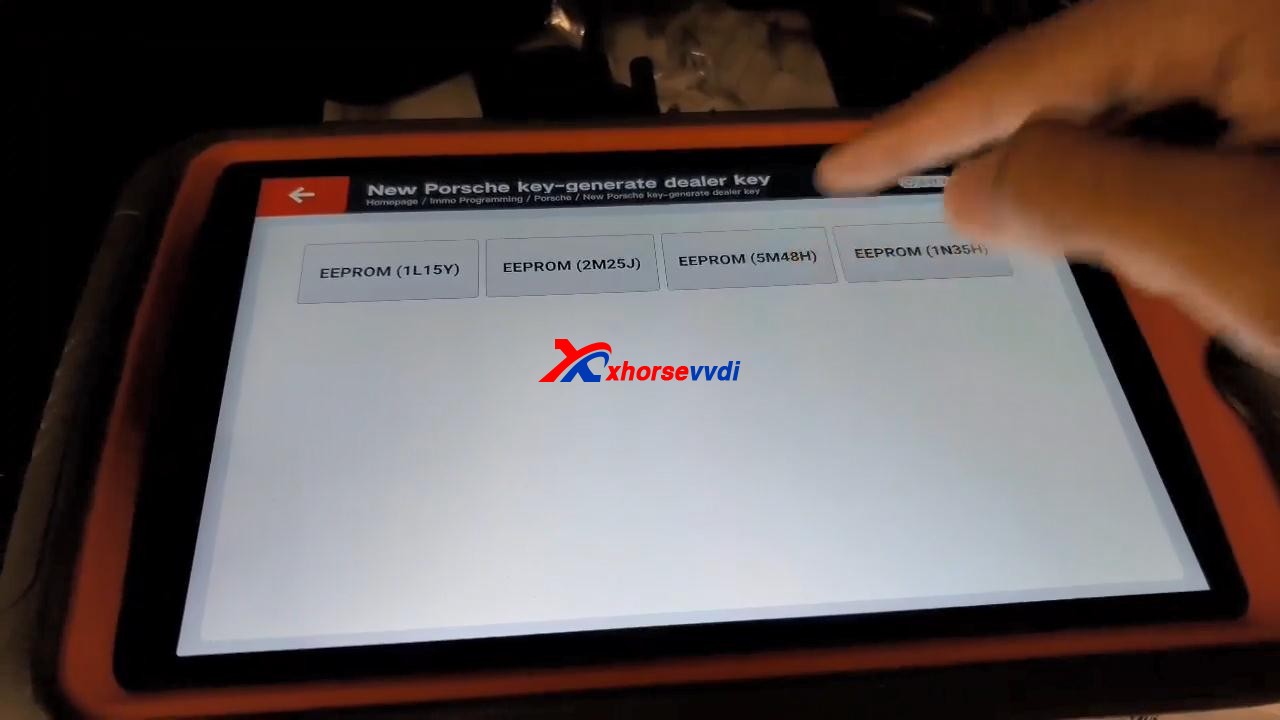
Tap “Generated key“, then “EEPROM (5M48H)“.
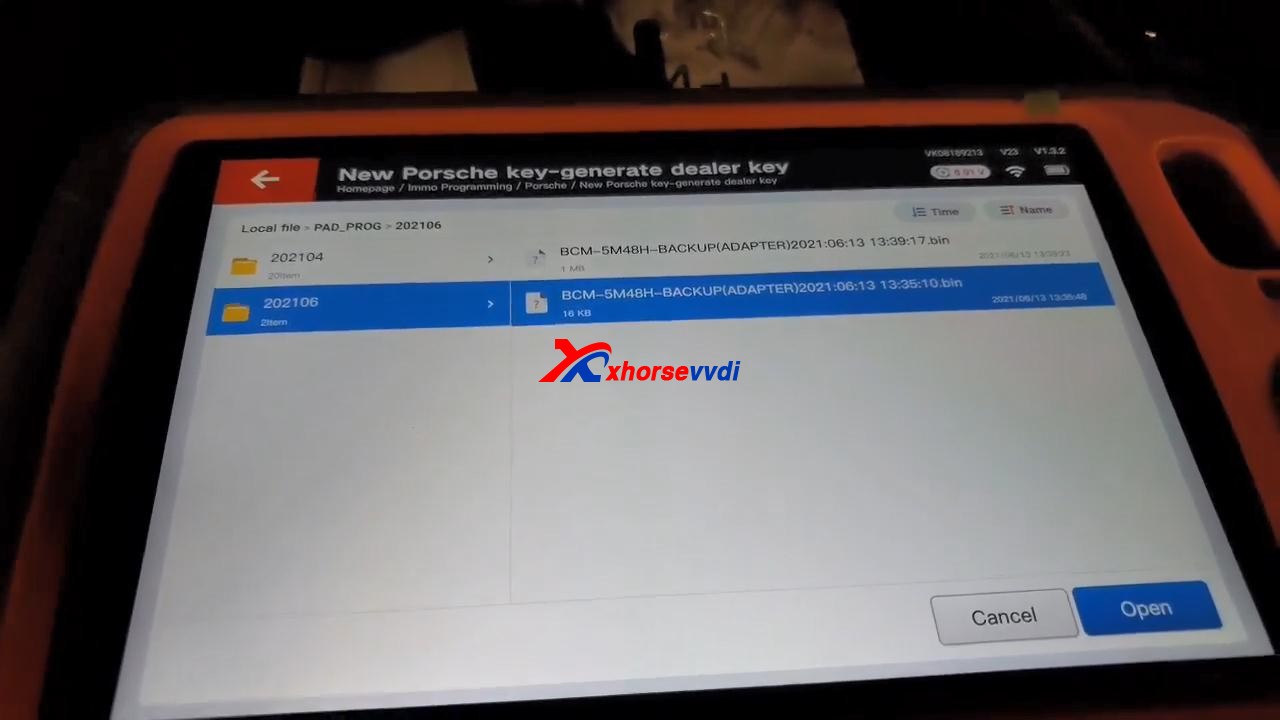
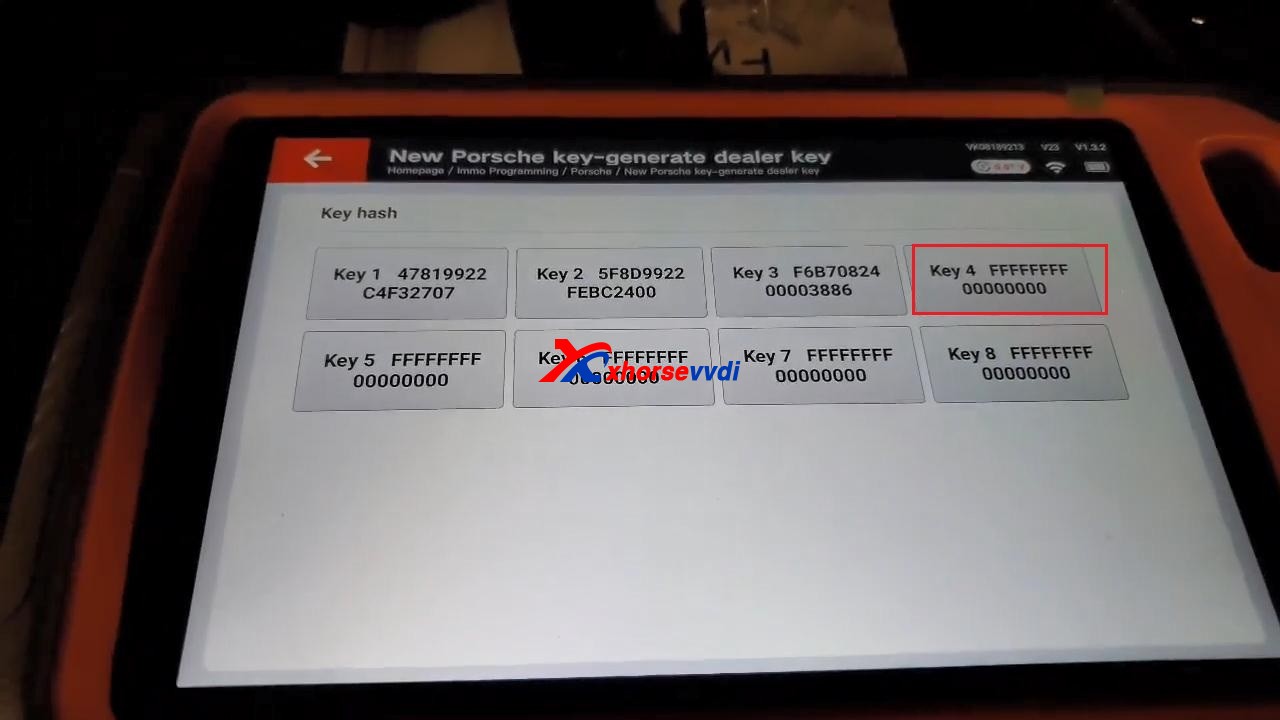
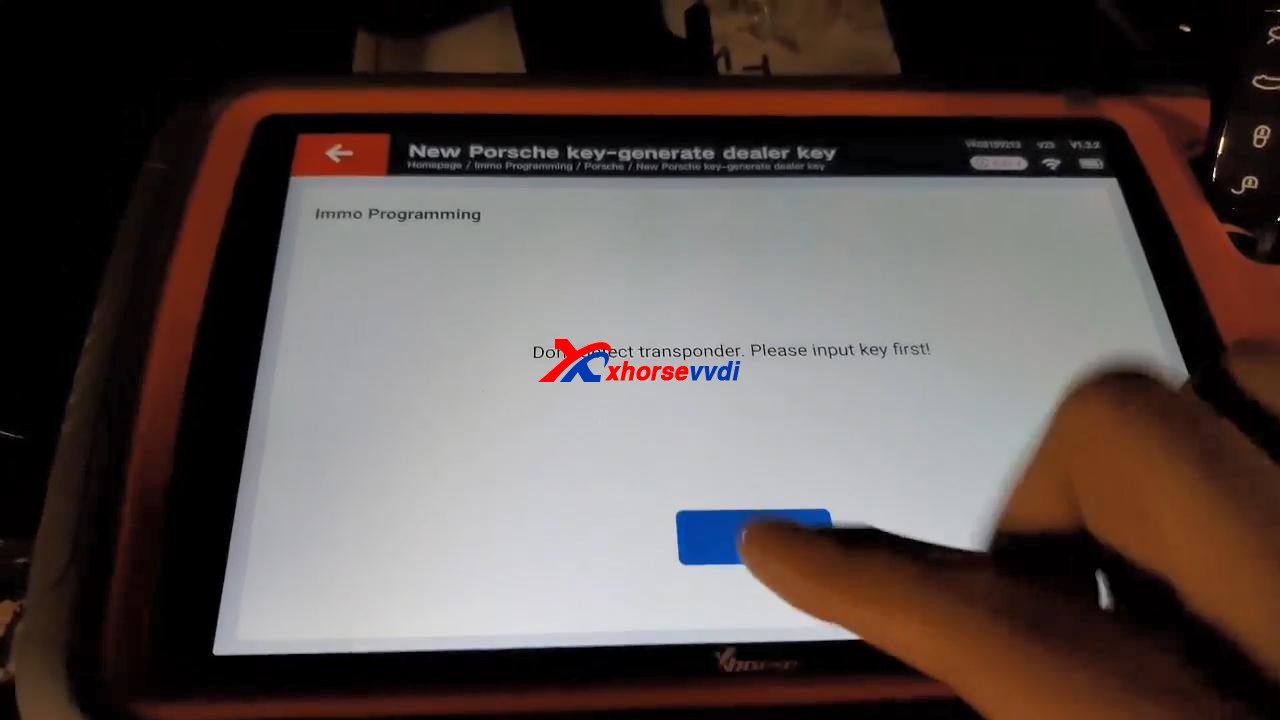
Tap “OK” to load the EEPROM data. Select “Key 4“. It prompts “Don’t detect transponder. Please input key first!”.
After putting key first, tap “Generated key“, then “EEPROM (5M48H)“, then tap “OK” to load the EEPROM data. Select “Key 4” to make key.
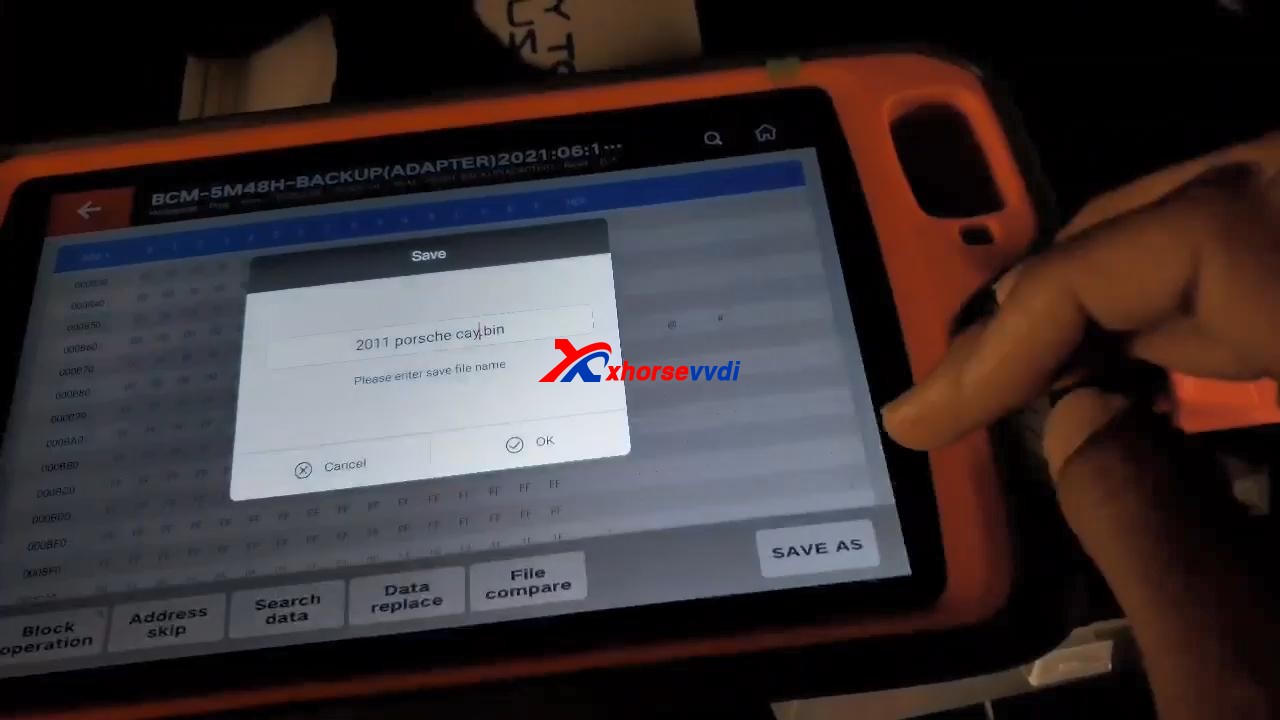
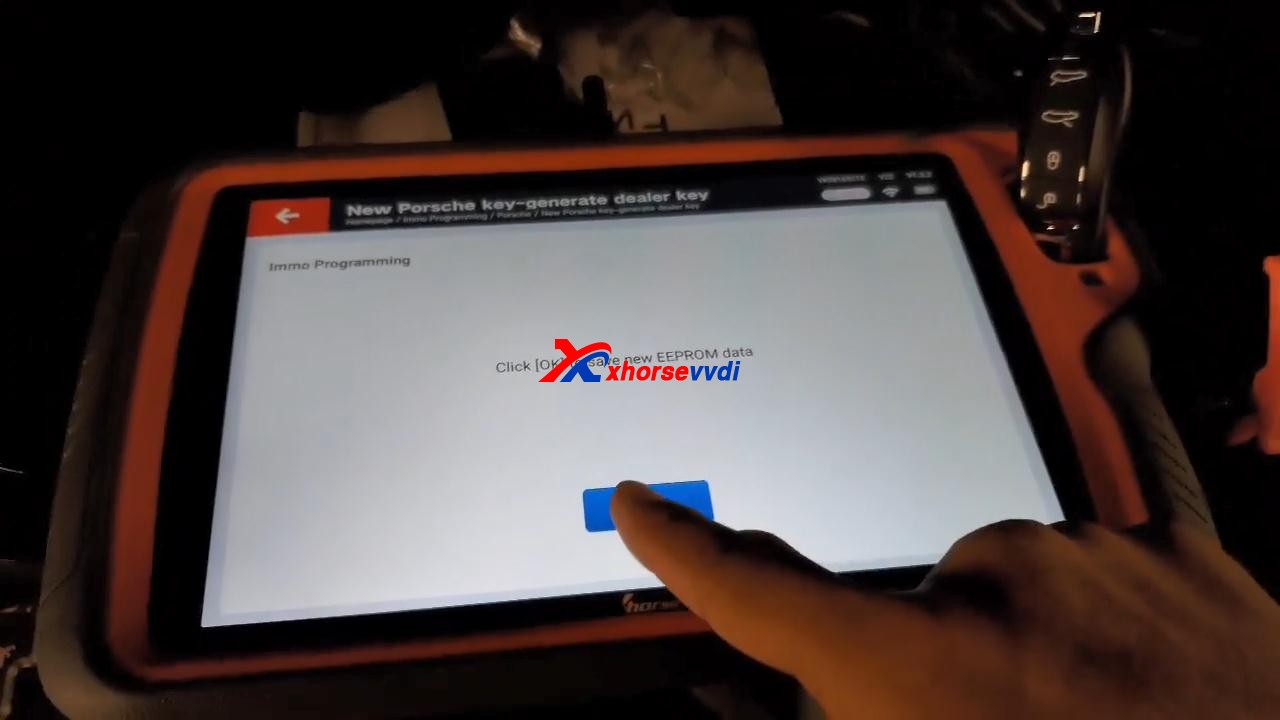
Click “OK” to save new eeprom data.
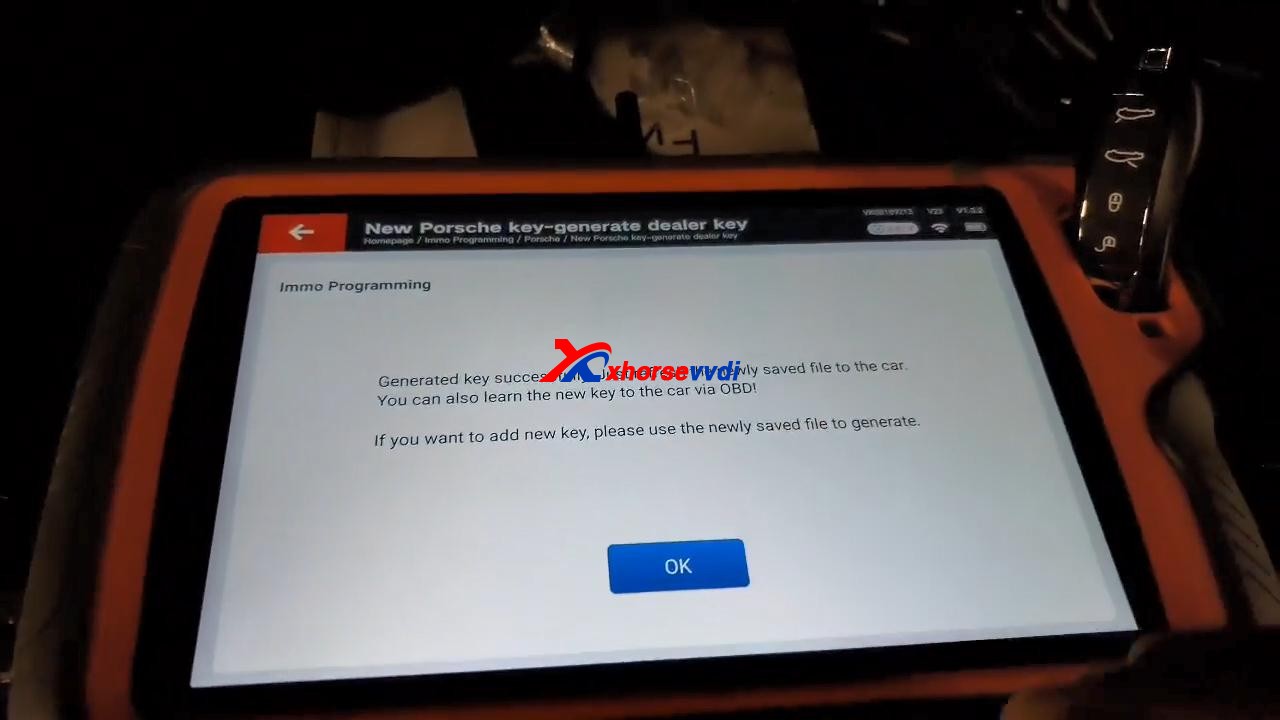
Generated key successfully. Just refresh the newly saved file to the car. You can also learn the new key to the car via OBD!
If you want to add new key, please use the newly saved file to generate.
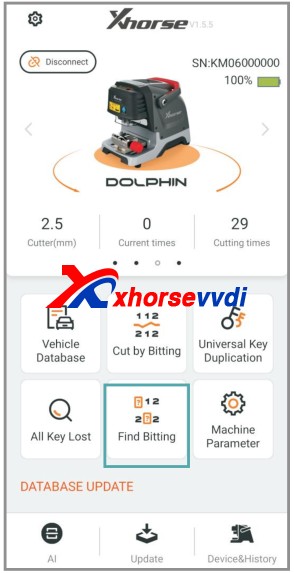
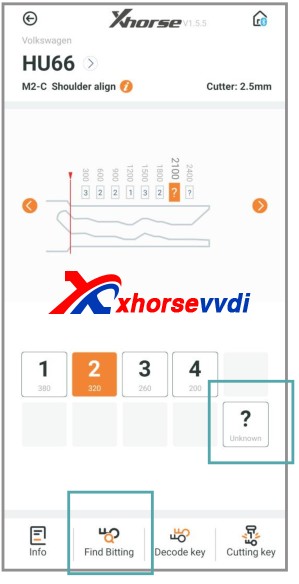
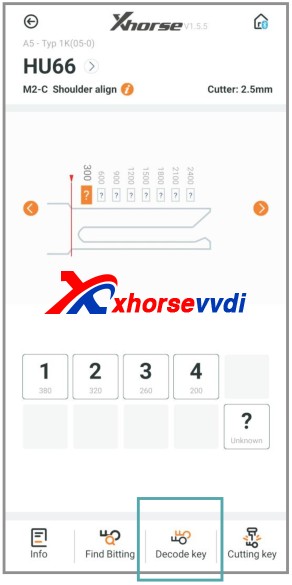
There is a option “Find Bitting”, enter it and select car make to confirm, then select key type. Enter the bitting you know. Enter the unkown bitting as “?” and click on “Find Bitting Code”.
Next part is about how to get cutting bitting with Dolphin XP-005.
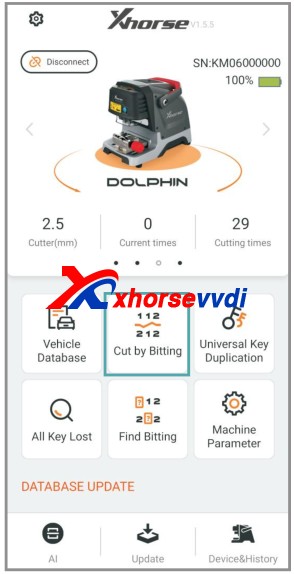
Enter Dolphin main menu
Select “Find bitting”
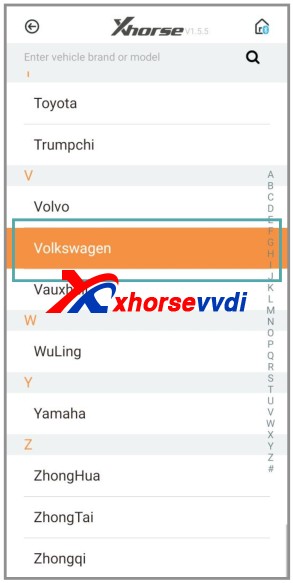
Select a car make.
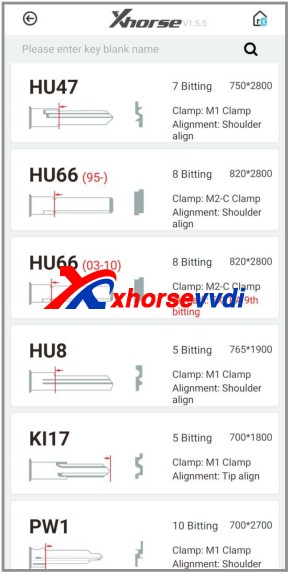
Select or put in the key blank type.
Put the known bitting and replace unknown bitting as “?”.
Then click on “Find Bitting”
Final part is to use the key bitting to make key, here take Dolphin XP005 for example:
Click on “Cut by Bitting”.
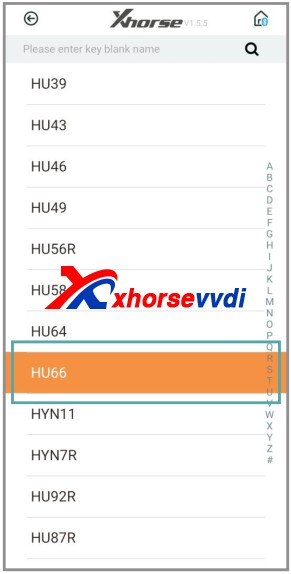
Choose a key blank type.
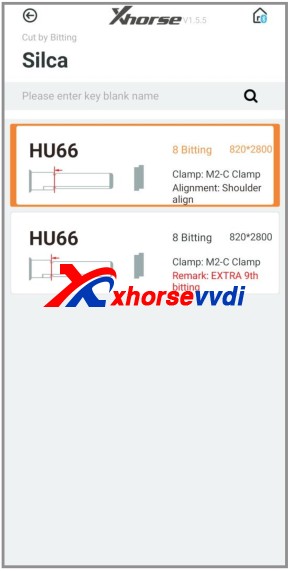
Choose the key type.
Follow the picture show to fix the key.
Select proper side of clamp and fix the key in correct position
Put in the key bitting and check all the information before you click on “Cutting key” for making new key.
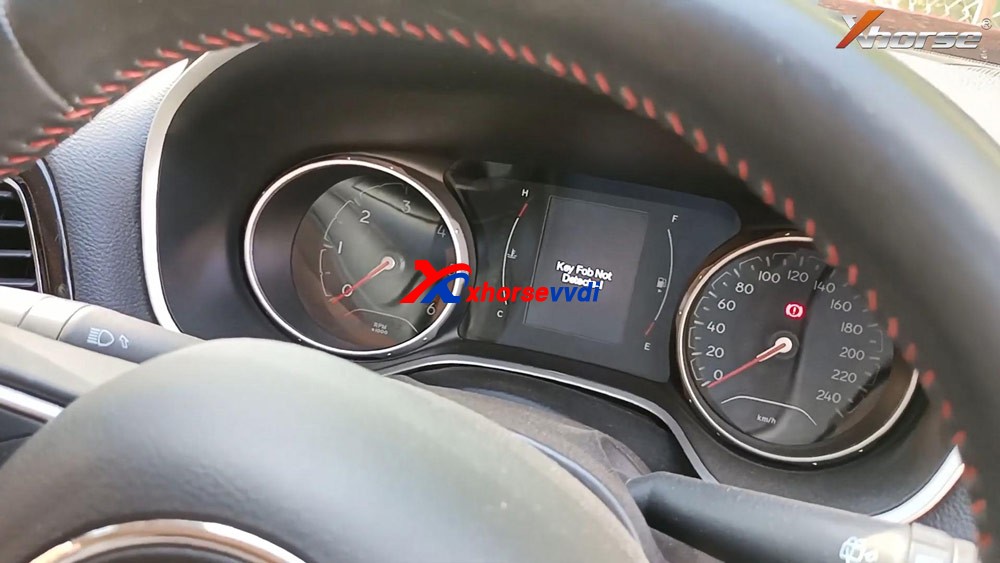
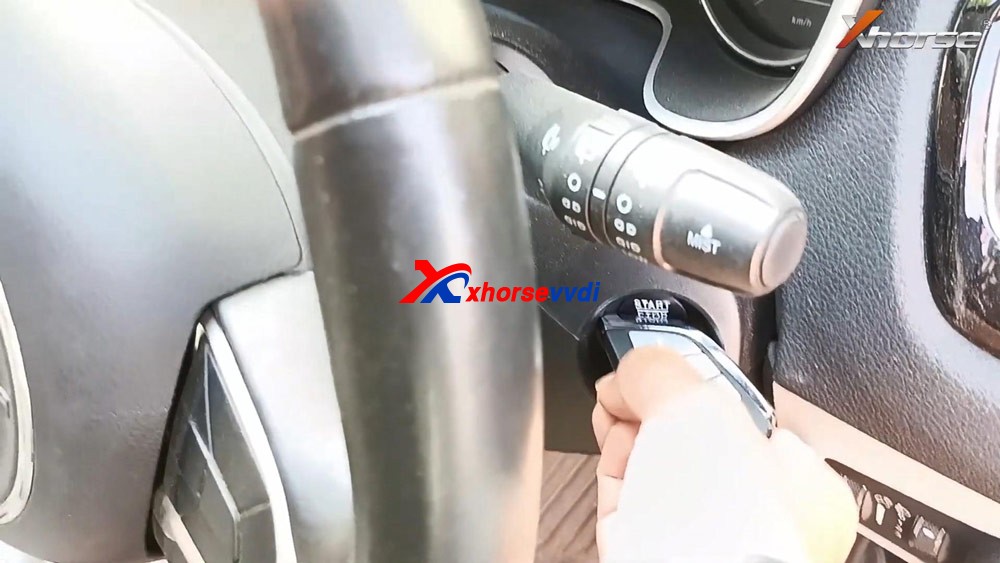
Plug VVDI Key Tool Plus to the car, press the Start /Stop button and you will see “Key Fob no detected” on the dashboard.
Insert the key into the keyhole of pad.
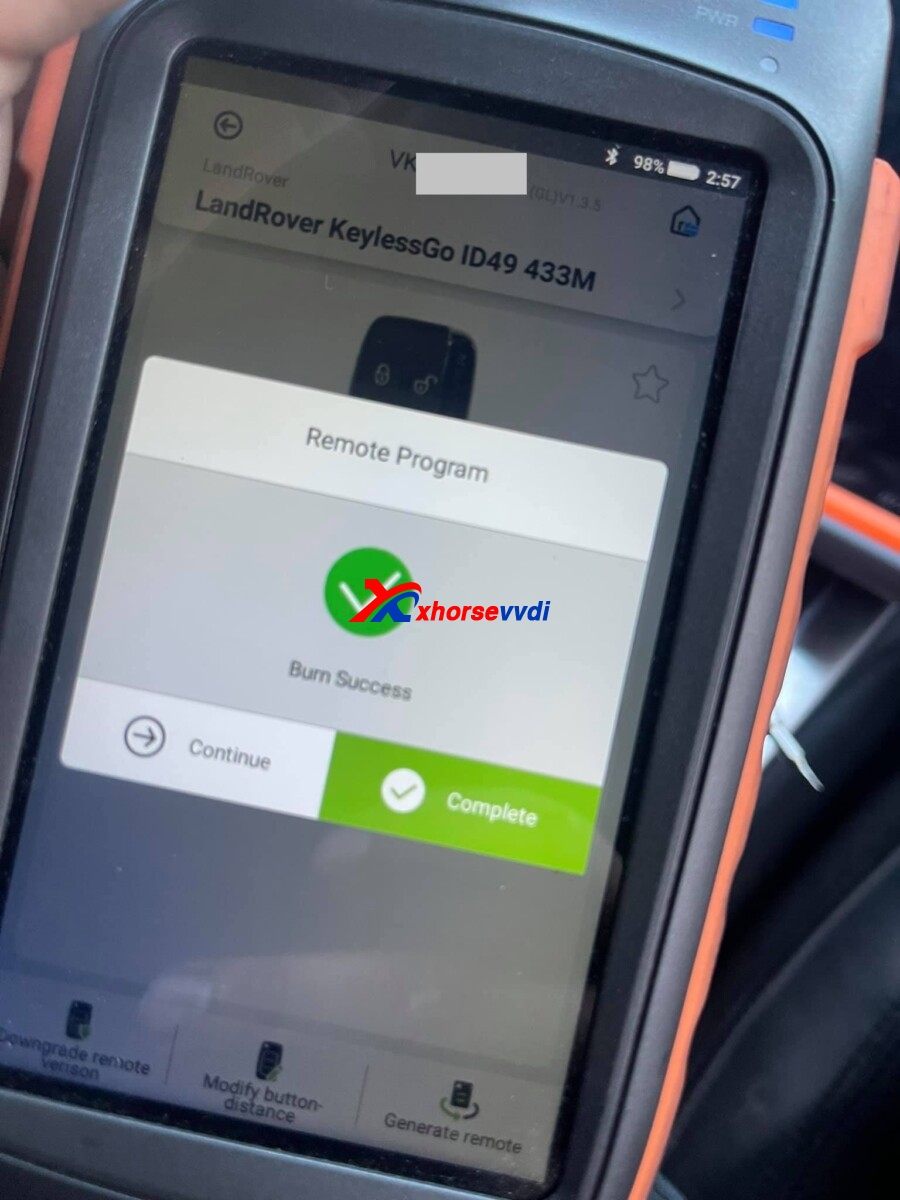
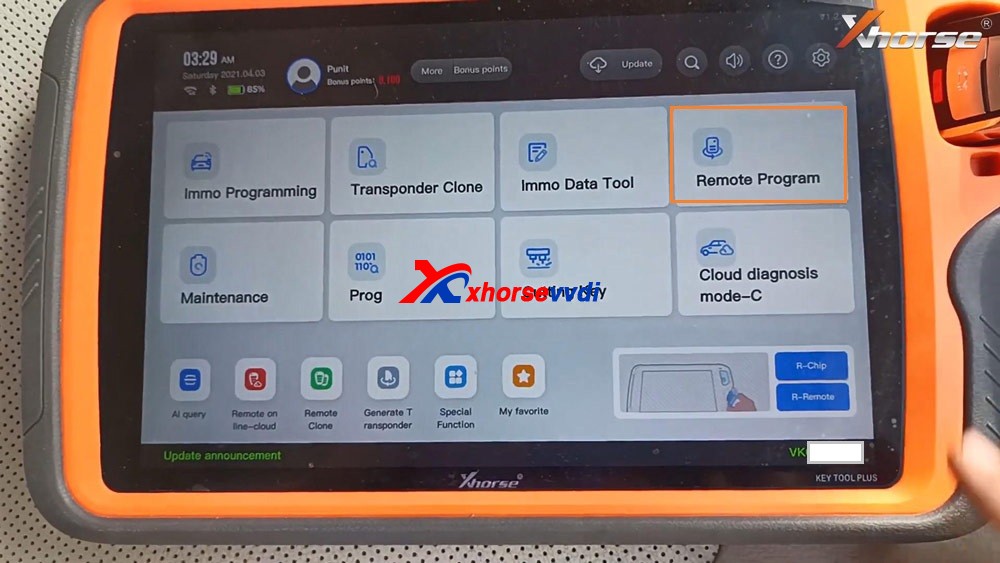
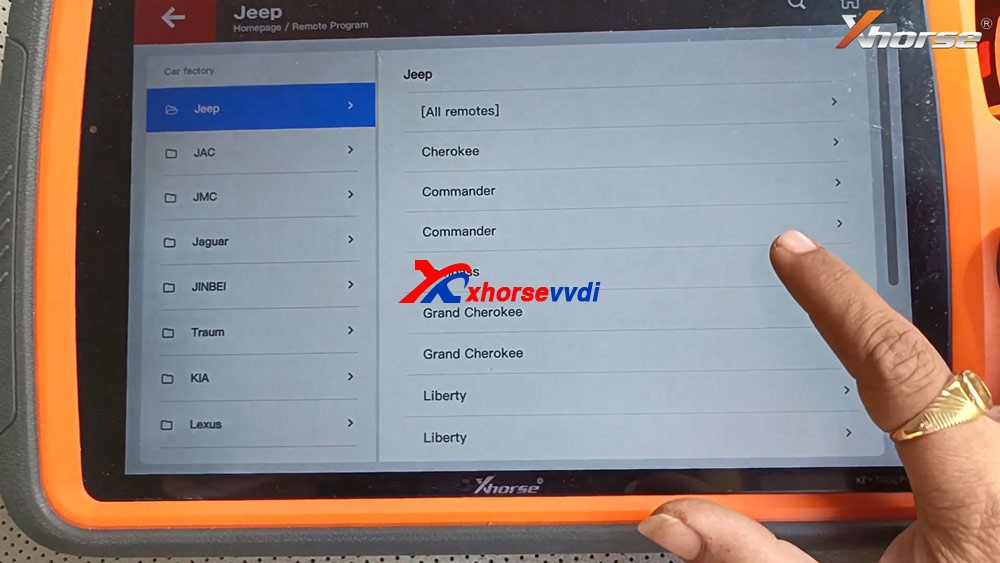
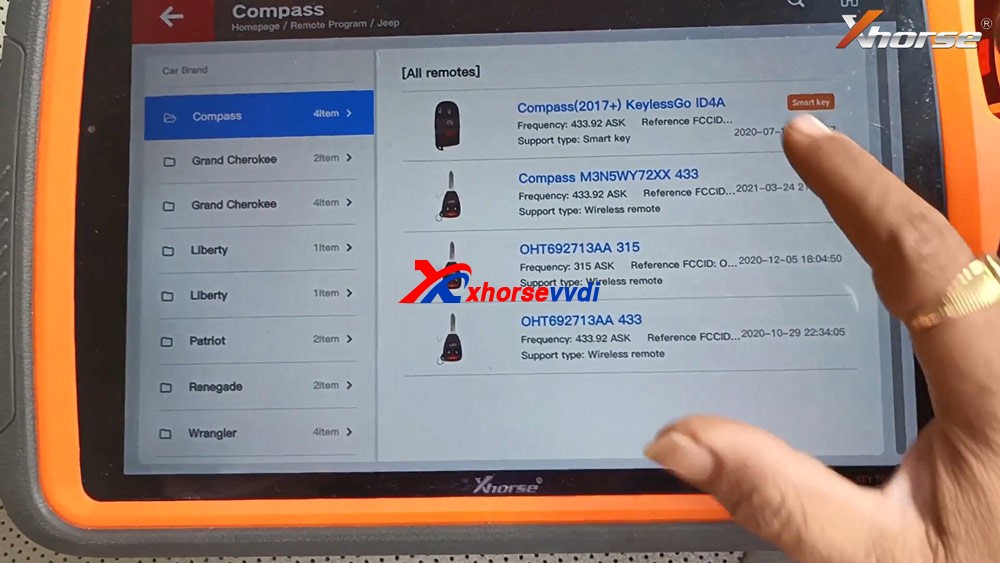
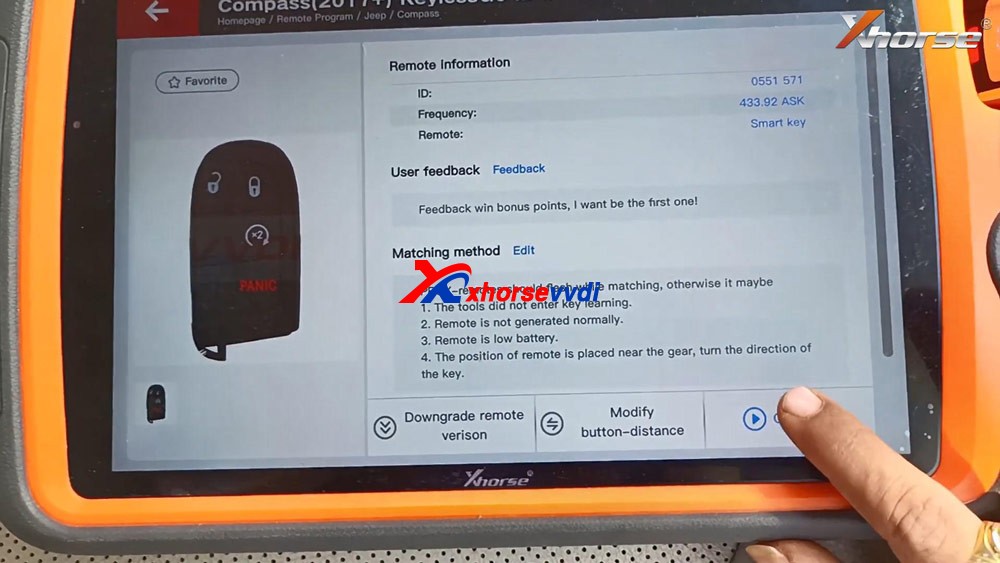
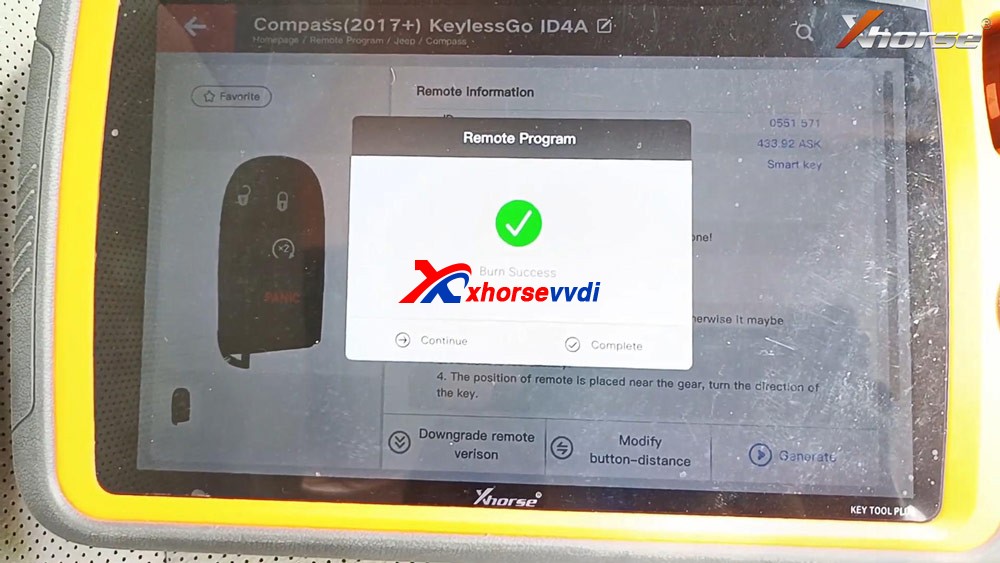
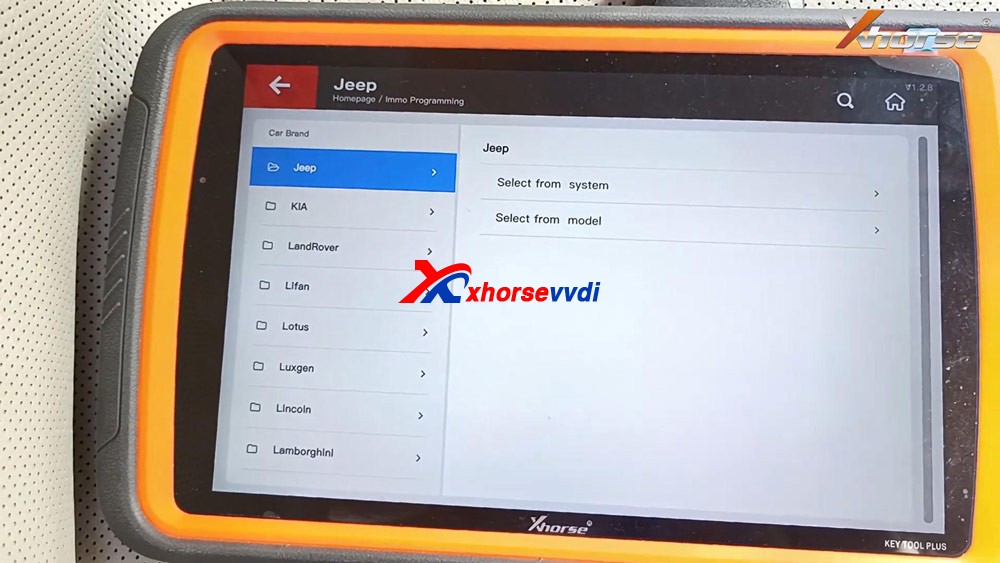
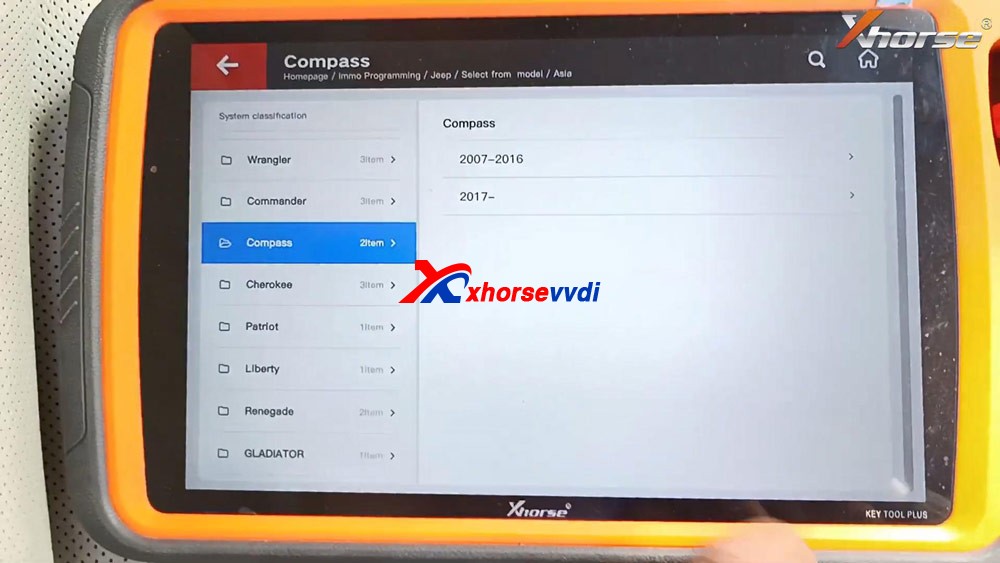
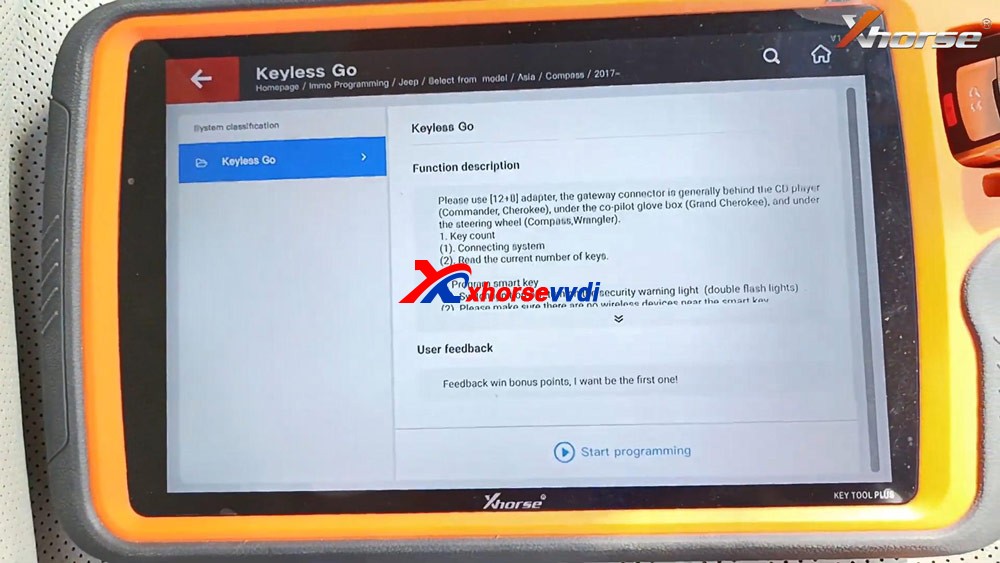
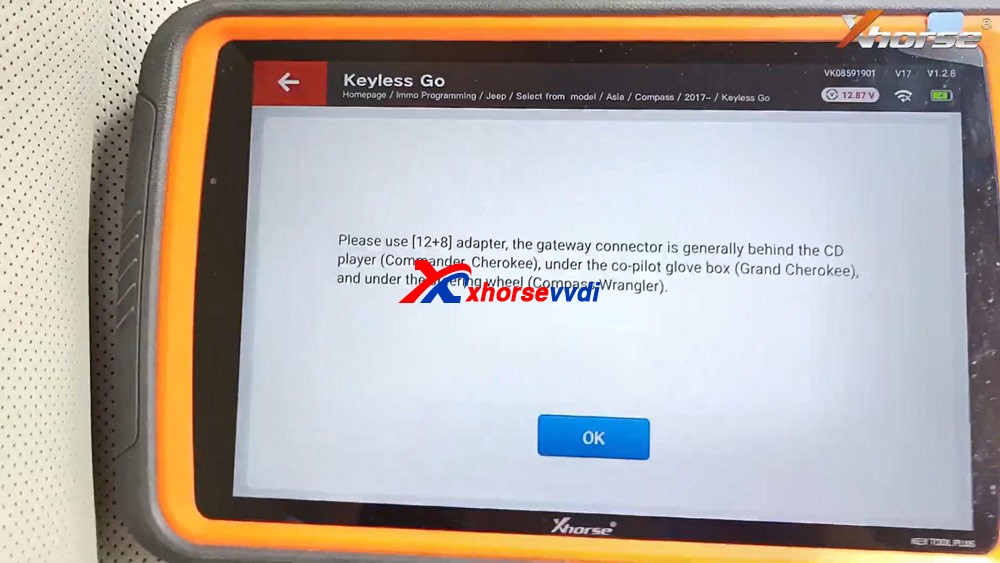
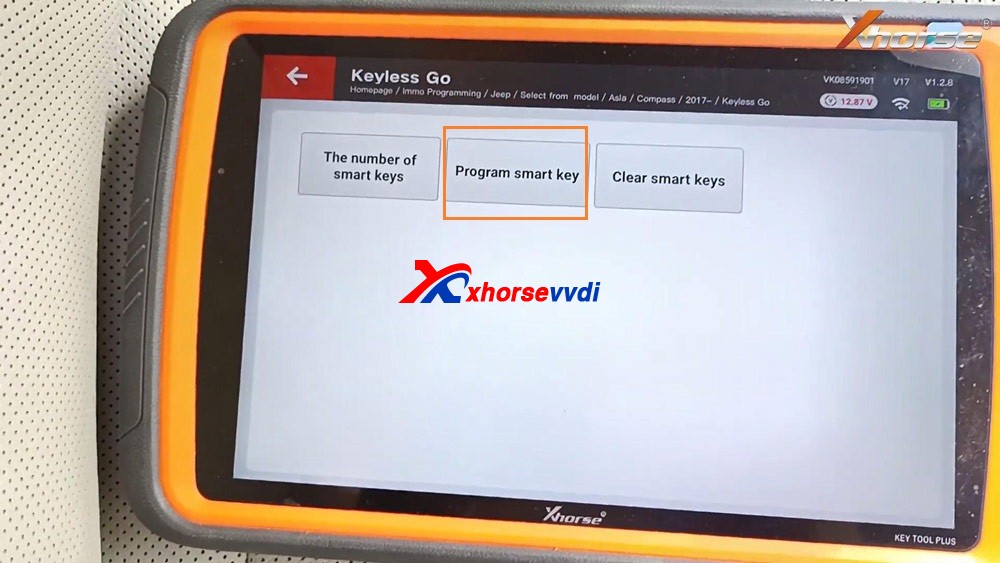
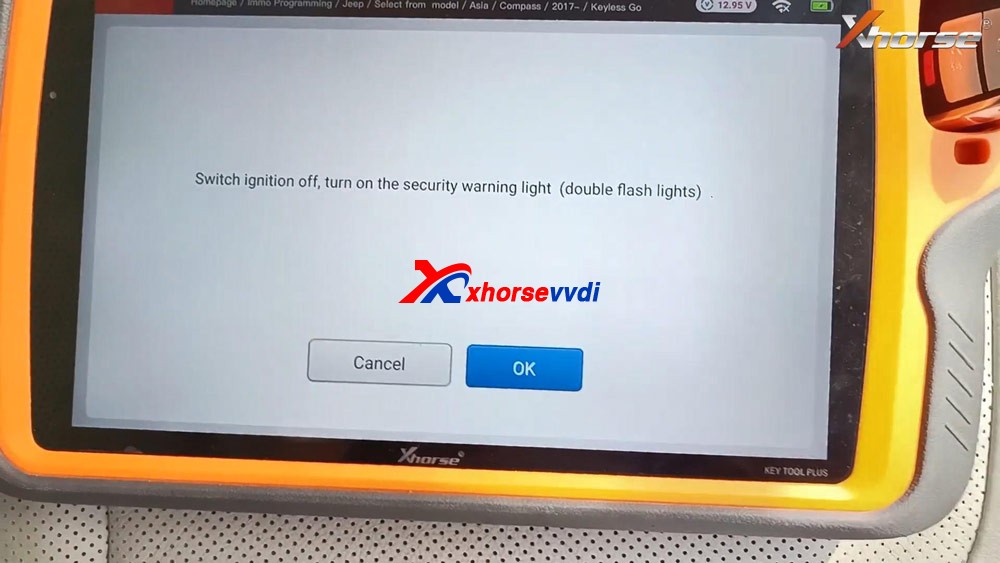
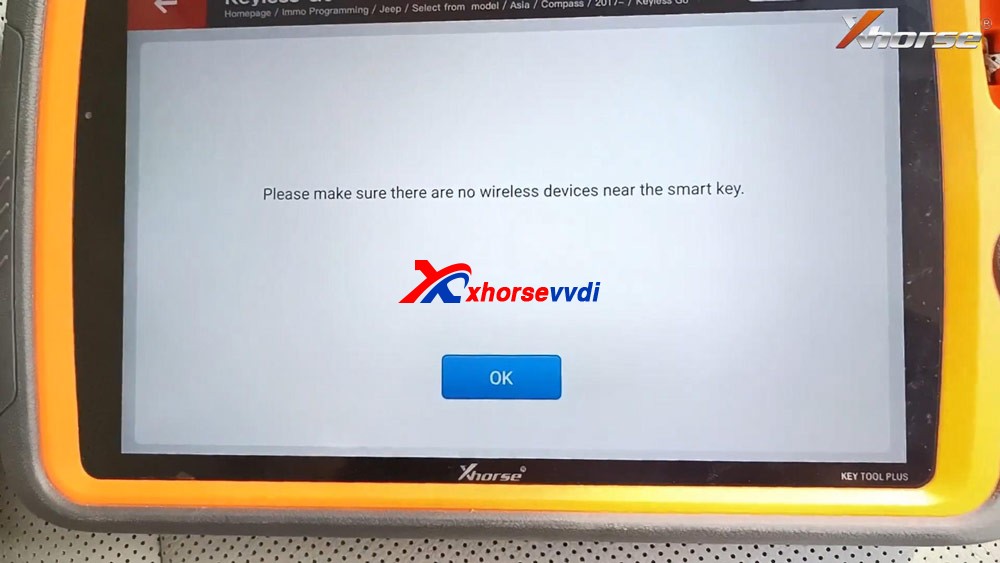
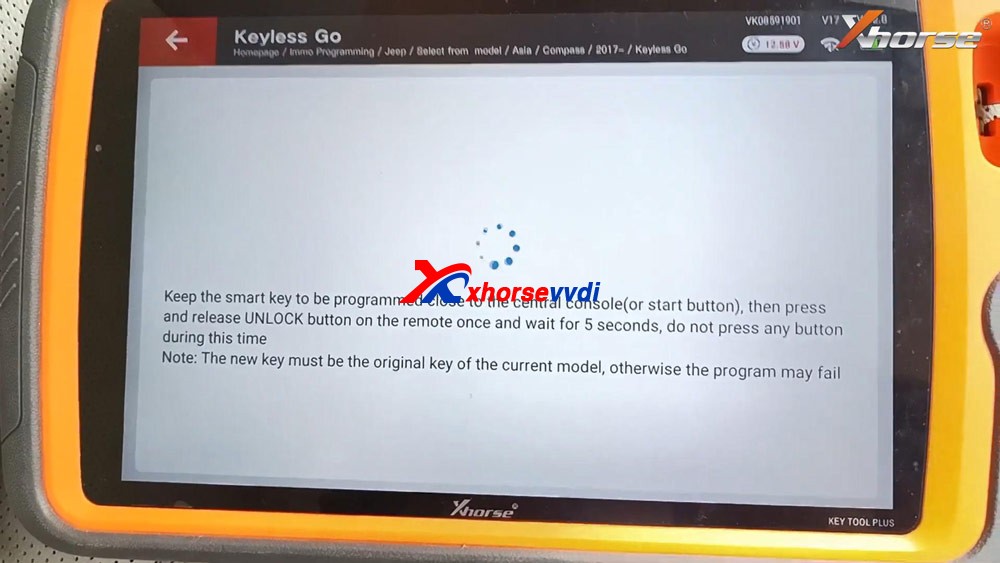
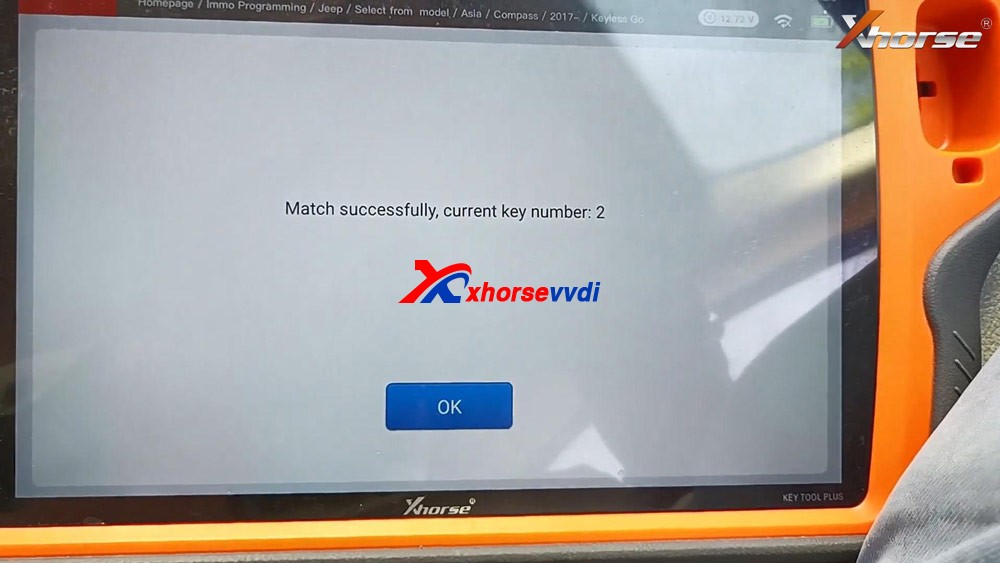
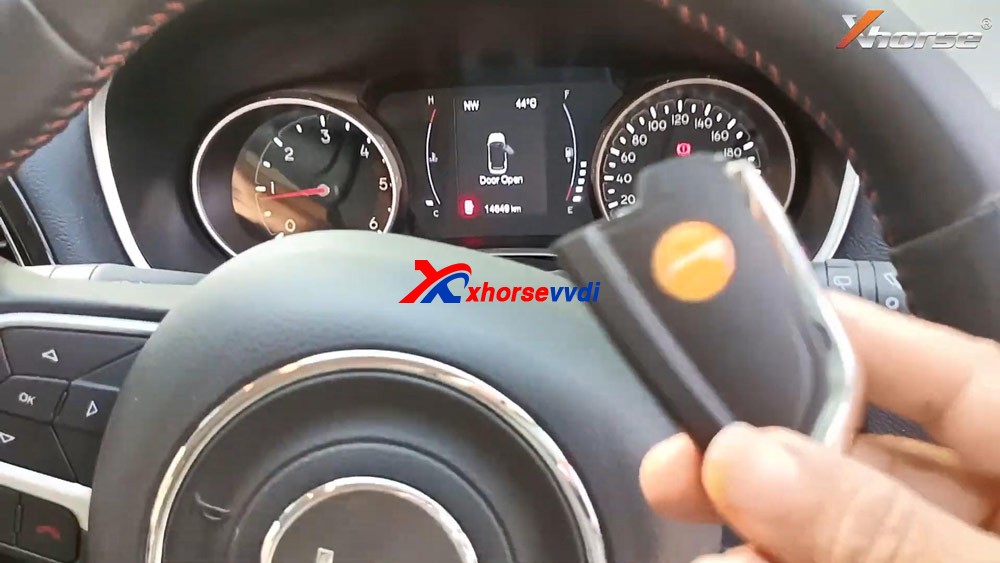
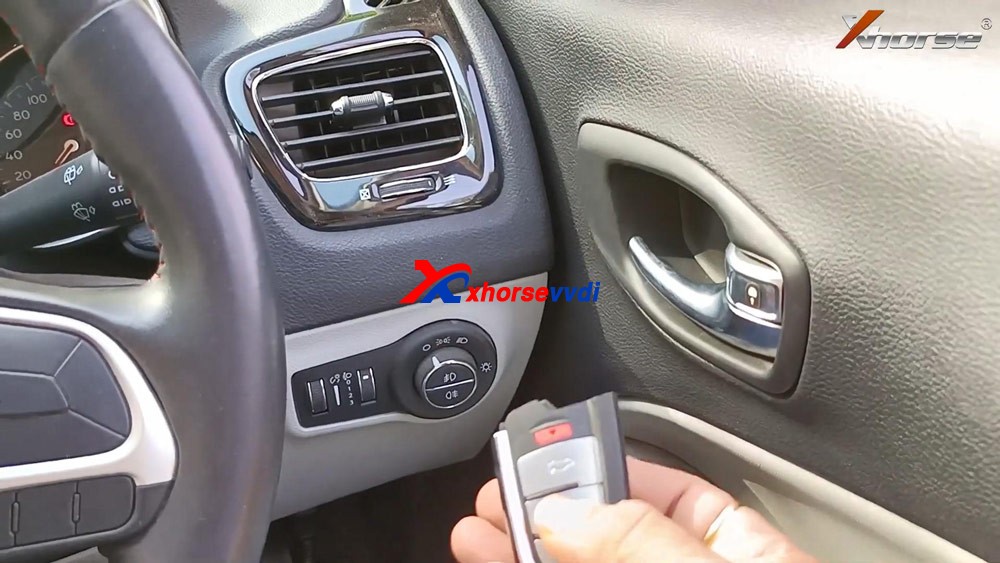
Tap “Remote Program”, select “Jeep” and then ” Compass”. Select “Compass (2017+) KeylessGo ID4A”. Tap “Generate”. Detecting remote. Writing data. Burn success and tap “Complete”. Back to select “Immo Programming”, select all brands and “Jeep” and “Select from model” and then “Asia”, then “Compass”, then “2017 -“, then “Keyless Go”. Select “Start programming”. Please use [12+8] adapter, the gateway connector is generally behind the CD player (Commander, Cherokee), under the co-pilot glove box (Grand Cherokee), and under the steering wheel (Compass, Wrangler). Tap “Program smart key”. Switch ignition off, turn on the security warning light (double flash lights). Please make sure there are no wireless devices near the smart key. Keep the smart key to be programmed close to the central console (or start button), then press and release UNLOCK button on the remote once and wait for 5 seconds, do not press any button during this time. Note: the new key must be the original key of the current model, otherwise the program may fail. Match successfully. current key number: 2 Test if the new key can start the car. As you can see, the new Xhorse key is programmed successfully.
Job is done.
This is how to use VVDI Key Tool Plus to add one new smart key for Jeep Compass ID4A, please keep in mind, you will need 12+8 adapter, xhorse is not available with this adapter, you can try Autel 12+8 adapter for Jeep.https://www.xhorsevvdi.com/
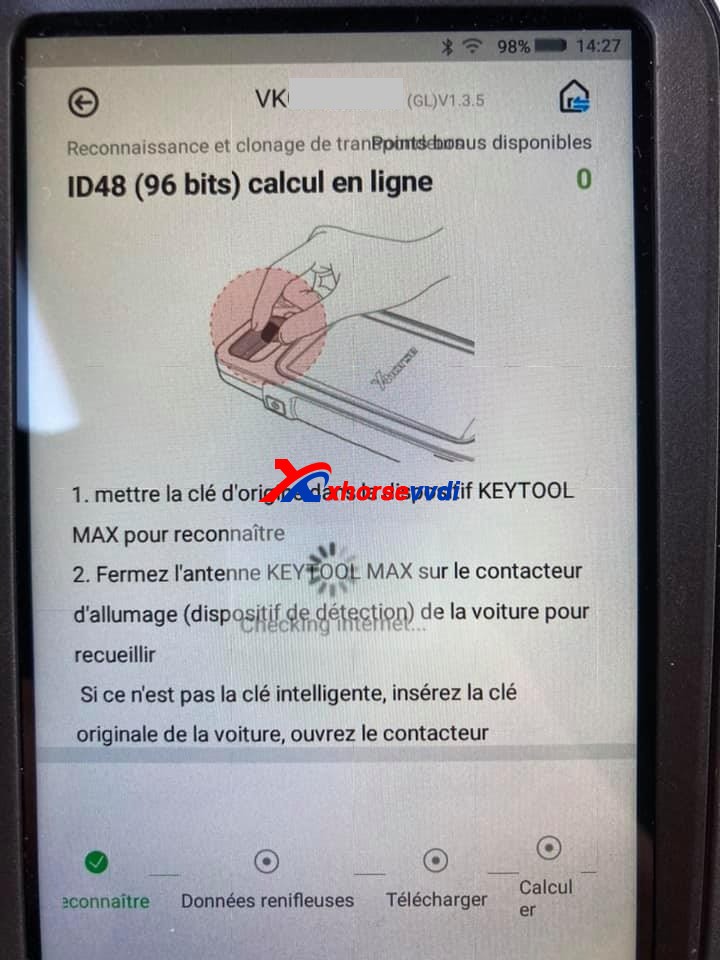
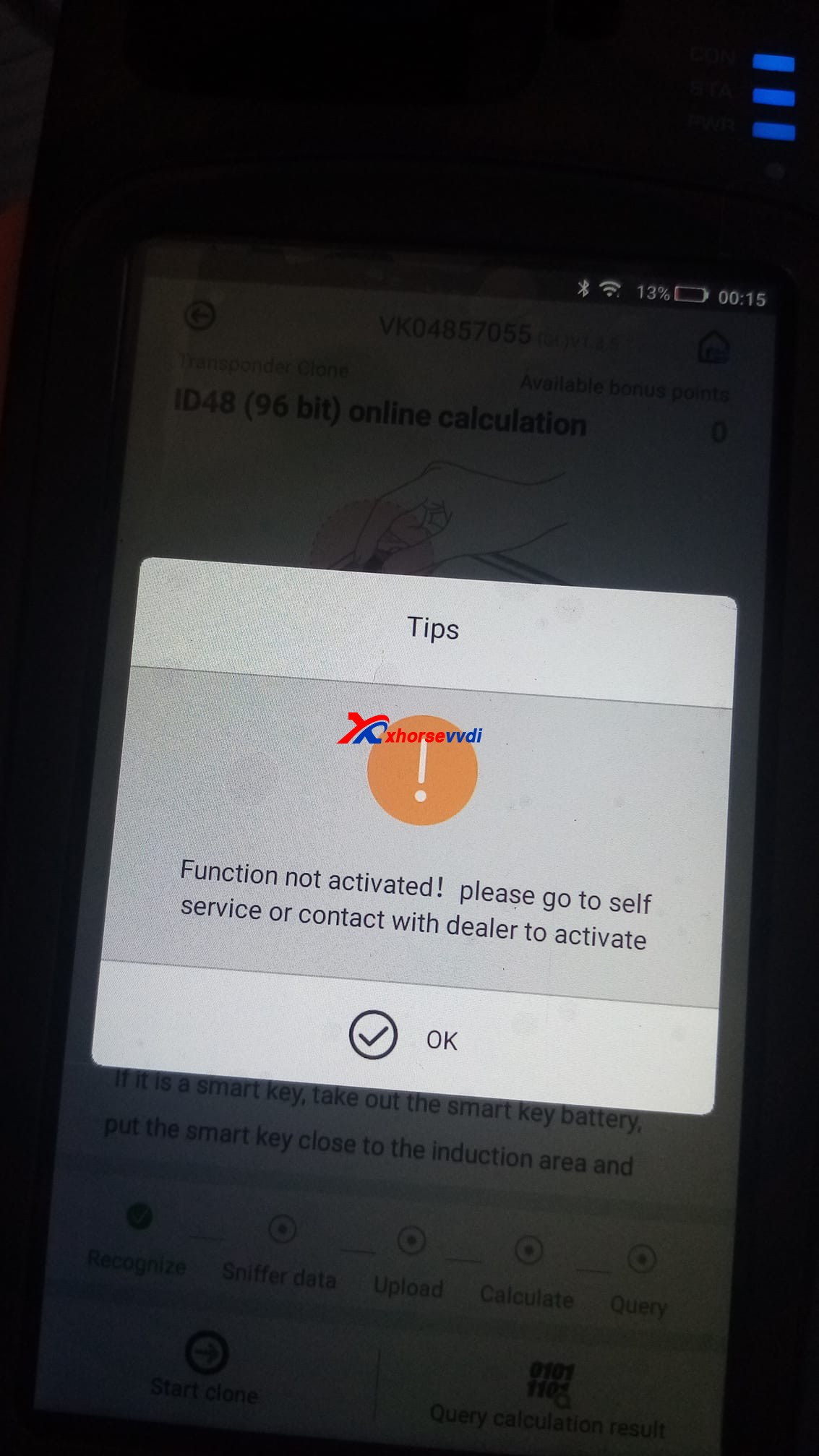
I just bought Xhorse VVDIKey Tool Max, the problem is I didn’t know how to clone ID48 (96bit) keys, every time it shows” Function not activated”, does it have to have the bonus points to make it work? How to get the bonus points?
How to Activate Xhorse ID48 (96 Bits) Authorization:
Cheapest option:
The chips 48 are not free. You’ll generate 10 different remote controls (You need to generate keys not clone chips). But no matter what do you generate. This must be programmed 10 of them to collect bonus points and unlock the activation.
You need 10 different keys new from xhorse (Wire,Wireless,Super, Smart Remotes). Generate 10 and then you get this function activated. After that you can use the keys to get them programmed in cars.
Then the function automatically activate.
This .pdf file tells how to activate 96bit 48 clone by collecting points:
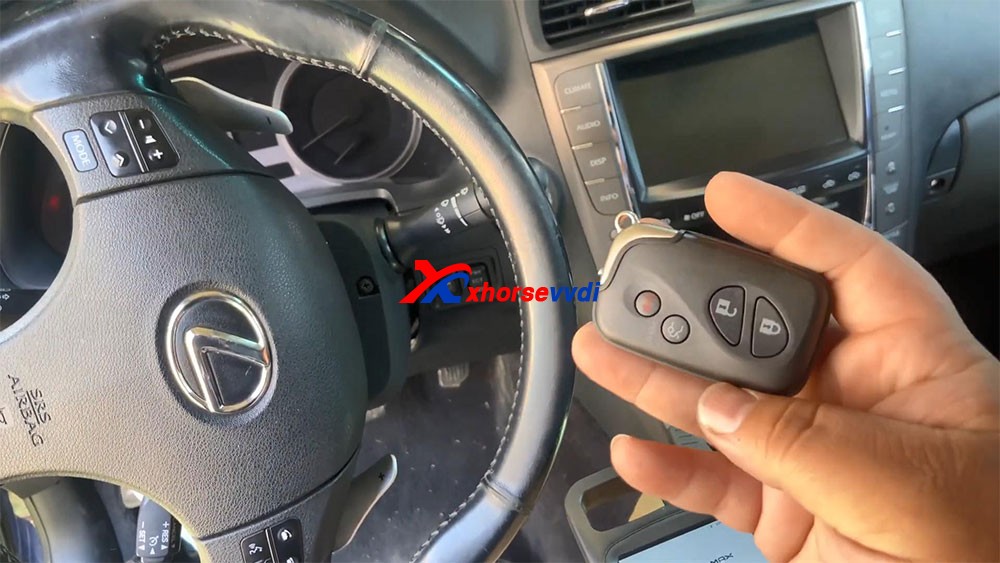
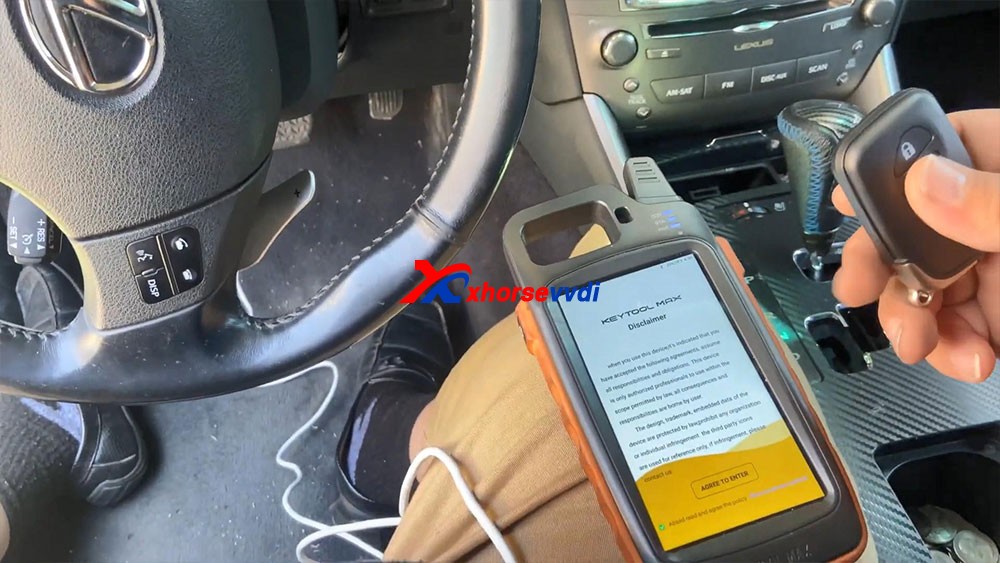
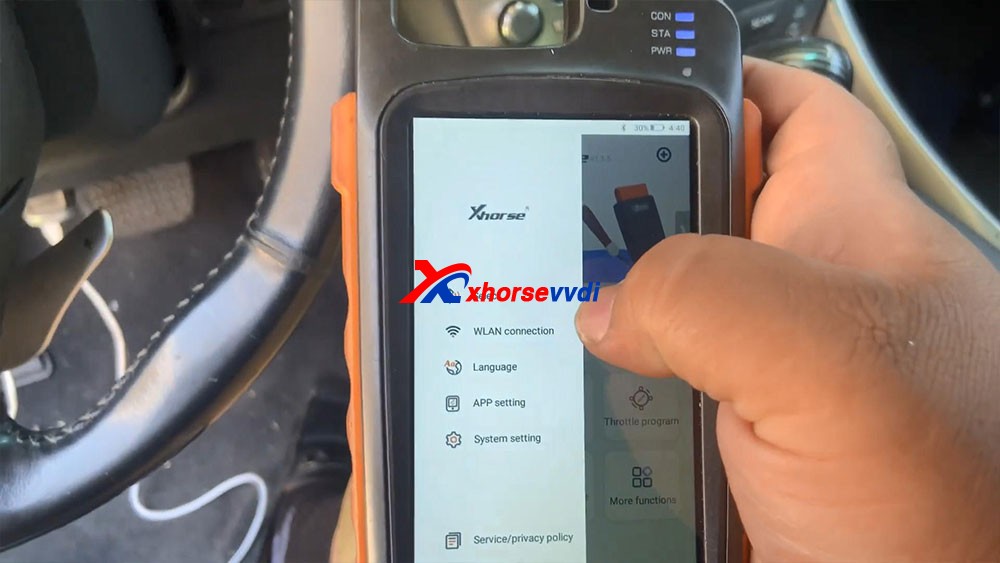
Tutorial on how to add smart key/add key lost for Lexus IS250 2009 – 2013 by using Xhorse VVDI KEY TOOL MAX and MINI OBD TOOL Here you are:Tool option: KEY TOOL MAX & MINI OBD TOOLAlright, already connected our mini OBD programmer to the car. I’m kind of low on battery, so I hooked up the cable to provide for me.
Let’s continue guys let’s go ahead and program this key that’s all smart keys lost.
Okay, so the first thing we’re gonna do: agree to enter.
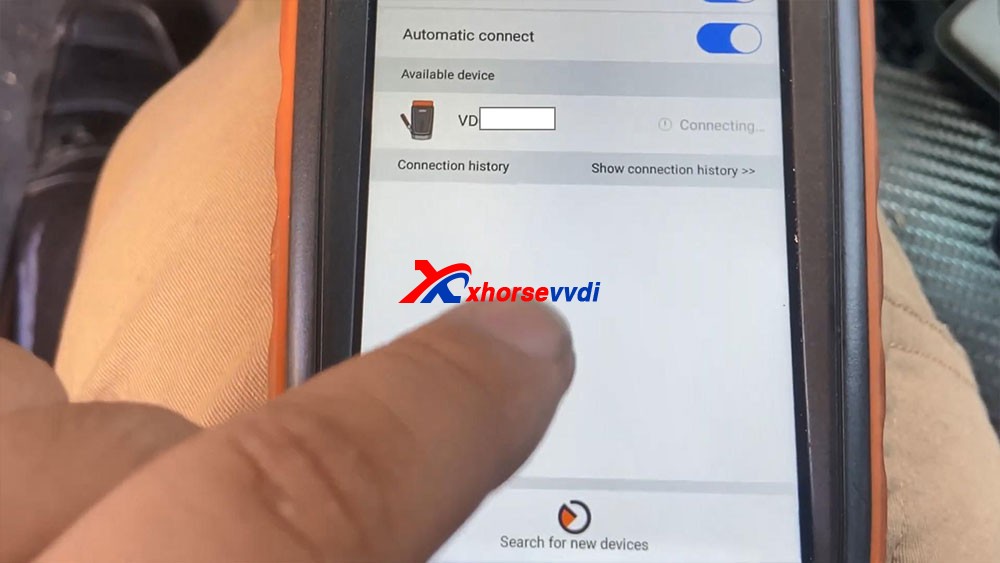
We’re gonna go ahead and connect Bluetooth.
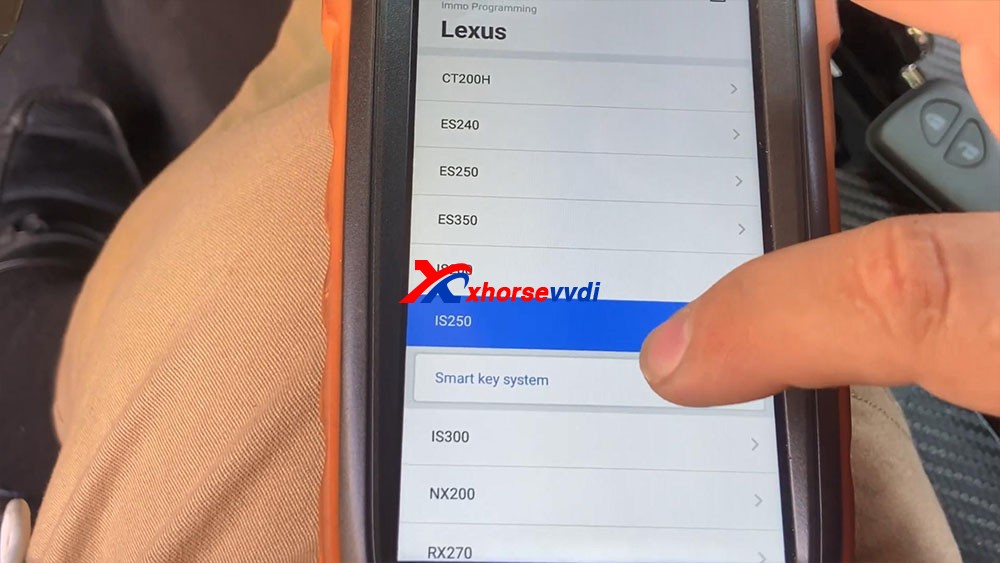
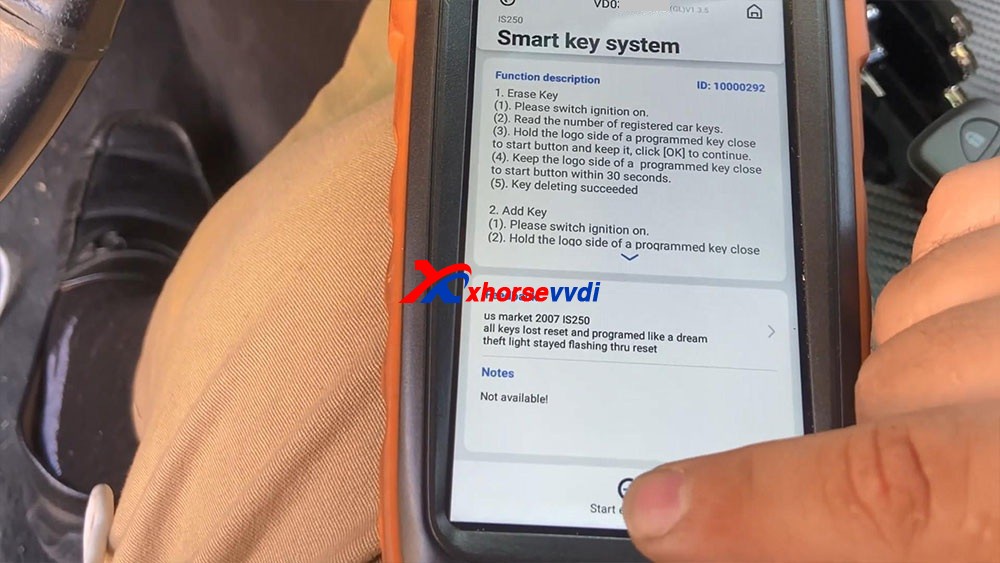
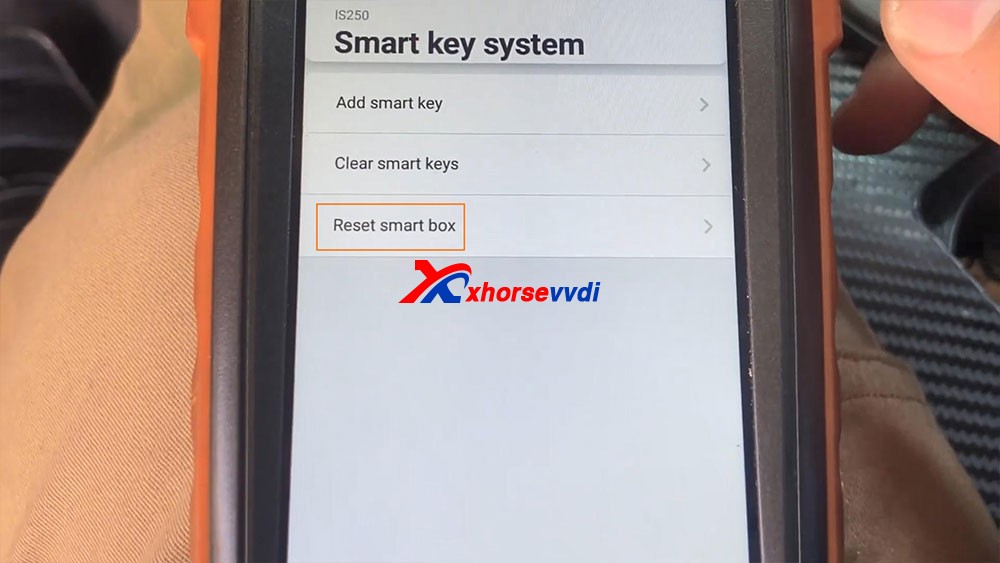
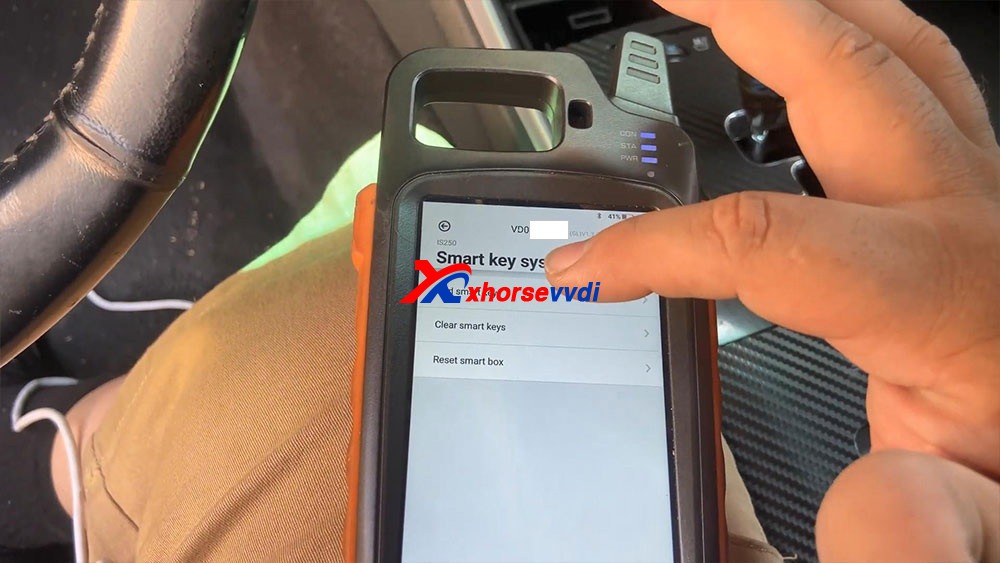
So I just go “Immo programming” -> “Lexus” -> model IS250 -> smart key system -> Start execution.
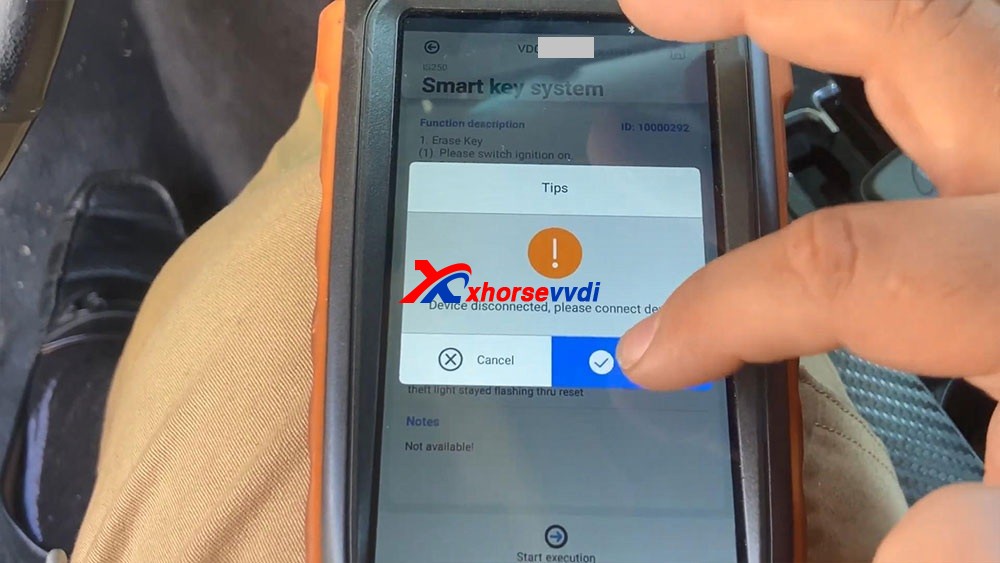
Have tips : The device disconnected, please connect device, just click on “connect”, let’s connect first, we select the device serial number and it shows connecting and let’s try to turn on the ignition, so let’s go ahead to select “Start execution”.
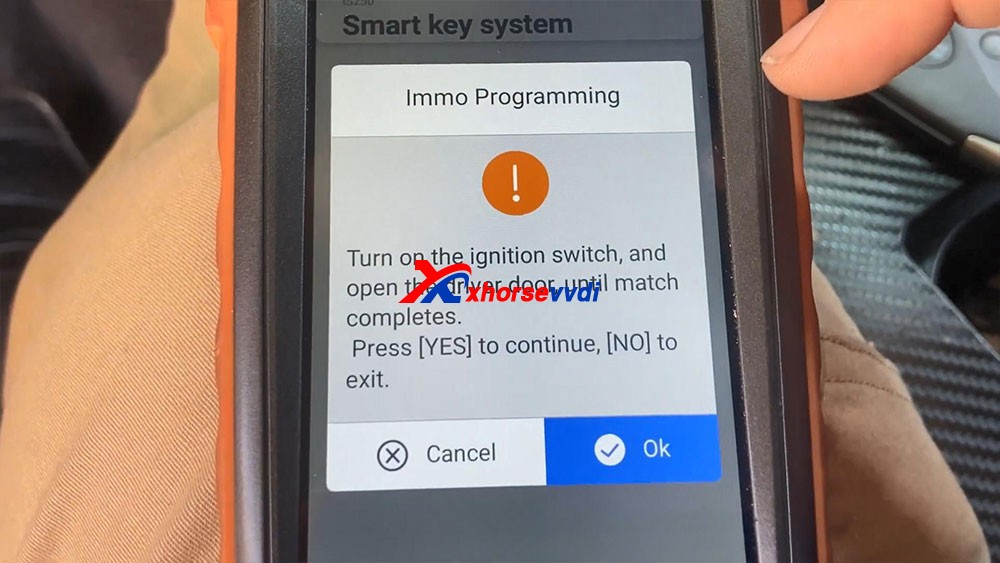
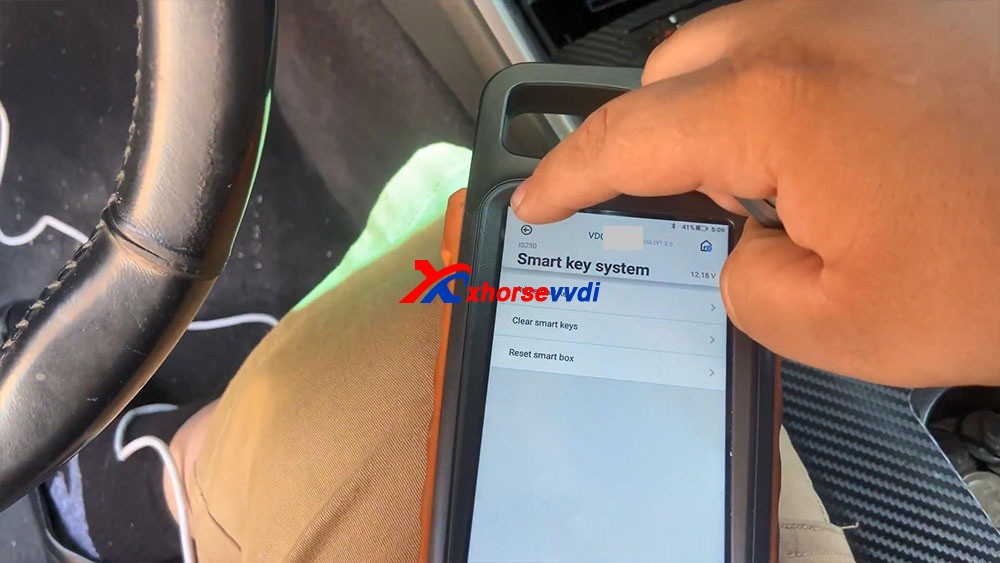
We select “Reset Smart Box” and it says “Turn on the ignition switch, and open the driver door, until match complete”, okay, click on “OK”.
Connecting system…
Secure access…
Communicating…
Connecting system…
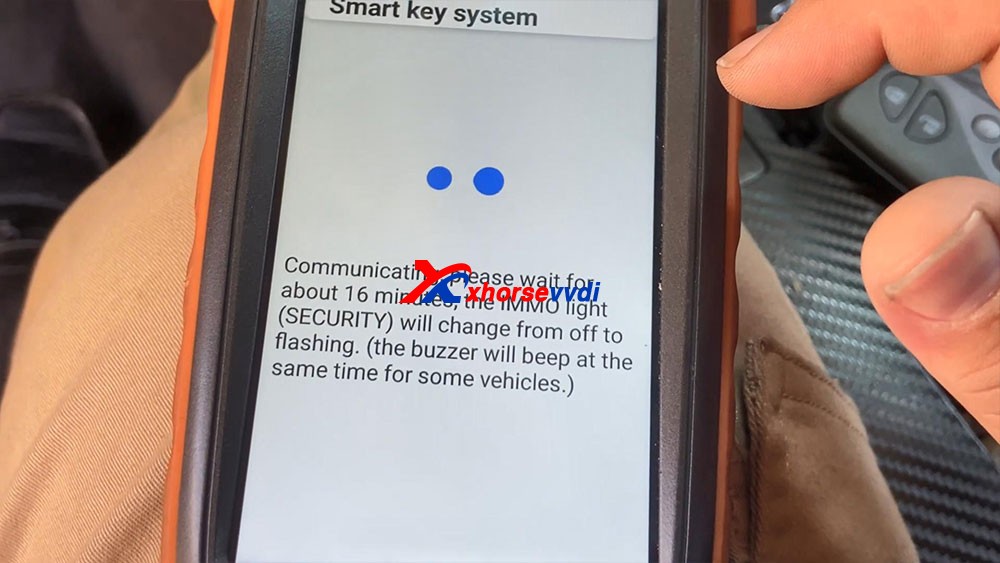
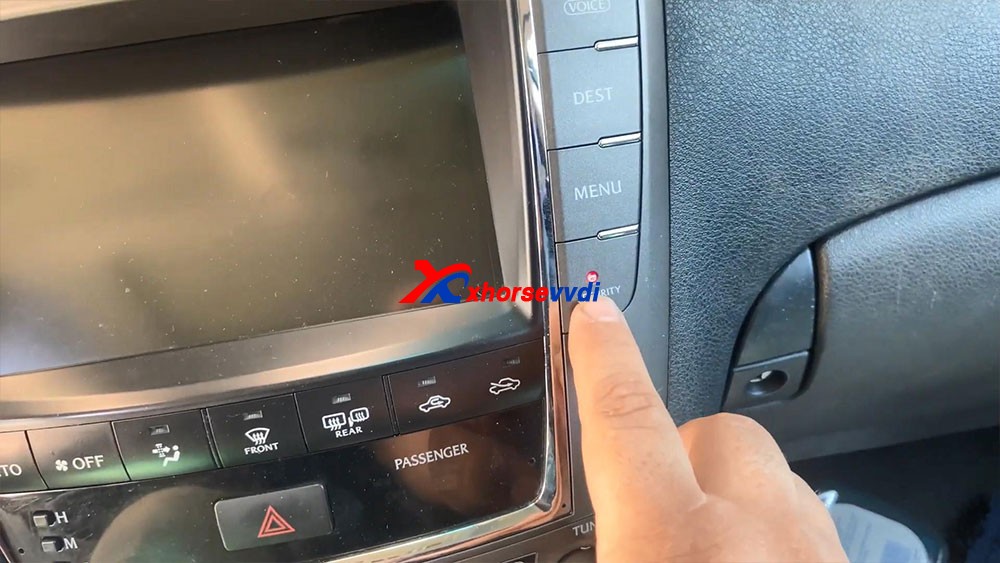
Communicating, please wait for about 16 minutes, the IMMO light (Security) will change from off to flashing. (the buzzer will beep at the same time for some vehicles.)
You guys remember waiting for this light to start flashing and last but not least body ad. Okay so you guys can see the 16 minutes are up and the light and secure light begins to flash.
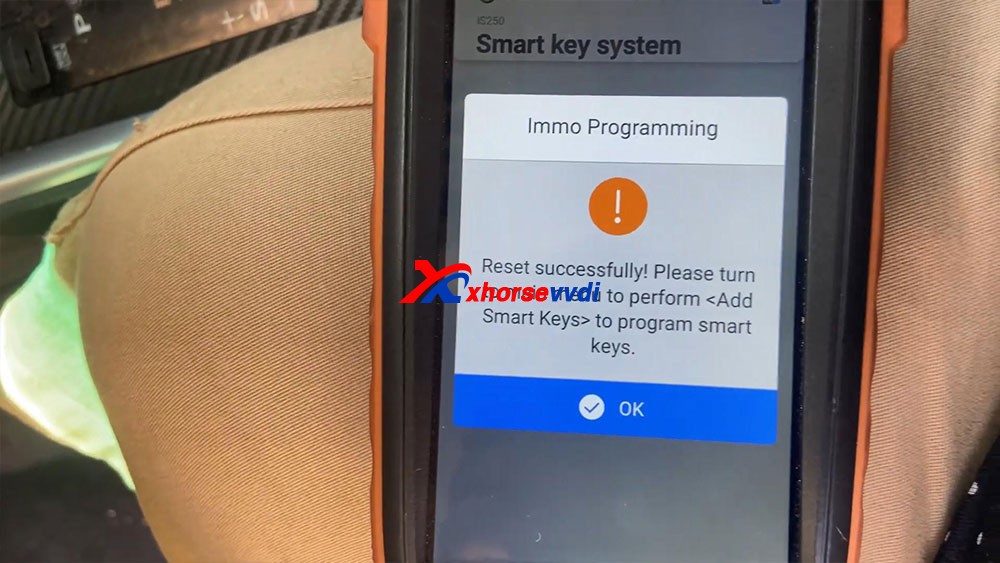
Reset successfully! Please turn to main menu to perform <Add Smart Keys> to program smart keys.
Okay, we’re gonna go back to a key.
It says “Turn on the ignition switch”, to open the switch
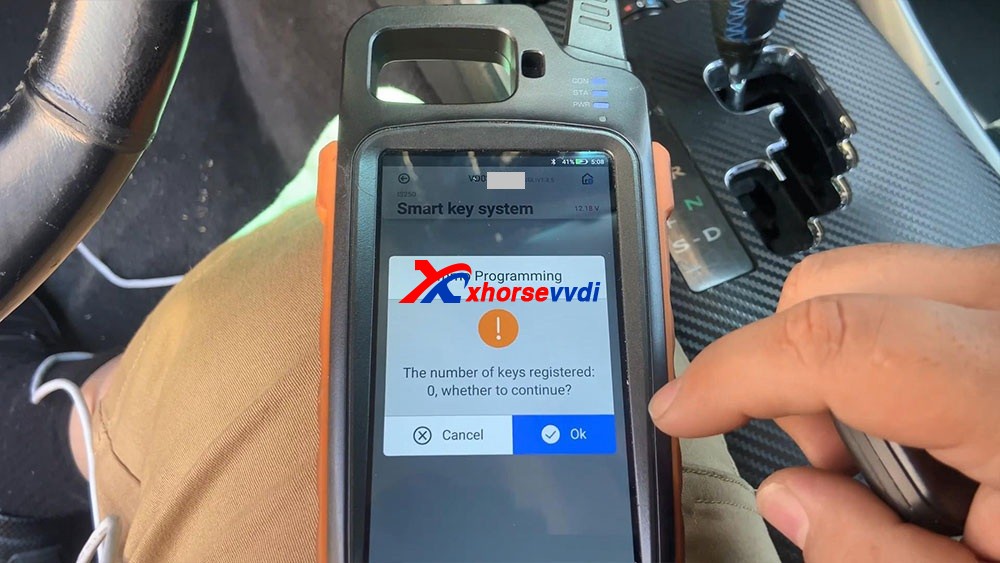
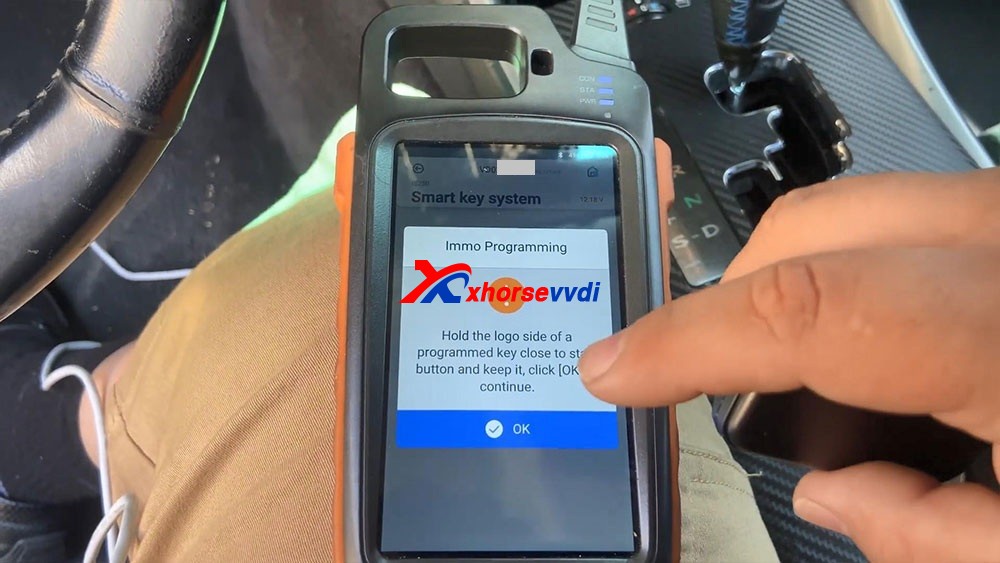
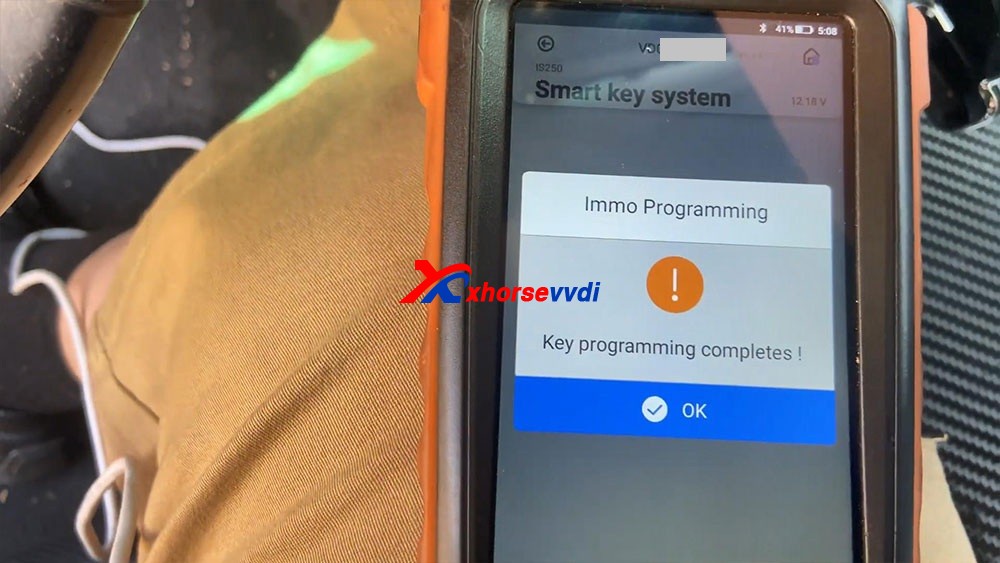
It says “The number of keys registered 0” click on “OK” to continue, yes it tells us there’s no keys registered. Hold he logo side of a programmed key close to start button and keep it, click [OK] to continue. And you will hear beeps after putting the key close to the start button. What you see as key programming complete, so we press okay a few times until it actually got the key, and then we press OK. So let’s go ahead and try to test our key, let’s disconnect all this stuff right here, turn off the ignition , we’re gonna close the upper left icon, then it says “Don’t forget your Mini OBD Tool”. Let’s go ahead and try the key. Are you guys going to see that the key successfully turned on the vehicle.
Let’s go ahead and try a remote, it shows that works really good, perfect.
Okay, so that’s how we program a key with Xhorse Key Tool Max and Mini OBD Tool programmer.
Hello guys, I have here 2013 535 F10 with 6wb cluster to do mileage correction. I couldn’t modify mileage in dumps, I already wrote the modified in CAS, but I couldn’t write the dump 160d0wt in IC, thought VVDI prog cannot do this service. I have VVDI PROG and VVDI BIMTOOL
Update: VVDI PROG can ERASE the first 2 lines, I do use adapter SOP16.
Tips:
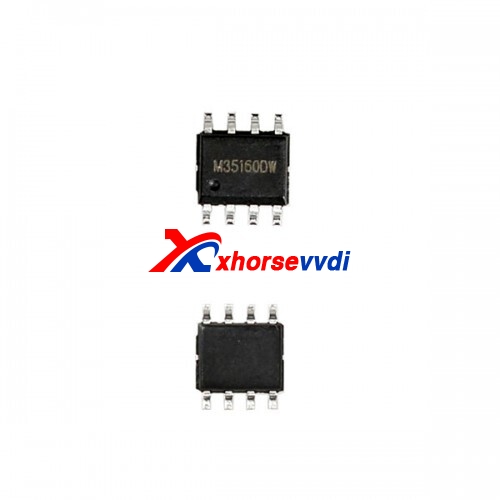
35160D0WT EEPROM is not erasable and has page-id which locks this memory to its own dashboard-micro. you CANNOT erase or substitute original memory with recovered/bought one. You have to emulate the original memory with an emulator and then edit the data. This requires special tooling and emulator etc.
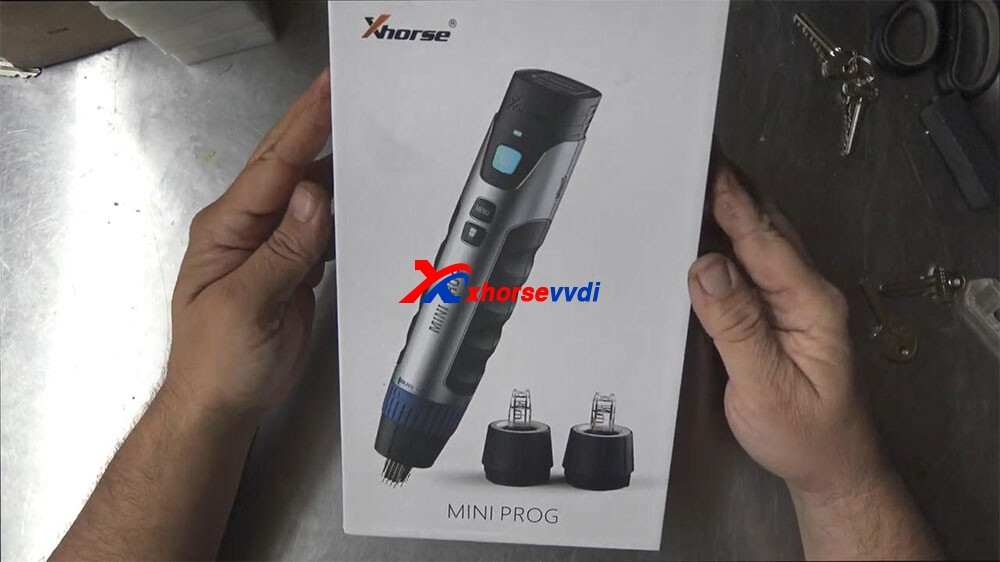
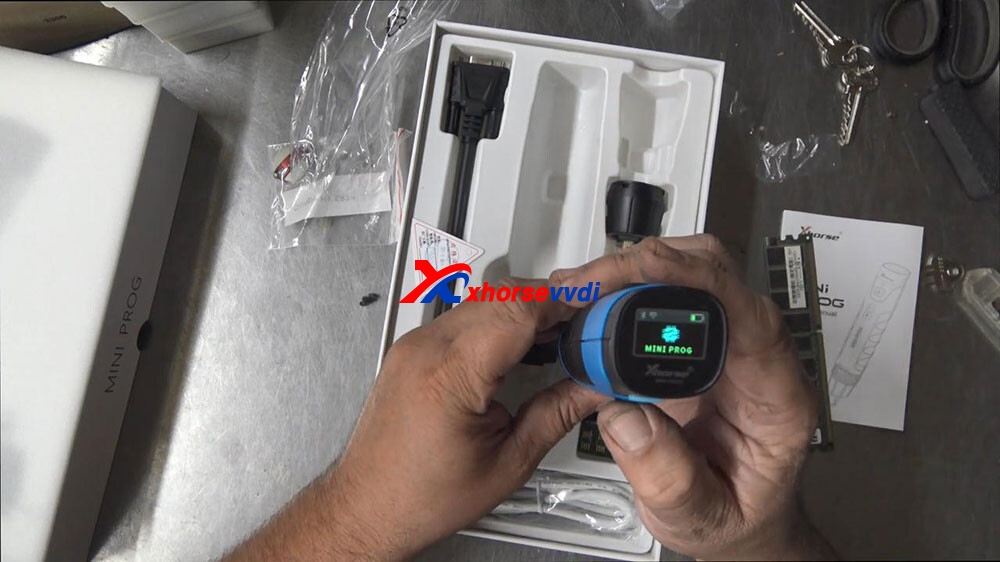
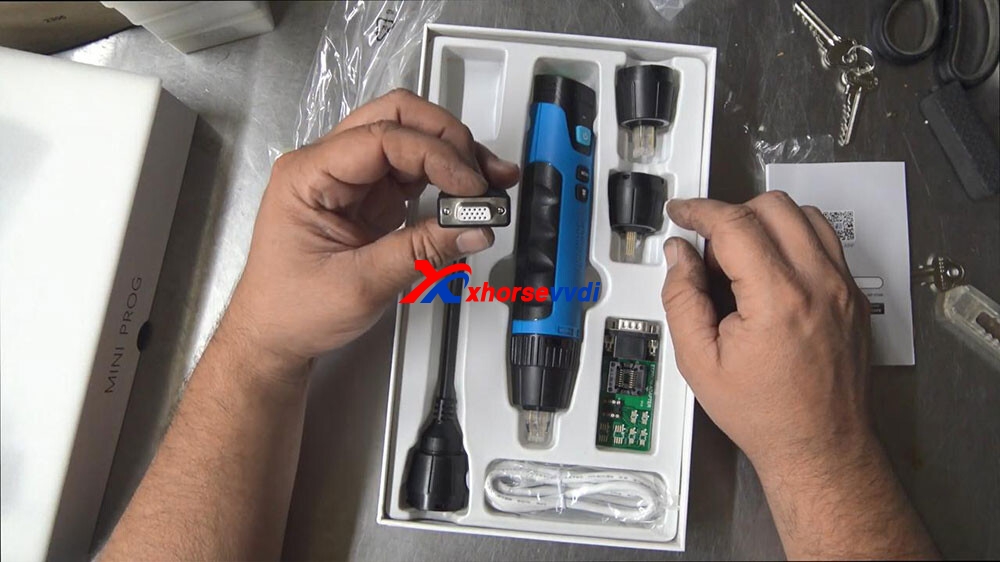
Welcome to another article about Xhorse VVDI Mini Prog Programmer, this has arrived and we don’t get anything for any of these tools that we review for free, we actually buy them, the reason we bought Mini Prog is because we have the other Xhorse key tool and it pairs up with it and it’s worthwhile to see if this tool will do what it’s meant to do, in the states they had a number of devices like this even going back for some time now, but they were really only suitable for American cars, they only came with the American software, now Xhorse has brought this one out here which is very interesting, it runs off Bluetooth it talks to the key programmer, it has different heads on it.
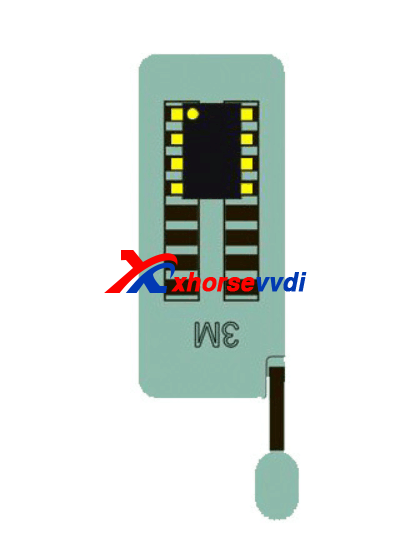
And this is a pick chip or soic chip, this little tiny chip right here on the board so that last little one right up there on the end there, alright, that’s what that is.
And what that is inside immobilizers speedoes, they’re in all sorts of electronics these days where memories being stored and for us locksmiths, we need to read that chip and actually take the code out of it and put it back into a transponder chip which the car can read, so this is like the brain that holds the code and the car transponder chip is the actual bit that has to have the right code to match with this, in short term.
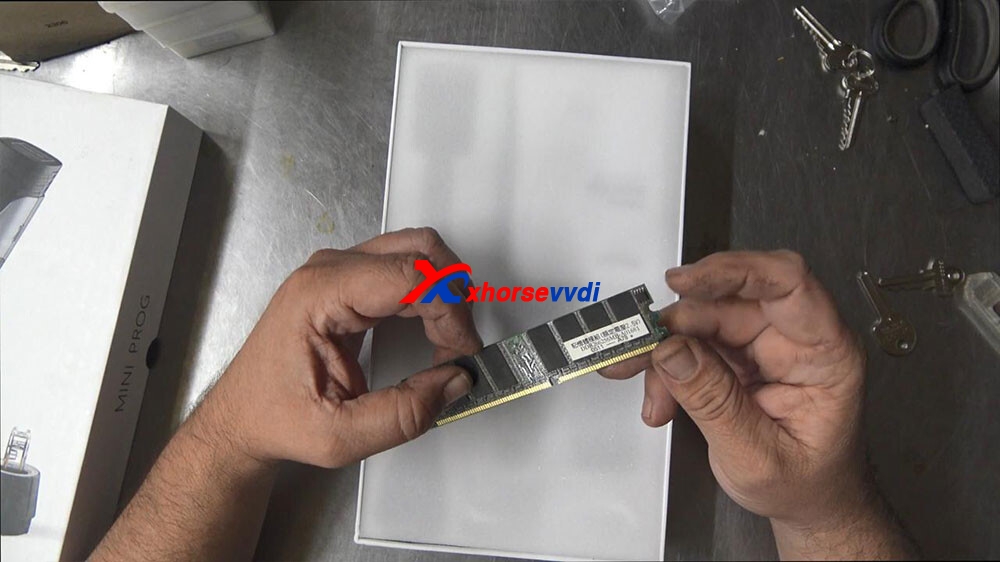
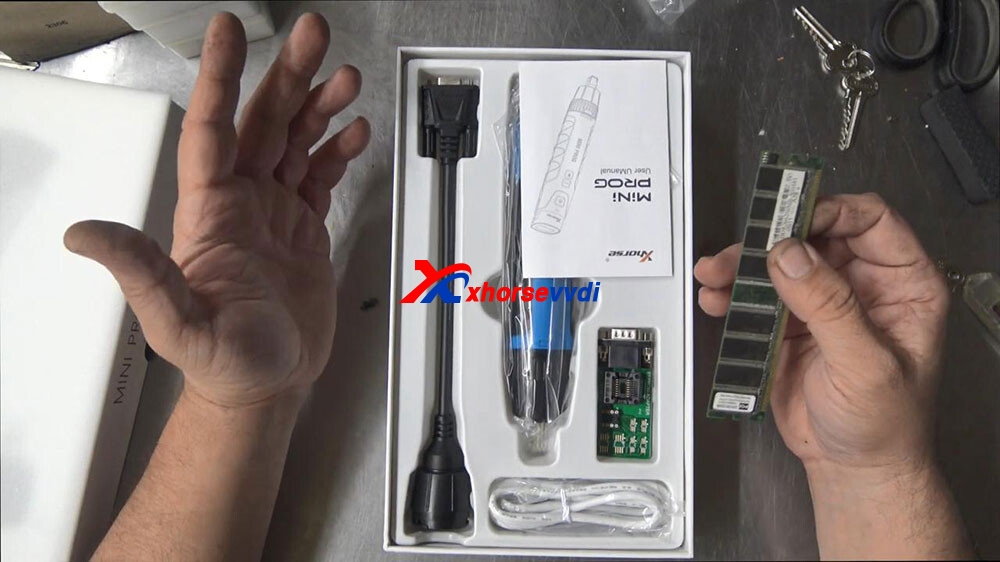
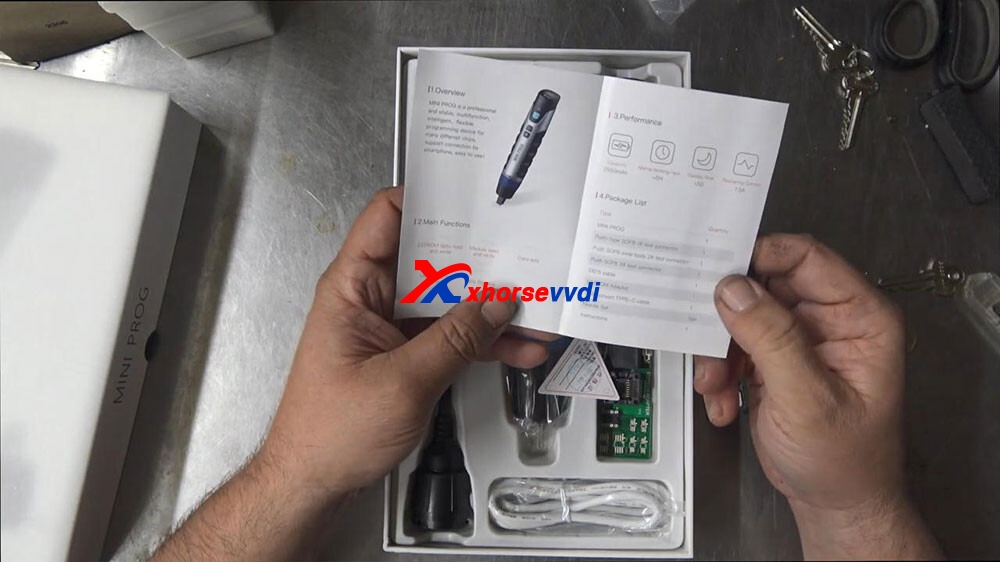
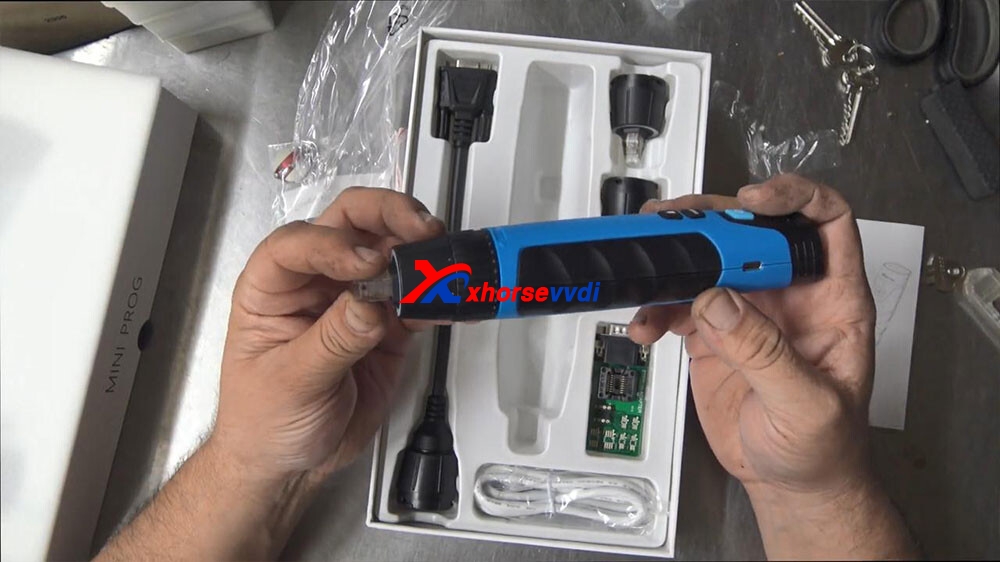
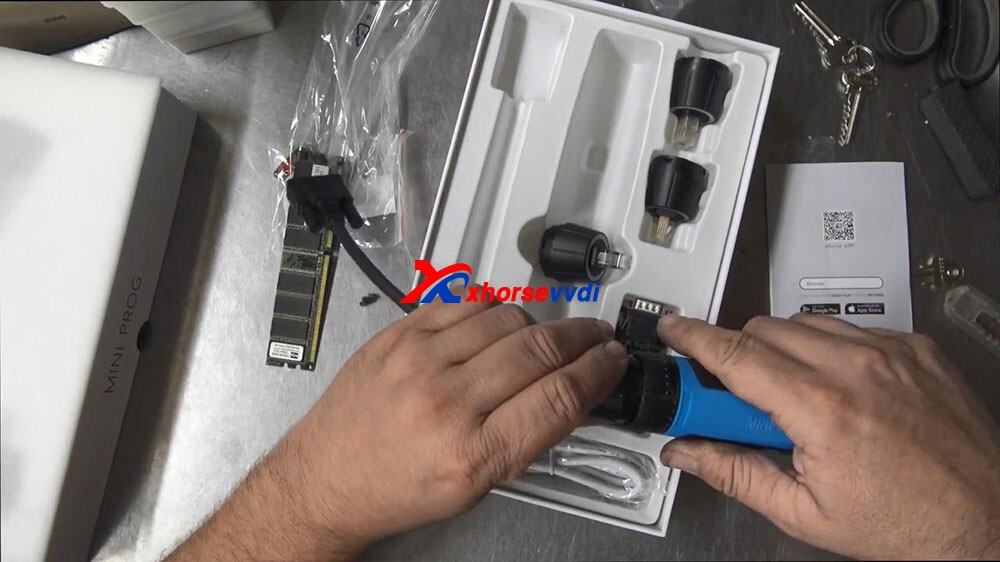
so I thought I’d just give you a quick little unboxing on this one here we’ve got the instructions here.
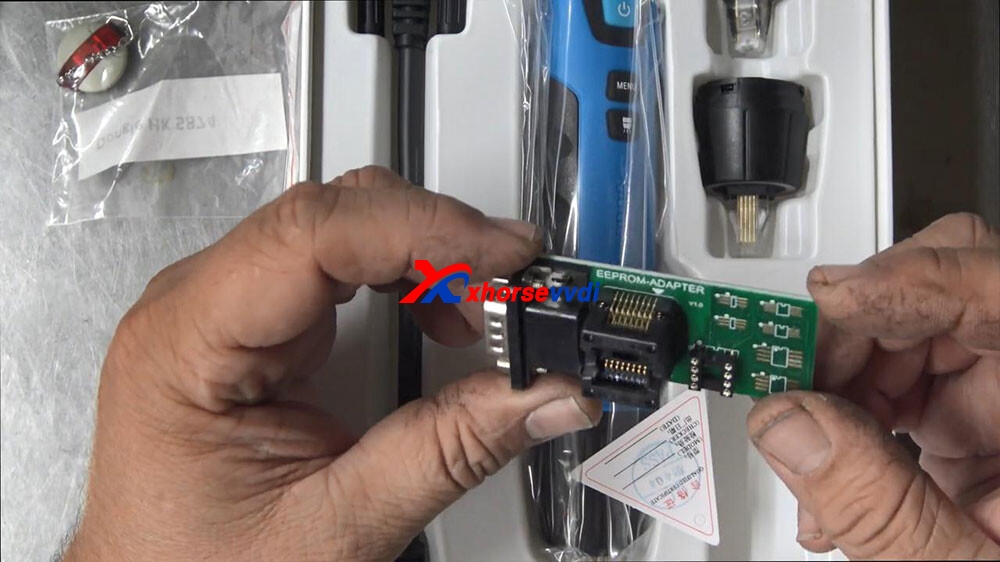
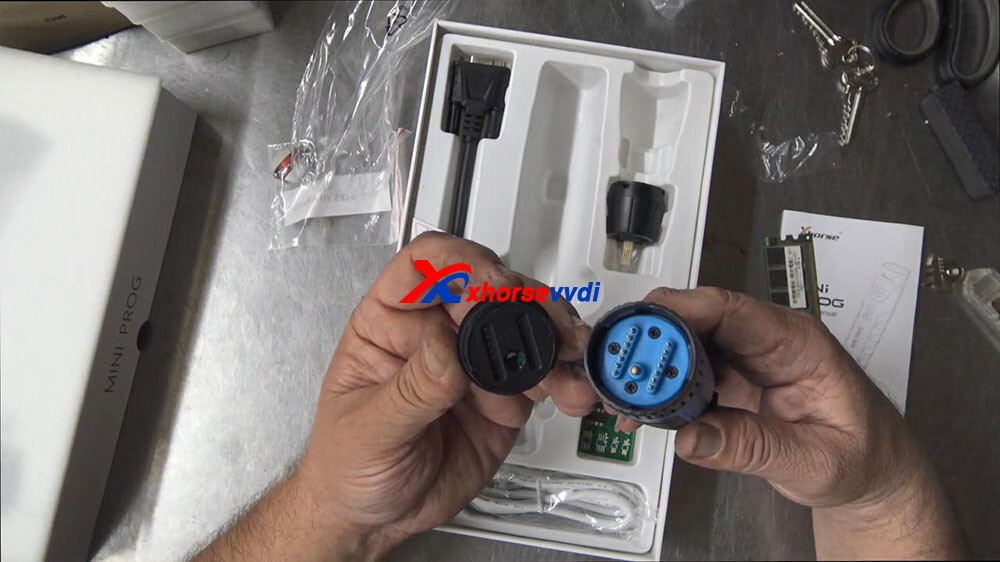
Capacity 200 and 2550 milliamps normal work time, five hours standby time, five days recharge current 1.5 amp, we’ve look at that in the sec, main functions: eeprom data read write, module read and write, data edit mcu, data read write, data storage, so, we’ve got a couple of different adapters here, type mini prog that’s this here, push type SOP8 one tester which I believe is on it, type 2 which would be a one of these ones, type 3 a DB15 cable which will probably be that one or this one eeprom adapter, which is this one right here and a usb and a needle set, we don’t have that and instructions okay, so this right here, dongle I don’t think that’s all that I think that is separate that’s a something else, I’ve just put it in there so it doesn’t get lost.
Alright flicking through now, we have the lead on the top, we have a light indicated tell is on we have it on and off button, a page turning button and a light button, so if this has a light on the front of it, that would be really cool, a start stop button, lithium battery button and a type c charging port on the side of the device, so obviously we would need to use it either with an APP we use it with our other xhorse tool, a key tool Max or Key Tool plus and that should be able to.
So let’s go through and have a look now.
so the design of it is it’s a series of gold pins behind almost like an acrylic front owner and on the back here we can see a row of pins so there’s definitely some sort of push function happening, if I just push this down here you can see that those pins actually come through, if you can see that.
okay that’s how that was working and we’ve got multiple sizes here.
So for my example here, if I was to check this against this,we would come up over the top and push on that and that’s quite a nice push.
Like I can see that that’s good one thing here is I’m not saying I’m not seeing any red spike on the identifying number one leg, on this chip I can clearly see here on the left-hand side but on this ,I can’t see I can only see number three on the front, so and on the back, so I can’t identify number one straight off the BAT which is a little bit unusual gonna push that over the top, so it does fit straight over the top real nice real snug and bang. You can read that chip
If you’ve got that why do you need this, and this is the question, I’ve been curious about why would you need this, so what you normally do here is you plug this into your computer and you bring up like a little soic program and you would solder on the chips onto here and then you could read it that way, perhaps that’s like a backup plan in case you can’t. You can’t get with this tool.
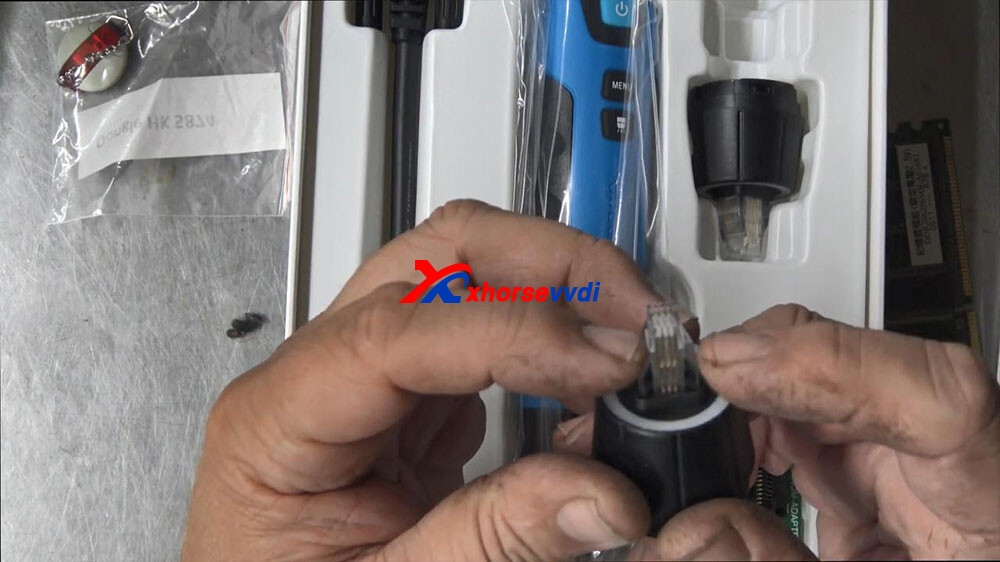
But I would have thought with this tool, you wouldn’t need that isn’t that the whole idea, now this thing does look like a big Ding Dong, but I think for us locksmiths might be a cool tool to have right there, it is there once again that’s for those larger chips that’s there let’s see how hard it is to swap the heads out slight twist and putting on the new head, now there is a center locating golden link in the middle there, so I’m going to push it on top.
Push it on top, push it down push it on top.
No okay push it on top and then twist it around, and now it’s secure, so the battery is located in here that’s fairly straightforward start button to push that on there, holding down the start button three two one nine okay so the start but needs to do the reading obviously.
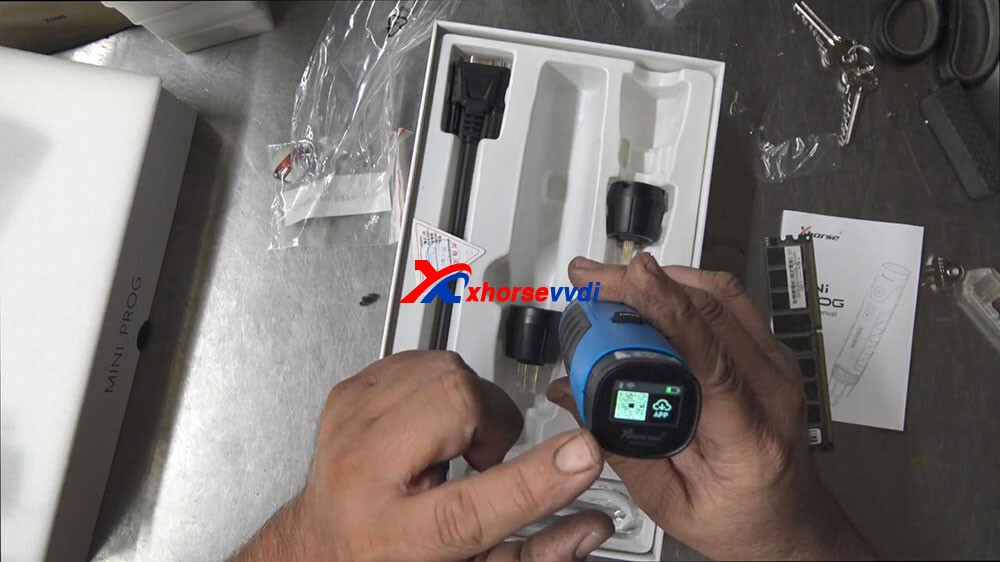
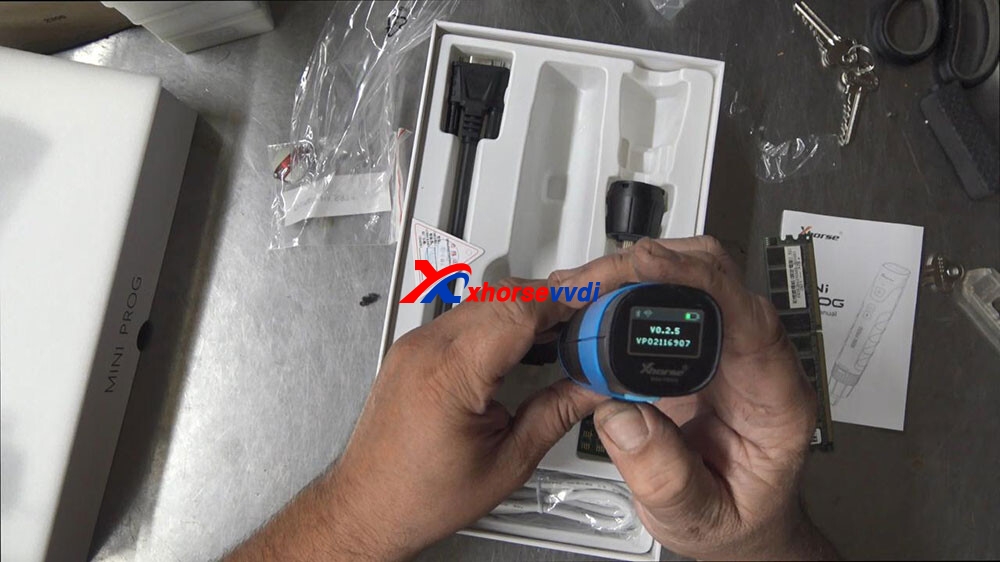
Okay, now we got power on top looks a little LCD screen on there too, which has a QR code for the APP to download before you can start to use it, battery status on how much battery a wi-fi and Bluetooth indicator there as well.
Now it’s got manual here.
Mini prog version number V0.2.5
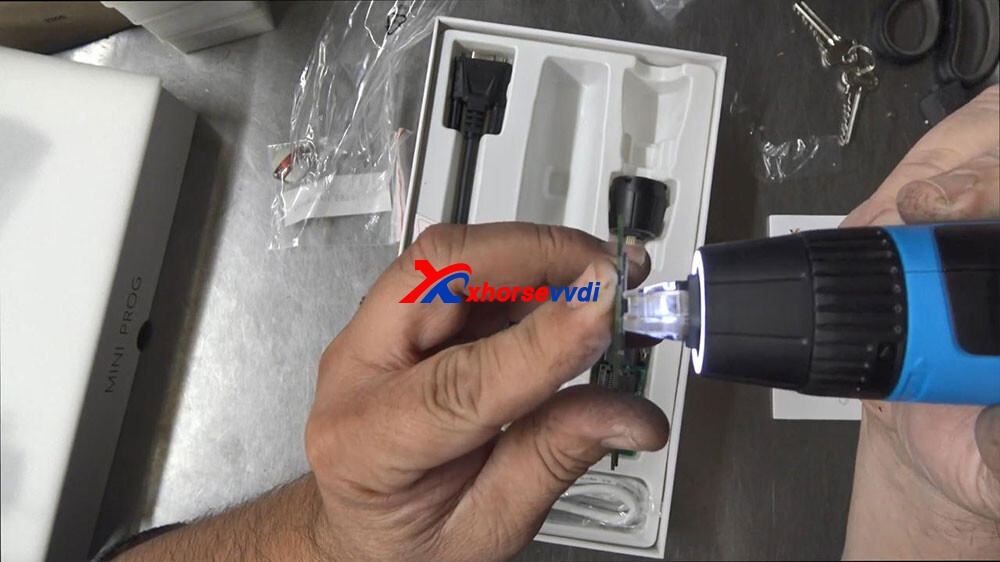
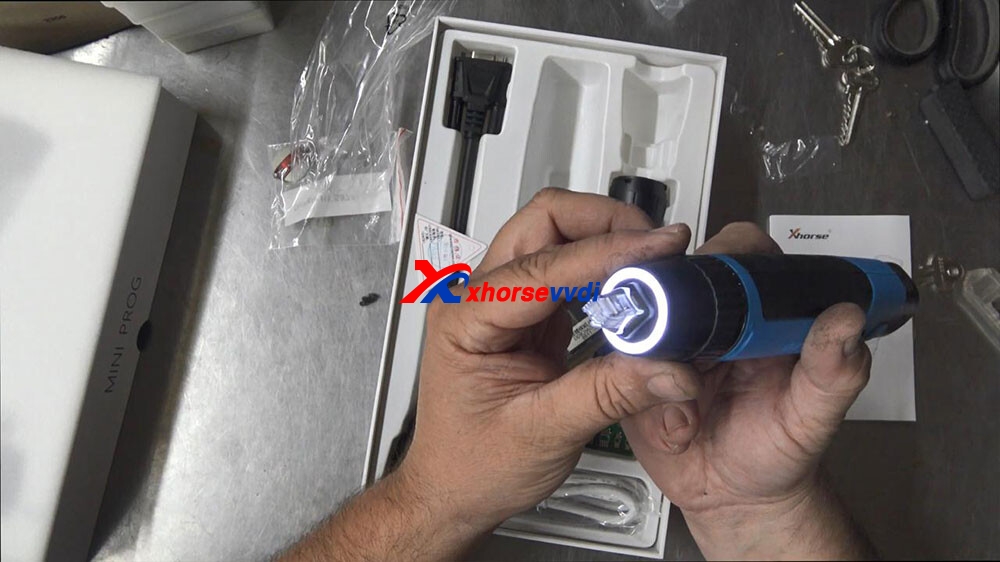
So we’ll probably know more about that later let’s try the light, but now I’ll look at that that’s cool I like that.
Let’s just try that on to a chip now, so that right there is if you can see it.
So the right way around.
You know that looks good have a look at it from this side that light is pretty cool
I’m impressed with the menu of the little LCD screen as well I’m impressed with the C connection is what most more modern phones are using now.
The weight of 300 grams, length of it like you know it’s good a 180 long and it’s probably about 40 mil wide all the way around so interesting tool.
So I would really like to see this out in the field and just basically hooking it up and putting it on a chip and seeing if I can get a key from it and I’m just going to turn it off now give it a good charge overnight, hold the switch button for 8 seconds.
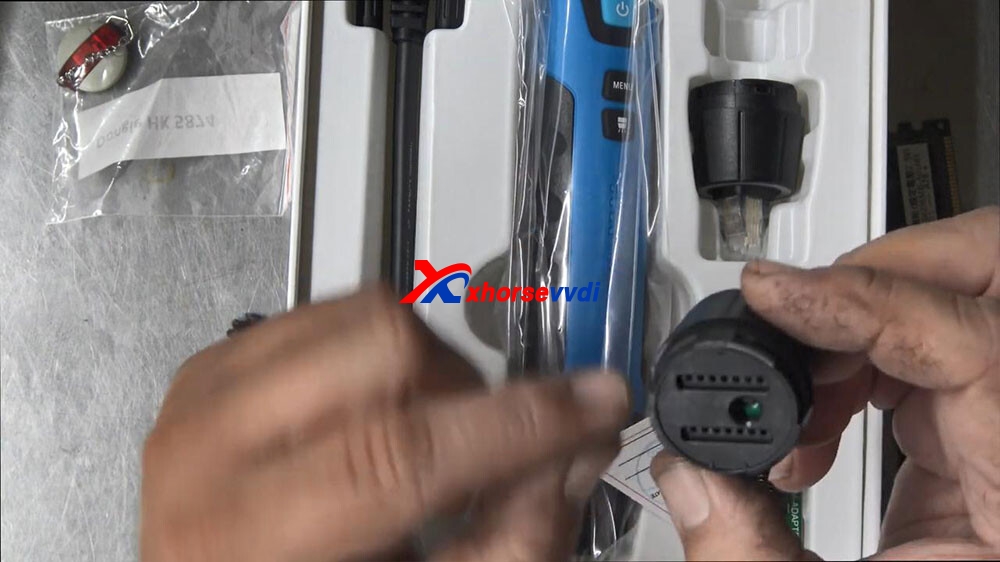
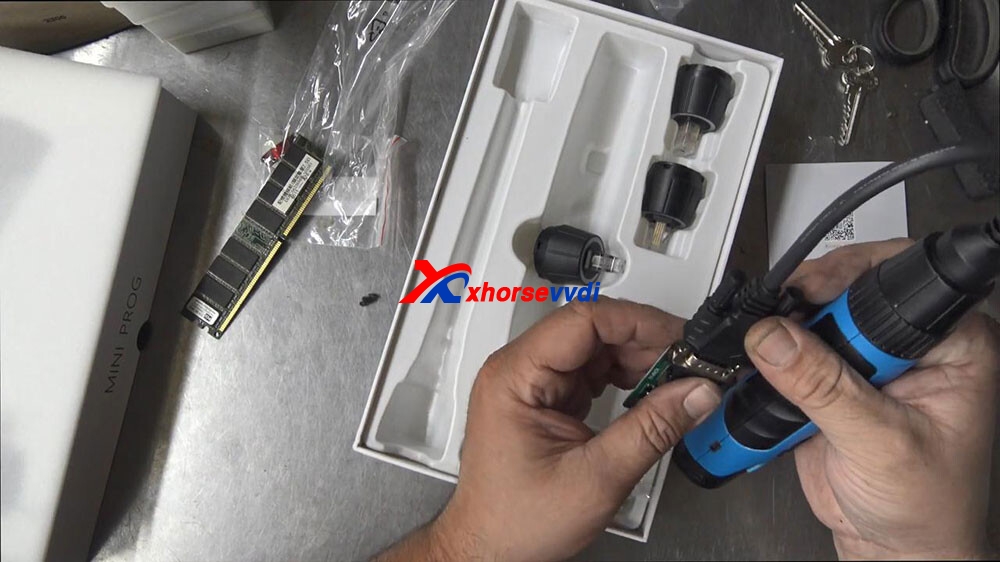
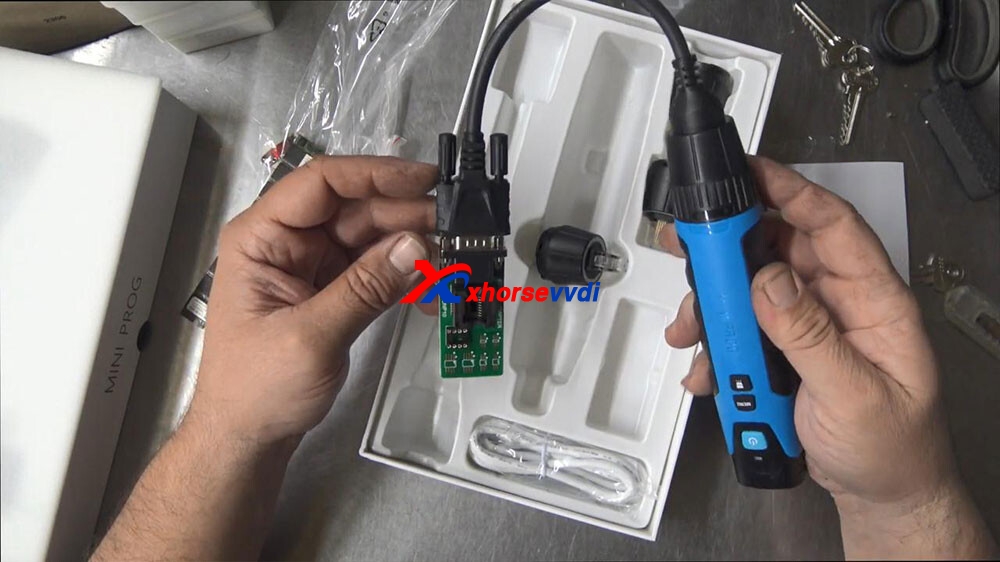
There’s your cable on this side which is to fit this adapter, just like a comms port.
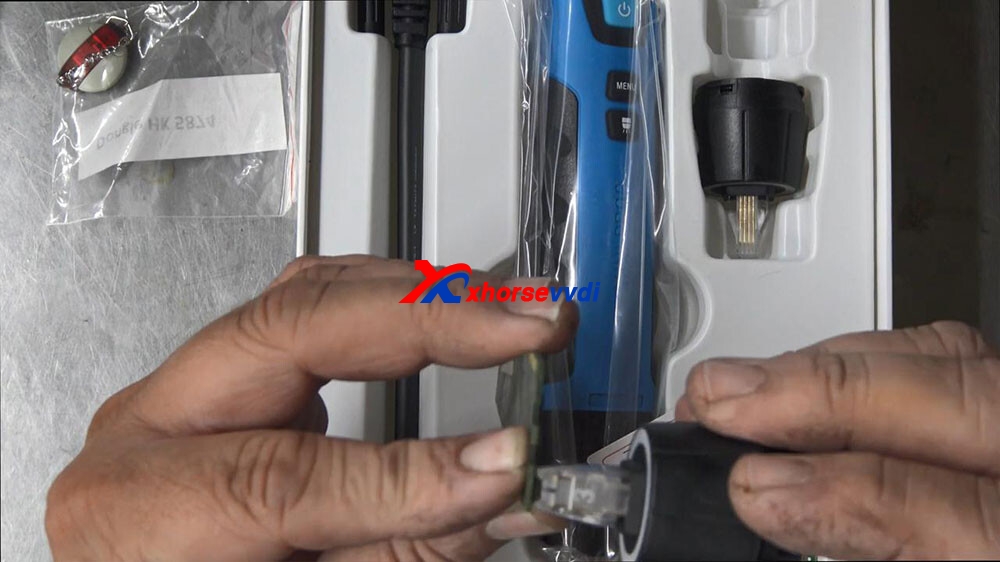
If you want to use this adapter, here you actually have to plug this in like this, twist this on so it’s connected.
Okay, and then we would have to plug this in like so.
Okay, then we would have to solder or use a clamp or one of these feelings or push the chip in there then we would actually have to push the button on the back and then hopefully that should send the information back to our Xhorse VVDI Smart Tool.
anyway, that’s Xhorse Mini Prog the quick look over it, so that’s just basically what’s in the box.
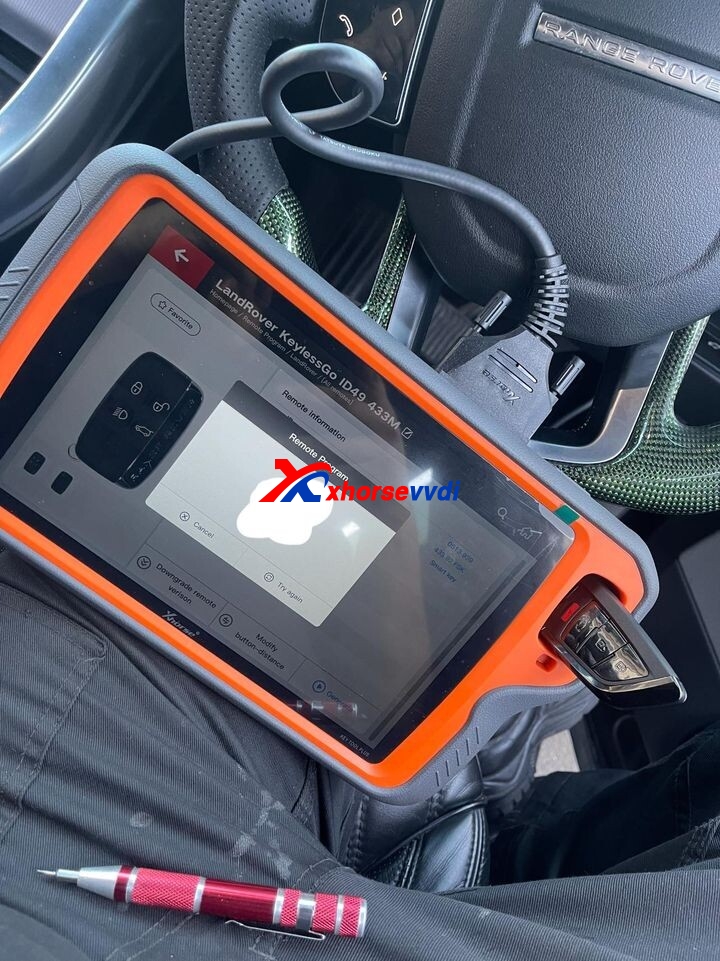
 xhorse vvdi key tool max